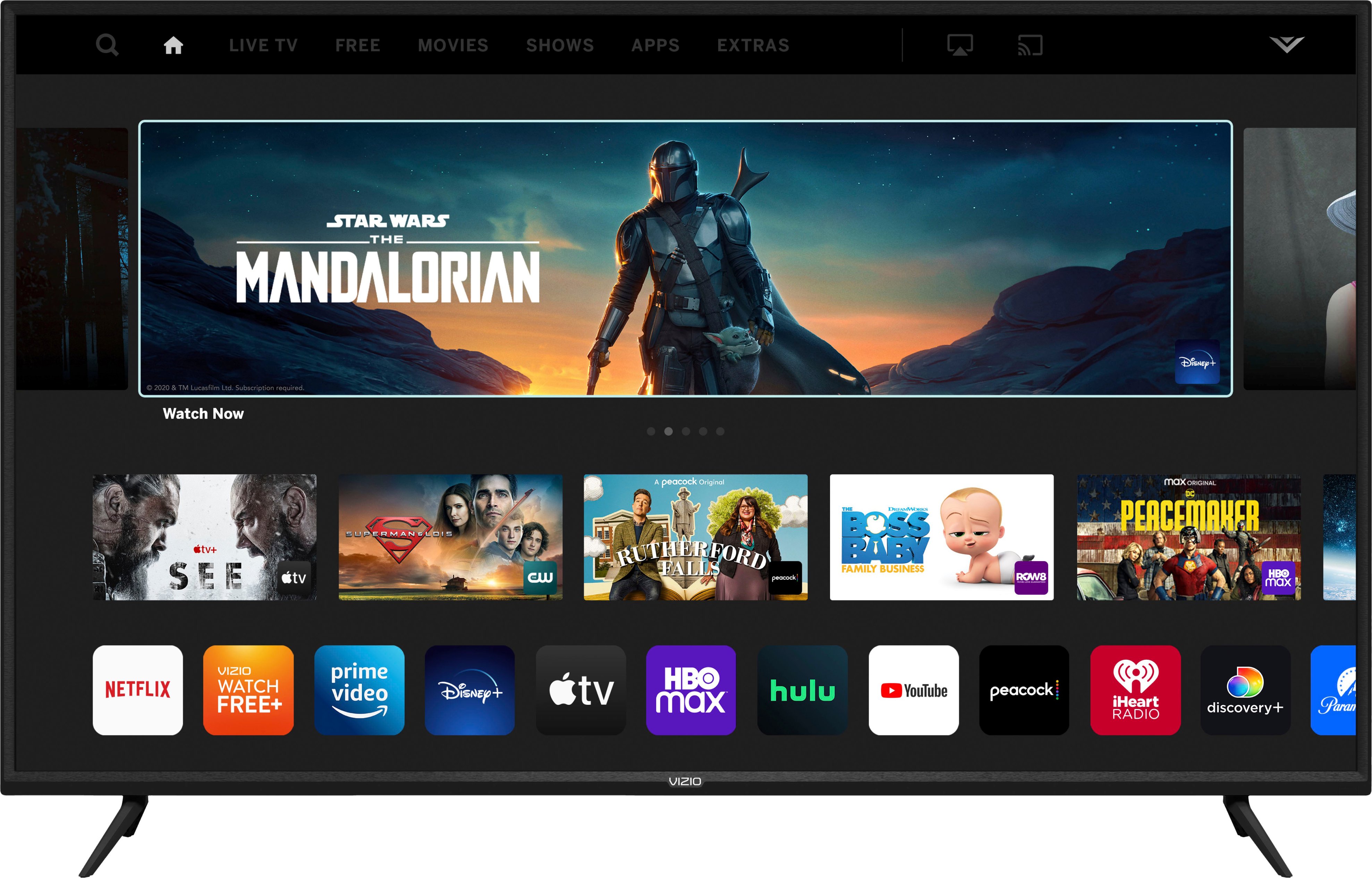
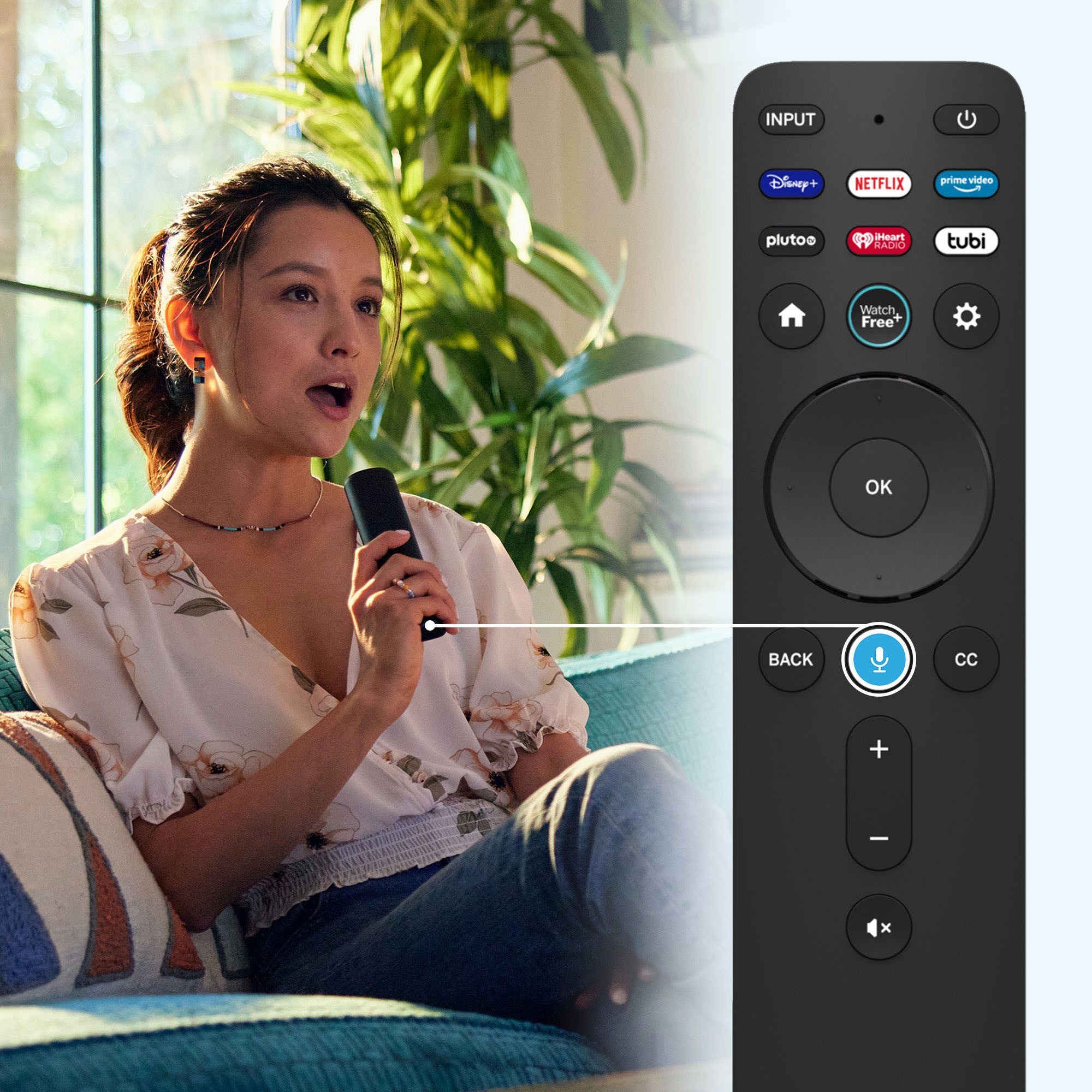
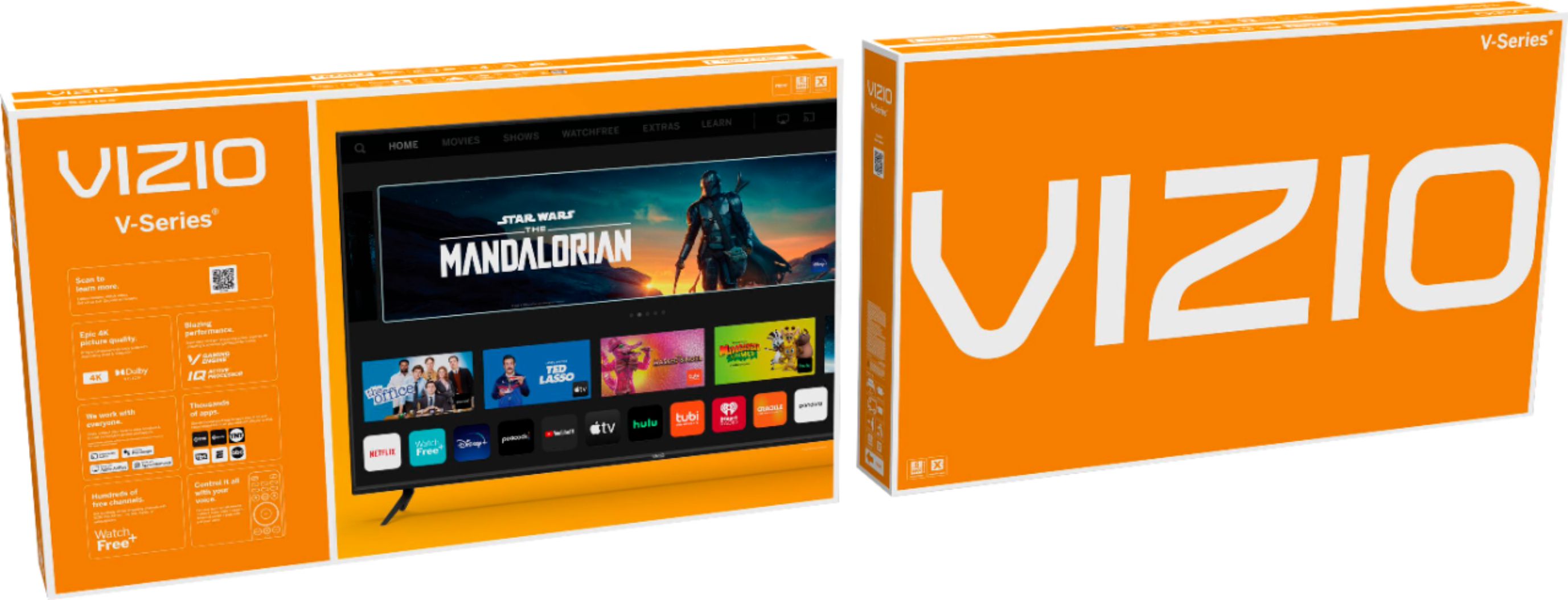
A:AnswerThis TV uses our SmartCast Platform which offers a host of built in apps, as well as support for Google's Chromecast, Apple's AirPlay 2, and voice support for SIRI, Google Home, and Alexa. You are not able to manually download additional apps, however new apps are added to the platform often. If you find there is an app you want to watch that is not on SmartCast you may be able to cast it using Chromecast or Apple AirPlay from your phone or mobile device.
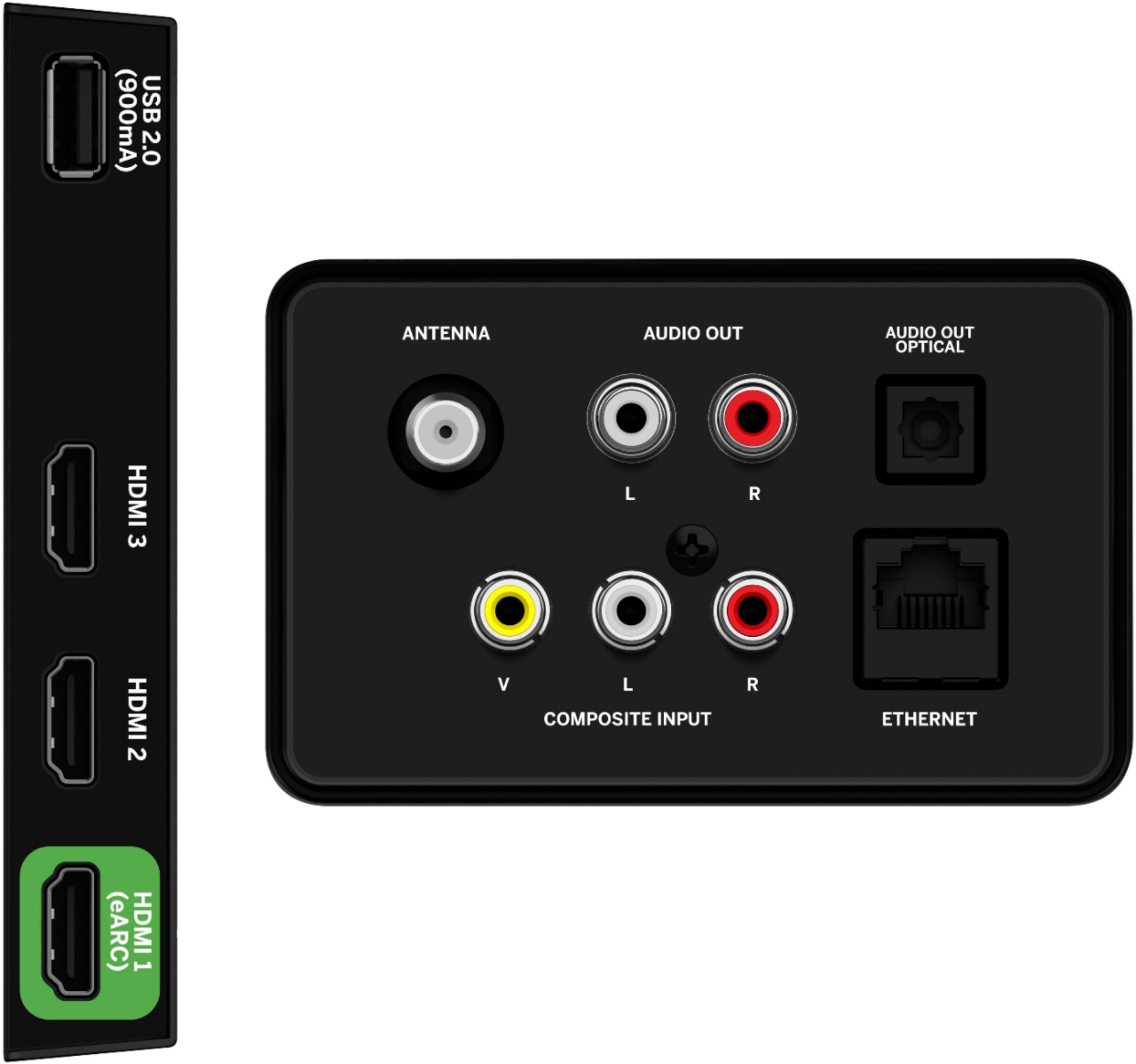
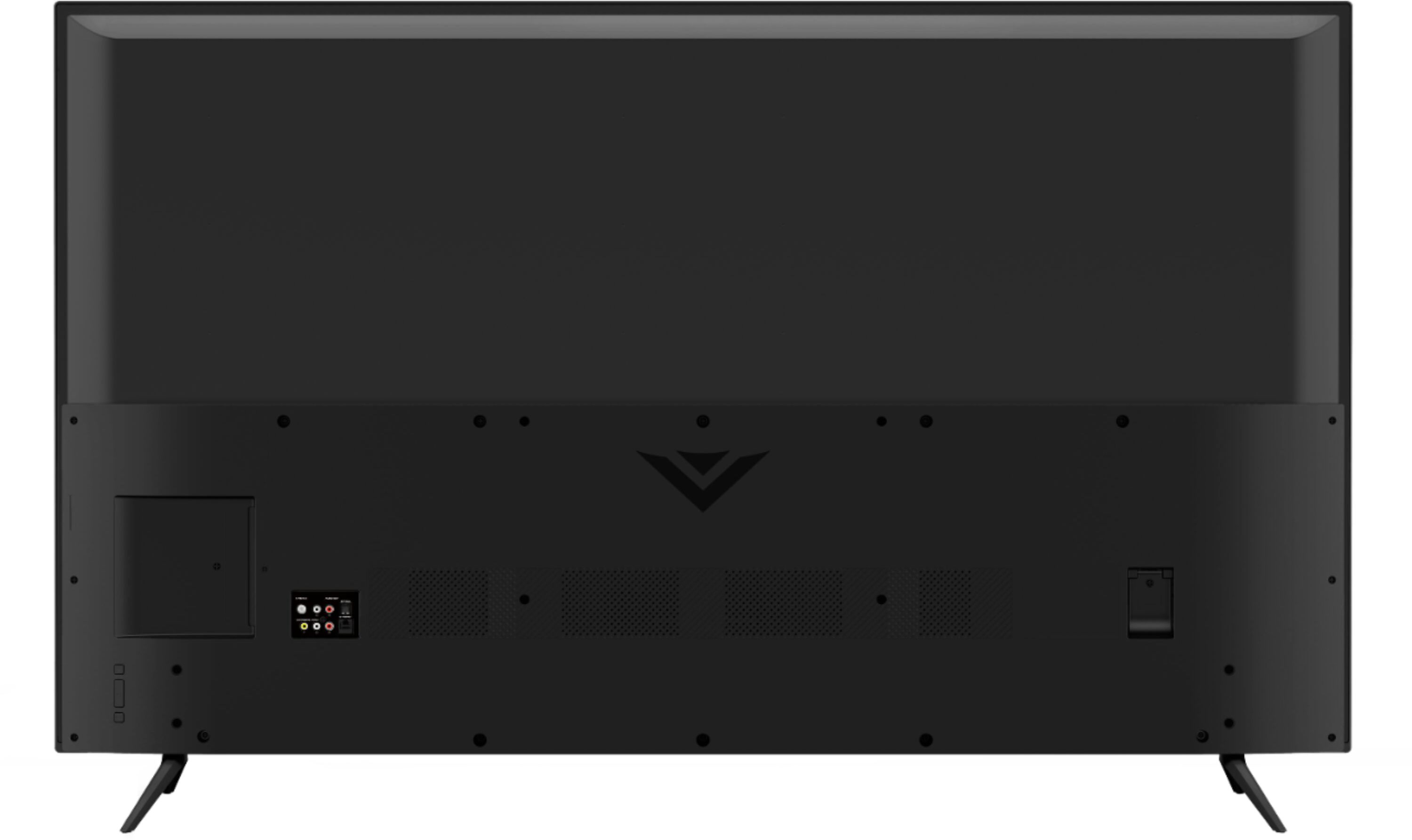
A:AnswerAdd-on streaming devices can be added to the TV with one of the HDMI ports on back of the TV. You will then want to adjust the input on the TV screen as well to the same HDMI port you plug the streaming device in to.
A:AnswerSince Vizio is the pioneer of the smart TV I only buy that brand. I still have the original first smart TV and that has never happened to any of my Vizio TVs! Using a vacuum sweeper to remove the dust from the back side of the Vizio instead of a rag rubbing the dust inside may make the difference not sure.
A:AnswerTo answer your question, I want to gather a bit more information. When you have a free moment, we are available through text message, chat, or over the phone. Just go to support.VIZIO.com and click on ‘Contact Us’.
A:AnswerTo answer your question, I want to gather a bit more information. When you have a free moment, we are available through text message, chat, or over the phone. Just go to support.VIZIO.com and click on ‘Contact Us’.
A:AnswerThis TV model uses HDMI 2.1. If you have any specific questions on HDMI 2.1 features or abilities for this model, please go to support.VIZIO.com and click on ‘Contact Us’.
A:AnswerVIZIO TV’s are recommended for indoor use but many of our customers use our TV’s outside as well! Please remember that our TV’s are not designed to be waterproof or withstand extreme temperatures.
A:AnswerThis TV uses our SmartCast Platform which offers a host of built in apps, as well as support for Google's Chromecast, Apple's AirPlay 2, and voice support for SIRI, Google Home, and Alexa. You are not able to manually download additional apps, however new apps are added to the platform often. If you find there is an app you want to watch that is not on SmartCast you may be able to cast it using Chromecast or Apple AirPlay from your phone or mobile device.