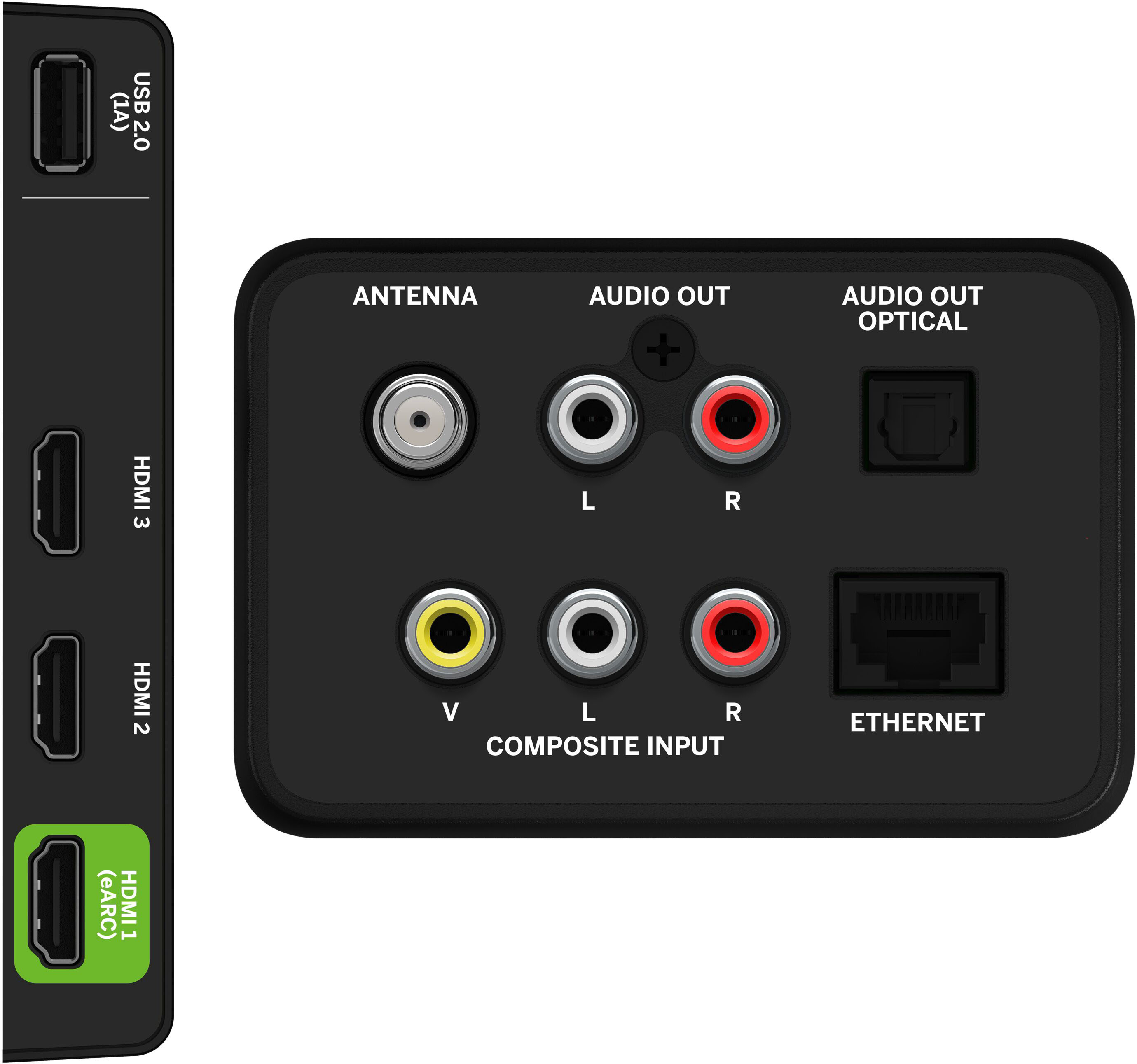
A:AnswerThis TV is not designed to output audio over Bluetooth. You could purchase a Bluetooth transmitter and connect it to this TV to listen over Bluetooth.
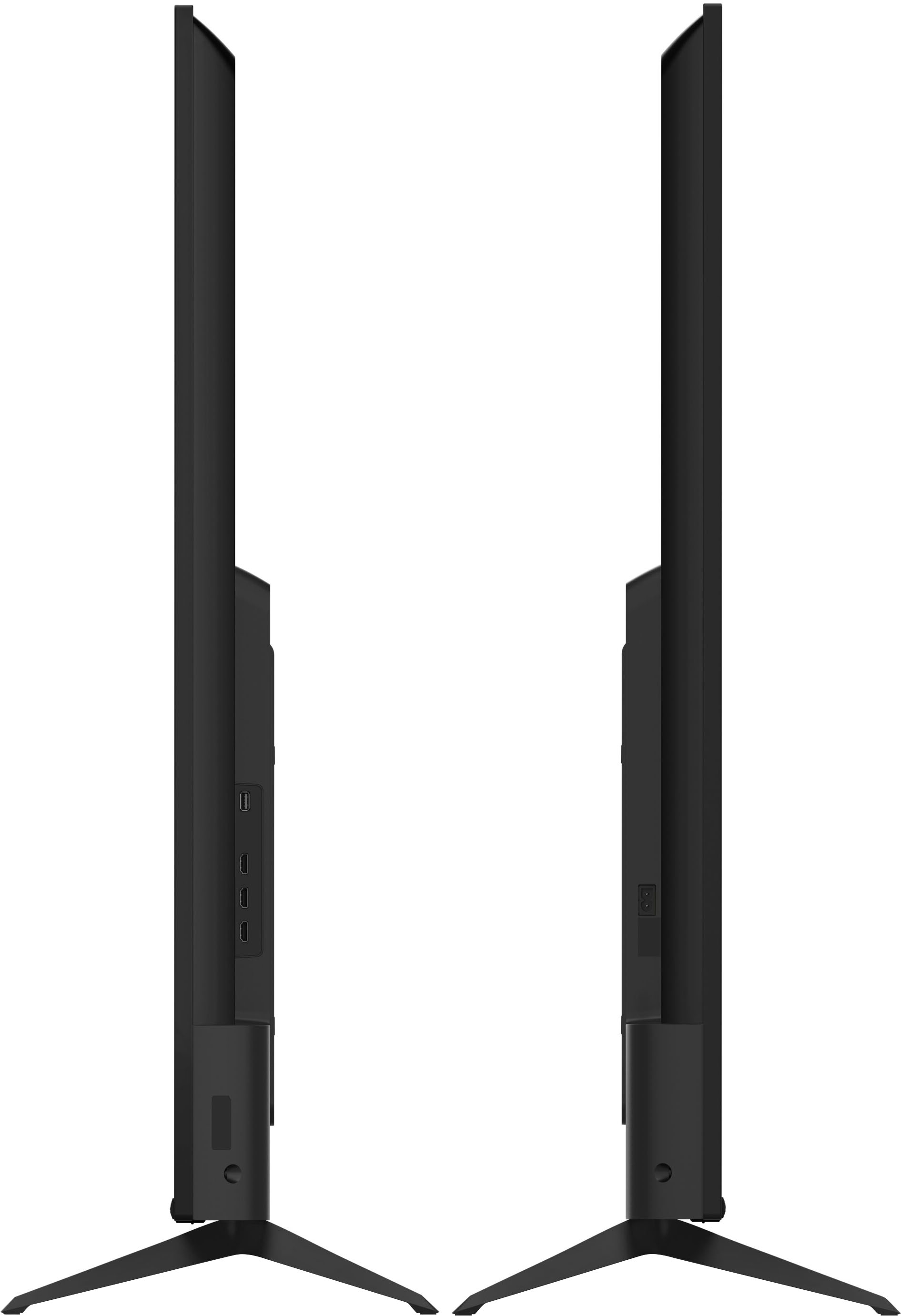
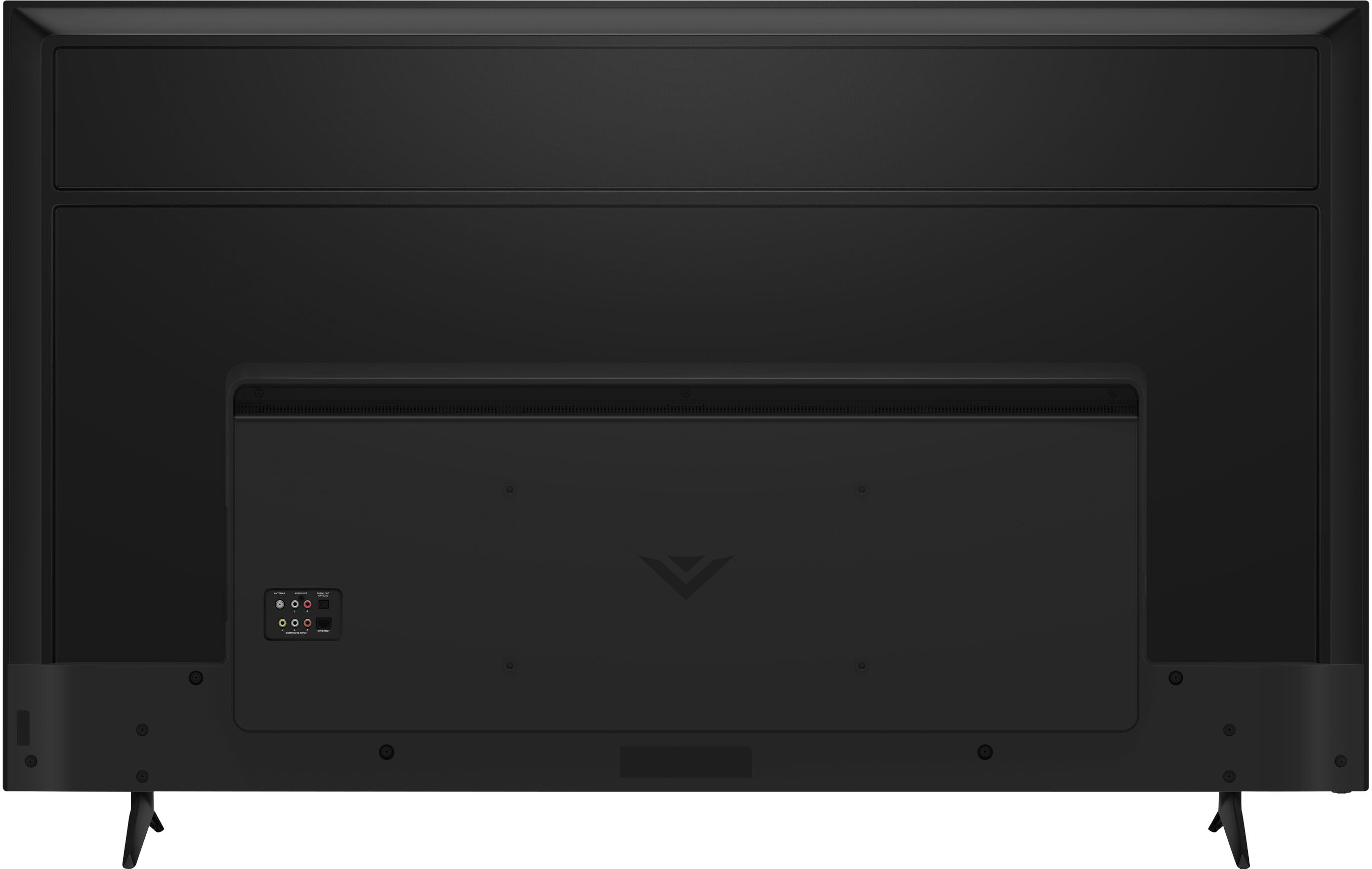
A:AnswerHDMI connections serve as inputs only unless being labelled as an HDMI ARC or HDMI eARC input. ARC stands for Audio Return Channel. Connecting two devices with the HDMI ARC or eARC connections on the back of both devices, will allow the devices to pass audio between them.
A:AnswerThis would depend on the previous wall mount and pattern used. This VIZIO TV model can be wall mounted, and the wall mount pattern is listed at 400mm x 200mm
A:AnswerAs televisions continue to have larger screens with thinner profiles and sleeker bezels, there is less room for large speakers. To help get the best audio quality out of your VIZIO televisions speakers, we’ve included settings like DTS Studio Sound to provide the highest performance possible, while maintaining the thin, sleek, bezel-less profile of your television. If you’d like any help adjusting your audio settings feel free to contact VIZIO support at 844-254-8087. For top of the line audio performance, you may also look into purchasing a VIZIO Sound Bar, there are several models available with wireless subwoofers for enhanced bass, rear speakers for true surround sound, and our new line of Atmos Sound Bars.
A:AnswerYes, the HDMI ports on this model are HDMI 2.1. If you have any specific questions on HDMI 2.1 features or abilities for this model, please go to support.VIZIO.com and click on ‘Contact Us’.
A:AnswerI would like to offer the assistance of our award-winning technical support team with this issue. Please visit support.VIZIO.com and click on ‘Contact Us’. We’ve got agents ready to chat, text message, or speak with you on the phone.
A:AnswerTo answer your question, I want to gather a bit more information. When you have a free moment, we are available through text message, chat, or over the phone. Just go to support.VIZIO.com and click on ‘Contact Us’.
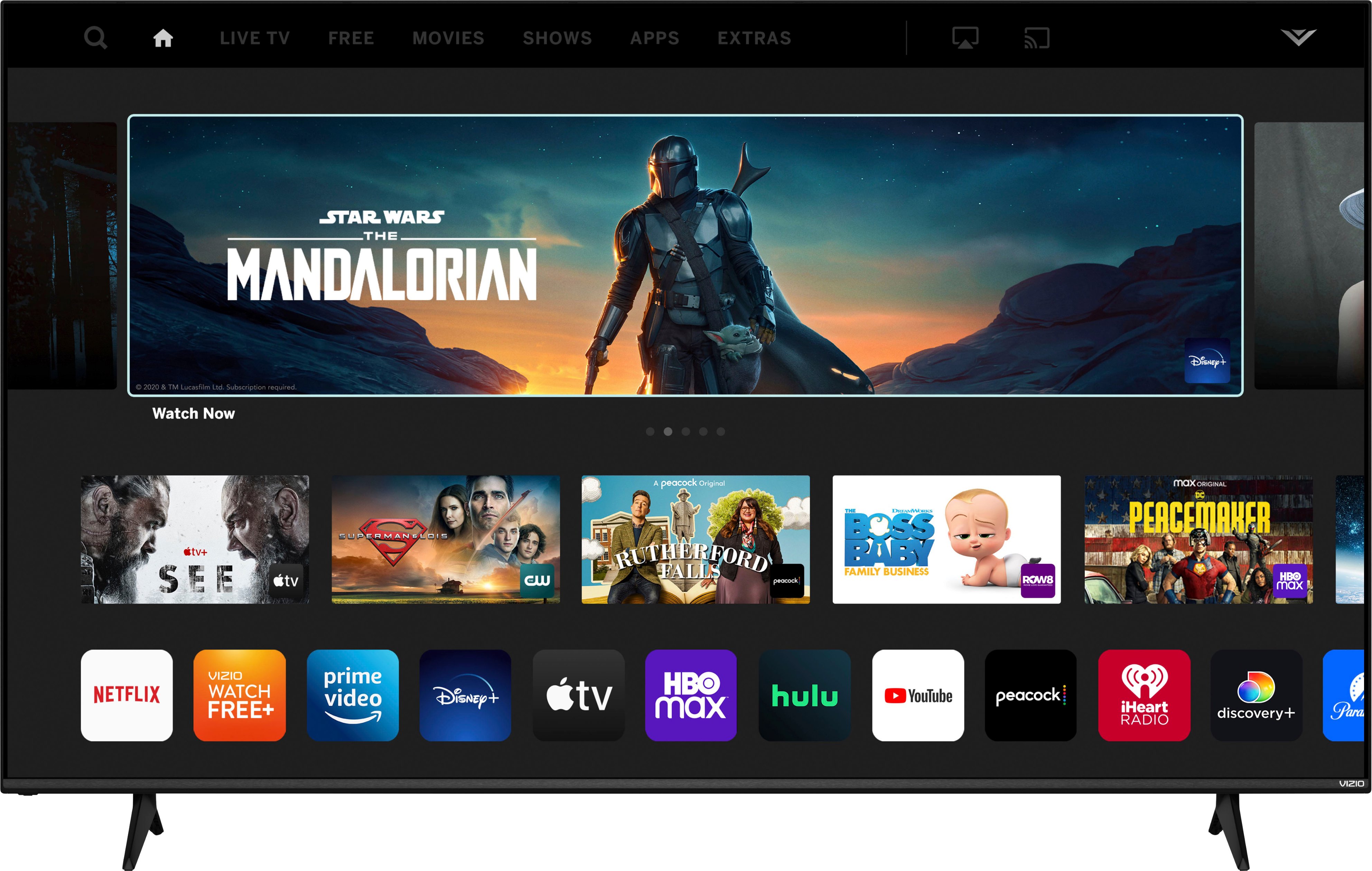
A:AnswerThis TV uses our SmartCast Platform which offers a host of built in apps, as well as support for Google Chromecast, Apple AirPlay 2, and voice support for SIRI, Google Home, and Alexa. You are not able to manually download additional apps, however new apps are added to the platform often. If you find there is an app you want to watch that is not on SmartCast you may be able to cast it using Chromecast or Apple AirPlay from your phone or mobile device.
A:AnswerThis TV uses our SmartCast Platform which offers a host of built-in apps, as well as support for Google's Chromecast, Apple's AirPlay 2, and voice support for SIRI, Google Home, and Alexa. With your laptop and the TV connected to the same home Wi-Fi network, you would be able to cast from your computer to the TV. If you have any questions or need any assistance, we are available through text message, chat, or over the phone. Just go to support.VIZIO.com and click on ‘Contact Us’.