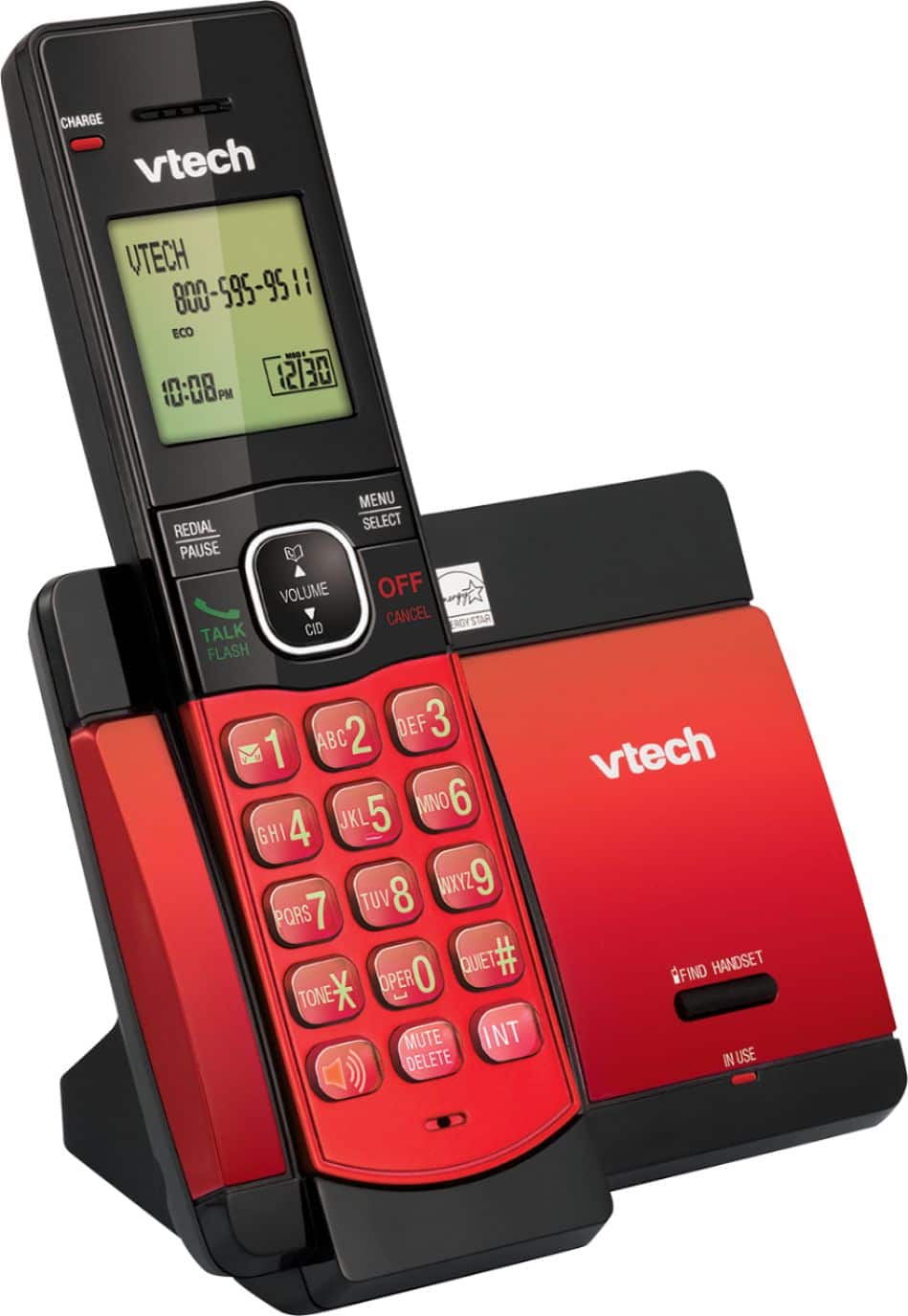
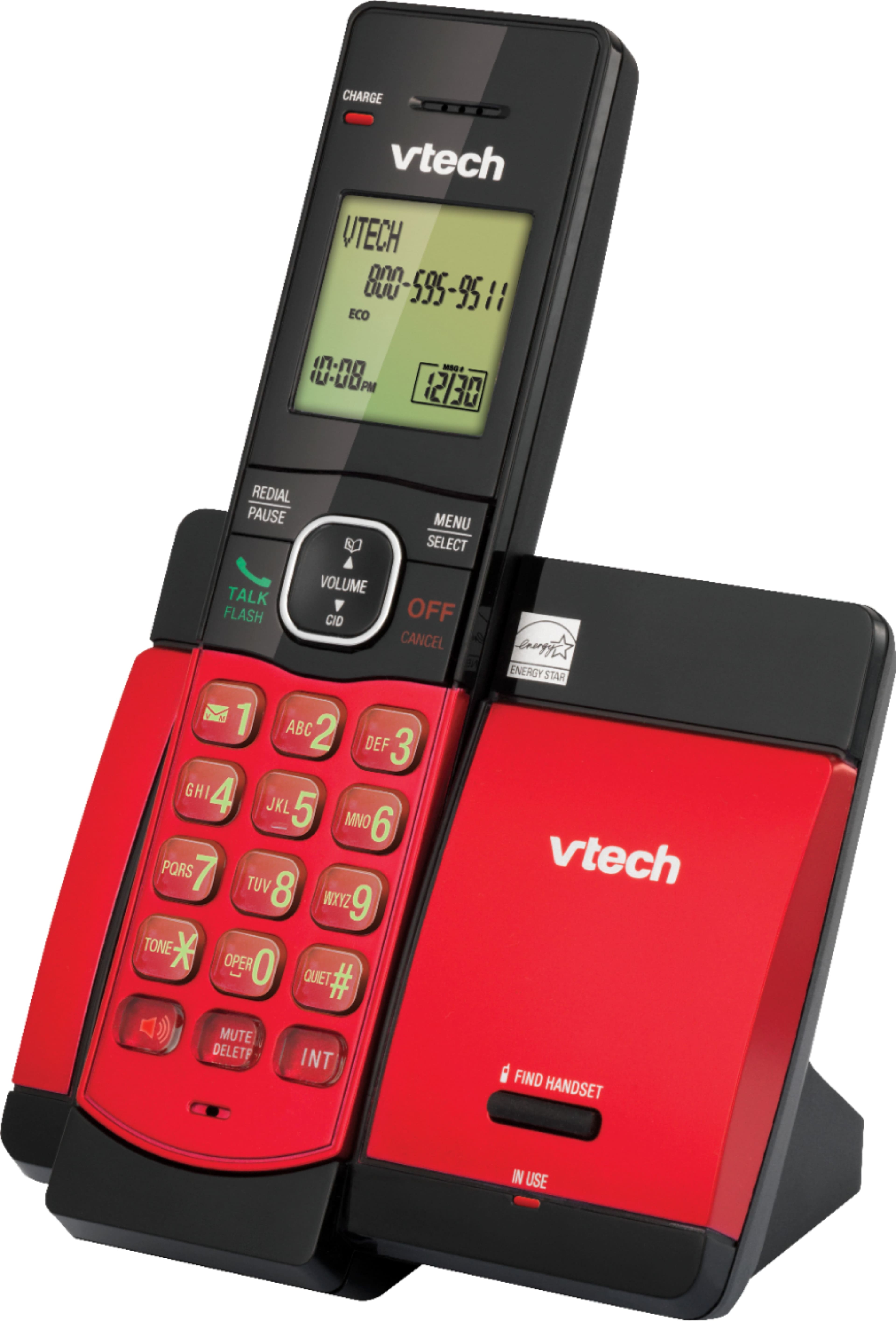
A:AnswerHi - Yes, you can turn off the ringer volume of the VTech CS5119-16. Here's the procedure to turn off the ringer volume on the handset.
1. Press MENU when the handset is not in use.
2. Press ▼ to choose Ringers and then press SELECT twice.
3. Press ▼ or ▲ to sample each ringer volume level.
4. Press SELECT to save. You will hear a confirmation tone.
Hope this helps. Thank you! - VTech Support
A:AnswerCarl - We are sorry to hear that you are having issues with your VTech CS5119-2. The telephone system does not have a built-in answering system. If you are referring to voicemail, you have to contact your telephone service provider. Hope this helps. ~VTech Support
A:AnswerBrooke - We apologize but the CS5119 is a single line telephone system. You might want to check models DS6151 or the DS6251 if you want a multi-line unit. Thank you for your interest! ~VTech Support
A:AnswerSetting up voicemail is pretty easy if you follow the instruction manual, but you have to have an access code from your phone carrier in order to retrieve your messages. If you have AT&T it should be *98. If you have another company or if that doesn't work, you have to contact your company to get the access number.
A:AnswerHi - The VTech CS5119-16 has a ringer volume setting if you wish to turn off the ringing tone. Additionally, you can also turn on the quiet mode for a period of time (1-12 hours). During this
period, all tones (except paging tone) are muted.
Thank you,
-VTech Support
A:AnswerHi - The VTech CS5119-16 does not have a Caller ID announce. If you are interested with the said feature, please check the model IS8151-3.
Thank you,
-VTech Support