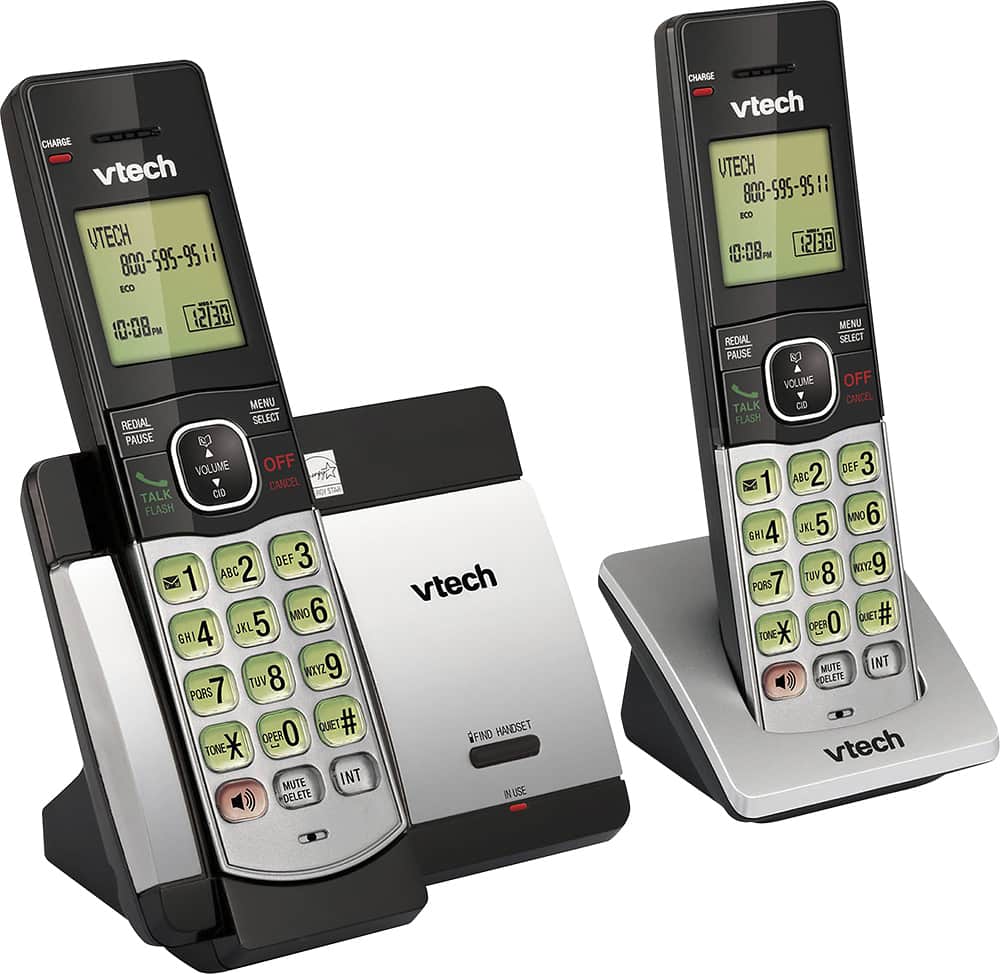
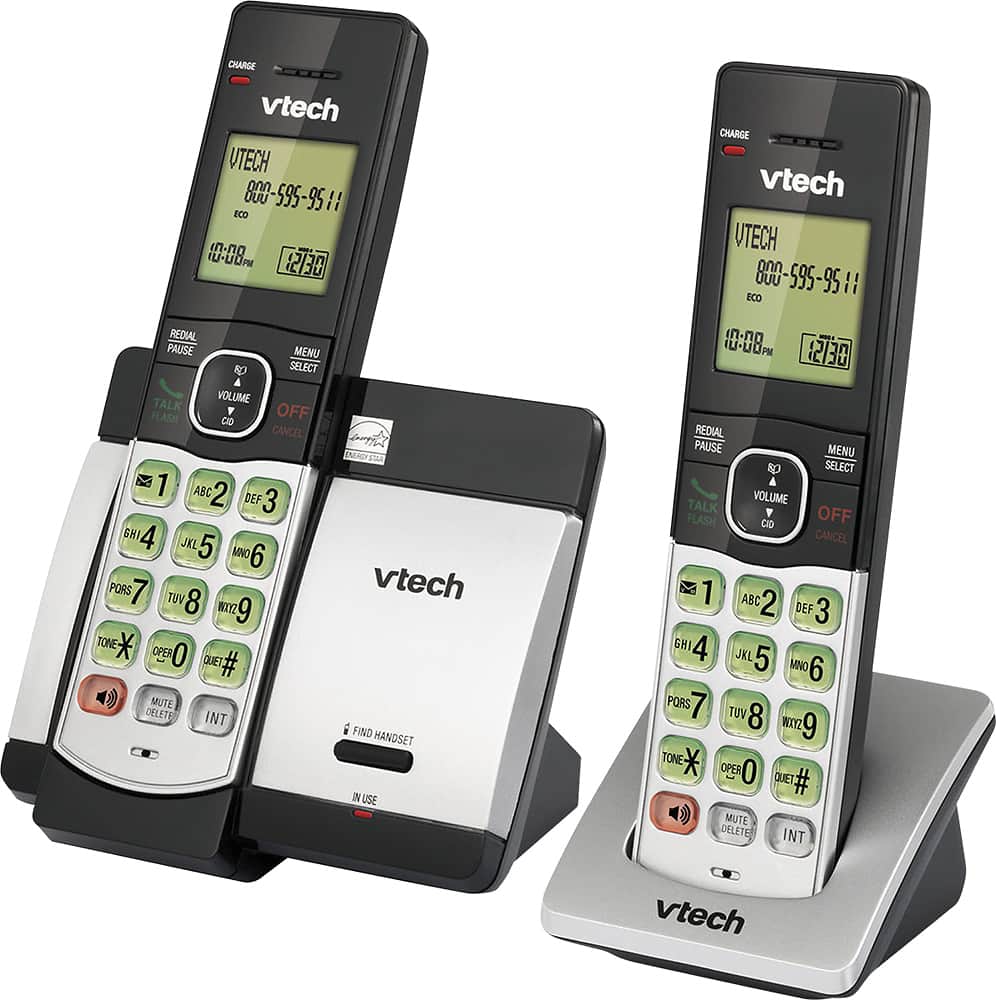
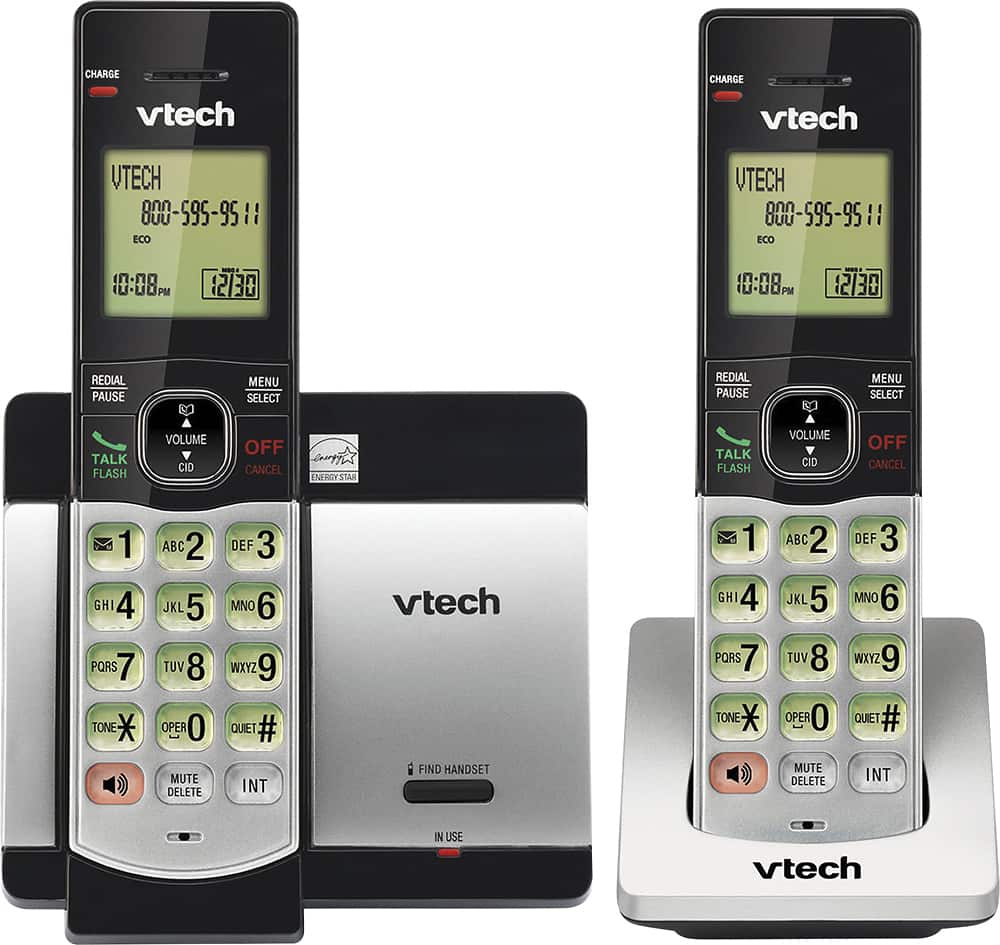
A:AnswerHi - Our VTech cordless phones requires the home or speaker button to be pressed to answer an incoming call. You may check our CS6649 corded/cordless phone where you just need to lift the corded HS on the main base to answer an incoming call. Thank you! - VTech Support
A:AnswerHi - We are sorry if you are having difficulties blocking numbers on your VTech CS5119. Below is the complete instructions in blocking certain numbers:
Step 1: Press MENU when the phone is not in use.
Step 2: Press ▲ or ▼ to select Call block and then press SELECT.
Step 3: Press SELECT to choose Block list.
Step 4: Press ▲ or ▼ to select Add new entry then press SELECT.
Step 5: When Enter number displays, use the dialing keys to enter the number.
-OR
Copy a number from the redial list by pressing REDIAL and then press ▲,▼ or REDIAL repeatedly to select a number. Press SELECT to copy the number.
Step 6: Press SELECT to move on to enter the name. The handset displays Enter name.
Step 7: Use the dialing keys to enter the name. Additional key presses show other characters of that particular key. The first character of every word is capitalized.
Step 8: Press SELECT to save. You will hear a confirmation tone.
Hope this helps! ~VTech Support