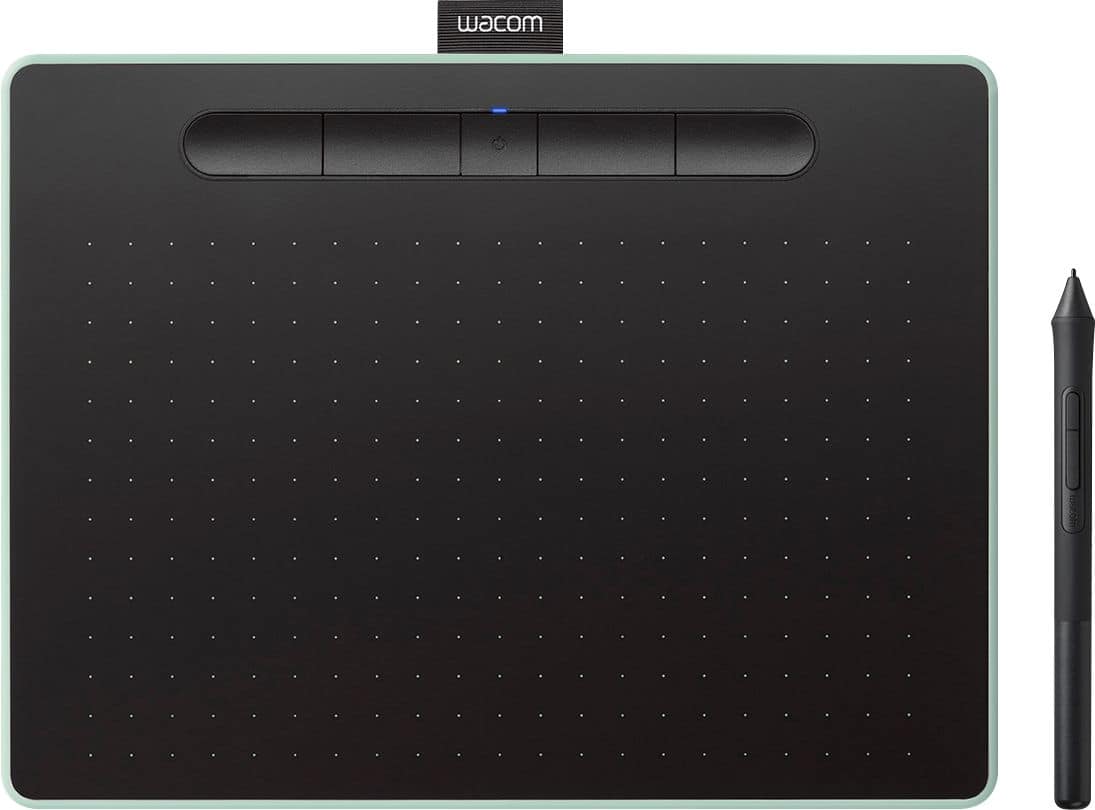
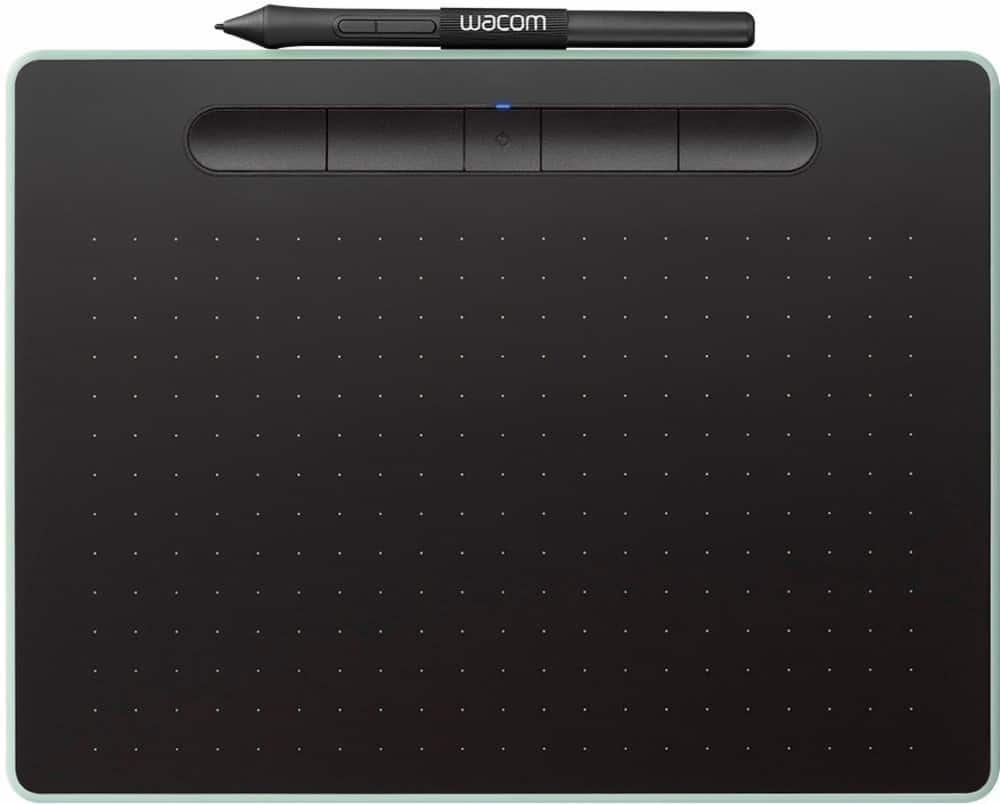
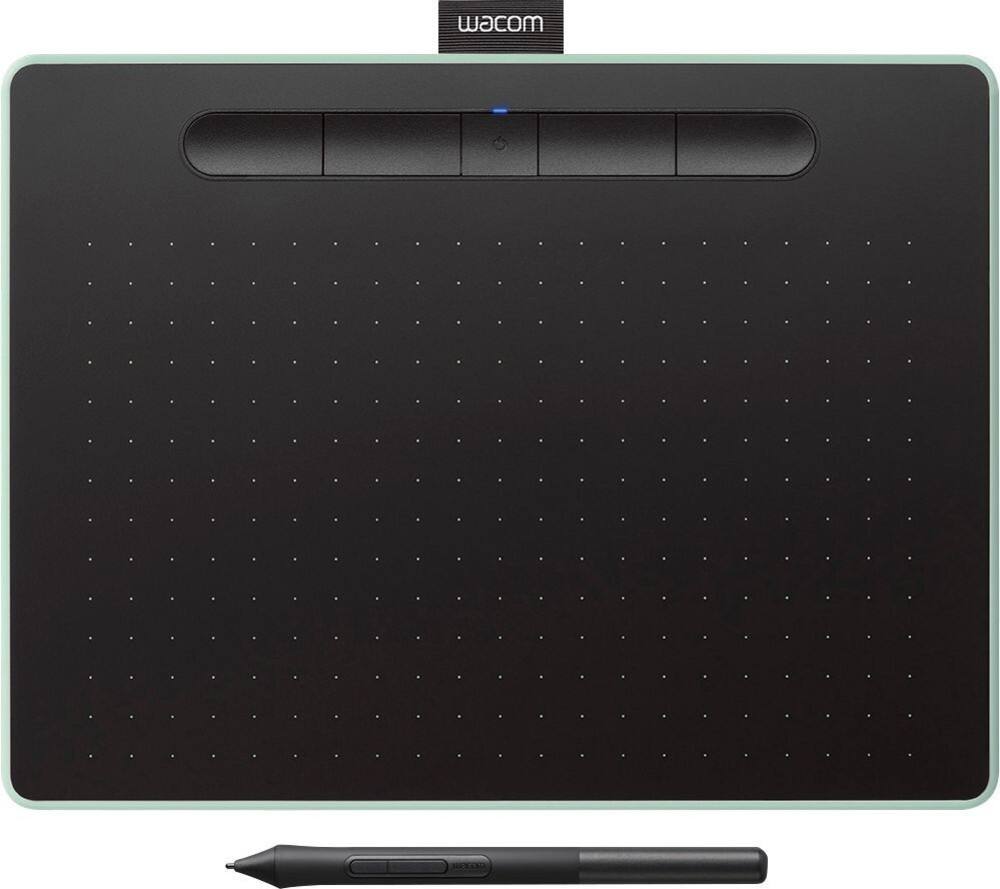
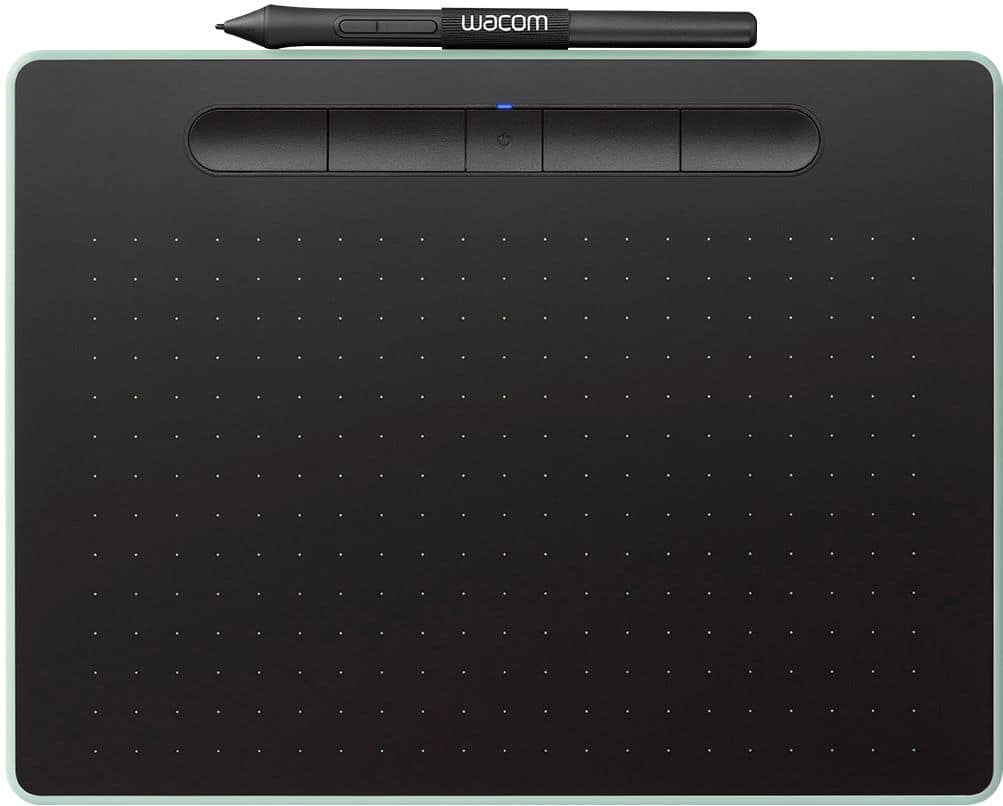
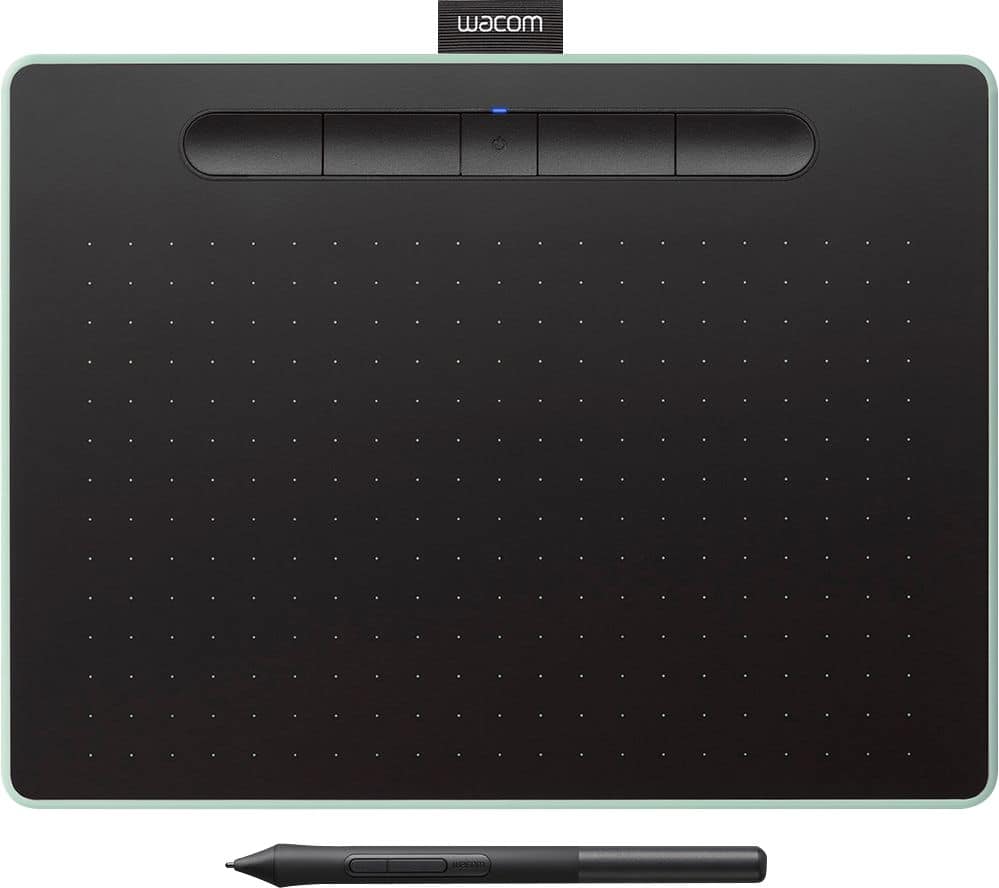
A:AnswerThe "active area" is the area that you draw only. There are also buttons on top and about a 1/2 inch border around the active (drawing) area. If you look at a larger image...you will see the active area is gridded by small white dots, this is where you would draw with the pen, and this area is slightly smaller (8.5 x 5.3) than the total size of the device with buttons and border (10.4 ×7.8.)
A:AnswerNo. This device responds only to the pen and is not touch-sensitive. For those wanting to write or draw, this is a good thing as you get no distractions from your hand resting on the surface. But it will not do the touch and zoom effects that you want. Look for a tablet that has touch capabilities (these are often cheaper).
A:AnswerMy sister has been using the Intuos (medium size) for about two weeks now with Krita installed on an old machine running Windows 7; and we just tried it, today, on a machine running Manjaro Linux and it works also. There is a Linux driver and GUI tool for Wacom in the Linux repository (not provided by Wacom). There was an additional set up step in Linux to edit a config. file if the pen lags a bit and that involved commenting out a few lines of code is all. We cannot say if it does everything that can be done in Krita because she's only just started using the software.
A:AnswerThank you for your question. When you register your tablet through your Wacom ID, these are the programs you can choose from: Corel Painter Essentials 7 (90 day license), Clip Studio Paint Pro (2 year license), or Corel Aftershot Pro 3 (90 day license). Hope that helps
A:AnswerThank you for your question. The only tablet that we currently offer that is Chromebook compatible is our One by Wacom. Our Wacom Intuos is only compatible with Windows and Mac computers. Hope that helps
A:AnswerHello and thank you for reaching out about the measurements of the Wacom Intuos Medium table. The measurements are: 264 x 200 mm / 10.4 x 7.9 in 216 x 135 mm / 8.5 x 5.3 in Hopefully that answers your question.
A:AnswerThank you for your question. If you are using a compatible Windows computer and if the applications you want to use support pen input, then the pen should allow you to write on Microsoft Word documents and/or Excel sheets. Hope that helps
A:AnswerHello and thank you for the question about the Intuos tablet connecting to iPhones. A direct connection to a computer/laptop is needed to operate. However, there are applications that can be used that can take advantage of the Intuos tablet.