A:AnswerDepending on the Chromebook you have, and OS image provided by the OEM (original equipment manufacturer) limited pen support may be available and pen input will work with some older Wacom Tablets. Pen pressure, touch input and the tablet Expresskeys will not work in most cases.
Wacom's developers are continuing to work with Google for a future solution, currently however there is no driver support for Chrome OS and Wacom devices.
A:AnswerYes, the Wacom Intuos can be used for handwriting and note taking. It works with annotation tools of popular applications such as Microsoft Word and One Note.
A:AnswerYes! I constantly use it with whiteboard! It works amazingly well, the only thing that is rough is controlling the ruler, but I feel that the ruler is almost broken without a tablet anyways.
A:AnswerYes, this is compatible with any Mac running the latest Mac OS X. This model comes with an USB Type A connector and so you will need an adapter from USB Type A to USB type C / Thunderbolt 3 (avoid using USB Hubs). Thank you for asking. Best
A:AnswerYup! My Windows laptop is 10+ years old and tablet works great. I got the tablet because I needed something to replace my whiteboard when i teach online.
A:AnswerThank you for asking. As long as the application you are using allows you to both take the action of annotating and editing the PDF file to begin with, then the answer is Yes, you can use a Wacom pen input to perform said actions. Hope that helps! Best
A:AnswerDepending on the Chromebook you have, and OS image provided by the OEM (original equipment manufacturer) limited pen support may be available and pen input will work with some older Wacom Tablets. Pen pressure, touch input and the tablet Expresskeys will not work in most cases.
Wacom's developers are continuing to work with Google for a future solution, currently however there is no driver support for Chrome OS and Wacom devices.
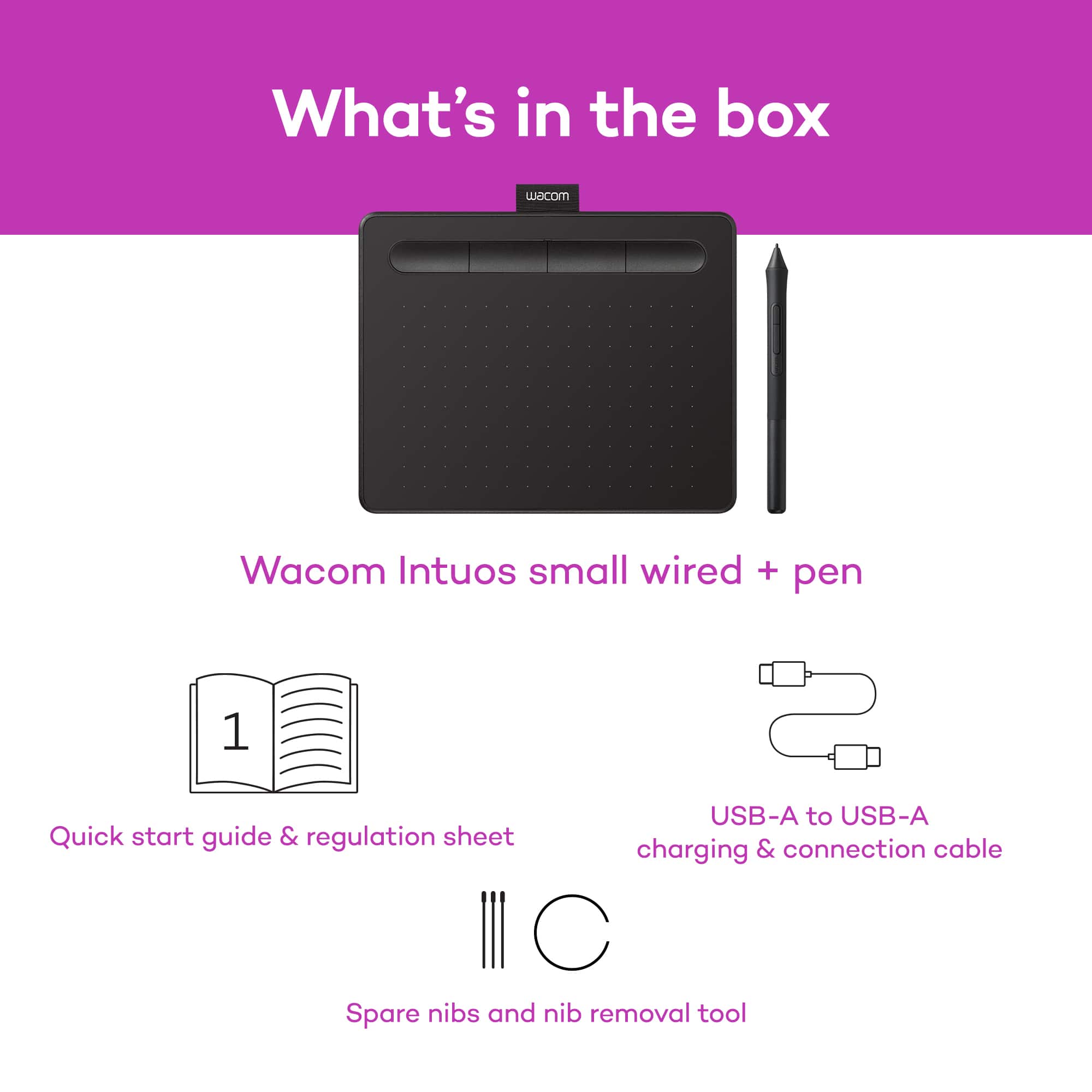
A:AnswerNo, you will receive the two below applications;
Corel Aftershot 3 (Available languages: English, German, Japanese)
Corel Painter Essentials 7 (Available languages: English, German, French, Japanese, Traditional Chinese)
NOTE: Corel Painter Essentials 7 requires a 64-bit Operating System - this is especially important for Windows users!