A:AnswerIt will work on select Android phone. For a completed list lease visit the Wacom Website. https://www.wacom.com/en-us/products/pen-tablets/wacom-intuos
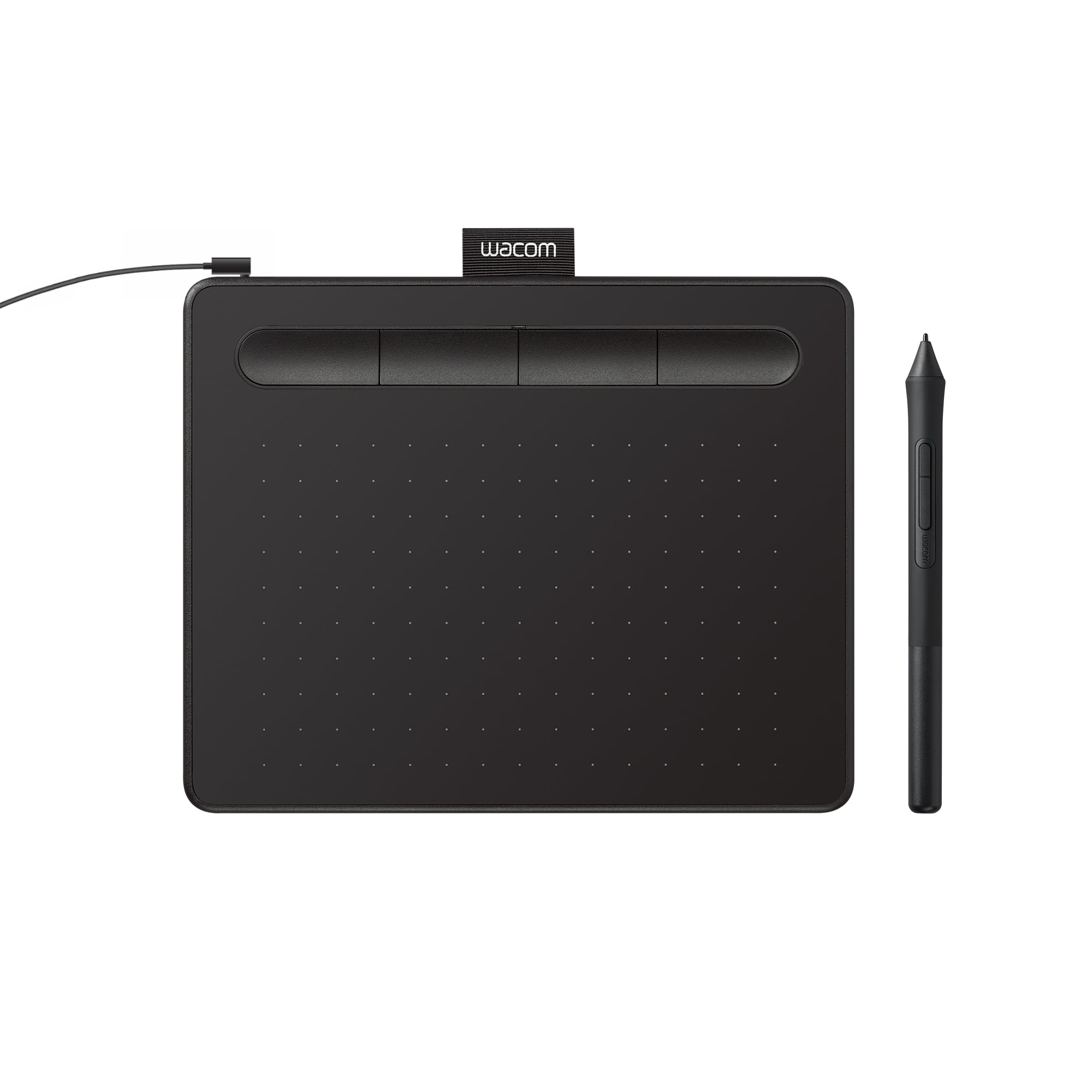
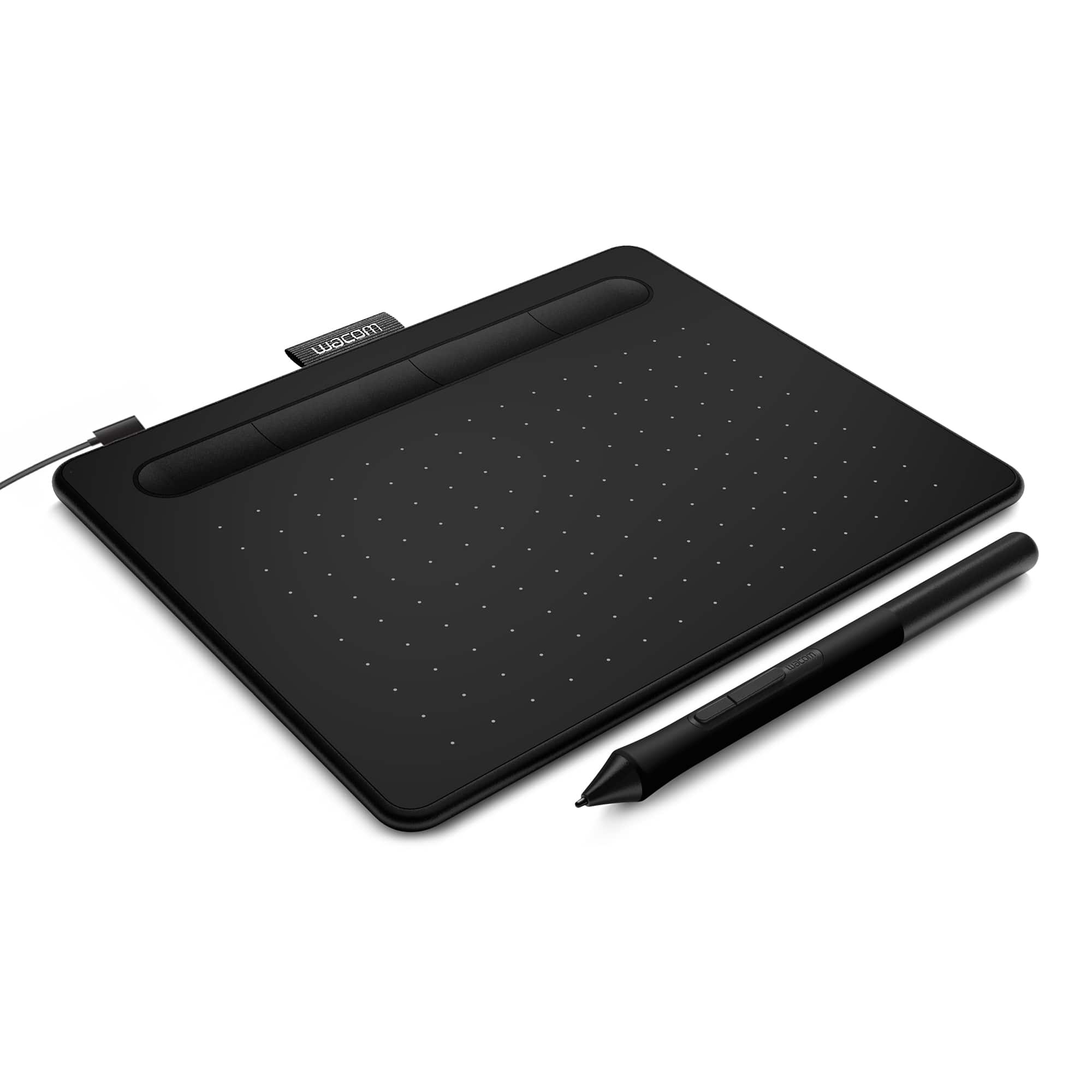
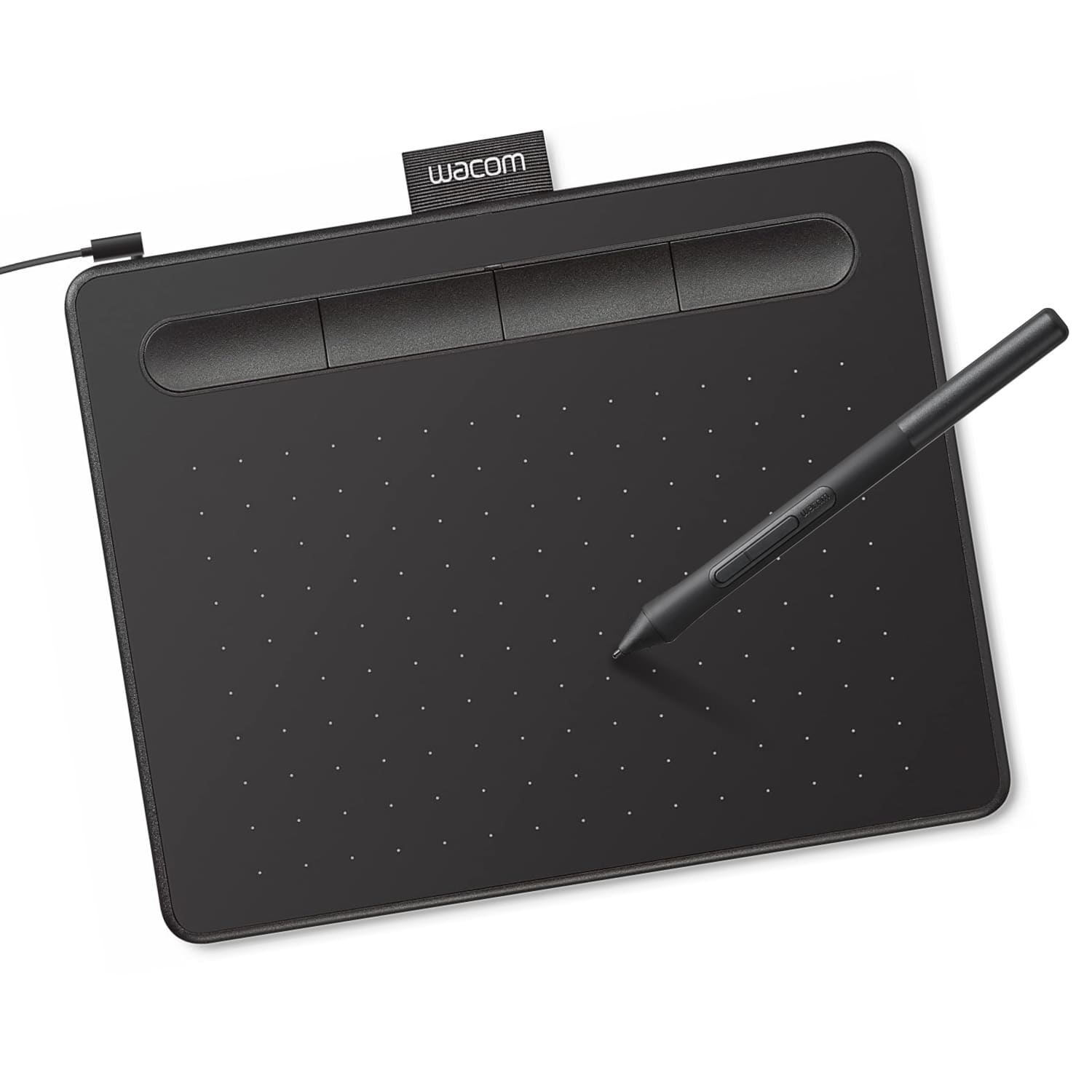
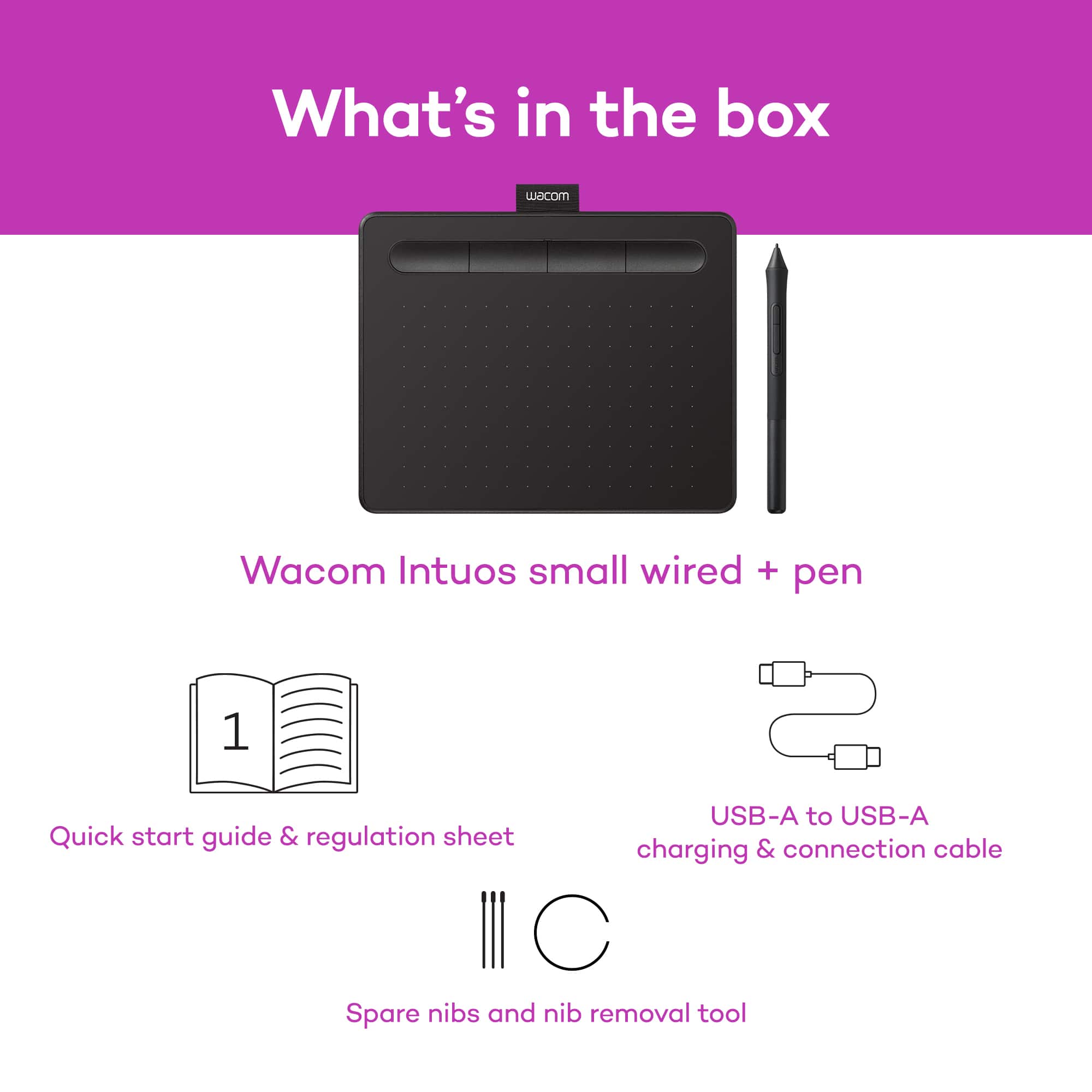
A:AnswerYes, the Wacom Intuos is compatible with macOS. It includes a USB-A to micro USB cable, as well as the pen. It also includes 3 replacement nibs for the pen.
A:AnswerThe Wacom Intuos tablet will need a full operating system and a USB-A port to plug into in order for it to work. As long and you meet those requirements, you should be up and running.
A:AnswerYes, the Wacom Intuos can be used to control your cursor with a variety of applications. Most online meeting applications also include white-boarding or annotation features, which can be used very naturally with a pen tablet.
A:AnswerThank you for asking. Unfortunately Wacom drivers are only available for supported Mac OS and Windows OS computers. If you have any further questions feel free to reach out on weekdays between 6 am and 6 pm PST to 855-MY-WACOM. Best
A:AnswerHi there, thank you for asking. Leaving aside the many great specs our tablets have. The core connection with a computer happens at an Input device level (Like your mouse, Trackpad, Keyboard, etc ) and as such, you can interact with the computer in general lines. So that said, as long as you have a way to share your screen with your students to show what you are doing, you should be all good to go. Hope that helps. Best
A:AnswerYes, the Wacom Intuos works great with 3D modeling software. In some cases, the Intuos Pro may provide more useful features due to the additional ExpressKeys.
A:AnswerThank you for asking. Touch is not included inside the Intuos family. For such you will wan to explore the Intuos Pro family or selected Cintiq Displays as well. Best