A:AnswerThank you for your question. When you purchase your Mac, I'd like to invite you to reach out to us on weekdays between 6 am and 6 pm PST to 855-MY-WACOM to see what options we have available for you. Best
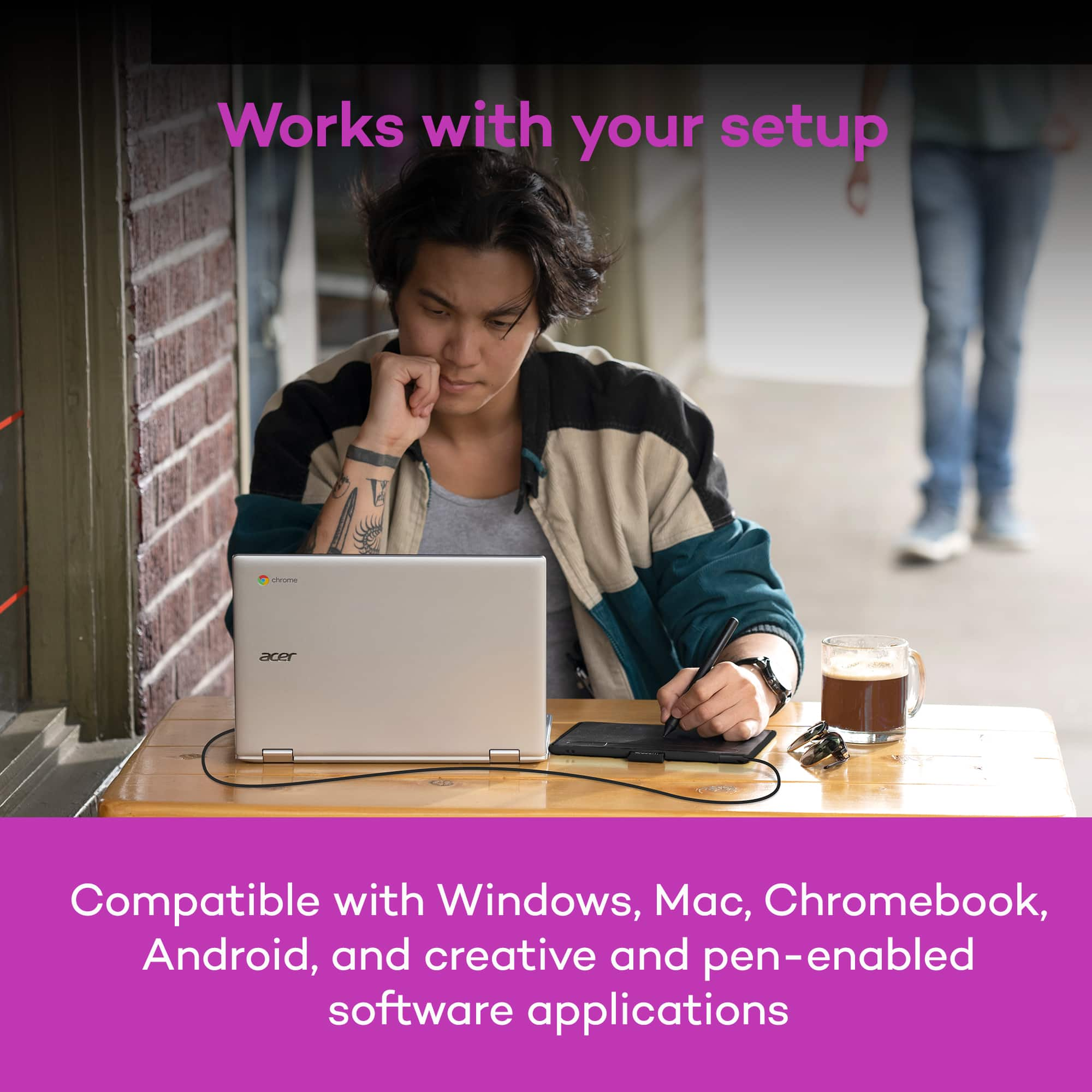
A:AnswerThank you for your question. Chrome OS is an operating system designed by Google and uses the Google Chrome web browser as its main user interface. As a result, Chrome OS primarily supports only web applications. Due to this type of infrastructure a driver for Wacom products is unable to be installed.
Depending on the Chromebook you have, and OS image provided by the OEM (original equipment manufacturer) limited pen support may be available and pen input will work with some older Wacom Tablets. Pen pressure, touch input and the tablet Expresskeys will not work in most cases.
Wacom's developers are continuing to work with Google for a future solution, currently however there is no driver support for Chrome OS and Wacom devices. Hope that helps.
A:AnswerThank you for your question. If Gimp supports pen input and you are working with a supported operating system (our current Wacom Driver supports Windows and Mac operating systems), then this tablet should work. Hope that helps.
A:AnswerI jordered the MacBook Air and will not receive it until the middle of the month. I will find out when I receive it. Check on YouTube to see if there is a video.
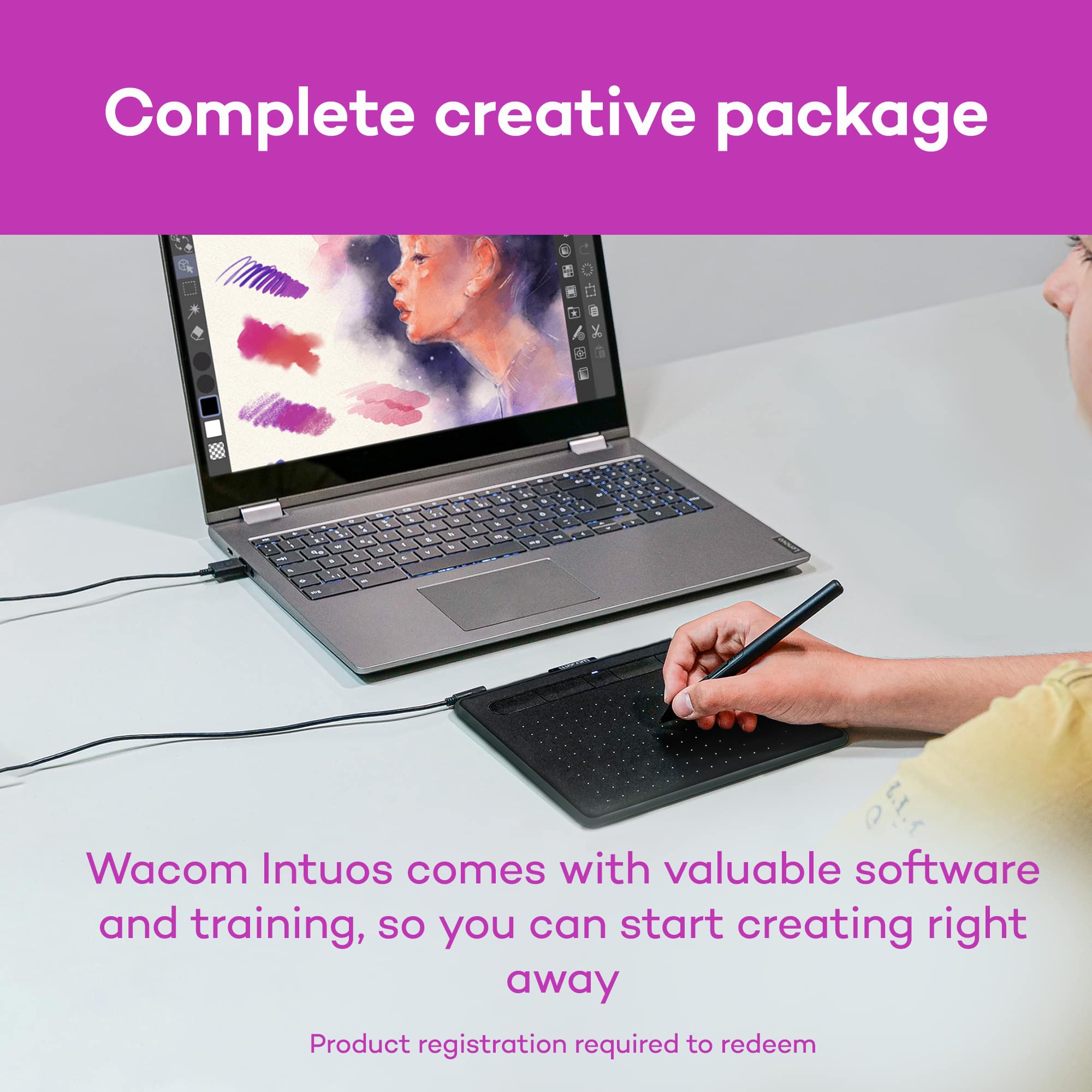
A:AnswerThank you for your question. Any complimentary bundled software included with the tablet is optional, you can choose to redeem the offers or not redeem them. Best
A:AnswerHello and thank you for the questions concerning the Chromebook and Windows 10 Laptop. Wacom supports Windows 10 with software drivers. Chrome OS is not supported by Wacom Drivers.I'd like to invite you to reach out to us on weekdays between 6 am and 6 pm PST to 855-MY-WACOM. Best
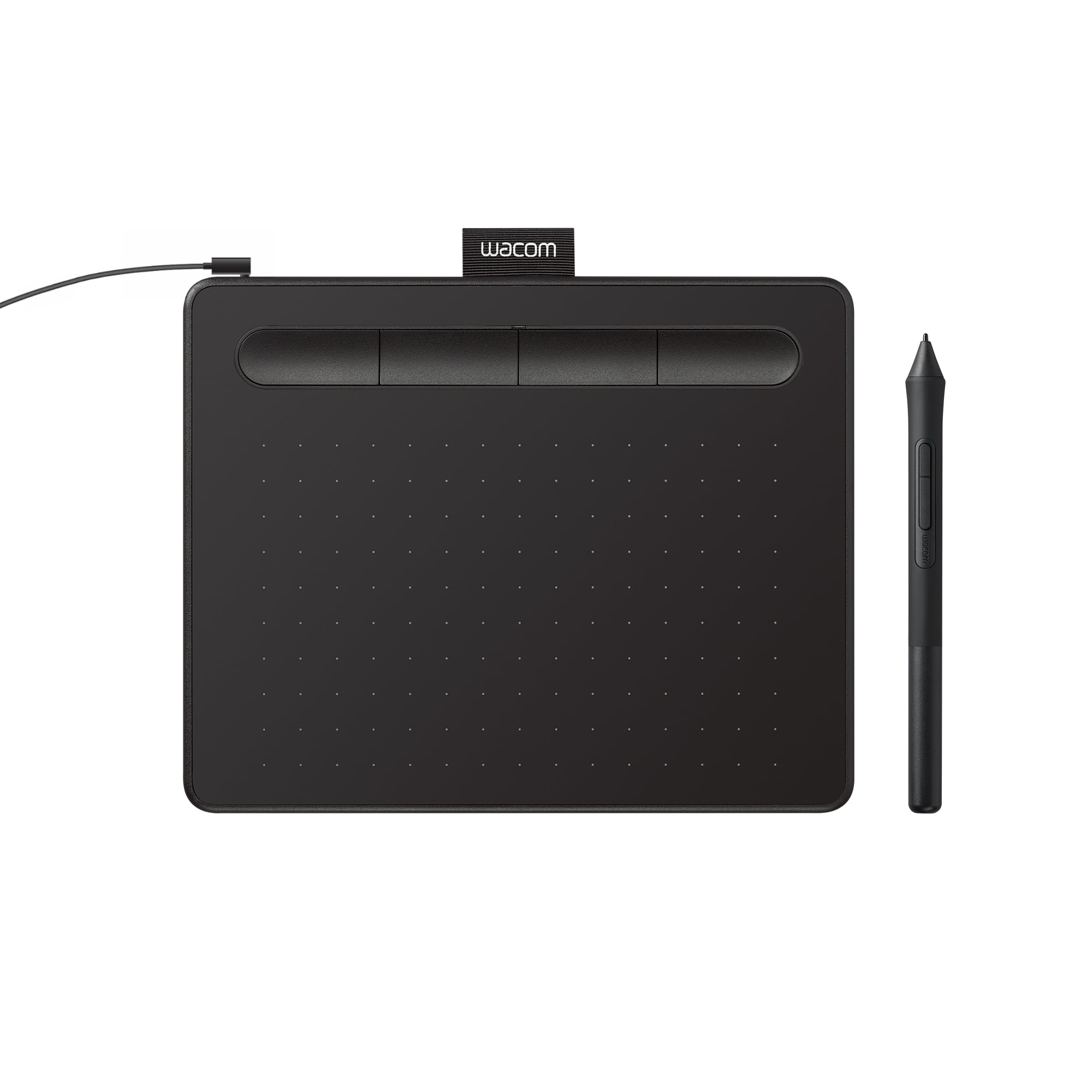
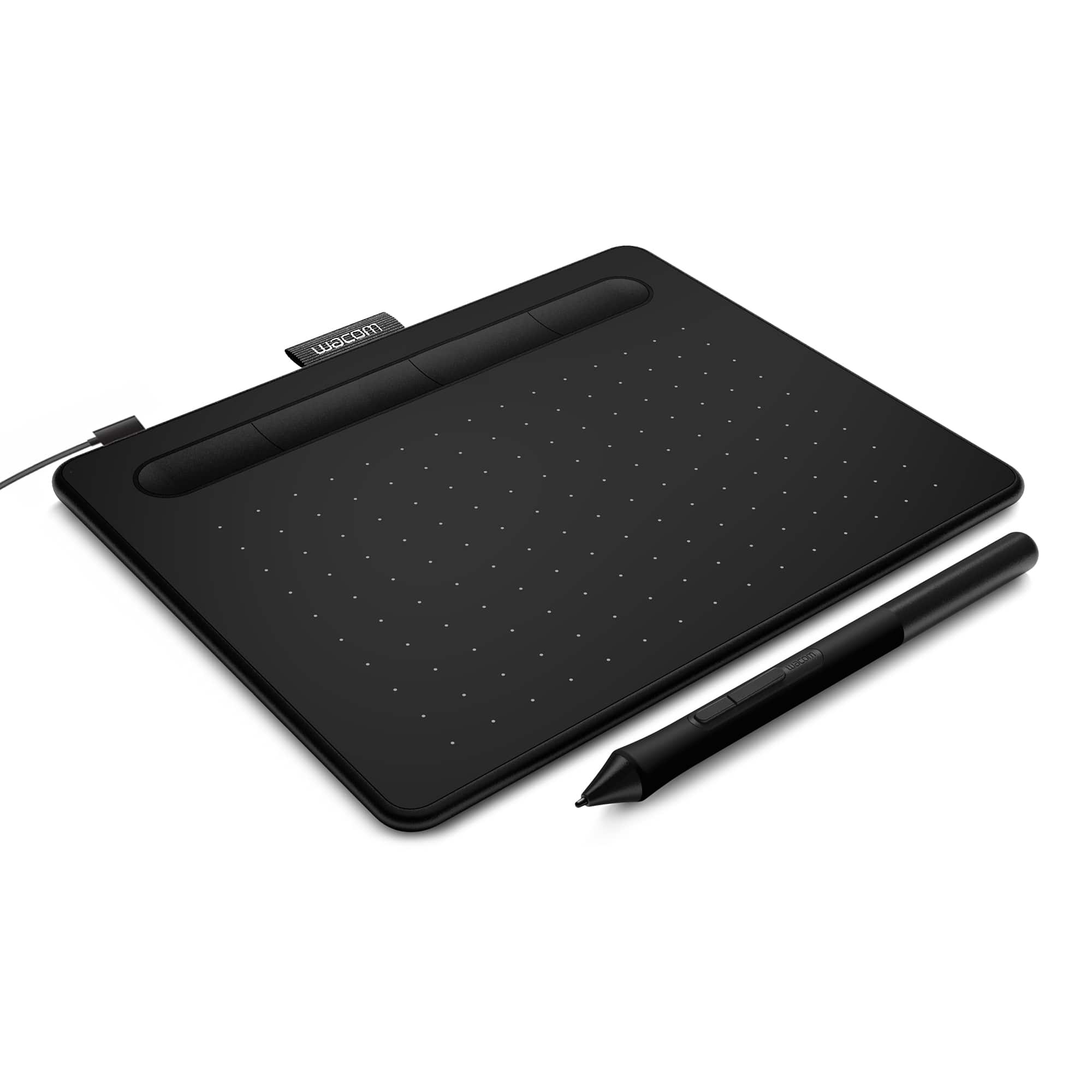
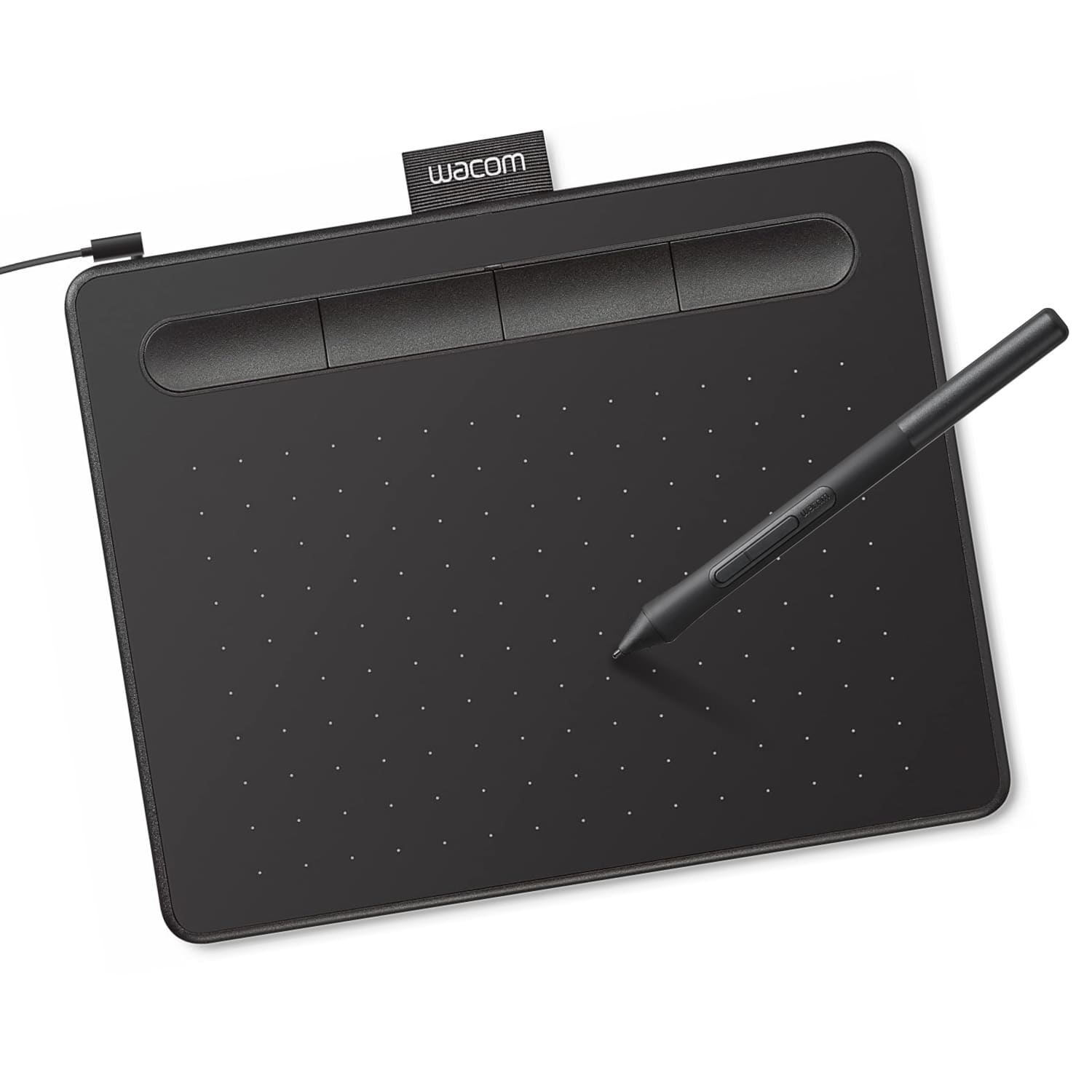
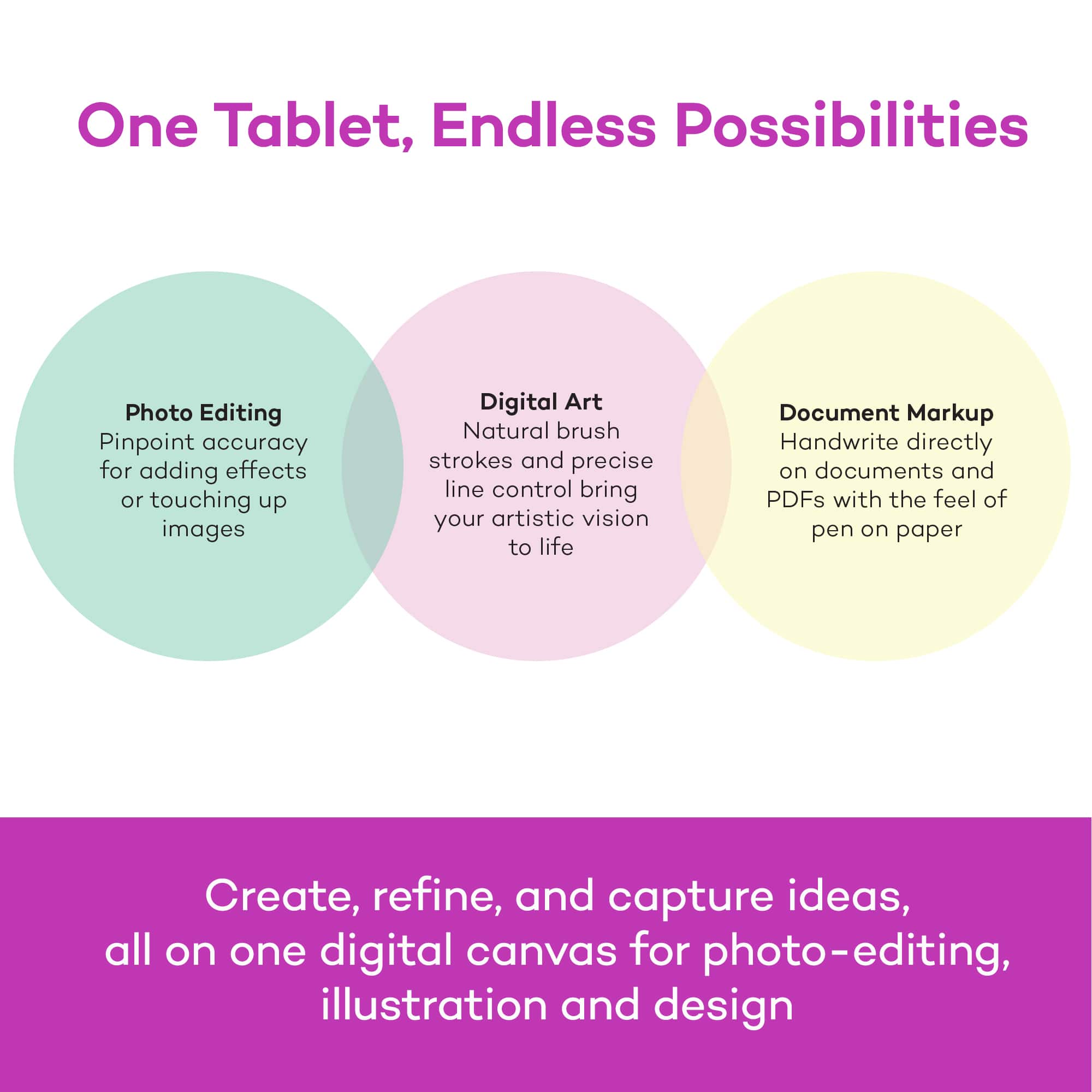
A:AnswerHello and thank you for the question about editing photographs with the Wacom Intuos tablet. Yes, a lot of photo editing software is able to be used with the Wacom Intuos tablet and Stylus.
A:AnswerYes, this would be a function of whatever drawing or editing software you are working with on your computer. The Wacom Intuos tablet will give you the ability to control your cursor using the pen on the tablet, providing a much higher level of control and precision.
A:AnswerDepending on the Chromebook you have, and OS image provided by the OEM (original equipment manufacturer) limited pen support may be available and pen input will work with some older Wacom Tablets. Pen pressure, touch input and the tablet Expresskeys will not work in most cases.
Wacom's developers are continuing to work with Google for a future solution, currently however there is no driver support for Chrome OS and Wacom devices.
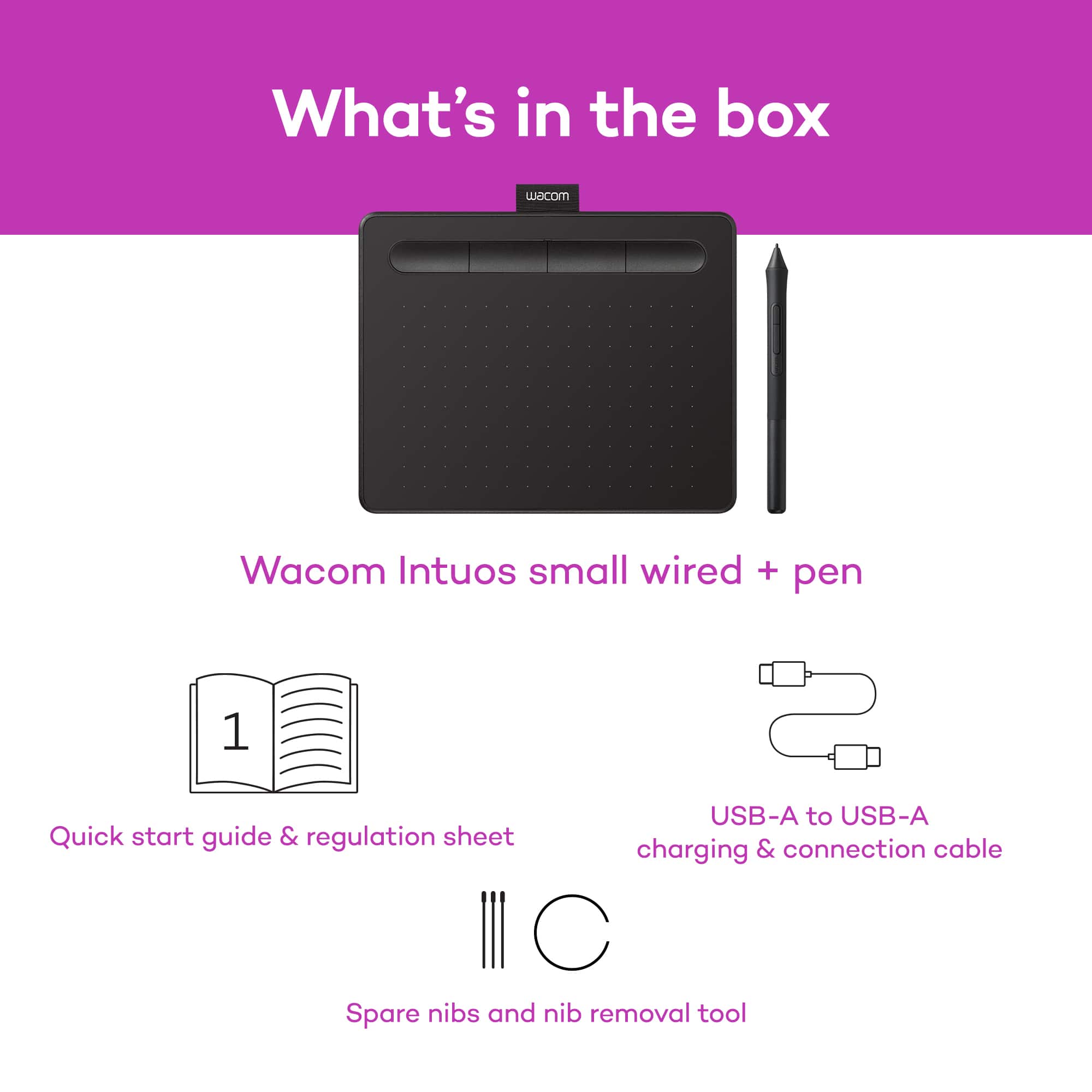
A:AnswerCurrently the Wacom Intuos includes a 2 year license to Clip Studio and a 90 day license to Corel Painter and Aftershot. These offers are subject to change, and you do need to register the tablet in order to access them.