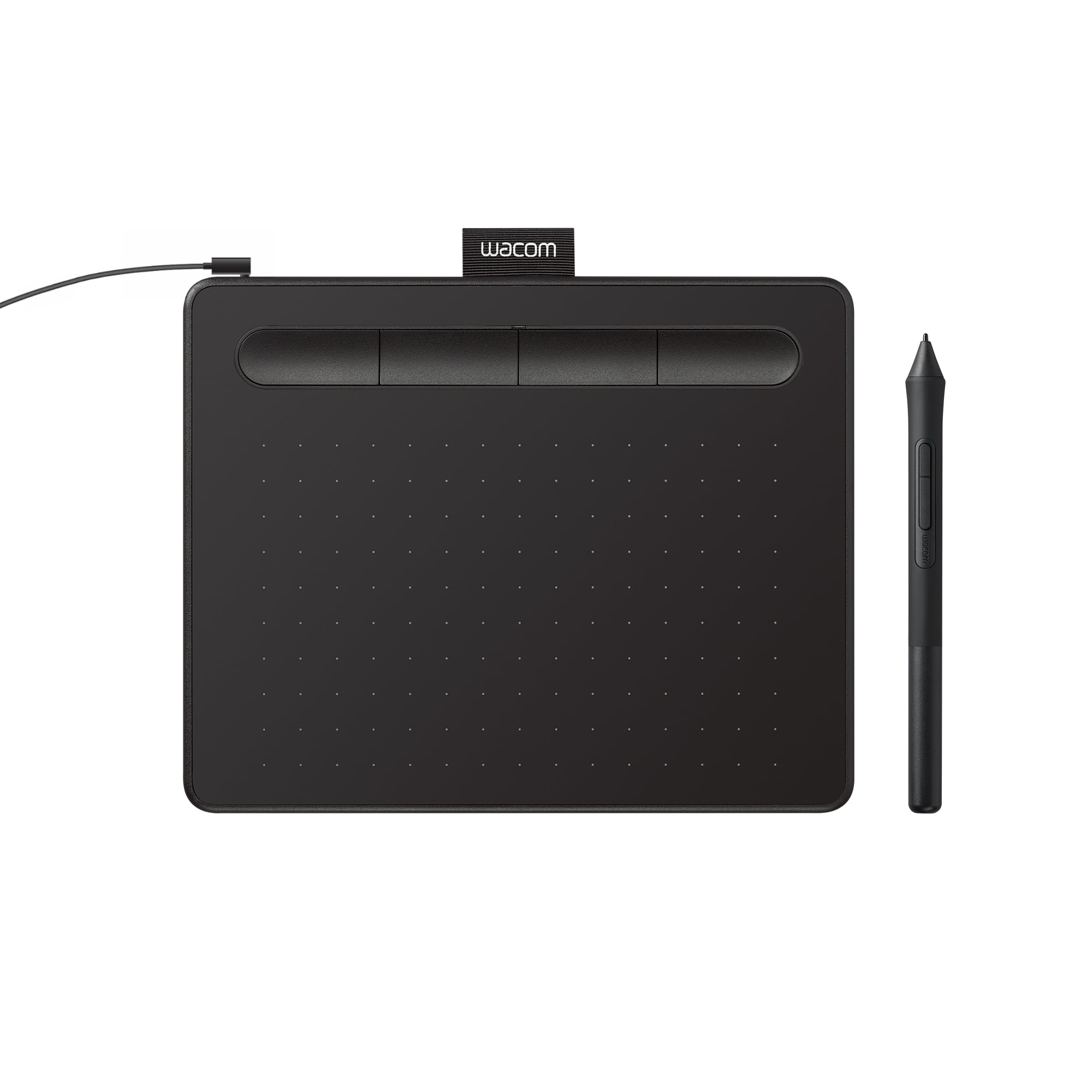
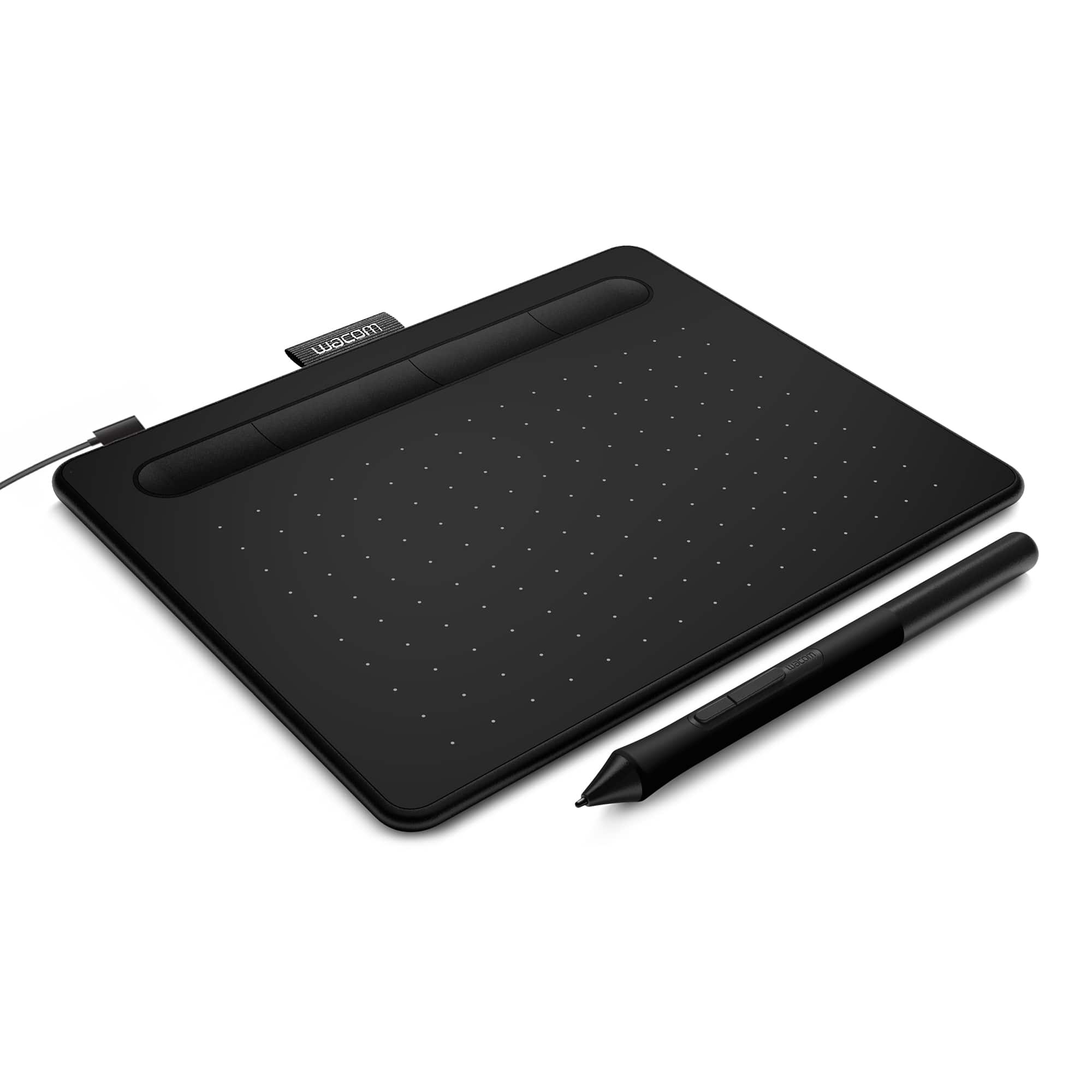
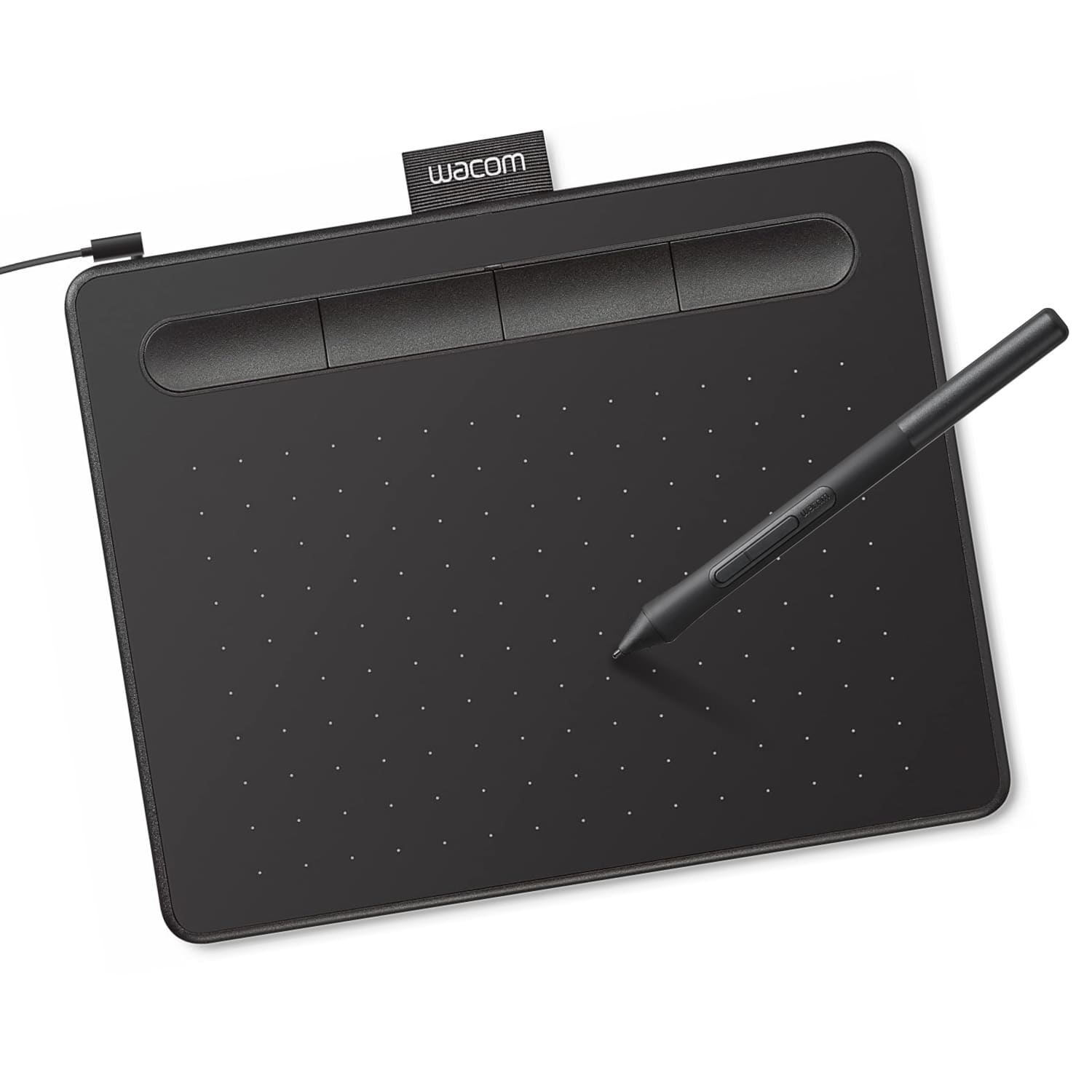
A:AnswerThe pen for the Wacom Intuos uses Eletromagnetic Resonance technology to communicate between the tablet and pen. The tablet itself does not respond to touch input, only the pen.
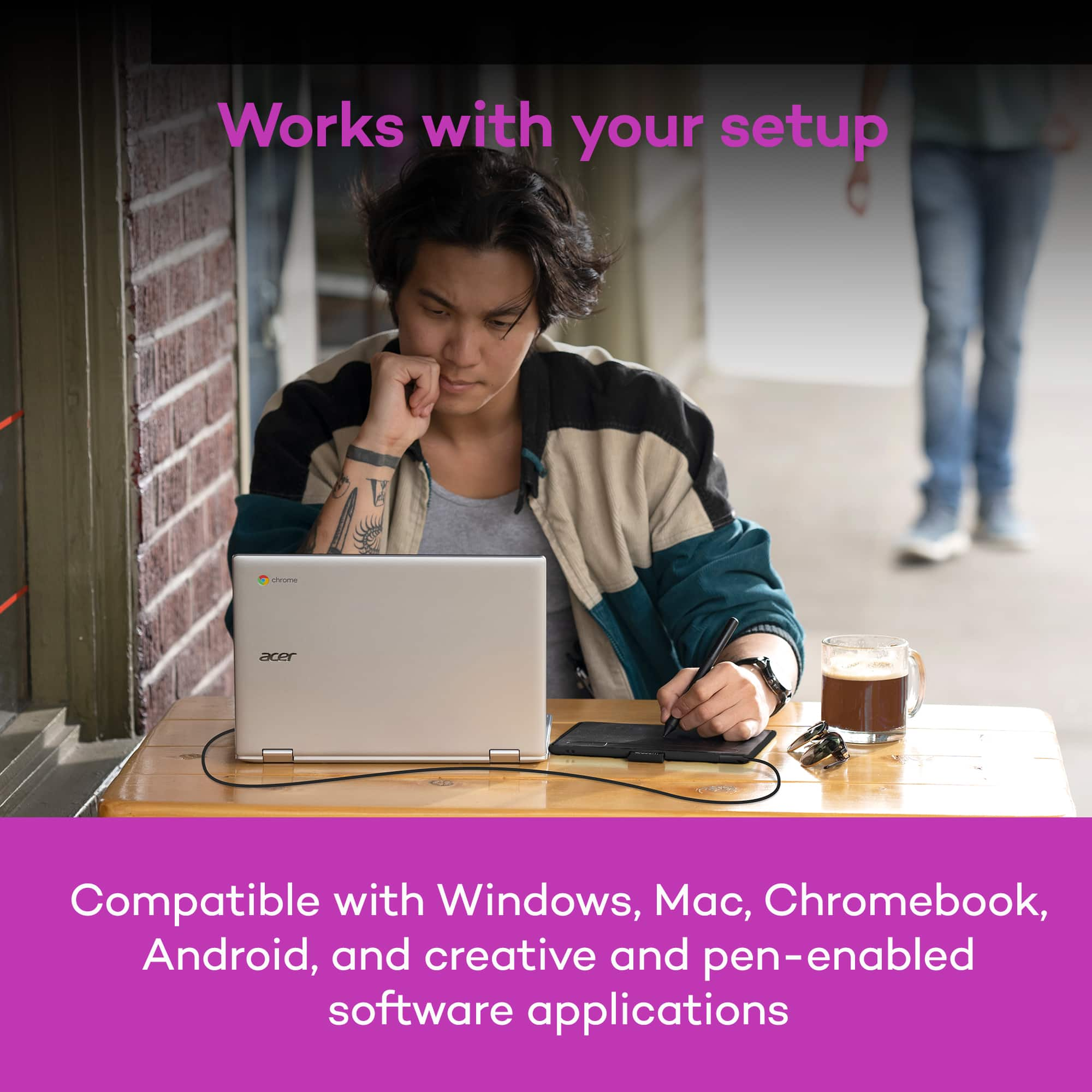
A:AnswerDepending on the Chromebook you have, and OS image provided by the OEM (original equipment manufacturer) limited pen support may be available and pen input will work with some older Wacom Tablets. Pen pressure, touch input and the tablet Expresskeys will not work in most cases.
Wacom's developers are continuing to work with Google for a future solution, currently however there is no driver support for Chrome OS and Wacom devices.
A:AnswerThe tablet will require a driver to be installed by an administrator in order to function properly. Once installed, it can be used on the other user accounts on the system.
A:AnswerAbsolutely. The Wacom Intuos tablet will allow you to use the pen on the tablet instead of your traditional mouse. This provides a much more accurate and natural writing experience.
A:AnswerChrome OS is an operating system designed by Google and uses the Google Chrome web browser as its main user interface. As a result, Chrome OS primarily supports only web applications. Due to this type of infrastructure a driver for Wacom products is unable to be installed. Depending on the Chromebook you have, and OS image provided by the OEM (original equipment manufacturer) limited pen support may be available and pen input will work with some older Wacom Tablets. Pen pressure, touch input and the tablet Expresskeys will not work in most cases. Wacom's developers are continuing to work with Google for a future solution, currently however there is no driver support for Chrome OS and Wacom devices.
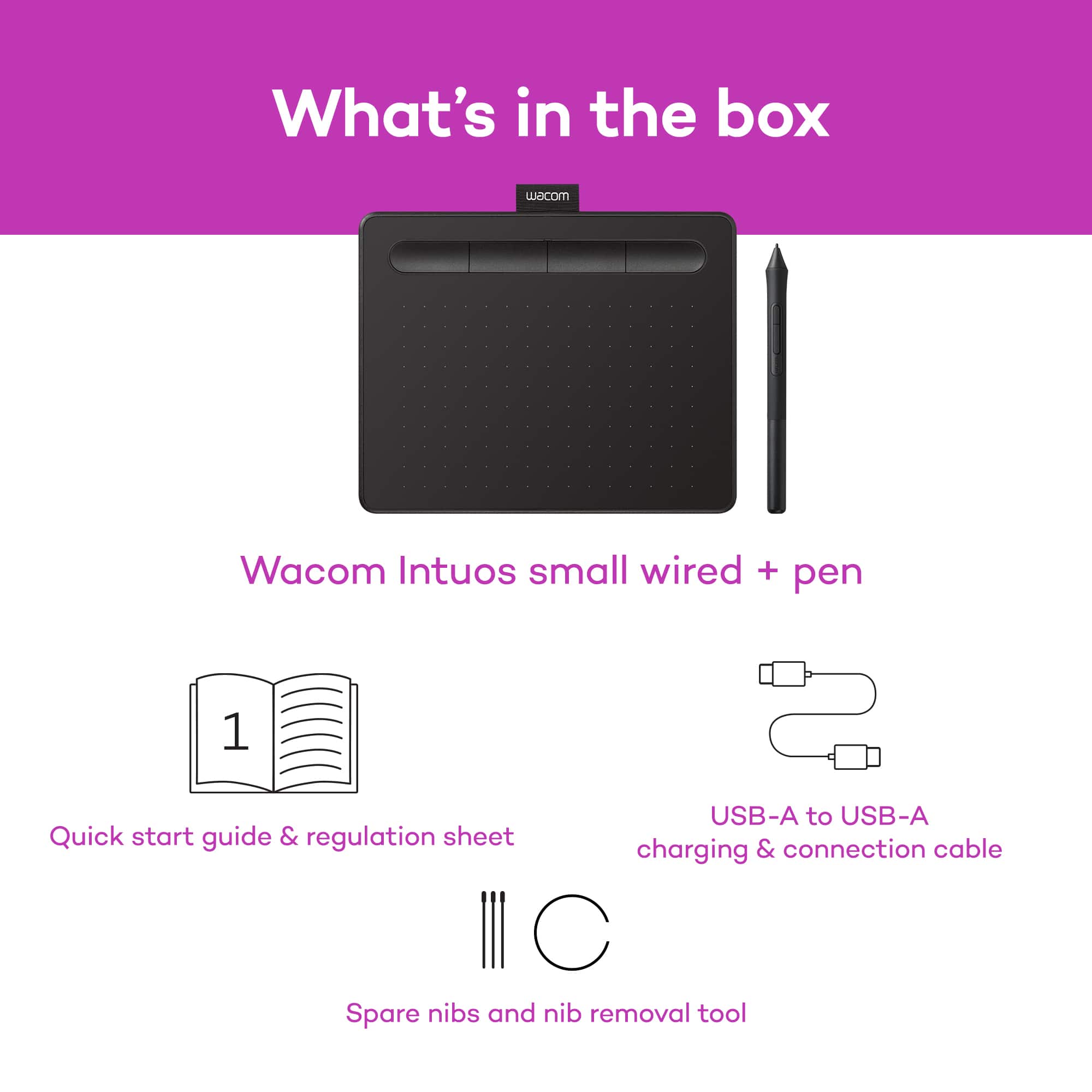
A:AnswerThe Wacom Intuos includes a USB cable that ends in a USB type B connection at the computer. If your system does not have this port then an adapter may be required.
A:AnswerYes, you can install the tablet driver on as many computers as you like, regardless of them being PC or Mac. The optional bundled software however can only be downloaded for PC or Mac.
A:AnswerThe Wacom Intuos tablet will not be affected by your hand laying on the tablet. It is traditionally used in the same fashion as pen and paper, in the sense that your hand is resting on your pad, your pen hovers over the surface. When you want to write, you make contact. With the tablet, making contact with the pen constitutes a 'click'.
A:AnswerYes, the Wacom Intuos will work as a mouse-replacement in essentially any application on your Mac. This includes taking advantage of handwriting or annotation tools in applications like Microsoft Office, providing more precision and control over a standard mouse.
A:AnswerDepending on the Chromebook you have, and OS image provided by the OEM (original equipment manufacturer) limited pen support may be available and pen input will work with some older Wacom Tablets. Pen pressure, touch input and the tablet Expresskeys will not work in most cases.
Wacom's developers are continuing to work with Google for a future solution, currently however there is no driver support for Chrome OS and Wacom devices.