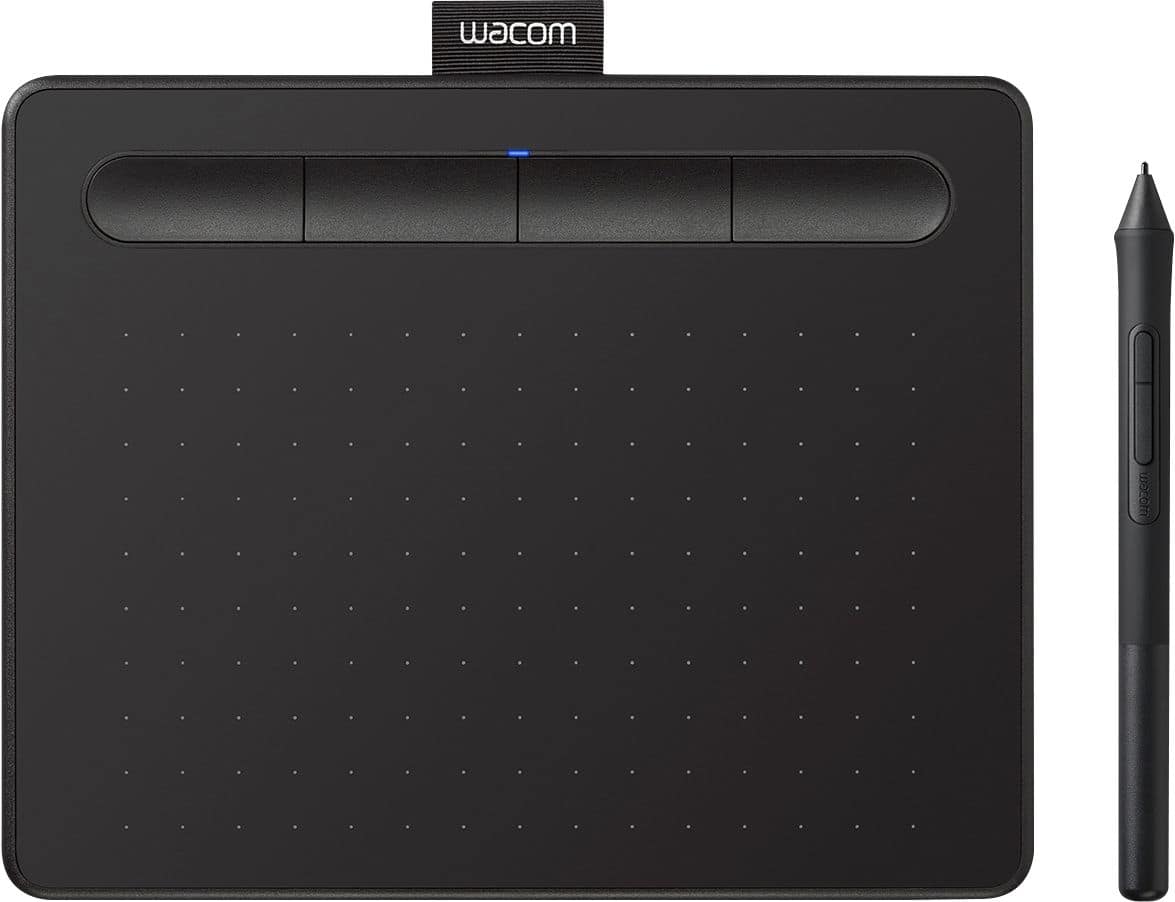
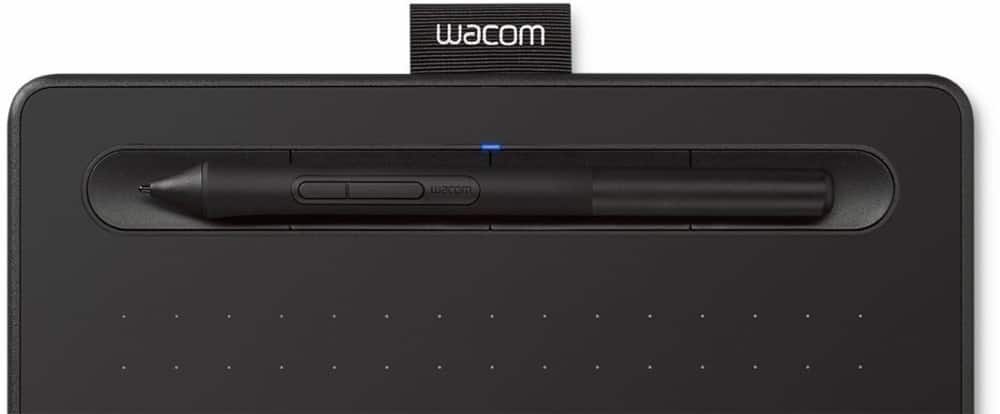
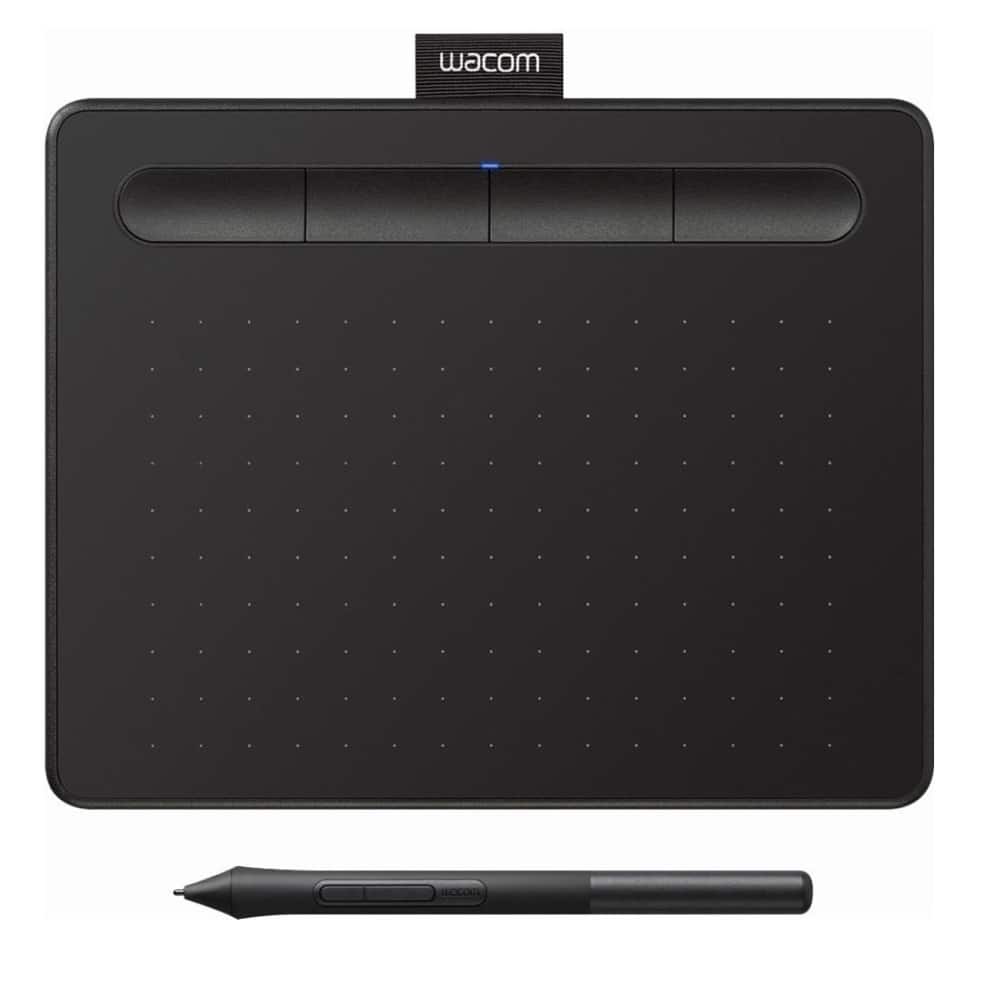
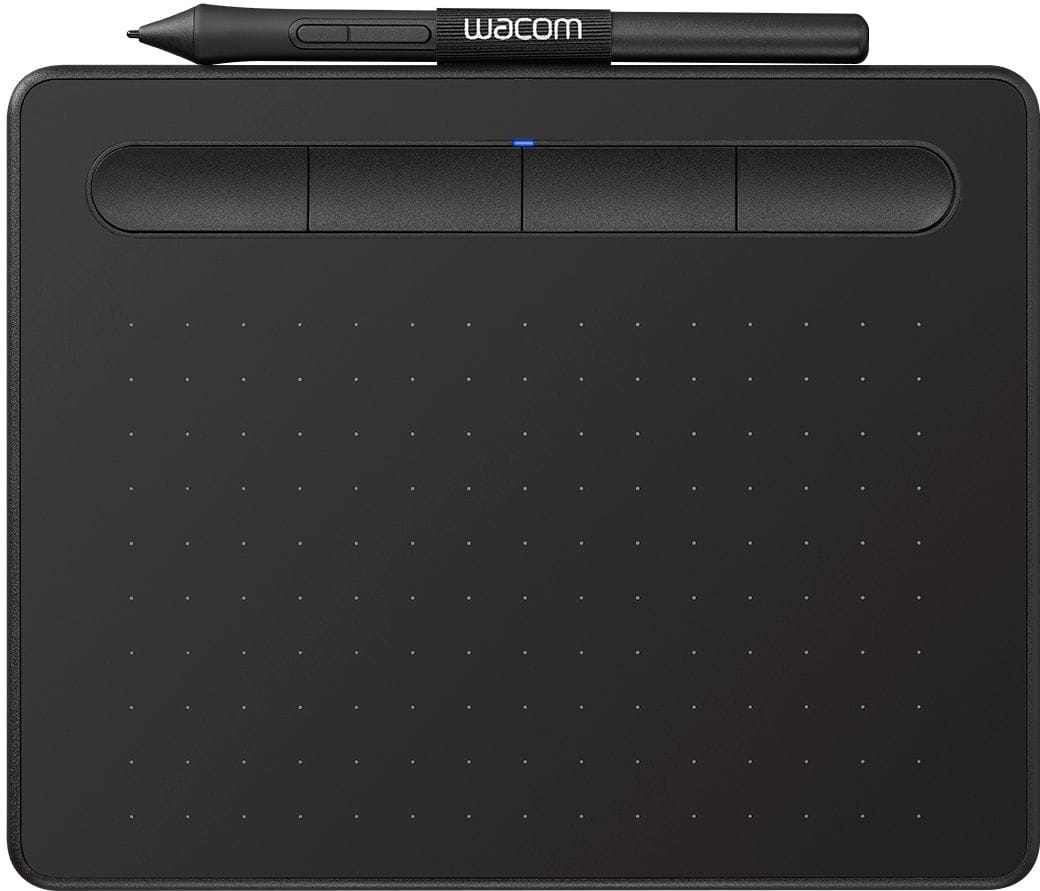
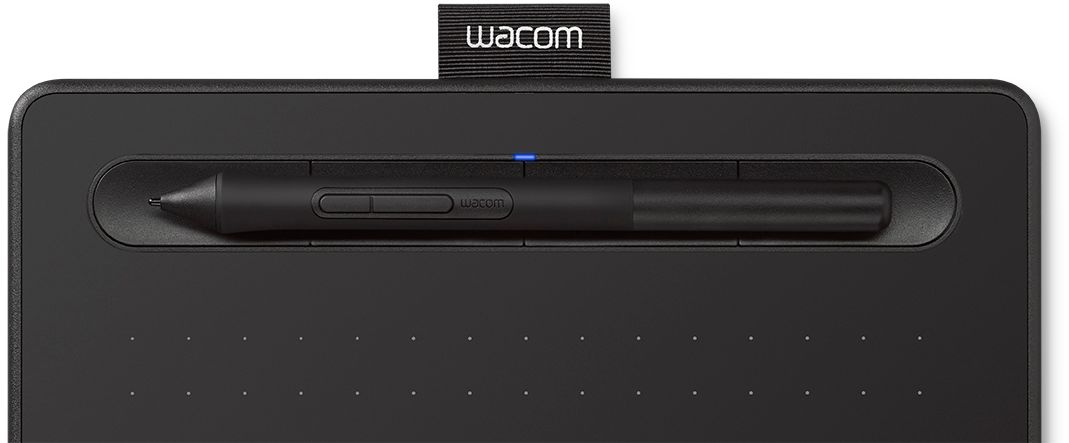
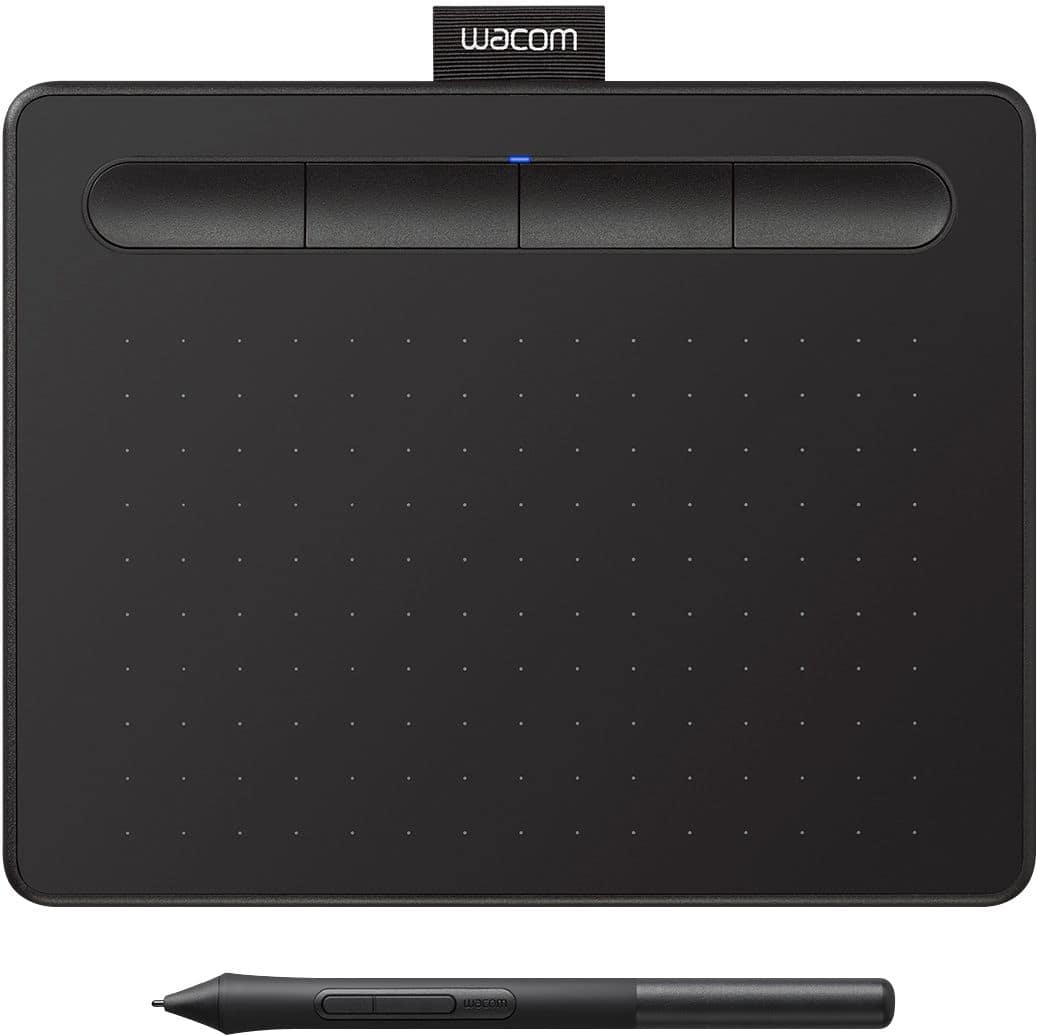
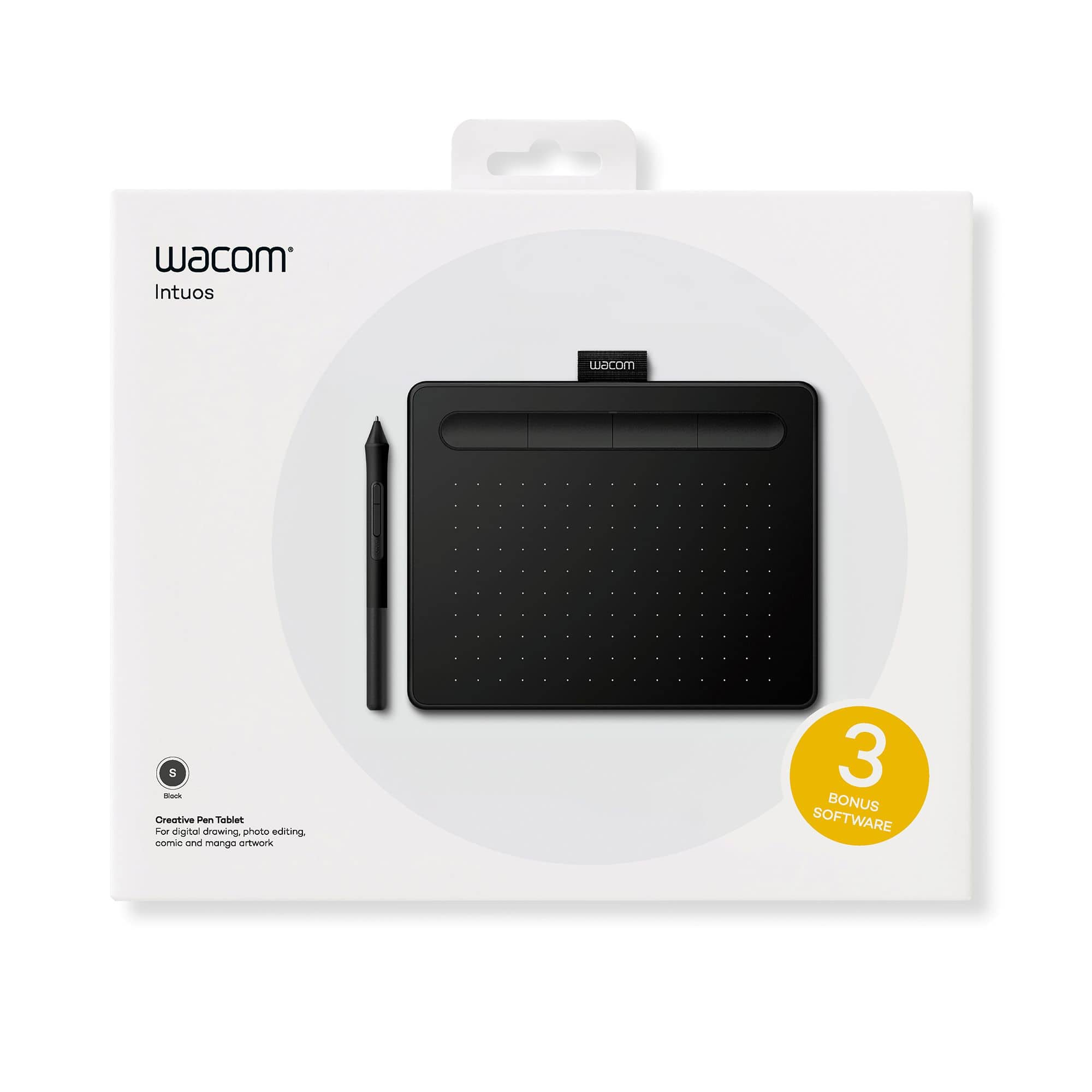
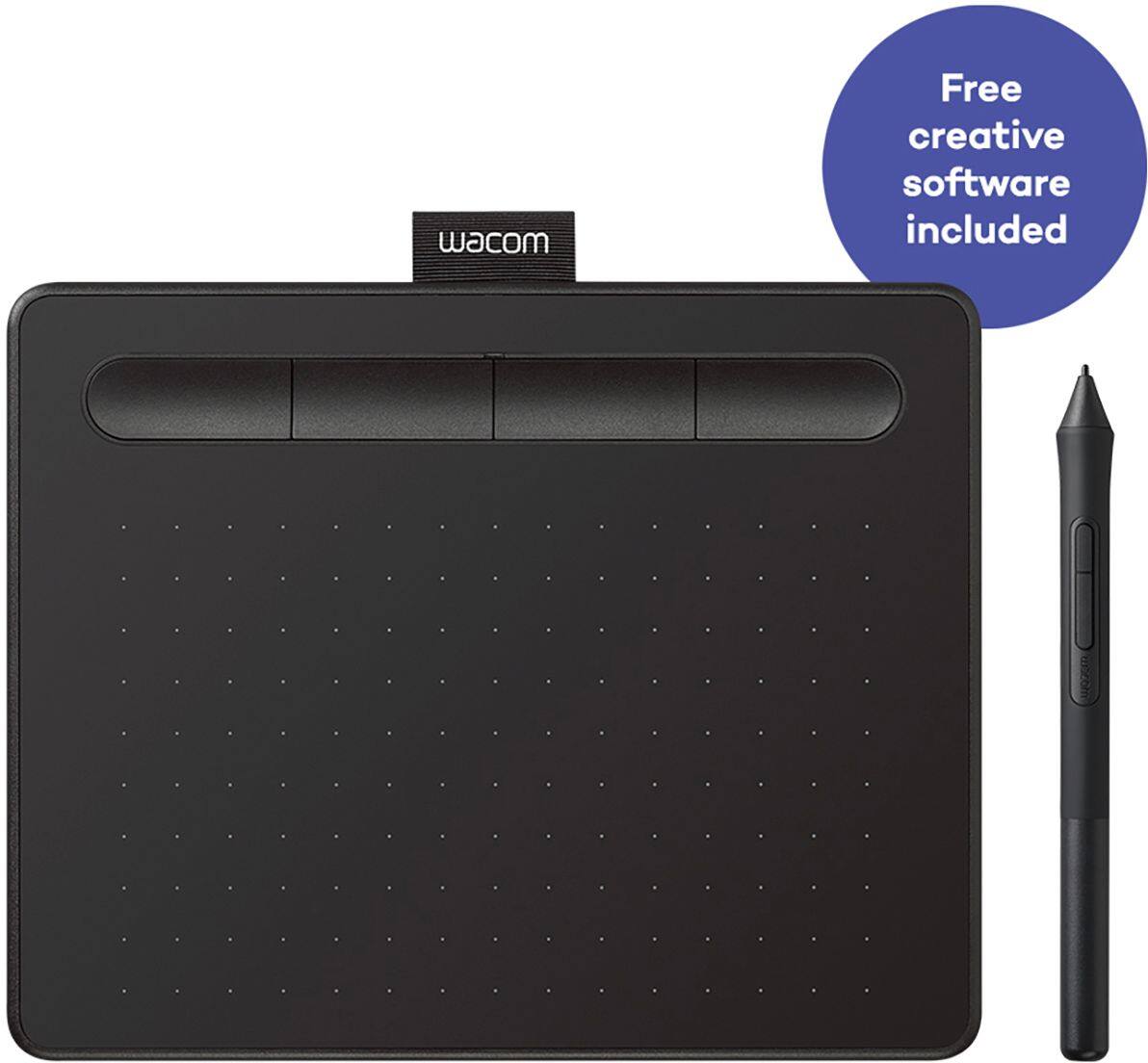
A:AnswerThe tablet itself is 8 inches (20cm) horizontally by 6 1/4 inches (16cm) going vertically.
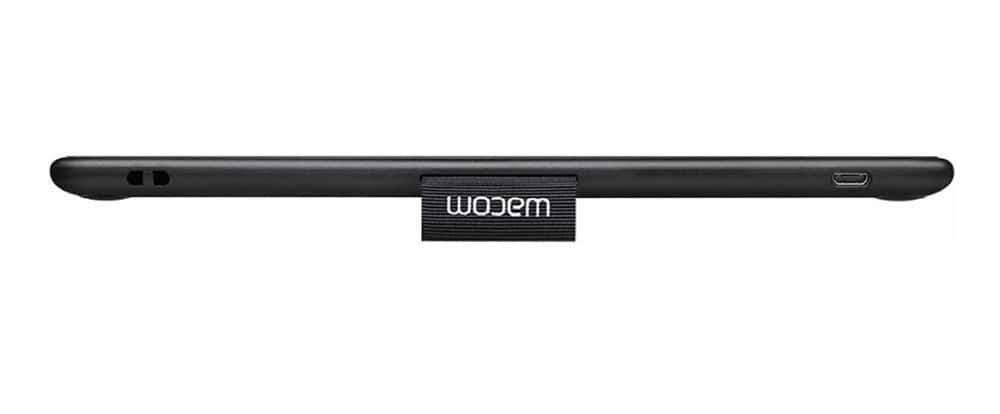
It is thin at about maybe 1cm thickness
The area to draw in is about 6 1/4 inches horizontally by 4 inches (10 cm) vertically.
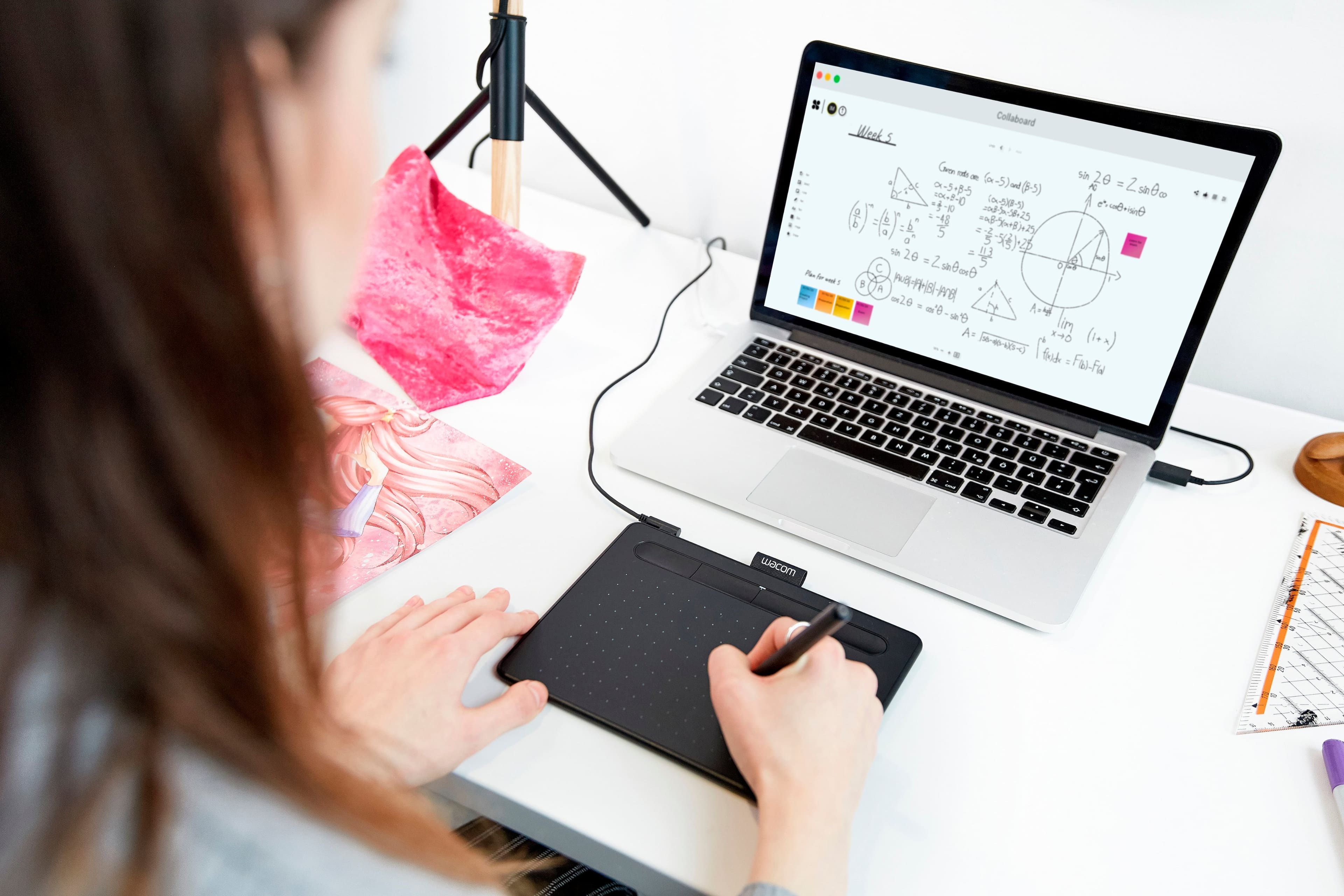
A:AnswerThank you for the question. The Wacom Intuos can use a wide variety of software, so any applications that can be used to draw, animate and even play games with can be used. Regards
A:AnswerYes, the Wacom Intuos connects via Bluetooth and will allow you to control your on-screen cursor utilizing the pen rather than a tradtional mouse or touchpad.
A:AnswerHi there, thank you for asking. Leaving aside the many great specs our tablets have. The core connection with a computer happens at an Input device level (Like your mouse, Trackpad, Keyboard, etc ) and as such, you can interact with the computer in general lines. So that said, you should be just fine. Just keep in mind that for instance, if the developer of the app you are trying to use did not grant an specific tool say a spec such as Pen Pressure, then the hardware side won't change that for that tool. Hope that makes sense. If you have any further questions I'd like to invite you to reach out to us on weekdays between 6 am and 6 pm PST to 855-MY-WACOM. Best
A:AnswerThe Wacom driver is all you need. From there you can both use the tablet with any app and for navigation. This model comes with 3 bundled softwares for you to use as a promotional addition. Hope that helps.