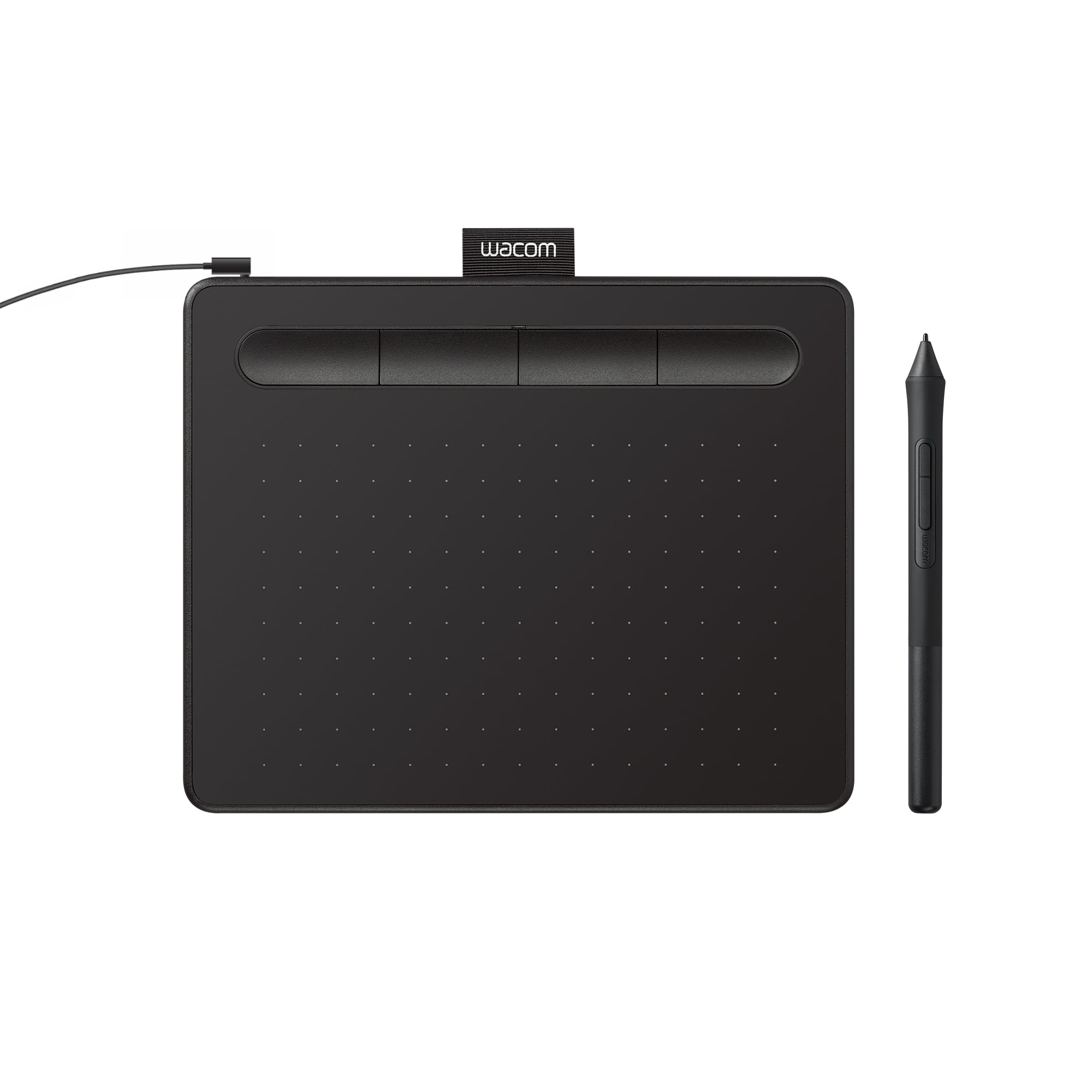
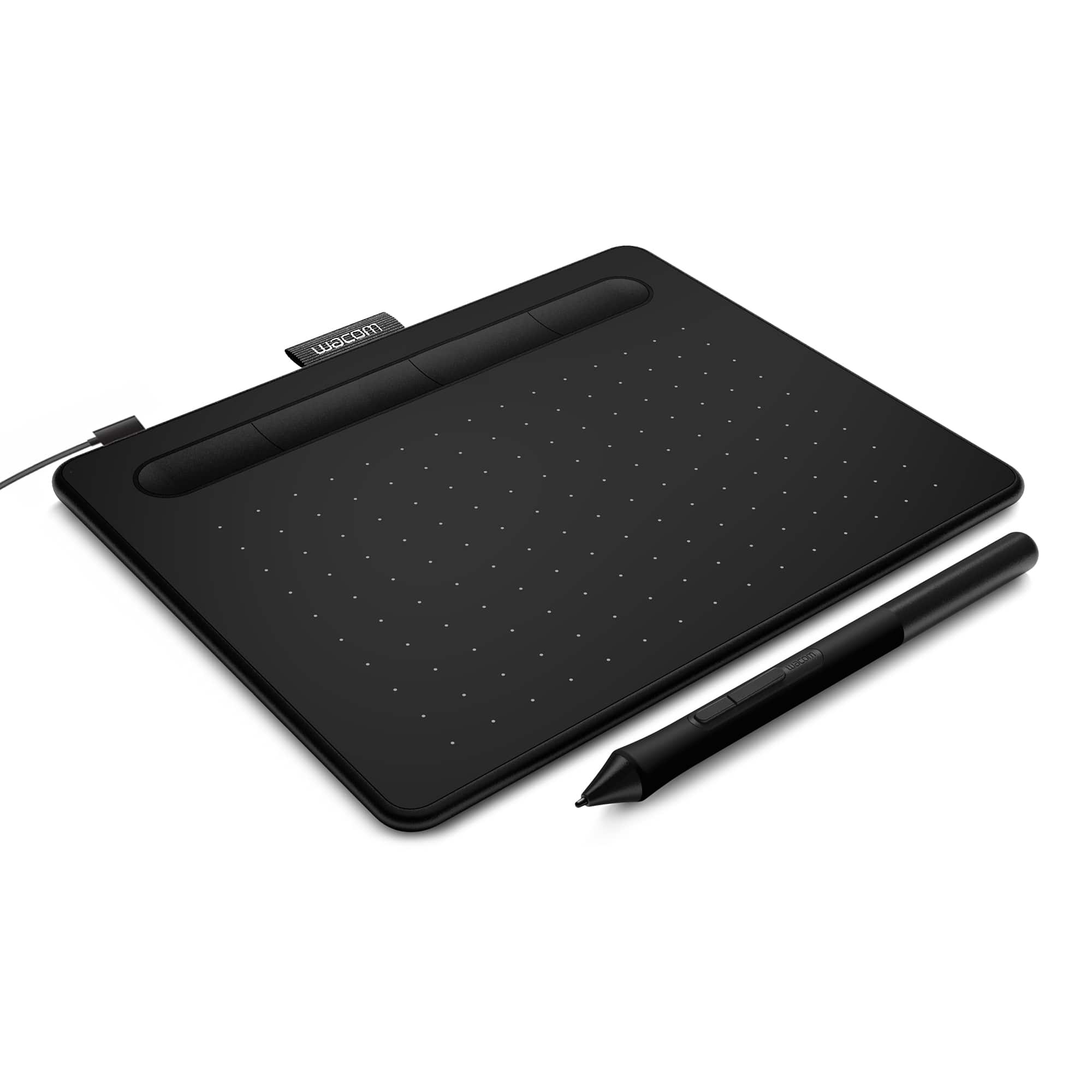
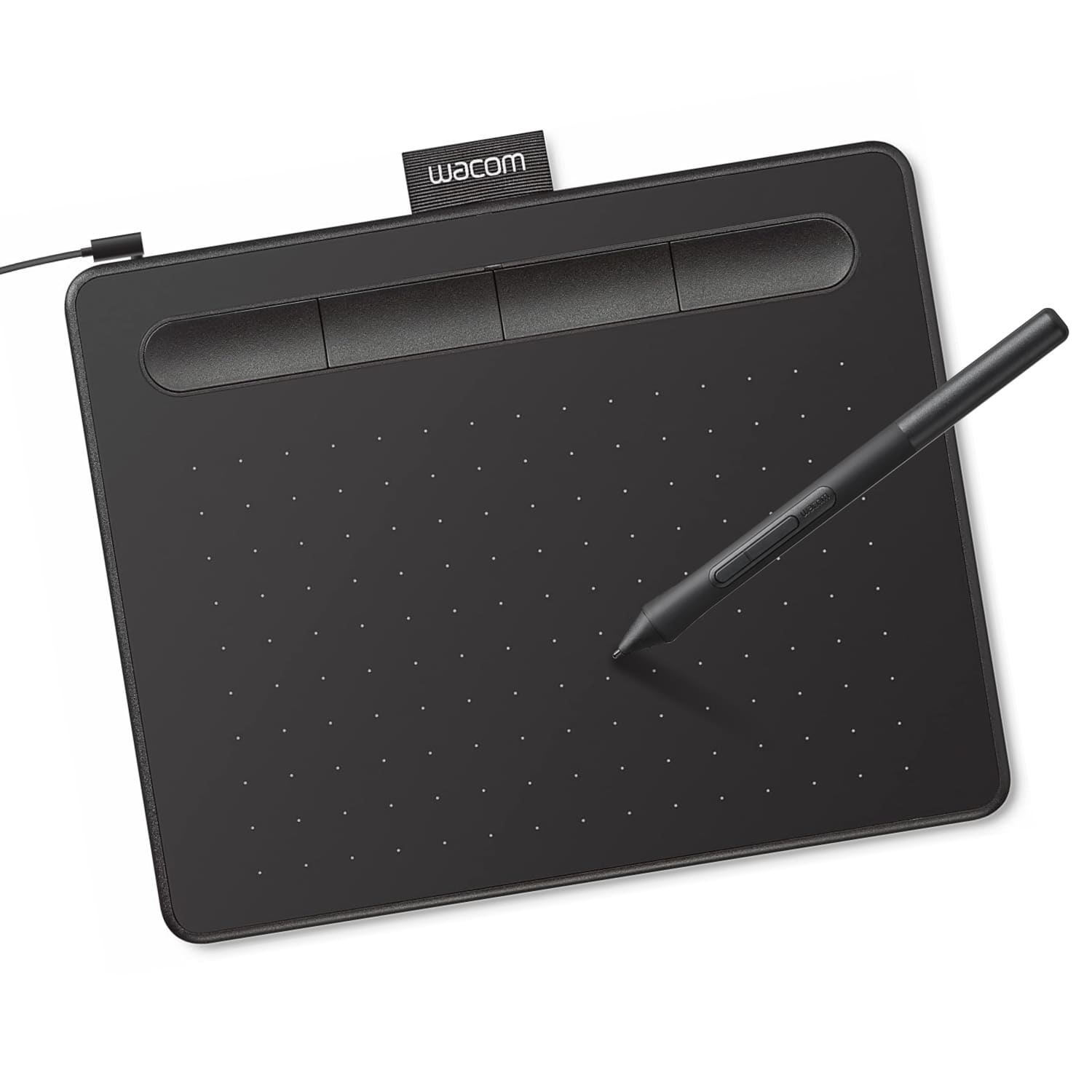
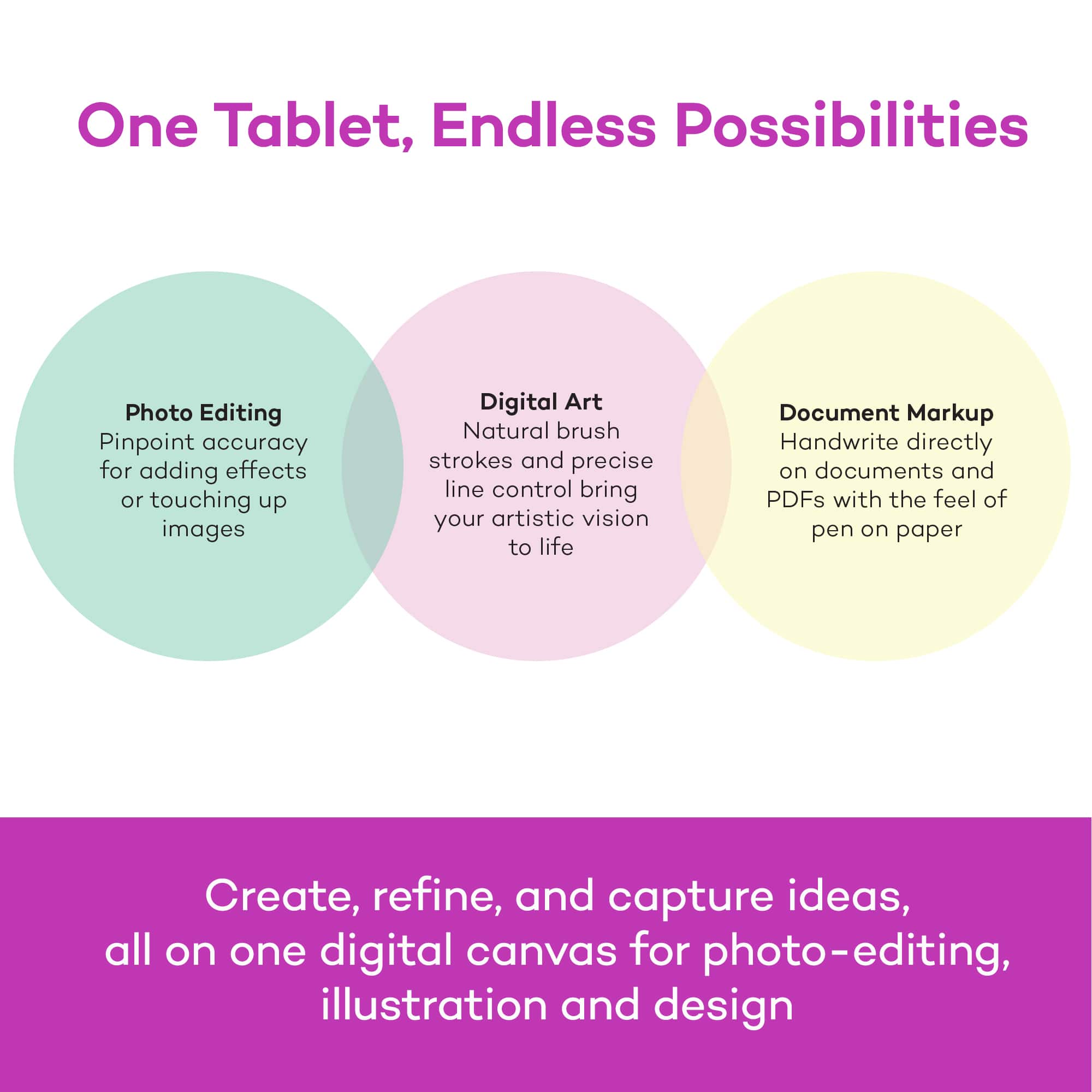
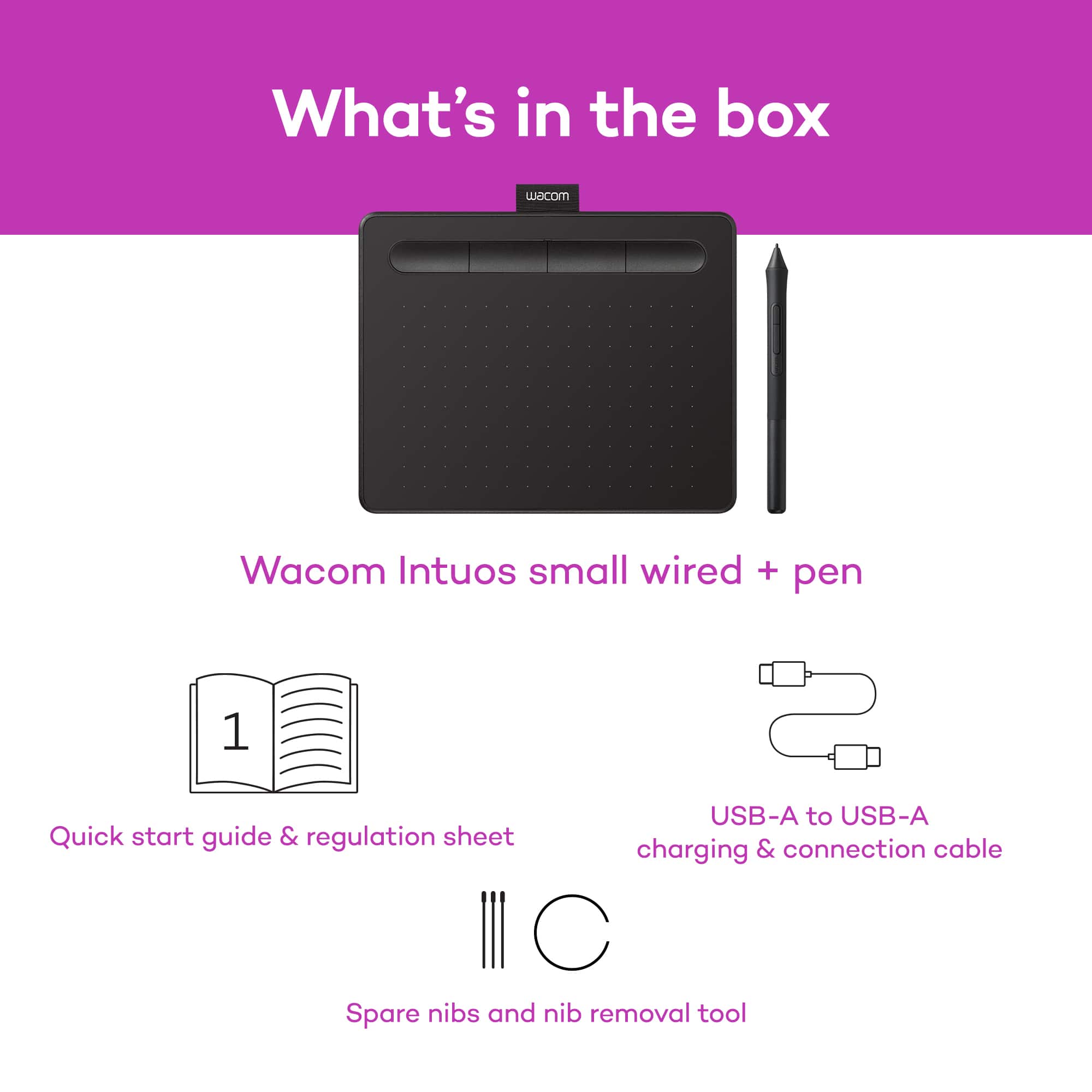
A:AnswerThe Wacom Intuos will work as a mouse replacement on your desktop, allowing you to control your mouse cursor with the pen on the tablet rather than your mouse. If you are using this with a drawing or annotation application then this allows for a much more precise method of input. Popular applications such as Microsoft Word will have annotation tools built in that will allow you to mark up your documents.
A:AnswerHello and thank you for reaching out about not using drivers for the Wacom Intuos tablet. Unfortunately drivers are needed to allow the Macintosh or Windows OS to use the tablet and pen correctly. Working with your IT department to load the drivers would be the best solution so you can use the Wacom Intuos tablet.
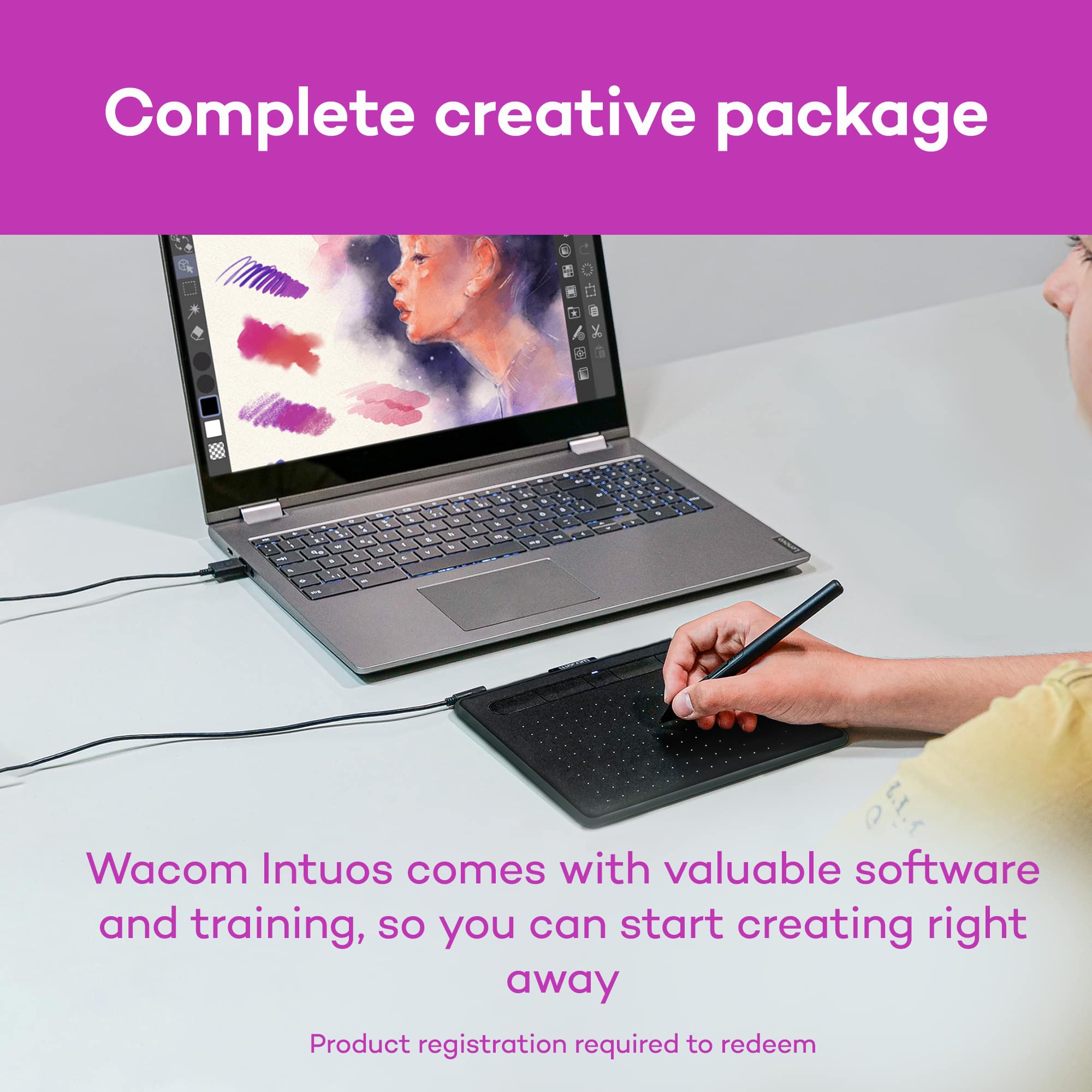
A:AnswerI think the Lenovo will have no problem running software with the tablet I bought one for myself on my home PC and my children also use it with their school Chromebooks and they work just fine.
A:Answerwith or without it you can rite on pdf bot yes you can i run pdf on Microsoft edge and it good just register it and it will work you can set up 6 battens really esay
A:AnswerThank you for your question. The applications that support pen input/handwriting will work with this tablet. You may want to check the specific applications to ensure that they have a handwriting input option. Best
A:AnswerThank you for your question. You will need an app to work with the tablet to convert your handwritten notes into typed text. The app we offer is Wacom Notes app offers an Ink-to-Text feature that can convert your handwritten notes seamlessly into typed text with the click of a button. If you have any further questions I'd like to invite you to reach out to us on weekdays between 6 am and 6 pm PST to 855-MY-WACOM. Best
A:AnswerHello and thank you for the question. Yes, the Intuos Graphic Drawing Tablet does work Google Classroom/Meet for Distance learning. It is great for taking notes and showing your work during class.
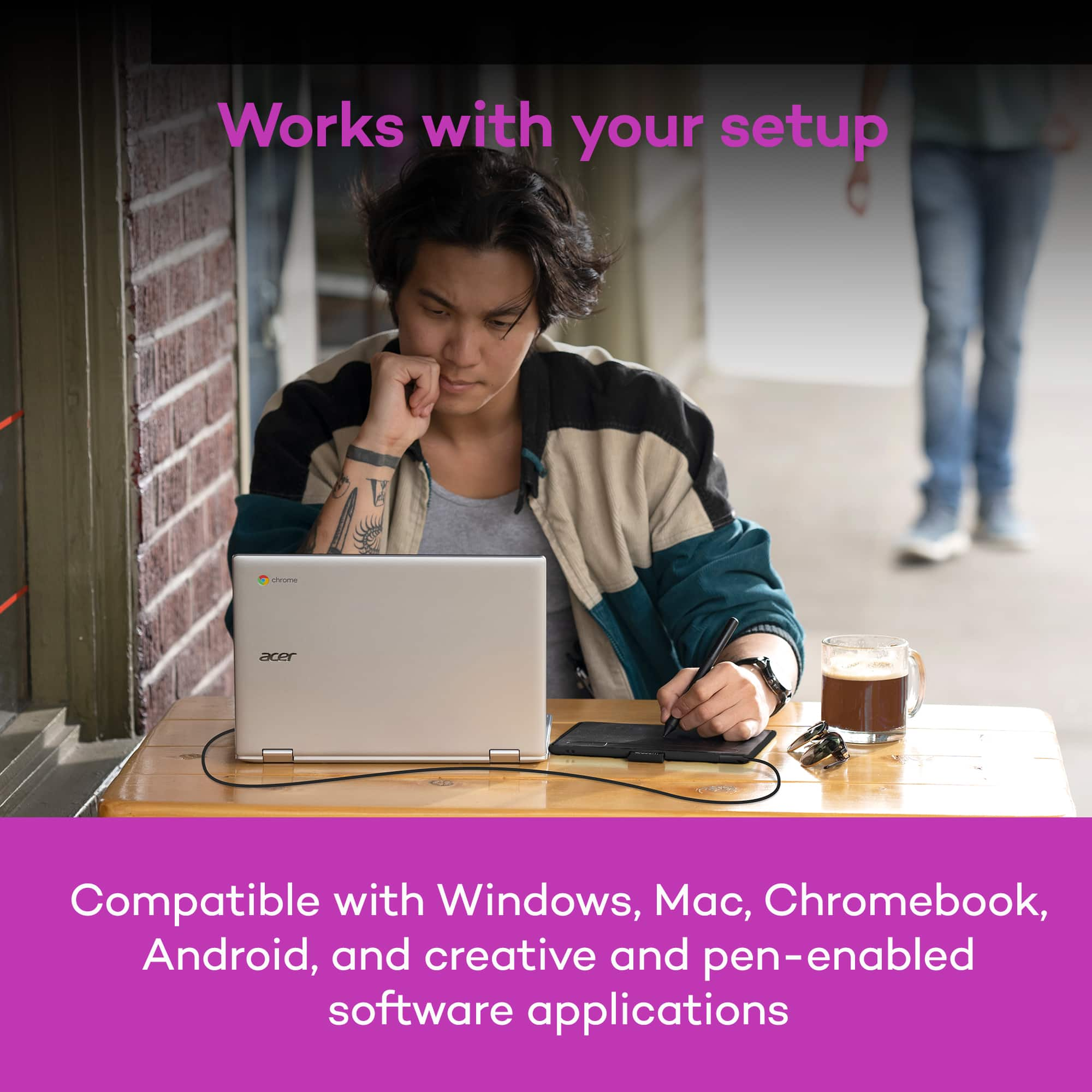
A:AnswerDepending on the Chromebook you have, and OS image provided by the OEM (original equipment manufacturer) limited pen support may be available and pen input will work with some older Wacom Tablets. Pen pressure, touch input and the tablet Expresskeys will not work in most cases.
Wacom's developers are continuing to work with Google for a future solution, currently however there is no driver support for Chrome OS and Wacom devices.
A:AnswerThe Wacom Intuos will allow you to control your cursor using the pen instead of a traditional mouse. This will allow for more accurate drawing or writing. It will work with the handwriting recognition functions of macOS, as well as the annotation features of Word.
A:AnswerDepending on the Chromebook you have, and OS image provided by the OEM (original equipment manufacturer) limited pen support may be available and pen input will work with some older Wacom Tablets. Pen pressure, touch input and the tablet Expresskeys will not work in most cases.
Wacom's developers are continuing to work with Google for a future solution, currently however there is no driver support for Chrome OS and Wacom devices.
A:AnswerThe Wacom Intuos can work with macOS 10.11, though it is no longer actively supported. You would want to use driver 6.3.37-3, which can be downloaded from Wacom's driver page: https://www.wacom.com/en-us/support/product-support/drivers