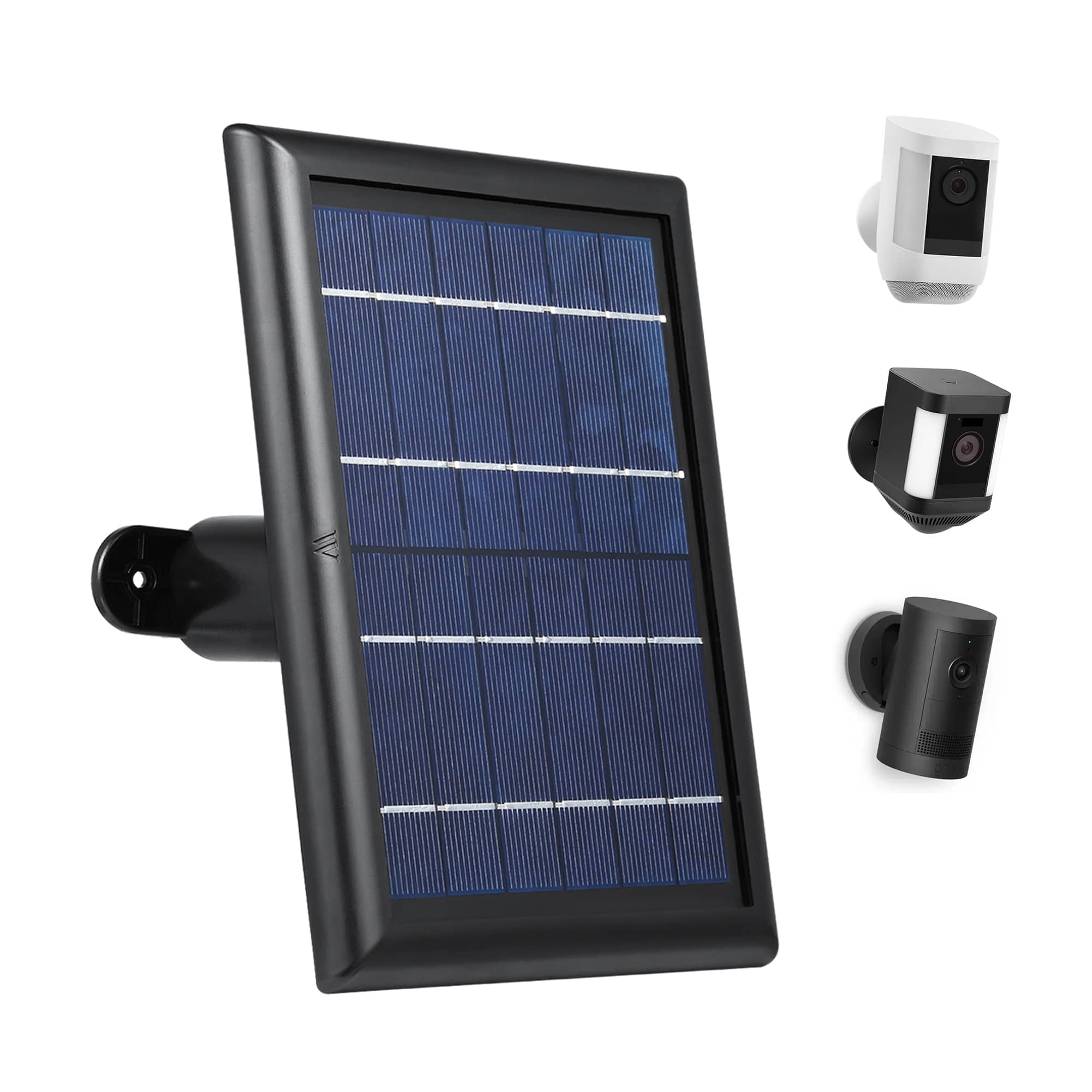
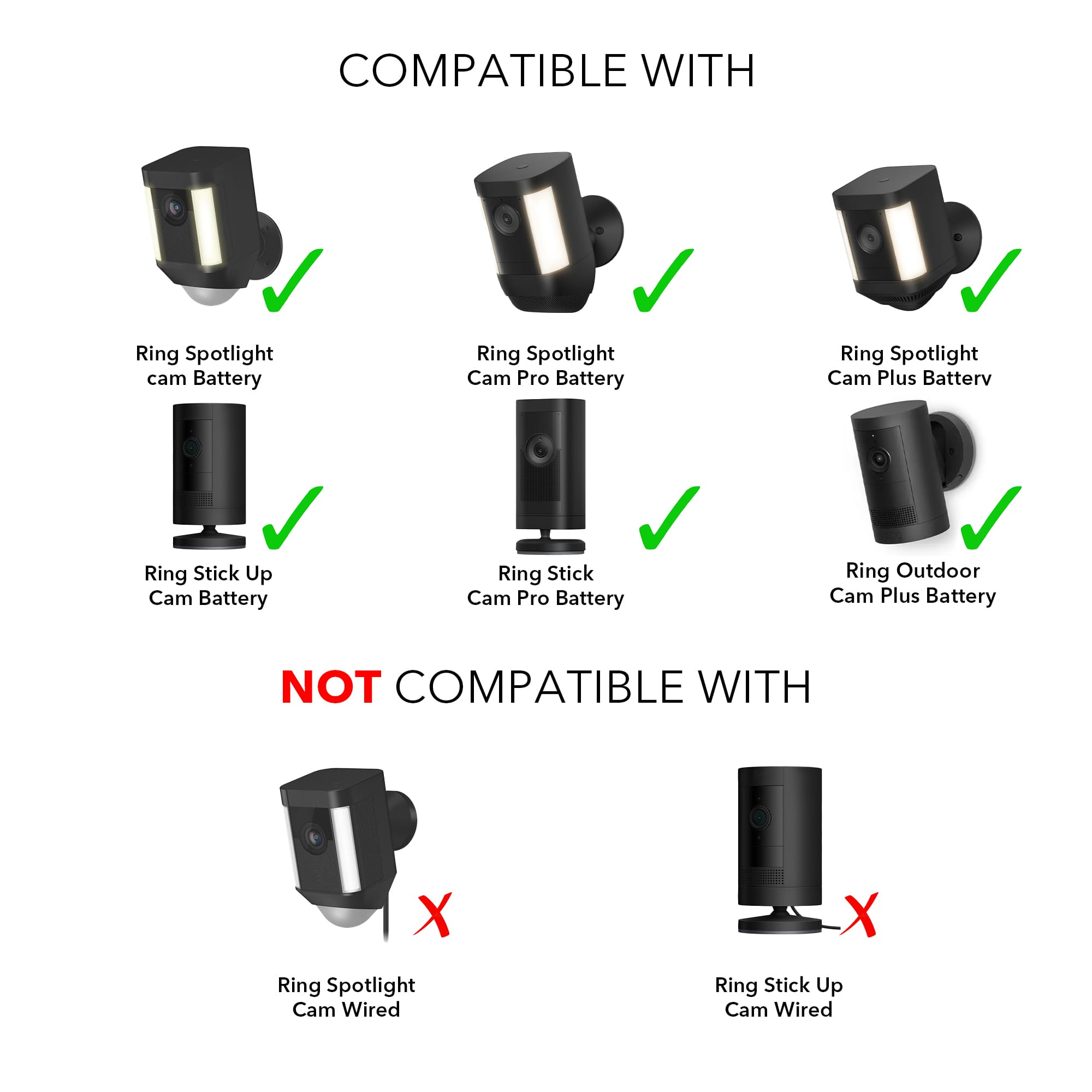
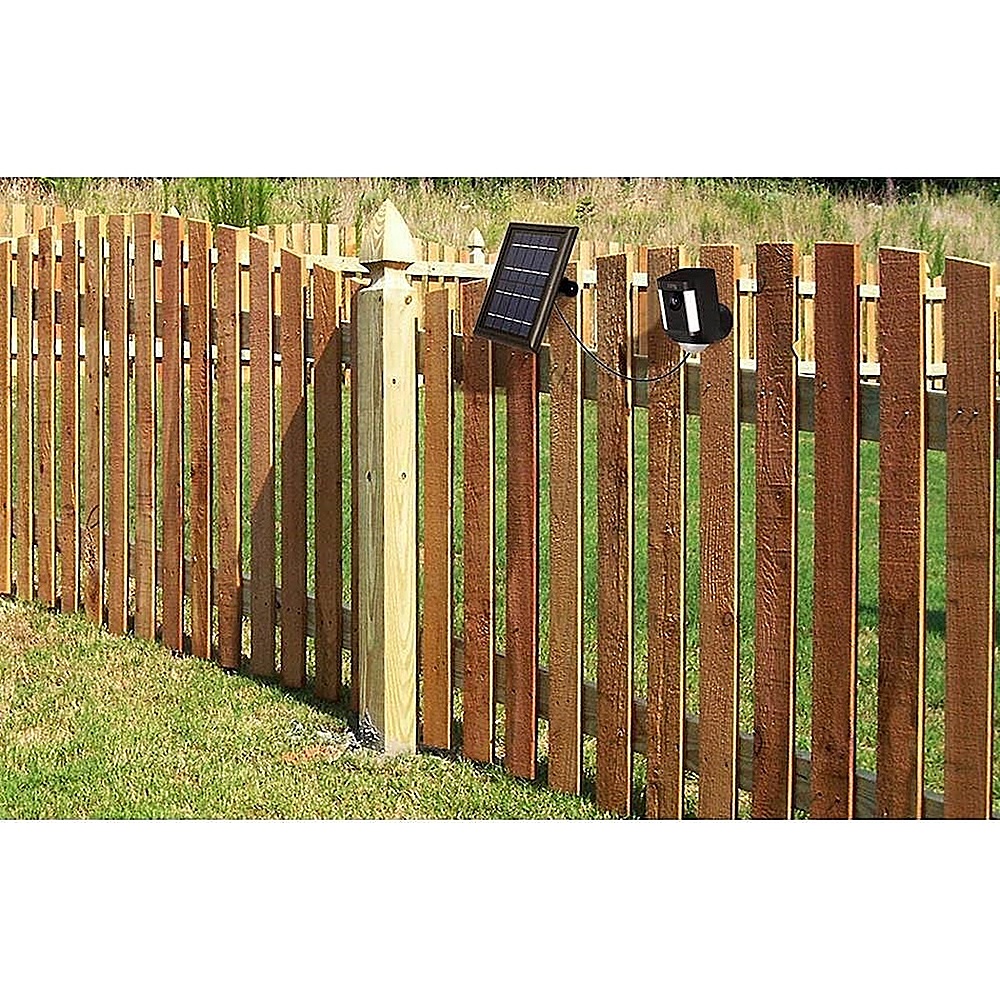
A:AnswerYes, Wasserstein - Solar Panel for Ring Spotlight and Ring Stick Up Surveillance Camera is compatible with the ring stick up cam model 8SC1S9-WENO/BOC5QRZ47P
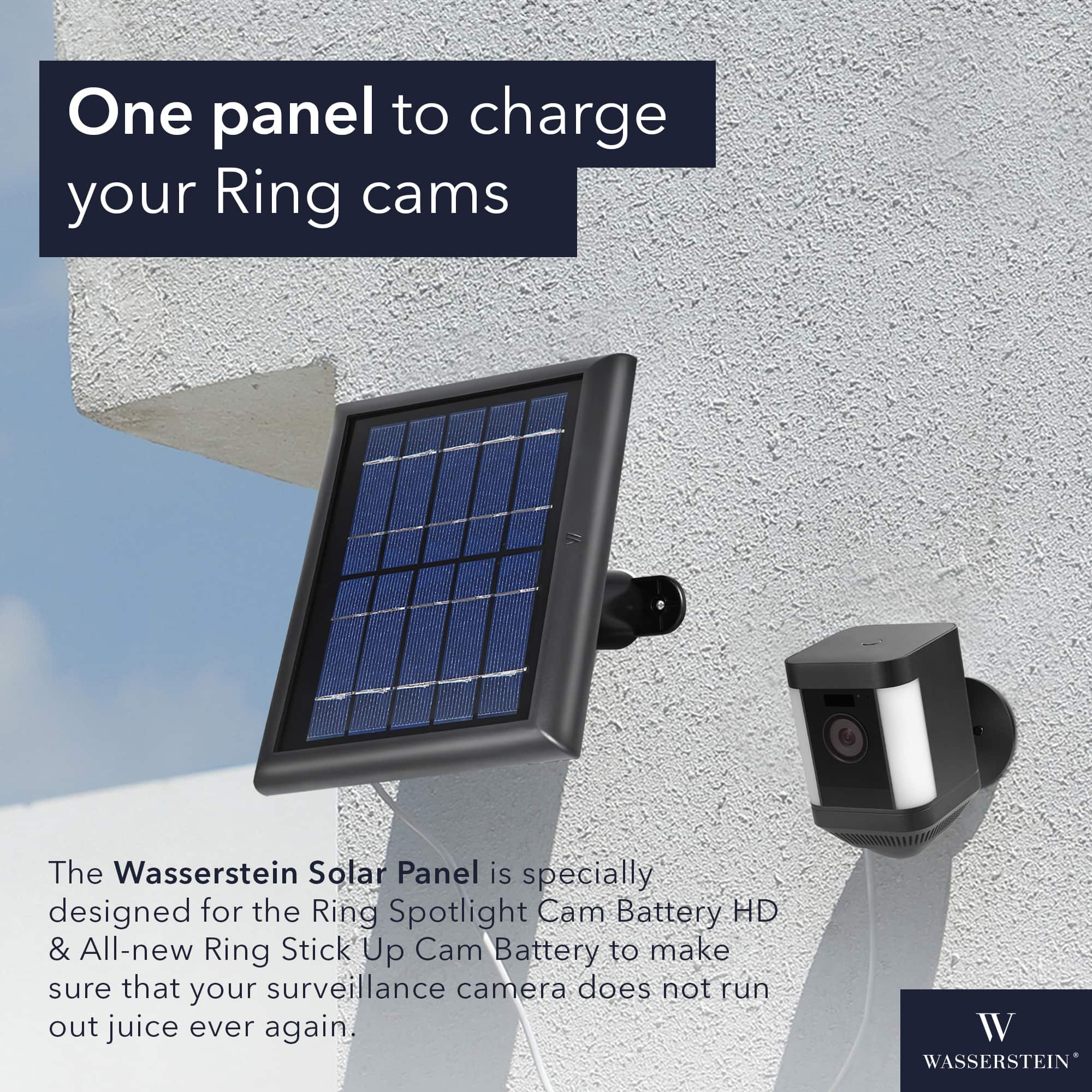
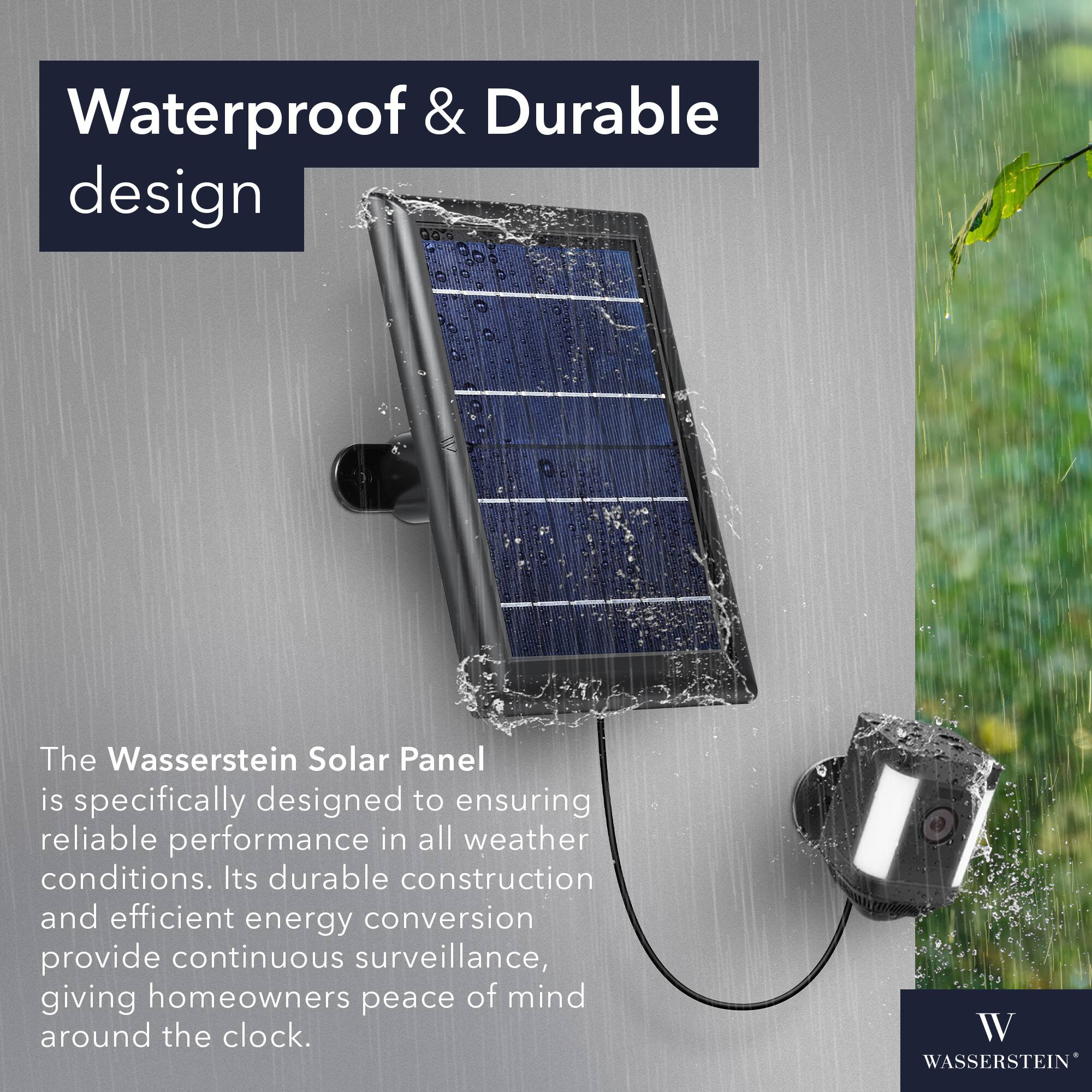
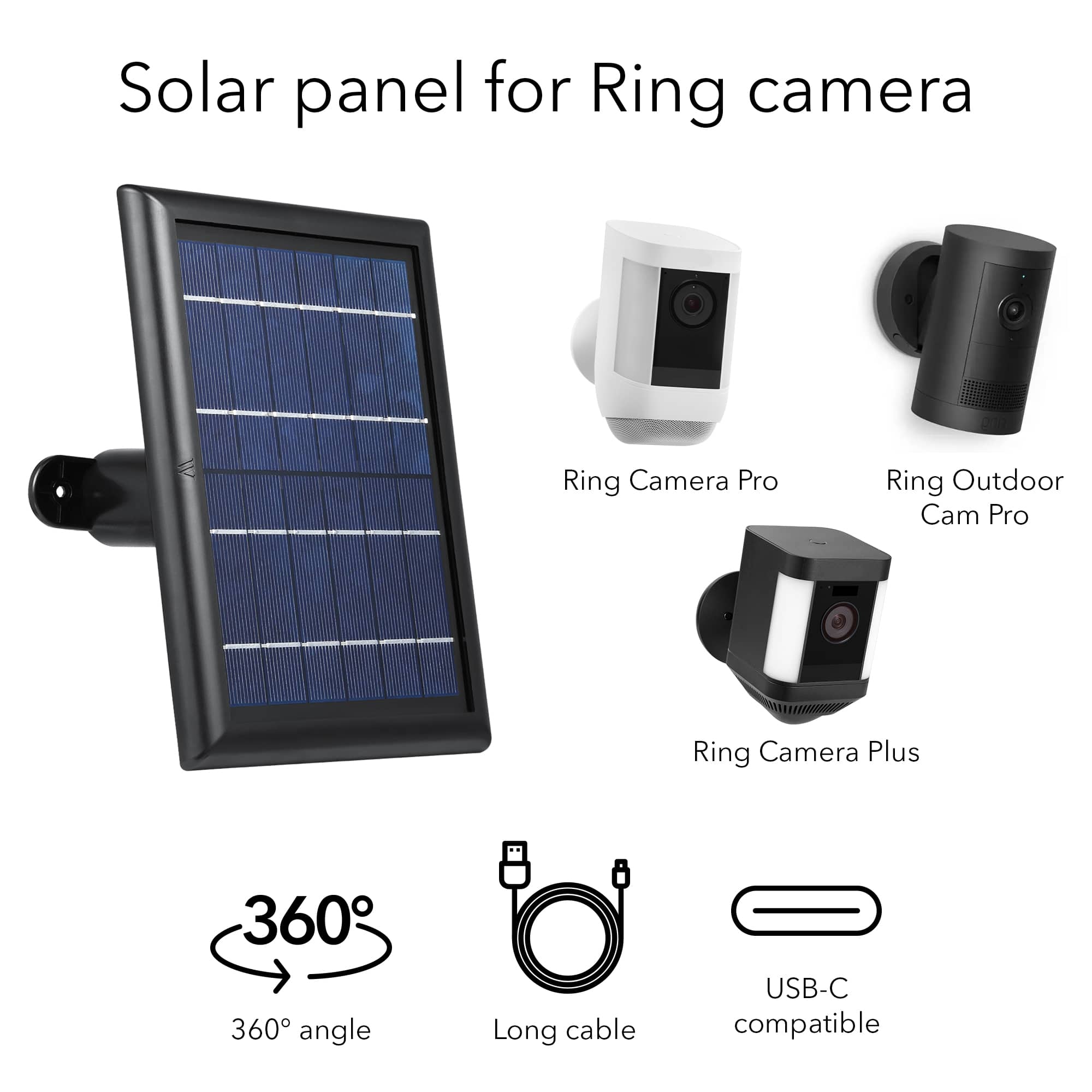
A:AnswerYes, the Wasserstein Solar Panel is compatible with both the Ring Spotlight Camera Battery and the Ring Stick Up Camera Battery. This solar panel is specifically designed to provide continuous power to these wireless cameras, allowing you to keep them charged without the need for manual battery replacements or recharging. The solar panel harnesses sunlight to generate electricity, which is then used to charge the camera's battery. It is a convenient and eco-friendly solution for ensuring that your cameras stay powered and operational.
A:AnswerIt will not work with an extension cord or a longer cable since a longer one will have high energy loss and the solar panel for this camera is already long enough.
A cable that's too long for the job can adversely affect the performance of your heavy-demand tools and appliances and could overheat. In addition, a long extension cord gets in the way, and depending on where you route it, is vulnerable to damage.
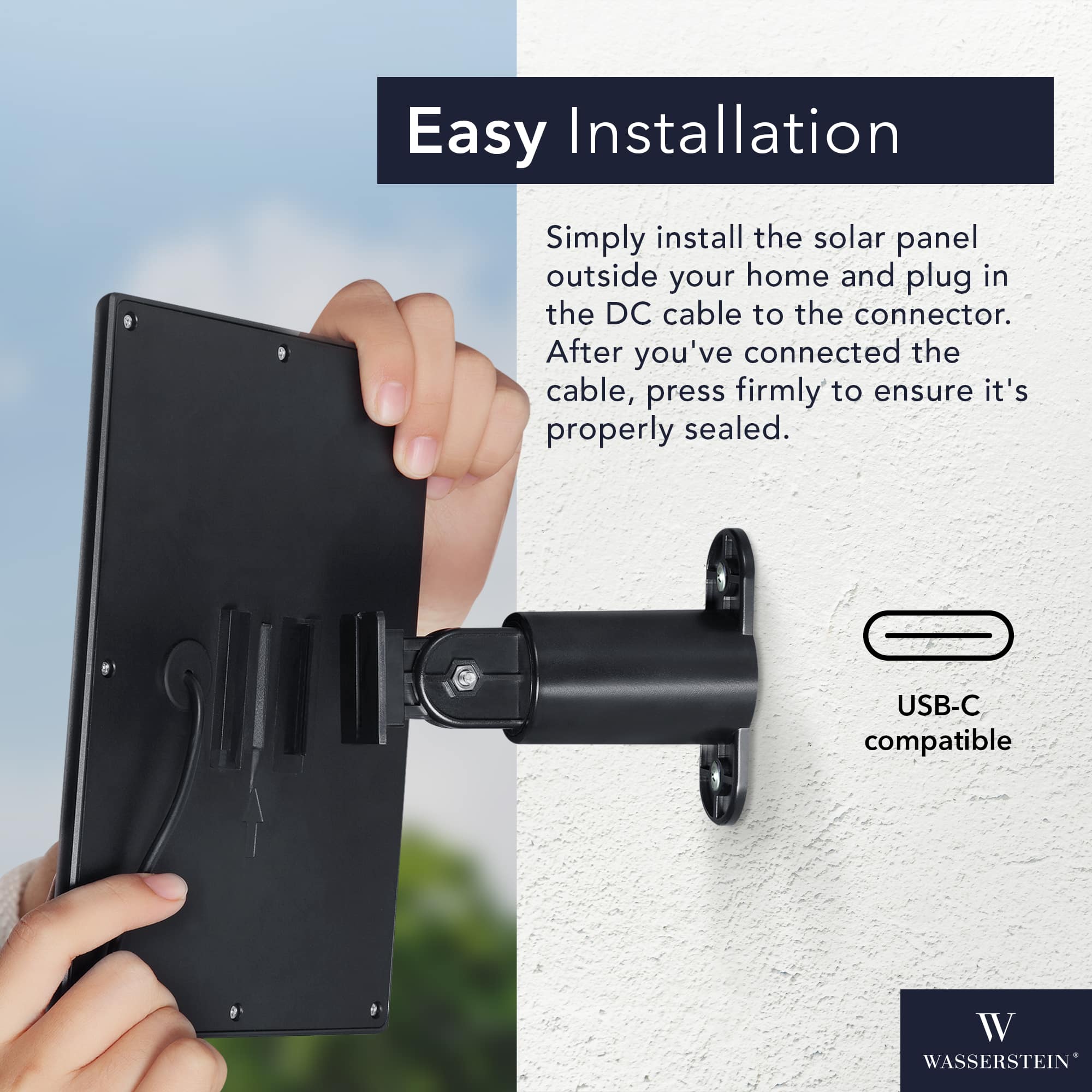
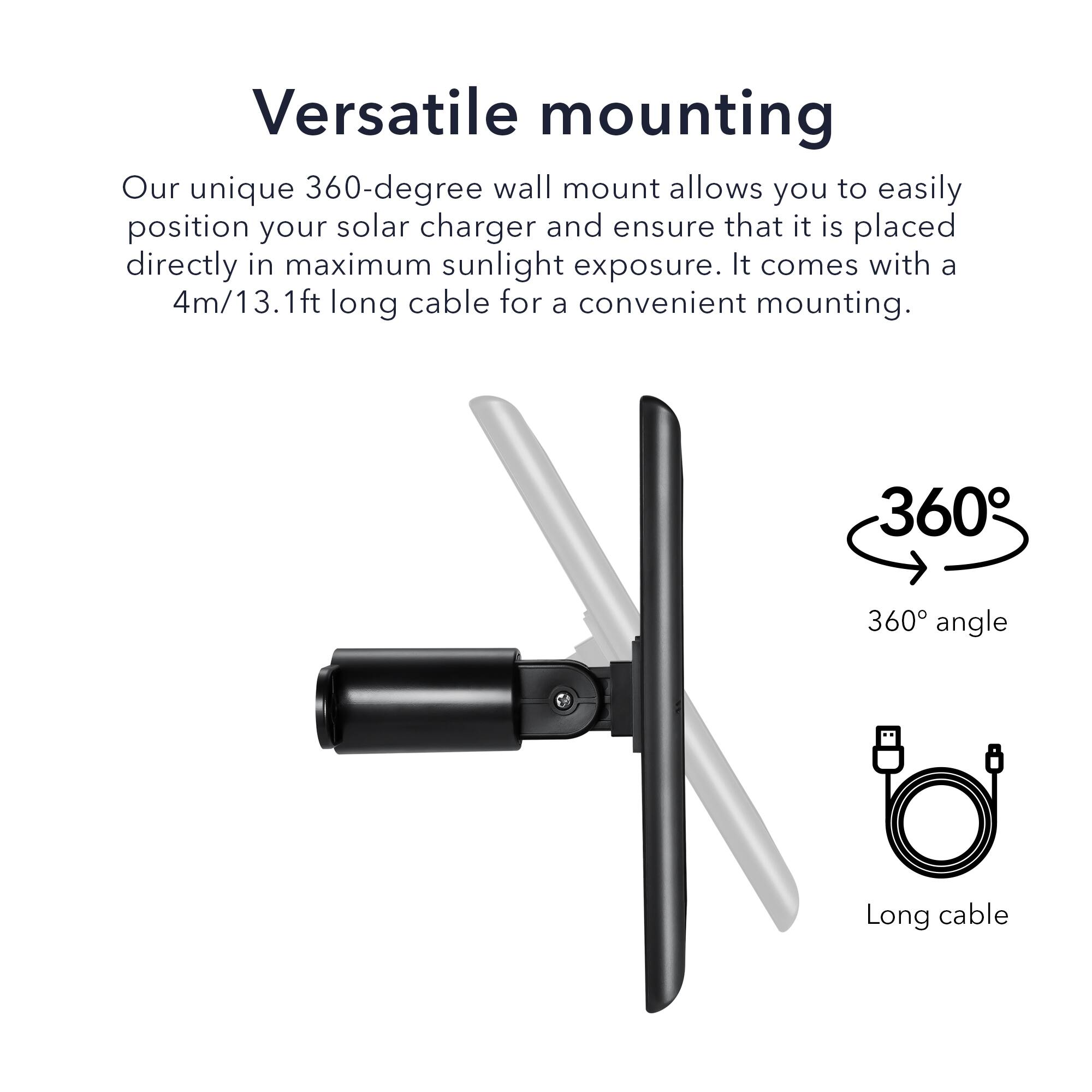
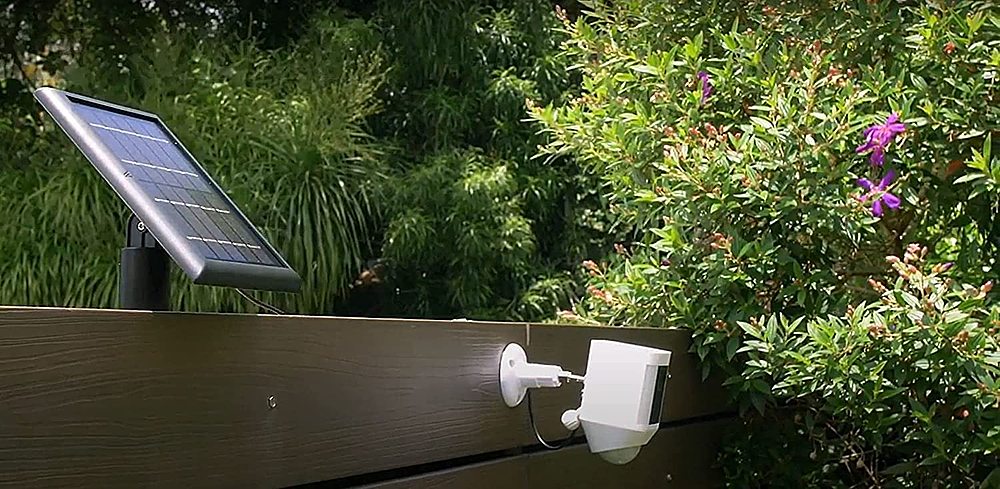
A:AnswerYes it can be. Our unique 360-degree wall mount allows you to easily position your solar charger and ensure that it is placed directly in maximum sunlight exposure.
A:AnswerYes, the Wasserstein Solar Panel for Ring Spotlight Camera Battery and Ring Stick Up Camera Battery should work with the first-generation Ring Stick Up cameras. This solar panel is designed to be compatible with the Ring Stick Up Camera Battery version, which is the same across different generations
A:AnswerHello,
The cable length is 13.1ft (4m).
If you have any more questions or come across any other issues, let us know, we will be happy to help.
Have a great day,
Wasserstein Team
A:AnswerHello,
The solar panel needs to be placed under direct sunlight for it to harvest solar energy which will keep your camera charged.
If you have any more questions or come across any other issues, let us know, we will be happy to help.
Have a great day,
Wasserstein Team
A:AnswerHello,
There is no 3pack available. This product is for 2 pack solar panel only.
If you have any more questions or come across any other issues, let us know, we will be happy to help.
Have a great day,
Wasserstein Team
A:AnswerHello,
No, this Solar Panel is for Ring Spotlight Camera and Ring Stick Up Camera only.
If you have any more questions or come across any other issues, let us know, we will be happy to help.
Have a great day,
Wasserstein Team
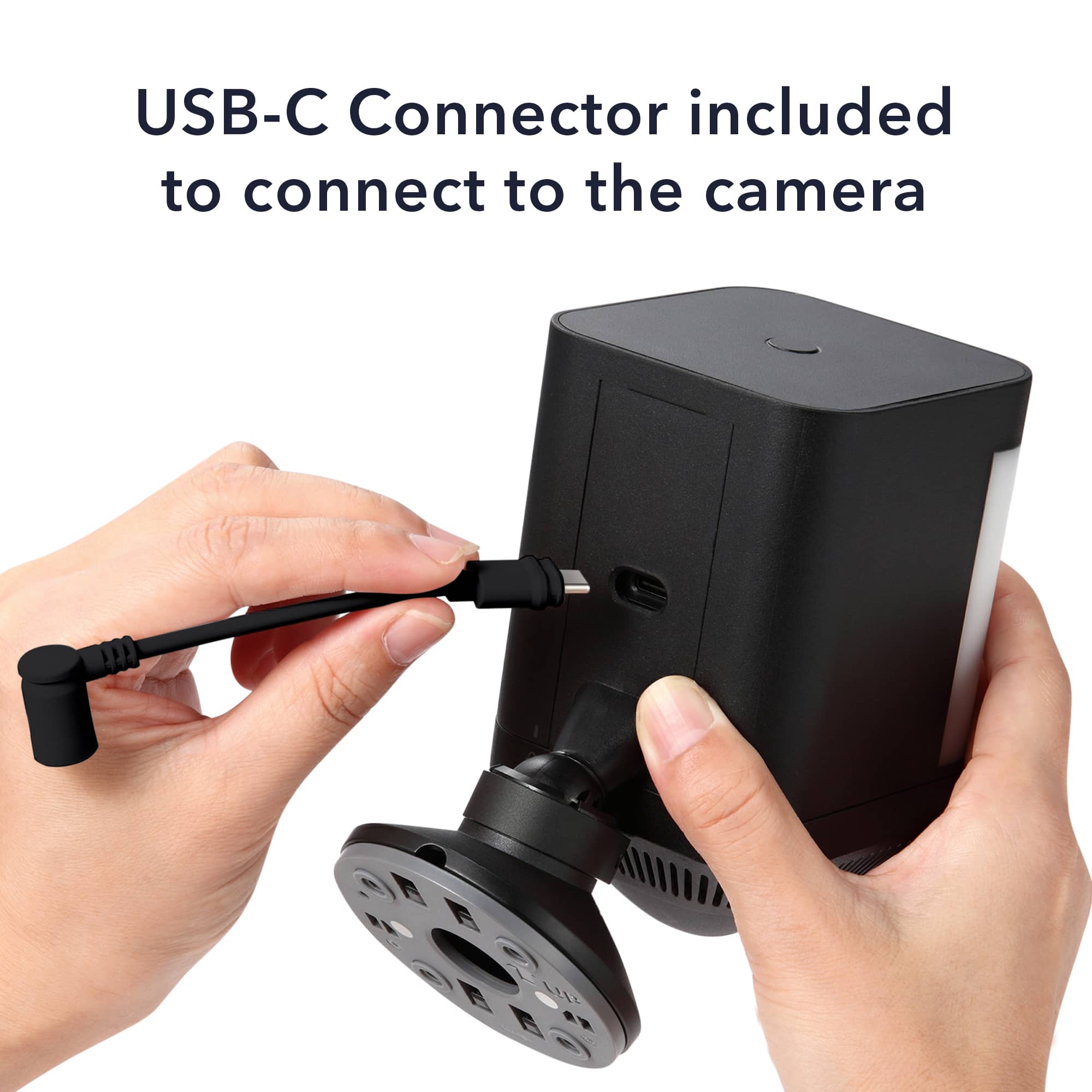
A:AnswerThere is a port on my 2 ring cameras that the solar panel plugs into. They also have batteries that I can take out to charge as well if I wanted to.