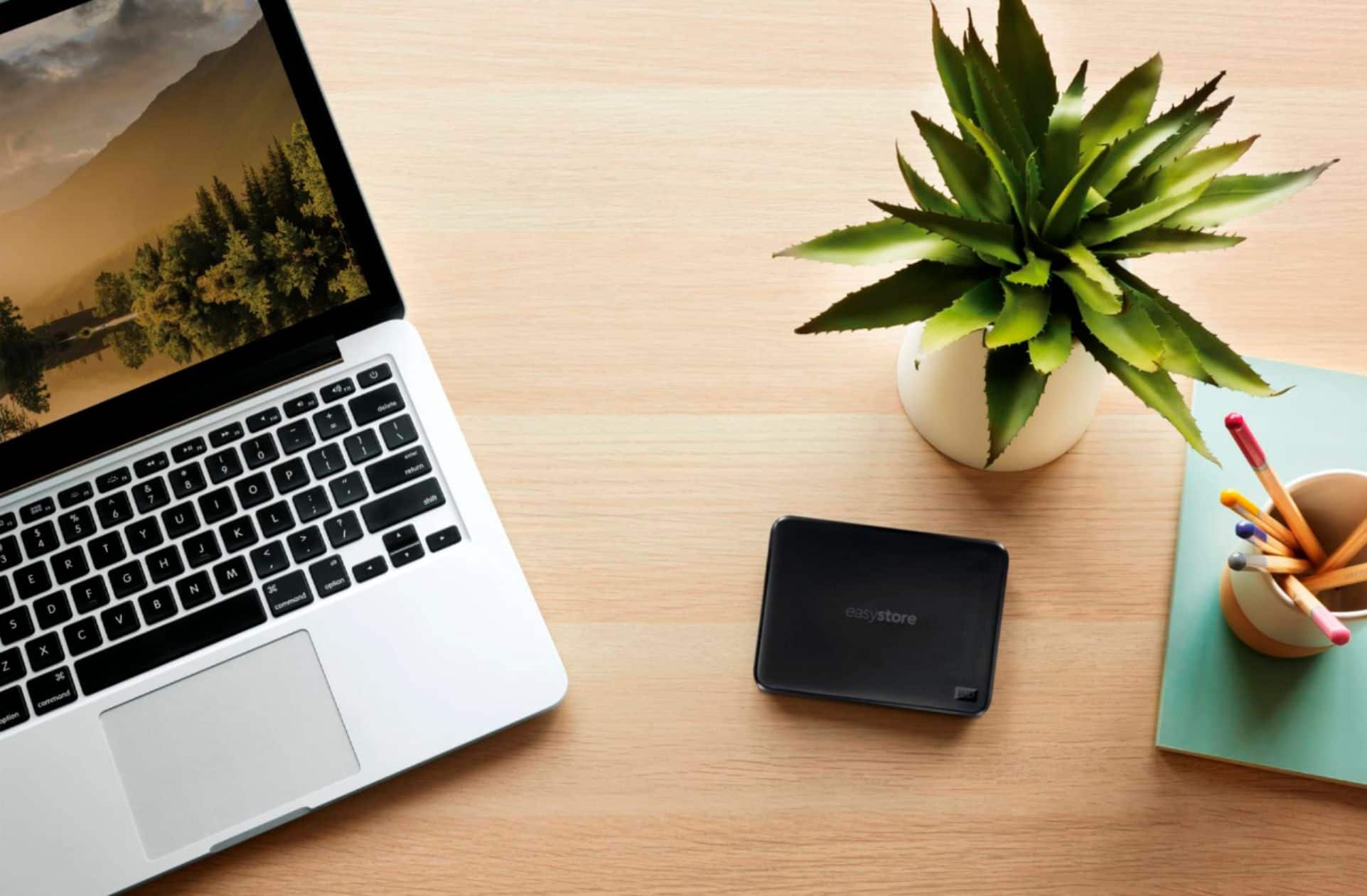
A:AnswerHi jack, Please be informed that the WD Easystore drive is a plug and play storage device tested and designed for Windows and Mac computers for seamless operation. Need Help? Please see our "'Contact Us" page for information.
A:AnswerHi Agnes, Please be informed that the WD Easystore drive is a plug and play device tested and designed for Windows and Mac computers for seamless operation. To know more about the drive refer link- http://products.wdc.com/library/AAG/ENG/4078-705145.pdf Need Help? Please see our "'Contact Us" page for information.
A:AnswerHi Multipurpose, Please be informed that the WD Easystore drive is a plug and play external device which is tested and designed for Windows and Mac computers. You can reformat the drive in exFat format to use it with macOS and Windows. But to check the compatibility with PS4 we recommend you to contact the device manufacturer and also to know the supportive file system format. To know more about the drive refer to the link: http://products.wdc.com/library/AAG/ENG/4078-705145.pdf -Need Help? Please see our "'Contact Us" page for information.
A:AnswerHi 4859, Please be informed that the WD Easystore drive is a plug and play External USB Drive. To know more about the drive refer link- http://products.wdc.com/library/AAG/ENG/4078-705145.pdf Need Help? Please see our "'Contact Us" page for information.
A:AnswerHi tweety1952, Please be informed that the WD Easystore drive is a plug and play device tested and designed for Windows and Mac computers for seamless operation. To know more about the drive refer link- http://products.wdc.com/library/AAG/ENG/4078-705145.pdf Need Help? Please see our "'Contact Us" page for information.
A:AnswerHi gsr852, Please be informed that the WD Backup is an application which automatically stores a copy of your files, photos, and documents with on premise backups to a WD drive as primary storage. It can also restore previous backups to your computer. For all queries related to WD Backup refer the below link- https://support-en.wd.com/app/answers/detail/a_id/12279 Need Help? Please see our "'Contact Us" page for information.
A:AnswerHi bird09, Please be informed that the WD Easystore drive is a plug and play external device which is tested and designed for Windows and Mac computers. Moving data manually to the drive depends on the user that when and how much data want to move. In the case of backup the backup application gives you the option of different kind of backups. To know more about the drive refer to the link: http://products.wdc.com/library/AAG/ENG/4078-705145.pdf -Need Help? Please see our "'Contact Us" page for information.
A:AnswerHi Connor, Please be informed that the WD Easystore drive is a plug and play External Portable Hard Drive. You cannot use an external hard drive with a Nintendo Switch console. Need Help? Please see our "'Contact Us" page for information.
A:AnswerHi Ichiban, Please be informed that the WD Easystore drive is a plug and play device tested and designed for Windows and Mac computers for seamless operation. The drive uses USB 3.0 Type-A interface and it is backward compatible. We recommend you to contact your device manufacturer to get the information about the compatibility with your device. To know more about the drive refer to the link- http://products.wdc.com/library/AAG/ENG/4078-705145.pdf -Need Help? Please see our "'Contact Us" page for information.
A:AnswerHi zsmitty, Please be informed that the WD Easystore drive is a plug and play device tested and designed for Windows and Mac computers for seamless operation. The drive comes with a USB 3.0 Type-A interface cable. To know more about the drive refer link- http://products.wdc.com/library/AAG/ENG/4078-705145.pdf -Need Help? Please see our "'Contact Us" page for information.
A:AnswerHi Dee, Please be informed that the WD Easystore drive is a plug and play device tested and designed for Windows and Mac computers for seamless operation. To know more about the drive refer link- http://products.wdc.com/library/AAG/ENG/4078-705145.pdf Need Help? Please see our "'Contact Us" page for information.
A:AnswerHi SS, No the drive is not Wireless. WD Easystore drive is a plug and play device that comes with a USB 3.0 cable. Please refer the User Manual for the drive- http://products.wdc.com/library/?id=1542&type=25&cn=4779-705168&lang=enNeed Help? Please see our "'Contact Us" page for information.
A:AnswerHi, Please be informed that the WD Easystore drive is a plug and play device tested and designed for Windows and Mac computers for seamless operation. Need Help? Please see our "'Contact Us" page for information.
A:AnswerHi, Please be informed that the WD Easystore drive is a plug and play device tested and designed for Windows and Mac computers for seamless operation. Need Help? Please see our "'Contact Us" page for information.
A:AnswerHi, Please be informed that the WD Easystore drive is a plug and play device tested and designed for Windows and Mac computers for seamless operation. However, Western Digital drives are not tested with the vendor end of life operating systems and are optimized for more recent versions of OS.Need Help? Please see our "'Contact Us" page for information.
A:AnswerHi, Please be informed that the WD My Passport for Mac drive is a plug and play device tested and designed for Mac computers for seamless operation. However, Western Digital drives are not tested with the vendor end of life operating systems and are optimized for more recent versions of OS.Need Help? Please see our "'Contact Us" page for information.
A:AnswerHi, Please be informed that the WD Easystore drive is a plug and play device tested and designed for Windows and Mac computers for seamless operation. However, Western Digital drives are not tested with the vendor end of life operating systems and are optimized for more recent versions of OS.Need Help? Please see our "'Contact Us" page for information.