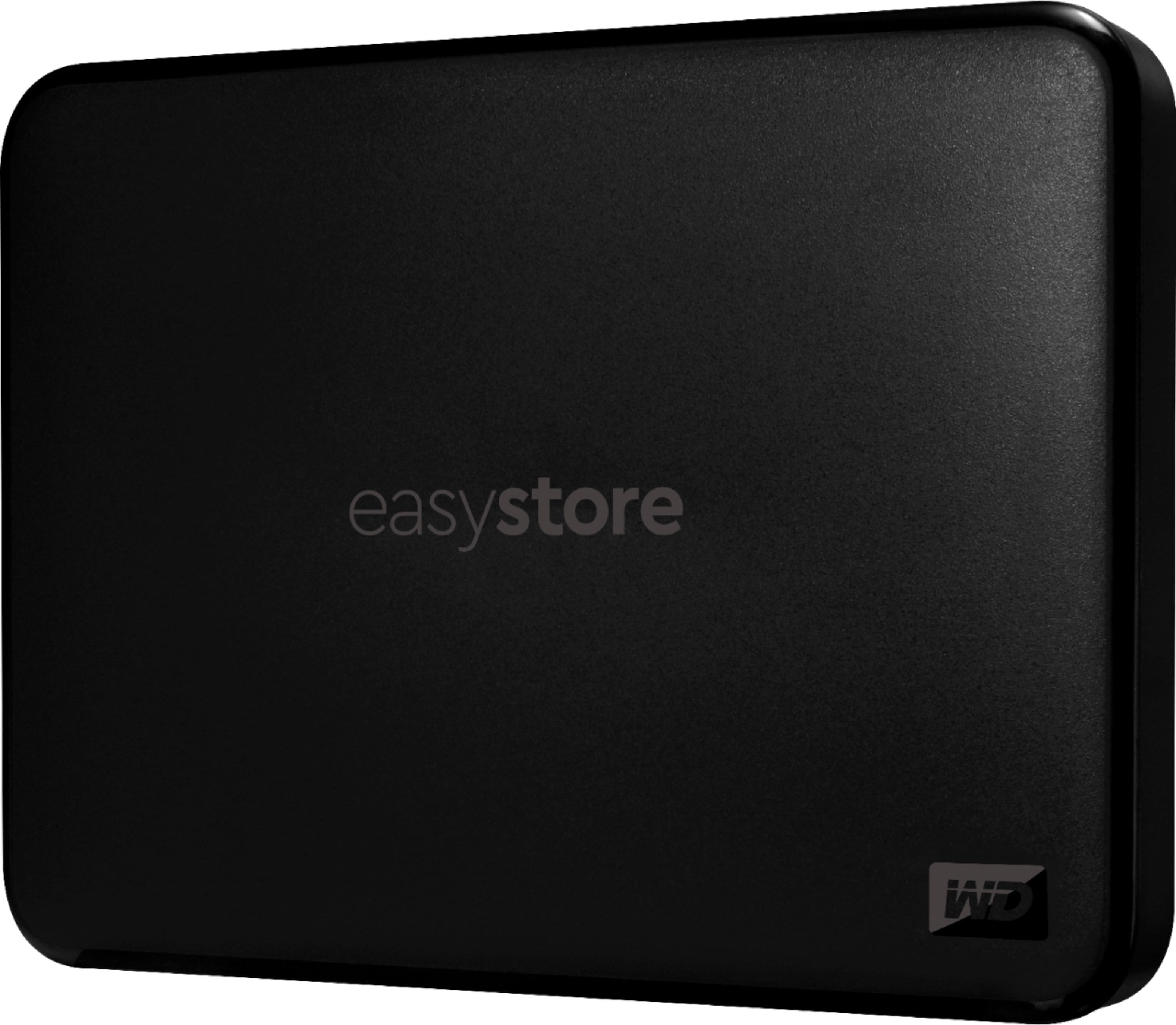
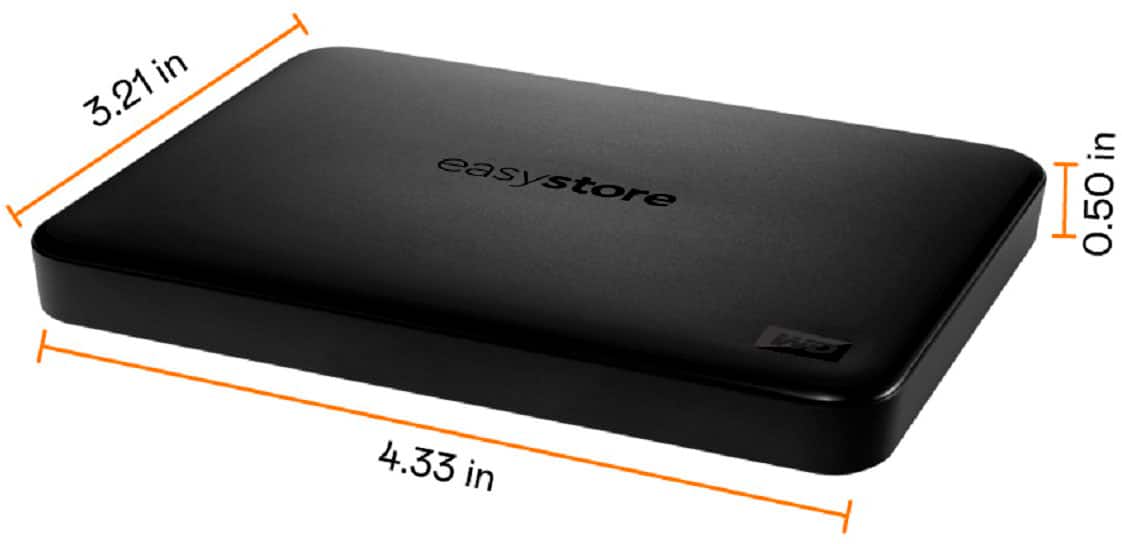
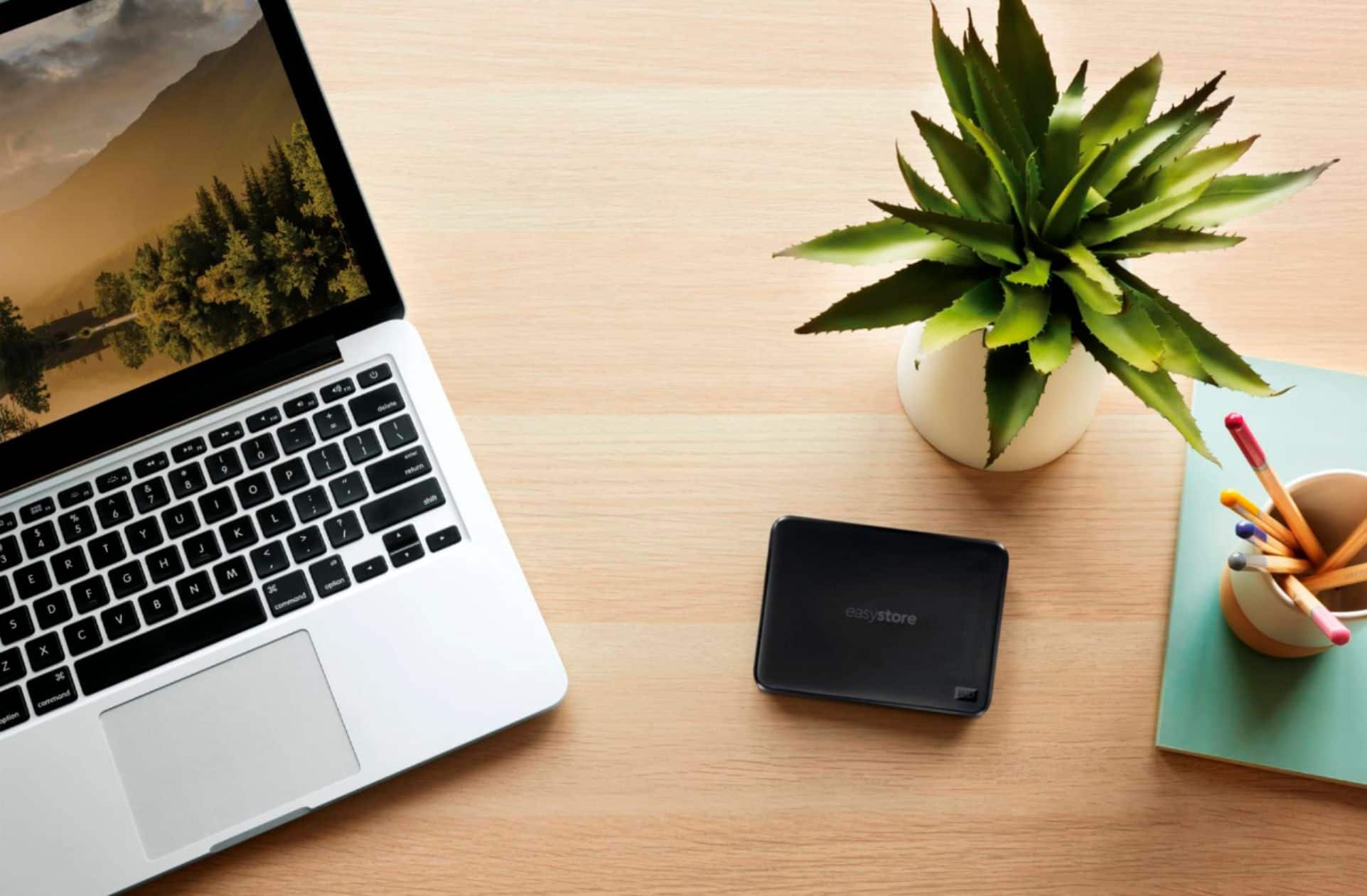
A:AnswerOnce you have finished copying and or pasting to the data from the SD Card to the hard drive, open the hard drive file you placed it, and see if the transferred data is present. If not you do not see the transferred items on the hard drive, you did not transfer it correctly.
A:AnswerThe format of recordings determine the size of a file it makes when it records. Once you know the size of the recorded file file you will be able to make the determination as to how much recorded data can be installed on the hard drive. Remember there is a small file of data used by the hard drive for it to operate, but should not be enough to cause a loss of storage room.
A:AnswerYes. I've got 1 hooked up to an Xbox One S and two now hooked up to the new Series S Xboxes. All work great and the USB 3.0 speeds are fast and don't seem to cause any delays in gaming.