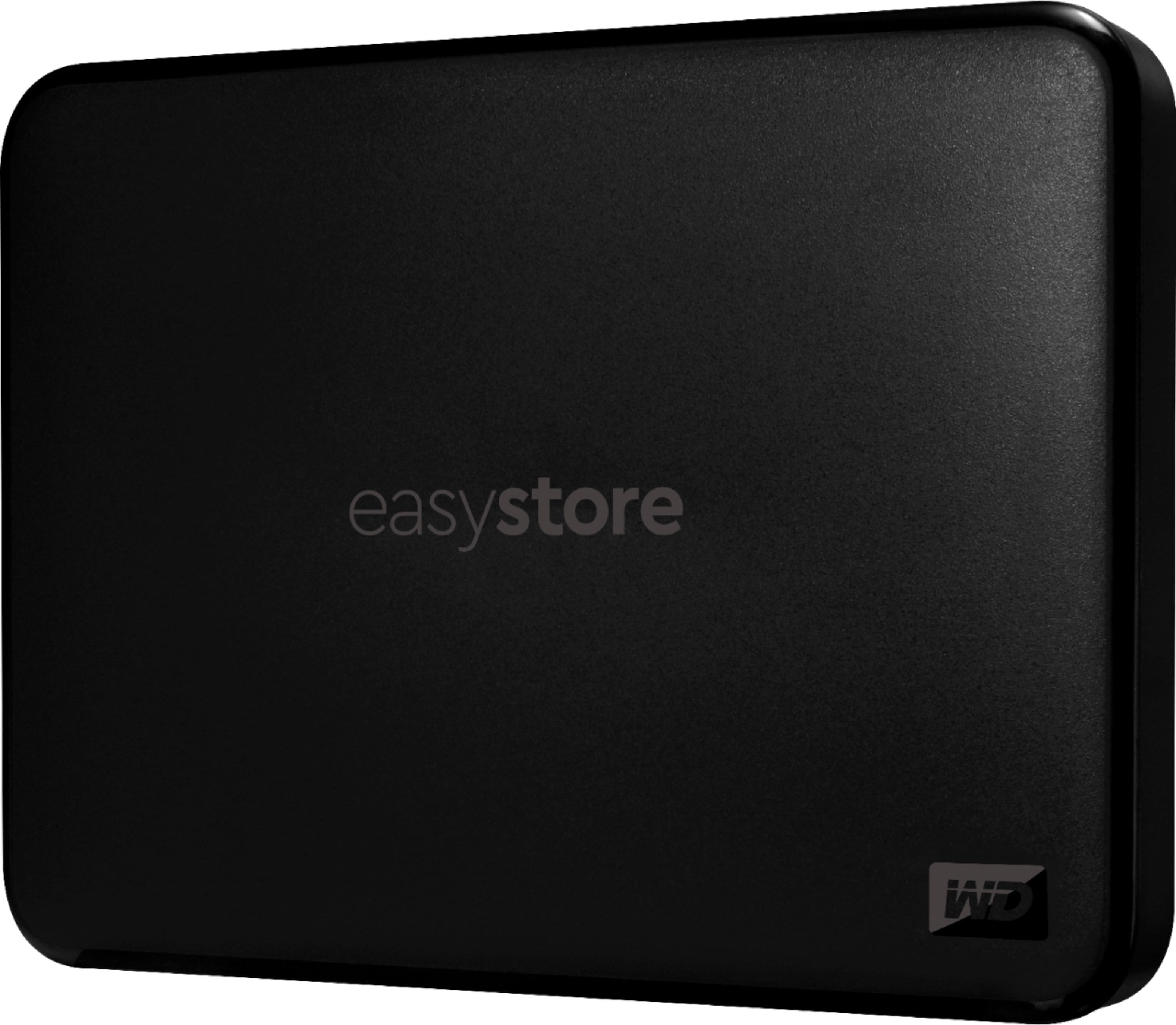
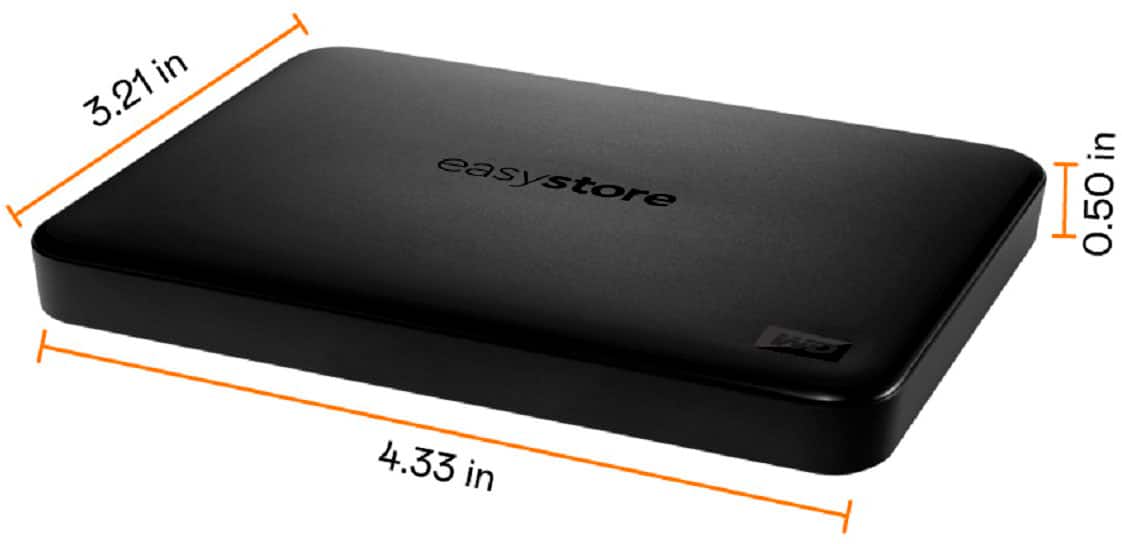
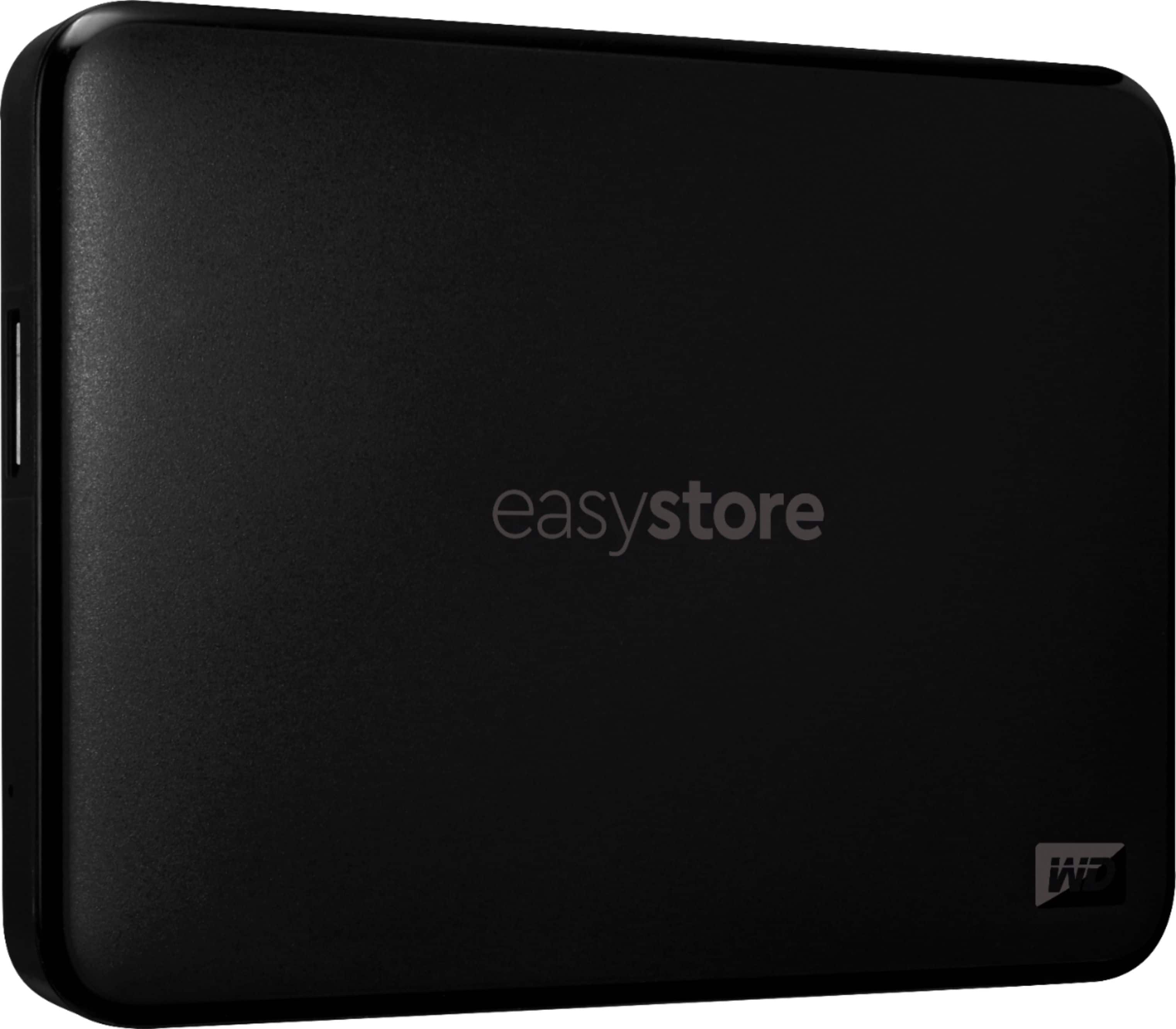
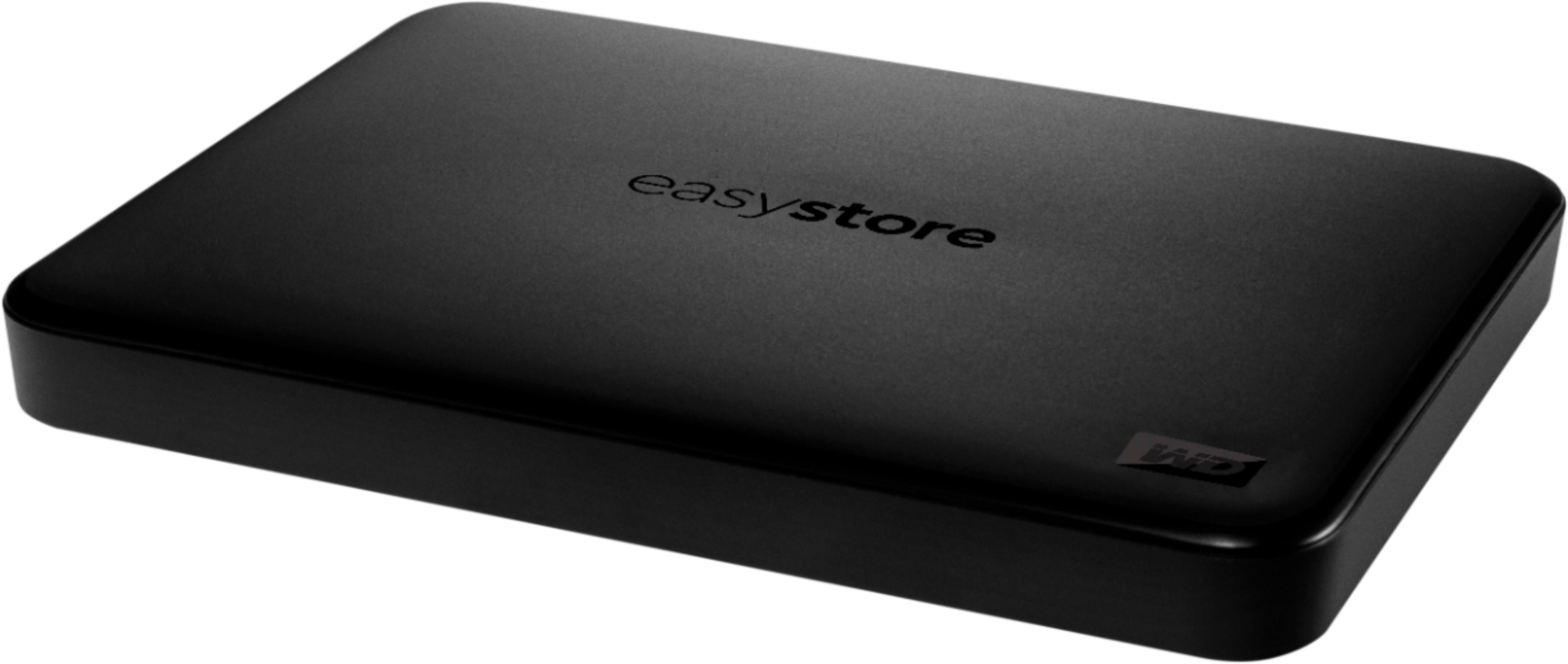
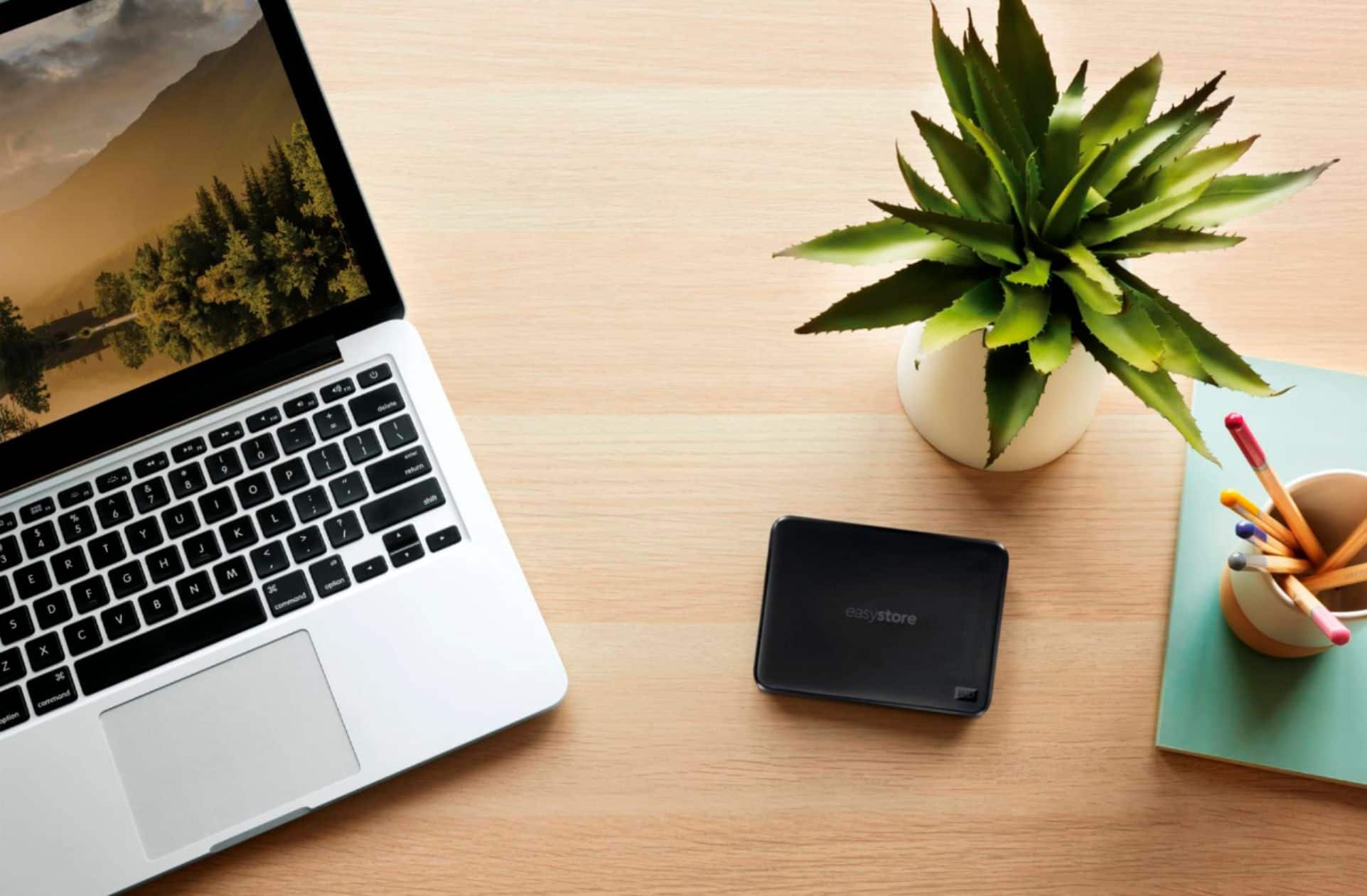
A:AnswerHi Justin, Please be informed that the WD Easystore drive is a plug 'n' play device tested and designed for Windows and Mac computers. The easystore portable drive is both USB 3.0 ready and USB 2.0 compatible. It comes with USB 3.0 Type-A cable. For the information about the drive and specifications please contact our online store support: https://shop.westerndigital.com/ -Need Help? Please see our "'Contact Us" page for information.
A:AnswerHello Herb, we apologize for the inconvenience. Unfortunately, Western Digital considers Internal WD product components confidential and we cannot disclose this information. For assistance, please submit a support ticket (https://support-en.wd.com/app/ask) so we can better assist you.
A:AnswerI'm not sure if 3.0 work with XP but maybe just you need check the update on your laptop, the hard drive internal software should work without any problem with Windows 7 (Plug & Play)
A:AnswerIt’s super easy, just connect to the USB port on the left side of the Xbox one and you’re connected. You may need to format the drive but you can do that in the settings on the Xbox. Works great!
A:AnswerHi Zopie,
The answer is a resounding yes to your question. By plugging this device into the usb port located in front of your PS4 and leaving it attached, you are able to store more games onto this external hard drive and play them, too. When plugging this device into the ps4, it will prompt you to format the hard drive to be compatible in downloading ps4 games as well as running the ps4 operating system. Don't worry about this process as it'll only take a couple of minutes at the most if not seconds.