A:AnswerHi Rmont76, Yes the My Passport drive can be formatted to the FAT32 file format. Please refer to the link mentioned below for more information "How to Format a WD hard drive to exFAT or FAT32 File System" https://support-en.wd.com/app/answers/detail/a_id/20821 Need Help? Please see our "'Contact Us" page for information
A:AnswerHi Wildwest, We have not tested this drive with DVR systems. Moreover, you can consider our WD Purple surveillance drive. Please refer to the link given below to know more about WD Purple surveillance drive. https://shop.westerndigital.com/products/internal-drives/wd-purple-sata-hdd#WD10PURZ Need Help? Please see our "'Contact Us" page for information.
A:AnswerHi Nini, The WD My passport drive is designed to be used with Windows or Mac OS. We recommend using "WD GAMING DRIVE ACCELERATED FOR XBOX" to be used on the Xbox console. Please refer to the link mentioned below for more information. WD GAMING DRIVE ACCELERATED FOR XBOX: https://documents.westerndigital.com/content/dam/doc-library/en_us/assets/public/wd/product/portable/wgdxbox1/4078-705152.pdf Need Help? Please see our "'Contact Us" page for information
A:AnswerHi,
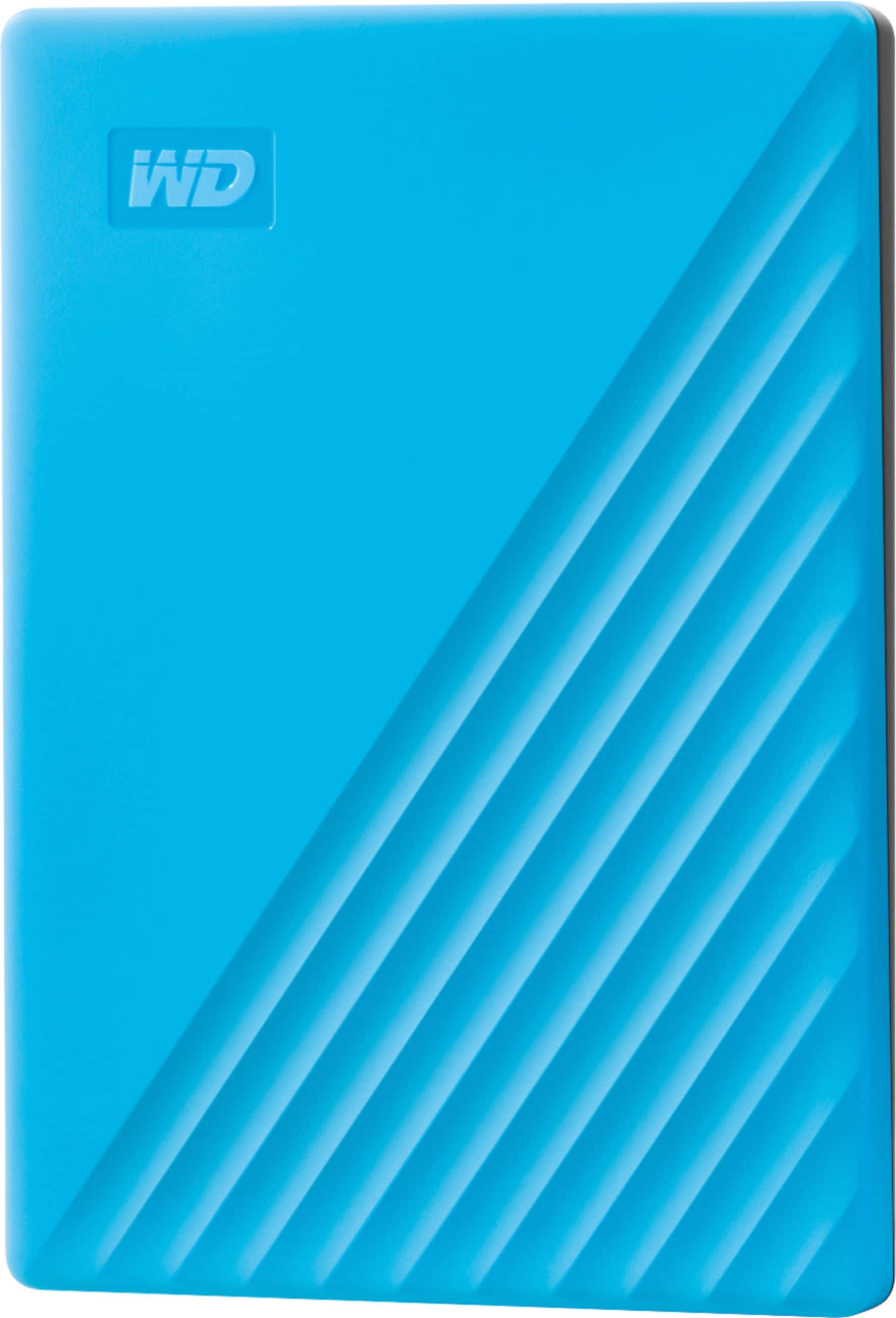
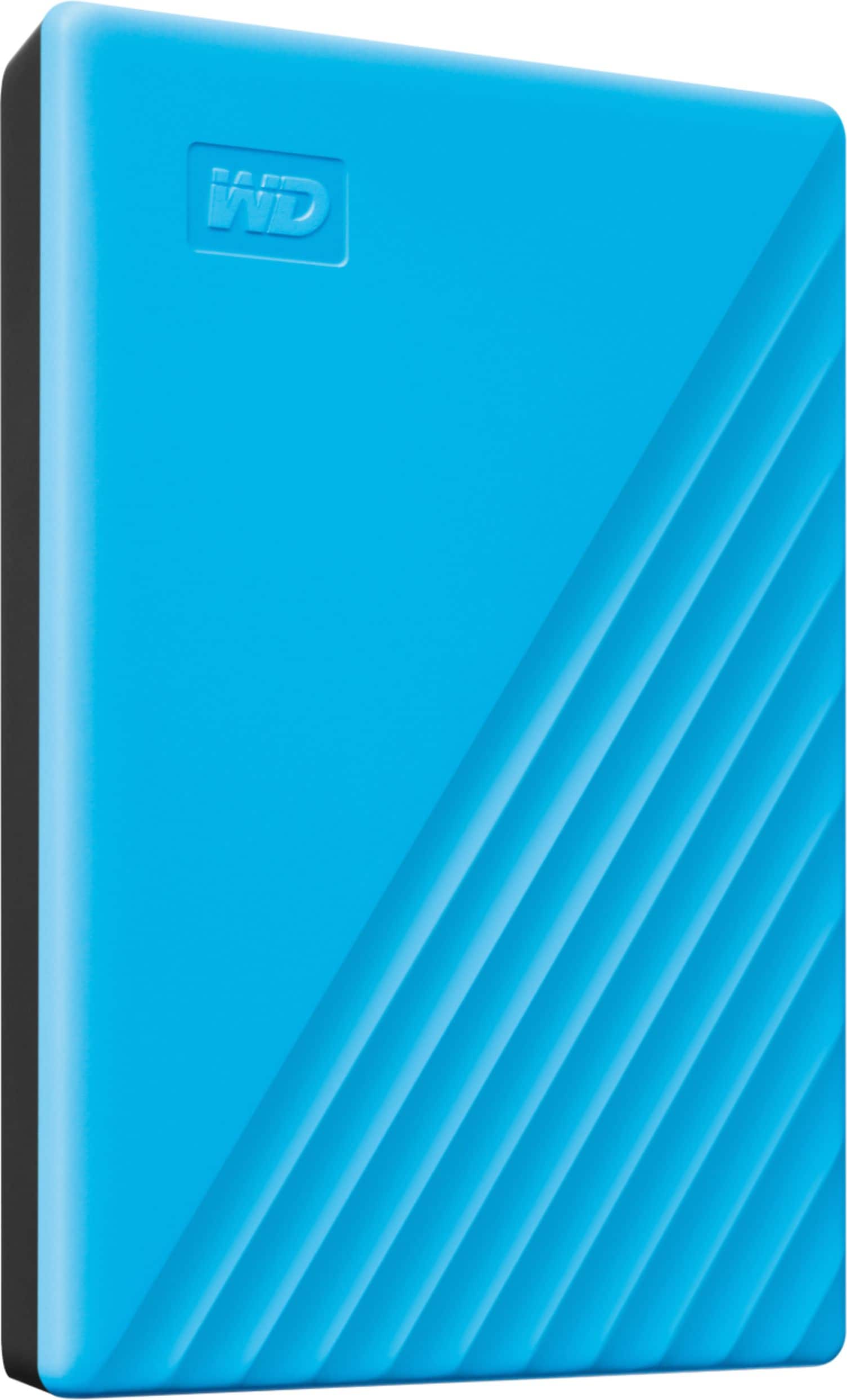
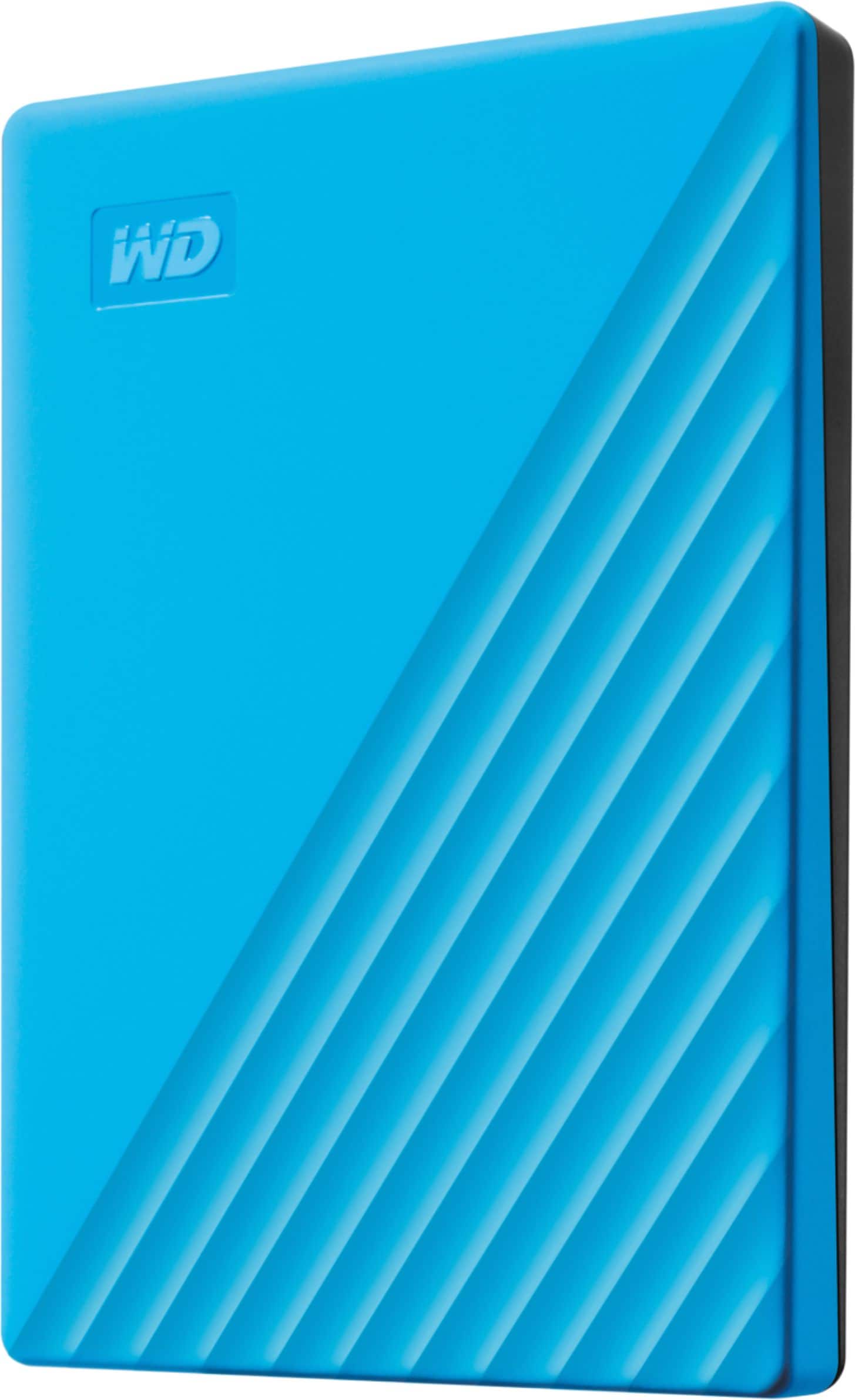
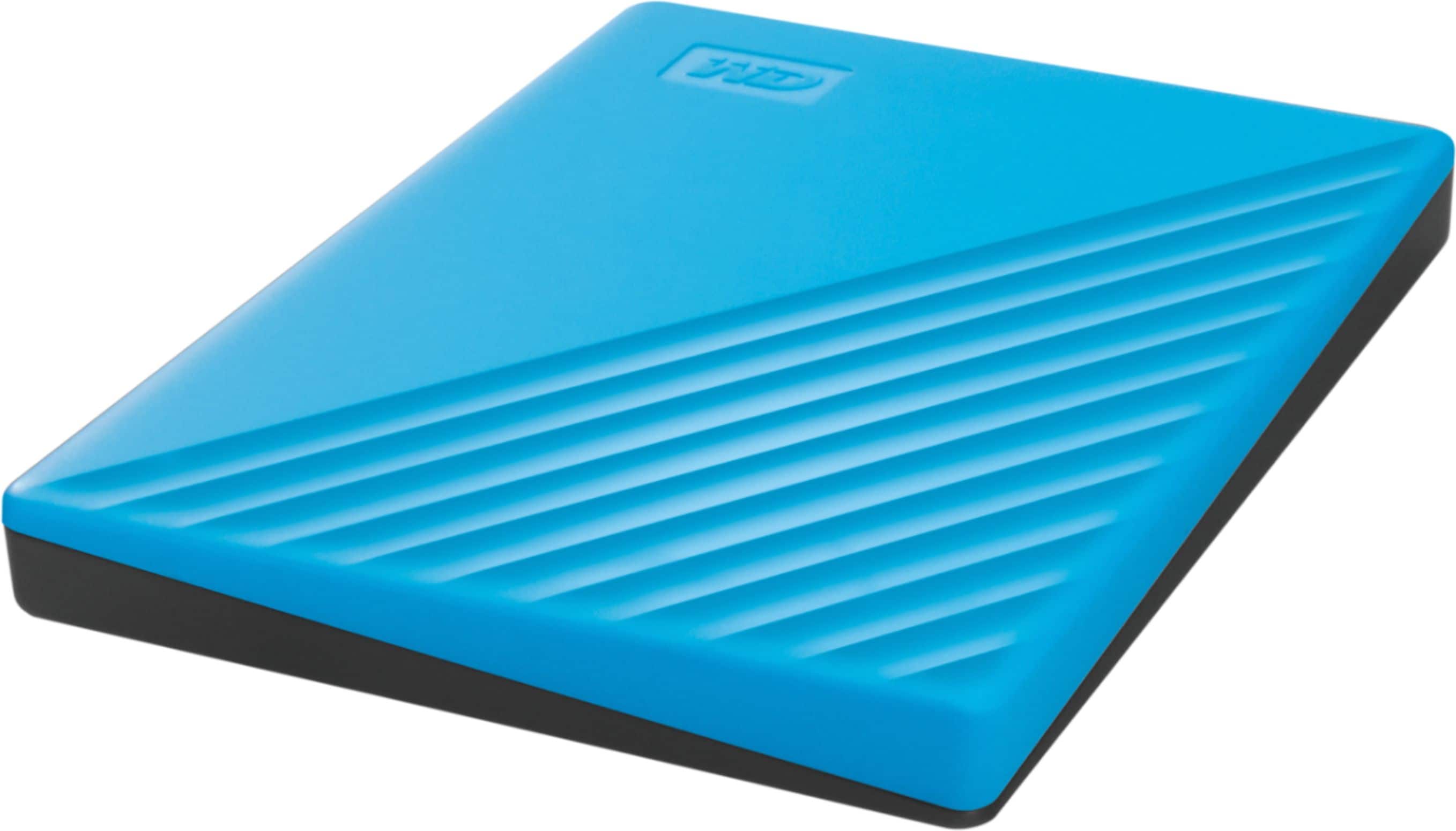
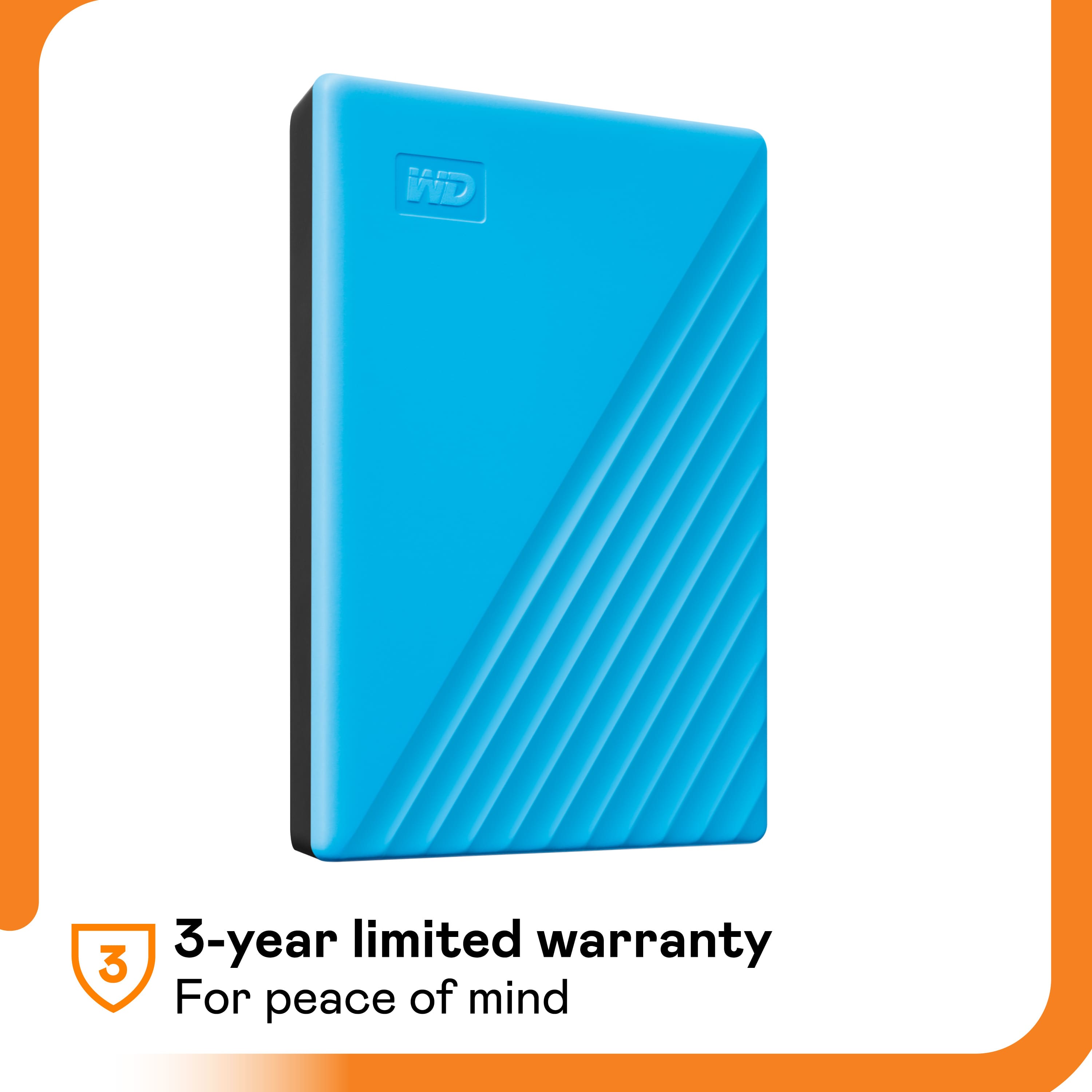
The My Passport drive is trusted, portable storage made durable for long-term reliability. On top of that, it comes with a 3-year limited warranty.
It comes preformatted in NTFS file system for Windows computer. It is best your drive to be re-formatted in macOS Extended (Journaled) file format, to be compatible with Time Machine or exFAT to be read/write ready on both Windows and macOS.
How to Format a WD Drive on Windows and macOS":
https://support-en.wd.com/app/answers/detail/a_id/8200
Need Help? Please see our "'Contact Us" page for information.
A:AnswerHi leep,
Please be informed that the WD Easystore drive is a plug and play external drive tested and designed only for Windows and Mac computers for seamless operation.
Need Help? Please see our "'Contact Us" page for information.
A:AnswerHi StuckwithMacPro, The WD My Passport drive comes pre-formatted for Windows computer. The hard drive can be reformatted in the supported file system for Mac OS by following simple steps mentioned in the link mentioned below: Reformatting Required for Mac OS Compatibility: https://support-en.wd.com/app/answers/detail/a_id/3879 Need Help? Please see our "'Contact Us" page for information.
A:AnswerHi unclemo,
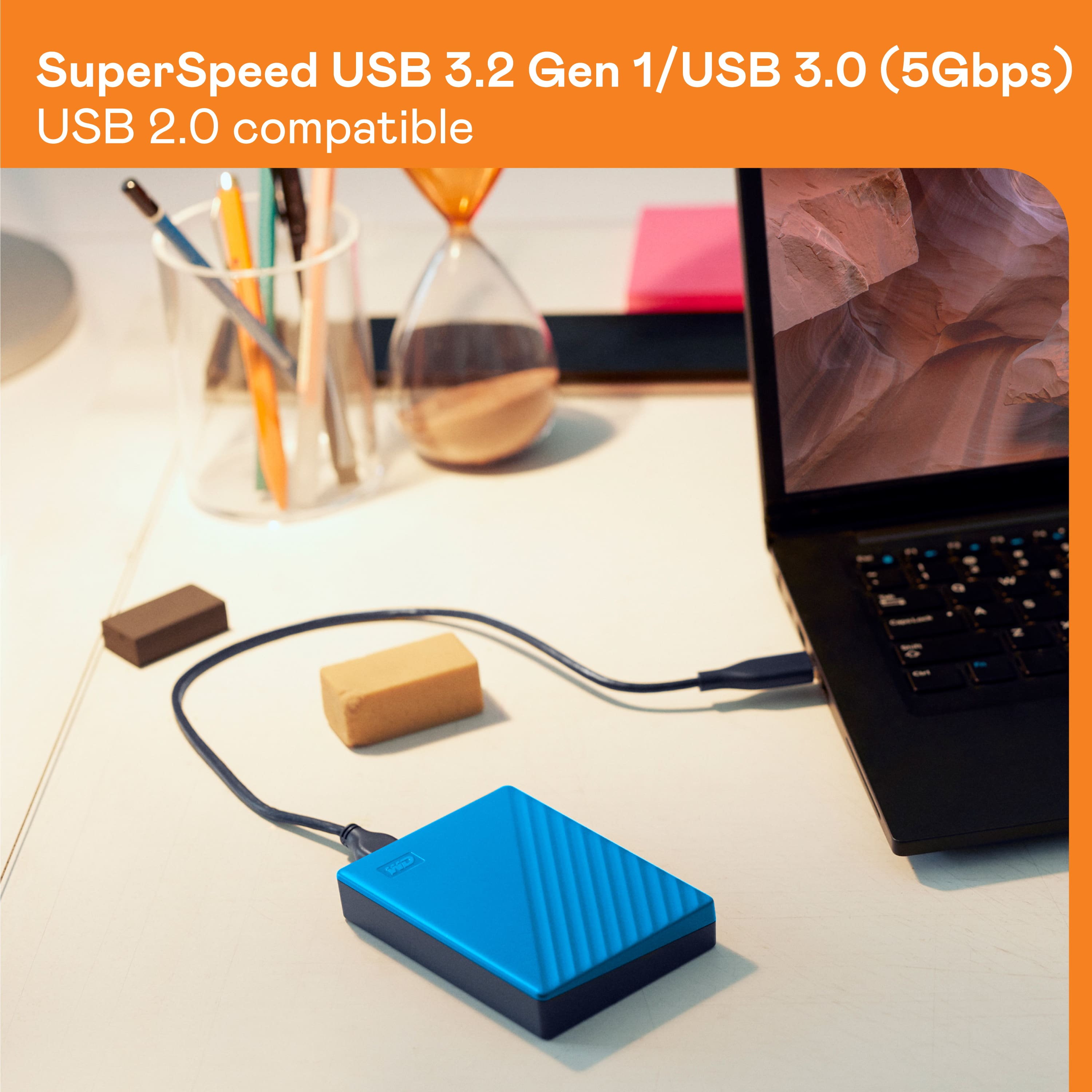
Please know that the WD My Passport supports USB 3.0, USB 2.0, and USB 3.2 Gen 1 (Superspeed USB) interfaces.
Need Help? Please see our "'Contact Us" page for information.
A:AnswerHi max, We have not tested the hard drive with Gaming consoles. We will recommend you to use WD GAMING DRIVE which is specifically designed to be used with PS4. Please refer to the link mentioned below for more information. WD GAMING DRIVE: http://products.wdc.com/library/AAG/ENG/4078-705139.pdf Need Help? Please see our "'Contact Us" page for information.
A:AnswerHi Garrett,
Please be informed that the WD My passport drive is a plug and play device tested and designed only for Windows and Mac computers for seamless operation.
Need Help? Please see our "'Contact Us" page for information.
A:AnswerHi MasJC,
This questions would be better answered by Microsoft as we do not have information about this issue.
Moreover, to know more about this drive you can refer to the link given below.
https://shop.westerndigital.com/en-us/products/portable-drives/wd-my-passport-usb-3-0-hdd
Need Help? Please see our "'Contact Us" page for information
A:AnswerHi Sora,
The WD My Passport drive is a plug and play device which comes preformatted in NTFS file system for Windows computer. It is best your WD My Passport to be re-formatted in macOS Extended (Journaled) file format, to be compatible with Time Machine or exFAT to be read/write ready on both Windows and macOS.
How to Format a WD Drive on Windows and macOS":
https://support-en.wd.com/app/answers/detail/a_id/8200
Need Help? Please visit our "'Contact Us" page.
A:AnswerHi Chris,
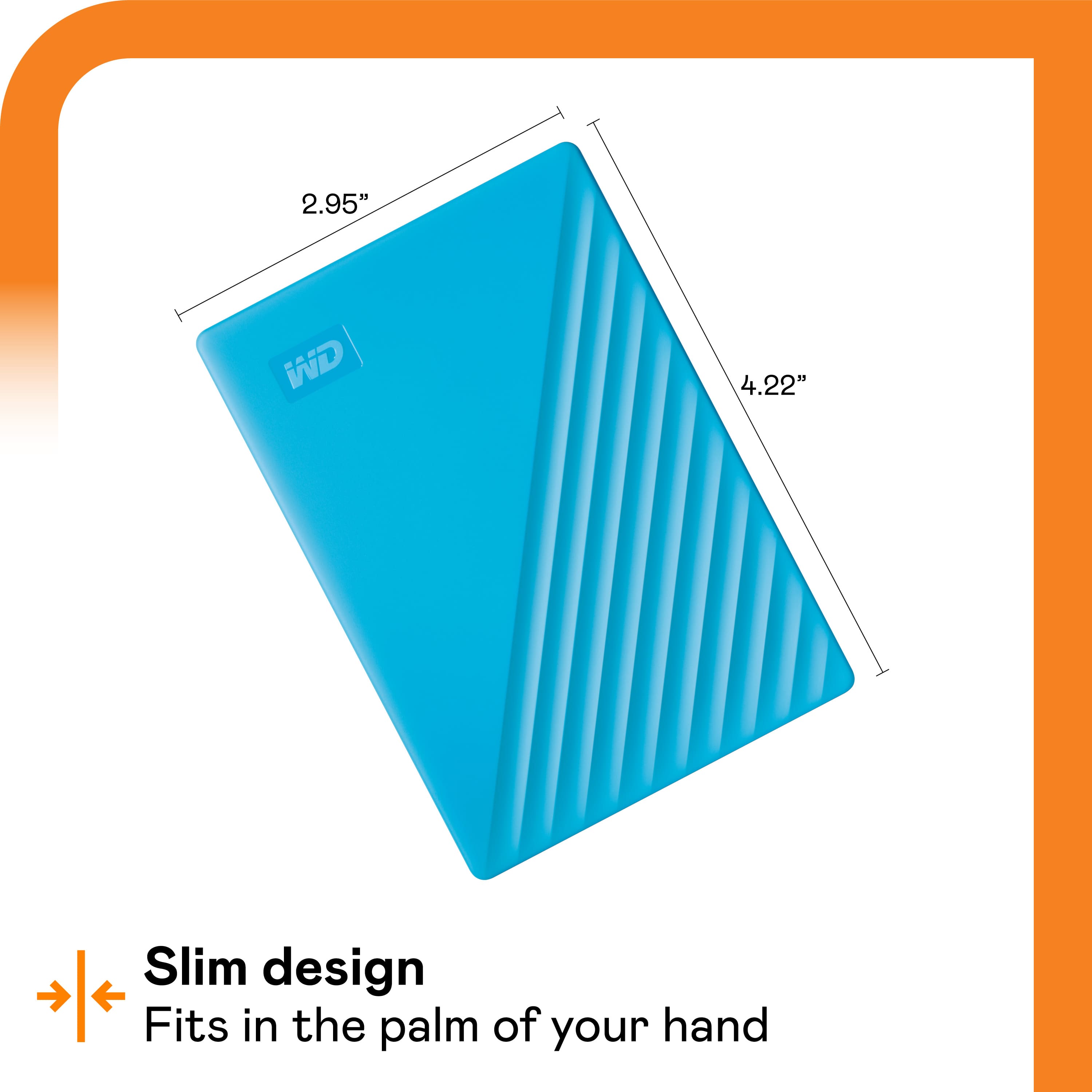
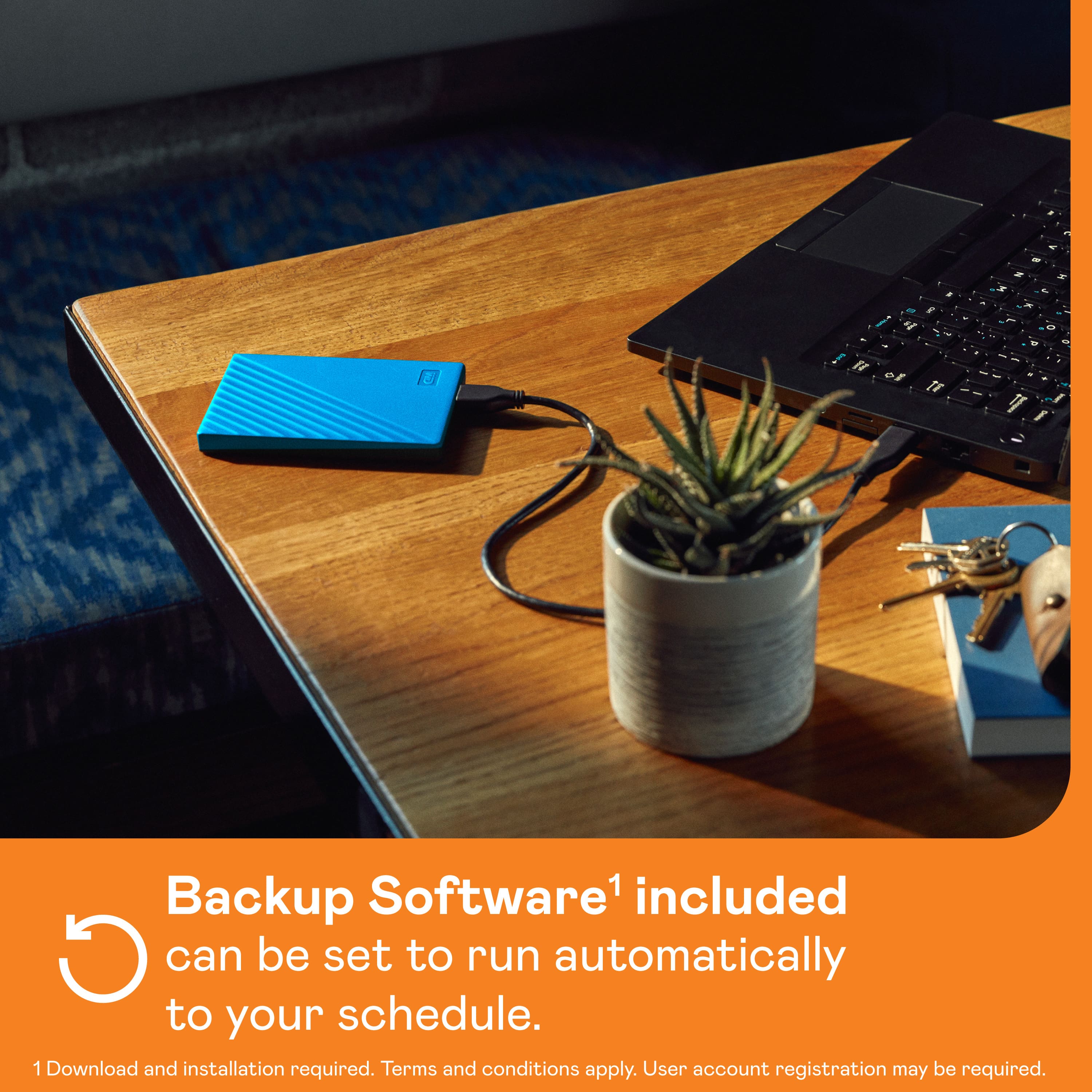
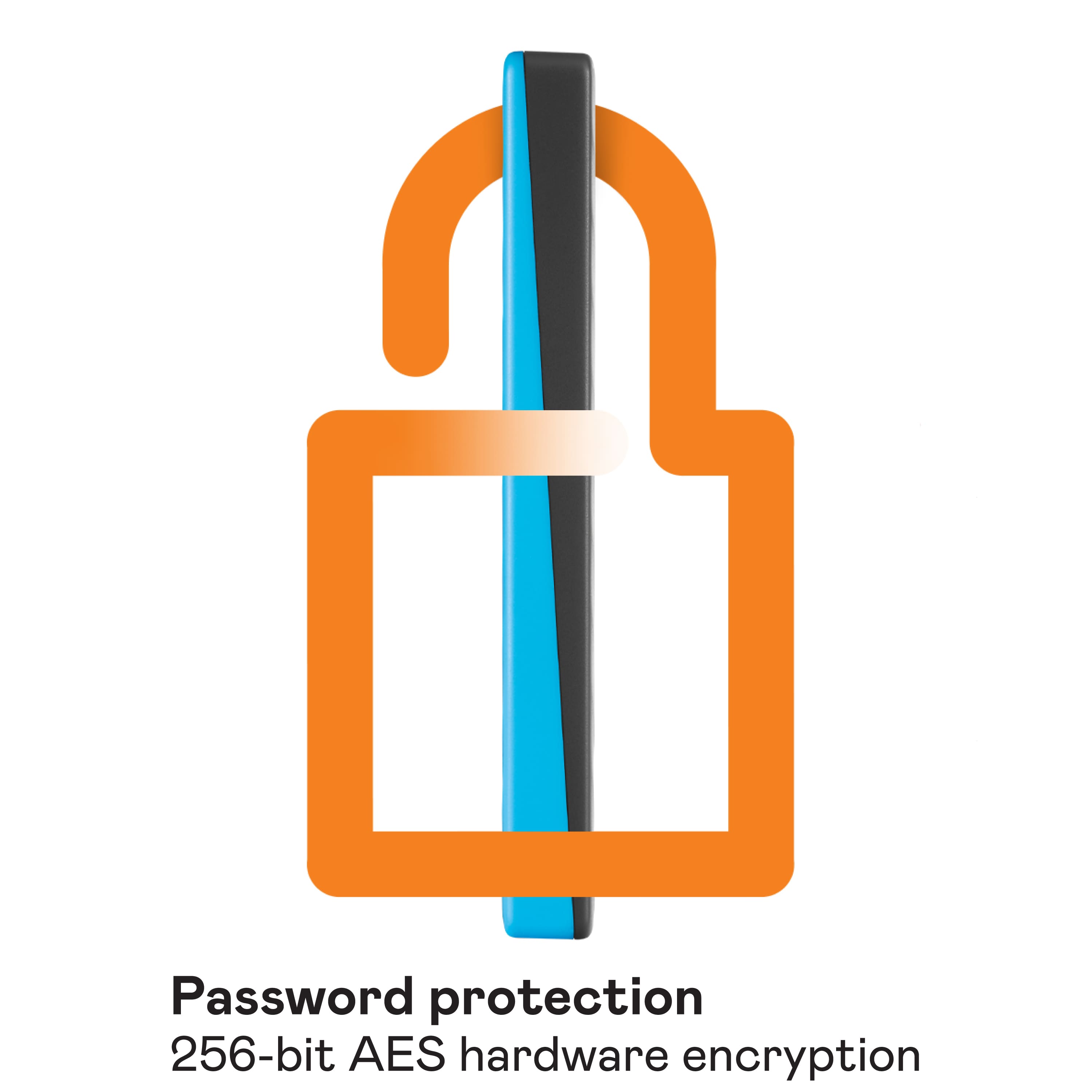
No, please know the WD My Passport is an external DAS drive. The My Passport drive is trusted, portable storage that gives you the confidence and freedom to drive forward in life. With a new, stylish design that fits in the palm of your hand, there’s space to store, organize, and share your photos, videos, music, and documents. Perfectly paired with WD Backup™ software and password protection, the My Passport drive helps keep your digital life's contents safe.
Please refer to the link given below to know more about this drive.
https://shop.westerndigital.com/en-us/products/portable-drives/wd-my-passport-usb-3-0-hdd#WDBYVG0010BBK-WESN
Need Help? Please see our "'Contact Us" page for information
A:AnswerHi Sunshine,
The WD My Passport External hard drive is designed to be used with Windows or Mac computers. We have not tested and will not recommend connecting the hard drive to a mobile phone or iPad. Need Help? Please see our "'Contact Us" page for information.
A:AnswerHi Oms,
You can refer to the link given below to know more about this drive.
http://products.wdc.com/library/AAG/ENG/4078-705155.pdf Need Help? Please see our "'Contact Us" page for information.
A:AnswerHi grandma46,
The My passport hard drive is designed to be used with Mac computer. We have not tested and will not recommend connecting this drive to a mobile phone. Please refer to the link mentioned below to know more about this drive. http://products.wdc.com/library/AAG/ENG/4078-705156.pdf Need Help? Please see our "'Contact Us" page for information
A:AnswerHi Jlady,
The WD My Passport preformatted for Windows computer and tested only with macOS and WindowsOS. For more information you can refer to the link mentioned below. http://products.wdc.com/library/AAG/ENG/4078-705155.pdf Need Help? Please see our "'Contact Us" page for information.