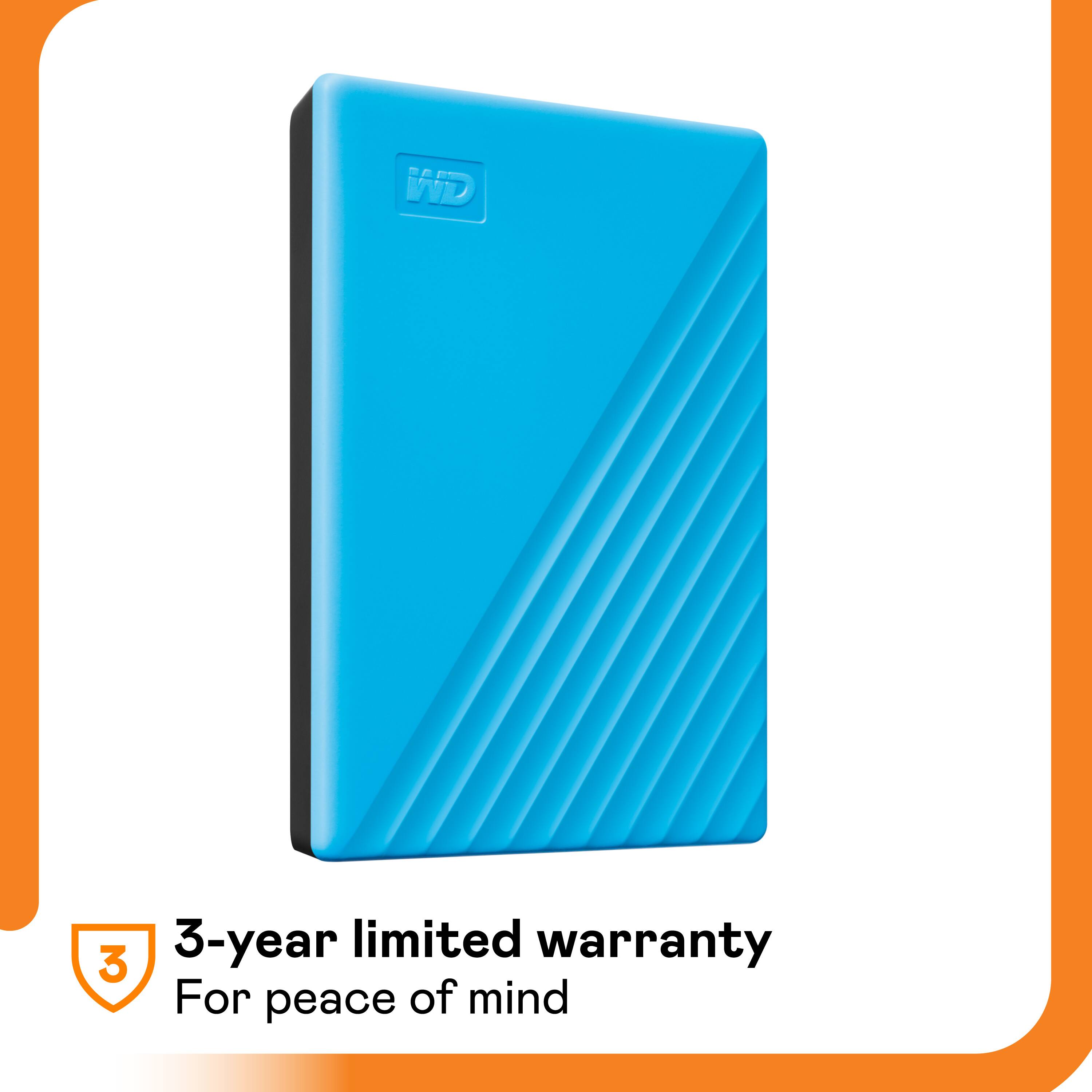
A:AnswerYes you can but you have to reformat the drive to FAT32. Then you can add .mp4 formatted movies to the drive and plug it into the PlayStation. After that, it should read the drive. It’s a matter of formatting.
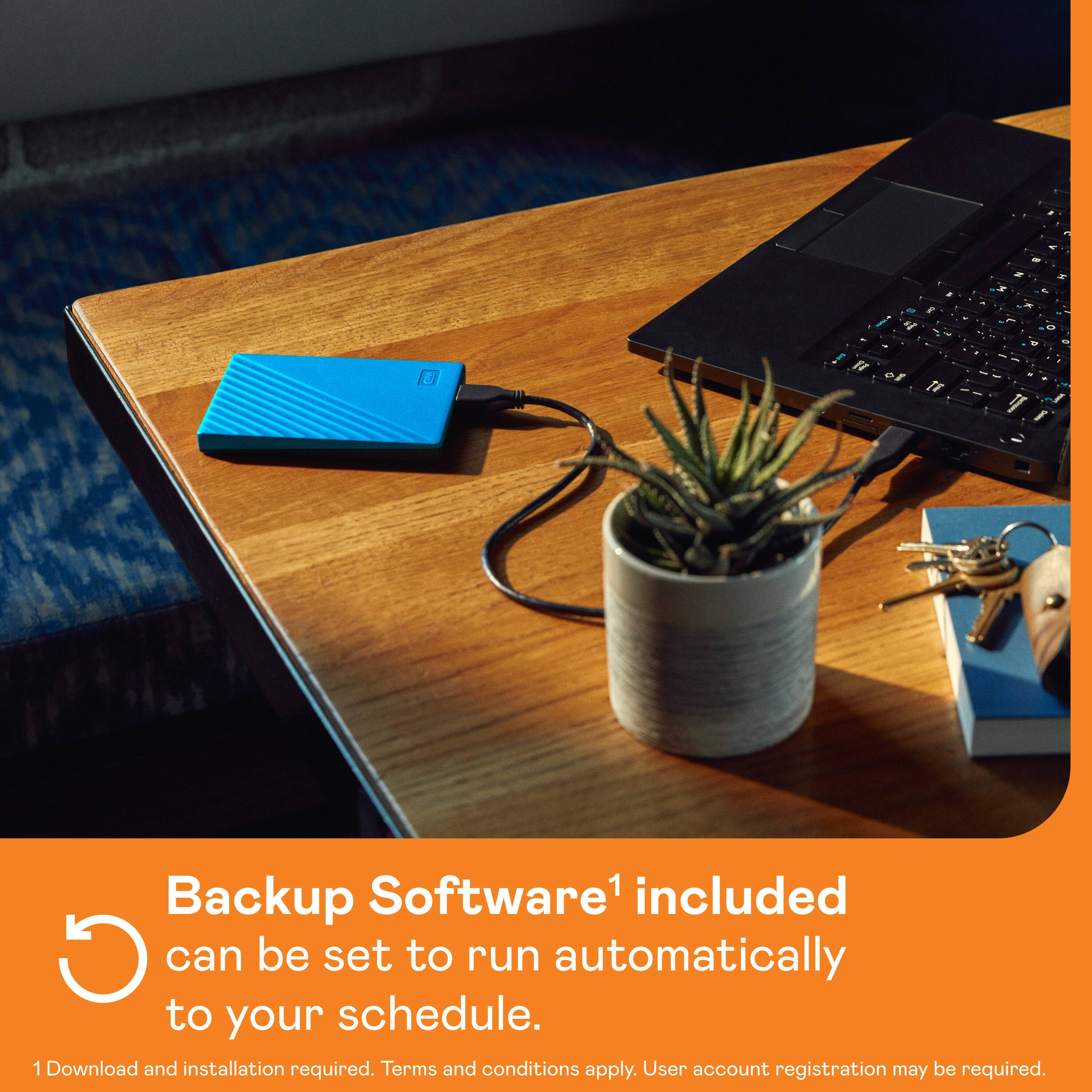
A:AnswerHello Rains, Based on your concern we would like to inform you that you could use Acronis True Image for backup. Please download it from the link mentioned below https://download.wdc.com/acronis/AcronisTrueImageWD_WIN.zip Need Help? Please see our "'Contact Us" page for information.
A:AnswerHi HPDavinci, Thank you for your showing your interest in My Passport External Hard drive. Please know these drives manufactured for normal operation. For interface and compatibility please refer to the link given below.
http://products.wdc.com/library/AAG/ENG/4078-705155.pdf
Need Help? Please see our "'Contact Us" page for information
A:AnswerHi Tawni, These drives are pre-formatted for windows OS.The hard drive can be reformatted in the supported file system for Mac OS by following simple steps mentioned in the link mentioned below: Reformatting Required for Mac OS Compatibility: https://support-en.wd.com/app/answers/detail/a_id/3879 Need Help? Please see our "'Contact Us" page for information
A:AnswerHi BigDaddy,
We have tested this on macOS and windowsOS, it will work with windows 10. unfortunately we have not tested this with Amazon Firestick. For that you may contact to Amazon.
Need Help? Please see our "'Contact Us" page for information.
A:AnswerNo. This is a traditional hard disk drive with moving parts. SSDs are vastly more expensive. This site is currently selling 2TB WD SSDs for $450.
A:AnswerHi Jay, The WD My Passport external hard drive is designed to be used with Windows or Mac OS. We recommend using "WD GAMING DRIVE ACCELERATED FOR XBOX" to be used on the Xbox console. Please refer to the link mentioned below for more information. WD GAMING DRIVE ACCELERATED FOR XBOX: https://documents.westerndigital.com/content/dam/doc-library/en_us/assets/public/wd/product/portable/wgdxbox1/4078-705152.pdf Need Help? Please see our "'Contact Us" page for information
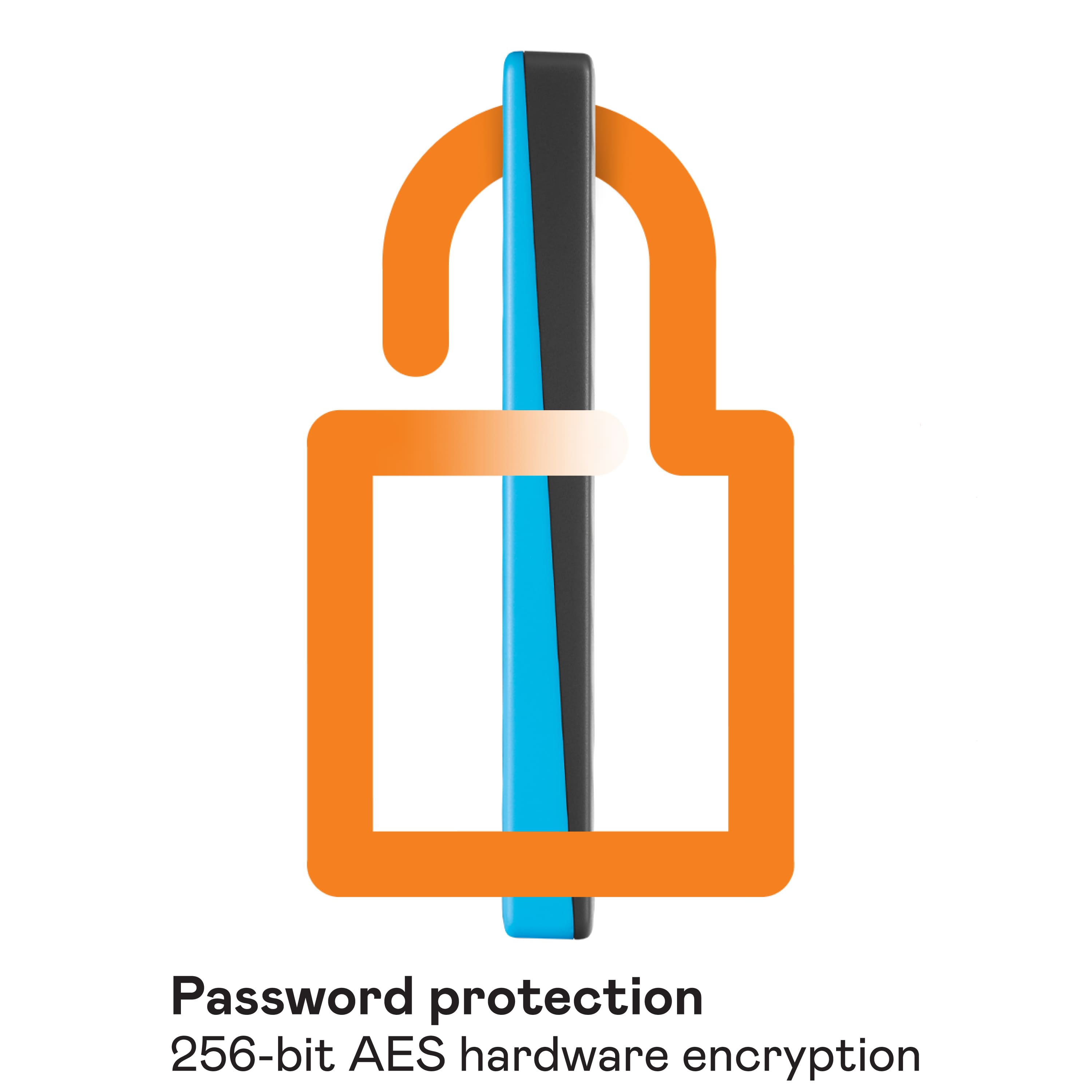
A:AnswerIt can back up anything with a USB port. I used it on a PC, I don't know about a MAC it is supposed to. It is great to reduce ransomware risk, because as long as you do not enable the password on this device automatically, when ransomware tries to encrypt it, it can not because it needs the password... BUT the security software is sometimes difficult to invoke.