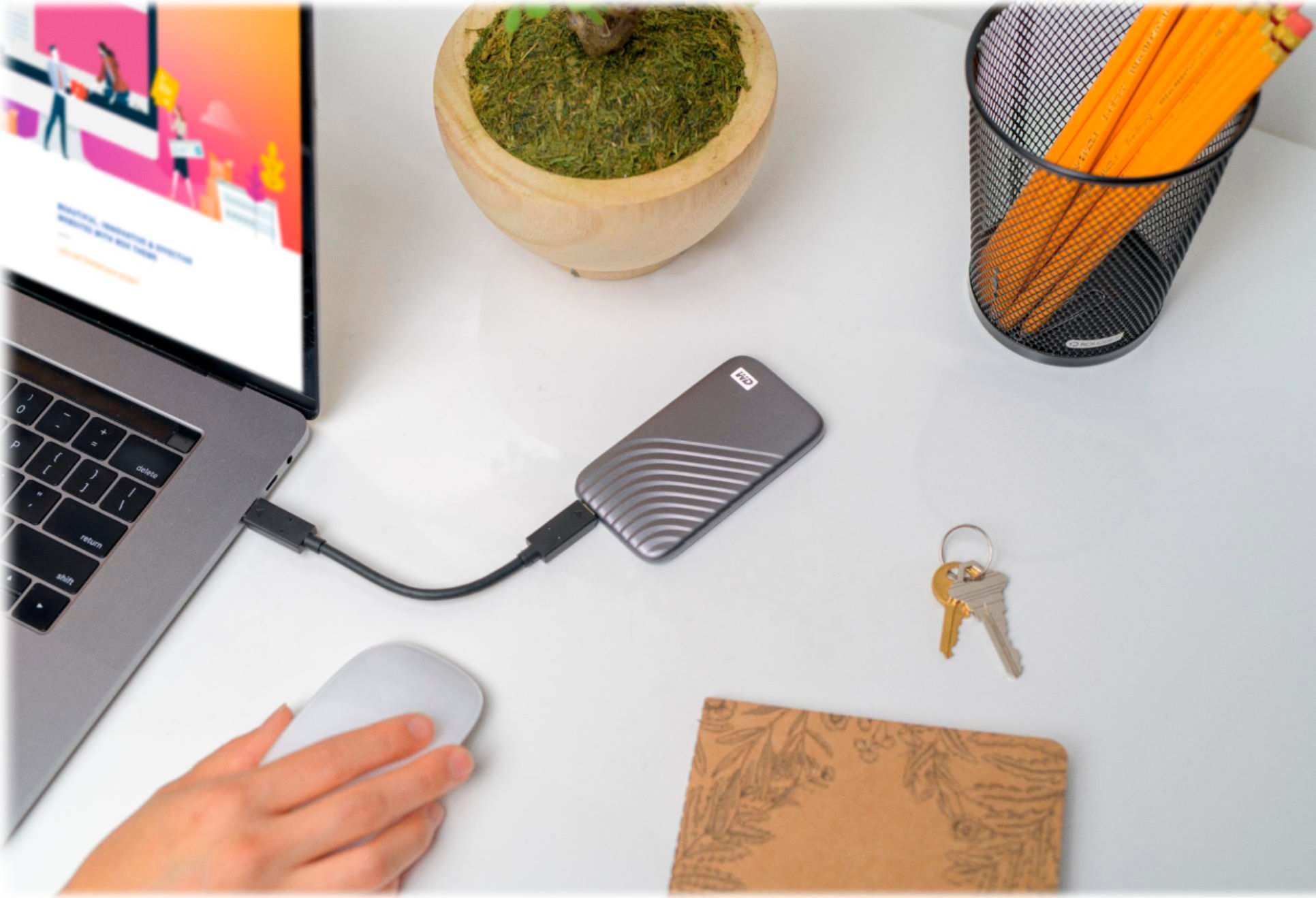
A:AnswerHello Kimm, Please be informed that you could not transfer the files directly from phone to drive, first you need to copy the data from phone to the computer and then drag and drop the data from the computer to the drive. For more information refer to the link: http://products.wdc.com/library/AAG/ENG/data-sheet-my-passport-ssd.pdf - Need Help? Please see our "'Contact Us" page for information
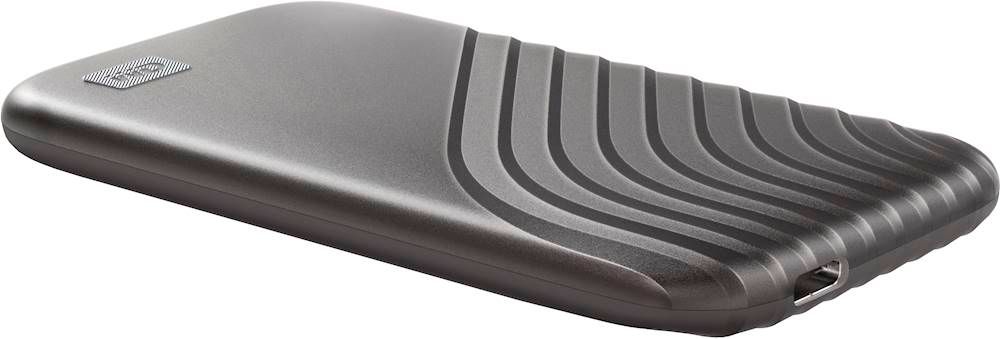
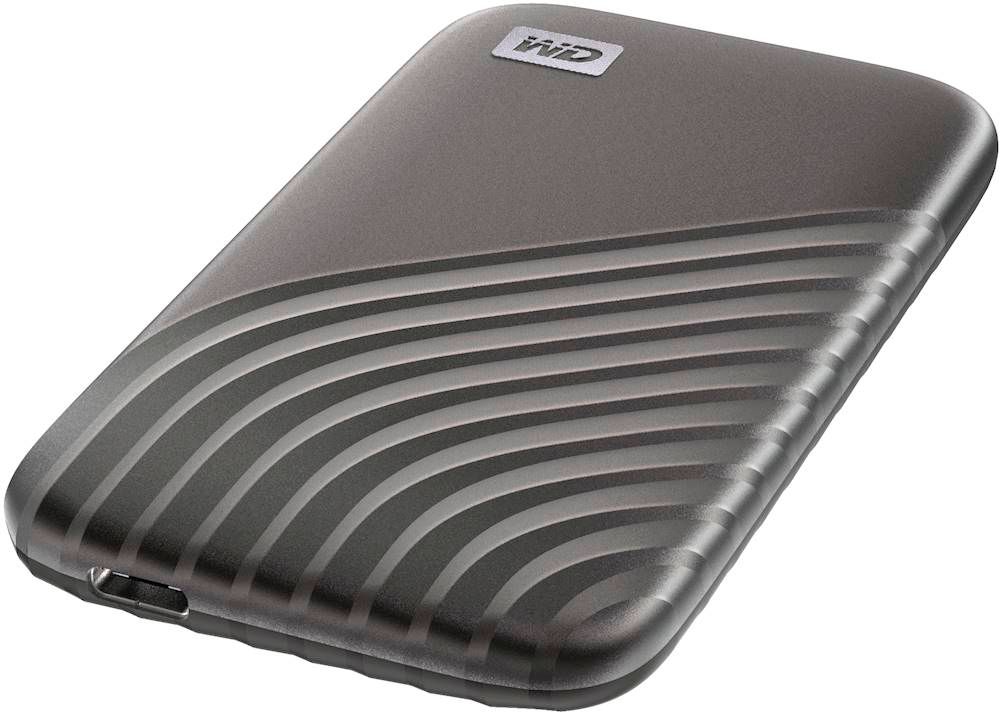
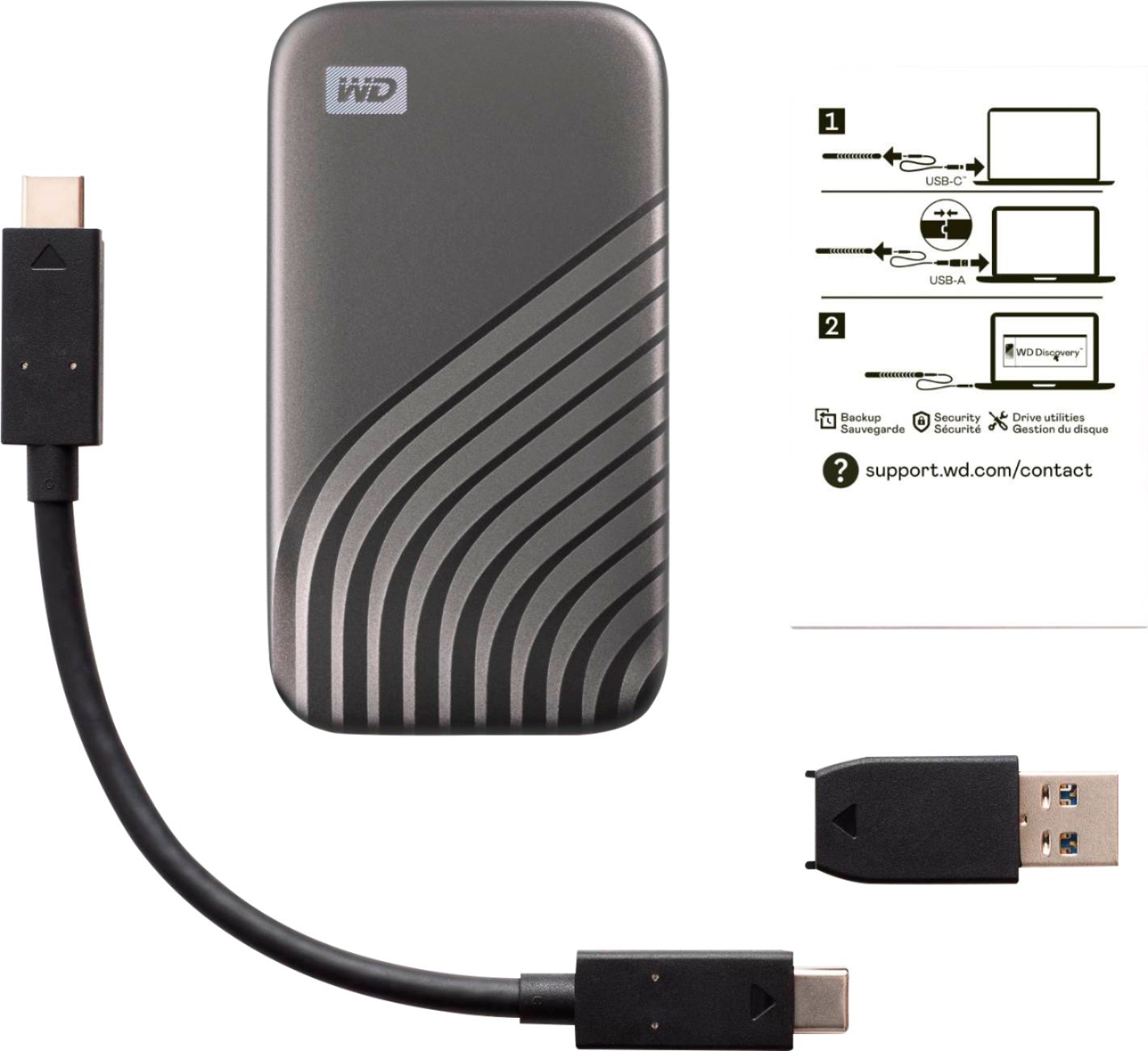
A:AnswerHi Gus1, Please be informed that the WD My Passport SSD comes ready to use right out of the box and compatible with PC and Mac. Equipped with USB 3.2 Gen-2 technology, the My Passport SSD comes with a USB-C cable and USB-A adaptor to work with legacy systems. To know more about the drive refer to the link: http://products.wdc.com/library/AAG/ENG/data-sheet-my-passport-ssd.pdf -Need Help? Please see our "'Contact Us" page for information.
A:AnswerHi ron, Please refer to the link given below to setup the Auto back up with WD My Passport drive. https://support-en.wd.com/app/answers/detail/a_id/8198 https://support-en.wd.com/app/answers/detail/a_id/3653 Need Help? Please see our "'Contact Us" page for information.
A:AnswerHi Bryan, Please be informed that the WD My Passport SSD comes ready to use right out of the box and compatible with PC and Mac. Equipped with USB 3.2 Gen-2 technology, the My Passport SSD comes with a USB-C cable and USB-A adaptor to work with legacy systems. Moreover, we recommend you to please contact your host device vendor support for more compatibility info. To know more about the drive refer link- http://products.wdc.com/library/AAG/ENG/data-sheet-my-passport-ssd.pdf -Need Help? Please see our "'Contact Us" page for information.
A:AnswerHi, Please be informed that the WD My Passport solid state drive is a plug and play device tested and designed for Windows and Mac computers for seamless operation. However, Western Digital drives are not tested with the vendor end of life operating systems and are optimized for more recent versions of OS.Need Help? Please see our "'Contact Us" page for information.
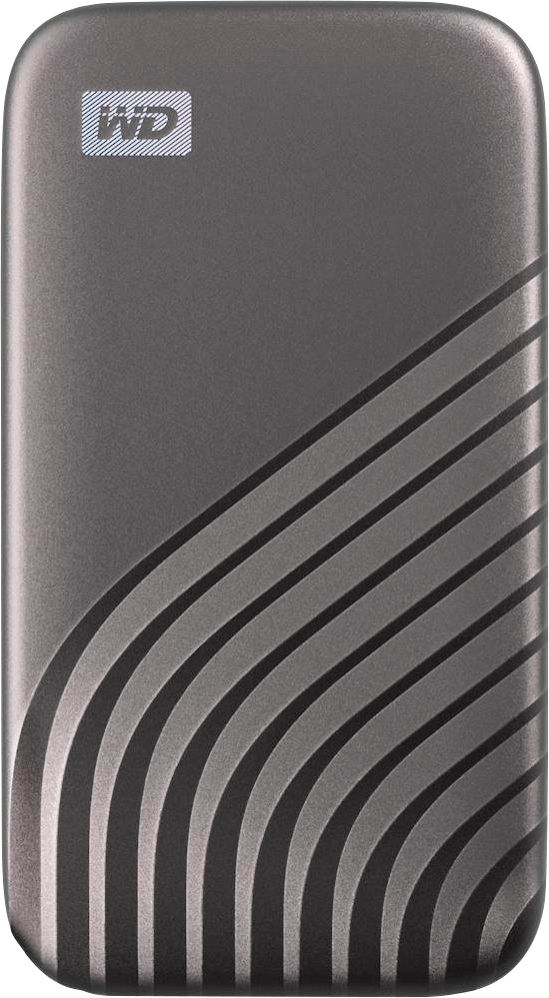
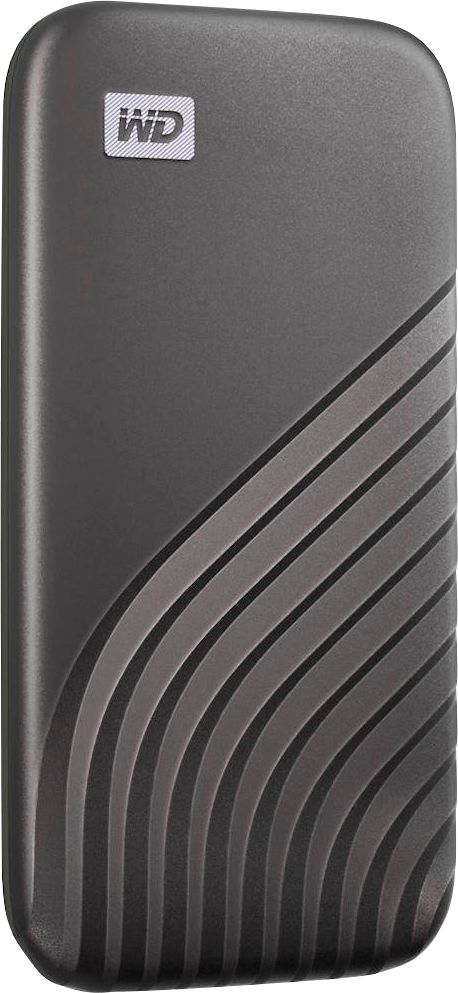
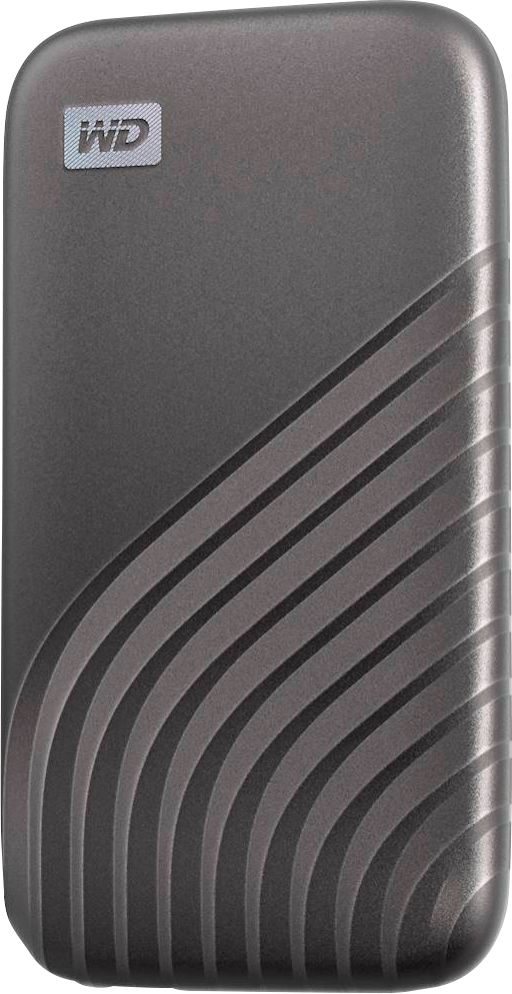
A:AnswerHi Joe, Please be informed that the The My Passport SSD is portable storage with blazing-fast transfers. Easy to use, the My Passport SSD is shock-resistant, compact storage in a cool, durable design. To know more about the compatibility we suggest you to please contact your host device vendor. -Need Help? Please see our "'Contact Us" page for information