A:AnswerI purchased this device and it worked fine as a plug and play device on my Chromebook. Granted I cannot add the WD Utilities software to my Chromebook, but this external hard drive works fine to move pictures, videos and other files from my smartphone to this external hard drive with both connected to my Chromebook. I also have these files, etc., on Google Drive and/or Google + as appropriate, but I wanted an external hard drive that was compatible with my Chromebook, and this one fits the bill for what I need.
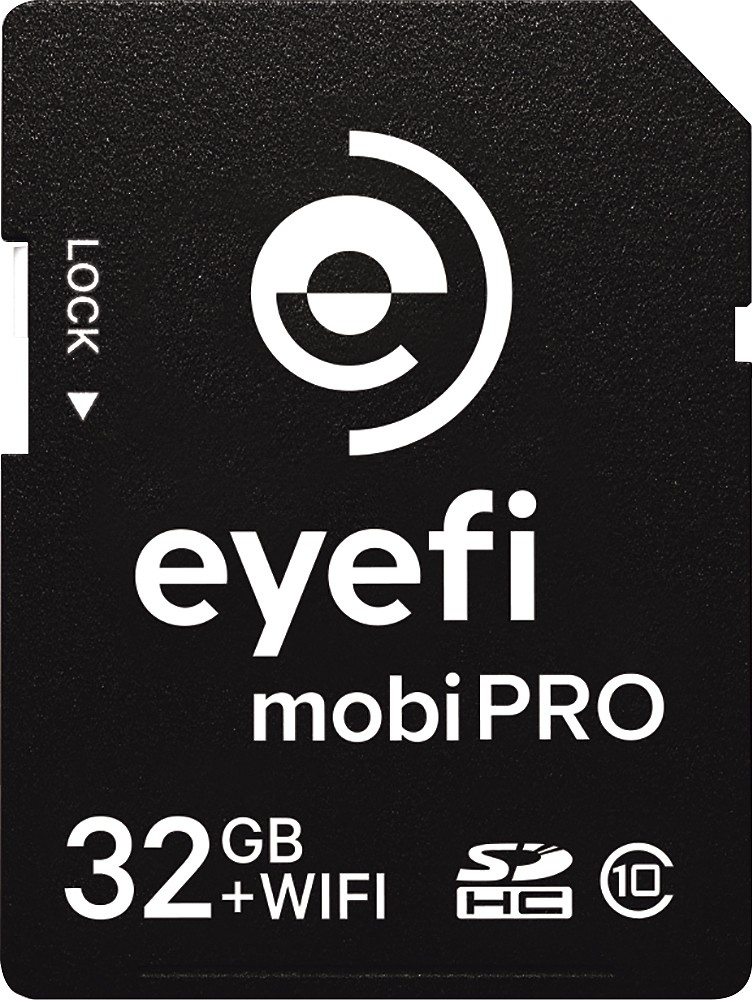
A:AnswerNo. This drive is designed to work with a computer. It does not work as a stand alone. I don't think that there is a wired drive available that will do what you want. You might consider using a card like EyeFi so that your photos go to an tablet (IOS or Android) or your phone. EyeFi cards can also upload to file sharing sites if you have a wifi network available when you shoot.
I haven't tried it but a wireless hard drive may also work. Do a bit of searching on the manufacturers site and the Eye-Fi site. When you find an answer come back here and tell all of us what you found. It works best when we help each other with info like this.
http://www.bestbuy.com/site/eye-fi-mobi-pro-32gb-sdhc-class-10-memory-card-black/6715023.p?skuId=6715023
A:AnswerAs far as I know, no, with these it's just plug in play and move whatever files you need to move. But if you are doing a fresh operating system install on your pc or laptop, backup everything using this drive first then install
A:AnswerUnfortunately, PS4 cannot use external hard drives. You have to purchase an internal hard drive. I recommend a 2TB. Installation is easy. Plenty of videos on YouTube to walk you through it.