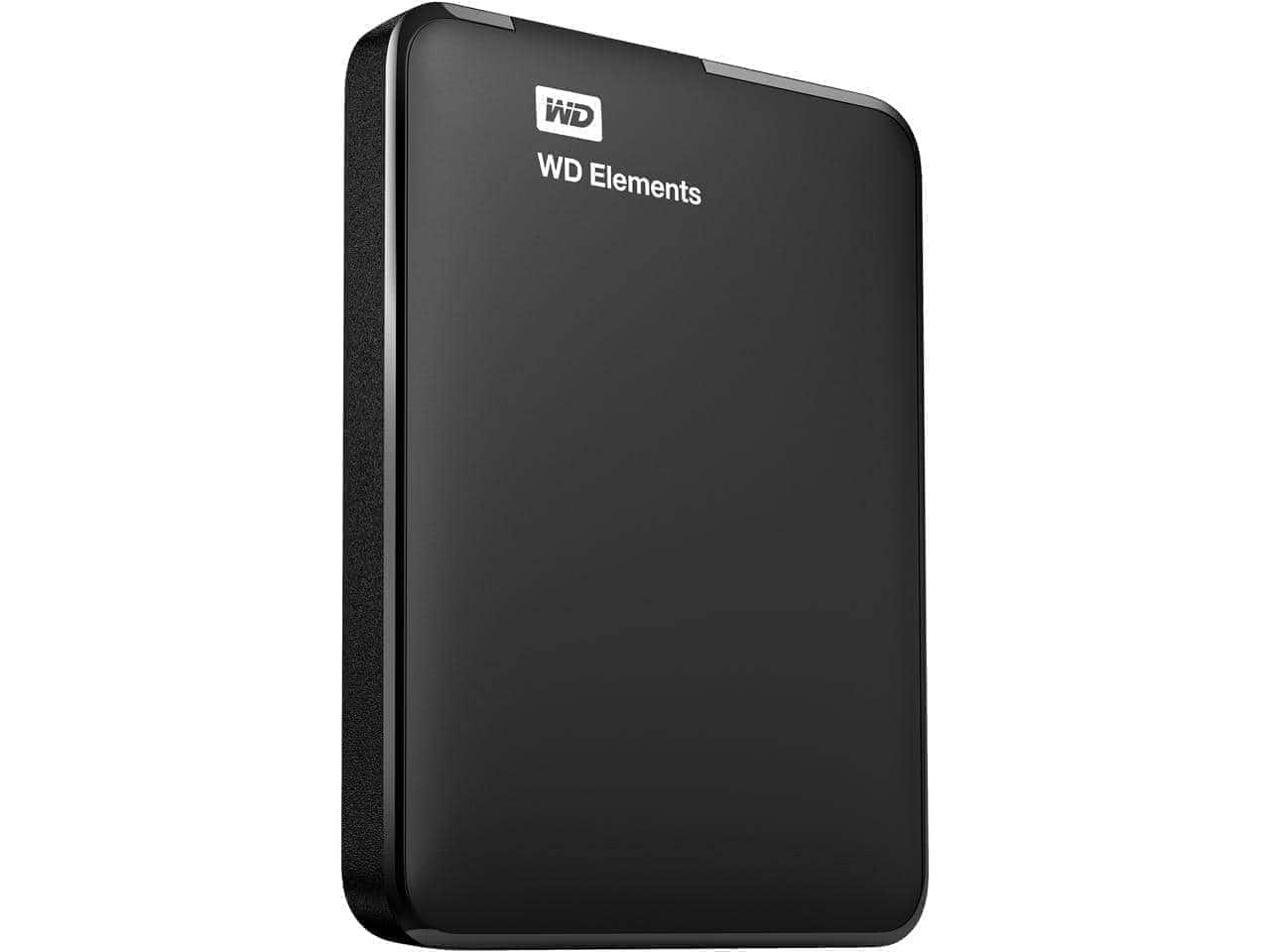
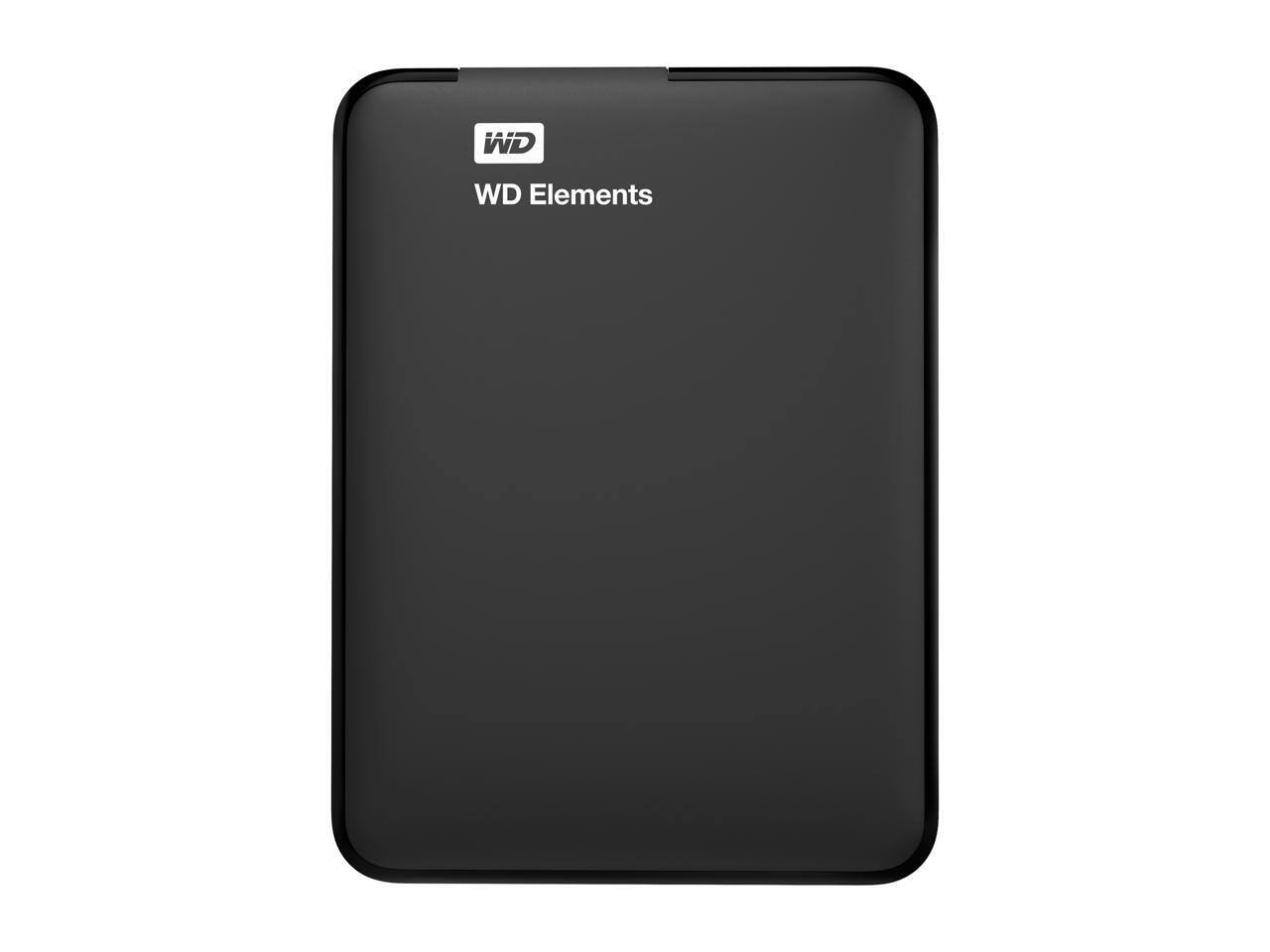
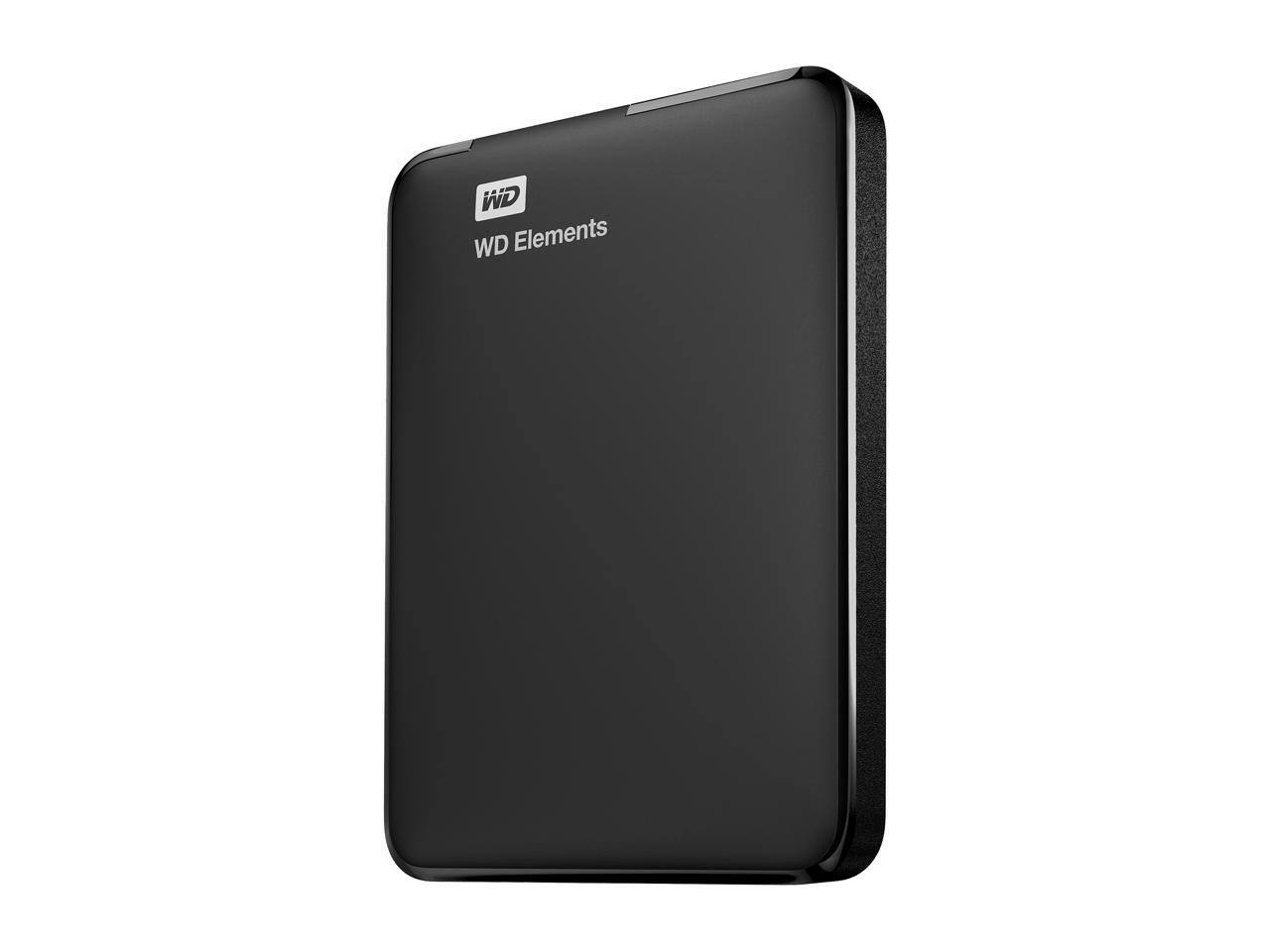
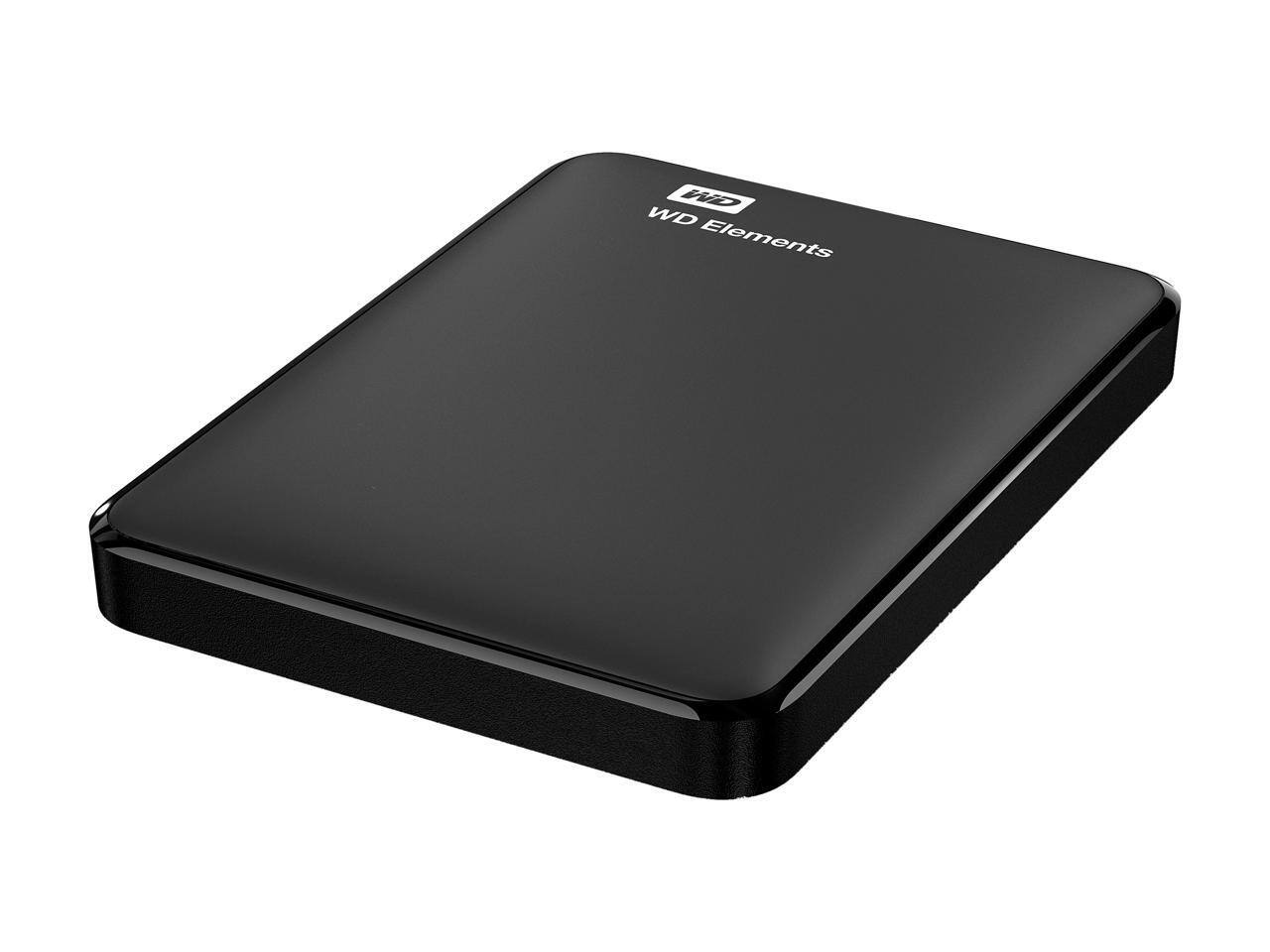
A:AnswerSure, any external HDD will work with Time Machine back up...as long as it's formatted in MAC OS Extended (Journaled) or NTSF. I prefer NTSF because it's MAC and Windows compatible, meaning you can use the stored files on both types of computers. If you only intend on using the back up files on a MAC then the OS Extended would be the better choice.
To read and write on an NTSF drive with a MAC you may need to install a driver, I use Paragon NTFS. It depends on your MAC, newer systems have the necessary drivers installed.
A:AnswerYes it will, USB has always been designed with backwards compatibility in mind so even though USB 3.0 connector is different from the 1.0 and 2.0 connectors, it will still work with them. You simply will not be able to benefit from the speed 3.0 was designed to produce.
A:AnswerUnfortunately, this needs to be reformatted to do anything with Mac OS. You can partition it to work with both but it will need to be reformatted to be able to do so.
A:AnswerNo, you would need to upload the information to your computer then transfer it to the external hard drive. If you have Mac OS, it will need to be reformatted.
A:AnswerIt depends on the files that you are attempting to transfer. Files such as Microsoft Office (i.e. Word, Excel, etc.) aren't dependent in the operating system. Neither are photos (.gif, jpg etc), .pdfs, ,txt etc. All of those will work fine with Windows 10 as long as you have programs that can handle those files. If you are attempting to save a file specific to the Vista or XP operating system don't expect it to work with Windows 10 and you will probably do more harm than good.
A:AnswerHi,
Please be informed that the WD Elements drive is a plug and play device tested and designed only for Windows and Mac computers for seamless operation.
Need Help? Please see our "'Contact Us" page for information.