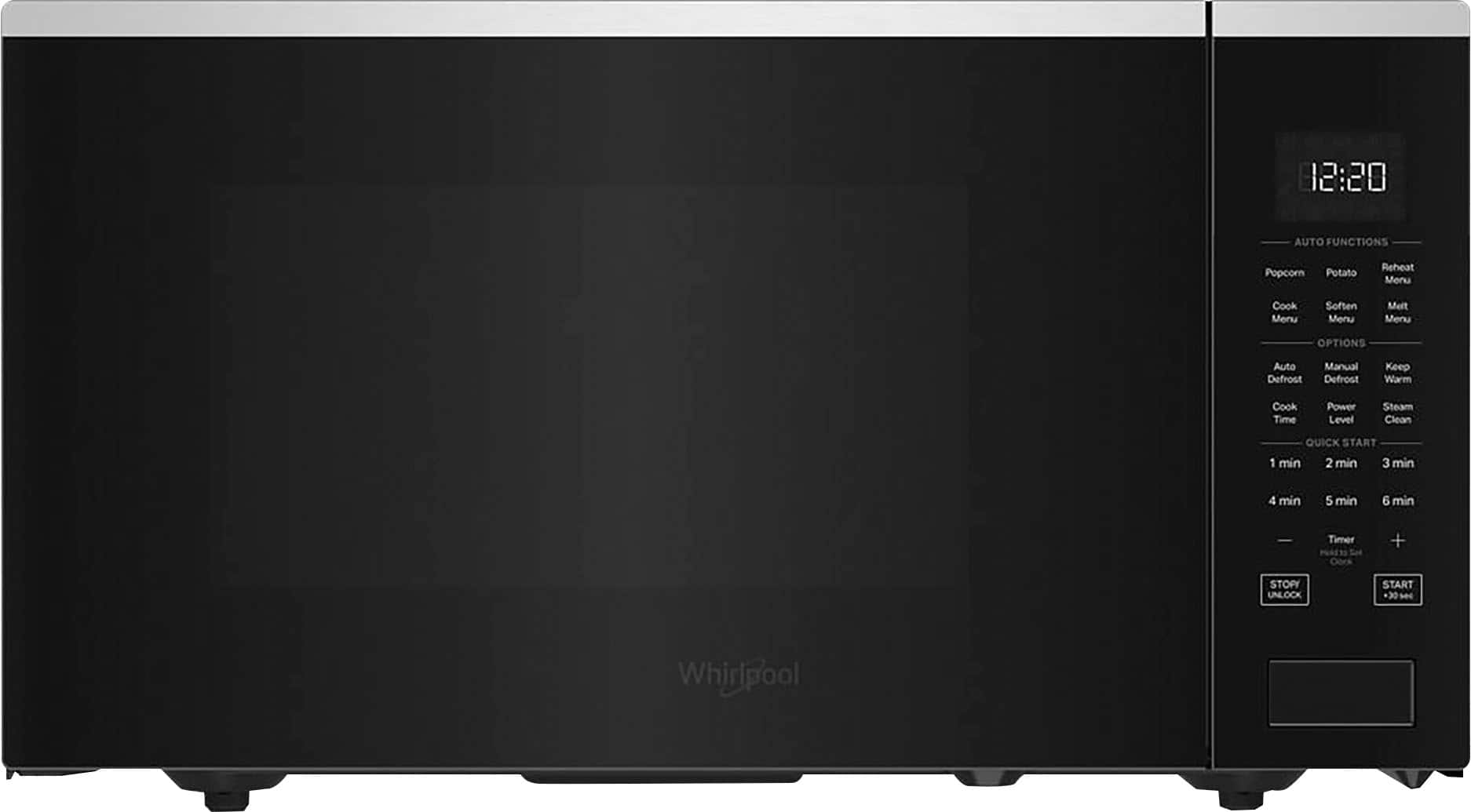
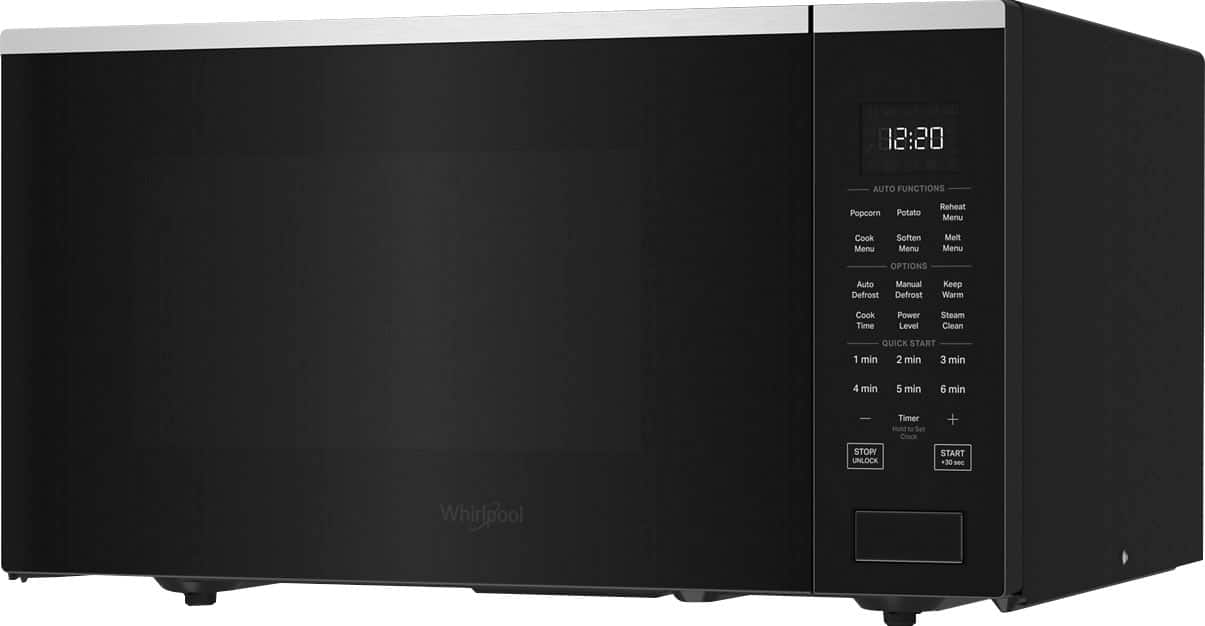
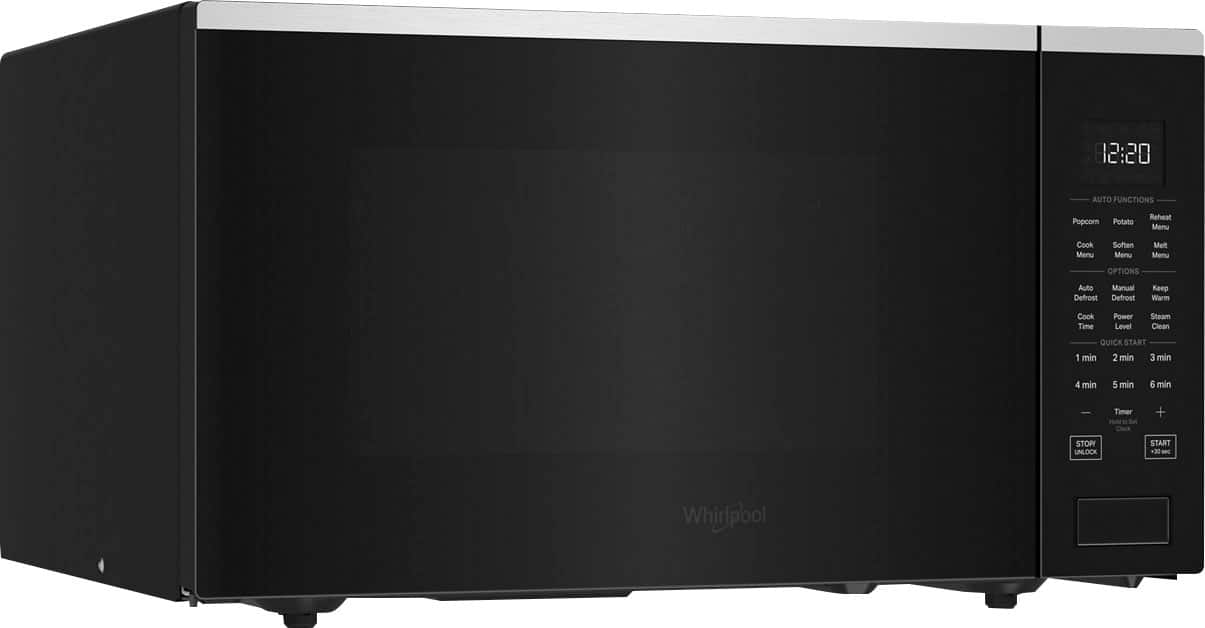
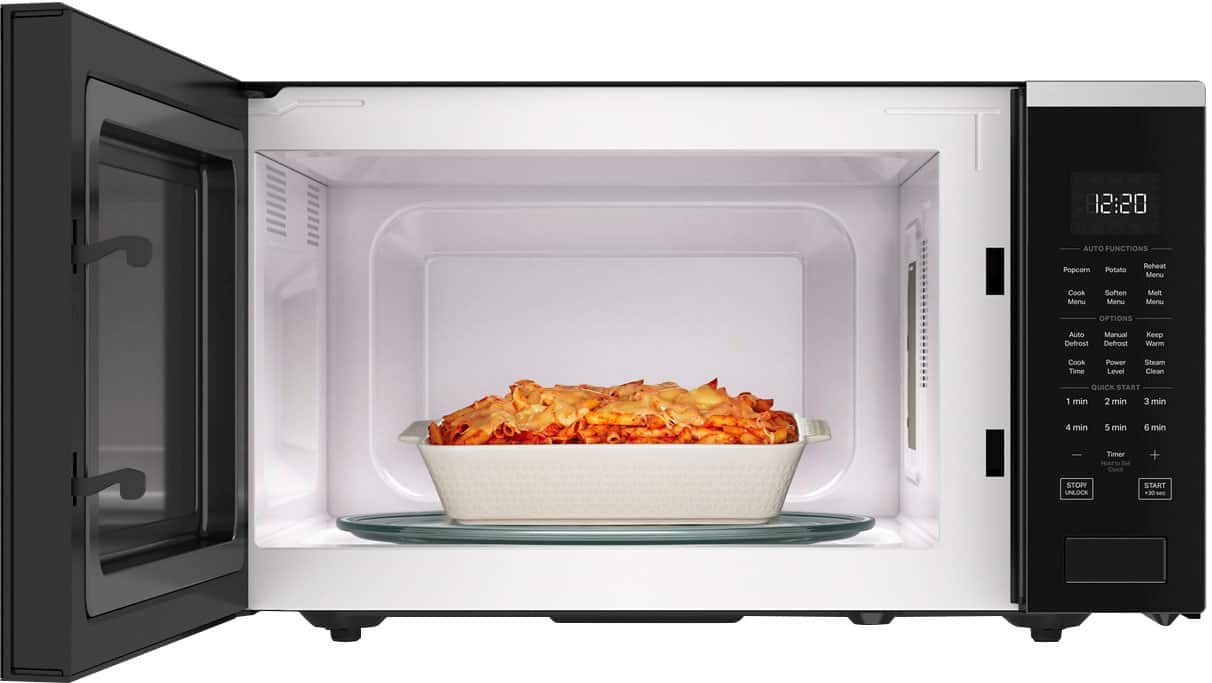
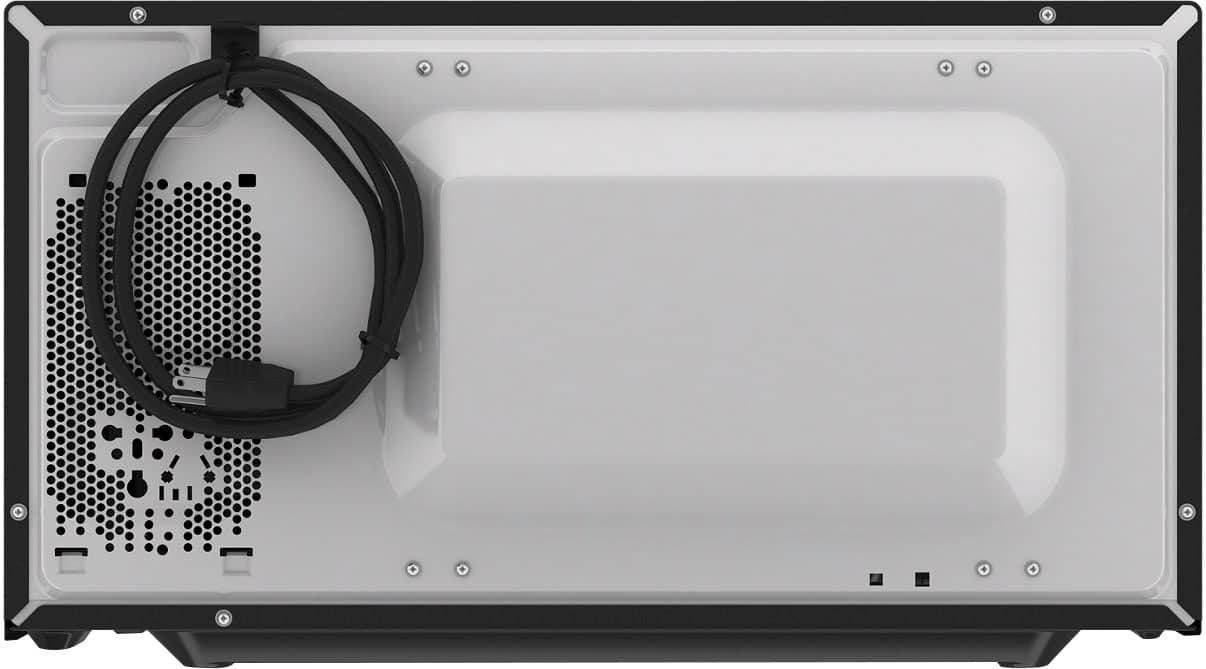
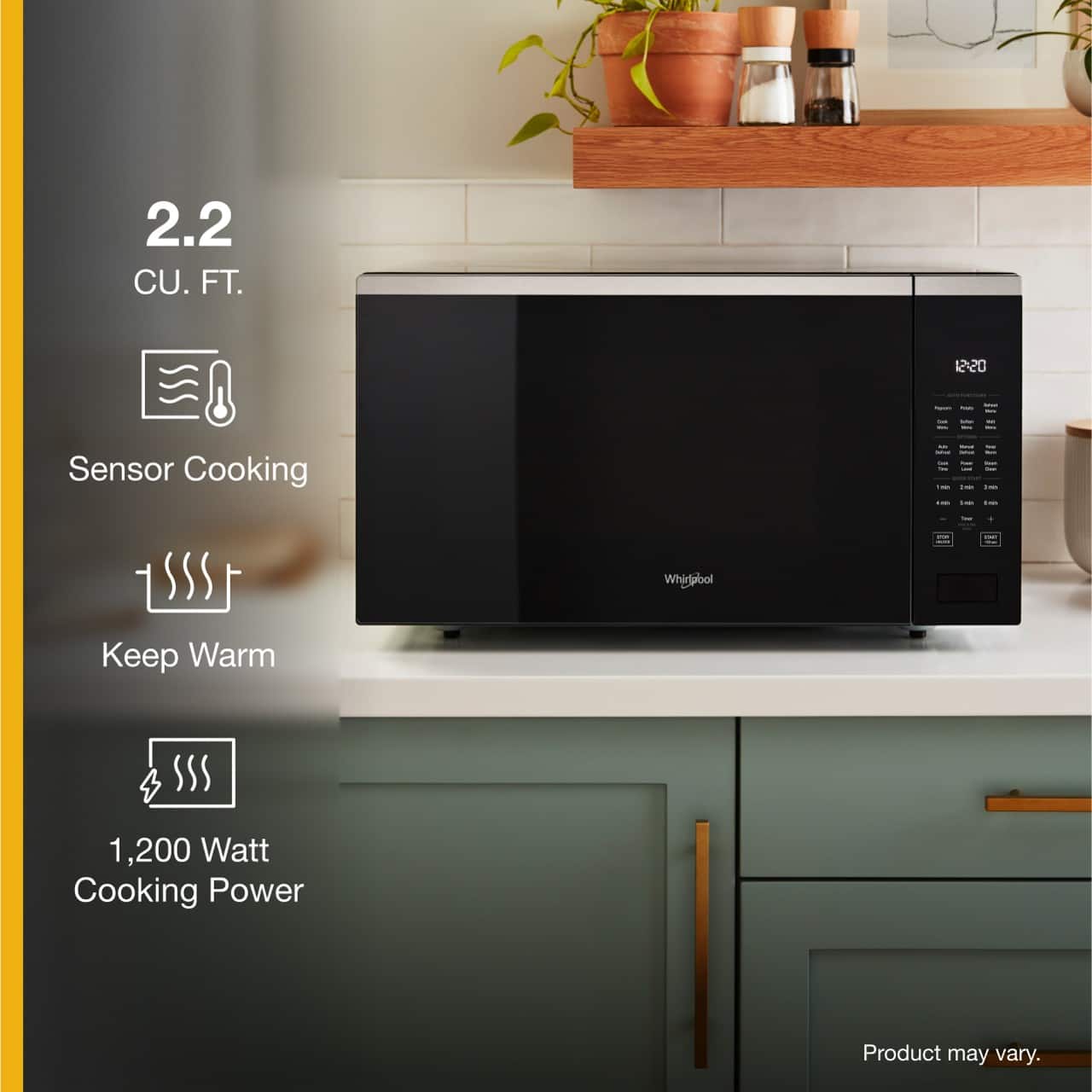
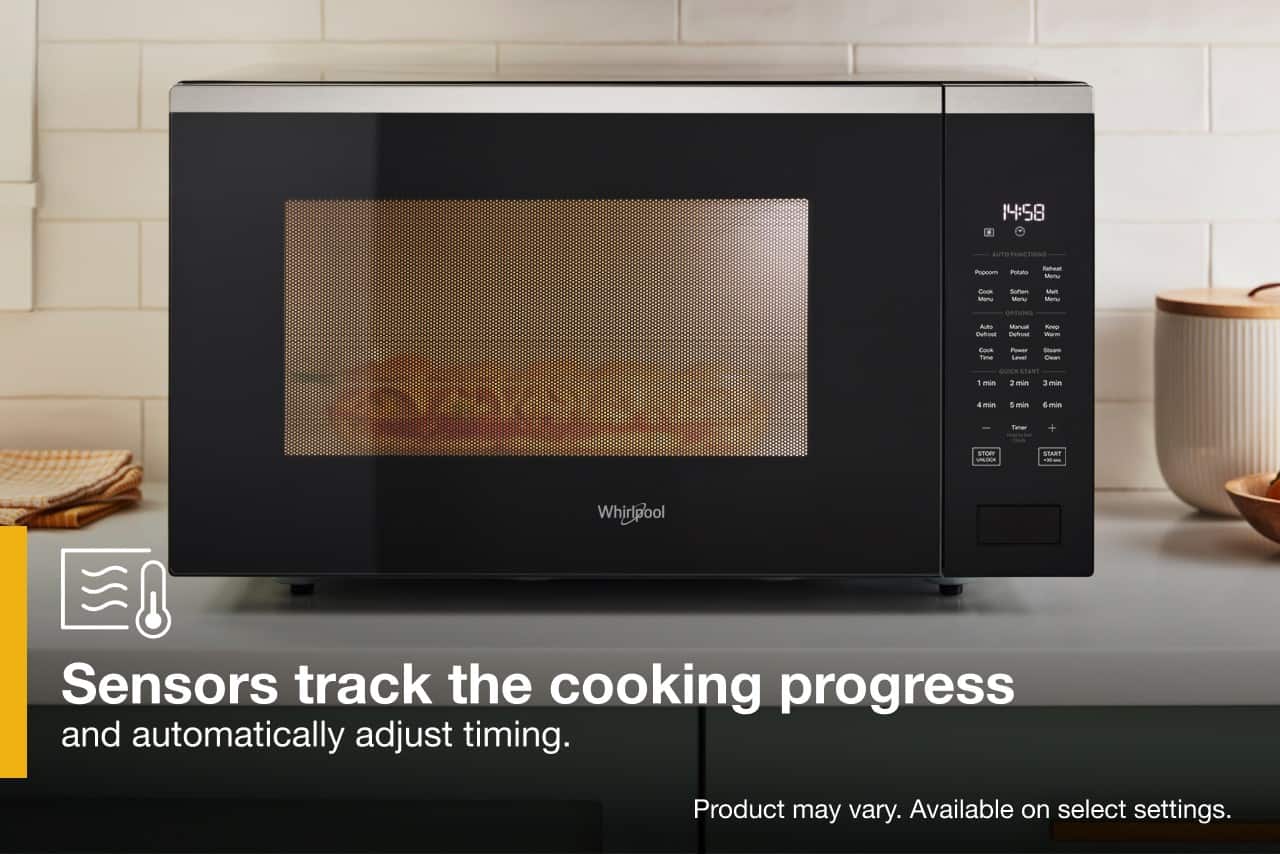
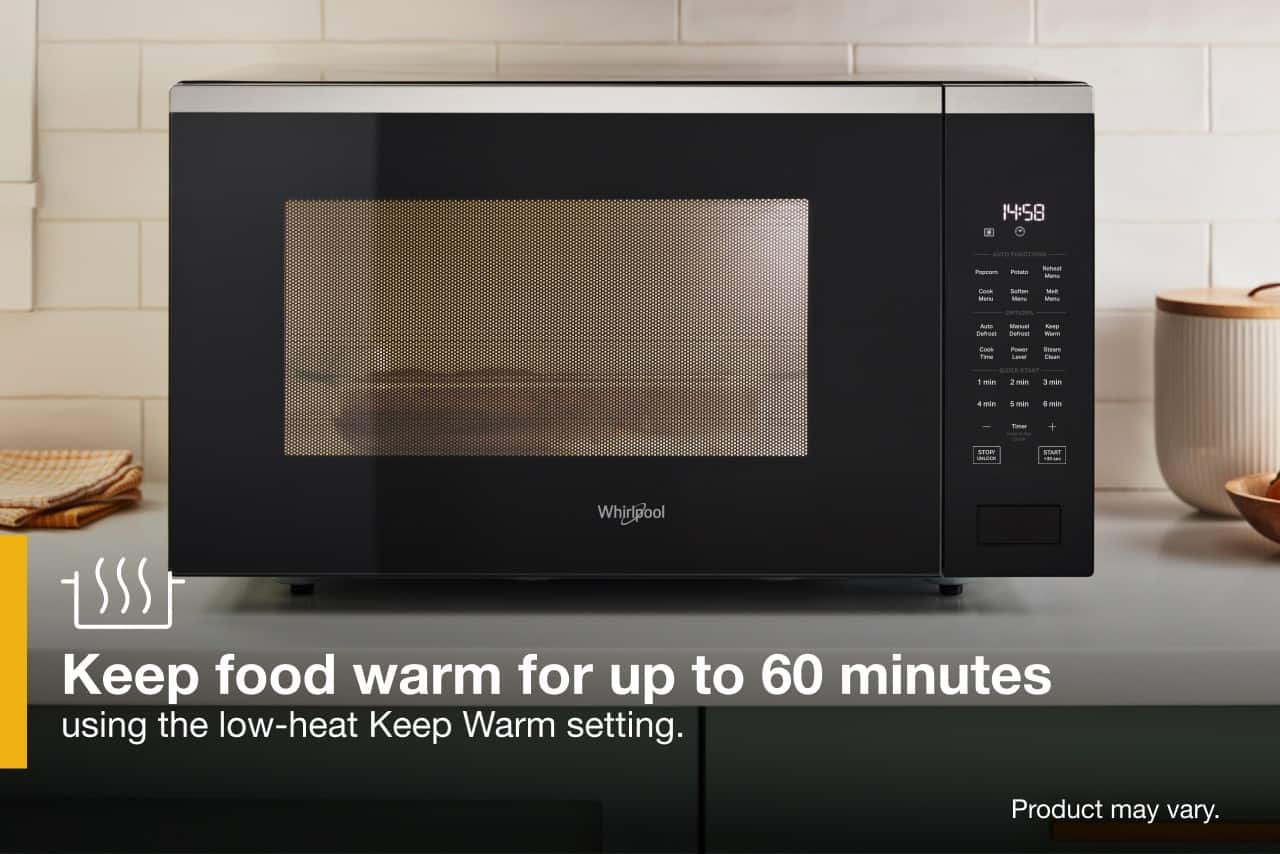
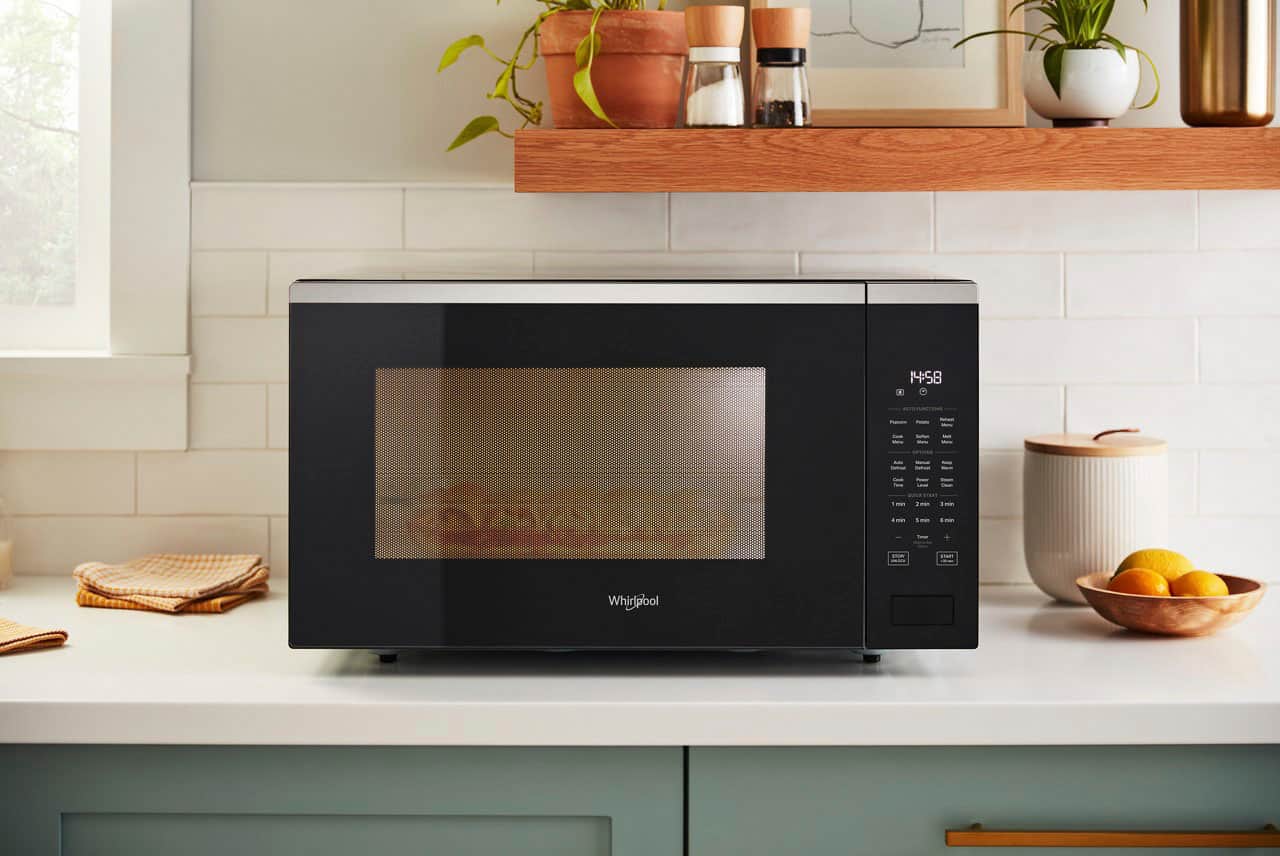
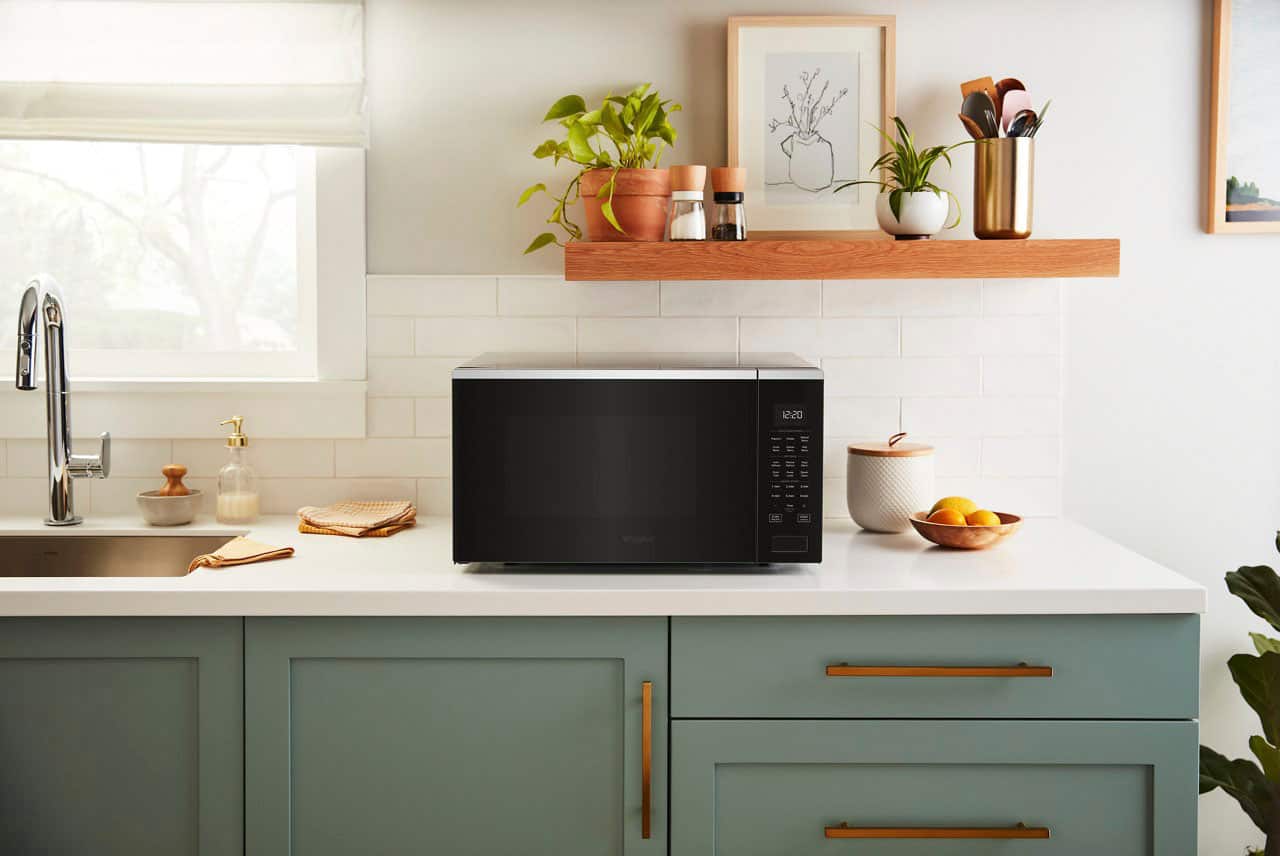
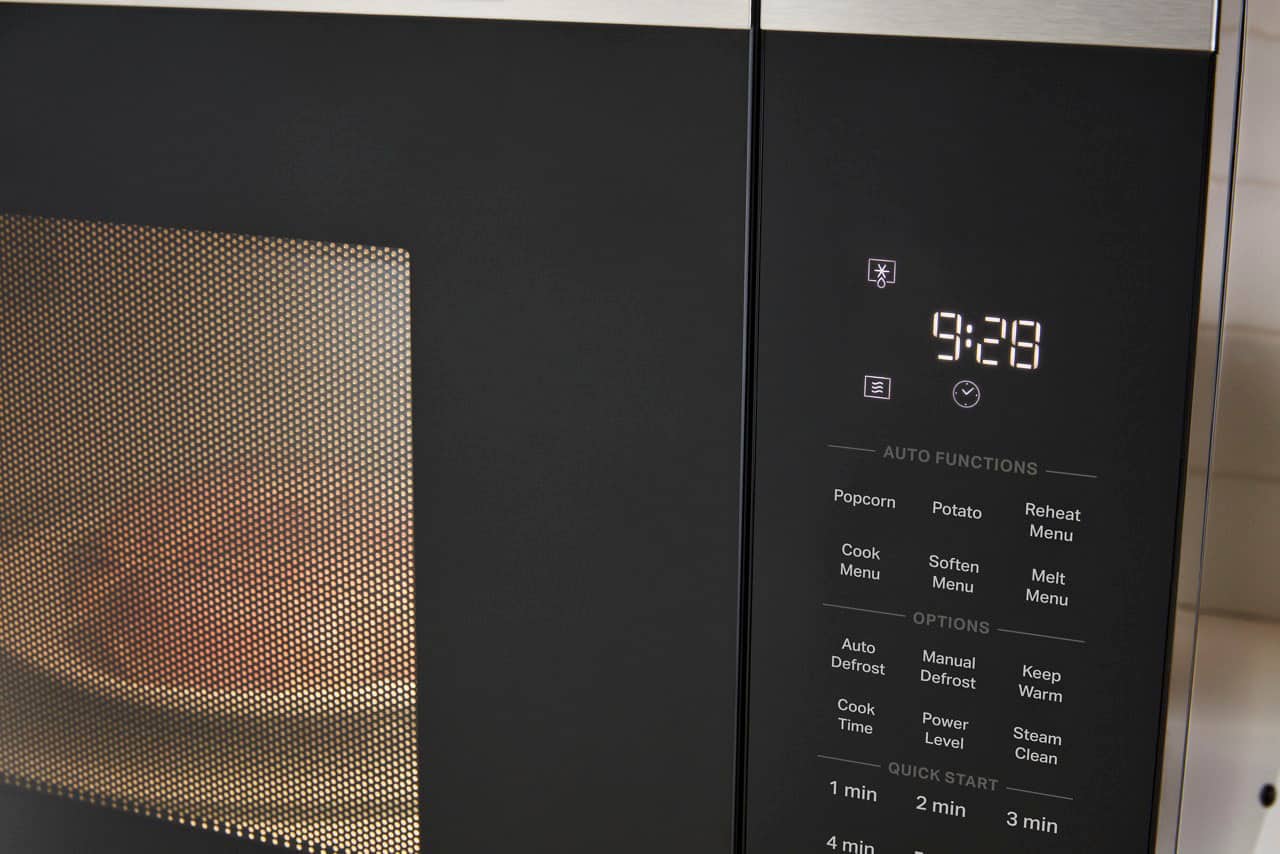
A:AnswerHello, model WMCS7022SS is considered Stainless Steel, but most of the door and control panel is black. There is the stainless steel strip at the top. Thank you for your inquiry about our Whirlpool appliances.
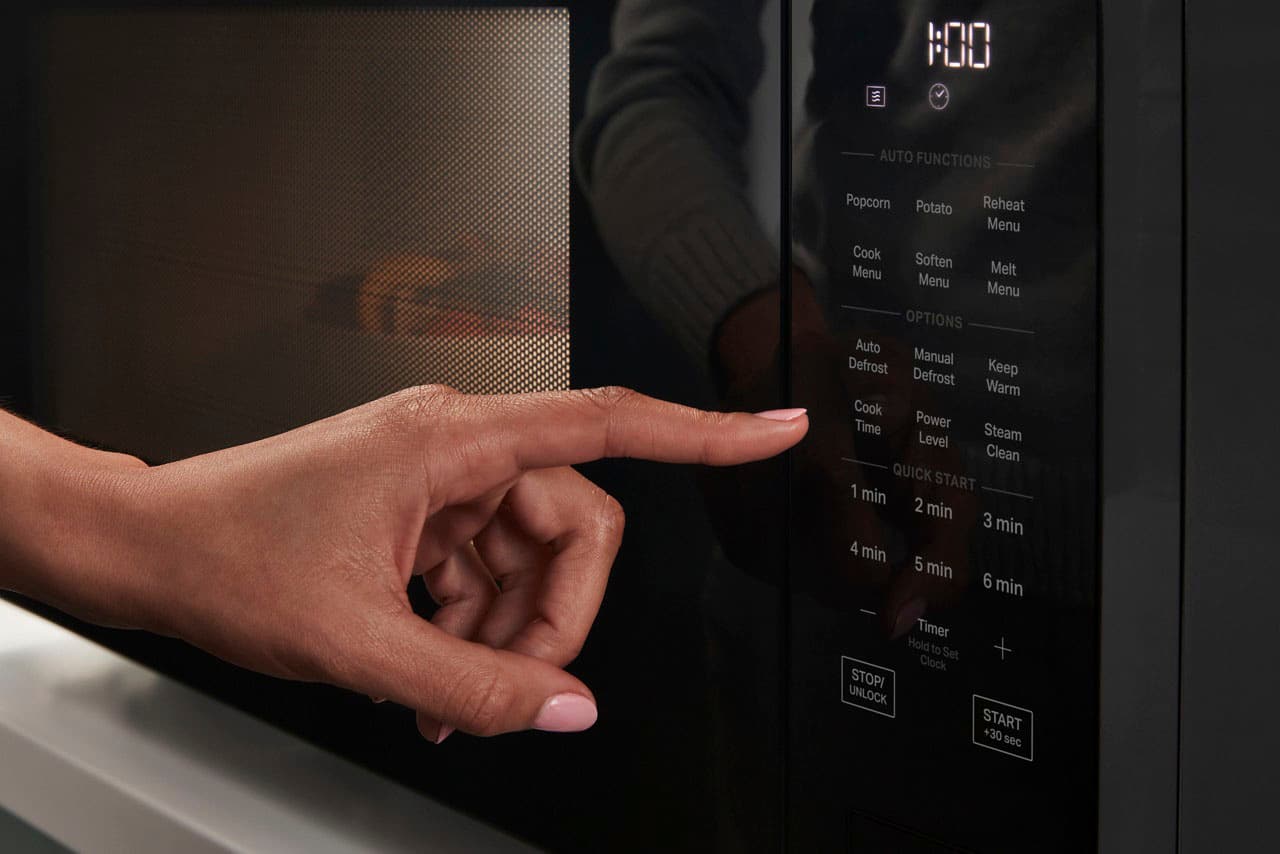
A:AnswerHello! You can set a manually cooking time. Per the Owner's Manual; Set Manual Cooking Press “Cook Time” button to set manual cooking time. The default power level is 100%. Press +/- button/1 min-6 min to set the cooking time, follow the instructions below:
1. Press “Cook Time” button, “0:15” will show on the display.
2. Press +/- button/1 min-6 min to adjust the cooking time.
3. Press START button to start.
NOTE: Press the “Power” button to increase/decrease power levels in cyclic way P10 P20 P30………..P100.
Thank you for your inquiry on our Whirlpool appliances.
A:AnswerHello, for model WMCS7022RB it will not work with that trim kit. The trim kit you need is MTK1630PB or MTK1630PZ. Thank you for your inquiry on our Whirlpool appliances.
A:AnswerHello, model WMCS7022RB does have a 27" Trim Kit. There is 27" MTK1627PV Fingerprint Resistant Black Stainless Finish, MTK1627PZ Fingerprint Resistant Stainless Finish, and MTK1627PB Black. Thank you for your inquiry on our Whirlpool appliances.
A:AnswerHello, yes the sounds can be turned off on this model. This function allows the user to activate/deactivate all the sounds played by the appliances, includes button press, warnings, alarm, even end audio feedback. Press Steam Clean button and hold for 5 seconds to put into mute, hold the button again for 5 seconds to turn on the sound. For more information, please feel free to view page 11 of the Owner's Manual https://tinyurl.com/2y7yf4tj. Thank you for your inquiry on our Whirlpool appliances.