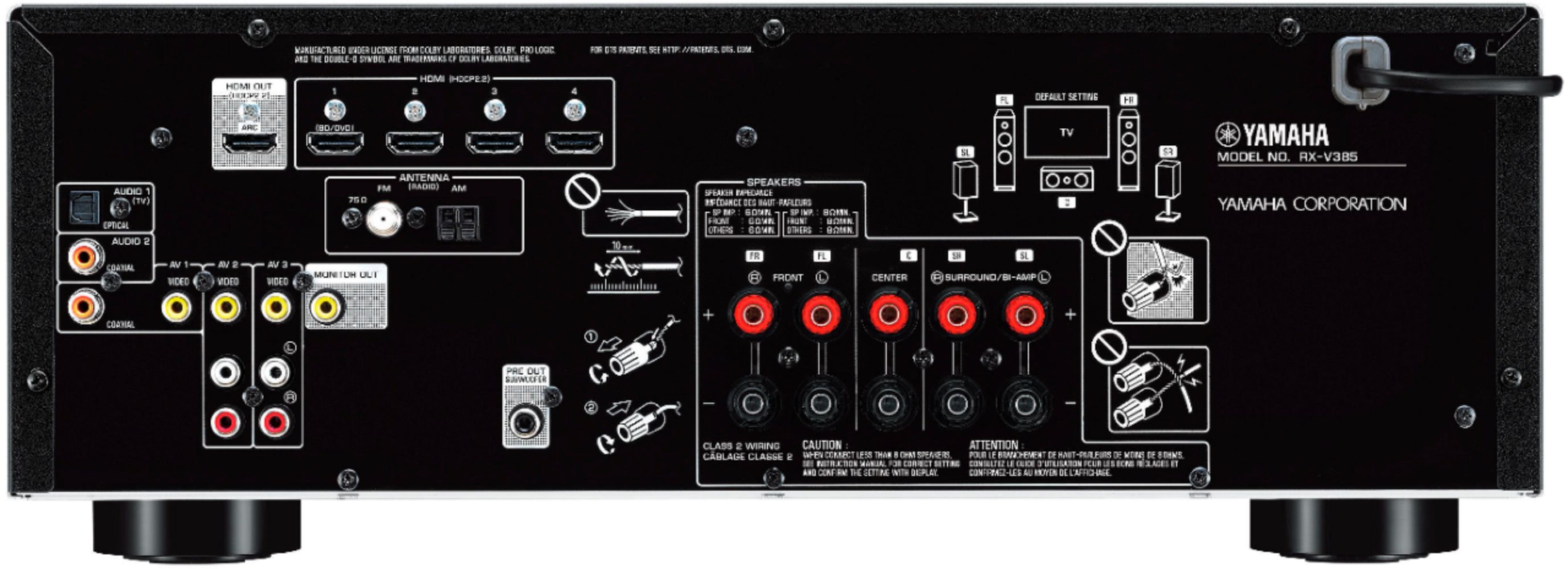
A:AnswerEverything runs through the receiver. You can run all of your devices into the 4 inputs and the one output to the TV. Simply changing the input on the receiver will change the output to the tv. For instance, we have dvd, xbox, satelite hooked into 3 of the 4 inputs. The output to the TV. We have to change the input on the receiver to the one you want. All 4 HDMI inputs can be labeled in settings to make it easy to recognize. No need to fiddle with the tv at all, just needs set to the HDMI that comes from the receiver.
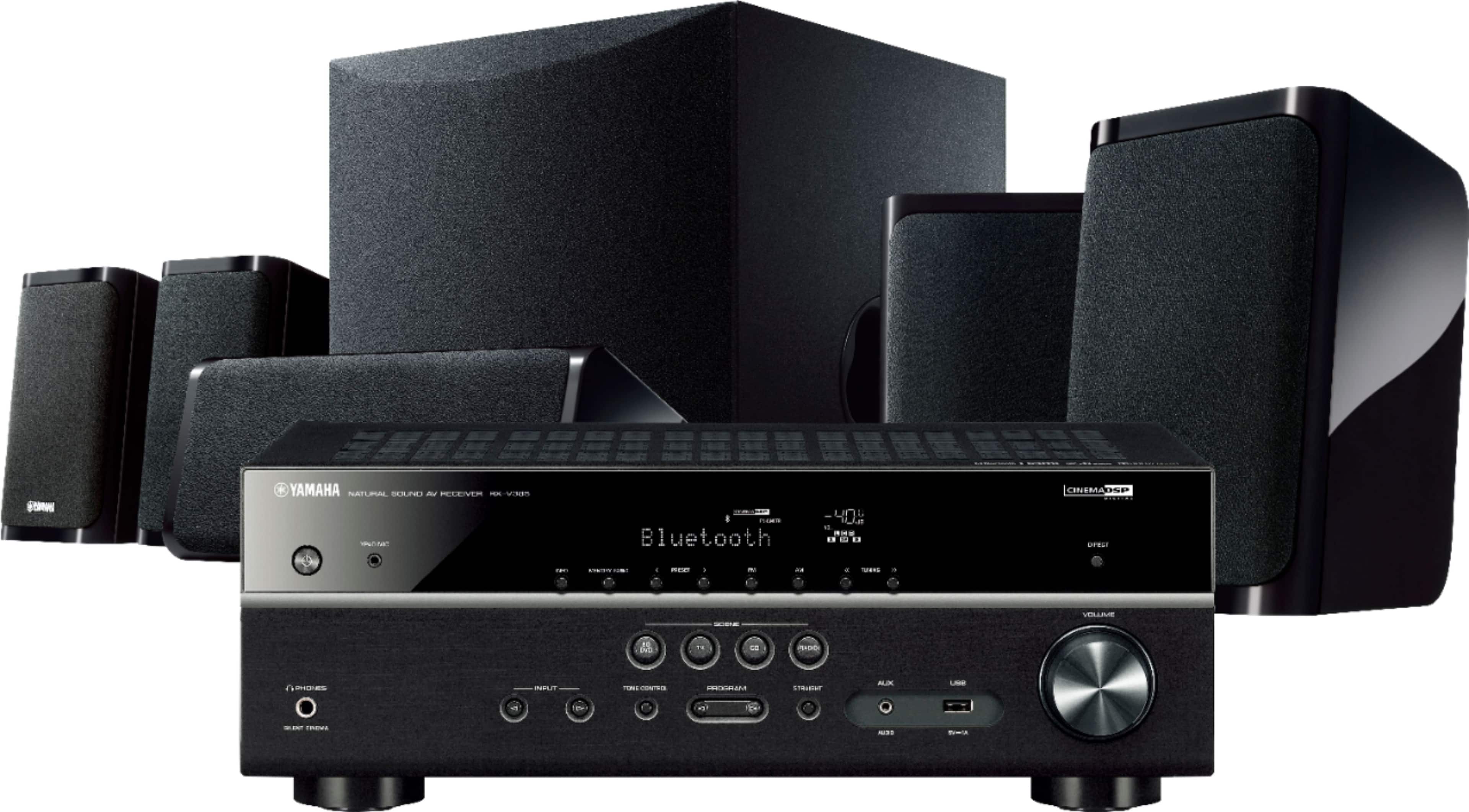
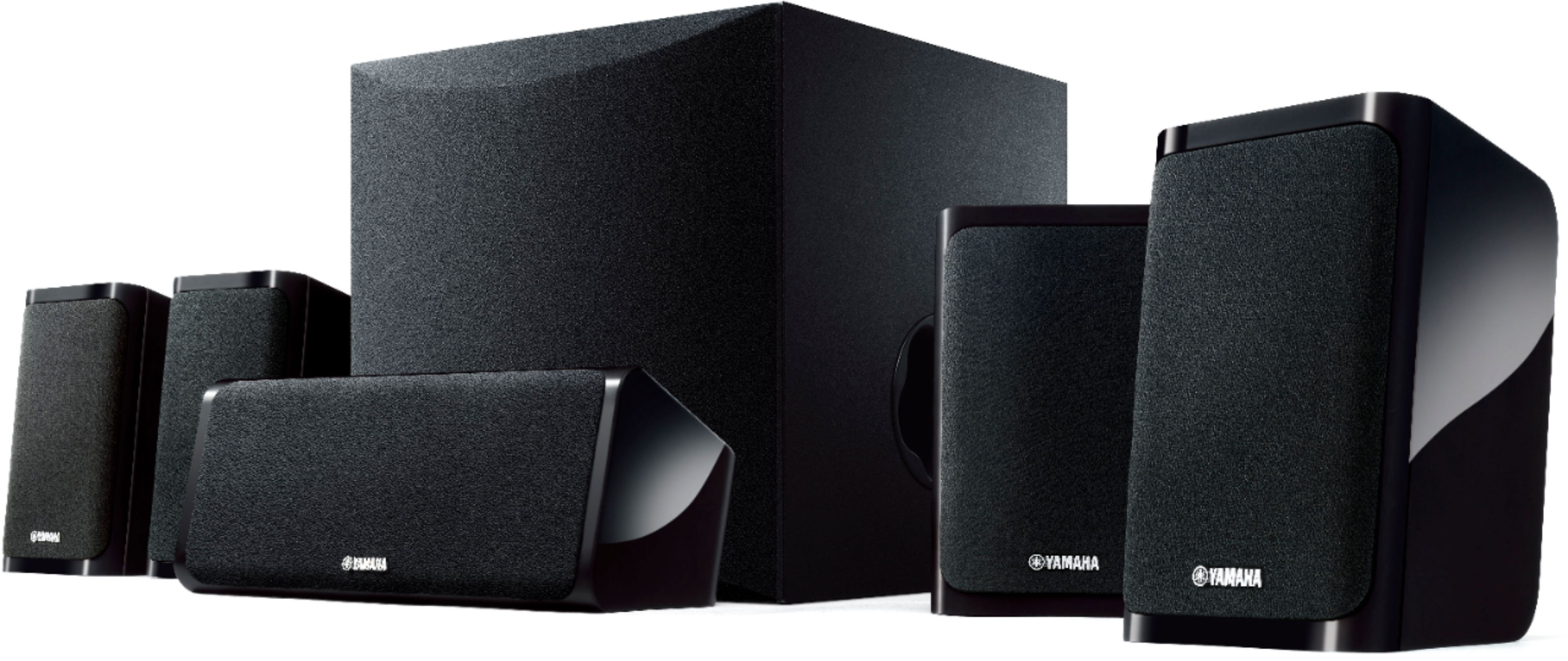
A:AnswerNo they just have flat bottoms and they need to go on a hard surface. You can attach them to the wall down the road. They have a hole in the back of the speaker boxes for you to hang them if that is wanted/needed
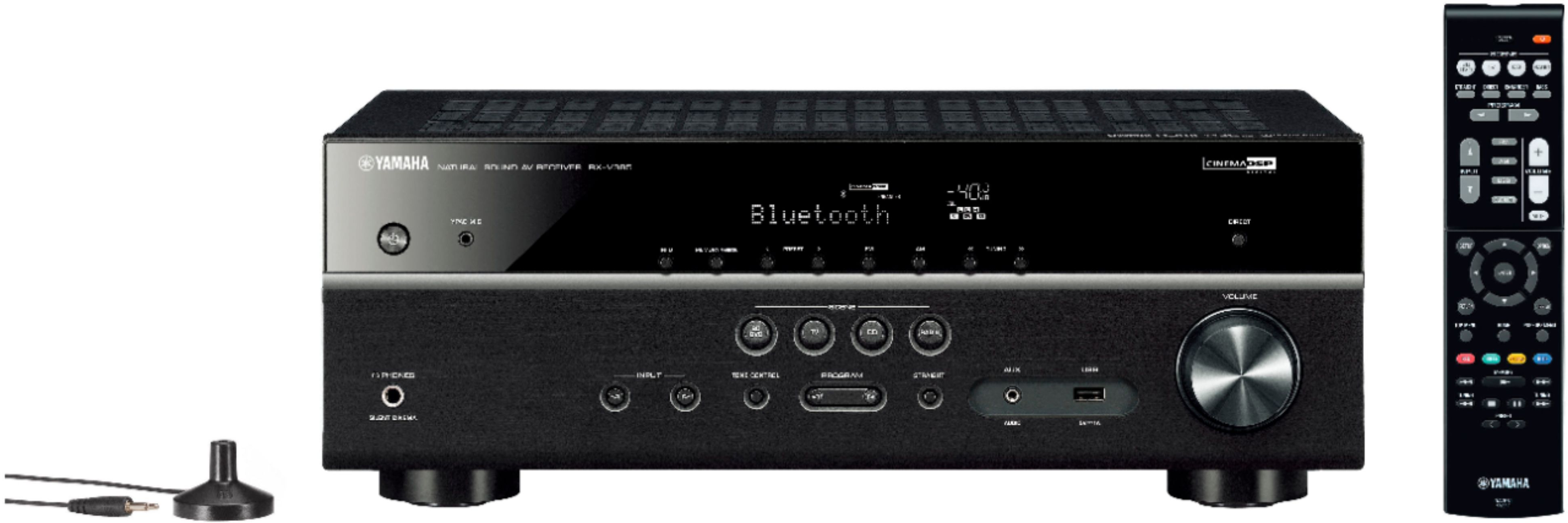
A:AnswerI actually got my LG remote to control the Yamaha receiver. The receiver comes on when the tv powers up and the volume moves with the LG remote. Nice feature so I never need to open the cabinet to do anything on the receiver
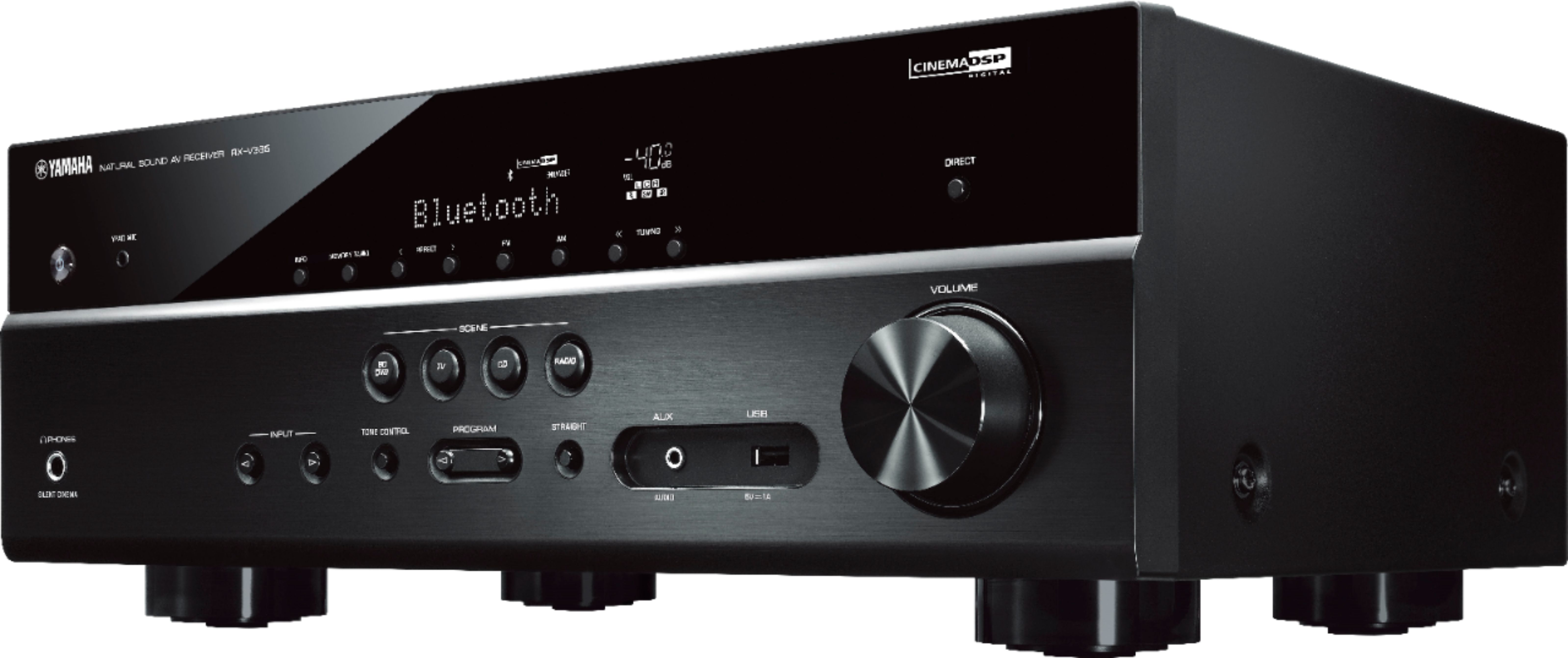
A:AnswerIt has HDMI out the back and USB in the front. You SHOULD be able to plug in off one of those and use one of the Audio 1 or 2 outputs. I see what your doing and I have a large MP3 collection as well. That is an interesting question which I don't have an honest answer. The unit also has Bluetooth so if you have a modern computer you should be able to go at it that way also. I would recommend the hdmi cable personally but it also has a digital audio cable port on the back I uses for a CD player. The cable was $10 @Bestbuy. Most laptops and towers have jacks for that. I will upload a pic of the rear of the system. It does have headphone jacks also on the front which I do not have pics of....sorry but good luck on your hook-up.