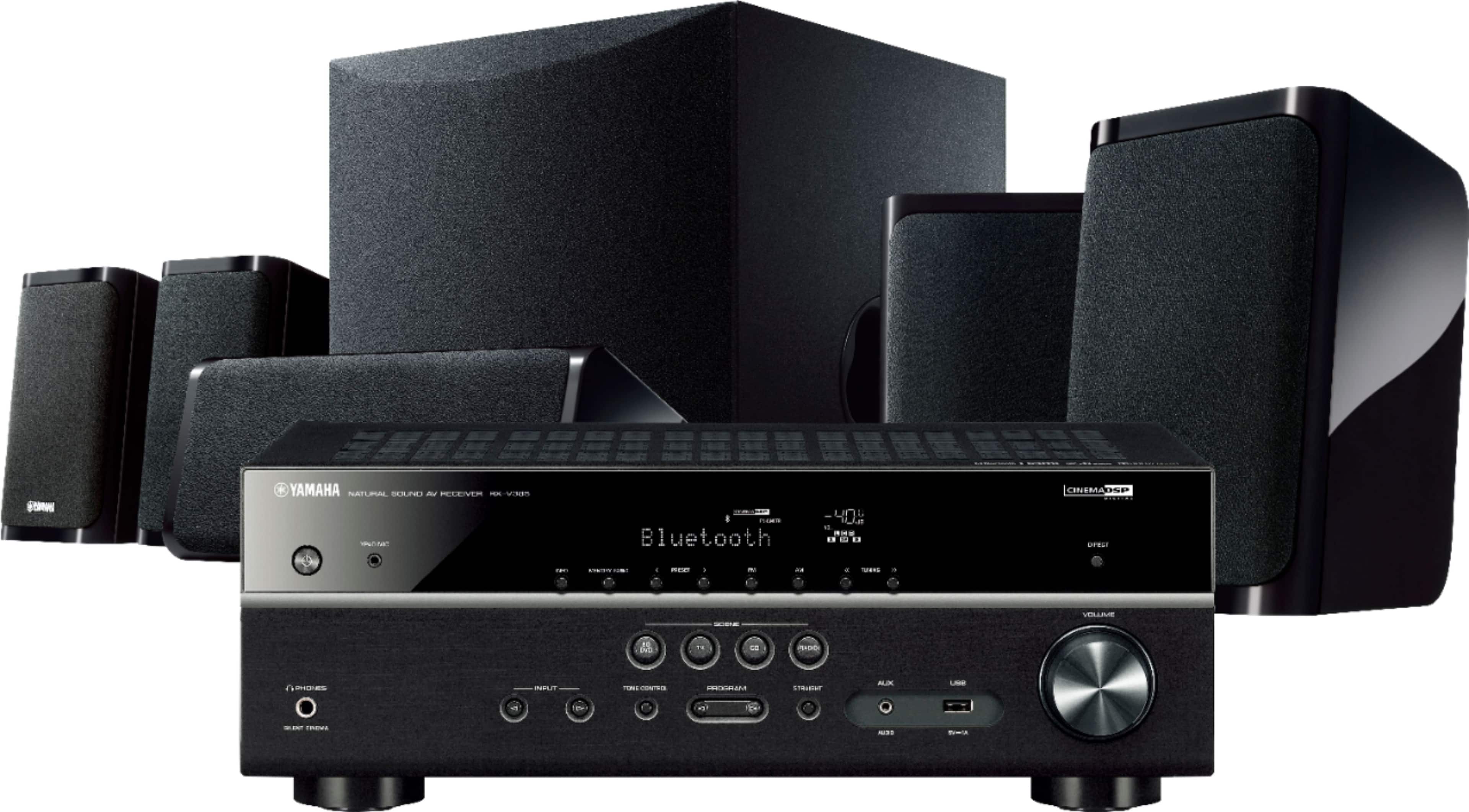
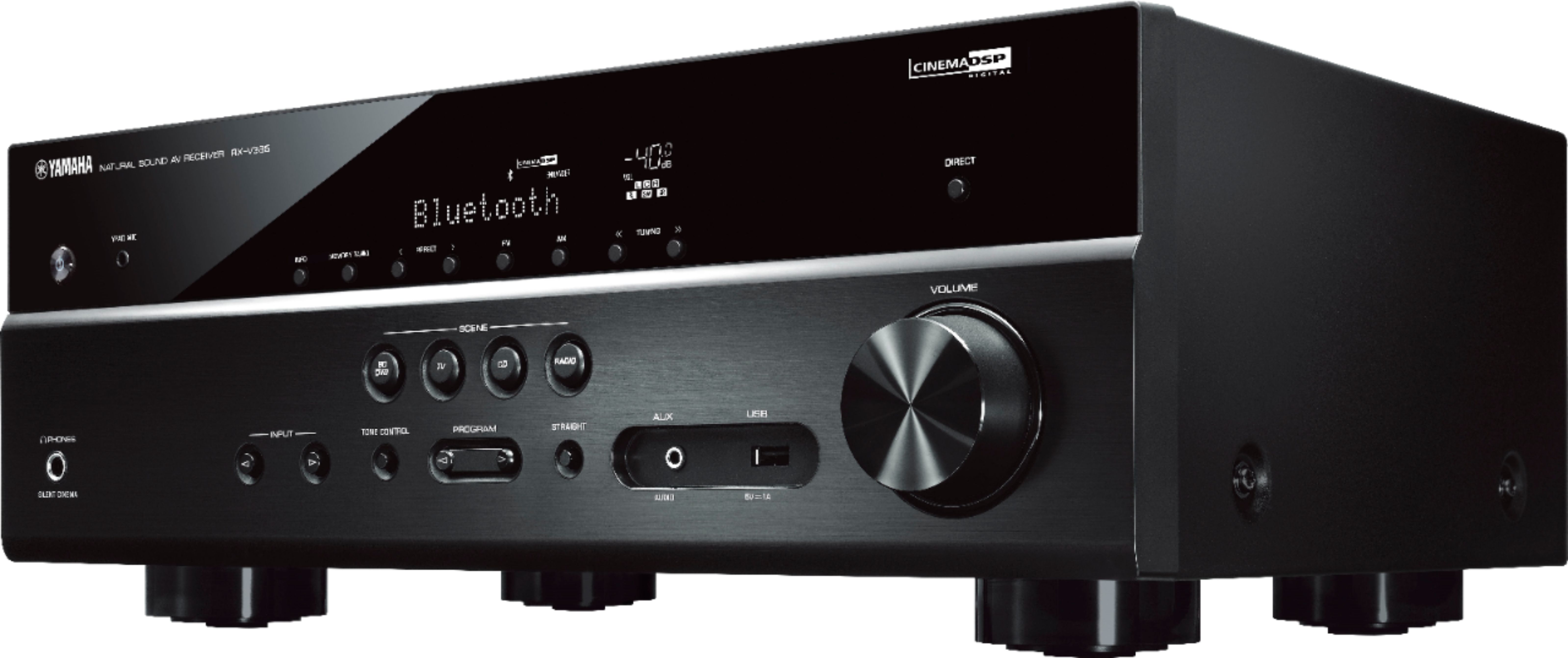
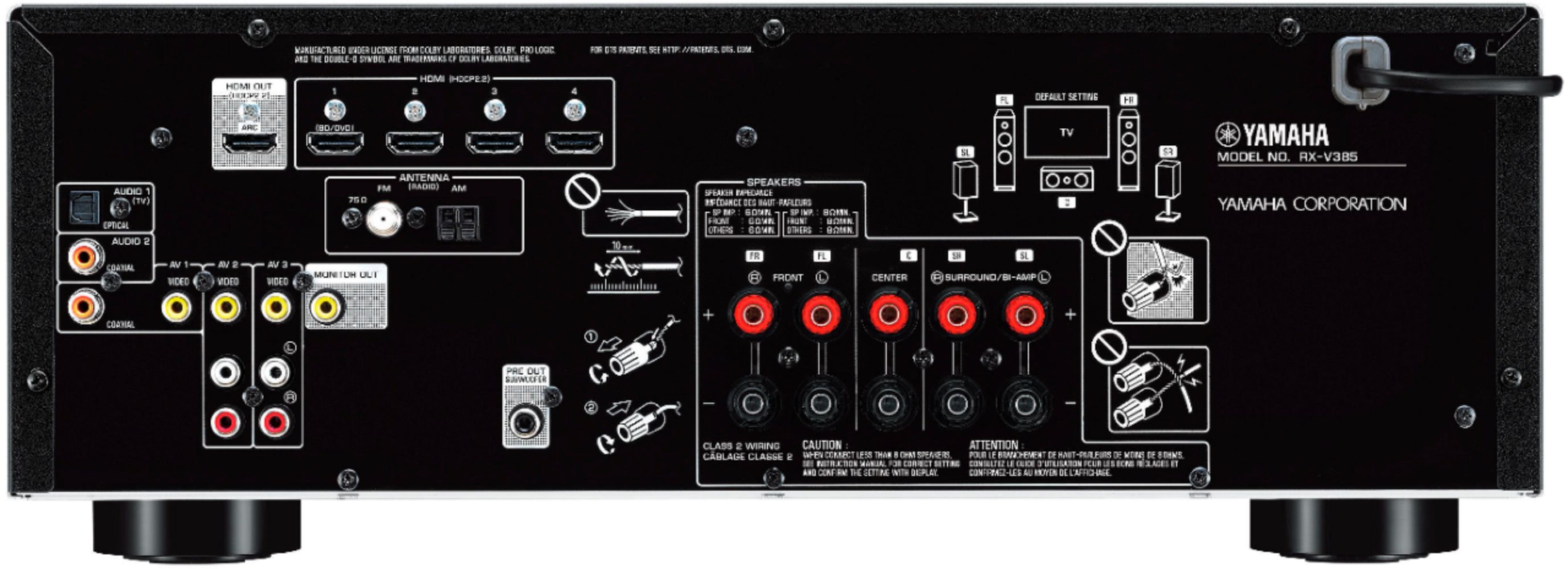
A:Answer1 HDMI input (the input that's in the gray box as shown on the back of the receiver in the picture) is for HDMI ARC control and goes to your TV HDMI ARC input. The other 4 are the actual HDMI inputs for your devices. You plug all of your devices into the other 4 HDMI inputs. It doesn't matter which ports you plug your devices into as the receiver will automatically recognize which device is plugged in and display the device name on the receiver display when it switches to that input.
A:AnswerNo, it doesn't have the built-in streaming apps like the YTH-5950 does. It only has Bluetooth so you can connect your device that way, but no actual built in music streaming apps.
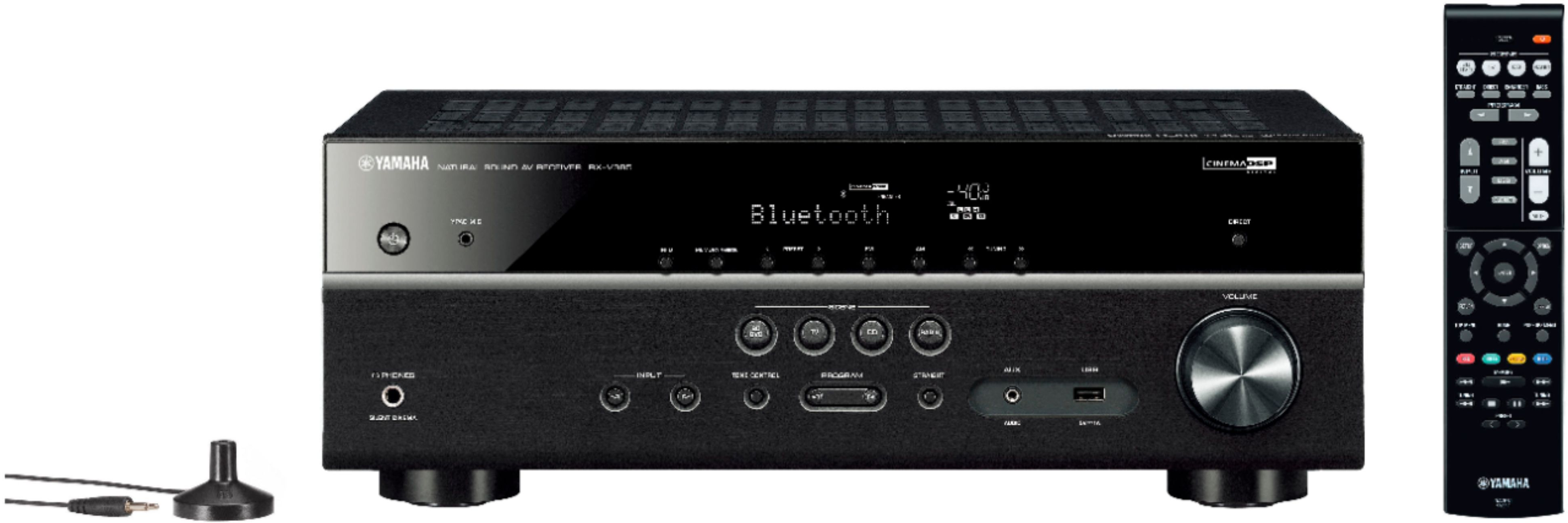
A:AnswerYes. There is a YPAO microphone included with the receiver that you hook into the YPAO microphone connector on the front of the receiver. The receiver will use the YPAO microphone to automatically calibrate the speaker distances and levels for you so you don't have to manually go into the receiver settings and do it.