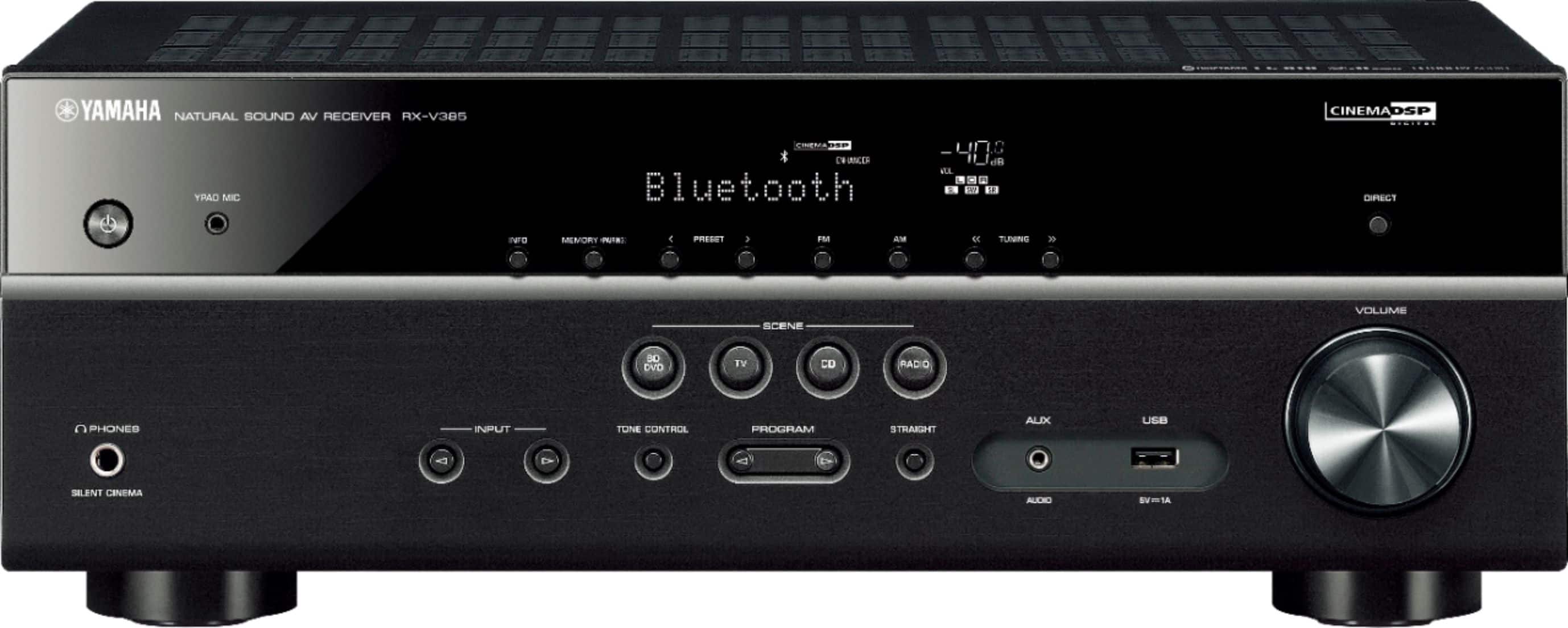
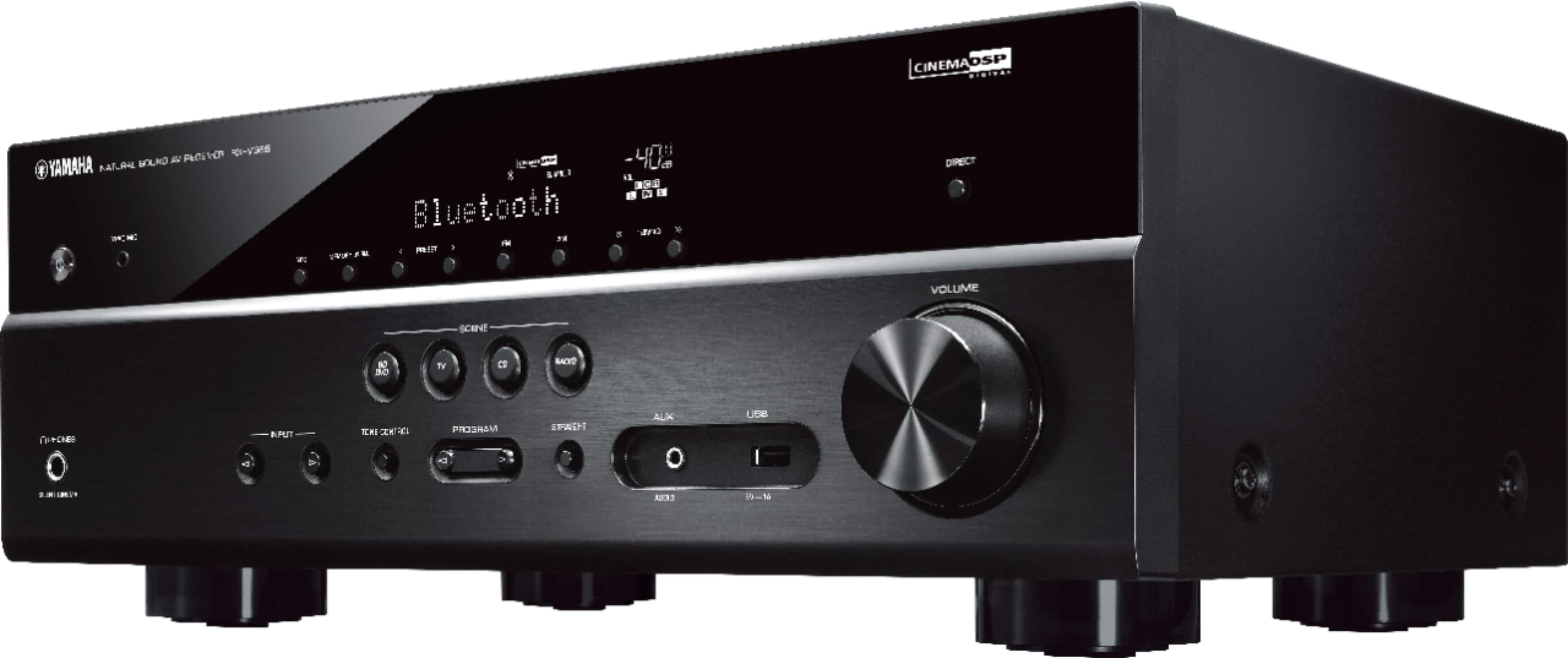
A:AnswerAmazing unit the only way to hub your home theater ! I highly recommend this Yamaha unit I actually bought the second one for my bedroom theater
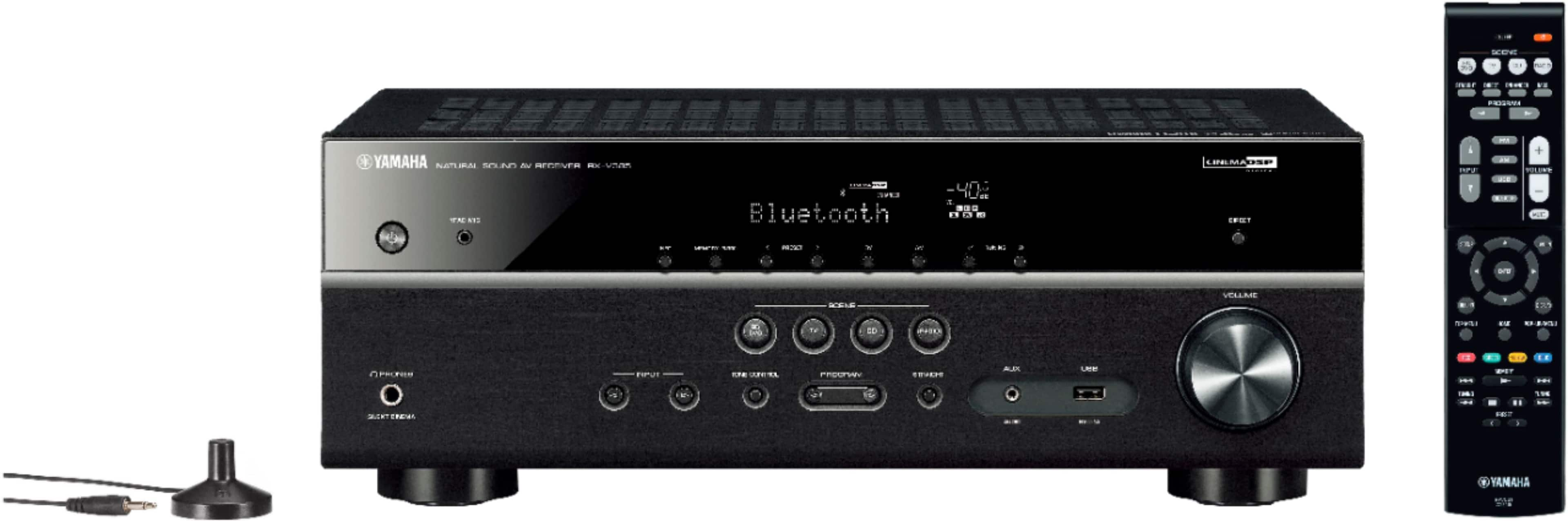
A:AnswerYes, it comes with a remote. To use a turntable, you would need a separate small preamp or a turntable that has one built in, but there is an input (AV2-3) for analog audio.
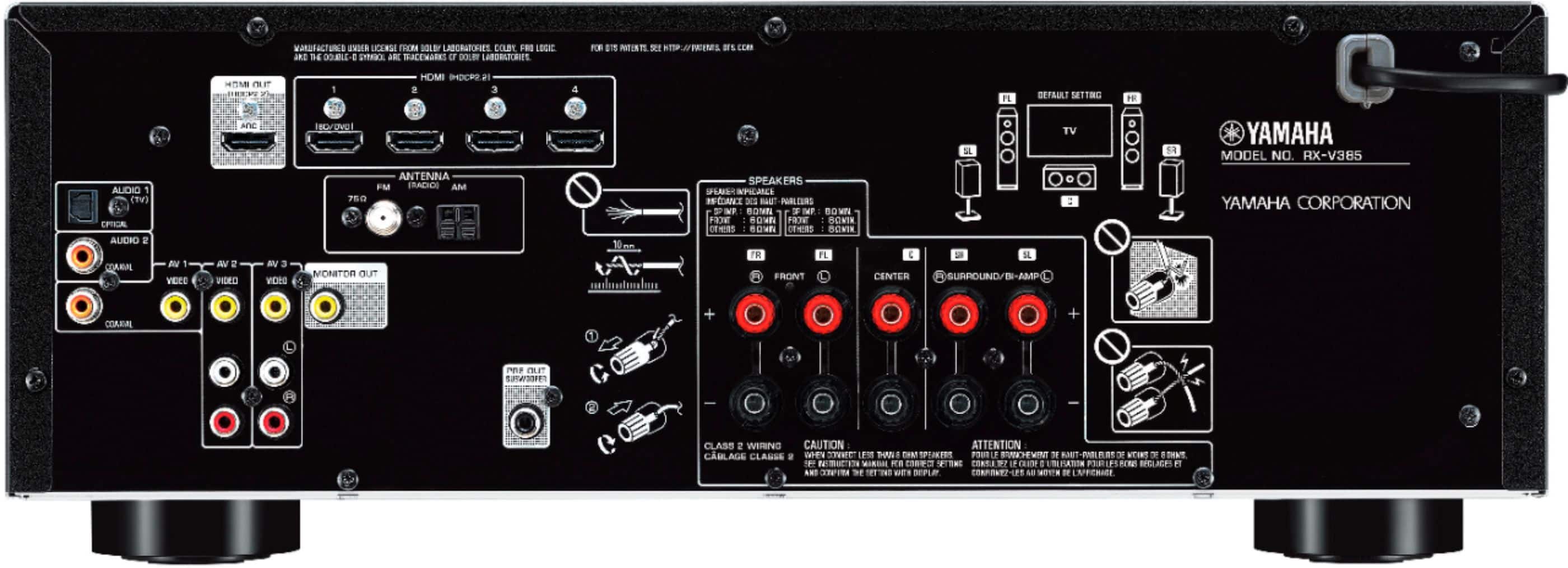
A:AnswerPlug tv source into yamaha rx-v385 HDMI 2. Take output of rx-v385 and plug into your televisions HDMI ARC input and turn on that feature on your TV. You should be able to get TV stations, Netflix, Prime, all audio from the rx-v385.
A:AnswerYou can use the four SCENE buttons at the top of the remote. If you don't like the default settings select the input you want and hold down one of the SCENE buttons until it says SET
A:AnswerCEC stands for "Consumer Electronics Control," and it needs to be enabled in both the TV and AV receiver for ARC to function. The often-overlooked ARC stands for "Audio Return Channel," and ever since the HDMI 1.4 standard was introduced, ARC has been available on TVs, soundbars and receivers. This protocol offers two-way communication between devices over a single HDMI connection. Essentially, the HDMI ARC port lets you use HDMI as both an input and an audio output.
A:AnswerHaving worked in the A/V industry for many years, receiver specs can be misleading when it comes to power. The 70W is per channel continuous rated. The 145W refers to max power, I.e. during loud music or movies. Years ago they often would tout total power numbers by adding the channels and saying something like 500W. I don’t see this as much anymore.
A:AnswerPorts? What kind? It has 4 HDMI and one ARC HDMI. Just look under Specifications:
Number of HDMI Inputs (Total)
4
Number of HDMI HDCP 2.2 InputsSpecifications Info info
4
Number Of USB Inputs
1
Number of Optical Digital Audio Inputs
1
Number of Coaxial Digital Audio Inputs
2
Antenna Input
AM, FM
Front Facing Inputs
Analog audio, USB
Number Of Auxiliary Inputs
1
Number of Composite Video InputsSpecifications Info info
3
Number of Analog Audio Inputs
3
Number of DVI InputsSpecifications Info info
A:AnswerReally????
From the manual; As long as it's FAT16 or FAT32 format. Supports WAV (PCM format only) MP3, WMA and MPEG4 (1-2 channel audio only). Sampling rate up to 48 kHz Quantization bit rate is 16 bit only. Will not work with Digital Rights Management (DRM) content. Will not work with an extension cord (device must be connected directly) Will not work with encrypted files. OPERATION OF ALL USB DEVICES CANNOT BE GUARANTEED.
A:Answerbought this unit 2 month ago with whatever firmware version was there and using it with eARC hdmi connection on my Samsung smart TV. it was a little confusing initially, but the majority of the setup is on the TV side. Unit works flawlessly using TV remote for volume and on/off functions.