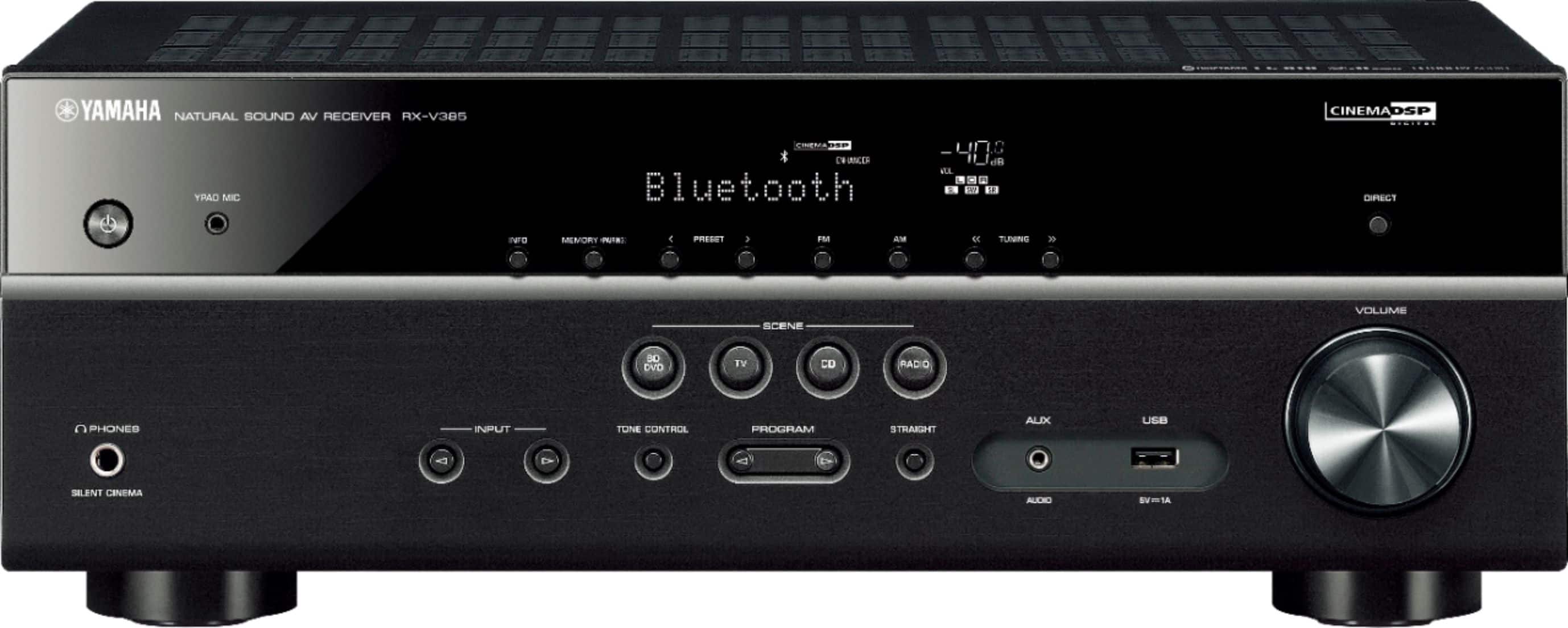
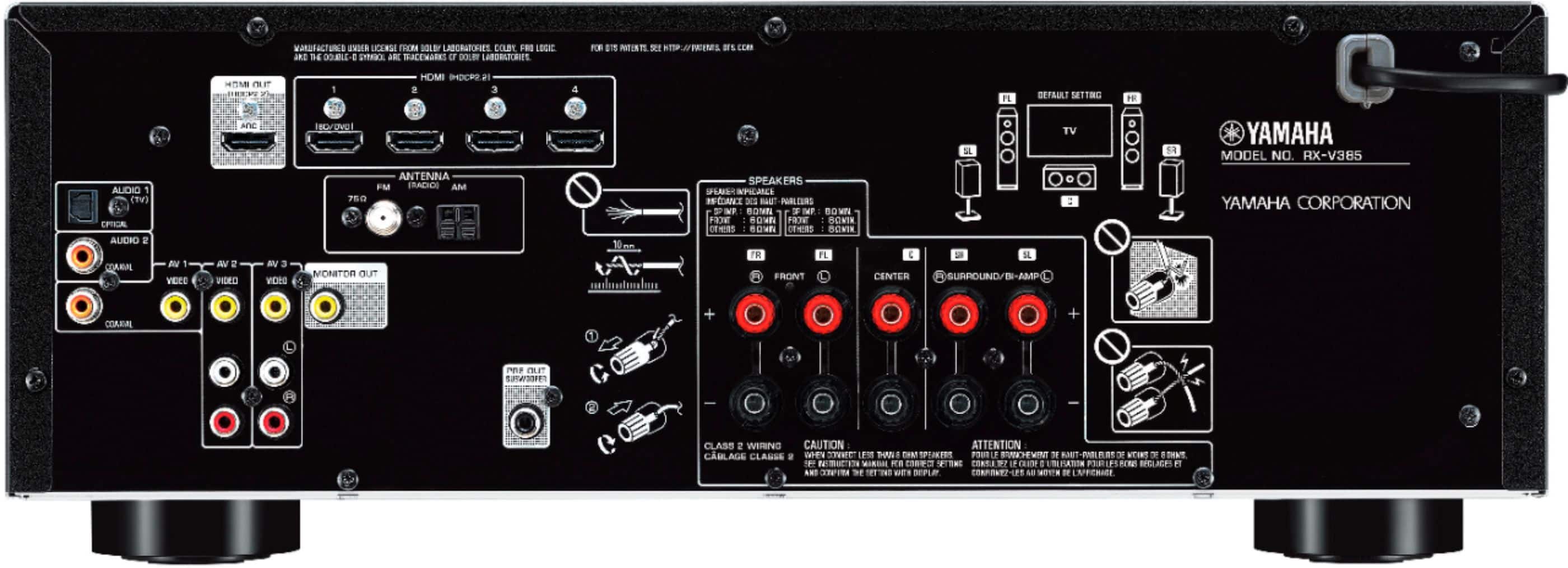
A:AnswerIt does not have a phono preamp so unless your turntable has a built in phono preamp or you are running it through an external phono preamp you wouldn't want to connect a turntable directly to the receiver.
A:AnswerI have not used anything bluetooth on this at all. It should work fine, but I will leave that up to someone who has it configured that way. Keep in mind though, Best Buy does have a great return policy if it's a no go... Take care~
A:AnswerI don’t see why not. If you output to an HDMI equipped projector, it is no different than a monitor as far as the Yamaha unit is concerned. Next consider your video source. I guess you are thinking a laptop streaming content and that would be fine. Of course, the big challenge is protecting the electronics from the elements. You need to keep dust, dirt and rain out but ensure airflow when operating so it does not overheat. Good luck
A:AnswerI don't see why not. Newer 4k TV's all have HDMI ARC...etc. Just compare the inputs and outputs between this receiver and your TV. One cable (HDMI 2.0) ARC to ARC is all you need.