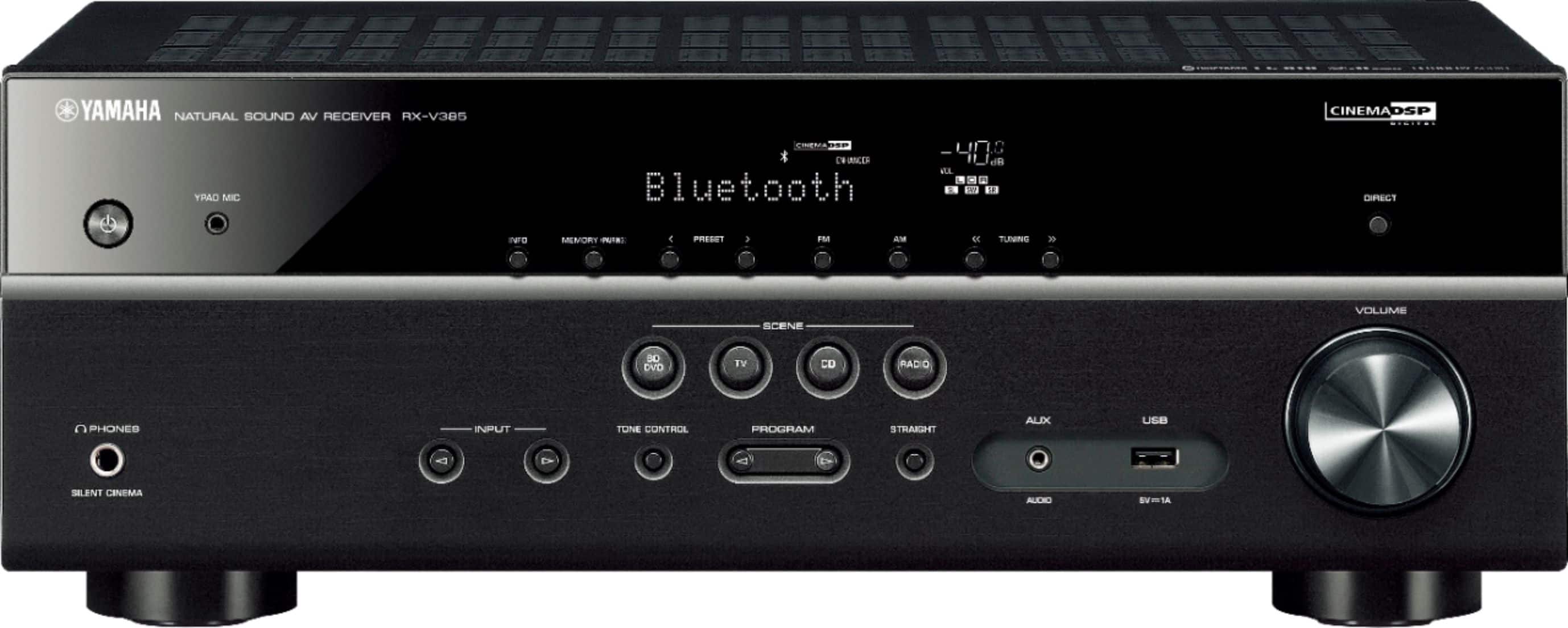
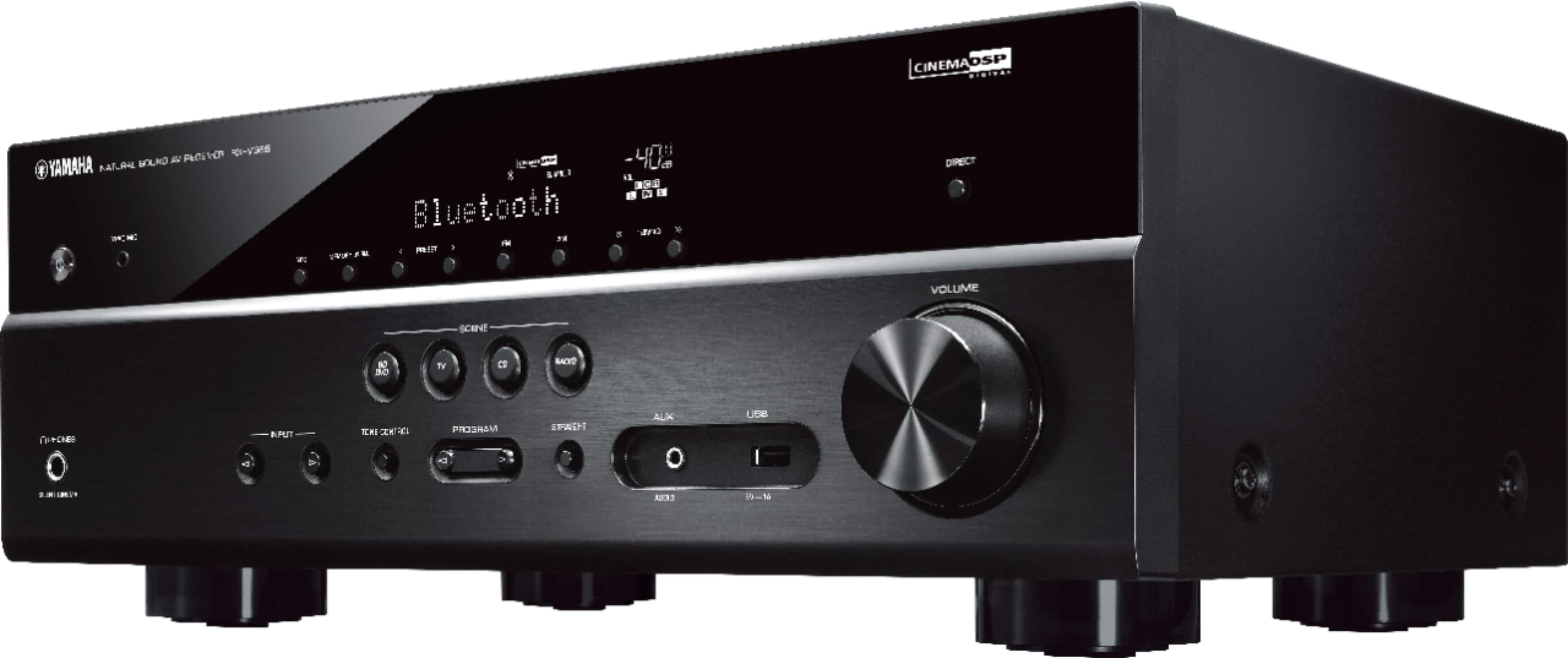
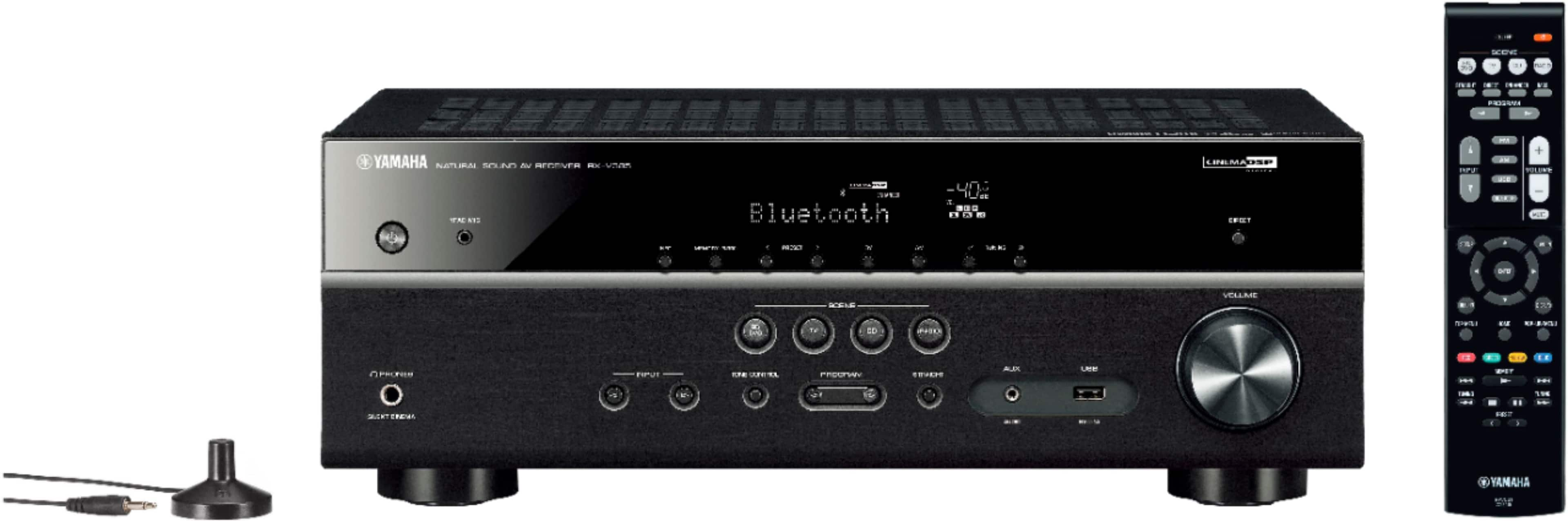
A:Answergo to remote and press the setup button and should look for sound setup, then tap options on remote and you should see tone control, then hit enter and you'll have access to the bass and treble. Up the Irons\m/!!!
A:AnswerAnynet+ is their branding of HDMI Consumer Electronics Control. This AV supports CEC and will turn on/off with the TV via ARC connection if enabled (including volume).
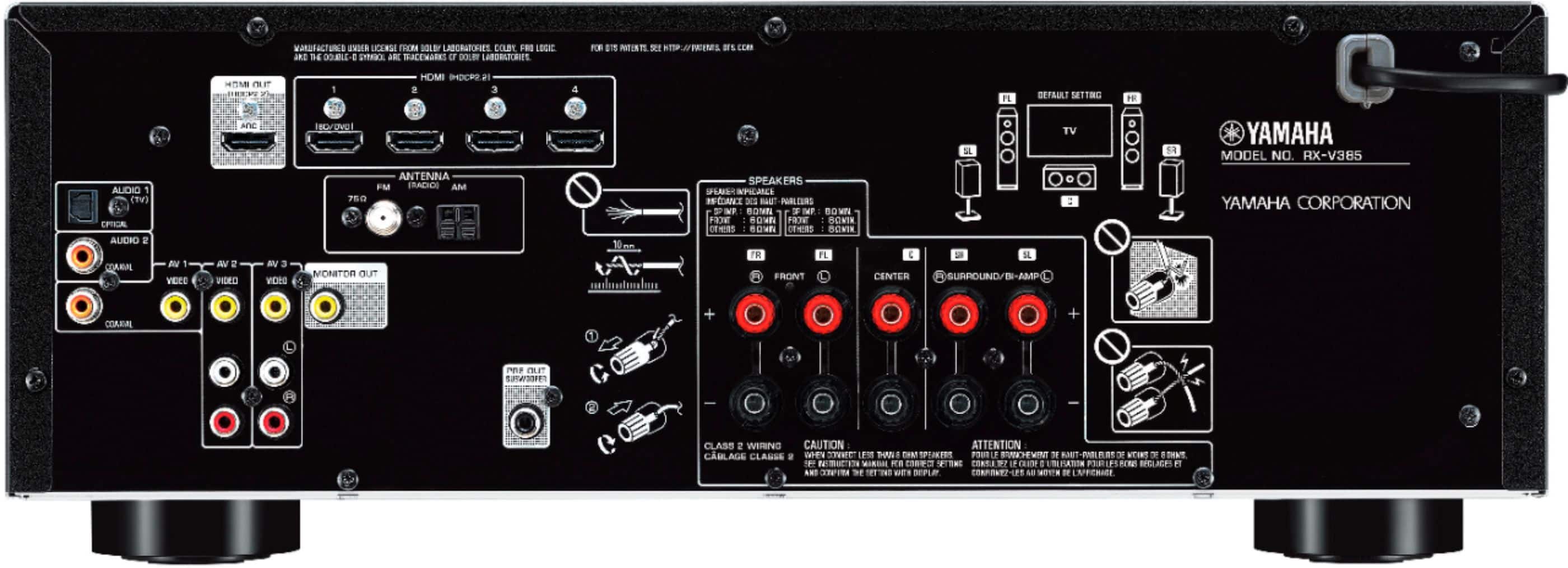
A:AnswerHey there. Depends on your turntable and whether it has a built in preamp or not. If it doesnt I believe you'll need an external preamp to connect your turntable to and then connecting the external preamp to the receiver. This has your standard Audio input cable connections so the connection should work . There is no ground wire connection on the amp if your turntable has that. Hope this helps
A:AnswerYou can adjust the volume, or level, of each speaker. Setting range is from -10.0 dB to +10.0 dB. Once adjusted they will remain that way for any playback unless changed.
A:AnswerIt has inputs that can be used for a turntable, BUT you need to have a phono preamp on the turntable output. Make sure you have a ground wire all the way from the turntable to the preamp and then on to the AV receiver.