Customer Ratings & Reviews
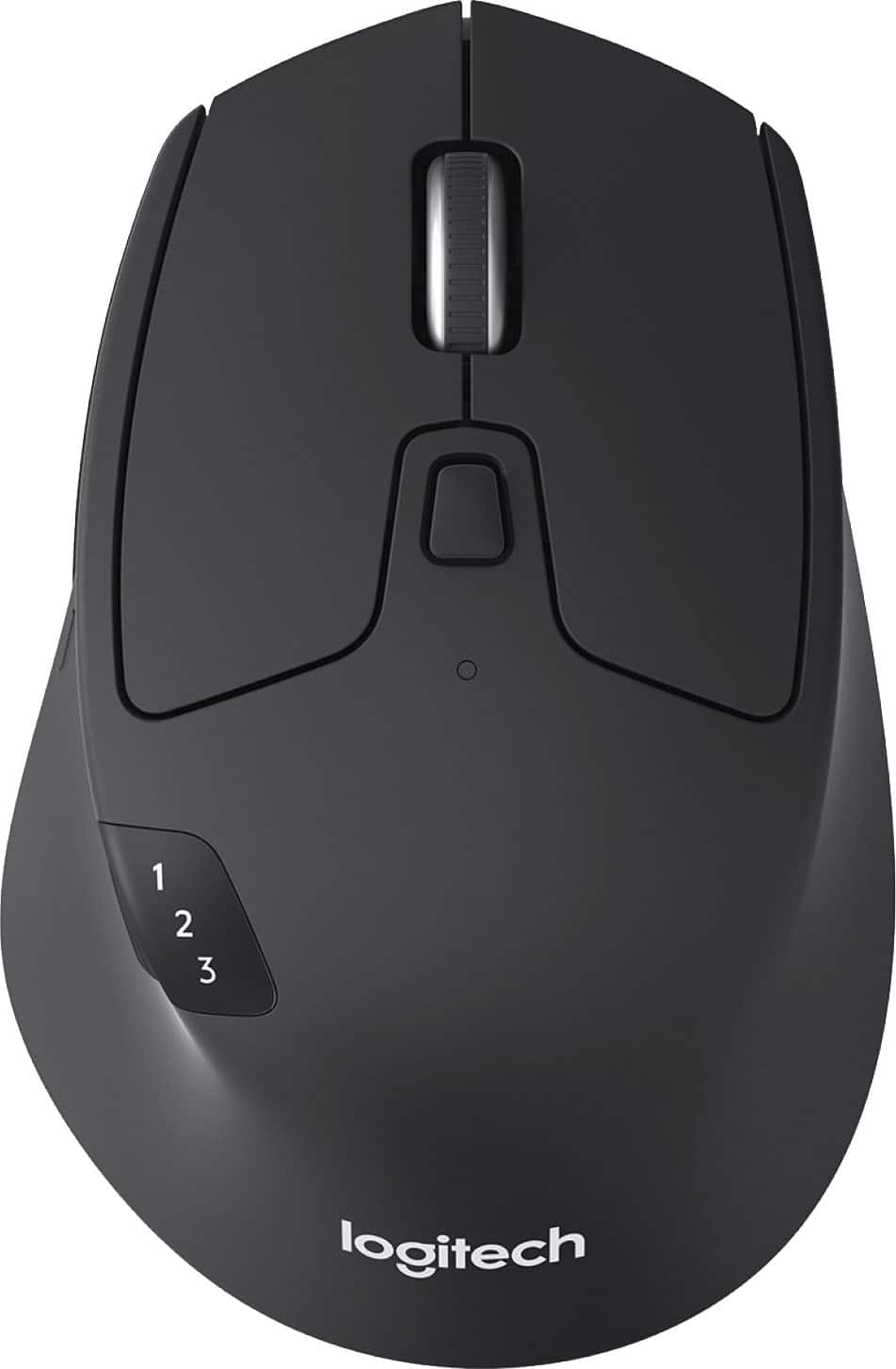
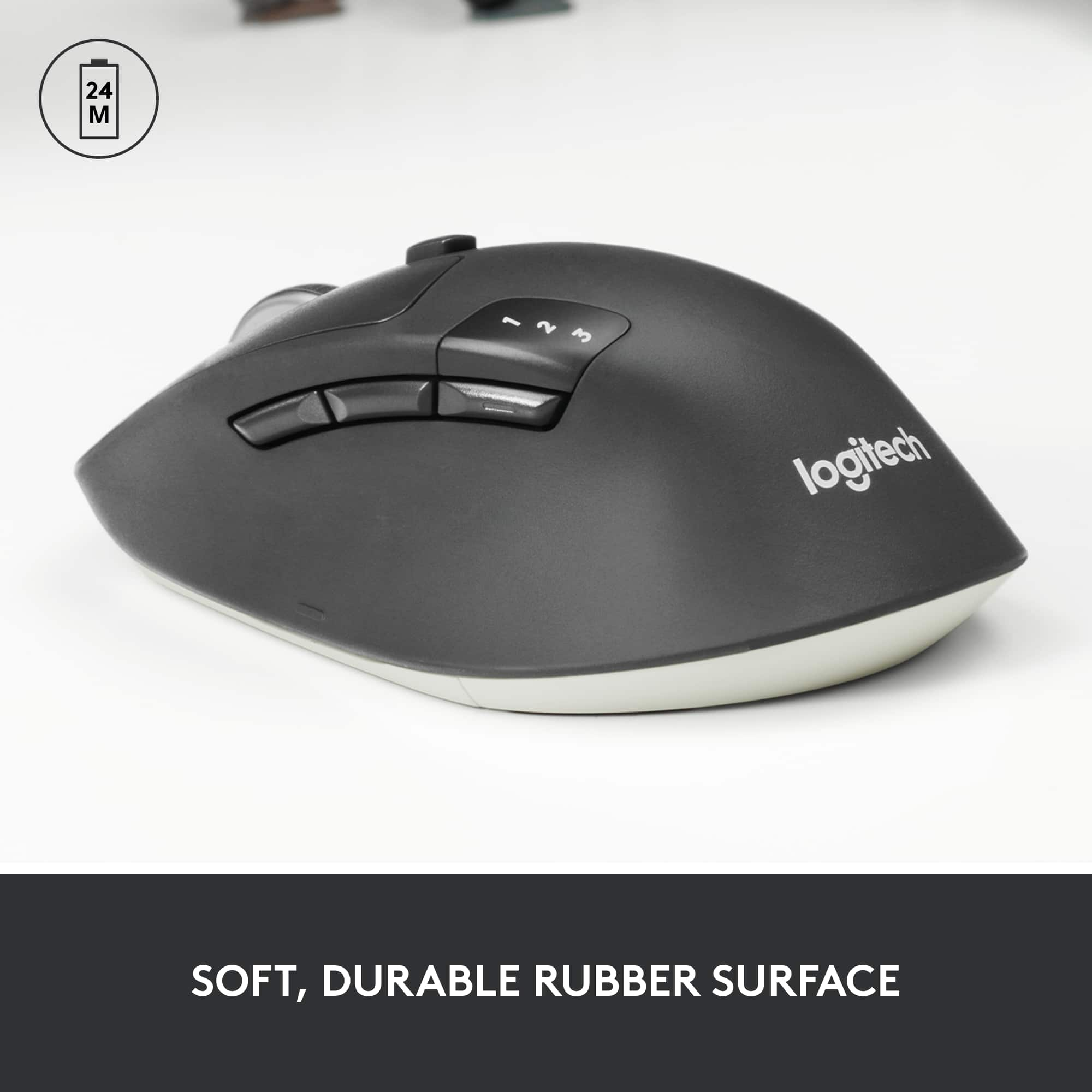
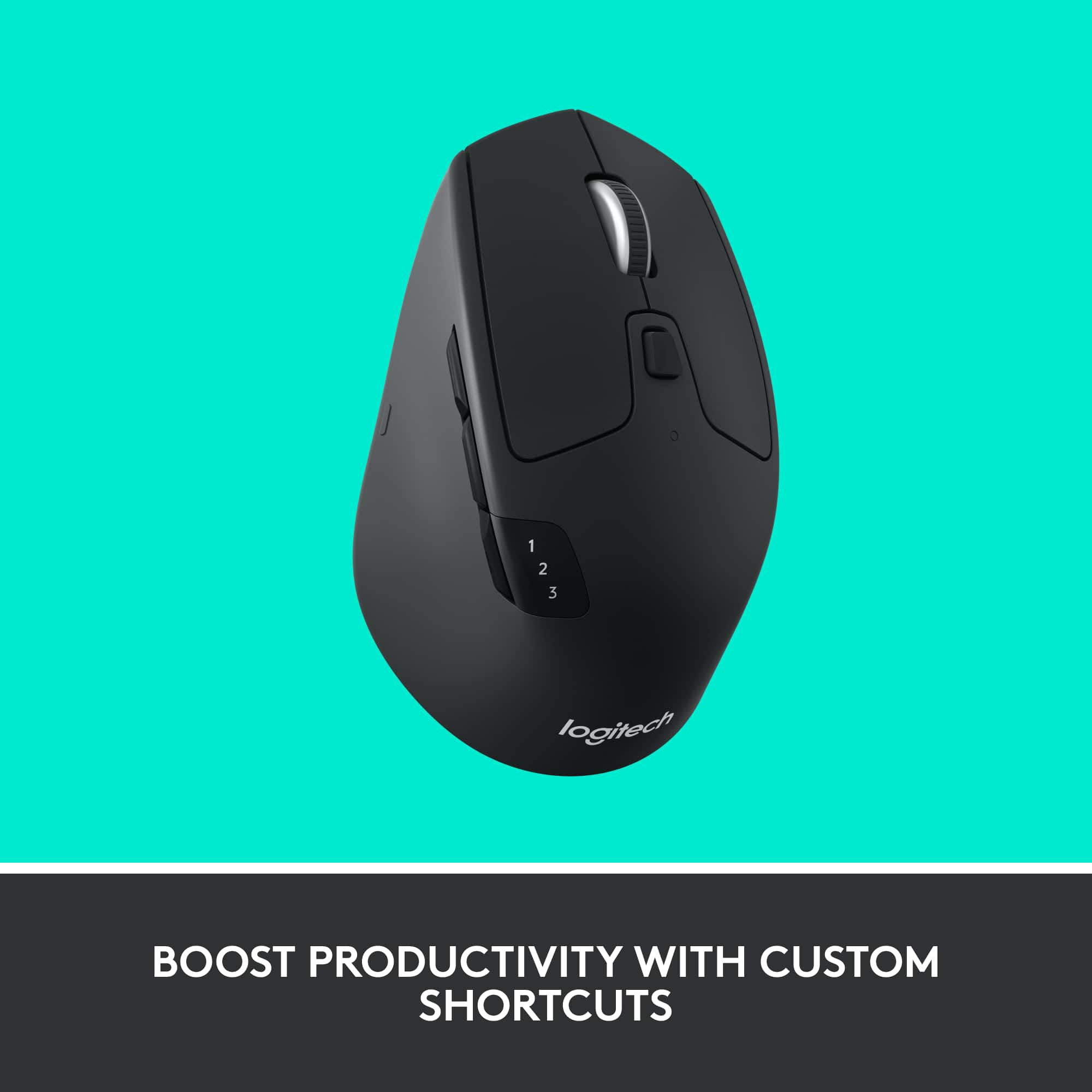
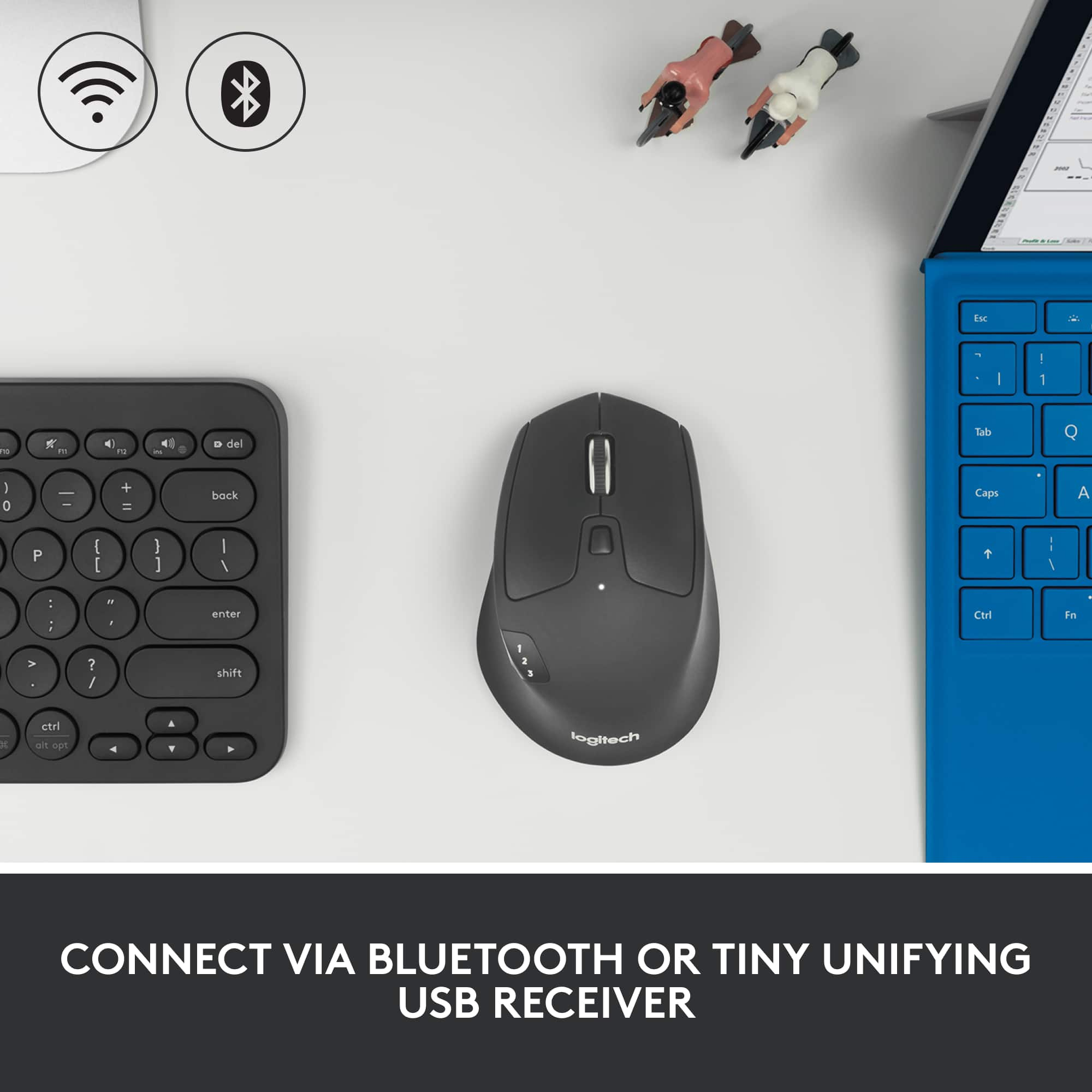
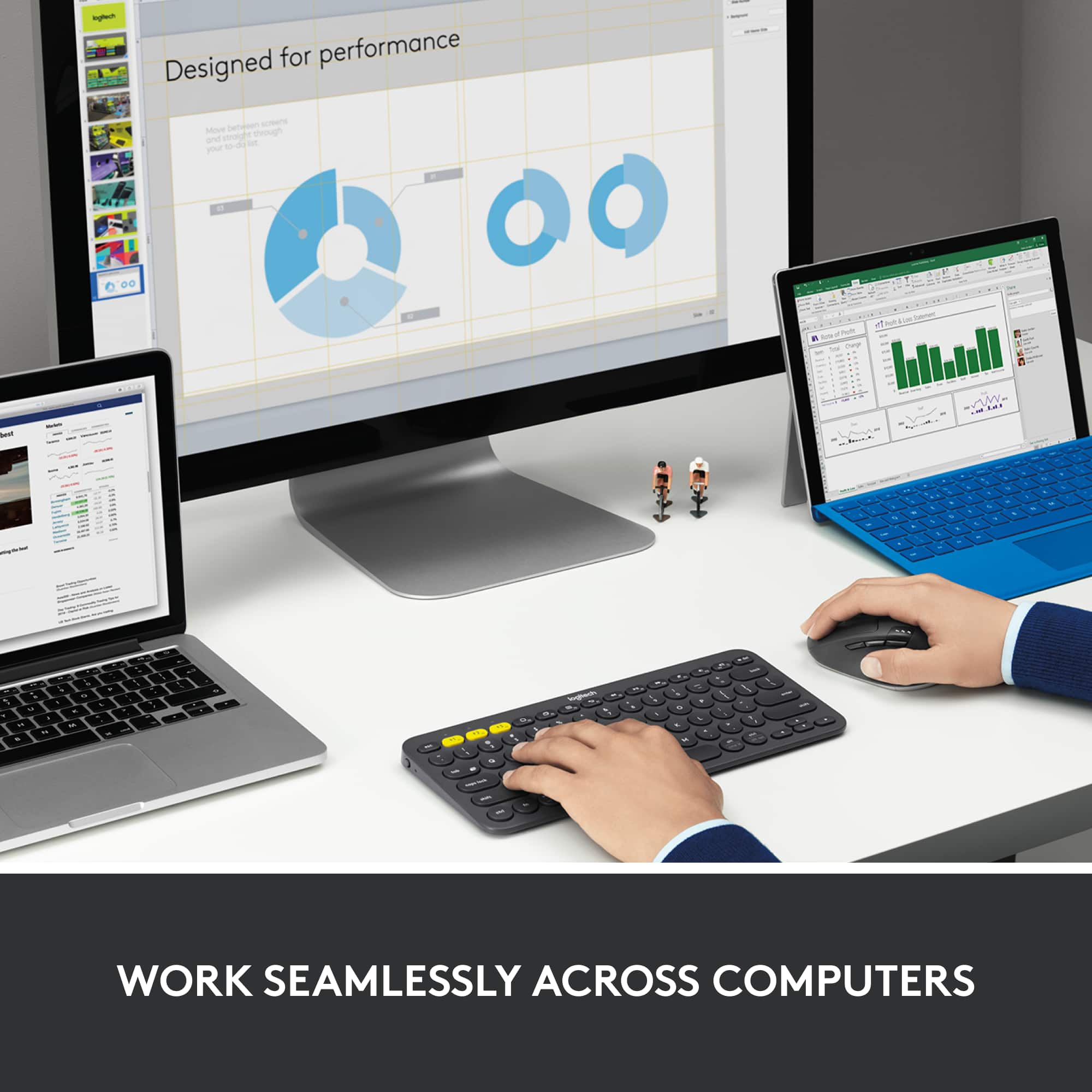
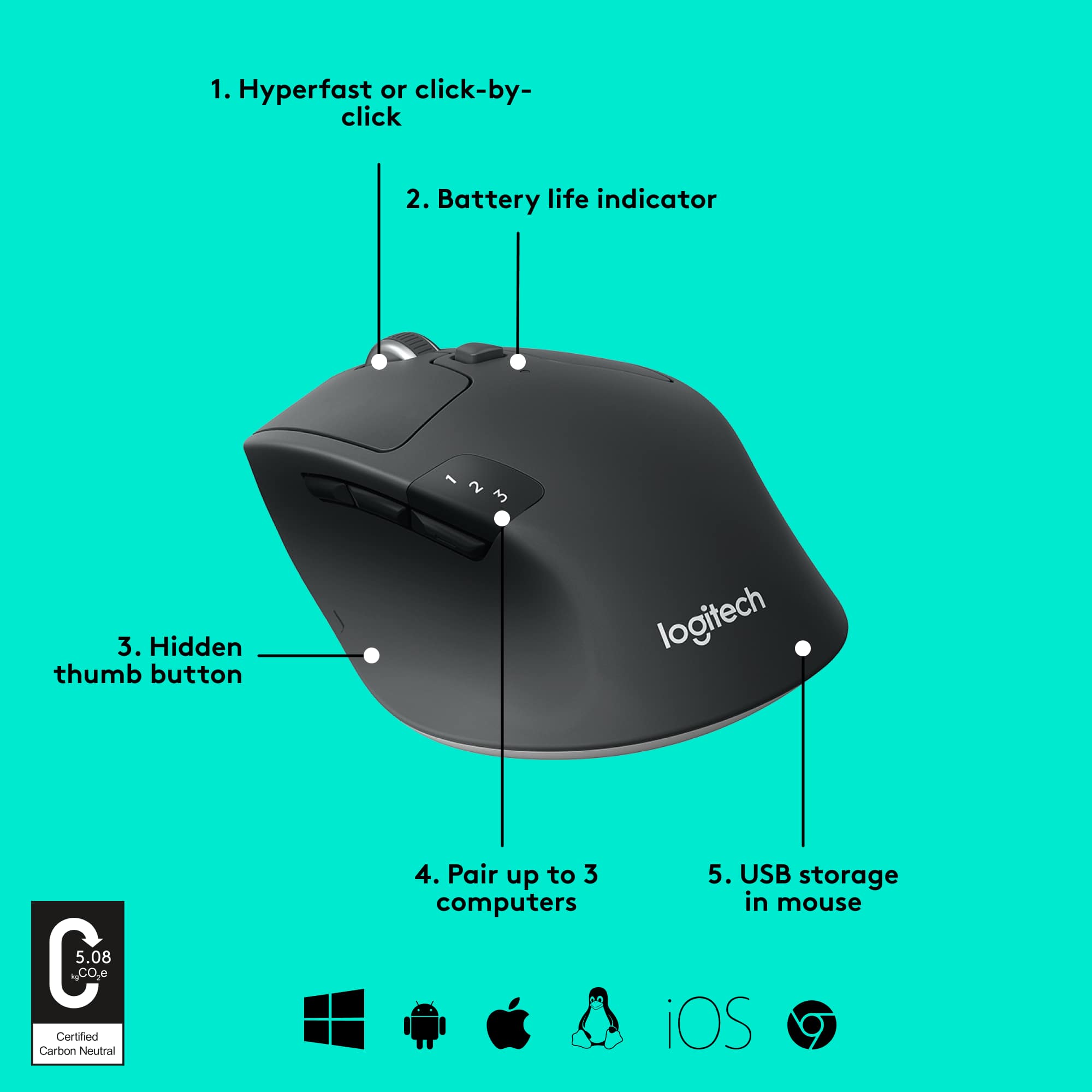
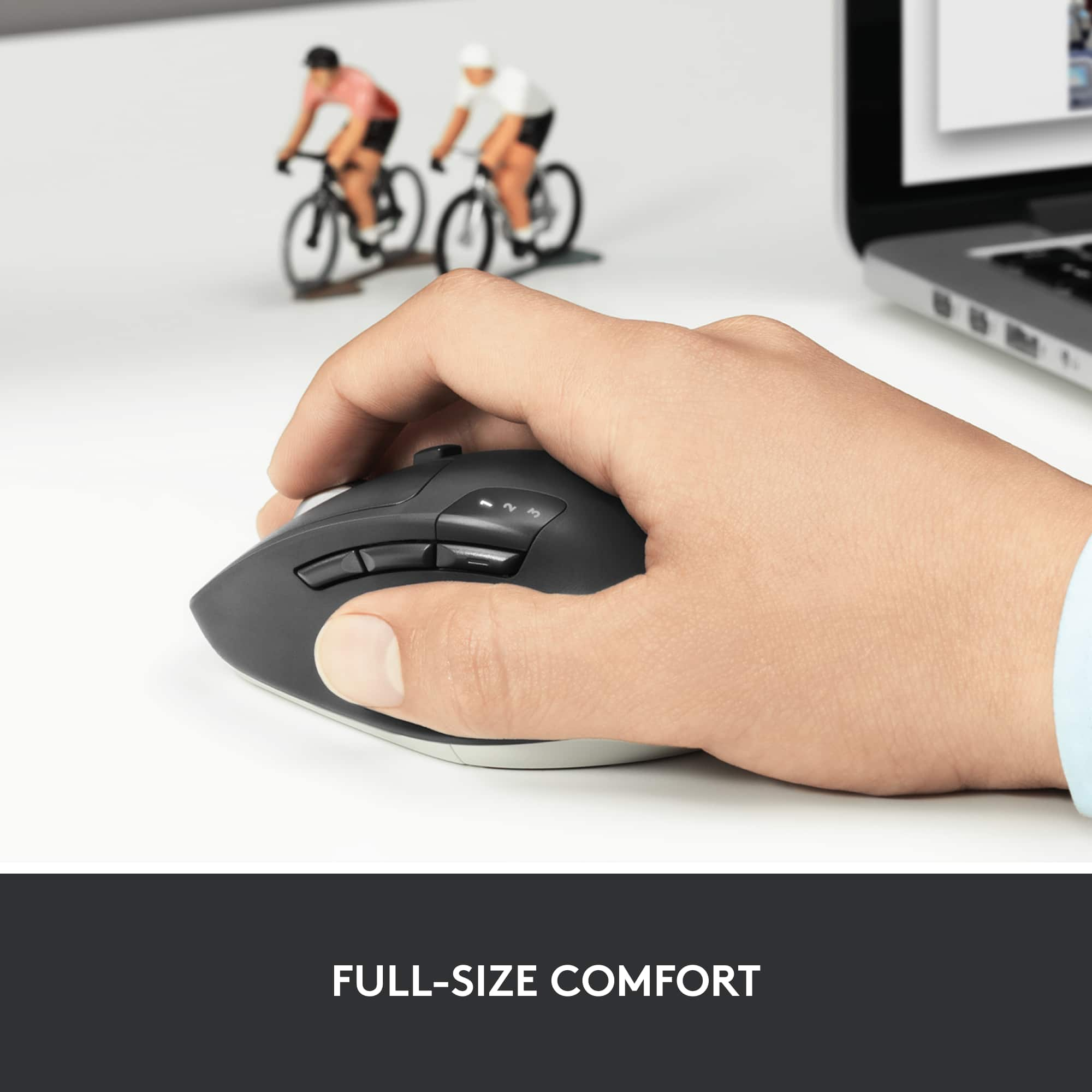
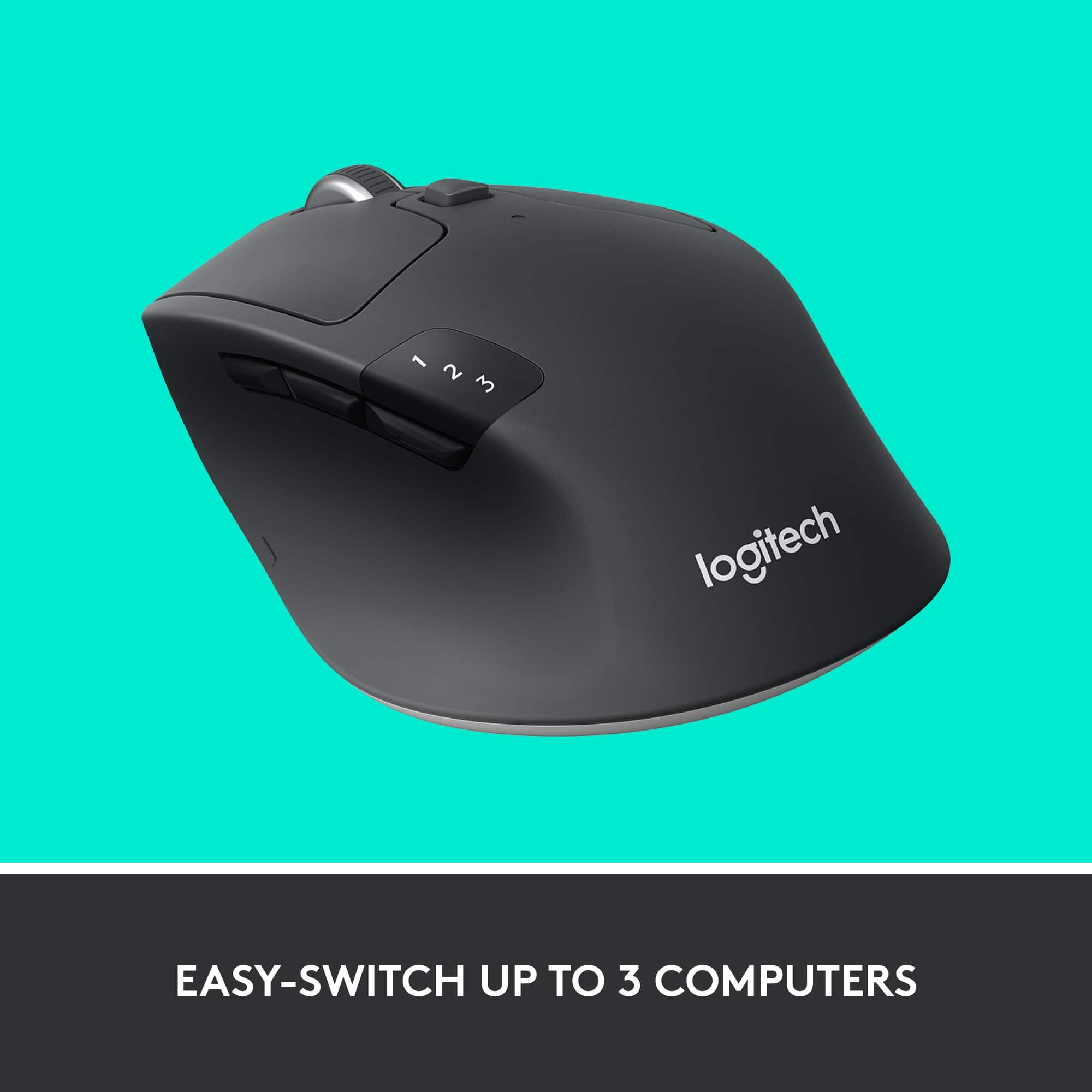
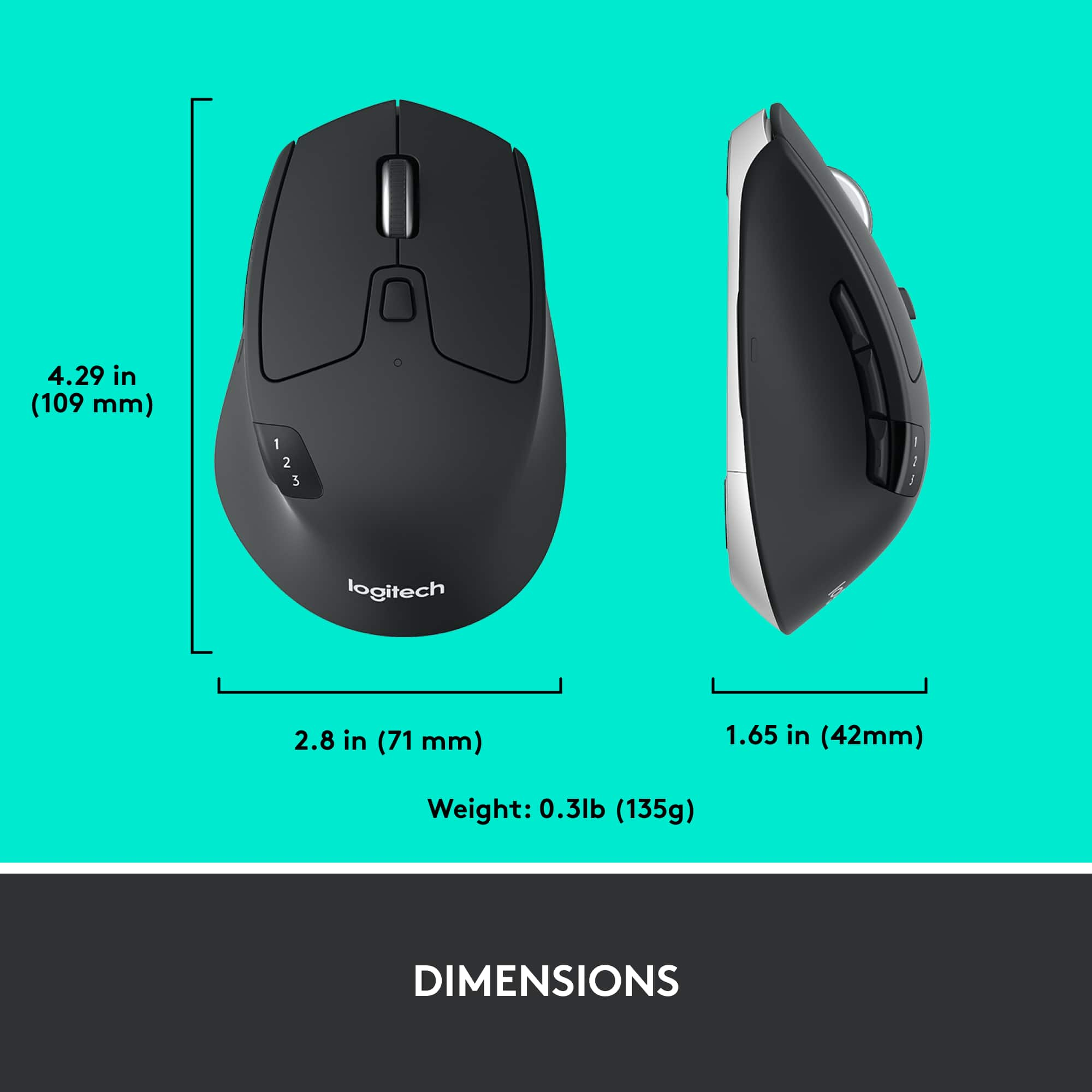
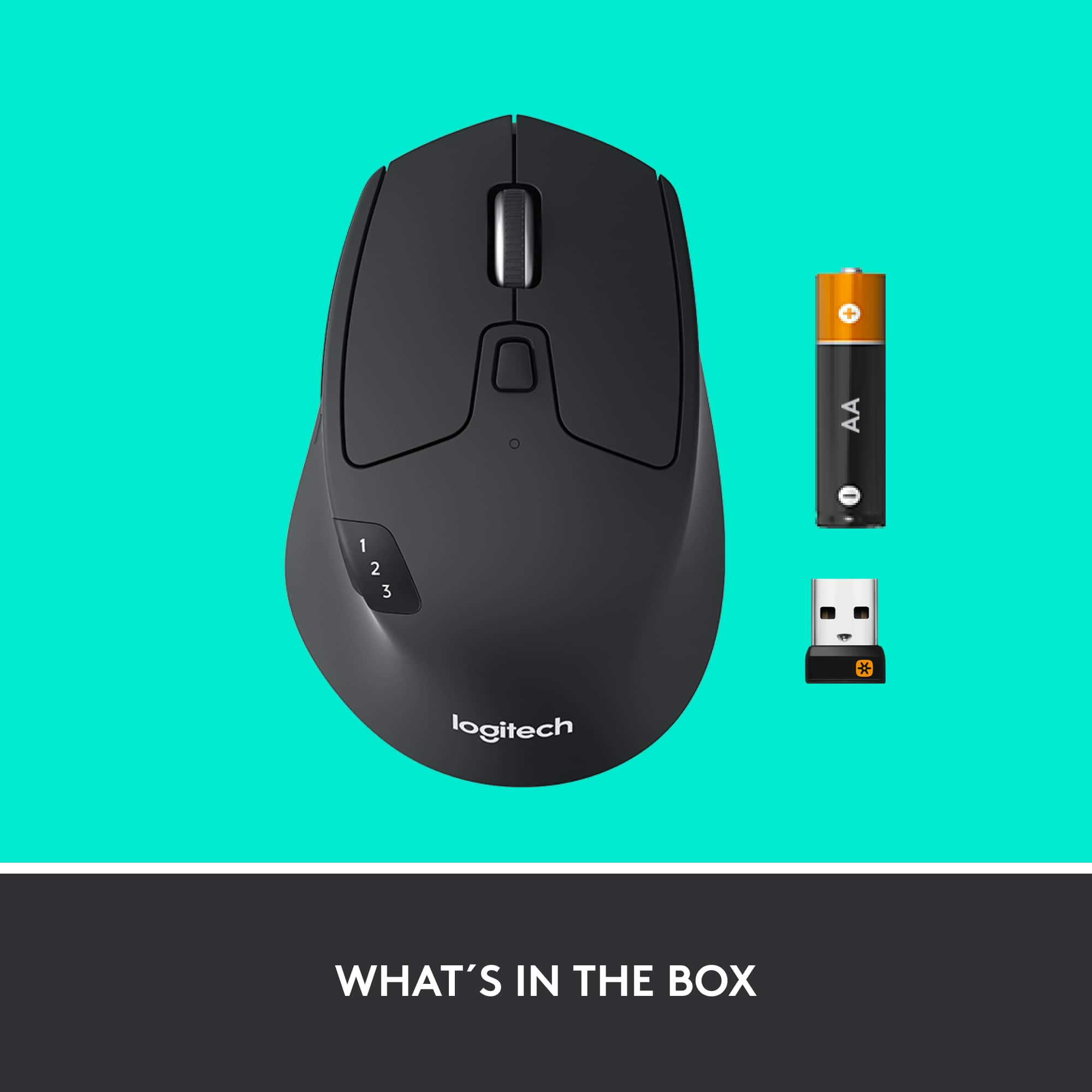

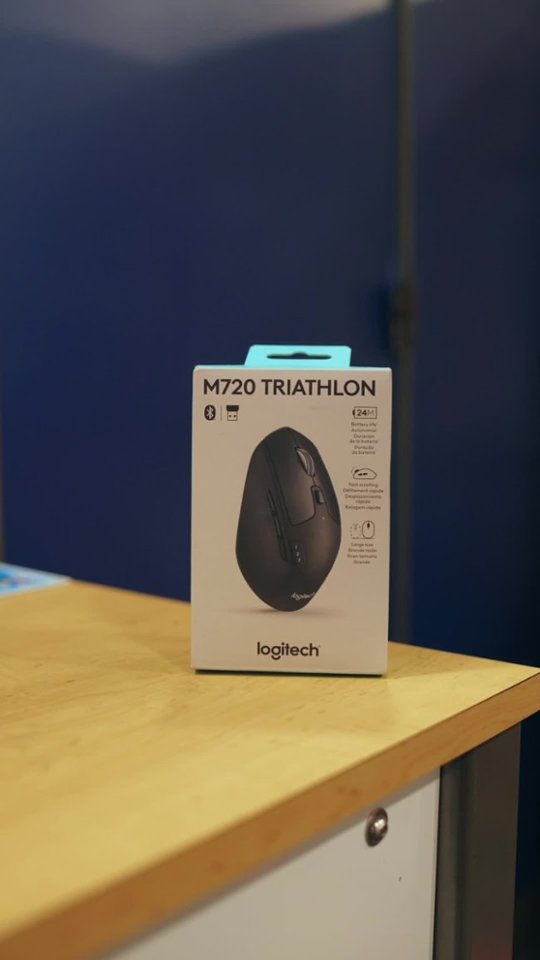
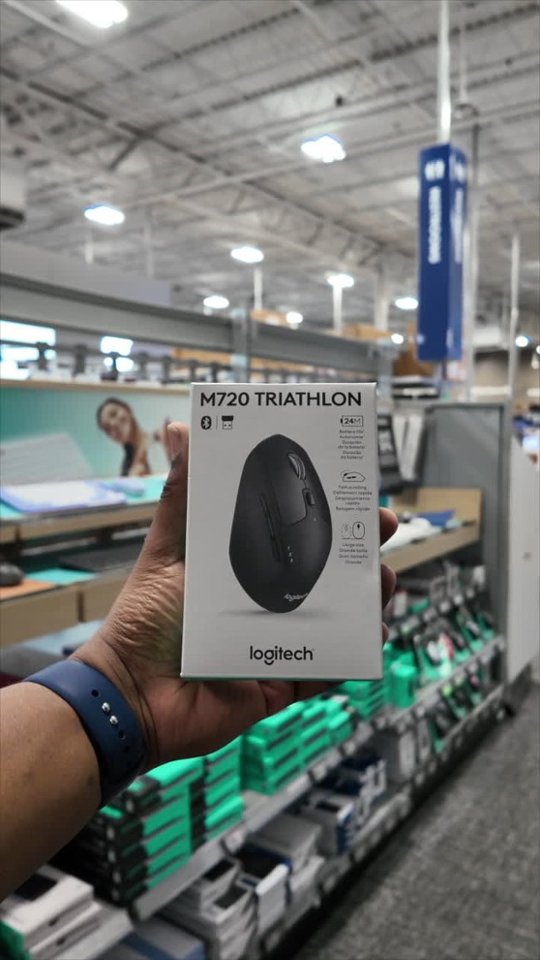
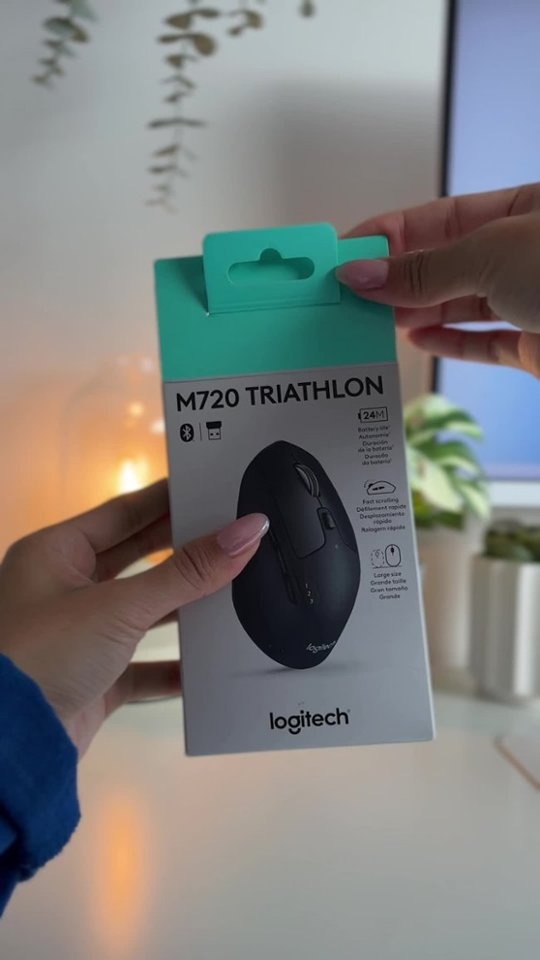

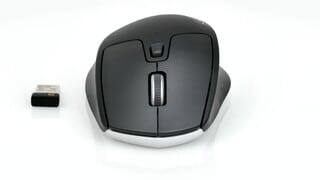
- Model:
- 910-004790
- |
- SKU:
- 5592421
Customer reviews
Rating 4.7 out of 5 stars with 3827 reviews
(3,827 customer reviews)Rating by feature
- Value4.7
Rating 4.7 out of 5 stars
- Quality4.8
Rating 4.8 out of 5 stars
- Ease of Use4.7
Rating 4.7 out of 5 stars
Customers are saying
Customers express satisfaction with the M720 Triathlon Wireless Optical Mouse, highlighting its ease of use, Bluetooth connectivity, and ergonomic design. The mouse's size is appreciated by those with larger hands, and the battery life and infinity-style scroll wheel are also well-received. While some users feel the mouse could be heavier, the overall sentiment is positive.
This summary was generated by AI based on customer reviews.
Rated 2 out of 5 stars
Not so happy
||Posted . Owned for 3 weeks when reviewed.This reviewer received promo considerations or sweepstakes entry for writing a review.I am not so happy with this mouse it was difficult to connect to link up with my lap top
No, I would not recommend this to a friendBrand response from Logitech
Posted .Apologize about the experience and it's surely not what we expect to deliver. We will forward it as a feedback to the appropriate team so they can look into it. Thanks a lot!
Rated 2 out of 5 stars
Often triggers unwanted responses
||Posted .This reviewer received promo considerations or sweepstakes entry for writing a review.I suppose others might appreciate all the "bells and whistles" but I found that it seems every surface on this mouse has a built-in response and I was frequently triggering things I didn't want. I blew off the whole cost and bought a very inexpensive Bluetooth mouse which works just fine without all the errors.
No, I would not recommend this to a friendRated 5 out of 5 stars
Mouse Review
||Posted . Owned for 2 weeks when reviewed.This reviewer received promo considerations or sweepstakes entry for writing a review.My husband loves this mouse. It is very efficient for him and he brags about it all the time.
I would recommend this to a friendRated 3 out of 5 stars
Average and laggy
||Posted .This reviewer received promo considerations or sweepstakes entry for writing a review.The actual mouse feels solid, but has a noticeable delay with actual inputs.
No, I would not recommend this to a friendRated 1 out of 5 stars
Lesson Learned
||Posted .This reviewer received promo considerations or sweepstakes entry for writing a review.I was able to purchase this mouse for a pretty good price, but a week and a half after purchase it started screwing up. The track wheel felt loose and web pages started jumping up and down. After a short period of that, the track wheel wouldn't work at all. I contacted Logitech's customer support and their answer was to give me a bunch of different things to try. After those failed I sent them a email as instructed, but have yet to hear from them. The bottom line is, IT IS JUST A MOUSE JUST GIVE ME A NEW ONE!
No, I would not recommend this to a friendRated 2 out of 5 stars
Ok, not great
||Posted .This reviewer received promo considerations or sweepstakes entry for writing a review.This mouse is ok. I wanted a more ergonomic mouse, but the selection at Best Buy is not as good as it used to be, so I settled for this one. It is not very comfortable for all-day use. It's very solid, would likely last a long time, but I will replace it with something better suited to daily use.
No, I would not recommend this to a friendRated 5 out of 5 stars
Good Purchase
||Posted .This reviewer received promo considerations or sweepstakes entry for writing a review.I bought this mouse to replace an entry level veruson that i bought for the house last year. This is a solid improvement over the basic model and well worth the extra spend.
I would recommend this to a friendRated 3 out of 5 stars
Works fine
||Posted .This reviewer received promo considerations or sweepstakes entry for writing a review.It works fine, but I just don't like it as much as others I use
No, I would not recommend this to a friendRated 2 out of 5 stars
Mouse
||Posted . Owned for 3 weeks when reviewed.This reviewer received promo considerations or sweepstakes entry for writing a review.It was too technical and complicated for the simple mouse functions I need.
No, I would not recommend this to a friendBrand response from Logitech
Posted .Thanks for your valuable feedback and inputs. We regret to know that the product did not meet your expectations. We'll make sure to share it with the right team so they can look into it.
Rated 5 out of 5 stars
Use with Mac
||Posted . Owned for 2 months when reviewed.This reviewer received promo considerations or sweepstakes entry for writing a review.Recommended to use with our new Mac computer. Works great with no issues.
I would recommend this to a friendRated 2 out of 5 stars
Left Button Click issue over time
||Posted . Owned for 1 year when reviewed.This reviewer received promo considerations or sweepstakes entry for writing a review.After a few months it has an issue where the left click button is sticky where it doesn't register clicks correctly. Got a replacement and still had the issue after a few months. Won't recommend.
No, I would not recommend this to a friendBrand response from Logitech
Posted .Hi Danny, Very sorry to hear about the left click issues you're experiencing with the M720 Triathlon. If you haven't done so, I suggest using Logitech's Options software which will do a couple of things. First and foremost, it will help keep your firmware up to date by alerting you when they're available. Second, Options allows you to customize and personalize settings to your liking. Here's a link to the download: https://www.logitech.com/en-us/product/options. Hope that you found this helpful and that all is going well. Thank you for being a Logitech customer. - Richard from Logitech
Rated 2 out of 5 stars
Scrolling wheel
||Posted . Owned for 5 months when reviewed.This reviewer received promo considerations or sweepstakes entry for writing a review.All of the buttons work well but the scrolling wheel is a disaster, it moves by itself when i try to search something and scroll down or up suddenly what is very annoying especially when you are playing
No, I would not recommend this to a friendBrand response from Logitech
Posted .Hello Mill,
Thank you for choosing Logitech. I am sorry that you have experienced frustrations with your M720 mouse; I would like to help. I have attached a link to the M720's "Getting Started" guide for your reference where you will find the product guide, software downloads and further support. This mouse has a toggle switch behind the Hyper-fast scroll wheel. The dual-mode scrolling lets you switch between speed and precision. The issue you described sounds like you may be on Hyper-fast mode when you may prefer precision. I hope this suggestion is helpful, and that you enjoy your M720 mouse. Please feel welcome to visit the Logitech website for further support.
Best regards,
John at Logitech
https://support.logi.com/hc/en-us/articles/360024154994
Rated 5 out of 5 stars
Great Mouse
||Posted . Owned for 2 weeks when reviewed.This reviewer received promo considerations or sweepstakes entry for writing a review.This is really nice Logitech Mouse for unifying Logitech wireless products
I would recommend this to a friendRated 1 out of 5 stars
Bad mouse
||Posted . Owned for less than 1 week when reviewed.This reviewer received promo considerations or sweepstakes entry for writing a review.I bought this mouse because I needed one that wouldn't wear out as quickly as most of them do and also because the function of working or pairing with up to three computers was something that would come in very handy for me. I could only get it to work with the one computer I plugged the key into, it would never pair via the Bluetooth connection with my other computer. I tried to get help from customer service but that was a complete failure. I have and use other Logitech products including the new mouse I replaced this one with, however this specific mouse was every kind of frustration, which I don't need.
No, I would not recommend this to a friendBrand response from Logitech
Posted .Hello, I am sorry to hear you were unable to get the mouse connected to other devices. Lets try and get that fixed for you! To connect a second device, hold down the number 2 on the mouse until it starts blinking rapidly. Then, if it is to a second computer please make sure you go to the bluetooth settings on the computer and click "add new device" click on mouse. It then should be connected. Here is the set up guide as well for further reference: https://www.logitech.com/assets/64937/m720-web-qsg.pdf. I hope this helps! Thank you for taking the time to write this review, we appreciate the feedback.
Rated 1 out of 5 stars
Crappy Mouse
||Posted . Owned for 1 month when reviewed.This reviewer received promo considerations or sweepstakes entry for writing a review.I use the wheel on a mouse very often and the screen tends to continue up or down once I reach my stopping point Thought I would get used to it, but never have.
No, I would not recommend this to a friendBrand response from Logitech
Posted .Hello customer, I'm sorry to hear that you're having some issues with the mouse wheel on your M720. If you navigate to our customer support site, you can find tips on how to clean the mouse so that the mouse wheel is a bit more accurate, which can sometimes fix the issue.
Rated 3 out of 5 stars
Easy set up
||Posted .This reviewer received promo considerations or sweepstakes entry for writing a review.Set up is easy. Mouse is very sensitive and a bit bulky.
I would recommend this to a friendRated 1 out of 5 stars
did not work w macbook pro
||Posted . Owned for 1 week when reviewed.This reviewer received promo considerations or sweepstakes entry for writing a review.Would not connect with 3 different macbooks, I tried and my boyfriend tried his so I don't think it was operator error... tried bluetooth and the usb connection.
No, I would not recommend this to a friendBrand response from Logitech
Posted .Hi KitKat, Very sorry to hear about the connection issues you're having with the M720 Triathlon Wireless Optical Mouse. Here's an article from Logitech's support site specifically for Mac OS X https://support.logi.com/hc/en-us/articles/360023195654. If none of these solves the issue, then it could simply be a hardware issue and, fortunately, the M720 has a 1 year limited hardware warranty. Here's a link to File a Claim https://support.logi.com/hc/en-us/articles/360024921754-Warranty-M720-Triathlon. Hope that you find all of this helpful and thank you for being a Logitech customer. - Richard from Logitech
Rated 2 out of 5 stars
Scroll wheel is cheap
||Posted . Owned for 1 month when reviewed.This reviewer received promo considerations or sweepstakes entry for writing a review.Does what it says. But the scrolling wheel is very cheap, and will spin on it's own. Buying a different mouse to replace this one.
No, I would not recommend this to a friendBrand response from Logitech
Posted .Hello,
Thank you for choosing Logitech, and for taking the time to share your experience. I am apologize for any frustrations that you have experienced with your M720 Triathlon Optical mouse; I would like to help. If you have not already done so, please download the Logitech "Options" software for customization and best performance. The M720 Triathlon Mouse features a Hyper-fast scroll-wheel which can switch modes by pressing the mode shift toggle button below the scroll wheel. Please try switching the scroll mode and also please check the scroll settings in Logitech "Options" as well as the system settings on your computer. I hope these suggestions are helpful. Please visit the Logitech website for further support.
Best regards,
John at Logitech
https://support.logi.com/hc/en-us/articles/360024154994
Rated 2 out of 5 stars
Looks nice, fits nice but...
||Posted .This reviewer received promo considerations or sweepstakes entry for writing a review.Overall feel in the hand is nice. However, the thing that turns me off about this mouse is that scrolling, most of the time, is hesitant and choppy. This is so both when connected via Bluetooth and via the USB dongle. For this, I cannot recommend buying it.
No, I would not recommend this to a friendRated 5 out of 5 stars
Logitech makes great mice
||Posted . Owned for 3 weeks when reviewed.This reviewer received promo considerations or sweepstakes entry for writing a review.Design and quality are always superior to all other brands.
I would recommend this to a friend