Customer Ratings & Reviews


- Model:
- 910-004860
- SKU:
- 5749107
Rating by feature
- Value
Rating 4.4 out of 5 stars
- Quality
Rating 4.8 out of 5 stars
- Ease of Use
Rating 4.6 out of 5 stars
Customers are saying
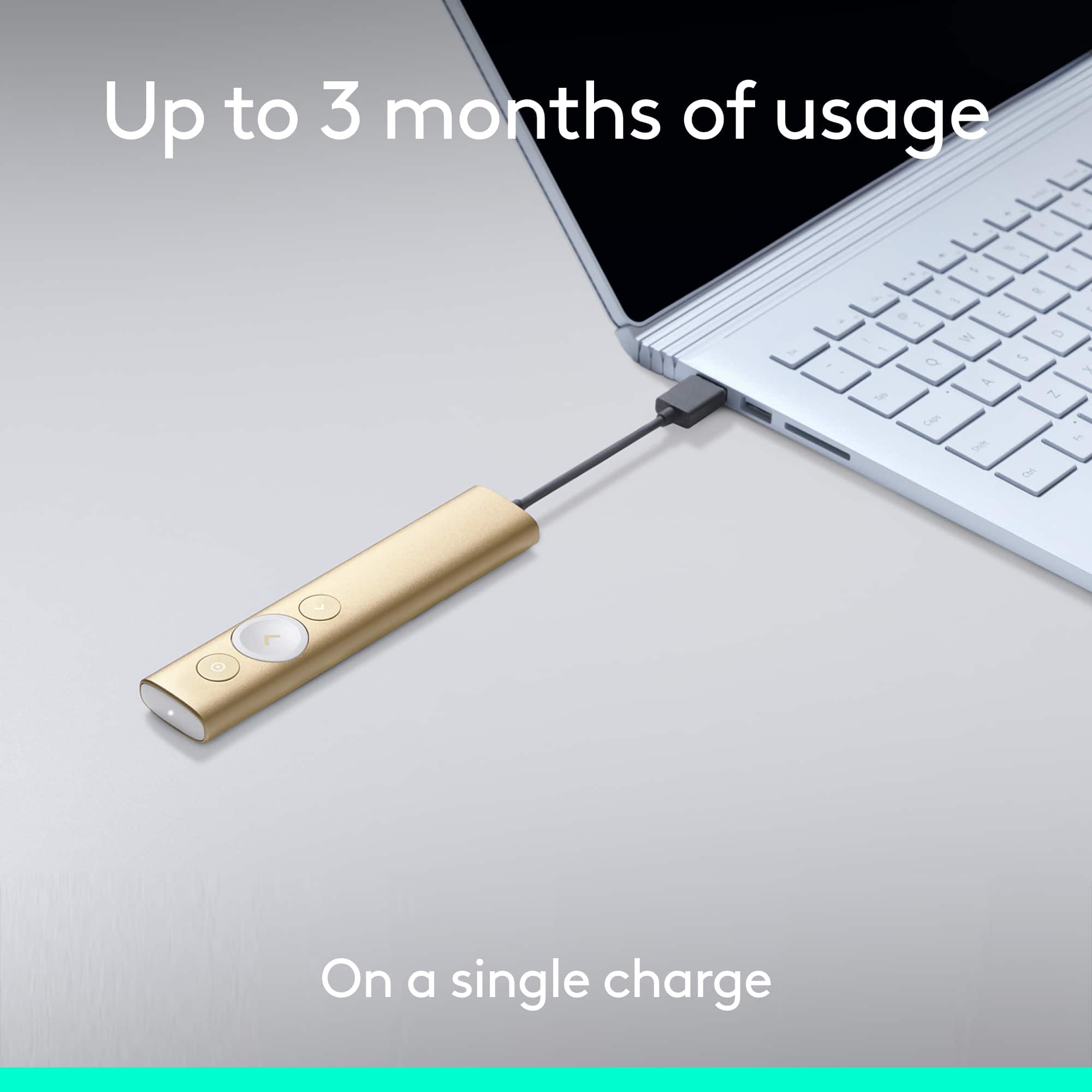
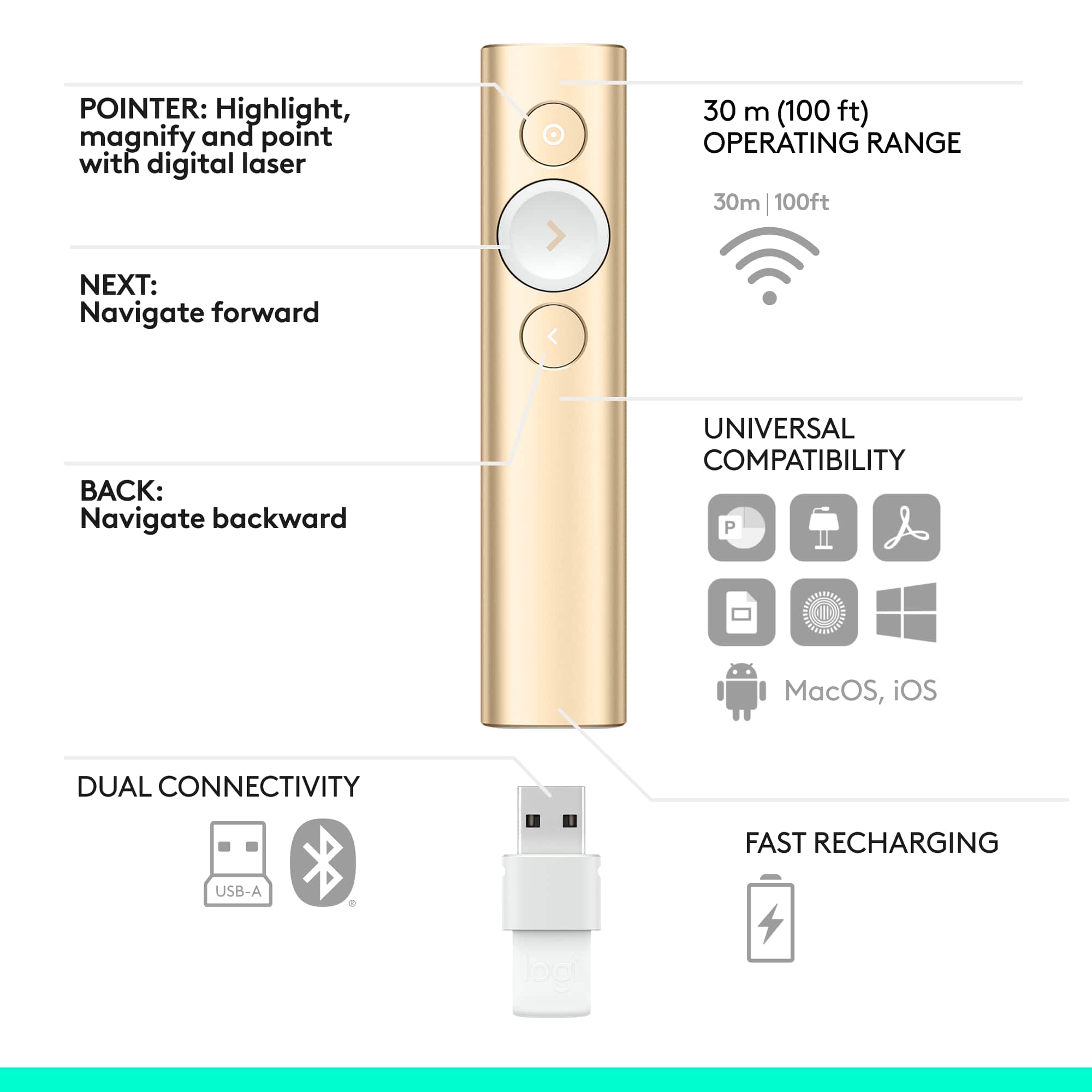
Customers appreciate the Spotlight Presentation Remote's ease of use, impressive range, and long battery life. Many also highlight the device's spotlight feature, sleek design, and compatibility with various systems. Positive feedback frequently mentions the convenient size and functionality. While some find the price point high, and others experienced minor software installation challenges, the overall user experience is largely positive.
This summary was generated by AI based on customer reviews.
High hopes, dashed
||Posted . Owned for 3 weeks when reviewed.This reviewer received promo considerations or sweepstakes entry for writing a review.I bought this pointer with high hopes, but found it tricky to navigate around a screen, and it would not connect when I needed it before a major presentation.
No, I would not recommend this to a friendBrand response from Logitech
Posted .Hey, We're very sorry to hear that the Logitech Spotlight Presentation Remote wasn't a perfect fit for you. We understand how disappointing it can be when a product you rely on for a presentation doesn't connect. In order to help you effectively, please provide your information to our support team via email at socialcare@logitech.com with your
- Name:
- Email Address:
- Country:
- Product Name:
- Brief description of issue:
Good product
||Posted .This reviewer received promo considerations or sweepstakes entry for writing a review.Just wished it had a laser pointer, but it was the only one left. Glad I got it.
I would recommend this to a friendHARDWARE ISSUE IN 1.5 YEARS; LOGITECH WONT REPLACE
||Posted . Owned for 1.5 years when reviewed.This reviewer received promo considerations or sweepstakes entry for writing a review.I am very disappointed in this product. I brought it not even 2 years ago and it is failing to charge. It worked for about a year and a half. I contacted Logitech and they will not remedy the situation because it it out of warranty. Logitech acknowledged that it was a hardware issue, but failed to replace it. For over $100, something like this should work for more than a year!
No, I would not recommend this to a friendBrand response from Logitech
Posted .We're sorry to hear about your experience. Your feedback is important to us, and we'll make sure to share it with the right team.
Thank you for bringing this to our attention.
ALMOST perfect!
||Posted . Owned for 3 months when reviewed.This reviewer received promo considerations or sweepstakes entry for writing a review.This presentation remote is ALMOST perfect. If they added a laser pointer, it would be perfect. The pointing mechanism is not always as responsive as our presenters need it to be.
I would recommend this to a friend- Pros mentioned:Overall performance
Underwhelming
||Posted .This reviewer received promo considerations or sweepstakes entry for writing a review.The title of the review encapsulates the sentiment
No, I would not recommend this to a friend Does not work on chromebooks
||Posted . Owned for 3 weeks when reviewed.This reviewer received promo considerations or sweepstakes entry for writing a review.Great item but too bad it does not work on chromebooks.
No, I would not recommend this to a friend- Pros mentioned:Ease of use, Range

Logitech has stolen the “Spotlight!”
|Posted .This reviewer received promo considerations or sweepstakes entry for writing a review.The new Logitech Spotlight is a presenter’s dream come true when it comes to presentations! The following is my review of this AWESOME product: Setup- Firstly, setup for this product was user-friendly. I followed the enclosed instructions by visiting Logitech’s website (Logitech.com/spotlight) and downloaded the software to get things rolling. After downloading the software which didn’t take very long, I paired a Bluetooth connection with my HP notebook; thereafter is when the fun began. Initially, I wanted to be assured of the functionality of this gadget; therefore, I tested the remote on some PowerPoint slides as such the show ran smooth as butter! I further tested the remote by setting the timer to notify me when 5 minutes were remaining and it delivered on point with ease. I love the “spotlight” feature because true to its name, it highlights your presentation wonderfully. For example, if there is something that you really need to emphasize while presenting this feature is an EXCELLENT source because it emphasizes visually with concise clarity what a presenter hopes to get across to his or her audience. Also, it isn’t harsh on the eyes in comparison to a gadget that may house an “infrared light!” Distance-I stood back at least 15 feet and my slideshow still progressed quite easily. Logitech has stated that the remote works up to 100 feet. Versatility-the “Spotlight” offers great versatility. I have an HP desktop that I wanted to pair the Bluetooth with for presentation usage; however, for some unknown reason after several failed attempts, I was unable to successfully pair. Thus, I used the USB dongle which achieved the needed results for a successful PowerPoint presentation. Moreover, if you’re needing to do a presentation to an online audience and /or small group and may not have the necessary audio visual equipment, this product will suffice fine in getting it done along with a laptop or tablet. As an educator, this product is a dream come true for me in many ways because of its compact design, user-friendliness, portability, versatility and overall quality. If you are in the market for a reliable product that will deliver excellent presentation results that will put you in touch with your audience, this is the product!!!
I would recommend this to a friend - Pros mentioned:Battery lifeCons mentioned:Price
Very professional
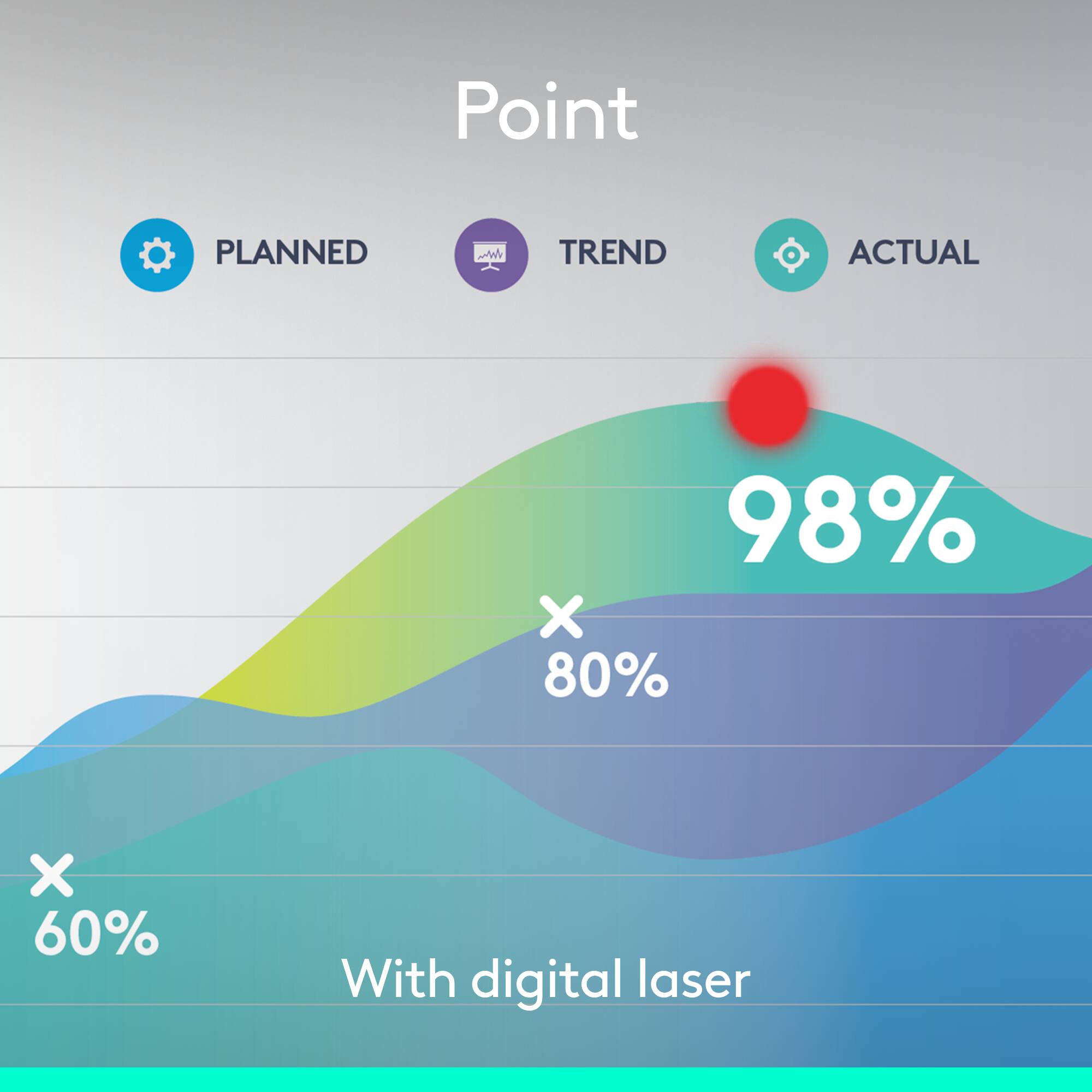
|Posted .This reviewer received promo considerations or sweepstakes entry for writing a review.So i present a lot of power points. It's a big part of my job. This presenter is very sleek. It has features such as zoom, spotlight, volume controls, and gestures. It is very light and non intrusive. When using the spotlight mode, it shows a spotlight on your presentation which you can easily glide across the screen with a built in motion detector. It works very, very well. You can also use it as a mouse if you double click the button. It has a nice timer feature that will vibrate on your hand, and you can adjust it, that way it cues you when you are close to the end. One of the most impressive features is that with just ONE MINUTE of charge you can present for THREE HOURS! This is incredible. I mean, talk about convenience. It comes with a little leather (or leather-like) pouch. The bluetooth connector is small, and can be stored at the bottom of the remote when not in use. The only reason I gave it 4 stars is because of the price, but I mean if you are constantly presenting, it may be worth that much to you.
I would recommend this to a friend Great product
||Posted . Owned for 1 month when reviewed.This reviewer received promo considerations or sweepstakes entry for writing a review.The product works perfectly with my MacBook presentations. I do wosh that it had a laser pointer option.
I would recommend this to a friend- Pros mentioned:Ease of useCons mentioned:Price
Must have if you need a Presenting Device
|Posted .This reviewer received promo considerations or sweepstakes entry for writing a review.First thing you will notice when you get the Logitech Spotlight is “feel” of the device. In my opinion, its perfectly balanced and fits comfortably in your hands. Feels like a solid piece of metal. Installation is pretty easy. Plug the dongle into the computer and the software will install. There is a step by step tutorial on how to use the Spotlight during the setup process. The whole process took 1 min complete. **** Side note*** I had trouble connecting the Spotlight to the dongle but that’s because I needed to charge the Spotlight. So don’t forget to charge the device. So far I have no issue with this. I am using the Spotlight on a Windows 10 laptop with PowerPoint 2016 connected to projector. Overall, I would recommend the Spotlight to anyone who does presentations. It’s definitely a step above all the rest. One ding I have to give the Spotlight is the cost..
I would recommend this to a friend - Pros mentioned:RangeCons mentioned:Price
For Frequent Presenters
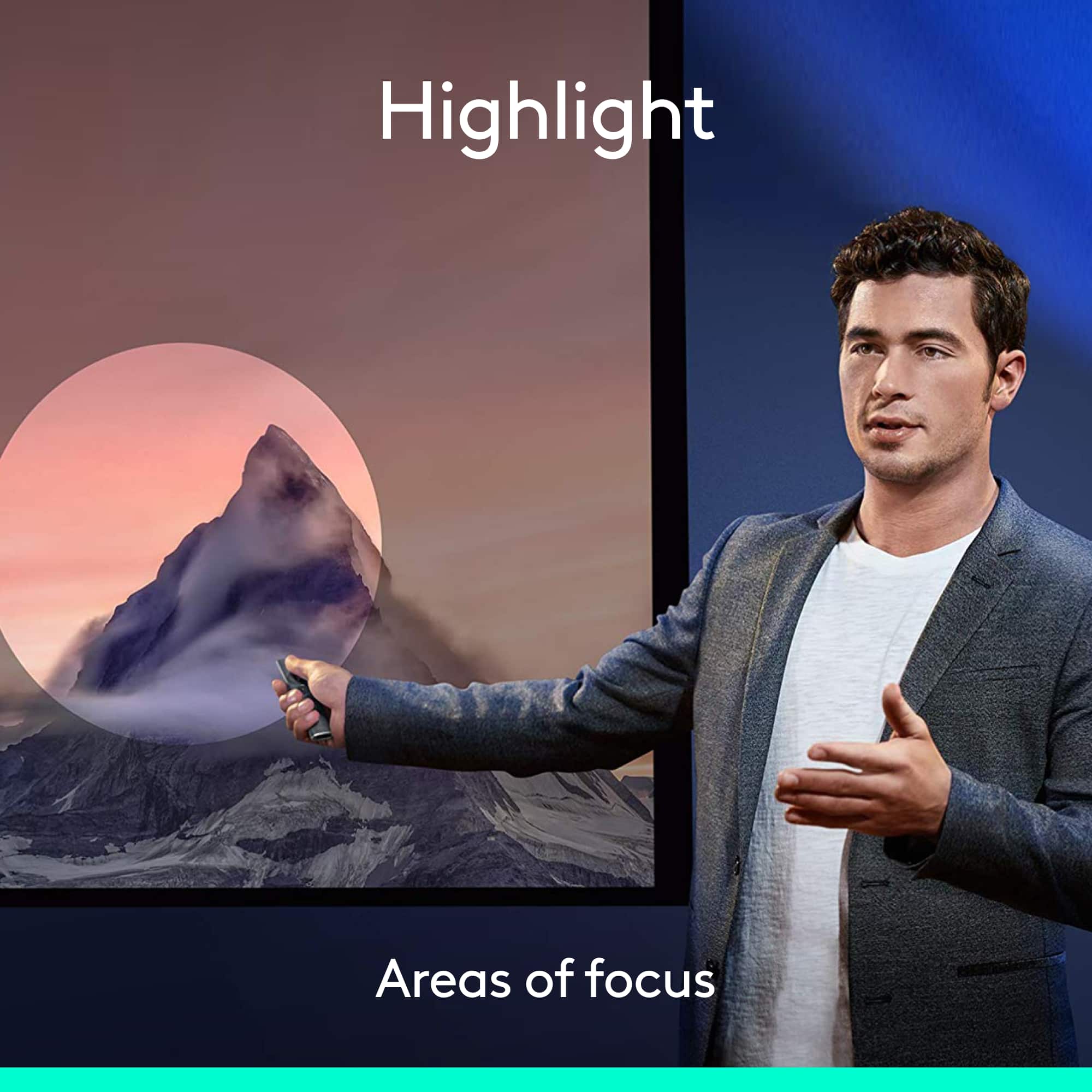
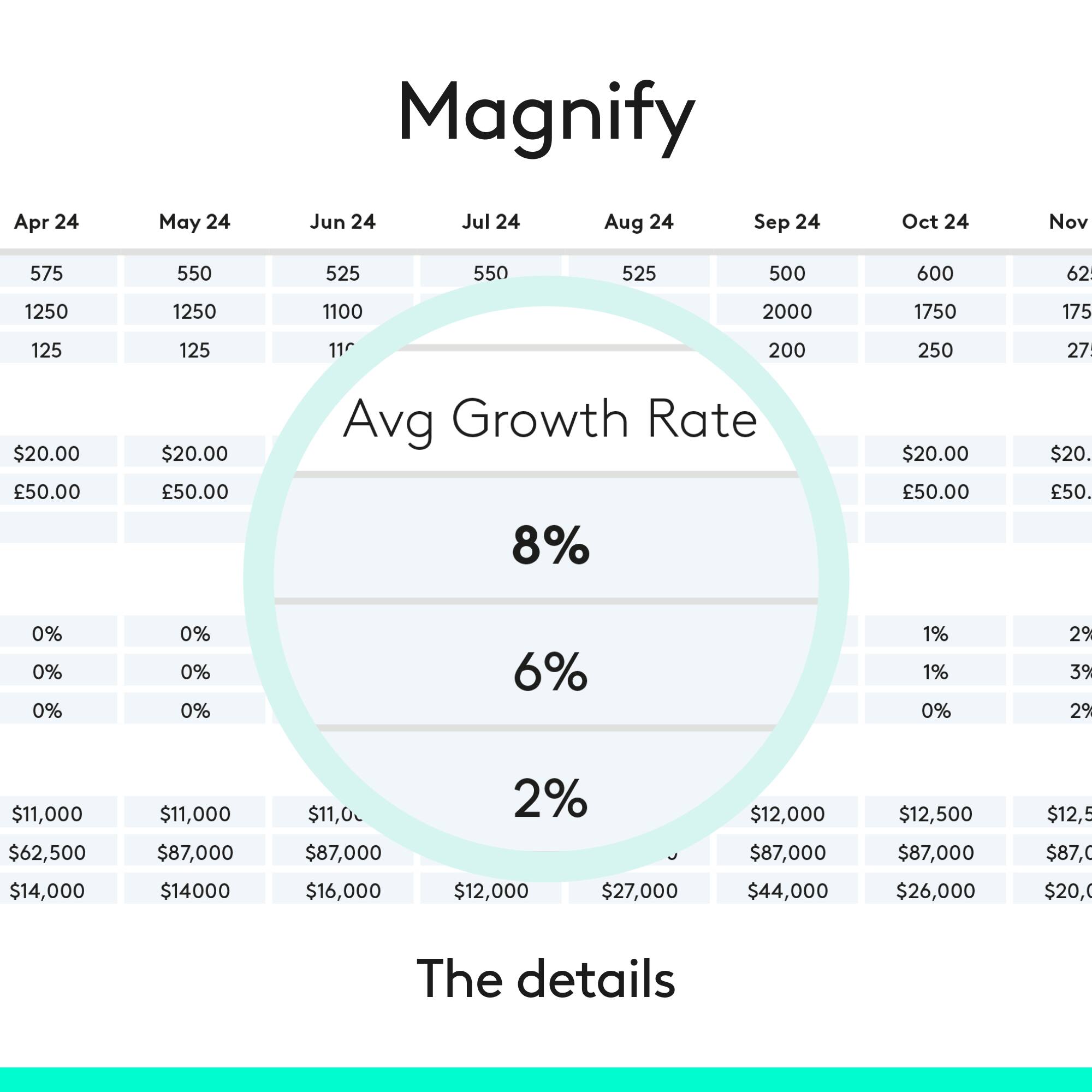
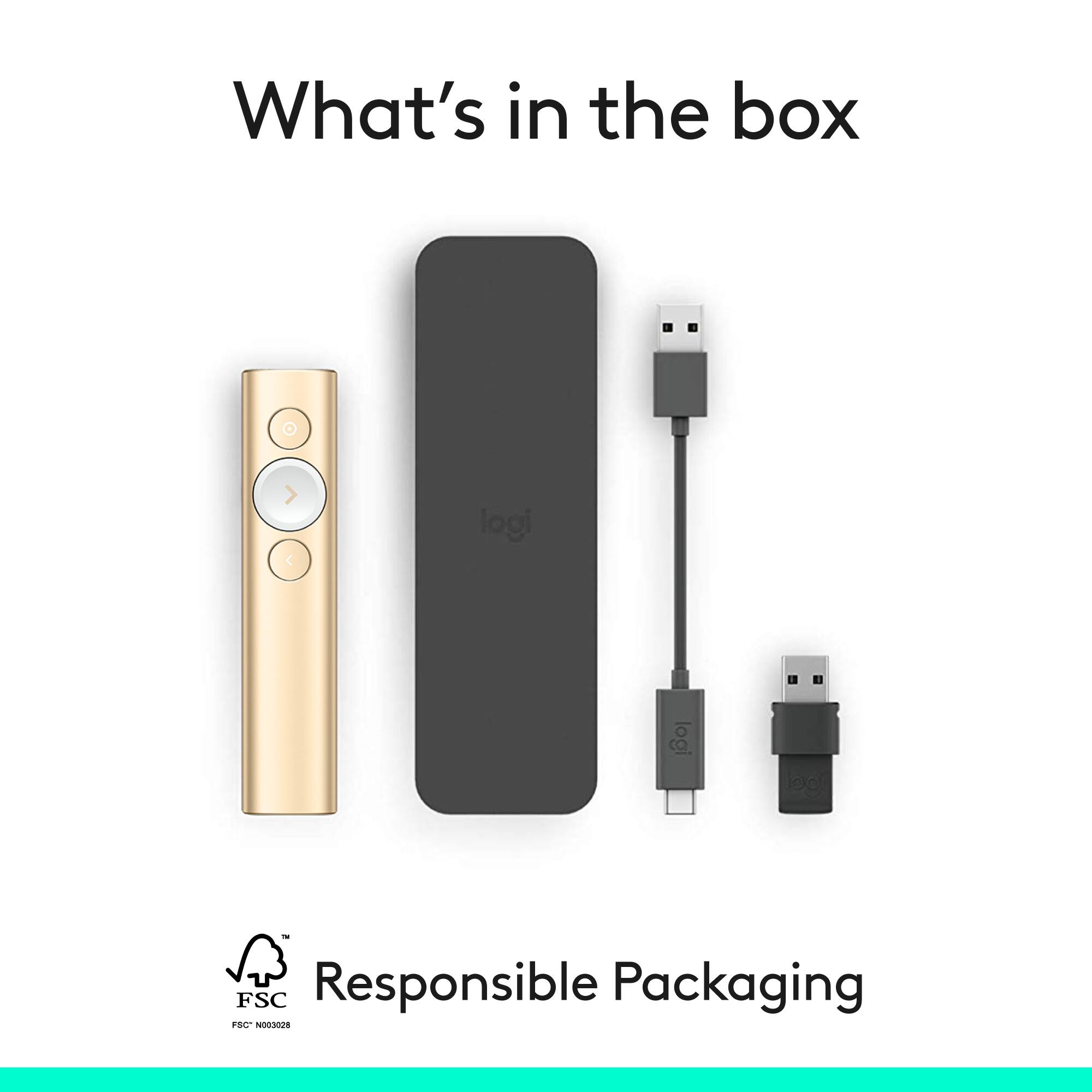
|Posted .This reviewer received promo considerations or sweepstakes entry for writing a review.The Logitech Spotlight Presentation Remote is the next step forward in presentation remotes. The slim silver/grey wand looks and feels great in the hand. It comes with it USB Type A wireless receiver which fits in the remote so that you don’t loose it and a USB type C fast charging cable to charge the remote and also a carrying case. It can also connect via Bluetooth to your PC. The Spotlight has three buttons, its motion-sensing air mouse function makes it a lot more flexible than a simple back/forward presentation remote. To use it as a mouse, just hold down the Spotlight button until the pointer appears on-screen, then wave the remote to move the pointer around. Release the Spotlight button to stop the pointer, then tap the button again to click. You can't right-click using the Spotlight, but you can configure several other useful features for presentations, including cursor-enhancing modes that can completely replace a laser or telescoping pointer. Highlight darkens the screen except for a circle around the mouse pointer; Magnify magnifies the area of the screen around the pointer; and Circle simply draws a white circle around the pointer. These modes can be individually enabled or disabled; when multiple modes are turned on, you can switch between them by double-tapping the Spotlight button. I have used the remote both with powerpoint and Prezi and it worked well and I had no issues. The remote has a long range and you can move around and still be connected to the computer. The only thing I will say is that the remote takes some time to getting used to, in order to use its advance features like magnification so you definitely practice these things before going to do your presentation. Don’t take it out of the box to a presentation, use it a couple of times to understand how it works. At $129 its expensive but provides features that no other remote currently provides.
I would recommend this to a friend Stops working in a couple of weekes
||Posted . Owned for 2 months when reviewed.This reviewer received promo considerations or sweepstakes entry for writing a review.This stopped working even before I started using! Comes with NO instructions. We found some in the Internet. Tested and it worked. When I tried to use it during a presentation, it would not work. Now I am stuck with this expensive product because BestBuy only gives you FOURTEEN days to return! Thanks a lot!
No, I would not recommend this to a friendBrand response from Logitech
Posted .Sounds troublesome and we apologize for the inconvenience! You need not worry, reach out to Logi support and our team will look into this to find a solution.
not what I expected
||Posted .This reviewer received promo considerations or sweepstakes entry for writing a review.Forget Android, it may say so on logitech website but you cannot use any of the unique features. If you want to use it with a presentation the program has to be loaded on the host computer. the spotlight seems cool, but I don't get anywhere with the large they talk about. Not the quality I usually expect from logitech. Returning after 15 days you loose money. So as a Christmas gift purchasing from Best Buy isn't the best idea.
No, I would not recommend this to a friendGood but worst rechargeable battery
||Posted . Owned for 1.5 years when reviewed.This reviewer received promo considerations or sweepstakes entry for writing a review.Very useful product that wirks only during warranty time - the chargeable battery is worst - to the core - not getting charged
No, I would not recommend this to a friendBrand response from Logitech
Posted .Hello, We apologize that the rechargeable battery in your Spotlight Presentation Remote isn't holding a charge after the warranty period. That definitely shortens the lifespan of a useful tool. We understand your frustration. To get that issue resolved, we recommend reaching out to our social care team via email at socialcare@logitech.com with your
- Name:
- Email Address:
- Country:
- Product Name:
- Brief description of issue:
- Cons mentioned:Price
Great Potential; Missed Opportunities
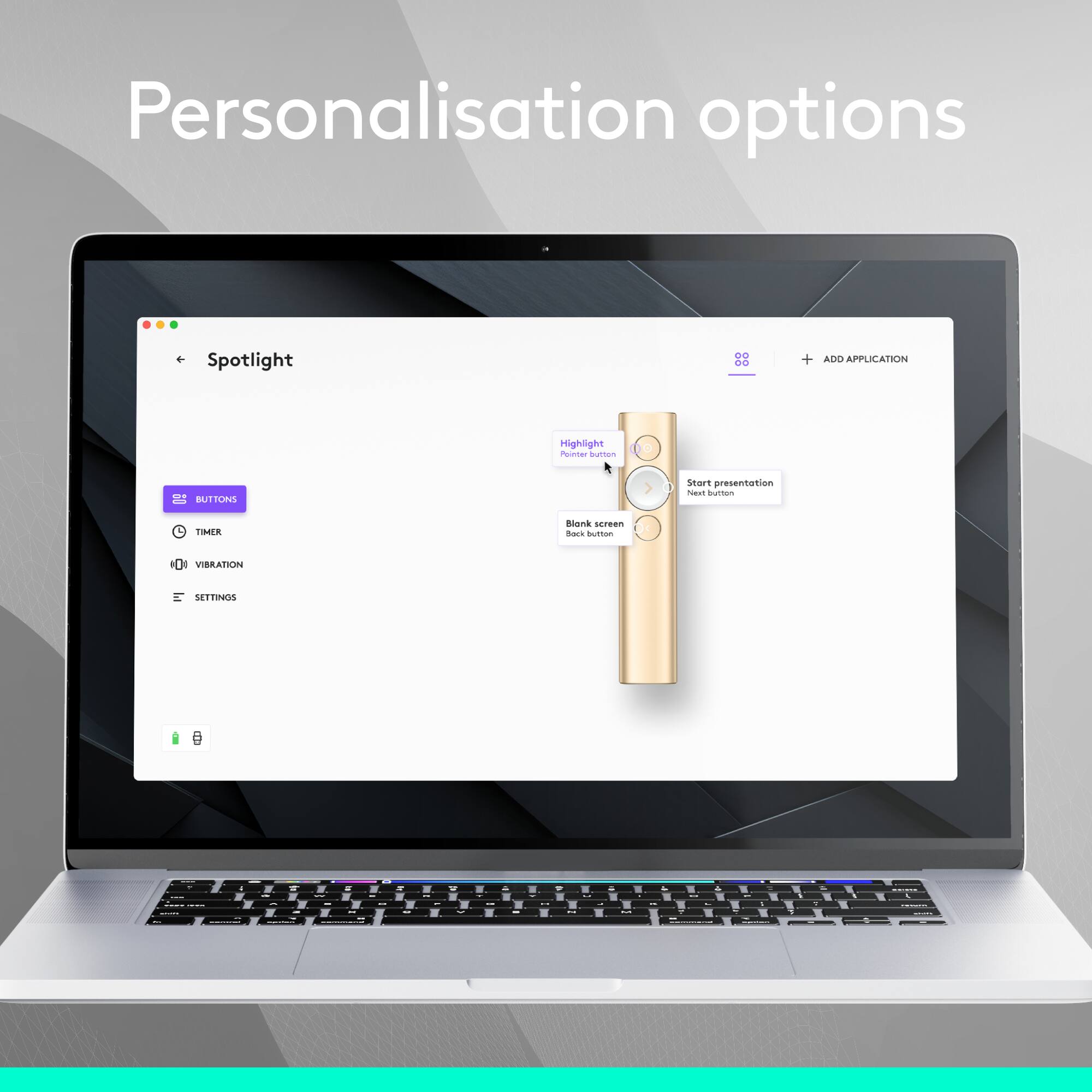
|Posted .This reviewer received promo considerations or sweepstakes entry for writing a review.Background: I'm a public school teacher. I was super excited about this product! I use a smartboard in my classroom, which is great... but I'm still actually quite tied to the front of the room. I was hoping that this device would help me be able to circulate more (which it does), while still being able to utilize some basic mark-up actions like highlighting and underlining vocab words on the smartboard due to the cursor function and customize-able buttons (which it does not). The overall verdict: This is a really helpful device, but not currently worth the price--I've used a number of MUCH cheaper remotes that do almost the same things. With the app, there is probably a lot of potential for expansion of this remotes abilities to make the OUTSTANDING cursor function more mouse-like (drag and drop/hold down left-click, right click), which would make this remote much more useful. Probably less likely with a software update, but important for presenters--the ability to save settings to the remote from a computer with the app for use on a computer WITHOUT the app... for traveling presenters using different computers, this function would make the Spotlight a homerun. The Good: - Beautiful design. I love the look and feel. The buttons all work well, the weight is good and the surface is sleek, but not slippery. - Surprisingly accurate cursor on the screen, even when the remote is not actually directly pointed at the screen. The sensor seems to detect relative movement. The cursor also works outside of presentation apps... rudimentary single and double-clicks work on any program, just like a mouse. This is by far the best thing about this remote--the cursor function, once you get used to the speed and relative motion, can be just as accurate as using a mouse pointer. Other mouse functions do not work (see "the bad.") - Fast charging, no changing batteries. USB-C connector is recessed into the remote, inside of the dongle bay. Neat design! - Strong connection to computer via USB dongle. Forward and back functions work well on apps with approved compatibility /especially Powerpoint). And for apps without "approved compatibility," the cursor function can work well just like a mouse as an improvised alternative--this worked well in my classroom for Nearpod presentations instead of touching the Smartboard. - I love that the USB dongle docks snugly into the remote for transport. And the protective slip case is a nice touch. - The option to use bluetooth or the USB dongle to connect to your device is really handy, especially if your computer/tablet lacks an open or standard USB port. The Meh: - The app was incredibly underwhelming. I like there are some options for customizing the buttons, but there are just so FEW options. Logitech thought of the basics, like holding down a button to black out the screen and holding it down to bring it back. There is also an option to enter a custom keystroke... but this one is a big question mark for me. You can only type in a literal key as the custom keystroke... it apparently can't be a mouse function. What a missed opportunity! Hold down a button as a right click? Why not? It would make this remote so much more useful. I could also see combinations of button presses being used for certain rare functions. There is so much potential in the app, and being able to customize the remote--but it's just not there right now. Very, very basic. - Many functions do not work on a computer without the app. For example, due to security on my school network, I was not able to download and install the app onto the computer that connects directly to the smartboard. When using the remote on this Windows 7 desktop with no app, only the cursor, forward and back basic functions work. When I installed the app on my Surface 3 (Windows 10) and projected a presentation via WiDi, even without having changed any settings in the app, I suddenly had highlighting too. Having the app vs. not having the app makes a difference in the features you're able to use out of the box. The Bad: - If you want to use your customizations, you need to have the app and the customizations set on the computer you're presenting on--they do not save to the remote. I realize that most pro presenters probably have their own laptops that they connect to whatever presentation equipment is in the room nowadays, in many buildings, that might not be the case. If you're in a situation where you have to present using different computers, but you love your customized settings, you'll have to download the app and redo your settings on any computer you present with. - The price is too high for what it is right now. With some expansion of capabilities to make the, again, really awesome and accurate cursor function the centerpiece of this tool to make it a functional distance-mouse with more practical use, I would consider it a more worthwhile investment. The bottom line: I waffled between three and four stars on this. The potential of this product and what I expect can come down the line in functionality thanks to having the app and the truly outstanding tracking of the cursor function made me want to give it a four... but the high price and half-baked mouse functionality (honestly, it made me almost angry to be able to click on things in my presentations, but not be able to move marker arrows in Powerpoint or use any other mouse functionality, even though every other element of this remote worked PERFECTLY as a mouse! It was actually frustrating!) led me to a three. The question I had to ask myself was... would I recommend to a teacher colleague to spend full price on this product as it is now? Sadly, the answer was no... hopefully some future updates will come down the line to improve the product's functionality (there is so much potential!) that would change that answer!
No, I would not recommend this to a friend Logicrap
||Posted . Owned for 3 weeks when reviewed.This reviewer received promo considerations or sweepstakes entry for writing a review.battery died within two months. So they would not accept it ; told me to deal with the manufacturer. Even worse than the product was the customer service.
No, I would not recommend this to a friendBrand response from Logitech
Posted .We apologize for the battery issue and the unsatisfactory customer service experience. Your feedback is important to us and will be taken into consideration.
Does not work well using PowerPoint on a Mac
||Posted .This reviewer received promo considerations or sweepstakes entry for writing a review.Does not work well using Microsoft PowerPoint on a Mac Although I love the features and the handling of the pointer, unfortunately it is behaving very erratically and is unreliable when using PowerPoint on a Mac running High Sierra. Even when using the installed software. I returned it.
No, I would not recommend this to a friendBrand response from Logitech
Posted .Hello DutchPT! We're sorry to hear the Spotlight Presentation Remote is not meeting your expectations. We do often release updates and fixes for our products as we gather feedback from our customers like yourself, so hopefully these issues would have been fixed by now. Should you still need more information, you can find all the detailed instructions for your product right here: https://support.logi.com/hc/en-us/articles/360023300194-Getting-Started-Spotlight-Presentation-Remote. At Logitech, we strive to make sure our customers always have a great experience with the products & services we make, so we definitely appreciate your feedback. Thanks! - Mathieu from Logitech
- Pros mentioned:Battery life, Ease of use, Range
Great product with a lot of functionality
|Posted .This reviewer received promo considerations or sweepstakes entry for writing a review.The logitech spotlight, is in my opinion a very versatile tool. I am not the usual clientele that would be associated with this product, but I've found great functionality in this little gizmo. I am a professional wedding photographer, I spend a lot of my time meeting with bride and grooms trying to convince them to work with me. Well recently I have incorporated the spotlight into my presentation. I've loaded photos into a slideshow presentation and use the spotlight to scroll through wedding and bridal portraits to demonstrate my work. With the ability of the spotlight to highlight and even magnify at the touch of a button makes for a very sleek and captivating experience. I can zoom in on my pictures and really impress upon the detail. Clients have responded to it very well and ask to actually hold the device. The fact that it can charge within 3 minutes for a 3 hour presentation is very impressive. Overall I am very happy with this product. It took less than 5 minutes to setup and was very easy to learn how to use. I would recommend this to anyone trying to gain an edge in digital presentation in any business marketplace.
I would recommend this to a friend - Pros mentioned:Battery life, Range
Possibly the best I have used
|Posted .This reviewer received promo considerations or sweepstakes entry for writing a review.As a professional presenter, I rely on presentation remotes to stay engaged with my audience and NOT be stuck behind my laptop. Until now, I have always used the Logitech R400 and been very happy with it. The Spotlight raises the bar on remotes. My favorite feature? The highlight option. The top button can be configured to show a focus circle around any area on the screen (not just in presentations.) In my opinion this is much classier than using a red laser pointer. Of note are also the options to configure this via bluetooth - although I will probably continue to use the included dongle. Also included is the app which allows many of the features to be customized. This remote features a haptic feedback which alerts to both battery issues and presentation end times. Speaking of battery, it looks like a 1 minute USB charge of the remote gives you 3 hours of presentation time - a nice alternative to having dead batteries in the old unit. One nit - for the price, I would have liked to have seen this ship with some type of case or protective sleeve. But this is simply a personal preference.
I would recommend this to a friend Not practical
||Posted . Owned for 1 month when reviewed.This reviewer received promo considerations or sweepstakes entry for writing a review.It didn’t match my needs Couldn’t use with Apple products
No, I would not recommend this to a friend