Customer Ratings & Reviews


- Model:
- 910-004860
- SKU:
- 5749107
Rating by feature
- Value
Rating 4.4 out of 5 stars
- Quality
Rating 4.8 out of 5 stars
- Ease of Use
Rating 4.6 out of 5 stars
Customers are saying
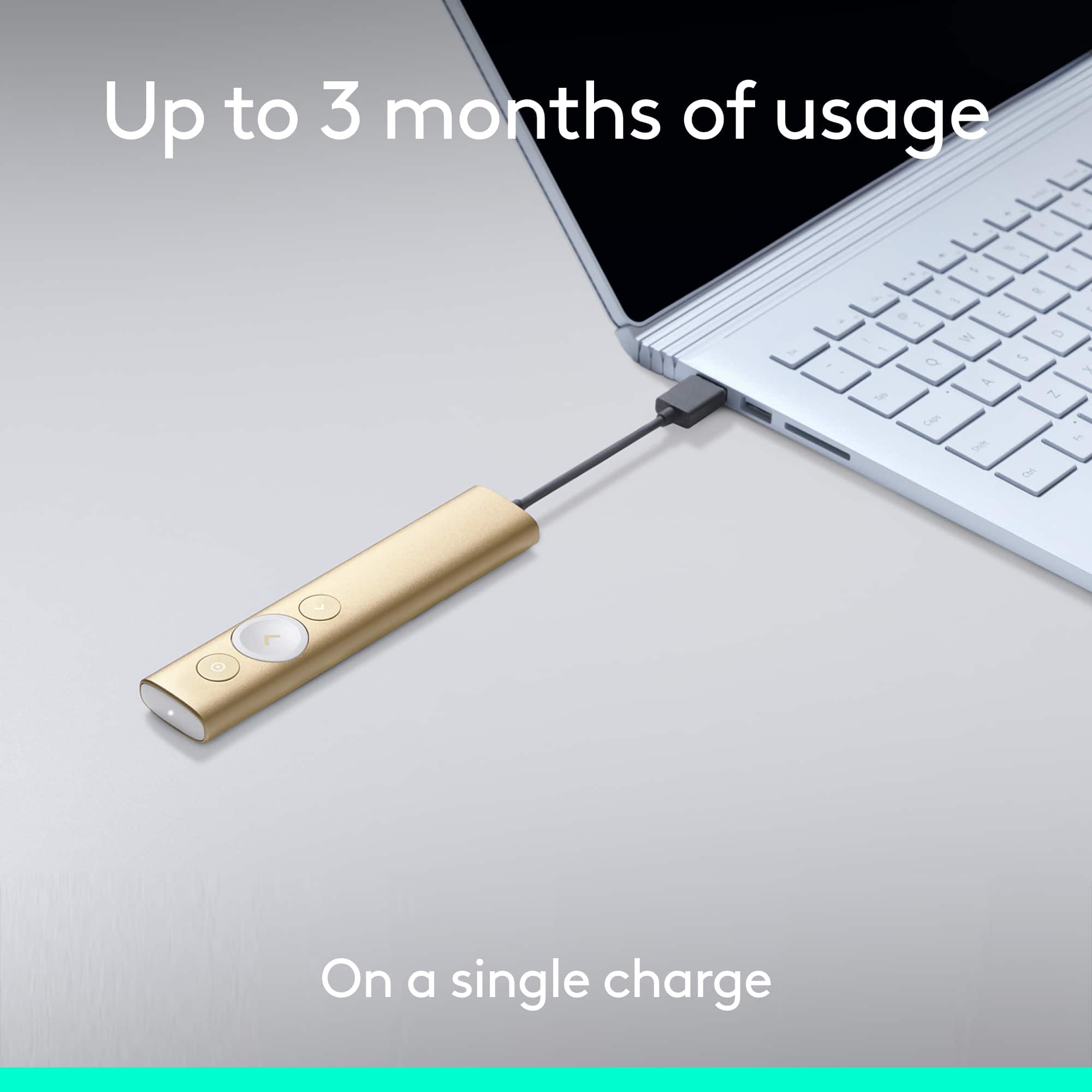
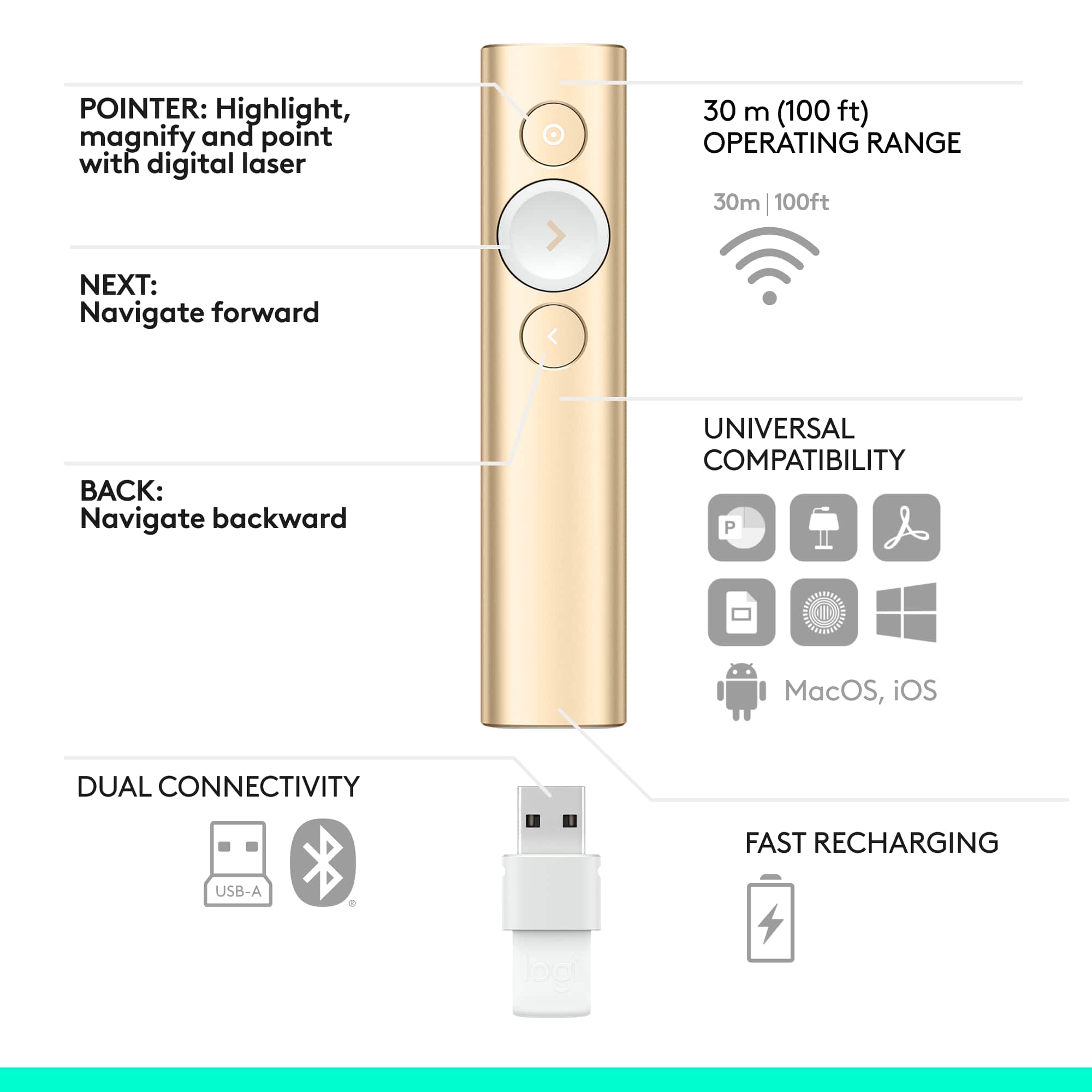
Customers appreciate the Spotlight Presentation Remote's ease of use, impressive range, and long battery life. Many also highlight the device's spotlight feature, sleek design, and compatibility with various systems. Positive feedback frequently mentions the convenient size and functionality. While some find the price point high, and others experienced minor software installation challenges, the overall user experience is largely positive.
This summary was generated by AI based on customer reviews.
- Pros mentioned:Ease of use, Features
Great features
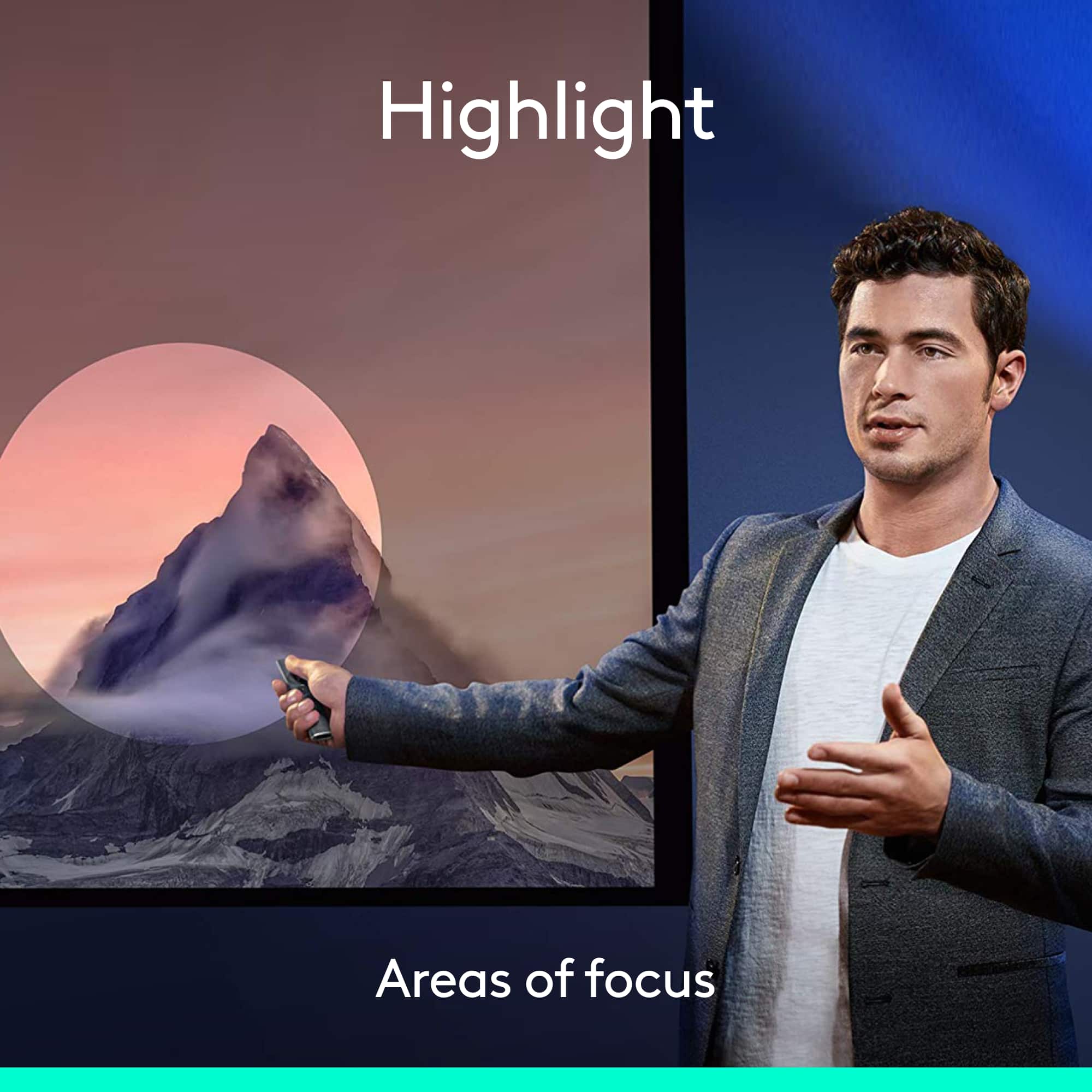
Posted .This reviewer received promo considerations or sweepstakes entry for writing a review.Love the ease of use. The spotlight feature is great for presentations. I was a teacher for many years - this would have been fantastic for lessons. I use it now in a corporate environment…works great!
I would recommend this to a friend - Pros mentioned:Features, Range

Excellent Presentation Remote!
|Posted .This reviewer received promo considerations or sweepstakes entry for writing a review.This presentation remote has a lot of great features that make presenting much easier. The spotlight feature, which the remote is named after, is quite innovative and allows you to point out information on screen better than any other method I have seen. The build quality is also fantastic which is to be expected from Logitech.
I would recommend this to a friend - Pros mentioned:Ease of use, Range
Great Features and Easy to Use
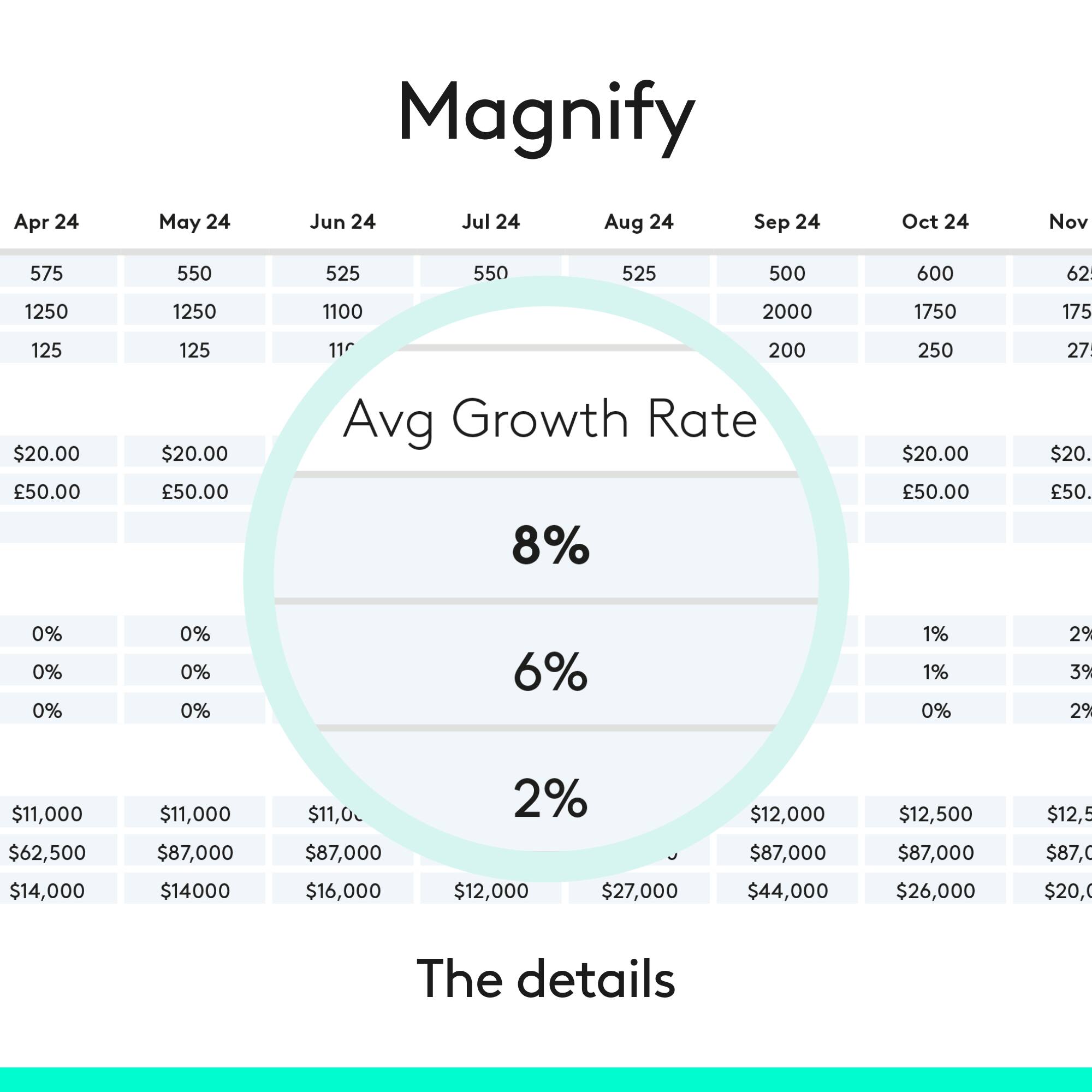
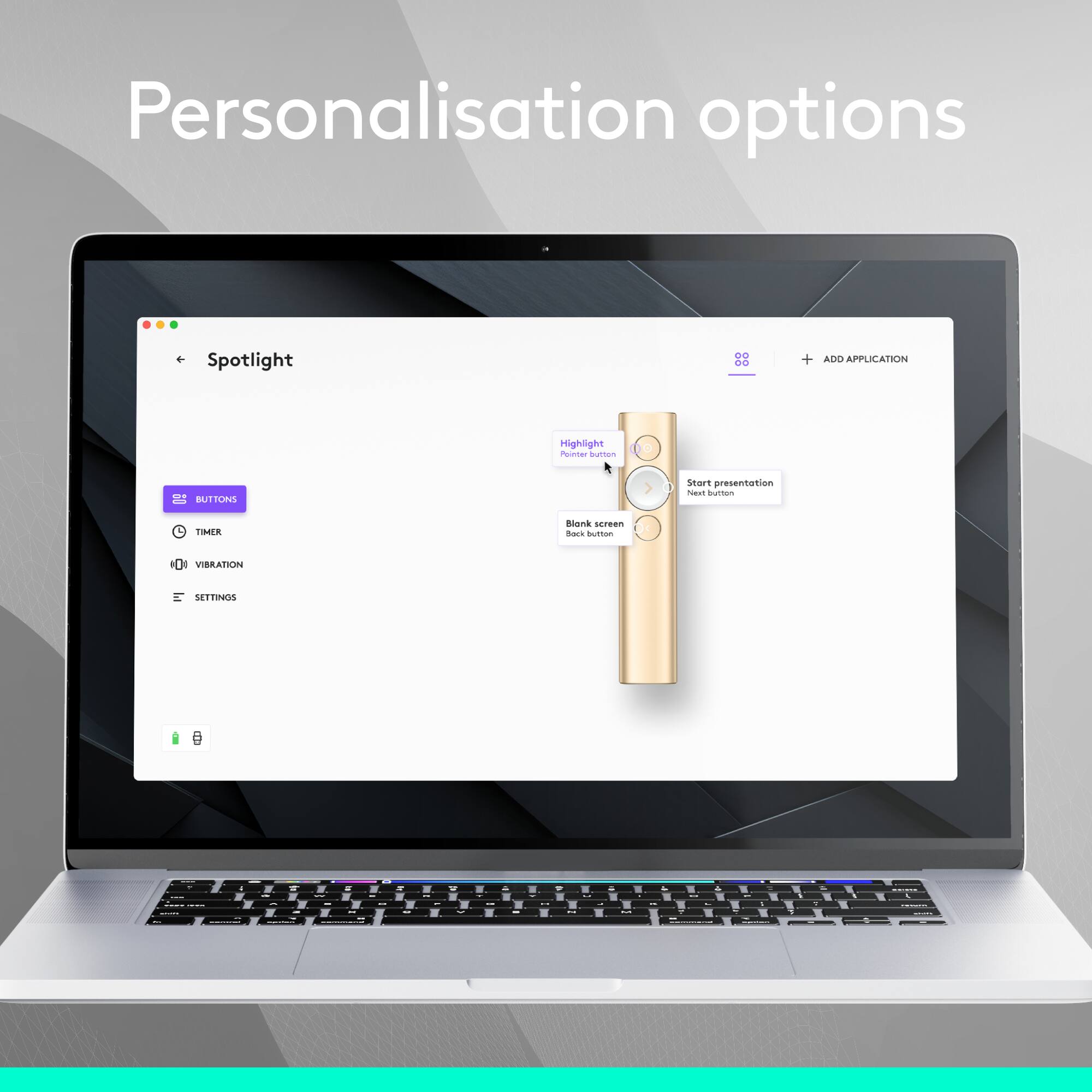
|Posted .This reviewer received promo considerations or sweepstakes entry for writing a review.Out of the box I had this remote up and running in less than 5 minutes. A quick download of software on your workstation and the device will walk you through the setup process. The device itself feels good in the hand and easy to hold. The buttons are large enough to manage without looking at them. The highlight and magnify features are very handy and easy to operate. I am very happy with this remote and how it performs.
I would recommend this to a friend - Pros mentioned:Ease of use
Most optimal and natural way to present!
|Posted .This reviewer received promo considerations or sweepstakes entry for writing a review.As a Clinical Pharmacist I have to give several professional presentations every month. By switching to the Logitech Spotlight I was able to worry less about the technology I'm using & what could go wrong and focus more on being myself and giving a great presentation that peopleactually want to pay attention to. Due to its form factor, weight distribution, & button placement the controller feels extremely natural and lightweight in the hands. Not to mention quite easy to use. The three buttons usage and programming of was easy for me to do and very intuitive for what the button can do and how to do it. The combinations are endless it seems like! One feature I loved was the programmable timer you can set so that the remote vibrates to let you know time is expiring. Last but not least, make sure if you have to give presentations and use this pointer in a foreign environment that you have the software installed on their computer, etc if you want to use the more advanced/programmable features of the pointer.
I would recommend this to a friend - Pros mentioned:Ease of use
This is officially my goto device
|Posted .This reviewer received promo considerations or sweepstakes entry for writing a review.Installation was super easy. The tutorial was great, I learned how to use the remote quite quickly. The remote itself is made from metal, it feels sturdy and comfortable in my hand. It is not too heavy and not too light, it is just right. This is officially my goto device for doing presentations I was able to connect via the bluetooth reciever provided and I also connected by turning own the bluetooth on my laptop. Connecting via the reciever provided was fast and easy. Connecting via my laptop's bluetooth had 1 extra step, but not tricky at all. The navigation worked without any problems like it is supposed to, but the spotlight feature is pretty awesome. I will be using the spotlight feature quite often when I need everyone to focus and to be on the same page during my presentations. This device makes laser pointers feel like technology from the stone age.
I would recommend this to a friend - Pros mentioned:Range
Great Presenter Tool But No Laser
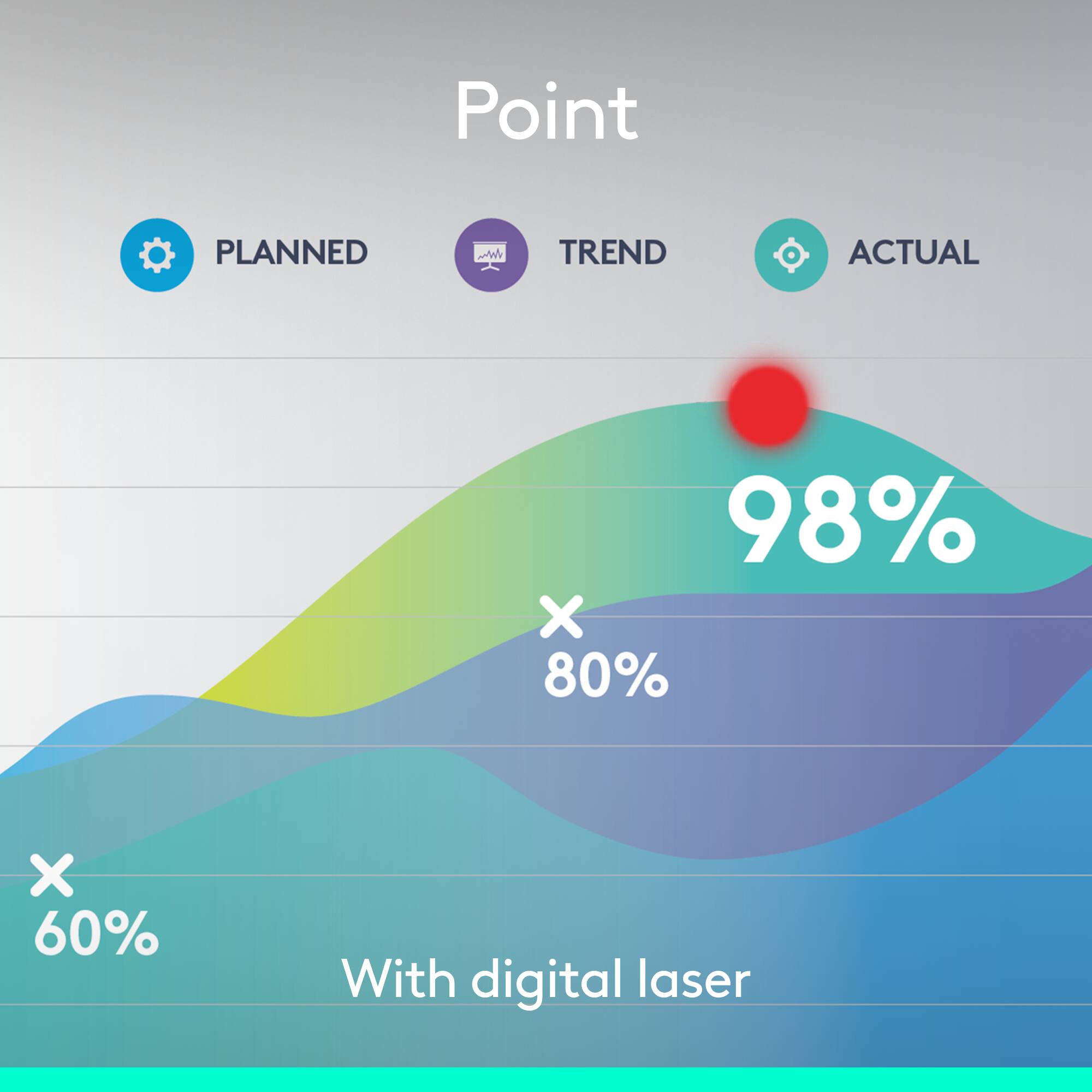
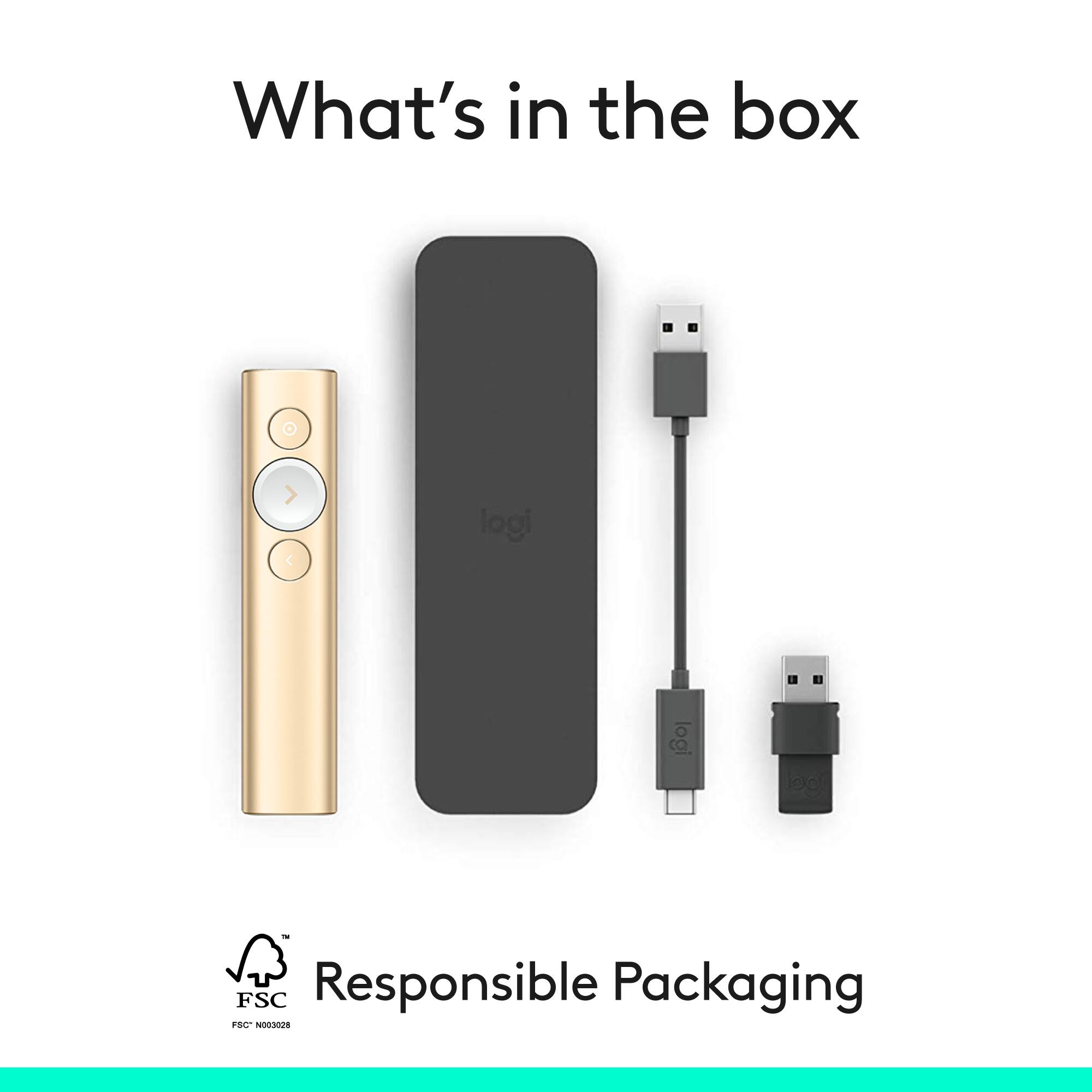
Posted .This reviewer received promo considerations or sweepstakes entry for writing a review.Overall this is an excellent tool. The less expensive versions are not compatible with Mac, while this presenter is. My biggest complaint is that it does not have a built-in laser pointer. For the price, that would be expected, although there is an in-app pointer feature that I feel does not work quite as well. Otherwise it has a very fast charge time, works well at a good distance, comes with a protective case and feels very good in your hand. My 4-star rating is due to the lack of a pointer.
I would recommend this to a friend - Pros mentioned:Range
Windows / MacOS only SW but works elsewhere.
Posted .This reviewer received promo considerations or sweepstakes entry for writing a review.I tried it on all my battery presentation devices and it only worked on ACER Windows laptop. In that environment it is exceptional but the way I present is with smaller, lighter ChromeOS to Chromecast TV that has a remote not usable for presentations so far as I can find. The Chromebook paired but only as a mouse and arrow keys. Navigation required holding the button then release and click once or twice. Mouse pointer was hard to see and the zoom feature was missed. No scroll wheel means slides are fixed not scroll able. Linux has Projecteur shareware for features.
I would recommend this to a friend - Pros mentioned:Overall performance
Works great!
Posted .This reviewer received promo considerations or sweepstakes entry for writing a review.This worked great. The spotlight/ pointer works perfect with the TV as well as working with Power point to advance the slide show.
I would recommend this to a friendBrand response from Logitech
Posted .Thank you for your positive feedback on the Logitech Spotlight Presentation Remote. We're glad to hear the spotlight and slide advancement features worked perfectly for your presentations. Your satisfaction is our priority.

- Pros mentioned:Ease of use
Great product, professional results
Posted .This reviewer received promo considerations or sweepstakes entry for writing a review.This product is easy to use and helps increase the professionalism of presentations. We used it to sequence through a set of slides and control volume of audio elegantly. The electronic red pointer is much nicer than a laser pointer.
I would recommend this to a friendBrand response from Logitech
Posted .Hey, That's fantastic to hear! We appreciate the detailed review of the Logitech Spotlight Presentation Remote. We're glad you find it easy to use, and that it helps you deliver professional presentations. The ability to sequence slides, control volume, and utilize the non-distracting red pointer all sound like valuable features for you. Thanks for sharing your experience!
- Pros mentioned:Range
Great presentation tool
|Posted .This reviewer received promo considerations or sweepstakes entry for writing a review.I got this just in time for a presentation that I was giving and i must say that i am pretty impressed with it. My favorite feature is the highlight option on it. I was able to create a shadow around the items i wanted to identify during my presentation. I used a MacBook Pro for the presentation and it went off very well. My office is now looking into purchasing several of these to use. Software installation was simple and straightforward and the learning curve was very easy. Simple tool, great features. Would definitely recommend this for anyone from college students to professionals.
I would recommend this to a friend - Cons mentioned:Software
Nice remote but major shortcomings
Posted .This reviewer received promo considerations or sweepstakes entry for writing a review.This is a very nice and slick remote slide advancer with a unique "spotlight" circle instead of a laser pointer. HOWEVER.....I have synched this with an iPad and it only advanced slides. No spotlight capability. It looks like there is no software to download for iPads. (At the moment....come on Logitech!) Also, not sure why I couldn't synch with an iPad Pro the other day. Wouldn't work at all. Had PowerPoint up and it didn't advance a single slide. Works pretty well when used with a laptop. But so much more cumbersome to get to work than the traditional Logitech r400/800 series.
No, I would not recommend this to a friend Elevated presentations to the next level
Posted .This reviewer received promo considerations or sweepstakes entry for writing a review.Always got the attention of attendees. Really helped raise the quality of the experience. The spotlight really helped focus audience attention on specific areas of the slide. Not a fan of laser pointers; and laser pointers are not ideal when we have to present on LCD screens (most common in meeting rooms today). The screen highlight did not always seem to work with Zoom and Teams meetings, so took one point off.
I would recommend this to a friend- Pros mentioned:Range
Excellent Product!
Posted .This reviewer received promo considerations or sweepstakes entry for writing a review.Great product and works as described. Have used this for multiple conferences and has worked seamlessly. Good design and a great feature set and range on this remote.
I would recommend this to a friend - Pros mentioned:Features
Worth the spend
Posted .This reviewer received promo considerations or sweepstakes entry for writing a review.Great product and easy set up! Works great for those presentations that are digital. The spotlight feature is a big plus!
I would recommend this to a friendBrand response from Logitech
Posted .Spotlight: Take your presentations to the next level! Easy setup, perfect for digital content, and the spotlight feature keeps the focus on you. We're thrilled you love it.
- Pros mentioned:Overall performance
Great product!
Posted .This reviewer received promo considerations or sweepstakes entry for writing a review.Great product. I buy them for all of my team members.
I would recommend this to a friendBrand response from Logitech
Posted .We're delighted to hear that the Logitech Spotlight Presentation Remote has become an essential tool for your team. Your continued trust and support are invaluable to us. Thank you for choosing Logitech.
- Pros mentioned:Ease of use
Amazing
Posted .This reviewer received promo considerations or sweepstakes entry for writing a review.Easy to use, easy to install. One of the best product. Love it
I would recommend this to a friendBrand response from Logitech
Posted .Logitech loves that you love the Spotlight Presentation Remote! Easy to use and install - that's what we strive for. It sounds like a perfect fit for your presentations.
- Pros mentioned:Range
Perfect
Posted .This reviewer received promo considerations or sweepstakes entry for writing a review.Great Presentation Remote. Very versatile. Worked as expected.
I would recommend this to a friend - Pros mentioned:Range
Great Buy
Posted .This reviewer received promo considerations or sweepstakes entry for writing a review.The range of this is awesome. Best presentation clicker.
I would recommend this to a friend - Pros mentioned:Overall performance
Works well
Posted .This reviewer received promo considerations or sweepstakes entry for writing a review.Works like a charm. No issues with my Mac Book Pro
I would recommend this to a friend Great presentation remote!
Posted .This reviewer received promo considerations or sweepstakes entry for writing a review.Work perfectly. It easily synced with my devices and the range on it did not falter no matter how much I moved around during the presentations.
I would recommend this to a friendBrand response from Logitech
Posted .Thank you for sharing your review! The Logitech Spotlight Presentation Remote is indeed a fantastic tool for presentations. Its easy syncing with devices and reliable range make it a great choice for seamless presentations. The motion-sensing air mouse function and customizable buttons add to its versatility, allowing you to highlight, magnify, or circle areas on the screen.