Customer Ratings & Reviews
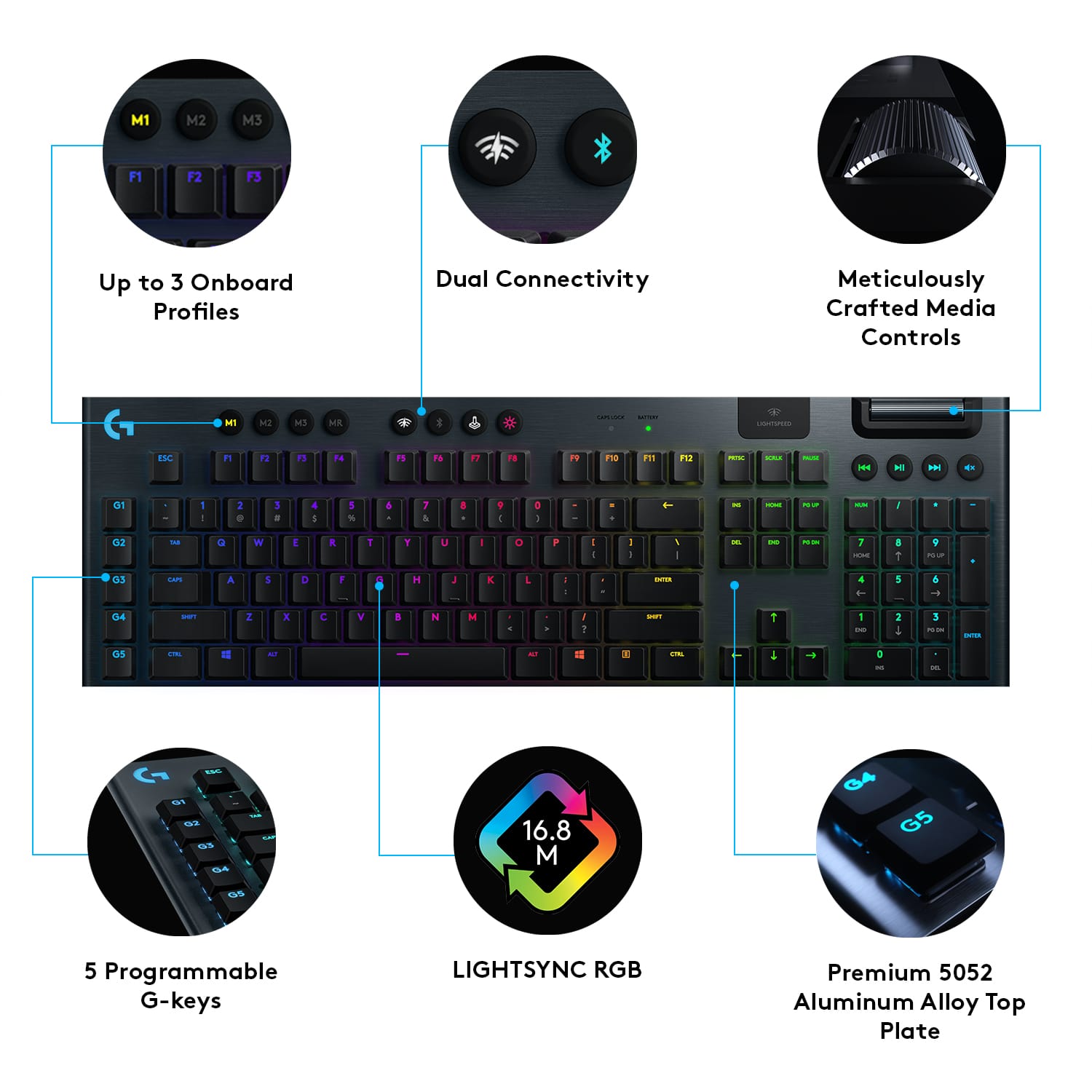
![M1 M2 M3 MR CAP LOCK SATTERY LIGHTSPEED ESC F1 F2 F3 F4 F5 F6 F7 F8 F9 F10 F11 F12 PRTSC SCALE FALA H4 HI H G1 I 1 I 2 3 # 4 $ 5 % 6 7 & 8 9 ( 0 - = + ING HOME PO UP NUM I I G2 TAB Q W E R T Y U I O P I { ] ) / | DEL END PO ON 7 HOME 8 9 PO UP G3 CAPS A S D F G H J K L i 1 a a ENTER 4 5 6 G4 SHIFT Z X C V B N M < A / ? SHEFT 1 END 2 3 PO DN ENTER G5 CTRL ALT ALT 1 CTRL 0 INS DEL](https://pisces.bbystatic.com/image2/BestBuy_US/images/products/6360/6360844_sd.jpg)
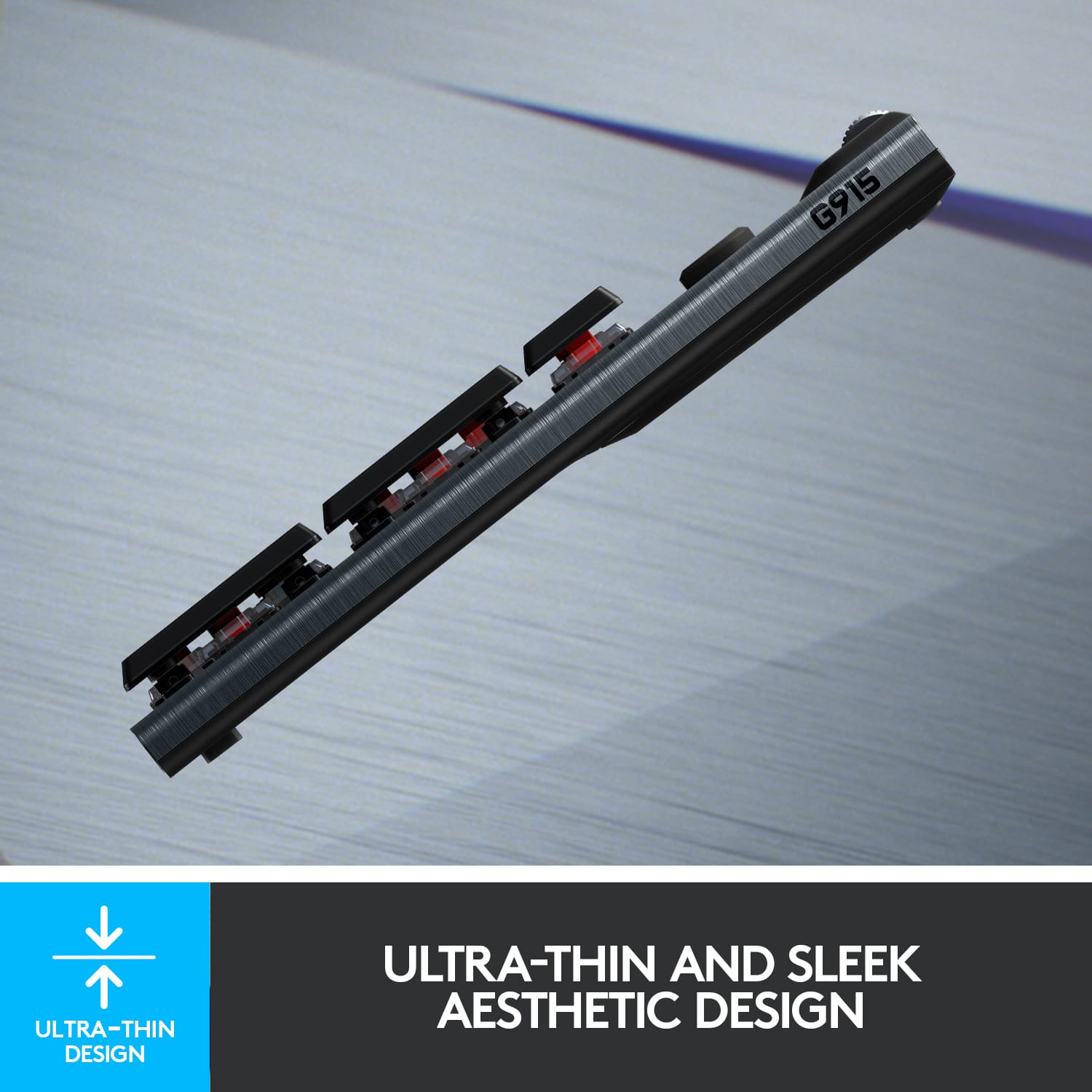
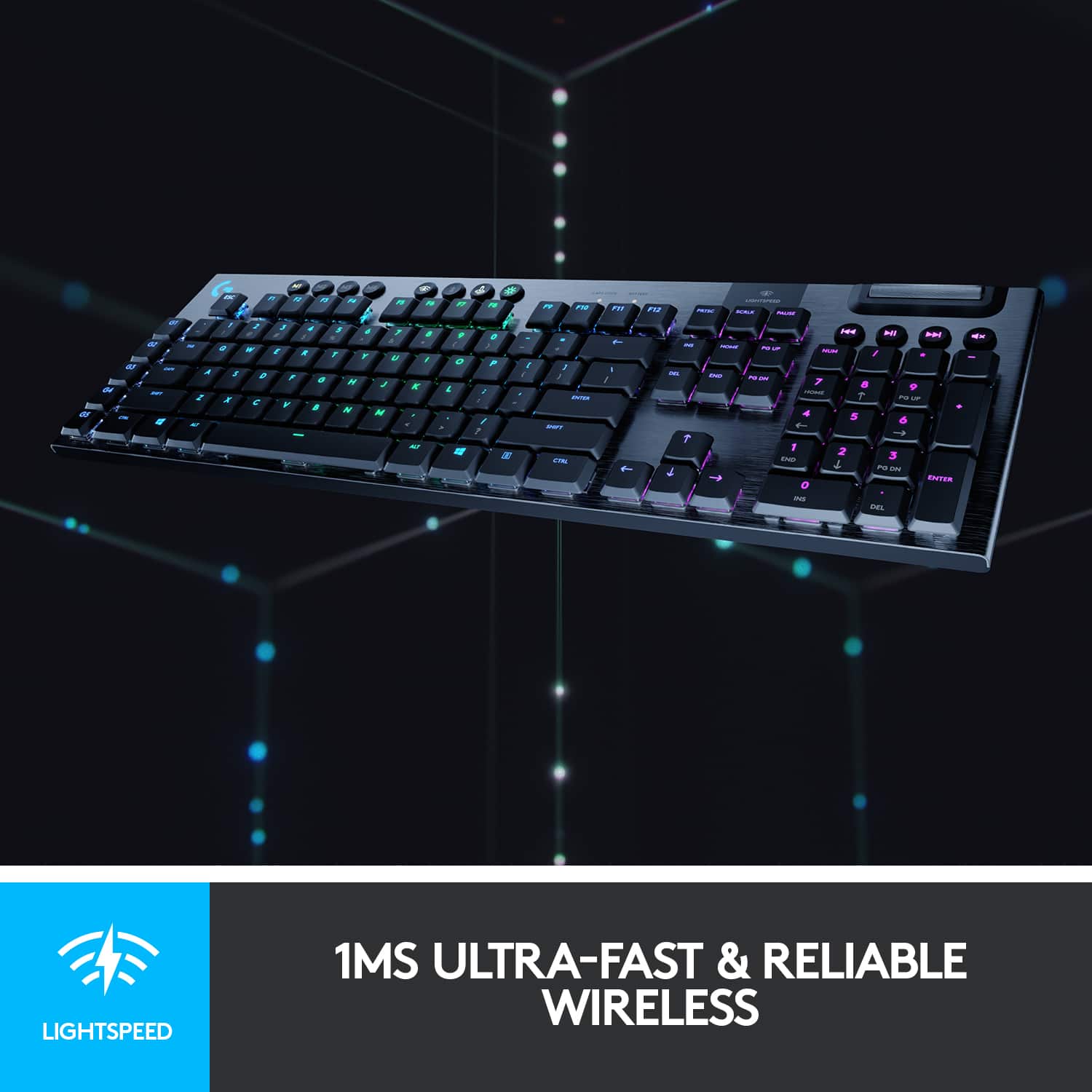
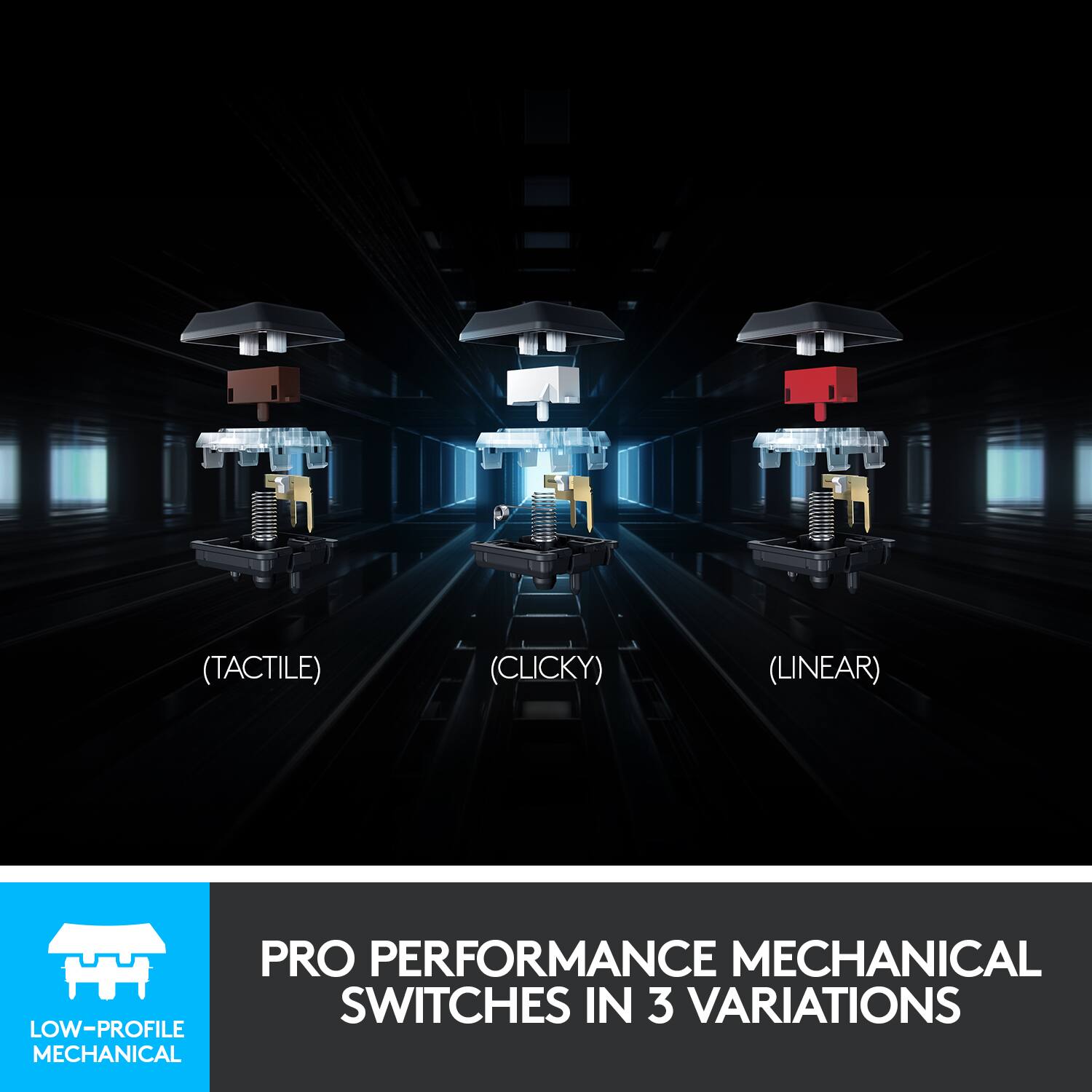
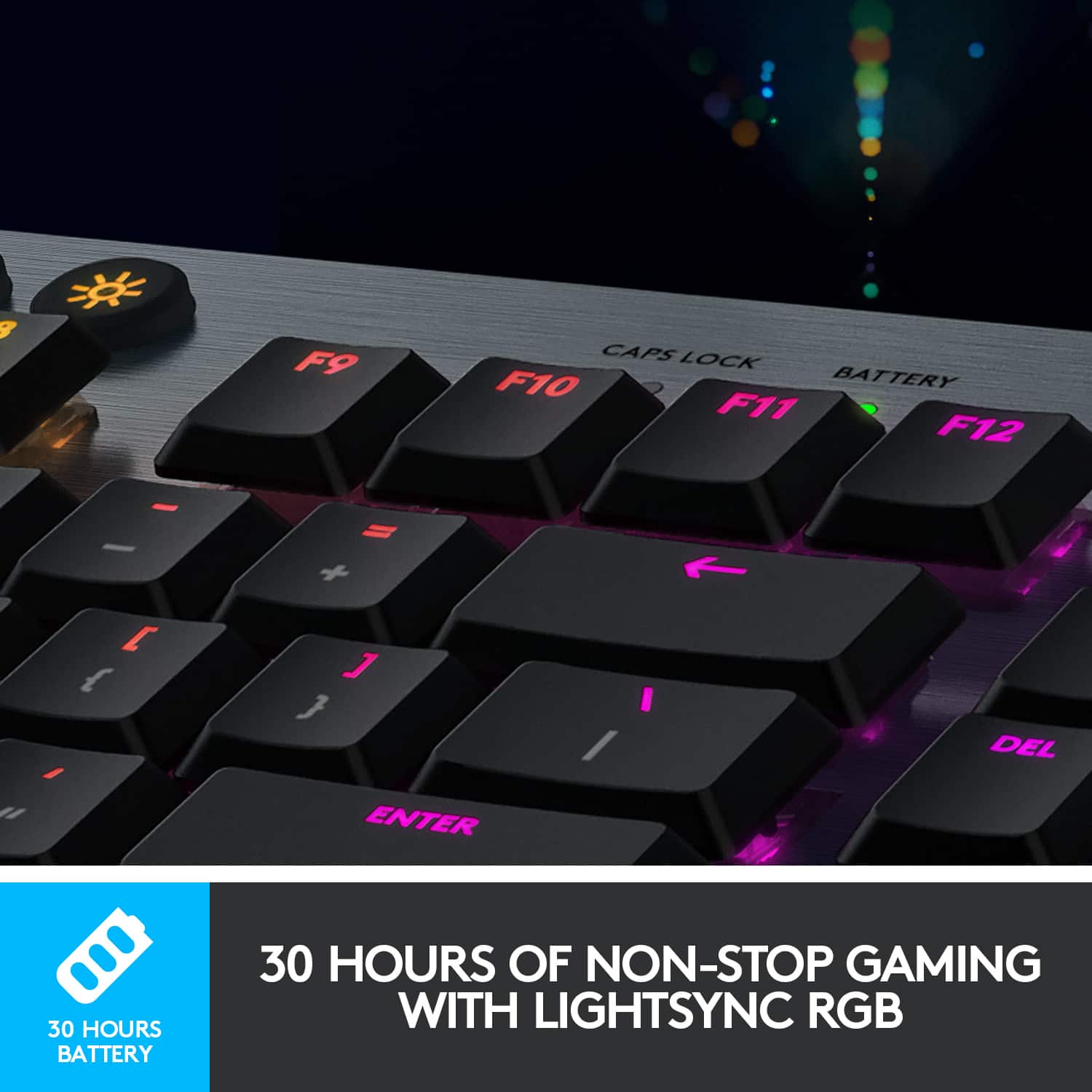
- Model:
- 920-009103
- |
- SKU:
- 6360844
Customer reviews
Rating 4.7 out of 5 stars with 1705 reviews
(1,705 customer reviews)Rating by feature
- Value4.3
Rating 4.3 out of 5 stars
- Quality4.8
Rating 4.8 out of 5 stars
- Ease of Use4.7
Rating 4.7 out of 5 stars
Customers are saying
Customers are impressed with the G915 LIGHTSPEED keyboard's high-quality build, excellent battery life, and vibrant RGB backlighting. The clicky key feel and wireless functionality are also frequently praised, providing a satisfying and responsive typing experience. While some find the price point high and the software complex, many users report minimal latency and find the keyboard easy to use.
This summary was generated by AI based on customer reviews.
Rated 1 out of 5 stars
The keys at the left side of the keyboard kill it
Posted .This reviewer received promo considerations or sweepstakes entry for writing a review.G keys on the left hand side of the keyboard are positioned in probably the worse place you could out them on a keyboard so if you know how to type you lose the ability with this ad there are extra keys which aren't sufficiently spaced away from the tab caps shift keys so it causes a ridiculous amount of typos. Somehow didn't realize this when I ordered it as my previous version of this keyboard didn't have that on it. But ye a 10/10, product reduced to an easy 0/10 due to incredibly poor design
No, I would not recommend this to a friendBrand response from Logitech
Posted .Thanks for you feedback. Your feedback is important to us, and we'll make sure to share it with the right team.
Rated 1 out of 5 stars
Obsolete Hardware, Incompetent Support
Posted .This reviewer received promo considerations or sweepstakes entry for writing a review.Misleading Minimum Systems Requirements: This product doesn't tell you that in order for it to be functional, you need two USB 2.0 ports. I know what you're thinking: If you use an adapter you can have two from the one your HP Specter has. You'd be wrong. The G915 requires that you connect directly and when I TRIED to get ahold of support, they told me that because I only had one port, that it was impossible to update firmware, making the keyboard useless. Logitech, fewer and fewer people are going to have two of these ports and not making people aware that your "cutting edge" products are obsolete is misleading.
No, I would not recommend this to a friendBrand response from Logitech
Posted .Hello BrickedKeyboard,
I am sorry that you are having issues with your new Logitech G915 gaming keyboard and that the support team could not assist you properly. You do not need USB ports, you can use the keyboard over Bluetooth if you like, and the USB wireless adapter works fine over any USB HUB. However, you will need to connect to a USB port with the charging cable to update your keyboard using Logitech G HUB, but you can connect the charging cable to any USB available, even if it is a HUB adapter. Logitech appreciates your product review and apologizes for any inconvenience. - Leo from Logitech
Rated 1 out of 5 stars
200 dollar keyboard Keys don't light up 2nd func.
Posted .This reviewer received promo considerations or sweepstakes entry for writing a review.200 dollar keyboard, but the keys don't light up the 2nd functions like (!@#$%^&*()_)_+.) The primary function (123456789) of keys light up, presumably so you can use it at night. If you need to use secondary function - almost every serious user - JUst TUrn On a LaMp - Logitech
No, I would not recommend this to a friendBrand response from Logitech
Posted .We apologize for the inconvenience caused by the Logitech G915 keyboard's lack of backlighting for secondary functions. To address this issue, we recommend reaching out to our social care team via email at socialcare@logitech.com with your
- Name:
- Email Address:
- Country:
- Product Name:
- Brief description of issue:
- Pros mentioned:Keyboard quality
Rated 3 out of 5 stars
Go for the TKL version
Posted .This reviewer received promo considerations or sweepstakes entry for writing a review.Overall, solid keyboard. If you’re a gamer who uses WASD, don’t buy this keyboard. The side G keys will drive you insane.
No, I would not recommend this to a friend Rated 2 out of 5 stars
Gorgeous colors, terrible typing for the cash
Posted .This reviewer received promo considerations or sweepstakes entry for writing a review.Gorgeous looking keyboard. Colors are incredible. But typing wise, my stock keyboard that work provided is better. I hate when I hit keys from an angle and I feel resistance pressing down the key. I purchased the steel series apex 100 for $25 and it’s super sensitive and a breeze to press down keys even at an angle (though the colors are awful). These brown tactile keys require plenty of pressure to push down and I miss clicks quite a bit. The key caps are more flat and don’t cuff your fingers like other keyboards do. Mistakes are made easily. Idk if it was the switches or just over all the keyboard. But it’s sad that so much work and focus was put into this and it’s no good. If you’re more of a colors guy, yes this is for you. But actual typing speed, I love super sensitive keys and the Logitech G915 just doesn’t do it for me. Returned. Thank you Best Buy for excellent customer service
No, I would not recommend this to a friend