Customer Ratings & Reviews

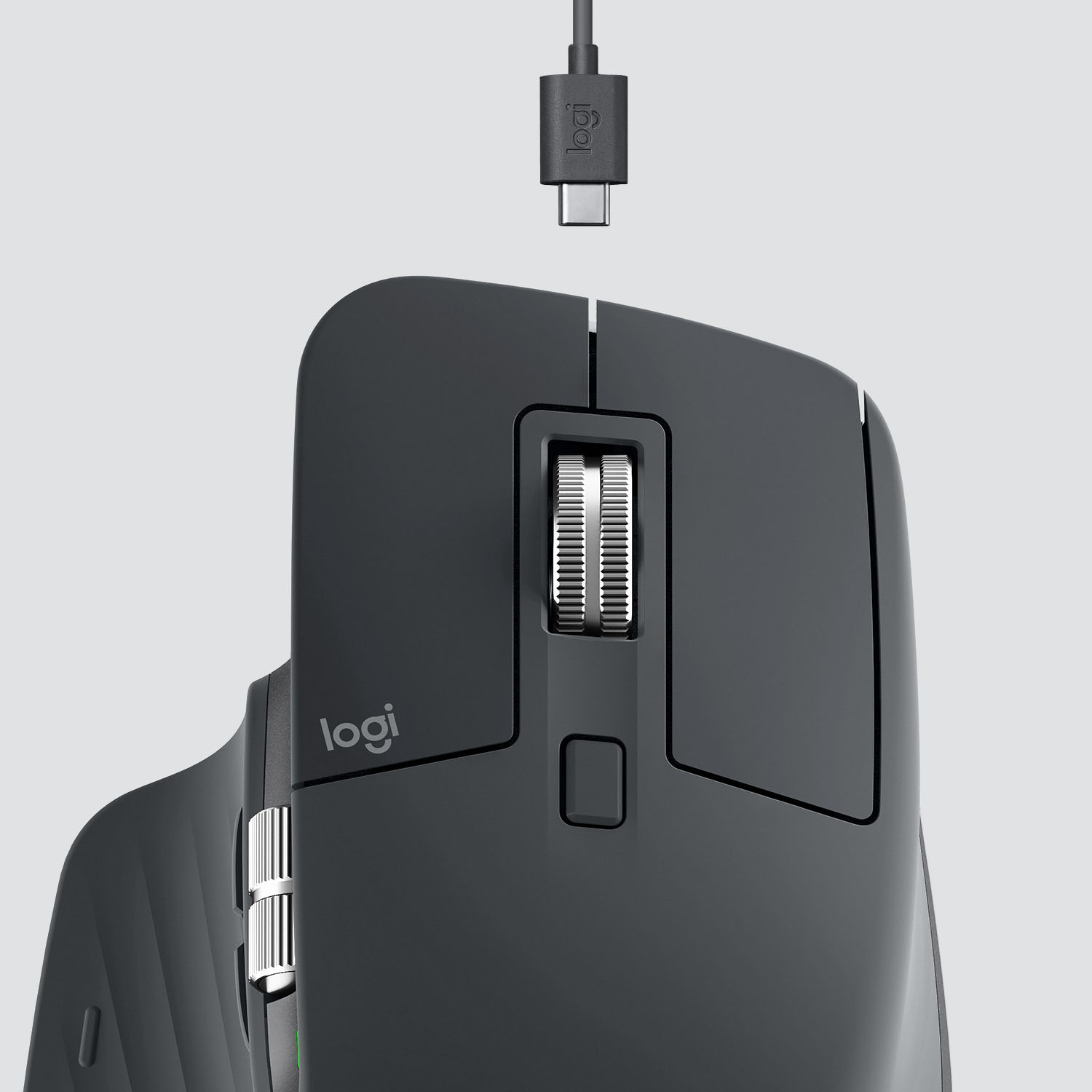

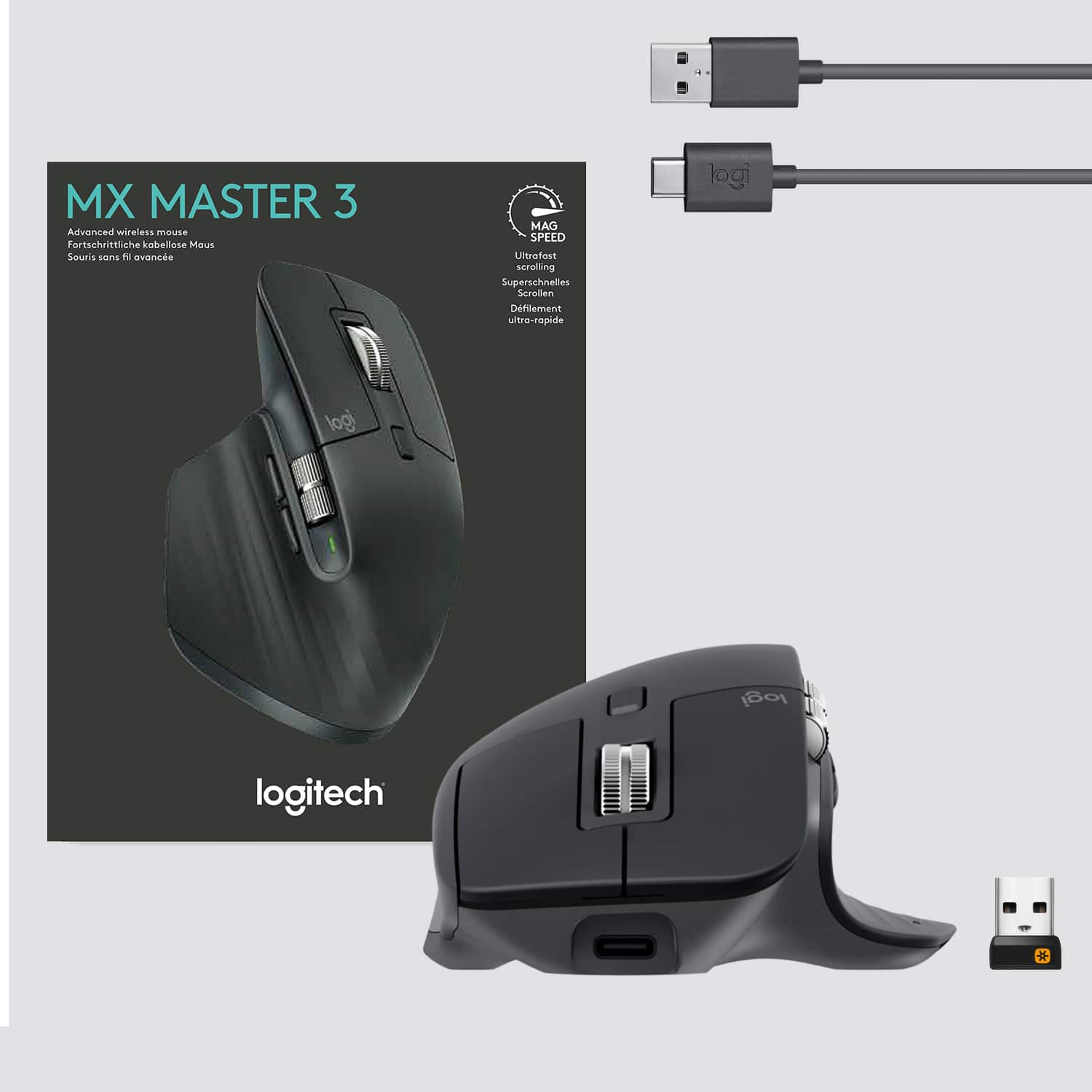

- Model:
- 910-005647
- |
- SKU:
- 6366554
Customer reviews
Rating 4.8 out of 5 stars with 3344 reviews
(3,344 customer reviews)Rating by feature
- Value4.5
Rating 4.5 out of 5 stars
- Quality4.9
Rating 4.9 out of 5 stars
- Ease of Use4.8
Rating 4.8 out of 5 stars
Customers are saying
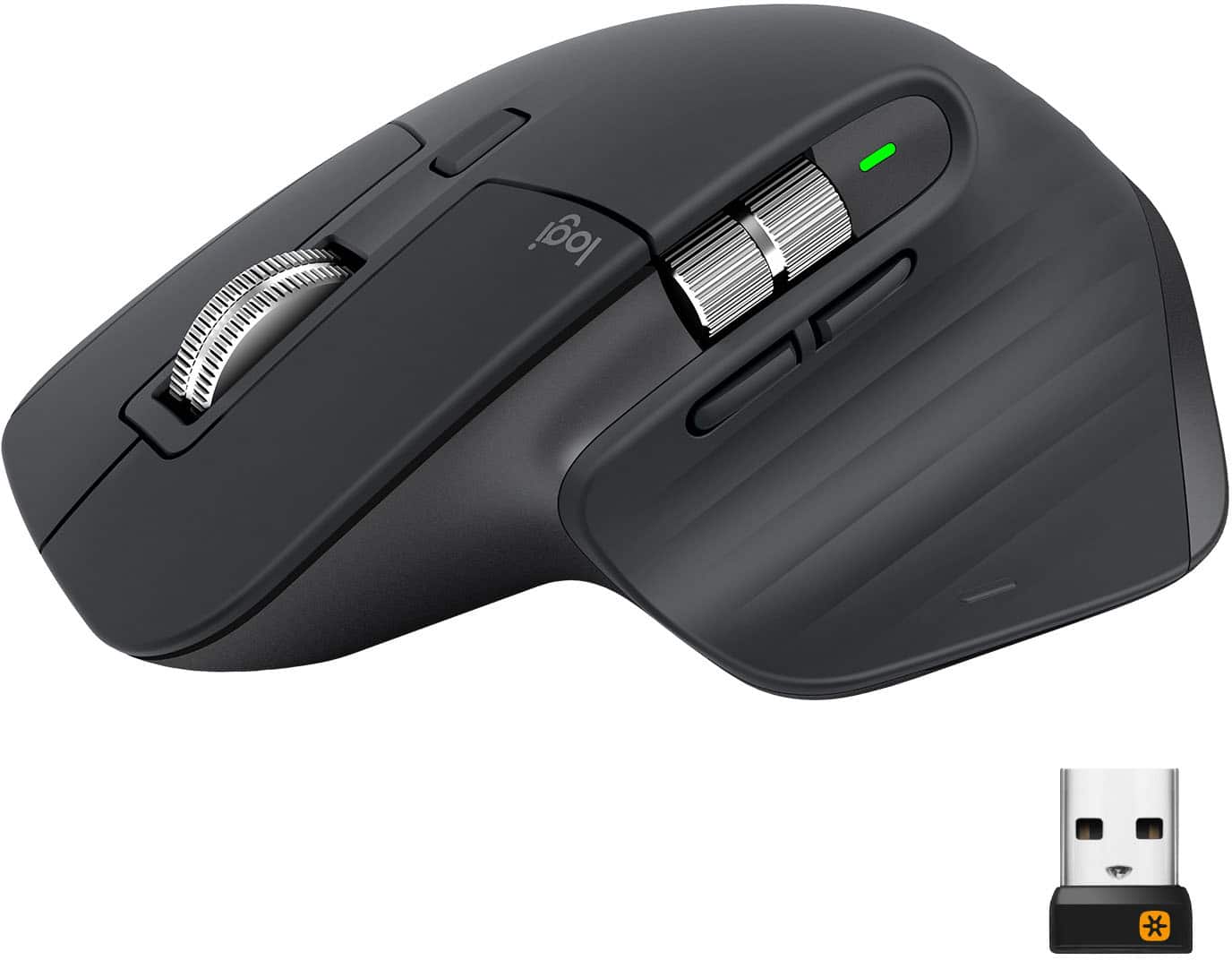
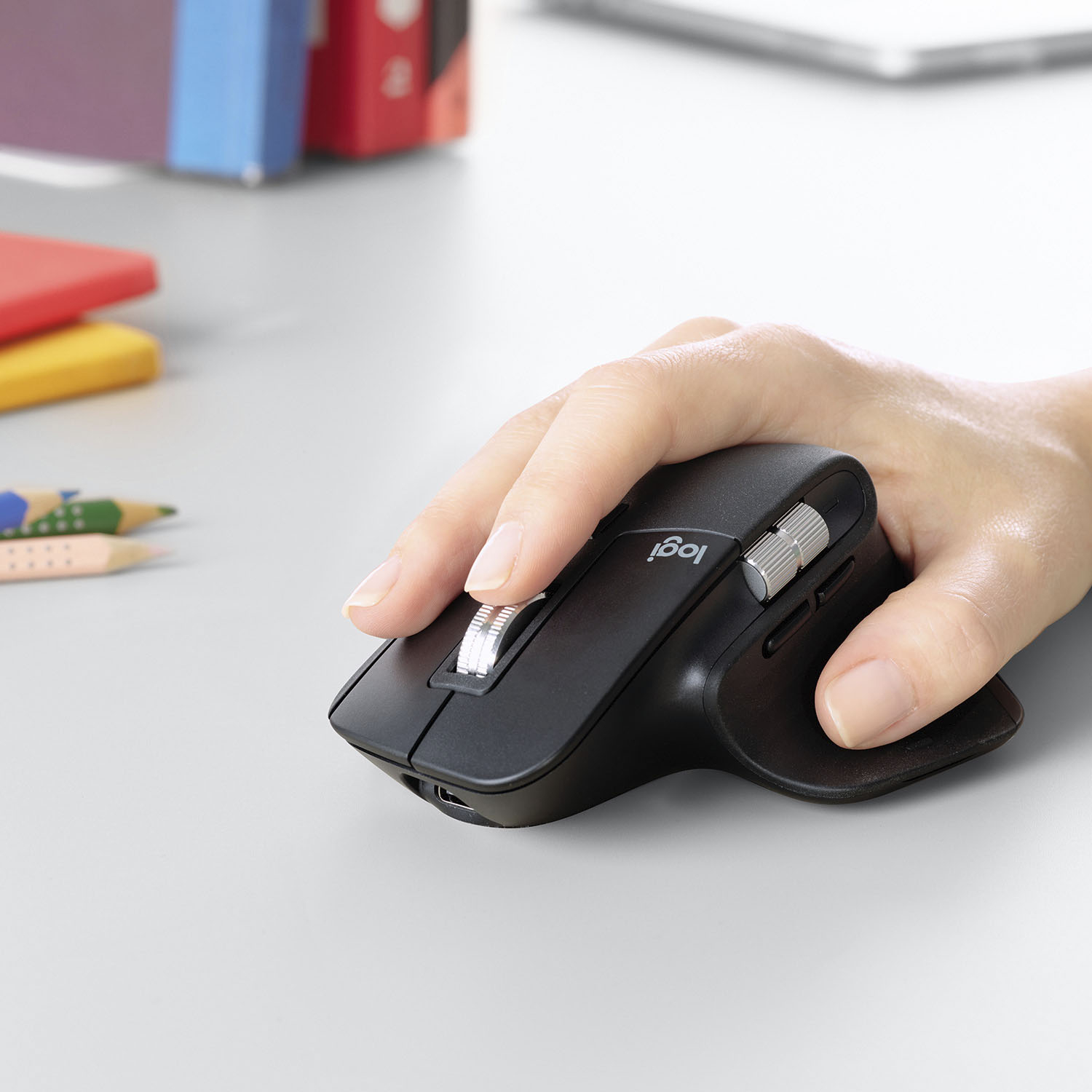
Customers enjoy the ergonomic design, smooth scroll wheel, and excellent battery life of the MX Master 3 mouse. Many appreciate the high-quality build and the extensive customization options, along with its Bluetooth connectivity and multi-device capabilities. However, some find the mouse to be large and heavy. A few users have also reported issues with software consistency and occasional lag.
This summary was generated by AI based on customer reviews.
Rated 5 out of 5 stars
Hands Down - the best mouse on the market!
||Posted . Owned for less than 1 week when reviewed.This reviewer received promo considerations or sweepstakes entry for writing a review.I've been using the MX Master series since they first came out - and this new Series 3 still keeps raising the bar. From the feature-set, to the ergonomics, to the software that drives it ... TOP NOTCH all the way around. Nothing else on the market even comes close IMHO.
I would recommend this to a friendRated 5 out of 5 stars
Best mouse in the market
||Posted . Owned for 2 months when reviewed.This reviewer received promo considerations or sweepstakes entry for writing a review.I can not believe how great this mouse is. Switch between the modes is seamlessly easy! I have a Mac with boot camp and my work laptop and switch between Mac and PC by a click of a button. I was skeptical at first thinking “how good can a mouse be for $100 bucks” and now I cannot live without its impressive productivity.
I would recommend this to a friendRated 5 out of 5 stars
Like it
||Posted . Owned for 1 week when reviewed.This reviewer received promo considerations or sweepstakes entry for writing a review.You can program it to have different functions within different programs. I have no idea how to make it not scroll through tabs in Chrime on the horizontal scroll, but aside from that I’m digging it. My carpal tunnel issues have calmed down since I got it
I would recommend this to a friendBrand response from Logitech
Posted .Hi Claudia,
Thank you for your five-star review! It is greatly appreciated. Continue to enjoy your device. If you ever need assistance, please contact Logitech Support on the website.
LaShonda from Logitech
Rated 4 out of 5 stars
Very customizable
||Posted . Owned for 3 weeks when reviewed.This reviewer received promo considerations or sweepstakes entry for writing a review.Logitech "Options" software provides some really cool features - the ability to customize buttons (you can even make them program specific if you want). Ergonomics are good, but one minor gripe is that the right click button is very sensitive and easily triggered when I rest my middle/ring finger on it so I have to be careful to place it on the frame, which is a little wider than is comfortable. The back button was also a little sticky on the first one I had but I returned it and the new one does not have the same issue.
I would recommend this to a friendRated 5 out of 5 stars
Perfect for larger hands
||Posted . Owned for 7 months when reviewed.This reviewer received promo considerations or sweepstakes entry for writing a review.Got this mouse to go along with my MX Master keyboard and it works a treat. I Have bigger hands so it really helped me get over the hand cramps I would get from smaller units. The different functionality you can get this mouse is awesome as well
I would recommend this to a friendRated 5 out of 5 stars
Great purchase
||Posted . Owned for 1 month when reviewed.This reviewer received promo considerations or sweepstakes entry for writing a review.This was purchased as a Christmas gift for my husband. I wasn't sure if he would like it as the hand placement is different. But he said it is wonderful. He doesn't have the pain in his hands / wrists like he did before. No trouble at all with the connection.
I would recommend this to a friend- Pros mentioned:Comfortable
Rated 5 out of 5 stars
Excellent mouse
||Posted . Owned for 1 month when reviewed.This reviewer received promo considerations or sweepstakes entry for writing a review.Tracks exceedingly accurately and super comfortable.
I would recommend this to a friend Rated 5 out of 5 stars
Awesome mouse!!
||Posted . Owned for 3 weeks when reviewed.This reviewer received promo considerations or sweepstakes entry for writing a review.I use a mouse at least 10 hours a day working in AutoCAD and Inventor so I decided to treat myself and bought this mouse, one of my better investments I should’ve bought it along time ago. The fact that it charges from USB you don’t have to keep changing batteries is one of the biggest positives.
This review is from Logitech - MX Master 3 Advanced Wireless USB/Bluetooth Laser Mouse with Ultrafast Scrolling - Wireless - Mid Gray
I would recommend this to a friendRated 5 out of 5 stars
Top of the Line Mouse!
||Posted . Owned for 2 months when reviewed.This reviewer received promo considerations or sweepstakes entry for writing a review.Best Mouse I ever had. This mouse has very good features for split and snapping screens. The size and ergonomic Comfort or the design is excellent for my hands which are not small and cramp when using small objects. It’s wireless and easy to use and program to your personal preference. Get this Mouse!
I would recommend this to a friendRated 4 out of 5 stars
Could offer better UX with small tweaks
||Posted . Owned for 2 weeks when reviewed.This reviewer received promo considerations or sweepstakes entry for writing a review.This mouse is great in almost every aspect. There are two tiny things that really bother me though when it comes to the user experience: 1) It does not automatically shift devices if you do so on the MX Keys Keyboard. You have to change both devices separately. 2) The device switch button is at the bottom of the mouse and you cannot remap it. That means flipping it upside down every single time you switch a device, which can get annoying if you do it frequently. Other than that it is indeed a good mouse.
I would recommend this to a friendRated 5 out of 5 stars
Simply the Best
||Posted . Owned for less than 1 week when reviewed.This reviewer received promo considerations or sweepstakes entry for writing a review.As a career IT Admin and former PC Repair business owner, I've been using peripherals like this one for multiple decades. Quite simply put, this is the undisputed King of mice. The ergonomics alone are impeccable. The performance is unbeatable. Highly recommend. Pair it with the MX Keyboard for the ultimate setup.
This review is from Logitech - MX Master 3 Advanced Wireless USB/Bluetooth Laser Mouse with Ultrafast Scrolling - Wireless - Mid Gray
I would recommend this to a friendRated 5 out of 5 stars
If productivity was wrapped into a mouse!
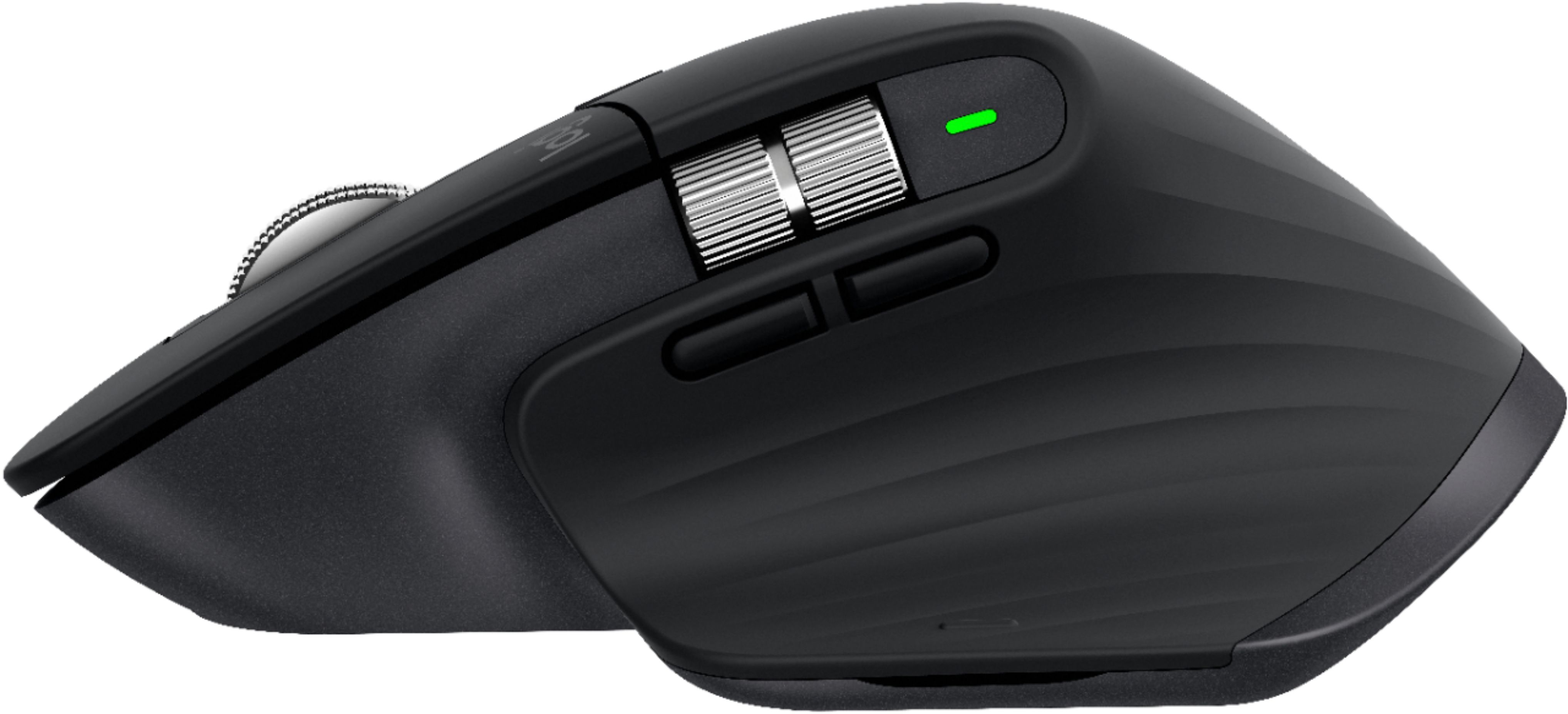
||Posted . Owned for 6 months when reviewed.This reviewer received promo considerations or sweepstakes entry for writing a review.Pro: Clicks are crisp. Great scroll wheel for documents. Side wheel for bonus productivity. Good weight. Better placement for forward and backward button vs the previous mx masters. Con: Would like polling rate to be higher as an option. The hidden button is kind of hard to hit sometimes.
I would recommend this to a friendRated 5 out of 5 stars
Reliable and functional.
||Posted . Owned for 1 month when reviewed.This reviewer received promo considerations or sweepstakes entry for writing a review.My computer is located in a very busy signal area so the Bluetooth connection is very bad. I'm glad this mouse has wireless USB so that I don't worry about disconnecting issues. I wish it has wired connection support, but so far it is good now.
This review is from Logitech - MX Master 3 Advanced Wireless USB/Bluetooth Laser Mouse with Ultrafast Scrolling - Wireless - Mid Gray
I would recommend this to a friendRated 5 out of 5 stars
Improvement to the MX Master 2
||Posted . Owned for 4 months when reviewed.This reviewer received promo considerations or sweepstakes entry for writing a review.If you liked the MX Master 2, you'll absolutely love this upgraded revision. The bluetooth is far more reliable than in past models and you still have the dongle to use if necessary. The scrolling is fantastic, and it will still work on most any surface, including glass.
I would recommend this to a friendRated 5 out of 5 stars
Great upgrade from the original MX Master
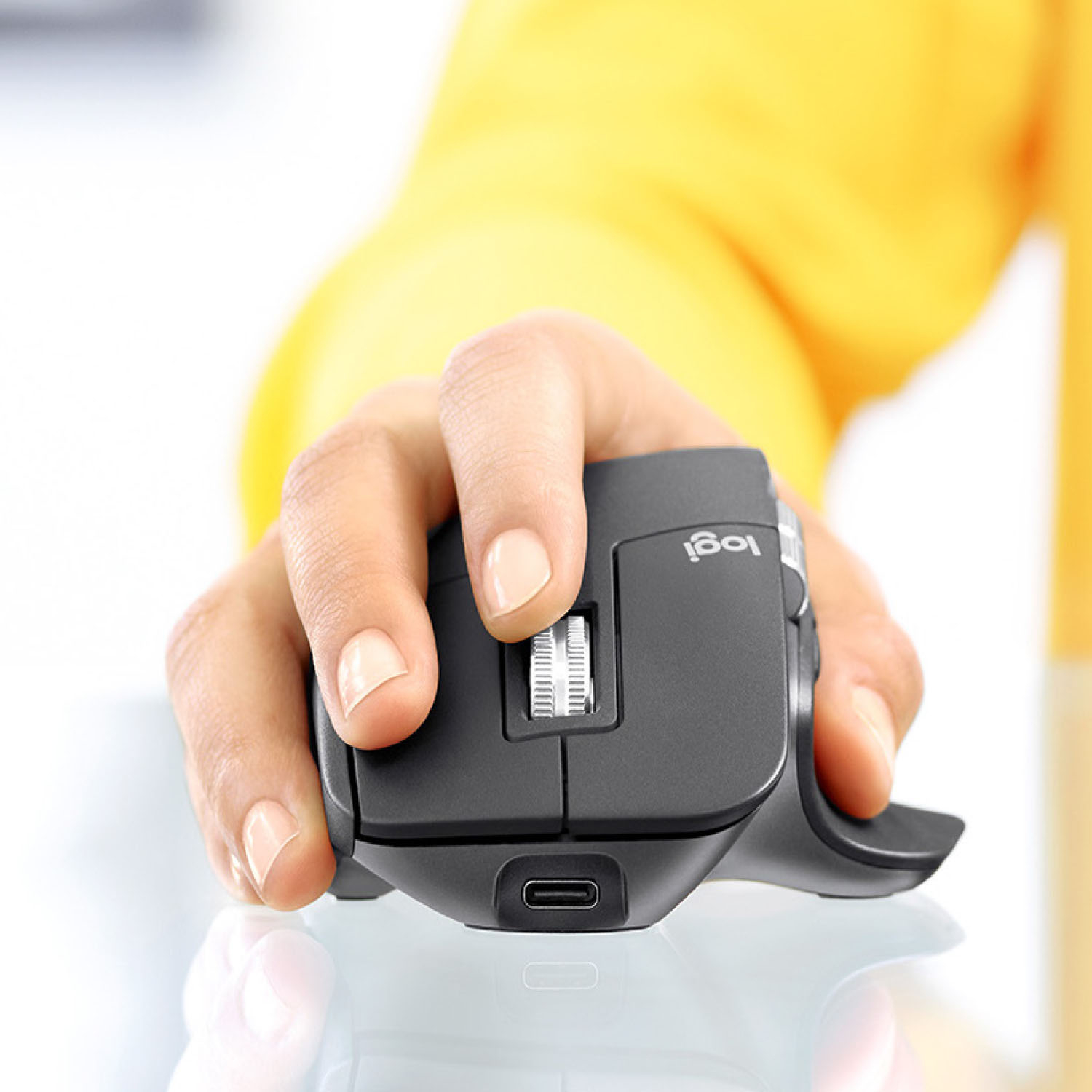
||Posted . Owned for 2 weeks when reviewed.This reviewer received promo considerations or sweepstakes entry for writing a review.I finally upgraded from the original MX Master mouse because the second iteration didn't change enough for me to purchase. This third iteration though was definitely a no brainier. The USB-C charging port, newly designed magnetic scrolling and enhanced horizontal scrolling are noteworthy upgrades over the original and second series.
I would recommend this to a friendRated 5 out of 5 stars
Perfect mouse!!
||Posted . Owned for 3 weeks when reviewed.This reviewer received promo considerations or sweepstakes entry for writing a review.Great response to any and every gesture. Smooth operation on many different surfaces. Well worth the investment. Photo editing is much easier with this mouse. Side browsing button is great for large web pages. This is a must have mouse if you are using it for anything but more importantly if you are using a mouse for hours.
I would recommend this to a friendRated 5 out of 5 stars
GREAT MOUSE! Work and play!
||Posted . Owned for 1 month when reviewed.This reviewer received promo considerations or sweepstakes entry for writing a review.My favorite mouse I've ever had. Great for work and for gaming. Allows three different connections via a button on the bottom. Very ergonomic and the smooth. My only gripe is the scroll wheel just keeps going which may be great for some games but if you're zooming it and out it can cause a real headache.
I would recommend this to a friendRated 5 out of 5 stars
Great mouse replacement
||Posted . Owned for 1 month when reviewed.This reviewer received promo considerations or sweepstakes entry for writing a review.Mouse replacement is tricky. Found that this one allows me to move my hand around less but provides the flexibility of a mouse and also finger movement. Replaces a track ball very well. Also very fine alignment for the cursor and cut-paste.
I would recommend this to a friendRated 5 out of 5 stars
Great Mouse
||Posted . Owned for 6 months when reviewed.This reviewer received promo considerations or sweepstakes entry for writing a review.I upgraded from the first generation and wow... what an improvement! The silent scroll wheel alone is a reason to upgrade! The new side buttons are much better than previous generations and the overall quality of the mouse seems to be much better. Very happy with this purchase
I would recommend this to a friend- Pros mentioned:Comfortable
Rated 5 out of 5 stars
Comfortable
||Posted .This reviewer received promo considerations or sweepstakes entry for writing a review.Very comfortable! Worth the price and easy to use
I would recommend this to a friend