Customer Ratings & Reviews
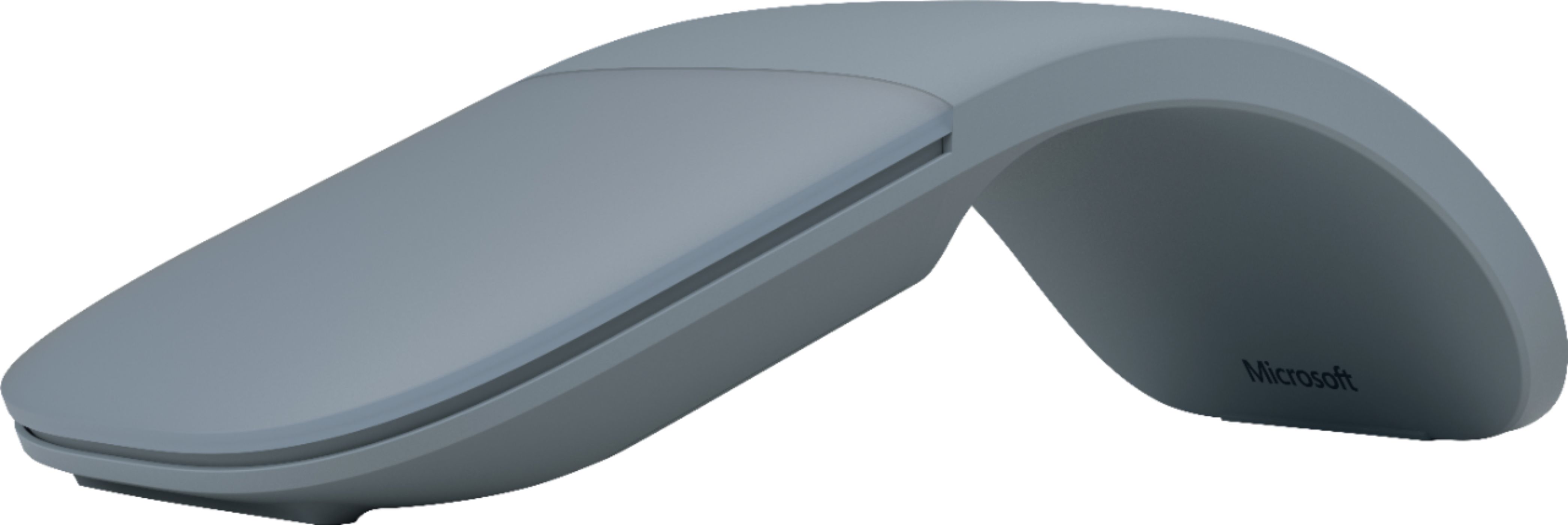
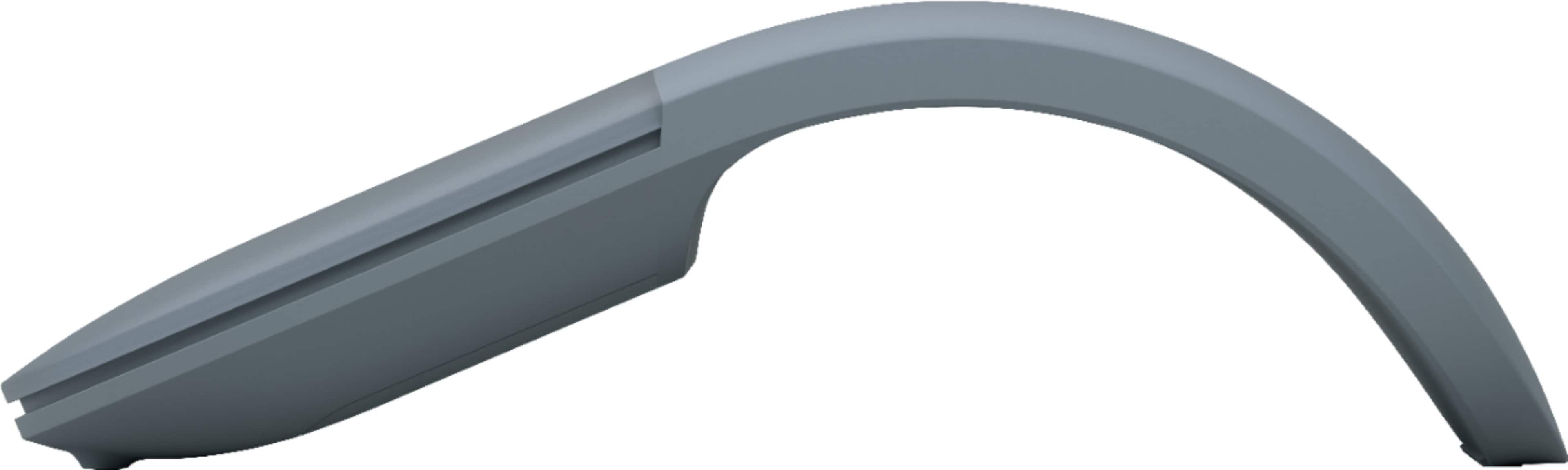

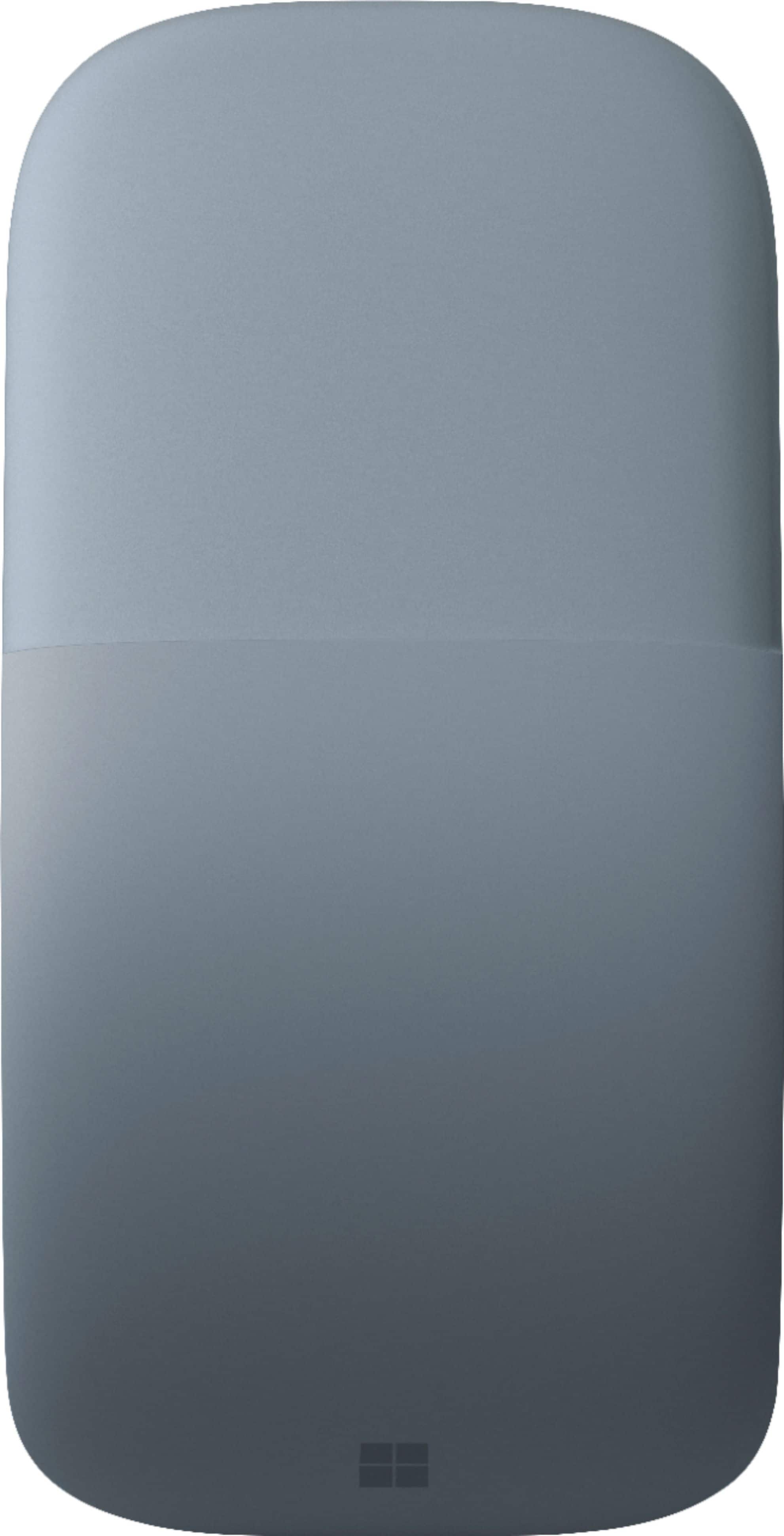


- Model:
- CZV-00065
- SKU:
- 6379967
Rating by feature
- Value
Rating 4.3 out of 5 stars
- Quality
Rating 4.7 out of 5 stars
- Ease of Use
Rating 4.6 out of 5 stars
to a friend
Customers are saying
Customers have good things to say about the Arc Wireless BlueTrack Ambidextrous Mouse, particularly praising its portability, design, and comfort. Many appreciate its convenient size, good battery life, and reliable Bluetooth connectivity. However, some customers have noted concerns regarding the smoothness of scrolling, the price point, and the functionality of the right-click feature.
This summary was generated by AI based on customer reviews.
Good looking but not working.
||Posted . Owned for 5 months when reviewed.This reviewer received promo considerations or sweepstakes entry for writing a review.Awesome appearance design, however, really hard to use.
No, I would not recommend this to a friendgreat concept... that's it.
||Posted . Owned for 1 month when reviewed.This reviewer received promo considerations or sweepstakes entry for writing a review.The color and feel and even build of the mouse is very, very nice. The concept of it flattening out is also very practical. But as an actual mouse (what it is intended to function as), it is very unreliable, ergonomically uncomfortable and much too small for the hand. And I by no means am a big guy with a big hand (5'9''). I unfortunately had to return this item and am very pleased with a new mouse that I purchased; the Logitech MX Master 3.
No, I would not recommend this to a friendDoesnt always sync
||Posted . Owned for 1 month when reviewed.This reviewer received promo considerations or sweepstakes entry for writing a review.I'd say about 40% of the time the mouse doesn't sync to the surface, and I have to turn the mouse on and off 3 to 4 times to get it to work.
No, I would not recommend this to a friendBrand response from MicrosoftOutreachTeam
Posted .Hello,
We appreciate you taking the time to reach out to us about the difficulties you've been having with your Surface Arc Mouse. To assist, we have some great troubleshooting tips via this link here: https://support.microsoft.com/en-us/help/4034571.
If you need any additional help with your Surface Arc Mouse our support team can also be reached here: https://aka.ms/AA4rbq6.
Kindly,
Heather
Surface Customer Care
Do not recommend
||Posted . Owned for 2 months when reviewed.This reviewer received promo considerations or sweepstakes entry for writing a review.Returned it. Didnt like it. Not ergonomic and I prefer the cheaper surface mouse
No, I would not recommend this to a friendMicrosoft - Arc Mouse - Poppy Red - Surface
||Posted .This reviewer received promo considerations or sweepstakes entry for writing a review.I like it. Its a little laggy and the glide on any surface is not very good and does not pick up all movement. Good for the price.
I would recommend this to a friendMouse
||Posted . Owned for 1 month when reviewed.This reviewer received promo considerations or sweepstakes entry for writing a review.Don't buy, it is not worth the prize, it has nothing special, feel cheap, the arch doesn't feel right on your wrists or hand, it doesn't slide smoothly on the desk tablet, it doesn't work when it is flat, it takes time to reconnects to bluetooth often.
No, I would not recommend this to a friendDon't work on 2015 HP pavilian
||Posted . Owned for 3 weeks when reviewed.This reviewer received promo considerations or sweepstakes entry for writing a review.Probably would work good but I have a older computer and it doesn't have Bluetooth... got the other works well...
I would recommend this to a friendUncomfortable
||Posted . Owned for 1 week when reviewed.This reviewer received promo considerations or sweepstakes entry for writing a review.Not very comfortable. I returned this mouse back to the store
No, I would not recommend this to a friendMouse
||Posted . Owned for 2 months when reviewed.This reviewer received promo considerations or sweepstakes entry for writing a review.For me was not comfortable, I prefer normal shape, but my husband love the one that he has
No, I would not recommend this to a friendNot the best fit for me
||Posted .This reviewer received promo considerations or sweepstakes entry for writing a review.Was most like just not a fit or match for me, I did return this item and purchase another mouse
No, I would not recommend this to a friendvery expensive
||Posted .This reviewer received promo considerations or sweepstakes entry for writing a review.worked ok but just hit comfortable and very expensive. better if with an inexpensive bluetooth mouse.
No, I would not recommend this to a friendBrand response from MicrosoftOutreachTeam
Posted .Hi there,
Thanks for your honest review of the Surface Arc Mouse. We're sorry to hear that you are unhappy with the pricing. We are always striving to bring value to our customers in the devices that help them achieve more. We appreciate you giving the Surface Arc Mouse a try.
Kind regards,
Jessica
Surface Customer Care
Poor Mouse
||Posted . Owned for 1 month when reviewed.This reviewer received promo considerations or sweepstakes entry for writing a review.Very disappointed in this Arc Mouse. Using Logitech mouse instead. Much more responsive that the Arc Mouse.
No, I would not recommend this to a friendUnnatural feel
||Posted . Owned for 3 months when reviewed.This reviewer received promo considerations or sweepstakes entry for writing a review.Unnatural feel, no back button. Not as flexible as it looks in the pictures.
No, I would not recommend this to a friendawkward
||Posted . Owned for 2 weeks when reviewed.This reviewer received promo considerations or sweepstakes entry for writing a review.Extremely awkward. No wheel for scrolling. Just uncomfortable.
No, I would not recommend this to a friendCute but there are better mouse.
||Posted . Owned for 1 month when reviewed.This reviewer received promo considerations or sweepstakes entry for writing a review.Non-responsive. Had to return and exchange for different mouse.
No, I would not recommend this to a friendnope
||Posted . Owned for 1 week when reviewed.This reviewer received promo considerations or sweepstakes entry for writing a review.Super jumpy, didn't like it at all. took it back!!
No, I would not recommend this to a friend2 thumbs down!!
||Posted . Owned for 1 week when reviewed.This reviewer received promo considerations or sweepstakes entry for writing a review.We actually returned this product. The software doesn’t recognize the mouse. Without it you can’t change the volume or calibration. This is a known problem by Microsoft and no fix.
No, I would not recommend this to a friendGreat look
||Posted .This reviewer received promo considerations or sweepstakes entry for writing a review.I personally don’t like the shape is uncomfortable for me
No, I would not recommend this to a friendOkay
||Posted .This reviewer received promo considerations or sweepstakes entry for writing a review.I barely use it because of the odd size creating a not so easy carry along
No, I would not recommend this to a friendBrand response from MicrosoftOutreachTeam
Posted .Hi there,
Thanks for sharing your honest feedback. Have you tried the unique fold-flat feature of Surface Arc Mouse? This design conveniently stores flat so you can fit in your bag or pocket without any annoying mouse bulge. We hope this helps! Let us know if you have any questions: https://support.microsoft.com/en-us/contactus/.
Kind regards,
Jessica
Surface Customer Care
Good, sometimes looses connection
||Posted .This reviewer received promo considerations or sweepstakes entry for writing a review.The bending of the mouse sometimes unwired connection to the laptop.
No, I would not recommend this to a friendBrand response from MicrosoftOutreachTeam
Posted .Hi there,
Thanks for reaching out, we apologize you are having some connection issues with your Surface Arc Mouse. Hopefully we can chime in with some helpful insight for you to get back up and running!
The Surface Arc Mouse was designed to snap into a curved position for use. Once the mouse is in this position, it should turn on and connect to your device automatically (assuming you have already established a connection previously.)
When you are done using your mouse, it snaps and folds flat for storage or transport. When it is in this position it is normal that it disconnects from your device, and powers off.
We hope this helps clarify. However, if you still feel like you are experiencing unusual connectivity issues, our support team is always happy to help you as well. Please feel free to reach out to them here: https://support.microsoft.com/en-us/contactus/.
We hope to get your device in tip-top shape in no time!
Kind regards,
Jessica
Surface Customer Care