Customer Ratings & Reviews



- Model:
- 910-005692
- SKU:
- 6404089
Rating by feature
- Value
Rating 4.5 out of 5 stars
- Quality
Rating 4.9 out of 5 stars
- Ease of Use
Rating 4.8 out of 5 stars
Customers are saying
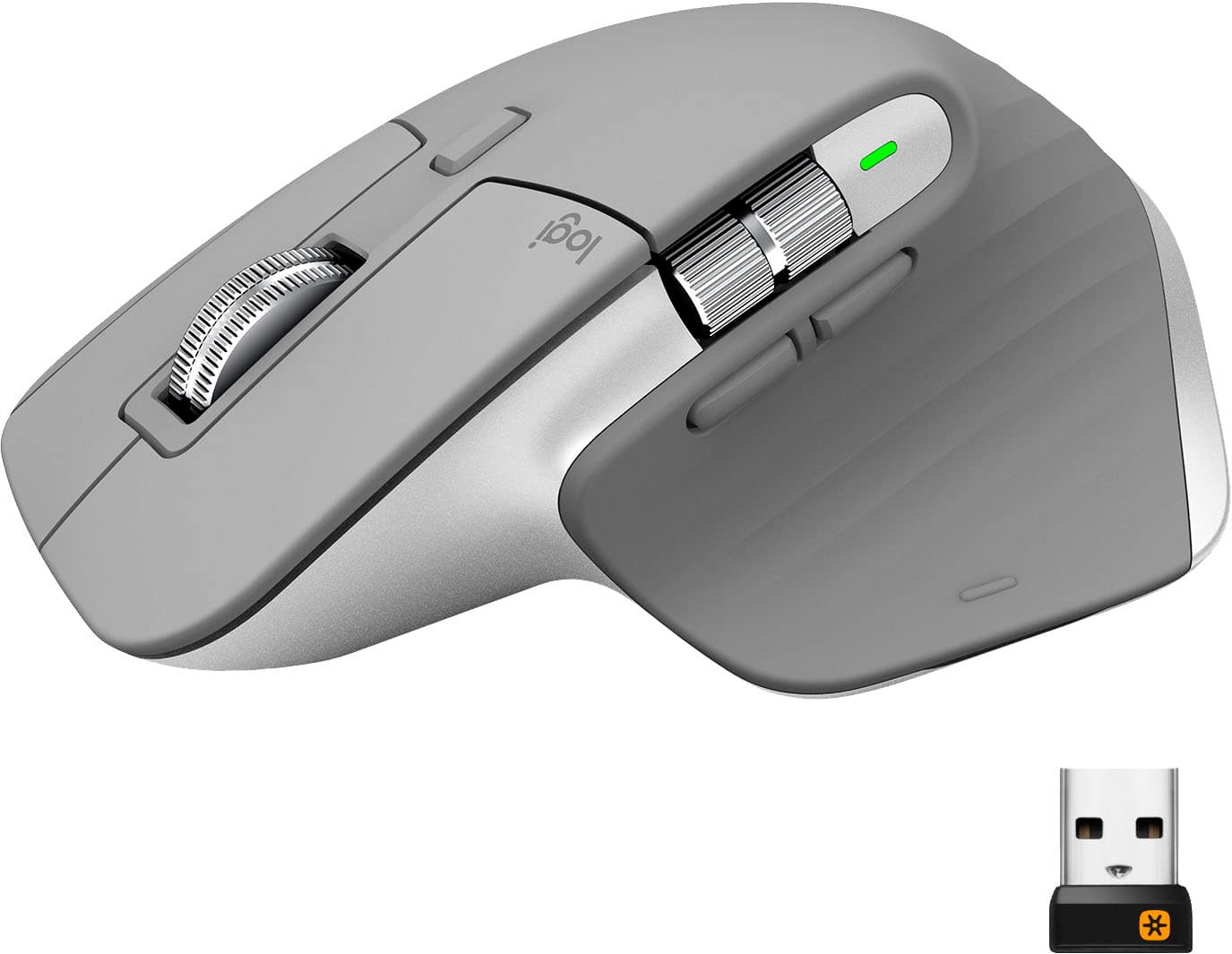
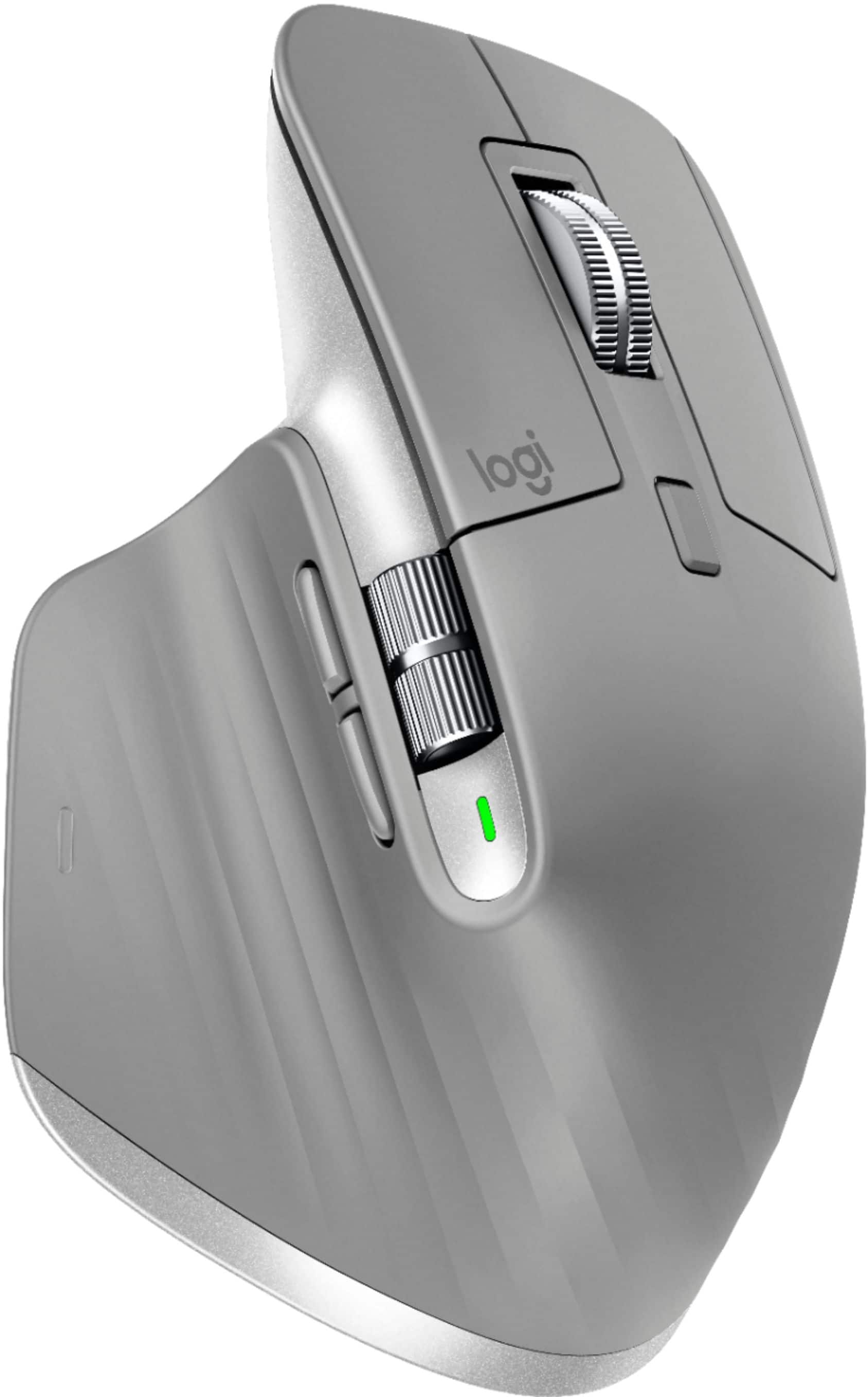
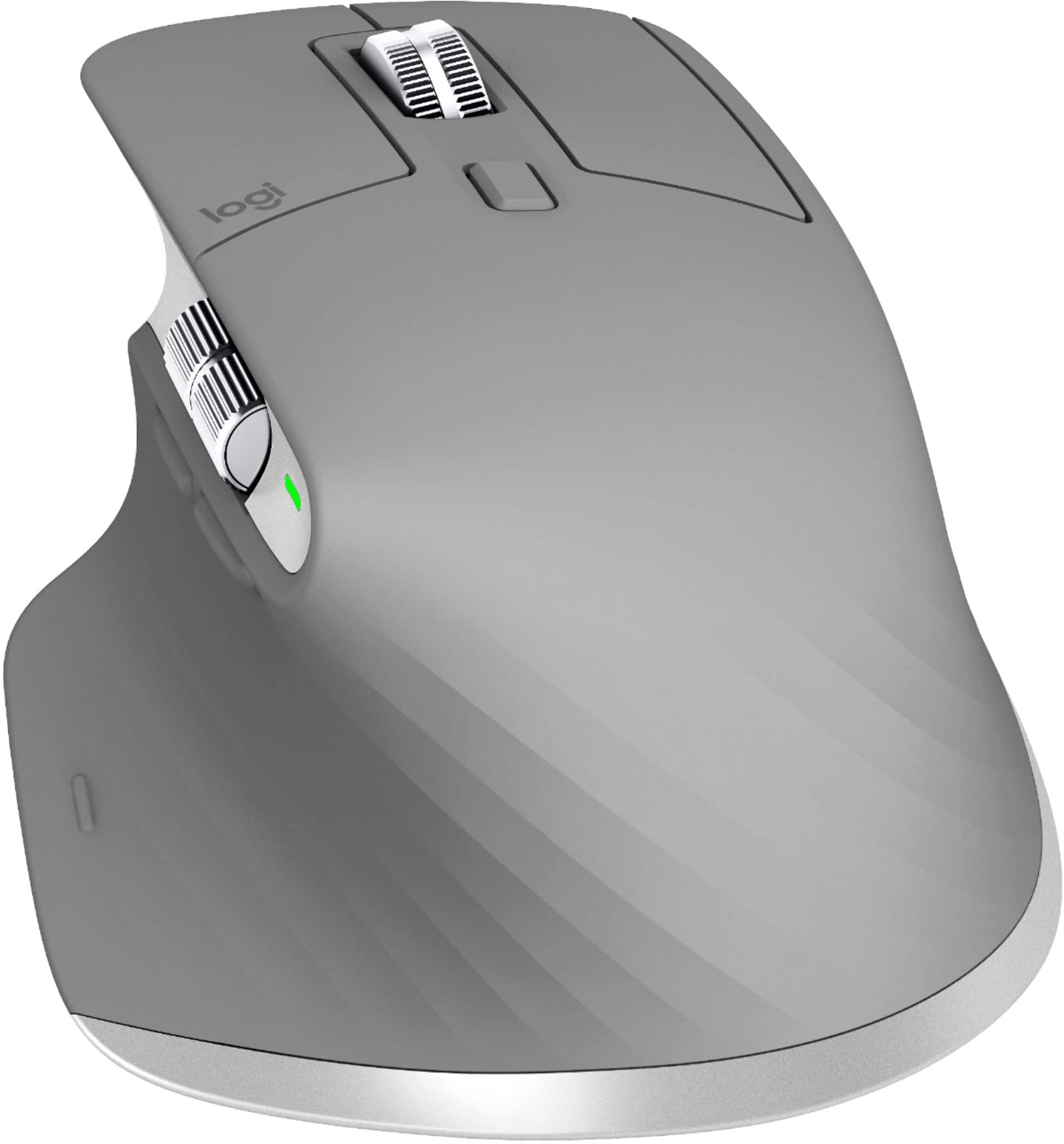
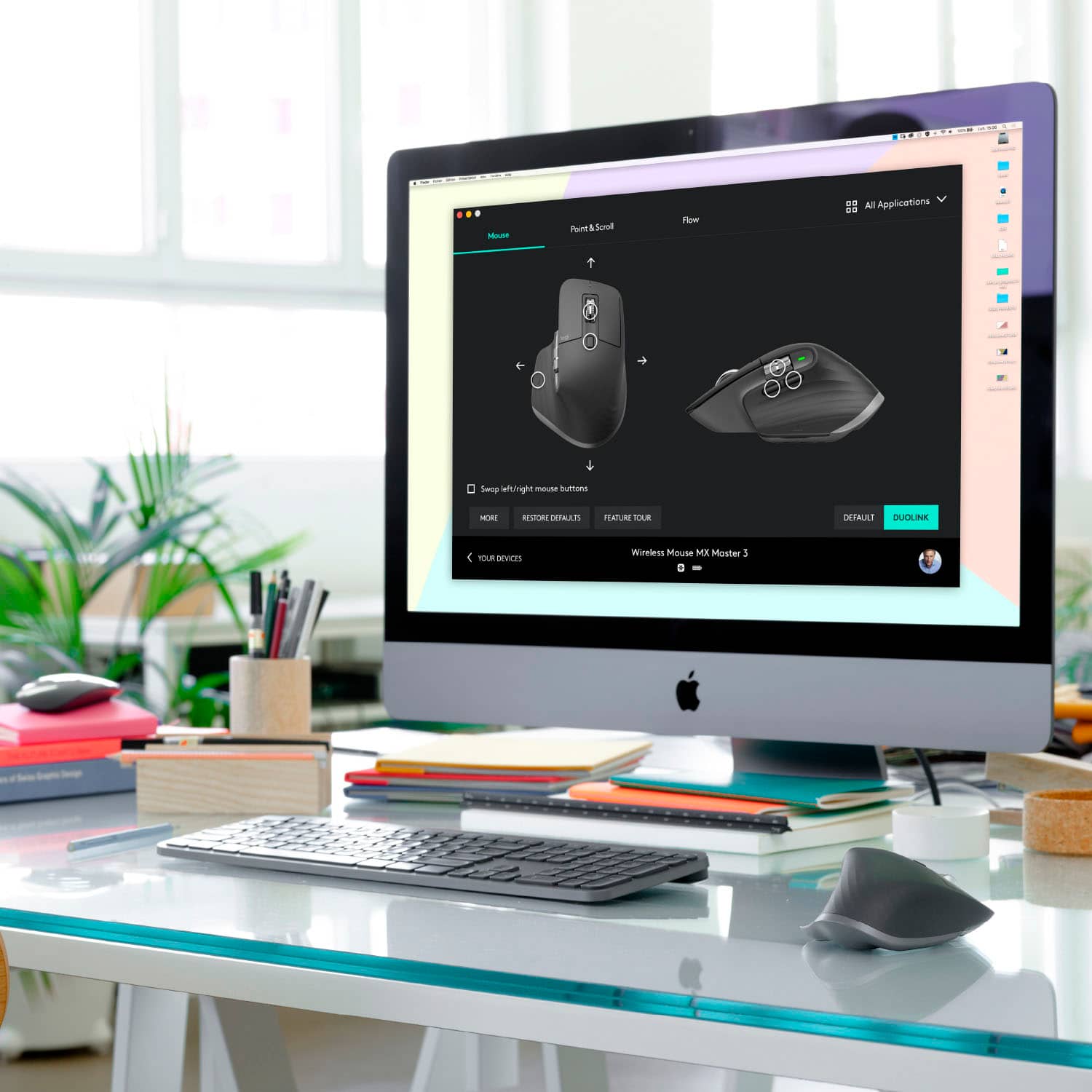
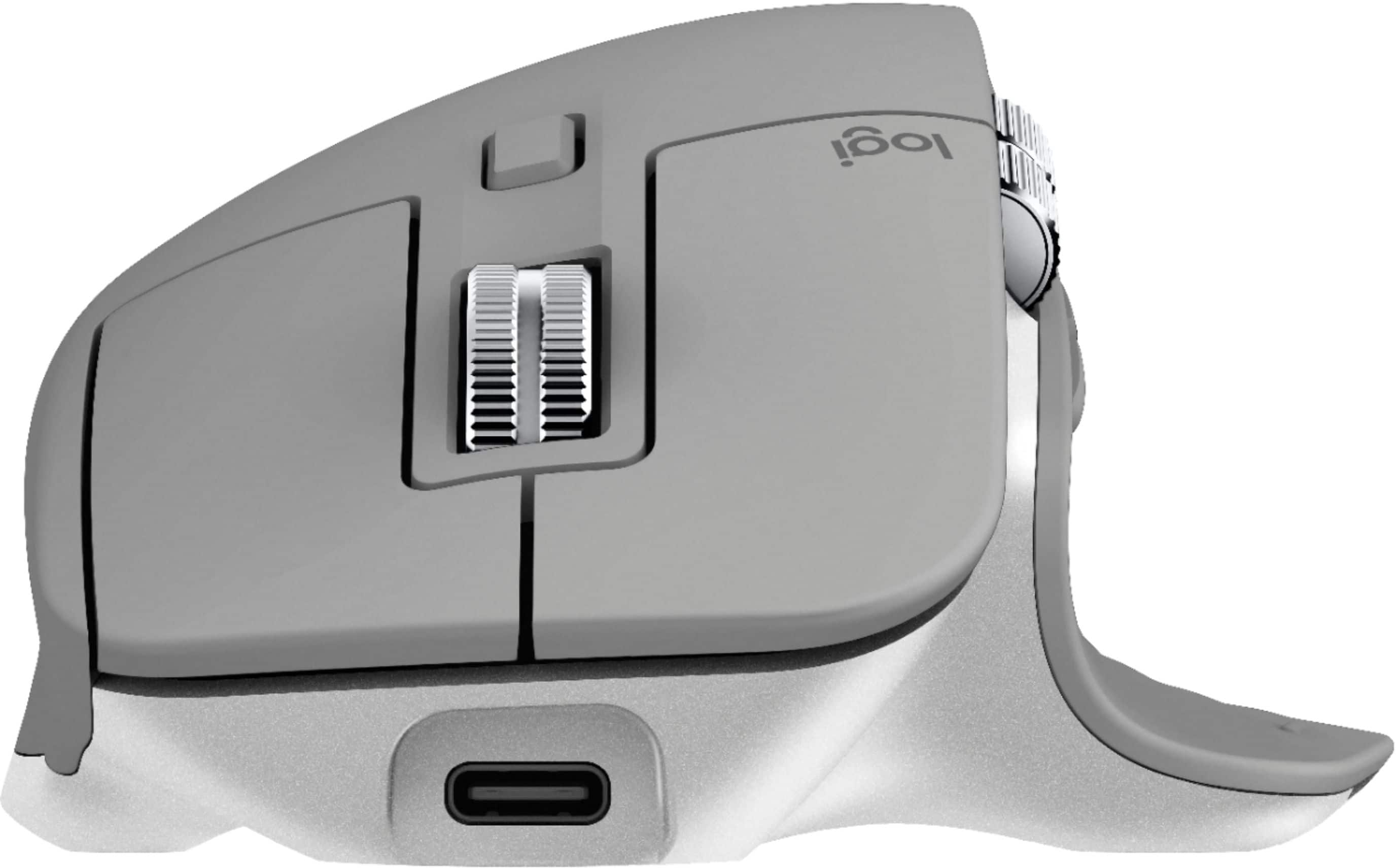
Customers enjoy the ergonomic design, smooth scroll wheel, and excellent battery life of the MX Master 3 mouse. Many appreciate the high-quality build and the extensive customization options, along with its Bluetooth connectivity and multi-device capabilities. However, some find the mouse to be large and heavy. A few users have also reported issues with software consistency and occasional lag.
This summary was generated by AI based on customer reviews.
Not working well with M1 Mac
||Posted . Owned for 2 months when reviewed.This reviewer received promo considerations or sweepstakes entry for writing a review.Works great with my PC but tried to use it with my M1 Mac and the mouse is jittery. With some research apparently Logitech needs to update drivers
No, I would not recommend this to a friendToo complicated for a non gamer like me
||Posted . Owned for 3 months when reviewed.This reviewer received promo considerations or sweepstakes entry for writing a review.This had too many functions for me. I am not a gamer and this is designed for gamers. I returned it for a simpler, but still a good quality, Microsoft mouse.
No, I would not recommend this to a friendGood Laser Mouse - Bad Software/Drivers
||Posted . Owned for 2 months when reviewed.This reviewer received promo considerations or sweepstakes entry for writing a review.Love being able to use a mouse without a pad on my glass desk, but the drivers don’t play nice when switching between other wireless keyboards and mice.
I would recommend this to a friendIt was ok.
||Posted . Owned for 1 month when reviewed.This reviewer received promo considerations or sweepstakes entry for writing a review.There was a looseness to the scroll wheel I found unacceptable for a $100 mouse. The scrolling was jumpy and unresponsive. Maybe a software issue. Returned.
No, I would not recommend this to a friend- Cons mentioned:Expensive
Nice Mouse but pricy
||Posted .This reviewer received promo considerations or sweepstakes entry for writing a review.The Batteries cannot be replaced easily. Easy to use but expensive.
No, I would not recommend this to a friendBrand response from Logitech
Posted .Hello Electrocute,
I am sorry that you are not completely satisfied with your new MX Master 3 mouse. Logitech appreciates your product review. - Leo from Logitech
Inconsistent and unusable on macOS
||Posted . Owned for 7 months when reviewed.This reviewer received promo considerations or sweepstakes entry for writing a review.Pros: The mouse is ergonomic and comfortable. Cons: The mouse software is inconsistent and buggy rendering it unusable without restarting your computer or closing and reopening your browser window. To expand, every day I sit down to start work and use my mouse, it's a gamble whether my vertical scroll wheel will be inverted and stuck in "Natural" mode (similar to how you scroll on a trackpad or phone screen) when the Logi Options app clearly has "Standard" applied. This happens at least one time a week if not more, which makes it incredibly frustrating to sit down for work and need to restart my computer and disrupt my workflow. Additionally, in Chrome, sometimes the back/forward buttons will simply stop working, requiring the browser to be closed and reopened. Again, this is something that completely halts my workflow. I'm a tech savvy user working for a software company, I've dealt with software/hardware issues and troubleshooting my entire life. Nothing I've been able to find while searching has offered any help with this. I'm incredibly frustrated and disappointed with this purchase, especially from such a seemingly reputable company. Buyer beware.
No, I would not recommend this to a friendBrand response from Logitech
Posted .Hello William, we are so sorry to hear that the MX Master 3 is not working properly for you. At Logitech, it is our goal to ensure you are completely satisfied with your Logitech purchase. We take pride in the products and services we offer, and want our customers to enjoy them just as much as we do. I attached a FAQ link at the end of this message that can help fix the issues. If the problem persists, you can submit a warranty ticket with us to get it replaced with a new one. We apologize for the inconvenience. Have a great day! -Ricky | Logitech. https://support.logi.com/hc/en-us/articles/360023459893-Getting-started-MX-Vertical-Advanced-Ergonomic-Mouse
Fell less premium
||Posted . Owned for 1 month when reviewed.This reviewer received promo considerations or sweepstakes entry for writing a review.Had to return feels less premium than the 2nd gen mouse only reason I fell like updating is for usb c and better back and forward buttons
No, I would not recommend this to a friendReview
||Posted . Owned for 9 months when reviewed.This reviewer received promo considerations or sweepstakes entry for writing a review.Connection is fast and responsive. Only thing I didn't like was the software; it stopped working after 1 month.
No, I would not recommend this to a friendOverrated
||Posted . Owned for 3 weeks when reviewed.This reviewer received promo considerations or sweepstakes entry for writing a review.A good mouse with a bunch of extra features not available on your typical mouse. But completely unnecessary and not worth the price.
No, I would not recommend this to a friendIt's below my expectation
||Posted . Owned for 3 weeks when reviewed.This reviewer received promo considerations or sweepstakes entry for writing a review.Horizontal scroll is not working properly. The rest are well, I contacted the Logitech support and waiting for them.
No, I would not recommend this to a friendAlmost a great mouse, but scrolling is broken
||Posted . Owned for 6 months when reviewed.This reviewer received promo considerations or sweepstakes entry for writing a review.I got an MX Master 2S about 2 months before this came out and I really liked it, so I went ahead and got this despite having a functioning 2S already. Pretty much everything is great - or, it would be great if the scrolling didn't make the mouse extremely annoying to use. The cool feature of this mouse is supposed to be the magnetic scroll wheel so you can switch between ratcheting and free spinning mode, but whatever technology they're using for it does not work properly. When you scroll "too fast", or in too small strokes, or change direction of the scroll, or lift the mouse, or random other times, the input stops being sent for a few clicks of the wheel up to a few seconds. It's infuriating to have this happen regularly, which it will if you care about efficiency and accuracy when you're using the computer. This has been going on several months as many people have posted online about it, and Logitech has ignored all the complaints, or they claim it's a defect and ask you if you want to replace it. The replacements always have the same problem. They say they'll release a software update, but it's been months and no sign of that. So, now he MX Master 3 is just a hunk of plastic that I have in my closet as an emergency backup.
No, I would not recommend this to a friendBrand response from Logitech
Posted .Hi, Rick, Thank you for your honest and insightful review and truly apologize for the scroll issues you're having with the MX Master 3 mouse. Don't know when the last time it was that you used it and had it connected to the Logitech Options software, but the latest download have added support for the MX Master 3 mouse right now. Here's a link: https://support.logi.com/hc/en-us/articles/360034763274-Download-Stub-MX-Master-3-Wireless-Mouse-with-Hyper-fast-Scroll-Wheel. Hope that this helps and thanks again for being a Logitech customer. - Richard from Logitech
Deliv delivered the wrong item
||Posted .This reviewer received promo considerations or sweepstakes entry for writing a review.Deliv delivered the wrong item for the second time. Good thing bestbuy was able to take care of me and send me out my correct item.
No, I would not recommend this to a friendThis mouse is not reliable on a Mac
||Posted . Owned for less than 1 week when reviewed.This reviewer received promo considerations or sweepstakes entry for writing a review.You cannot imagine how much it grieves me to have to resign myself to the fact that Logitech is abandoning the Apple platform. I have tried all the MX series (2, 2S, 3 and the MX Vertical, my personal favorite). They simply WILL NOT work properly with the Big Sur version of the Mac OS. I used my MX Vertical swimmingly for over a year until Big Sur came out. At that point I began to get periodic episodes of rogue behavior from first one, then another MX series mouse. They will zoom the screen in and out randomly. They will bounce the cursor around wildly. These behaviors all make it impossible to select anything on the screen. Logitech admits in an article on their website that they are only providing limited support for Big Sur and that it will end in early 2021. I suppose they are having difficulty getting cooperation from Apple (why should they be different, right?). The net result of this is I have to go back to a flat mouse (which aggravates my carpal tunnel tendencies) made by Apple or I can't use my computer reliably AT ALL. I wish it were not true but it is.
No, I would not recommend this to a friendBrand response from Logitech
Posted .Hello. Thank you for taking the time to write your review of the MX Master 3 Mouse. I'm sorry you're having issues using the mouse with MacOS11 Big Sur. Do you have the latest version of Logitech Options installed on your Mac? The MacOS11 version came out in December. This will give you all of the customization and features the MX Series is famous for. You can find it here: https://support.logi.com/hc/en-us/articles/360025297893
-Charlton at Logitech
Frequent input delays
||Posted . Owned for 8 months when reviewed.This reviewer received promo considerations or sweepstakes entry for writing a review.Frequent delays between interacting with the mouse and the computer receiving the input.
No, I would not recommend this to a friend- Pros mentioned:Long battery life, Scroll wheel

Comfortable high-performance mouse
|Posted .This reviewer received promo considerations or sweepstakes entry for writing a review.I'm a huge fan of this mouse -- I like the way my hand rests on it and how the buttons are pretty much right where they need to be. They improved the scroll wheels and forward/back buttons over the MX Master 2. The vertical scroll wheel also seems a little more secure -- I'm heavy-handed and the previous mouse would let me accidentally click the center button function of the scroll wheel, but this one seems like the wheel is a bit more firm so that doesn't happen as easily. The forward and back buttons are a huge improvement; on the previous mouse, they were kind-of stacked so you had to feel for the correct button. Now they're more logically placed. The action is super smooth and very responsive. I feel like I have really precise control over where the cursor goes, making it easy to find the split arrows easily to resize columns, where a lot of other mouses make you kind-of hunt for the edge of your cells. The horizontal scroll wheel is very smooth and responsive. It makes it convenient to browse wide web pages on a smaller screen. Battery life is great. I've used it for about 2 weeks now without charging. Overall I'm really happy with this one -- it's become my primary mouse, and I keep it with me. It's a bit bigger than your normal travel mouse, but it's worth it.
I would recommend this to a friend Didnt work for me.
||Posted . Owned for 3 weeks when reviewed.This reviewer received promo considerations or sweepstakes entry for writing a review.wanted an ergonomic mouse and bought this and the G502. My wrist got sore from the 15 minutes it took me to program the various gestures and keys on this mouse. I returned this and kept the G502. I know this is a highly popular mouse but the angle at which my wrist rested on the mouse was uncomfortable. Im sure this works well for others but I would recommend the G502 (wireless or wired; i have both).
No, I would not recommend this to a friendSolid but still not as good as apple
||Posted . Owned for 1.5 years when reviewed.This reviewer received promo considerations or sweepstakes entry for writing a review.Great fit and finish. Wasn’t as smooth as I thought it would be.
No, I would not recommend this to a friendUndecided
||Posted .This reviewer received promo considerations or sweepstakes entry for writing a review.Not a big fan so I gave it to my wife. She enjoys how it fits in her hand.
No, I would not recommend this to a friend- Cons mentioned:Expensive
Not great
||Posted . Owned for 1 month when reviewed.This reviewer received promo considerations or sweepstakes entry for writing a review.i had high hopes for this mouse but honestly it’s not worth the price, it’s not bad but it’s definitely not great. I haven’t been able to get it to connect via Bluetooth once and the dongle connector has to be very close for it to work properly
No, I would not recommend this to a friendBrand response from Logitech
Posted .Hi PabloR,
I am sorry to hear that you are not happy with your MX Master 3. I see that you are having issues connecting your new mouse via Bluetooth. Try following these instructions: Connect Wireless Mouse via Bluetooth; Press the "Windows" key and "I" key together to open Settings; In the Settings window, choose Devices; On the left panel, select Bluetooth & other devices; Then Add Bluetooth or other devices; In the pop-up window, choose Bluetooth; Then follow the set-up wizard to continue.
If the steps above did not help you, feel free to reach out to the Logitech support team for personalized assistance. http://support.logitech.com/contact
- Leo from Logitech
- Pros mentioned:Multi-device, Scroll wheel
Still the Best
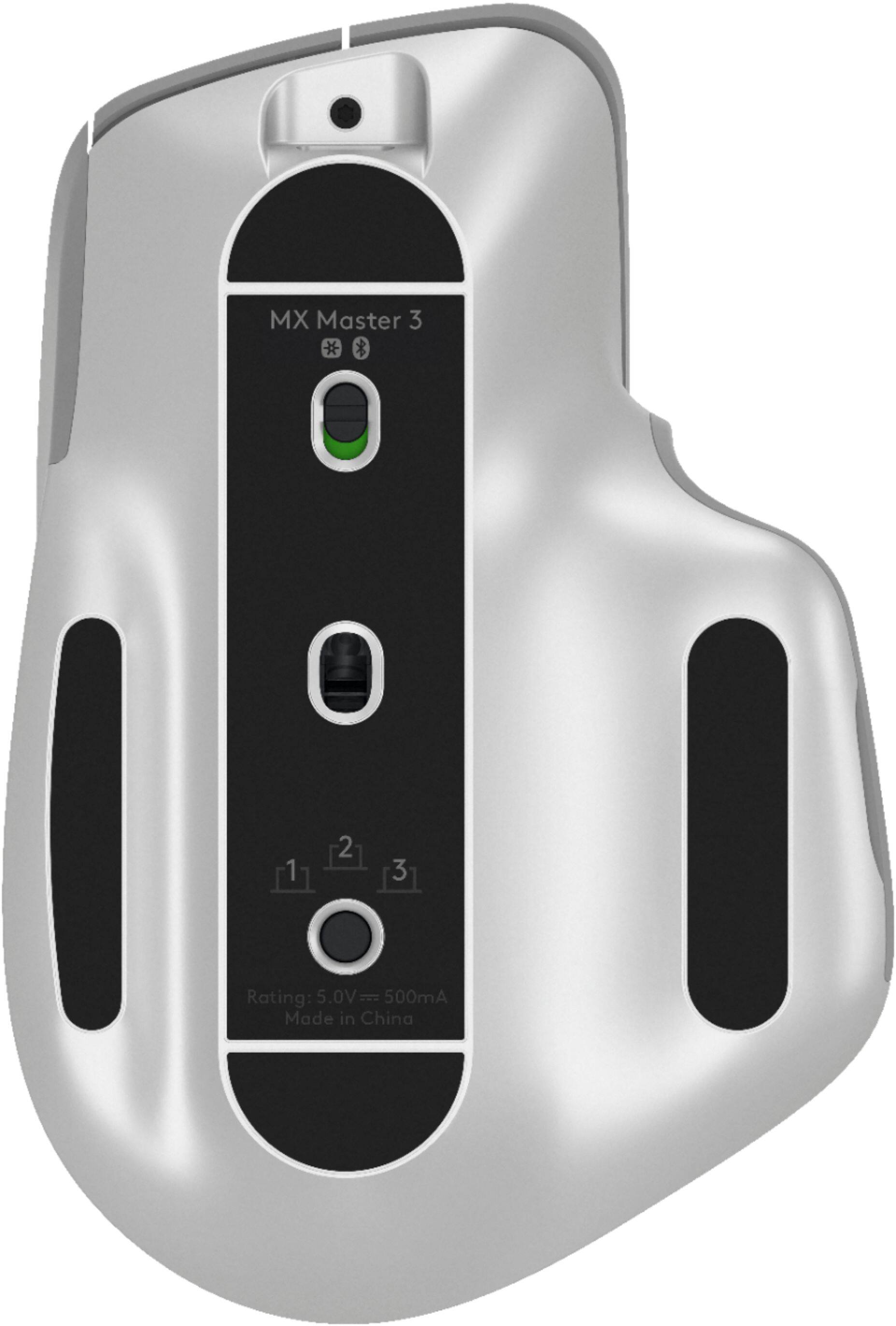
|Posted .This reviewer received promo considerations or sweepstakes entry for writing a review.The Logitech MX Master 3 is the next in a line of top of the line wireless mice. It is aimed at more of the productivity crowd as it doesn't have the lowest lag or highest DPI sensor, but it can absolutely still be used for gaming if you aren't into competitive gaming. It is a larger design that conforms well to the hand, is well-built, and works flawlessly. It can pair between 3 devices via bluetooth or the included 2.4ghz dongle. I use it between my Macbook Pro and desktop PC with ease. I would be remiss to not mention the scroll wheel is a piece of art. It is on a magnetic bearing and operates like butter. It can operate in a free run mode or with clicking stops if on so chooses. I've never raved about a scroll wheel before, but Logitech really went out of their way on it. Battery life is great and finally had to charge it after two weeks of heavy use. I do wish it would support Logitech's own PowerPlay charging mouse pad as then I would never need to worry about the battery. Overall, the MX Master 3 retains the title of best productivity mouse award for the third straight year. It is an outstanding design and should be at the top of your list.
I would recommend this to a friend