Customer Ratings & Reviews
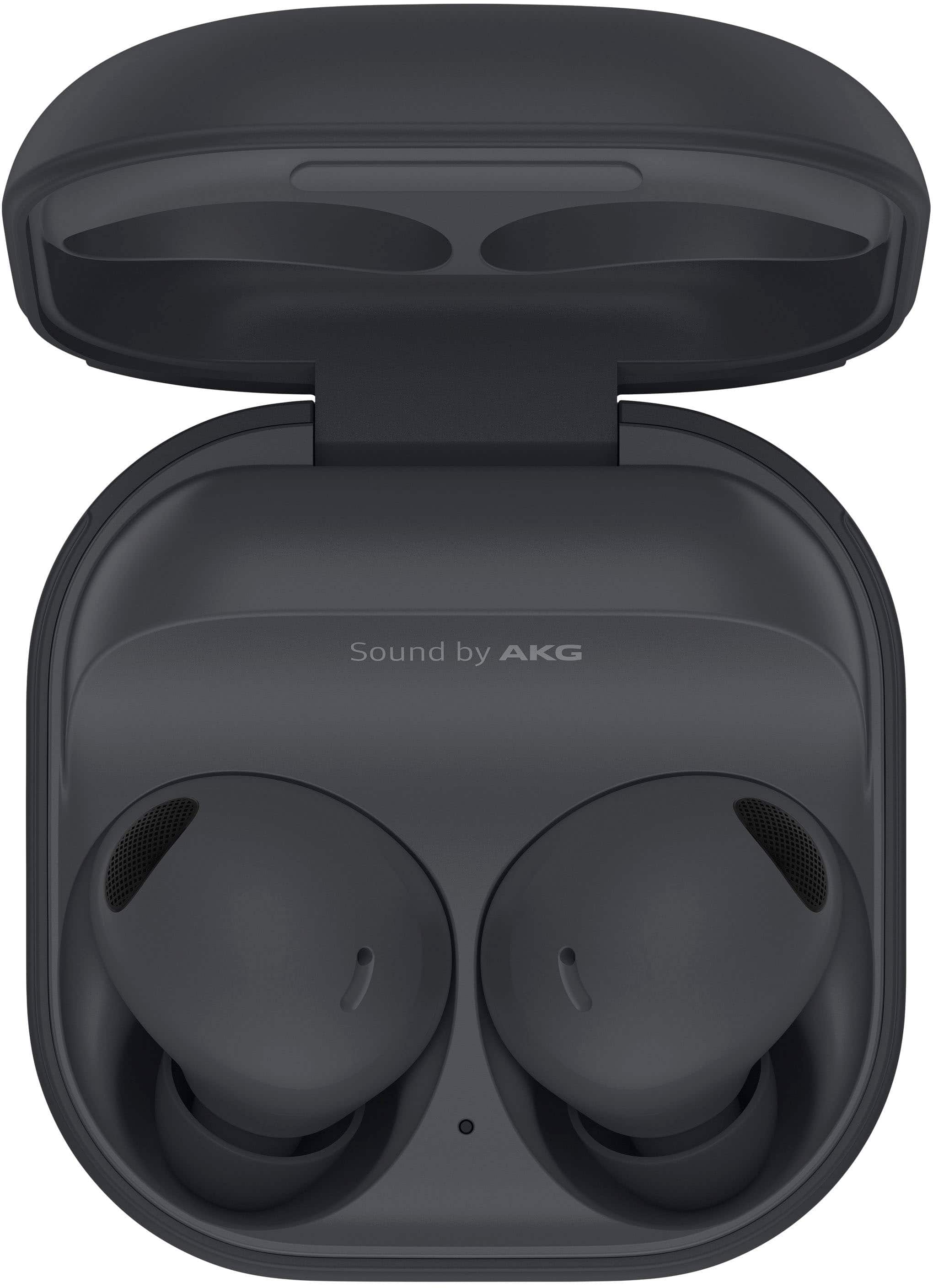
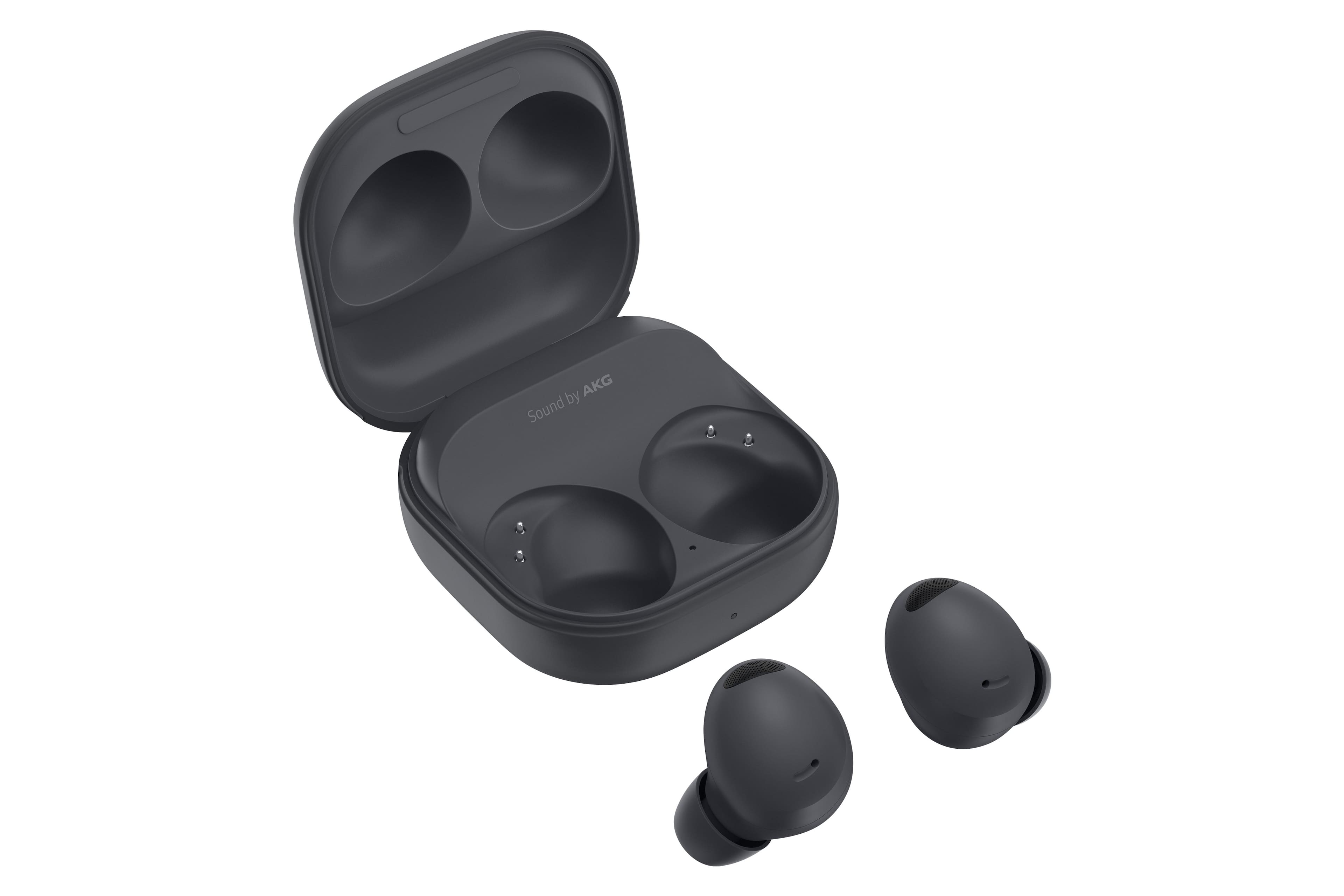
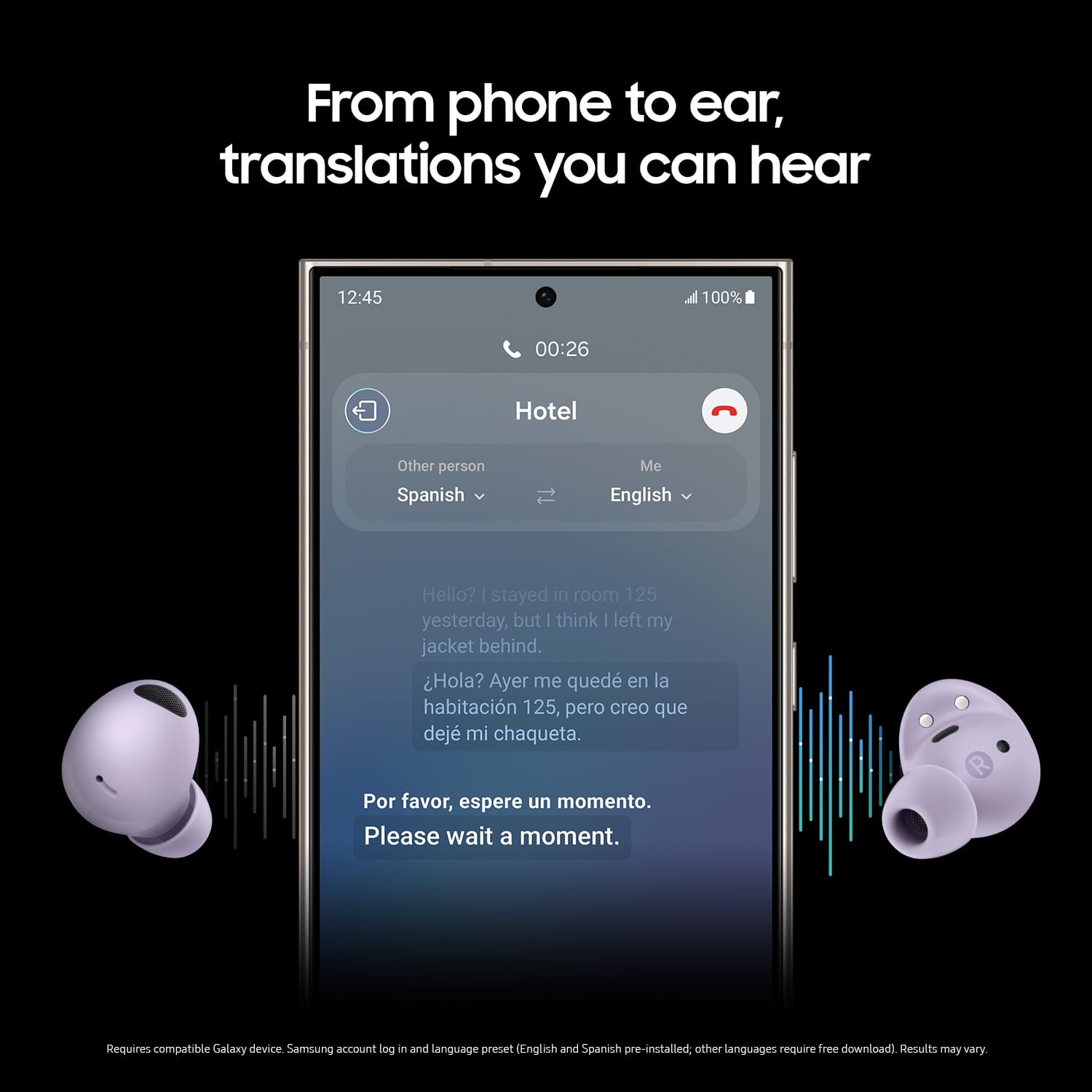
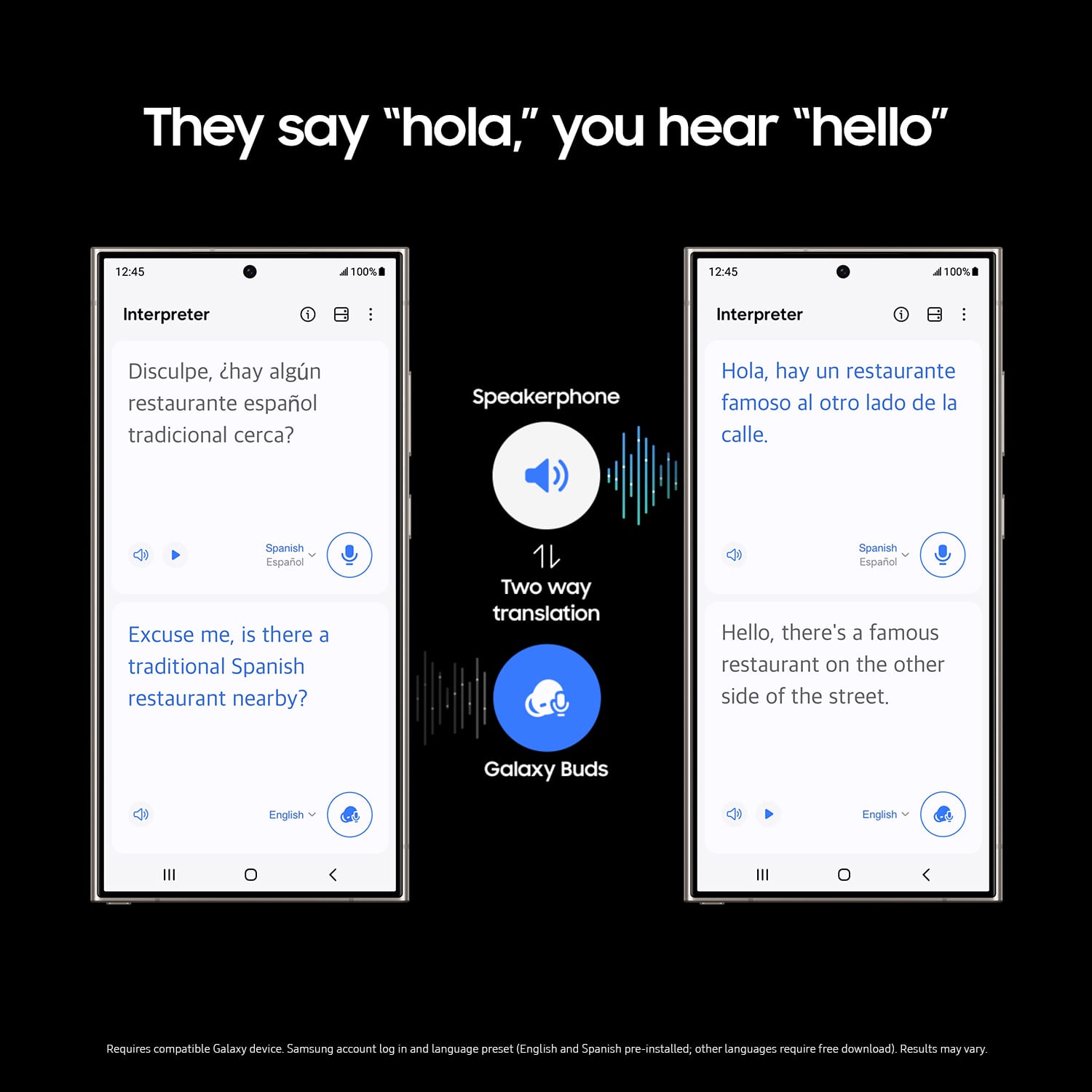
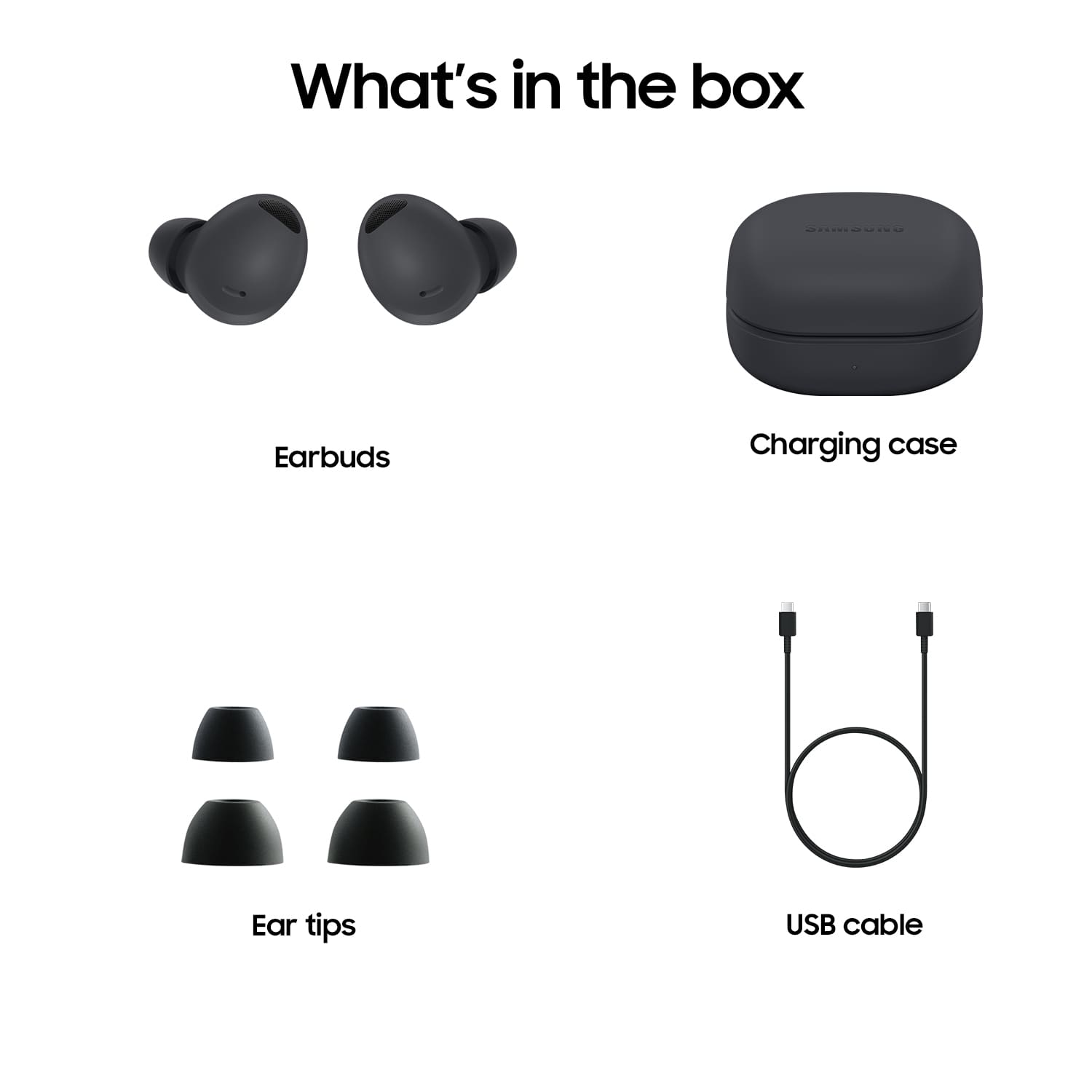



- Model:
- SM-R510NZAAXAR
- SKU:
- 6510544
Rating by feature
- Sound Quality
Rating 4.8 out of 5 stars
- Battery Life
Rating 4.6 out of 5 stars
- Connectivity
Rating 4.8 out of 5 stars
Customers are saying
Customers consistently note the great sound quality, comfortable fit, and amazing battery life of the Galaxy Buds2 Pro. Many appreciate the rich bass and seamless connectivity. However, some find the price a bit high compared to competitors, and a few have concerns about the touch controls and maximum volume.
This summary was generated by AI based on customer reviews.
Galaxy buds pro 2
||Posted . Owned for 3 weeks when reviewed.This reviewer received promo considerations or sweepstakes entry for writing a review.They are ok. Having trouble with calls keep sounding robotic.
I would recommend this to a friendEar bubs
||Posted . Owned for 2 months when reviewed.This reviewer received promo considerations or sweepstakes entry for writing a review.They're all right they tend to fall out pretty easy
No, I would not recommend this to a friendBrand response from Samsung
Posted .Greetings Jesus, thank you for finding the unobstructed time out of your bustling day to share your sentiments with us about your Samsung Galaxy Buds2 Pro. We appreciate your candor as we make every effort to improve the design and functionality of our product line. Our goal is for our customers to feel like they are having the most ideal experiences while using our products. Samsung provides a 12-month warranty on our products for manufacturing defects in materials and workmanship. In the past, you may have worn earbuds that either pinched your ears or were too loose. Both options are equally uncomfortable, whether you're out jogging or just listening to music. Thankfully, you'll never have those problems with your Samsung earbuds. If they don't fit right, you can simply swap the earbud tips and wingtips. If you wear your buds correctly, it will help ensure they remain comfortable while providing the best sound and call quality possible. Be sure to take a look at the article titled, "How to wear your Samsung earbuds" for some helpful information regarding getting the perfect fit for your Buds. Let us know if you would like any further assistance by contacting Samsung Support. Thank you for being a dedicated Samsung customer. - Debra

Don't stay in my ears.
||Posted . Owned for 3 weeks when reviewed.This reviewer received promo considerations or sweepstakes entry for writing a review.Love them but they won't stay in my ears. I wish they had a wing.
I would recommend this to a friendToo small
||Posted . Owned for 3 weeks when reviewed.This reviewer received promo considerations or sweepstakes entry for writing a review.Fall out my ears when im eating or talking otherwise a good choice
No, I would not recommend this to a friendSamsung earbuds
||Posted . Owned for more than 2 years when reviewed.This reviewer received promo considerations or sweepstakes entry for writing a review.I would not recommend these to anyone. I used to love using these wow listening to my audiobook and I never had to use them with tge volume all the way up but lost Hearing in my right ear so I definitely stopped using these and any other headphones that goes directly into my ear canal
No, I would not recommend this to a friendBrand response from Samsung
Posted .Hello there Yohinus, thank you for finding the available time out of your day to share your sentiments with us about your Samsung Galaxy Buds2 Pro. We value your feedback as it allows us the opportunity to improve the functionality and design of our product line. Samsung provides a 12-month warranty for manufacturing defects in materials and workmanship. We would be more than happy to assist you with whatever you may be experiencing with your Galaxy Buds2 Pro, however, we need more information than we currently have available before we can do so. Please feel free to reach out to Support at your leisure for further assistance with troubleshooting your device. Thank you for being a steadfast Samsung customer. - Debra
- Pros mentioned:Sound quality
Not a Fan
||Posted . Owned for 1 month when reviewed.This reviewer received promo considerations or sweepstakes entry for writing a review.While the sound is good and they are noise canceling i find them to be uncomfortable also the indication of how to use them is not clear to me. They also fall out easy. Im not a fan AT ALL
No, I would not recommend this to a friendBrand response from Samsung
Posted .Hi Stephanie! Thank you for your honest feedback, which is invaluable to us as we strive to enhance our products. The Buds2 Pro include an additional bud tip to assist users in finding the most comfortable size. We advise the following steps for correctly using your earbuds:
1. Ensure that the earbud tips are properly attached before wearing them.
2. Insert the earbuds in the direction of your ear canal for maximum comfort and the best sound quality.
3. If necessary, make adjustments by rotating the earbuds, and consider trying different sizes to achieve the best seal.
If you have any further concerns or inquiries, please feel free to contact us at Support. -Kelvin
Samsung
||Posted . Owned for 3 months when reviewed.This reviewer received promo considerations or sweepstakes entry for writing a review.Not staying in my ear for long. It falls off. But the look is good.
I would recommend this to a friendEar buds
||Posted . Owned for 1 month when reviewed.This reviewer received promo considerations or sweepstakes entry for writing a review.I have a hard time keeping them in my ears. But seems to work well.
I would recommend this to a friendCould be Better
||Posted . Owned for 3 months when reviewed.This reviewer received promo considerations or sweepstakes entry for writing a review.I Love the sound quality and how compact it is but... the sound level was really low and noise canceling wasn't that good. They kept slipping out of my ears.
No, I would not recommend this to a friendBrand response from Samsung
Posted .Hey Luzelena! We really appreciate you taking the time to share your experience with the Galaxy Buds2 Pro with us. You can check whether your Galaxy Buds2 are properly worn with the Galaxy earbud fit test. You may have worn earbuds that either pinched your ears or were too loose. If you wear your earbuds correctly, it will help ensure they remain comfortable while providing the best sound and call quality possible. You can use the Galaxy Earbud fit test if you're not sure that you're getting the best possible sound quality and active noise canceling. In the Galaxy Earbud fit test, while wearing the Galaxy Buds2, speakers in the earbuds emit a chime sound into the ear to detect and calculate bouncing sound that escapes through your earbuds for any sound loss. An ear tip showing the least sound loss would be recommended as the best fit. Follow the steps below to test your earbuds. Launch the Galaxy Wearable app on your mobile device and tap Earbuds settings. Tap Earbud fit test. Wear both earbuds in your ears, and then tap Start. The earbuds will emit a sound and the test will begin. If the results on the screen say you need to adjust your earbuds, try adjusting your earbuds or changing the ear tips, and tap Retry to start the test again. Now test your headphones to make sure everything is functioning properly. Products sold by Samsung are warranted against manufacturing defects in material and workmanship for the limited 12-month warranty period specified for each product. We also provide the option to add additional coverage with Samsung Care+ on eligible devices, which offers extended protection and additional support. If this continues to be your experience, please do not hesitate to reach out to us at Support so that we can look into a resolution for this. -Kelvin
- Pros mentioned:Sound quality
Issues w connecting
||Posted . Owned for less than 1 week when reviewed.This reviewer received promo considerations or sweepstakes entry for writing a review.Sound was great for listening to music But was unable to connect to my phone for phones calls and unable to connect to my Car w android auto Went to return and the mgr tried 2 other boxes and they all had the same issue Do not recommend these earbuds for thos reason
No, I would not recommend this to a friend Drain
||Posted . Owned for 2 months when reviewed.This reviewer received promo considerations or sweepstakes entry for writing a review.They don't last long at all. Too expensive to be so unreliable.
No, I would not recommend this to a friendOk
||Posted . Owned for 3 weeks when reviewed.This reviewer received promo considerations or sweepstakes entry for writing a review.Sounds and everything works great but it hurt my ear after about 30 mins, starts to get uncomfortable after an hr. But it could just be my ears.
No, I would not recommend this to a friendBrand response from Samsung
Posted .We appreciate you reaching out to share your feedback on the Galaxy Buds2 Pro. The Galaxy Buds2 Pro provides a 360 Audio experience on Dolby Atmos. These buds are also built smaller and lighter than ever before for a secure, comfortable fit. We're glad to see that you've enjoyed the sound on these buds. The Buds2 Pro comes with an extra pair of ear tips to help users find the best fit for them. You may need different size ear tips for your left and right ears. You can check whether your Galaxy Buds2 are properly worn with the Galaxy earbud fit test. You may have worn earbuds that either pinched your ears or were too loose. It's important to wear your Galaxy Buds2 or Galaxy Buds2 Pro properly for many reasons. You'll get better sound quality from them, they'll fit more comfortably, and they'll stay in your ears. Wearing them improperly can cause discomfort and sound issues, and makes them more likely to fall out. The earbud fit test in the Galaxy Wearable app will ensure your buds fit correctly. On the phone that your buds are connected to, navigate to and open the Galaxy Wearable app, and then tap Earbuds settings. Tap Earbud fit test. Tap Start. Place both earbuds into your ears, and then tap Next. The buds will chime for a few seconds, and then the app will display your results. It may say “Poor fit” or “Good fit.” Continue running the fit test and making adjustments as needed. If you have any further concerns or questions, please reach out to us at Support. -Kelvin
Stopped charging after the first
||Posted . Owned for 1 month when reviewed.This reviewer received promo considerations or sweepstakes entry for writing a review.Stopped charging after the first time. Had tk return
I would recommend this to a friendBad&Sad Experience
||Posted . Owned for 3 weeks when reviewed.This reviewer received promo considerations or sweepstakes entry for writing a review.Hi, I did not receive the package and carrier is under investigation on my claim. This was the christmas gift for my fiancee back on December but I had to get something else for her because of this situation. It is really frustrating to deal with the problem as a customer. I'll appreciate any support from your side. Thanks in advance! CRd
No, I would not recommend this to a friend- Pros mentioned:Sound quality
Earbuds
||Posted . Owned for 1 month when reviewed.This reviewer received promo considerations or sweepstakes entry for writing a review.The worst earbuds I've owned, can't skip songs, cant go back to previous songs, can't switch to a phone call, only start stop playing audio. The only thing good is the noise cancelling
No, I would not recommend this to a friendBrand response from Samsung
Posted .Hi there Dfisherman, thank you for sharing your thoughts with us about your Samsung Galaxy Buds2 Pro. We understand wanting to use touch settings for all of your needs. This device can skip to the next song with a double tap, triple tap will restart the song. The Samsung Wearables App can adjust the touch settings as well and help you determine which settings are most important to your needs. We appreciate you being a Samsung customer. -Elizabeth
Noise cancellation feature doesn't work on iPhones
||Posted . Owned for 4 months when reviewed.This reviewer received promo considerations or sweepstakes entry for writing a review.Disappointed with the Samsung Galaxy Buds2 Pro (with noise cancellation feature) is not compatible with iPhones. Unfortunately Best Buy staff was not aware and gave me false information so I had to return this item.
No, I would not recommend this to a friendBrand response from Samsung
Posted .Hello SiSenorita, thank you for sharing your thoughts with us about your Samsung Galaxy Buds2 Pro. We understand how confusing it can be to have a new device and learning the new features and functionality. You can absolutely use the ANC feature of this device with any phone. Changing the sound profile from ANC to ambient sound you simply tap and hold on the bud while connected until you hear a tone and the sound profile changes. Thank you for being a Samsung customer. -Elizabeth
Samsung earbuds
||Posted . Owned for 1 month when reviewed.This reviewer received promo considerations or sweepstakes entry for writing a review.Was not happy with the sound quality or fit, returned and trade it up to the Bose earbuds
No, I would not recommend this to a friendLove them
||Posted . Owned for 2 weeks when reviewed.This reviewer received promo considerations or sweepstakes entry for writing a review.Bought to replace original Buds Pro that I lost. Sound is even better than the first model, especially when listening to tablet or phone in a crowded area. I like the noise cancellation a lot, but it's not always needed. Definitely a great purchase.
I would recommend this to a friendI have small ears
||Posted . Owned for 1 month when reviewed.This reviewer received promo considerations or sweepstakes entry for writing a review.It's a little too big for my ear but I make due with them
I would recommend this to a friendThe new ear buds
||Posted . Owned for 1 month when reviewed.This reviewer received promo considerations or sweepstakes entry for writing a review.These ear buds feel like they are going to fall out
No, I would not recommend this to a friend