Customer Ratings & Reviews








to a friend
DO NOT BUY ASUS PRO ART!!!!!!
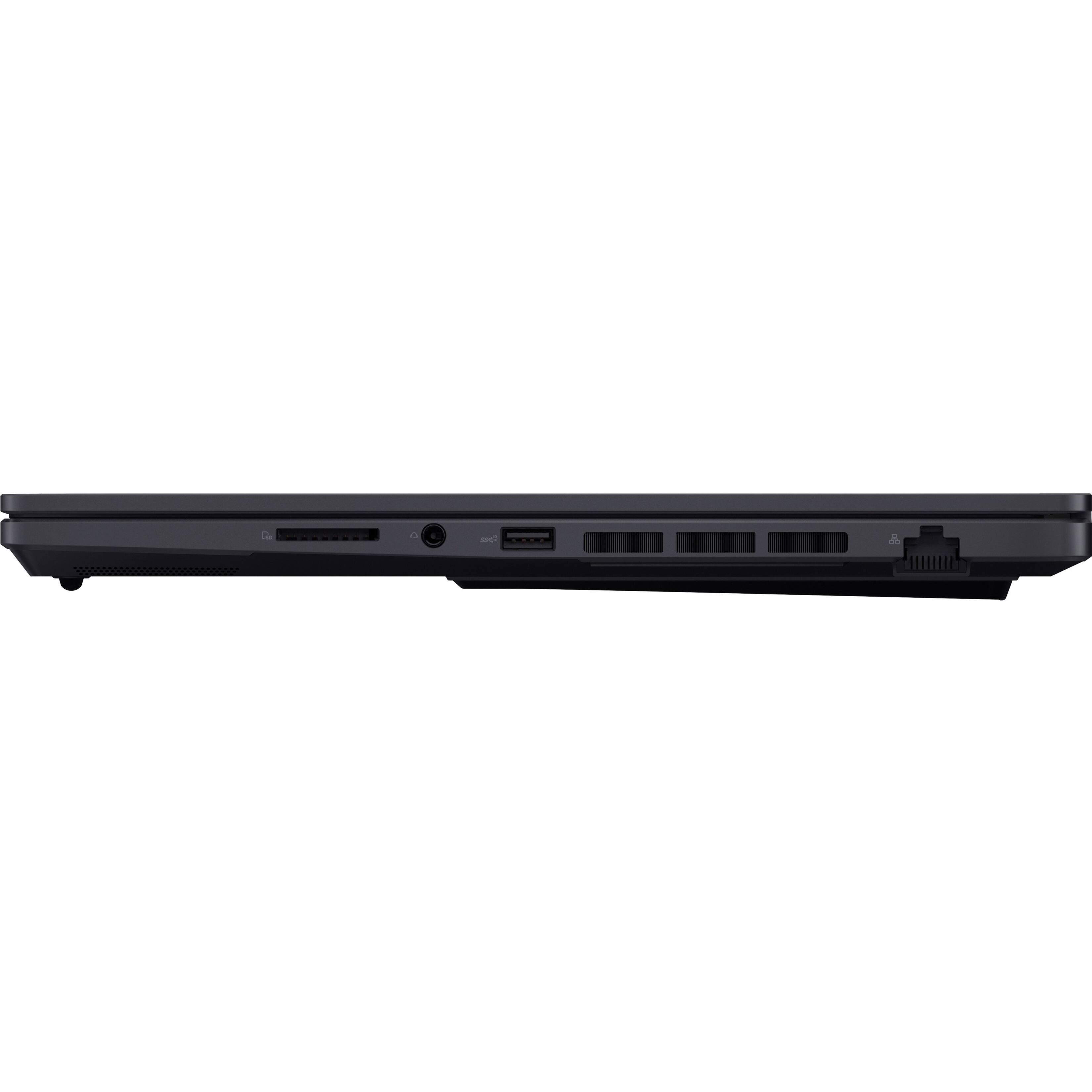
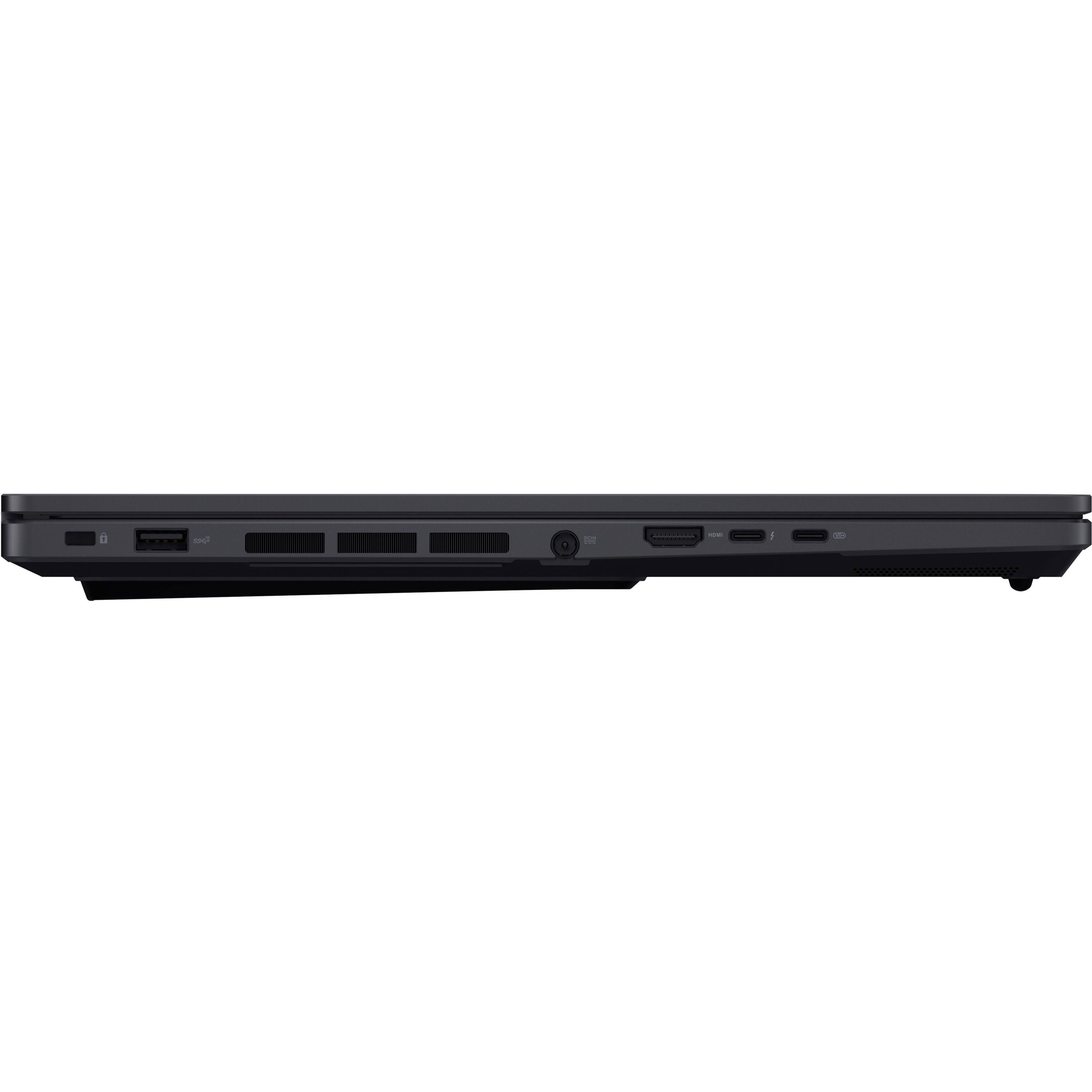
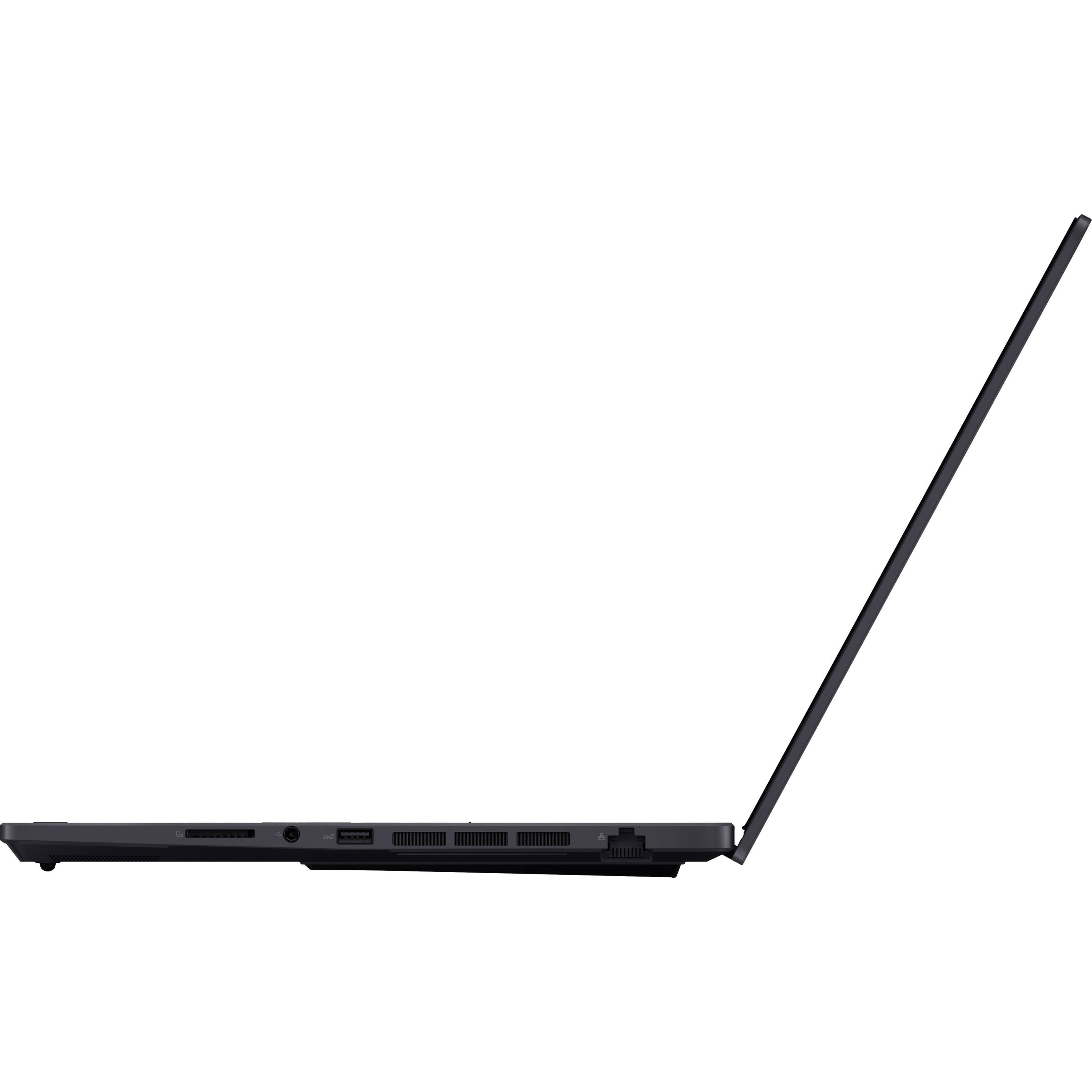
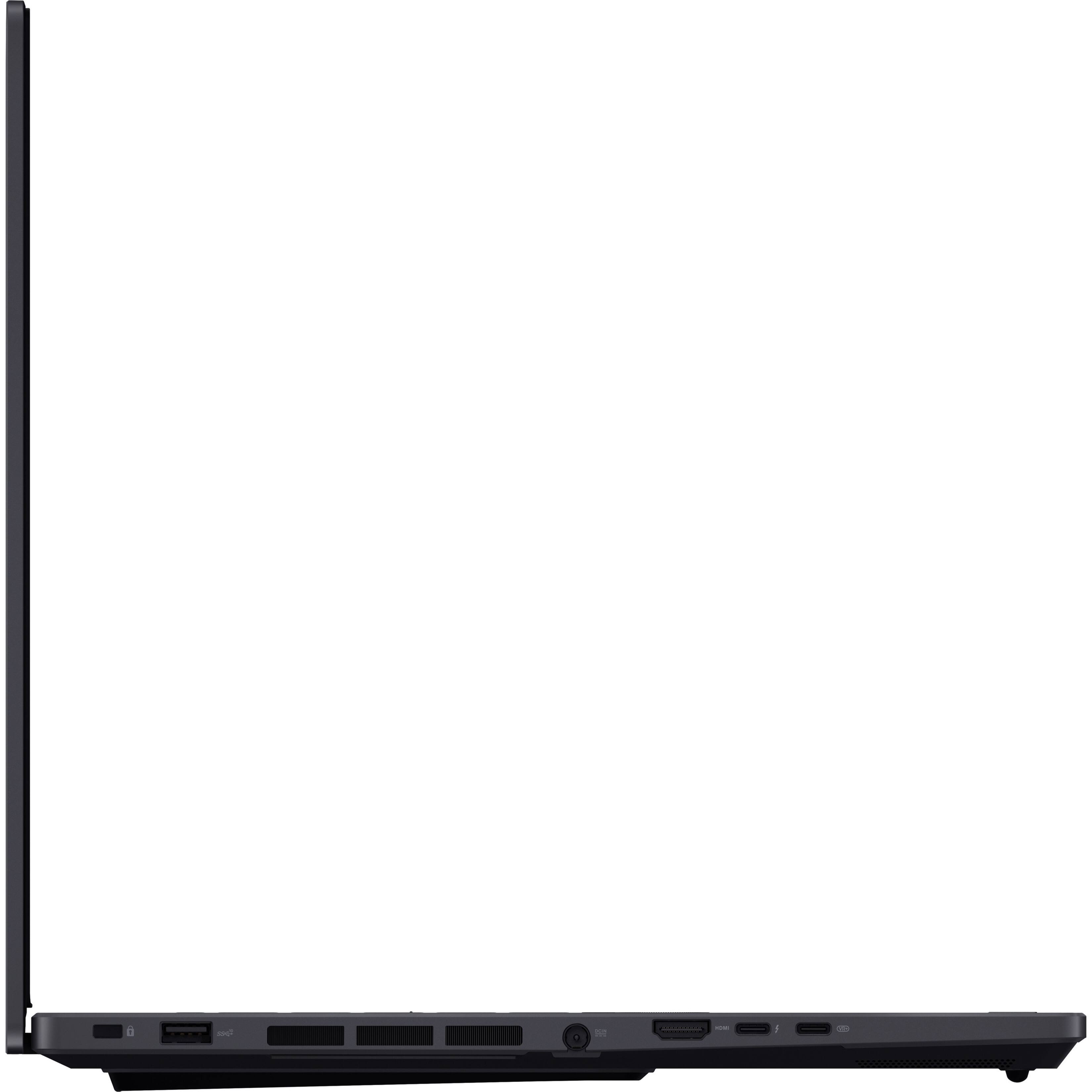
Posted .This reviewer received promo considerations or sweepstakes entry for writing a review.DO NOT BUY ASUS PRO ART!!!!!! Piece of junk laptop usb-c fried 2 drives. Not even 2 months old had to send back to be fixed takes over a month for them to say not covered, and that they only refund up to 30 days. 11/25 laptop ordered 11/29 laptop shipped 12/6 laptop received 1/15 notice usb-c only works on battery power 2/3 reach out to support told to reimage laptop began frying any drive plugged in told to send in laptop 3/3 reached out for an update and told it will be escalated 3/6 email received saying it'll cost ~$1200 to fix 3/6 spoke to both support and sales and basically told yup nothing you can do and we wont help. I will never buy or refer anyone to ASUS again. The only orders you'll get from my referrals will be ones for people that I do not like. Can you please provide me with the sales number for Dell, Acer, Lenovo, literally anyone else?
No, I would not recommend this to a friendBrand response from ASUS Answers
Posted .Dear ScottP,
We appreciate you sharing your feedback on this model. It's unfortunate that this model does not meet your expectations, this is absolutely not the experience we want you to have and that you have to return it. We do value our customers and take negative customer service experience very seriously. For more information send us an email at customerloyalty@asus.com and provide the link to this review for reference. We’ll do our best to provide a quick resolution to your case. Your feedback is important as it helps with improvements to ASUS Support channels. Please refer to this case number N2303011536-0001 for us to better assist you. Thank you for choosing ASUS!
Best Regards,
Saskeia
ASUS Customer Loyalty US Support
Intel RAID 0 NVMe configuration
||Posted . Owned for 1 week when reviewed.This reviewer received promo considerations or sweepstakes entry for writing a review.First, I give the laptop 5 stars, but the configuration a one star. No where did anyone say this was configured as Intel RAID 0. In essence, you are getting 2 TB, but don't try to upgrade to get out of the RAID 0 configuration. If you don't know what that is, do an internet search to make sure you want it. Don't call ASUS and ask how to change this, and even GEEK Squad said they couldn't do it. Other places sell this with two 1TB NVMe drives, so I'm not sure why this is configured this way. To add to that, 4 days of non-support from ASUS saying they would escalate my case then never giving any answers, So as much as I really love this laptop, don't like the way they configured the hard drives. Will buy elsewhere or a different model. Hope this saves someone from dealing with ASUS tech support. You might as well call Geek Squad or look at forums for better answers.
No, I would not recommend this to a friendBrand response from ASUS Answers
Posted .Dear SWEE,
Thank you for sharing your feedback on this model. We're sorry to hear about the unfortunate experience you're having with the Intel RAID 0 NVMe configurationon this model and the troubles you had with our support team. Can you please reach out to us with your case number so we can do some investigation into this issue? We would love to have your issues resolved in a timely manner. We do value our customers and take negative customer service experience very seriously. This is not the quality of service expected from ASUS. We do stand behind our product and we continuously strive to improve our approach and processes in order to achieve customer service excellence.
For more information send us an email at customerloyalty@asus.com and provide the link of this review for reference. We’ll do our best to provide a quick resolution to your case. Your feedback is important as it helps with improvements to ASUS Support channels. Please copy a link to this post as a reference.
Thank you for choosing ASUS.
Best Regards,
Joan
ASUS Customer Loyalty US Support
RAID 0
Posted .This reviewer received promo considerations or sweepstakes entry for writing a review.Easy to fix your RAID 0 problem. Make a recovery drive, Delete the RAID and clean the drive, Restore laptop back. This laptop has a RAID 0 because of what it set up to accomplish. You need that if you need to render huge fine
I would recommend this to a friend