Customer Ratings & Reviews
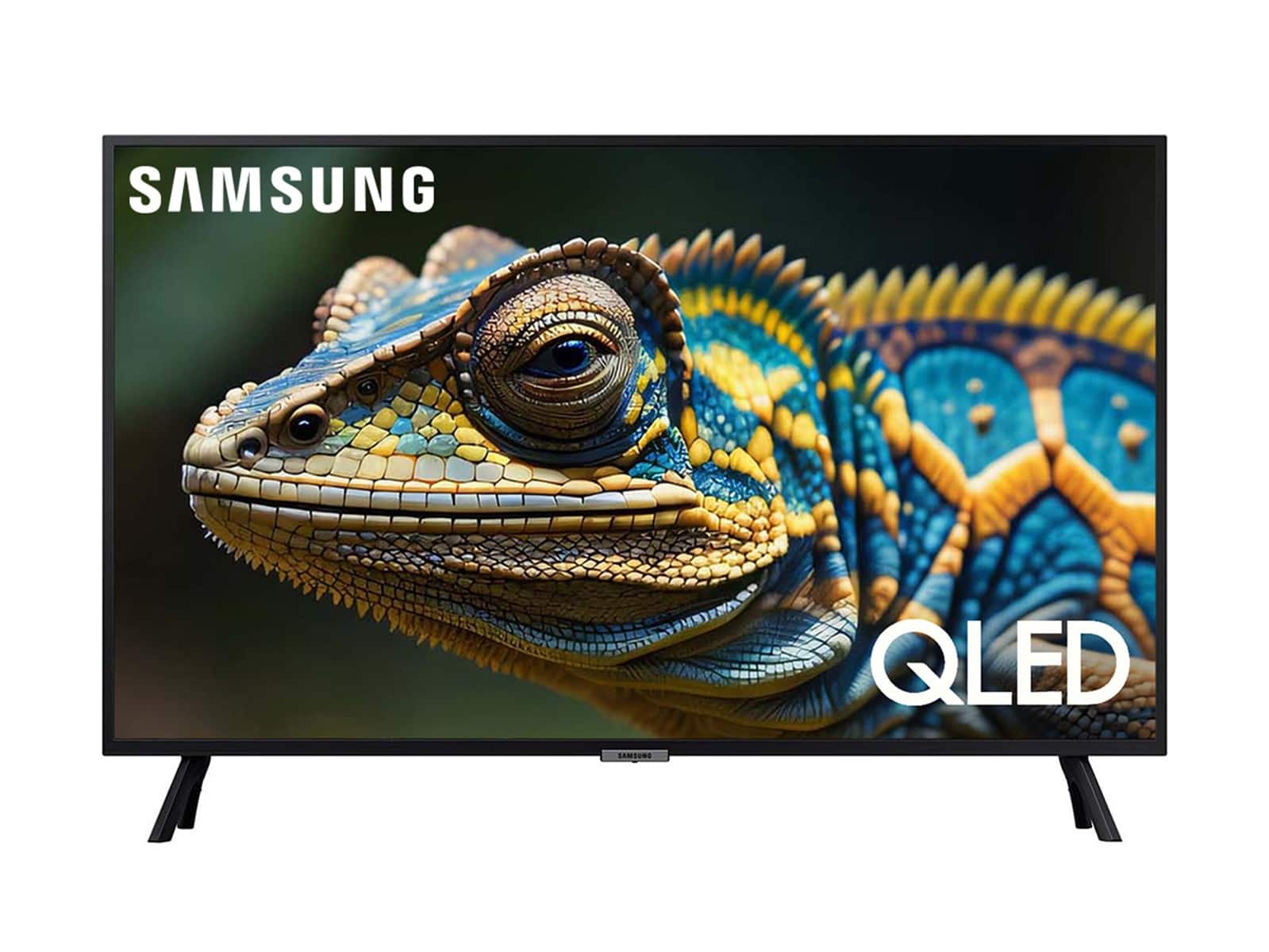
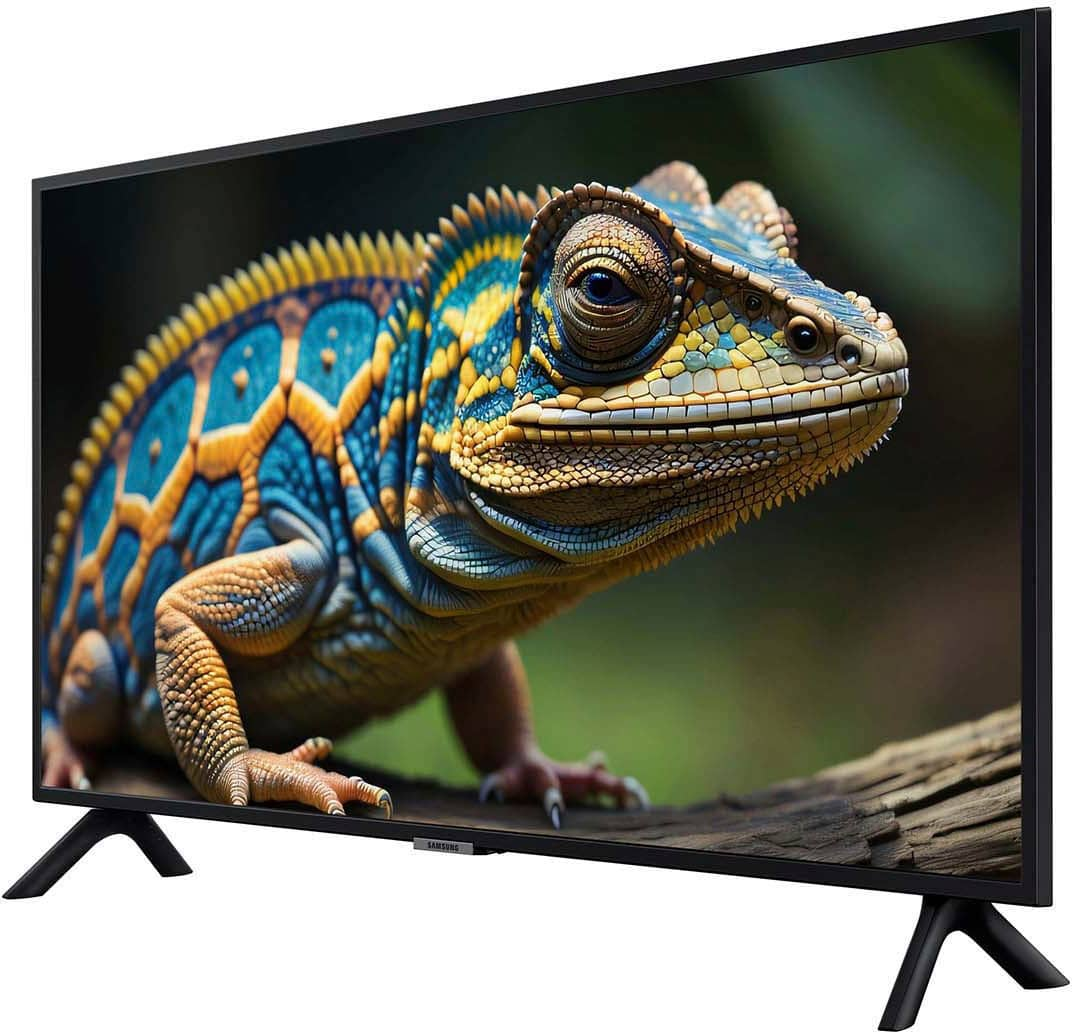
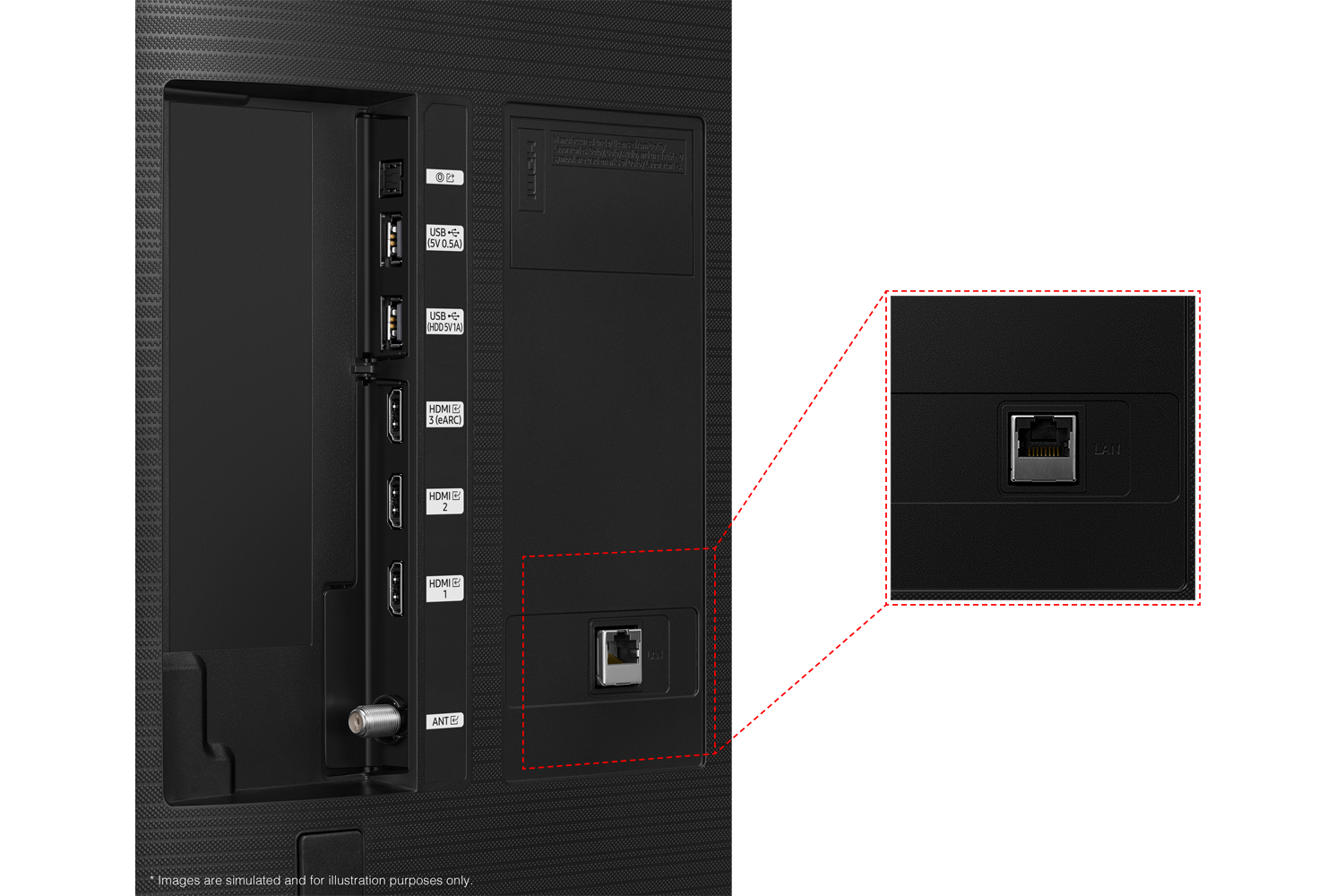
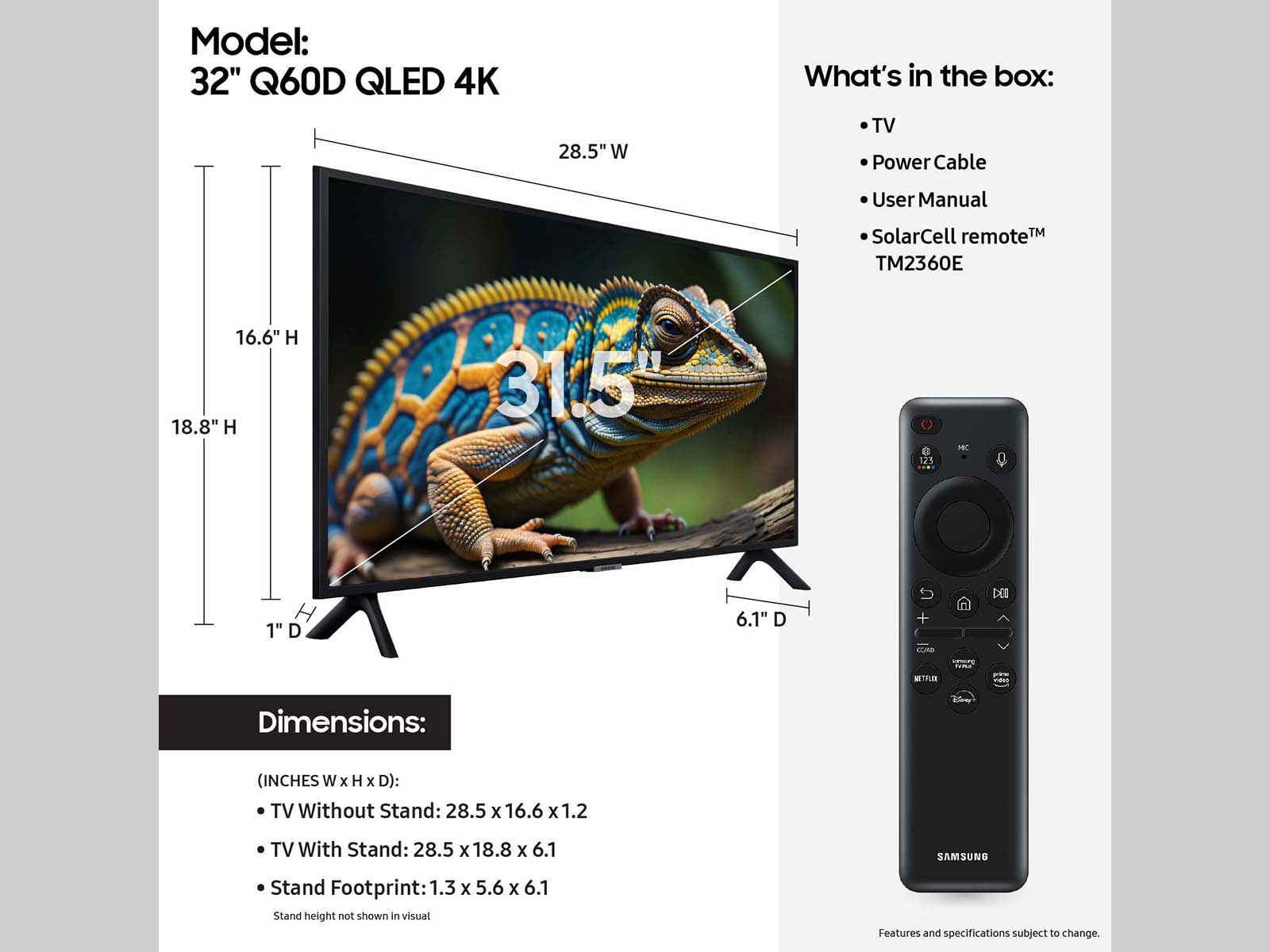






- Model:
- QN32Q60DAFXZA
- SKU:
- 6576335
Rating by feature
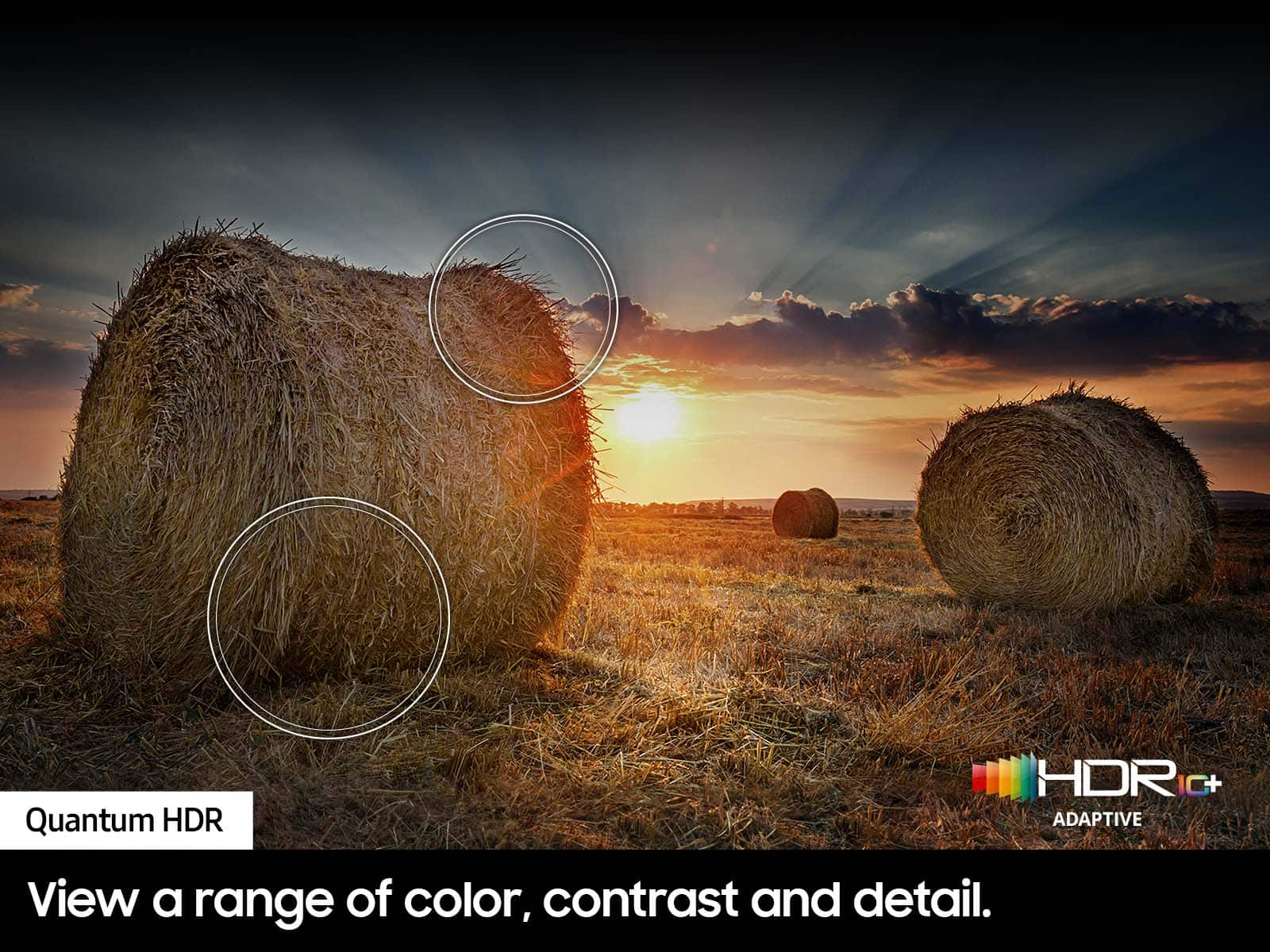
- Picture Quality
Rating 4.8 out of 5 stars
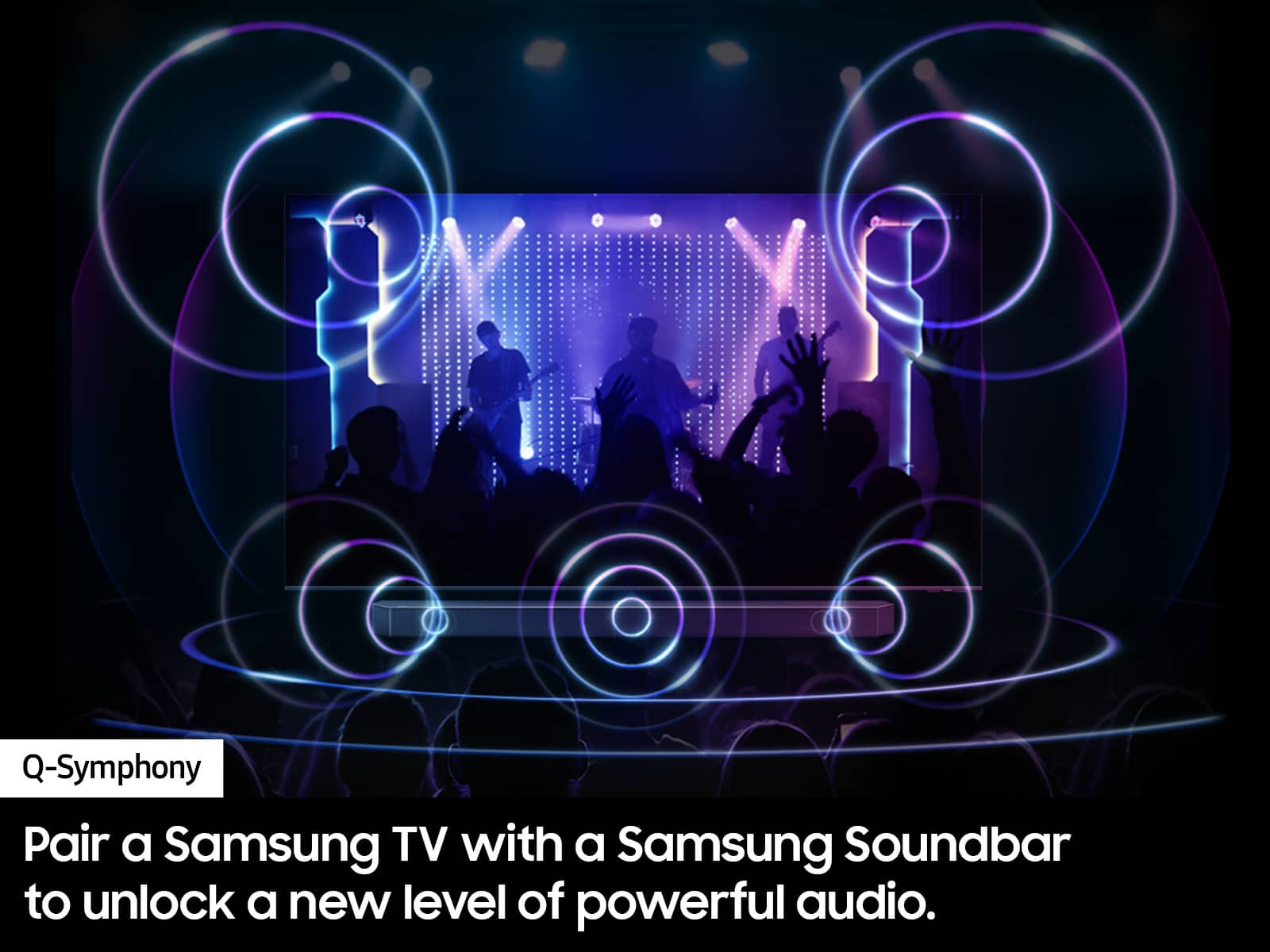
- Sound Quality
Rating 4.5 out of 5 stars
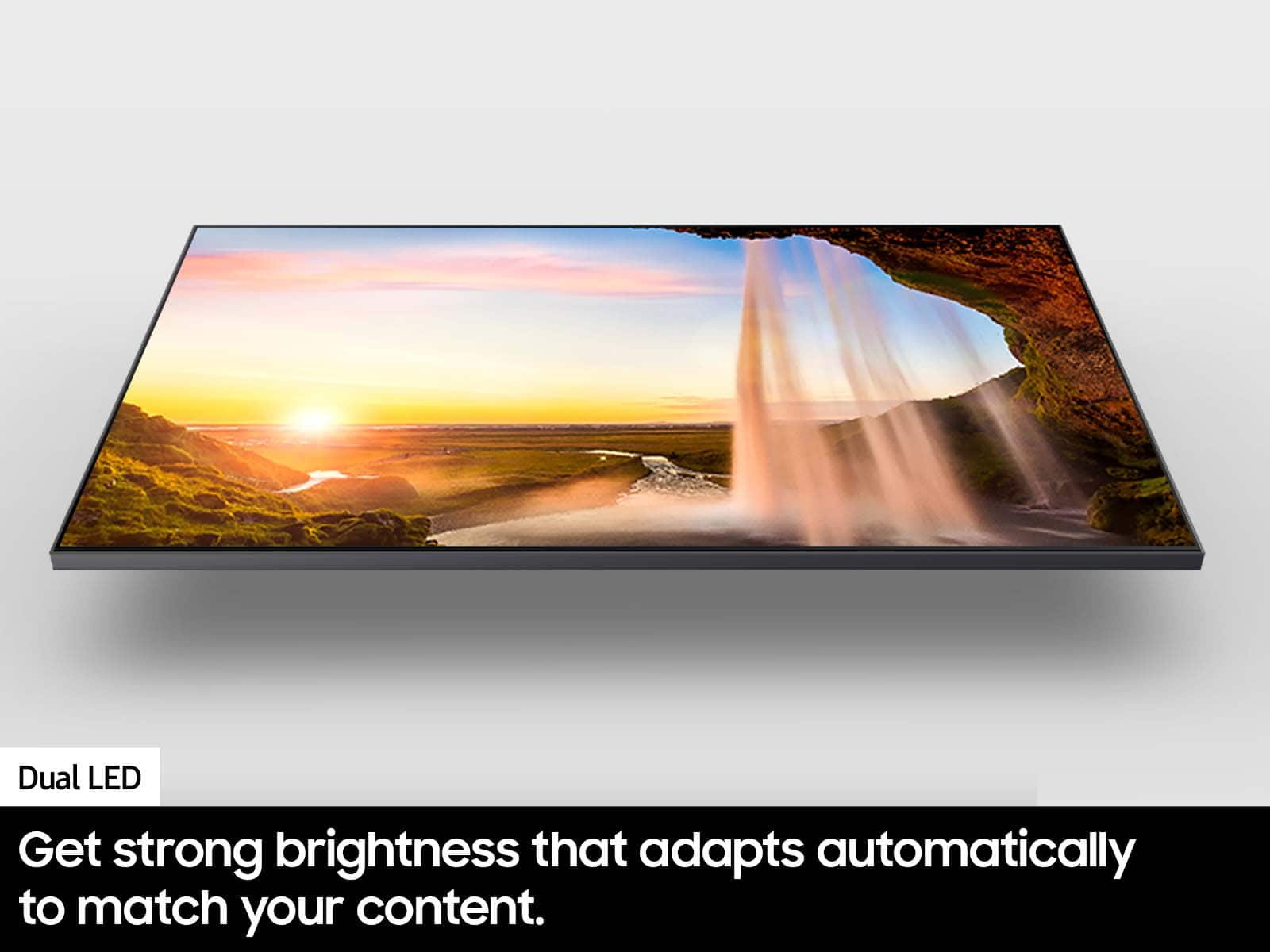
- Brightness
Rating 4.8 out of 5 stars
Customers are saying
Customers often highlight the excellent picture quality and ease of use of the 32” Class Q60D Series QLED 4K Smart Tizen TV (2024). Many also appreciate the overall TV quality, easy setup, and perfect size. Some customers have expressed concerns regarding the remote control, price, and processor speed.
This summary was generated by AI based on customer reviews.
- Cons mentioned:Remote control
Good for small room
||Posted . Owned for 3 weeks when reviewed.This reviewer received promo considerations or sweepstakes entry for writing a review.I would buy again. Remote could have more functions and needs to be back lit.
I would recommend this to a friend - Pros mentioned:Picture quality
Tv
||Posted . Owned for 2 weeks when reviewed.This reviewer received promo considerations or sweepstakes entry for writing a review.Great picture. Very easy to use. Great price. I would recommend this TV to others.
I would recommend this to a friend Q60D, Love it loads fast. Great picture.
||Posted . Owned for less than 1 week when reviewed.This reviewer received promo considerations or sweepstakes entry for writing a review.I have the first version very good. I bought the version after the first version, slow loading, terrible TV. Q60D is the latest, excellent. I love it. I use it for the Office. The tuner for air antenna is excellent.
I would recommend this to a friend- Pros mentioned:Picture quality
Excellent Quality
||Posted . Owned for 1 month when reviewed.This reviewer received promo considerations or sweepstakes entry for writing a review.Beautiful, bright colors, very detailed image, fast speed
I would recommend this to a friend - Pros mentioned:Setup
Grear quality picture
||Posted . Owned for 2 months when reviewed.This reviewer received promo considerations or sweepstakes entry for writing a review.Easy set up with great choices for television. Joined my internet automatically.
I would recommend this to a friend - Pros mentioned:Picture quality
Samsung 32 inch TV
||Posted . Owned for 1 month when reviewed.This reviewer received promo considerations or sweepstakes entry for writing a review.Excellent TV! Love watching all shows come in great!
I would recommend this to a friend Great TV But the the Store Experience Exceptional!
||Posted .This reviewer received promo considerations or sweepstakes entry for writing a review.OMG! I'm Beyond Happy with my new TV However the best experience was at the Best Buy Store. They went out of their way to make sure I not only got a great product but that I saved a ton of money in the process! I'll always visit the store first before looking online!
I would recommend this to a friend- Pros mentioned:Ease of use
Happy to have my new TV
||Posted . Owned for 1 month when reviewed.This reviewer received promo considerations or sweepstakes entry for writing a review.I just love the TV ! And it was easy to install! It was really needed due to a recent illness .
I would recommend this to a friend - Pros mentioned:Picture quality
Wonderful TV
||Posted . Owned for 1 month when reviewed.This reviewer received promo considerations or sweepstakes entry for writing a review.Really love this TV. Picture is really great. Was easy to set up.
I would recommend this to a friend - Pros mentioned:Picture quality
Samsung Q60D TV
||Posted . Owned for 1 week when reviewed.This reviewer received promo considerations or sweepstakes entry for writing a review.Awesome pic and features! I have always loved Samsung,
I would recommend this to a friend - Pros mentioned:Picture quality
Fabulous little TV.
||Posted . Owned for 3 weeks when reviewed.This reviewer received promo considerations or sweepstakes entry for writing a review.Great little TV 32 inches just right for bedroom. Samsung quality shore to enjoy for many years.
I would recommend this to a friend - Pros mentioned:Picture quality
BEST BRAND EVEN AS A KID LOVED YALL!!!
||Posted . Owned for 2 weeks when reviewed.This reviewer received promo considerations or sweepstakes entry for writing a review.Thank you Samsung it’s very hard to find a 4k that’s only 32 inches
I would recommend this to a friend - Pros mentioned:Picture quality
Perfect Treadmill Workout QLED TV
||Posted . Owned for 2 months when reviewed.This reviewer received promo considerations or sweepstakes entry for writing a review.Outstanding Picture - Great Colors, Sound & Contrast
I would recommend this to a friend - Pros mentioned:Picture quality
Awesome purchase
||Posted . Owned for 3 weeks when reviewed.This reviewer received promo considerations or sweepstakes entry for writing a review.The picture on this tv is awesome! The clarity of the picure is great!
I would recommend this to a friend - Pros mentioned:Picture quality
Great TV Picture!
||Posted . Owned for less than 1 week when reviewed.This reviewer received promo considerations or sweepstakes entry for writing a review.Great TV for our 3 season room….it has clear bright color picture!
I would recommend this to a friend - Pros mentioned:Ease of use
Samsung tv q60d 32-inch
||Posted . Owned for 3 weeks when reviewed.This reviewer received promo considerations or sweepstakes entry for writing a review.menu and remote are not intuitive as to navigation. Tech Support, if you need it, can sometimes be quick to pass you off to JustAnswer.com, who I will not deal with. Good tv once you figure out how to get where you want it to go.
I would recommend this to a friendBrand response from Samsung
Posted .noname25,
We appreciate you sharing your user experience. To assist in learning the various functions, please know you can download your TV's User Manual, e-Manual, Remote Control Leaflet, and Quick Setup Guide on Samsung's website under Support > Manuals & Software > TVs & Home Theater. You can search for and select the Q60D TV to download the guides you would like.
The e-Manual and Remote Guide are both also embedded into your TV itself under Menu > Settings > Support.
If you need more help, Samsung is here for you. Please call us at 1-800-SAMSUNG, 8AM - 12AM EST, 7 days a week. Our LiveChat agents are also available by clicking on the ‘Support’ link on our website.
~ Samsung Specialist
Good for a bedroom tv
||Posted . Owned for 1 month when reviewed.This reviewer received promo considerations or sweepstakes entry for writing a review.Doesn’t have all the bells and whistles as a higher end tv, but great tv for the bedroom
I would recommend this to a friendnice purchase
||Posted .This reviewer received promo considerations or sweepstakes entry for writing a review.Fantastic smaller smart tv, still learning how to access the channels, but am happy so far.
I would recommend this to a friend- Pros mentioned:Picture quality
TV is too "Smart" for its own good.
||Posted .This reviewer received promo considerations or sweepstakes entry for writing a review.The TV is "OK" I do not like that are no controls on the TV itself - all control relies on the remote, which is easily misplaced. Cannot turn on/off tv or control volume without using remote. Also, dont care for the 'smart' features. They are obtrusive when all I want to do is simply turn on tv and watch a particular channel. Instead must use remote to navigate elaborate 'smart' features to finally get to watching a particular channel. TV is far too "smart" for its own good. Picture quality is fine. Sound is just ok.
No, I would not recommend this to a friendBrand response from Samsung
Posted .WayneP,
We appreciate your review. Please note the TV Controller button can be found beneath the Samsung logo on your TV's bezel. Pressing it once will prompt an on-screen menu; press again to move through the options and press and hold to select.
To assist in learning the various functions, you can download your TV's User Manual, e-Manual, Remote Control Leaflet, and Quick Setup Guide on Samsung's website under Support > Manuals & Software > TVs & Home Theater. You can search for and select the Q60D TV to download the guides you would like.
The e-Manual and Remote Guide are both also embedded into your TV itself under Menu > Settings > Support.
If you need more help, Samsung is here for you. Please call us at 1-800-SAMSUNG, 8AM - 12AM EST, 7 days a week. Our LiveChat agents are also available by clicking on the ‘Support’ link on our website.
~ Samsung Specialist
Samsung TV
||Posted . Owned for 11 months when reviewed.This reviewer received promo considerations or sweepstakes entry for writing a review.Love picture and sound quality. Remote is not quite as good as I have had in the past. Takes a lot of getting used to.
I would recommend this to a friend