Customer Ratings & Reviews











- Model:
- QN77S84DAEXZA/QN77S84DBEXZA
- SKU:
- 6595650
Rating by feature
- Picture Quality
Rating 4.9 out of 5 stars
- Sound Quality
Rating 4.6 out of 5 stars
- Brightness
Rating 4.8 out of 5 stars
Customers are saying
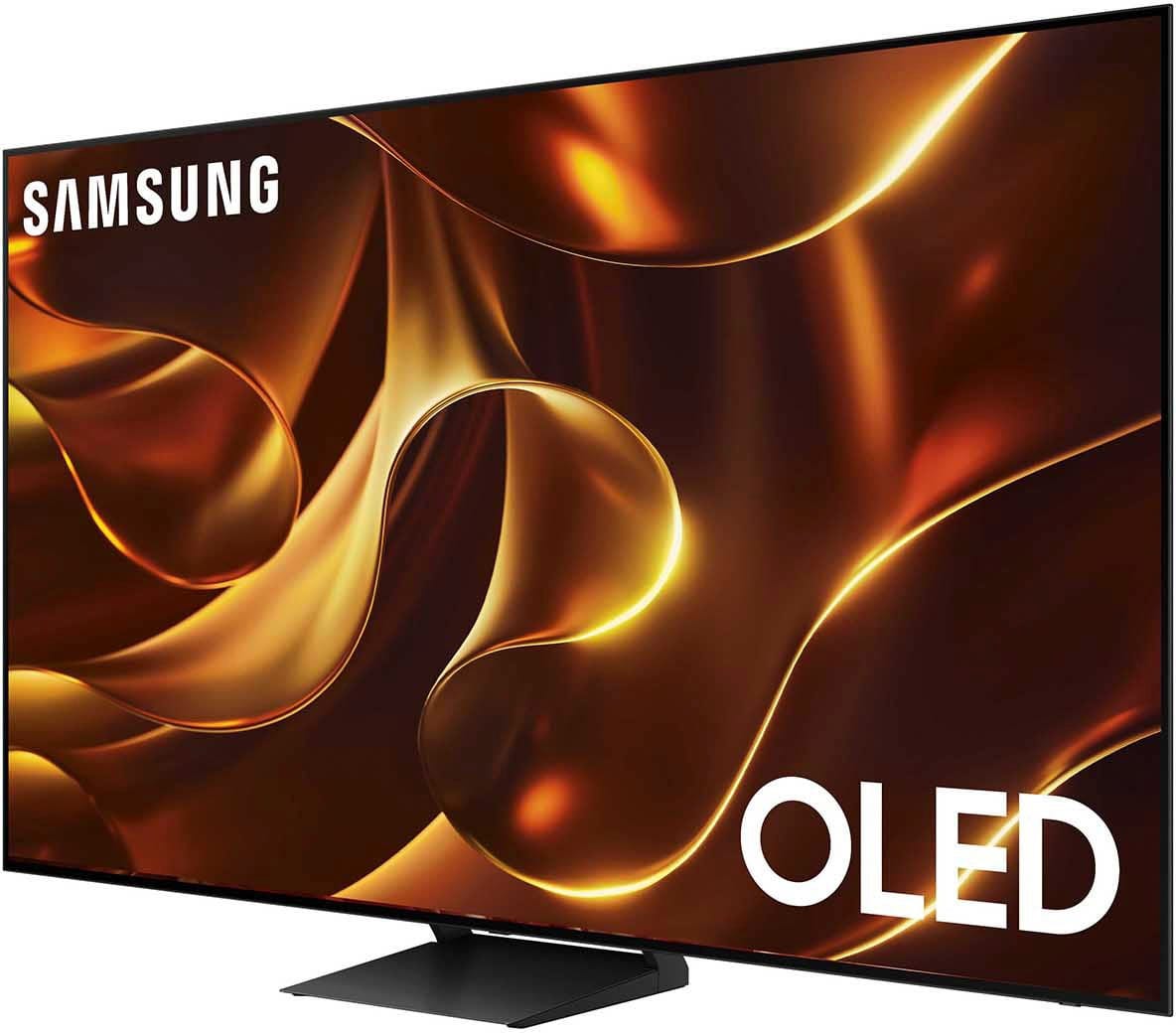
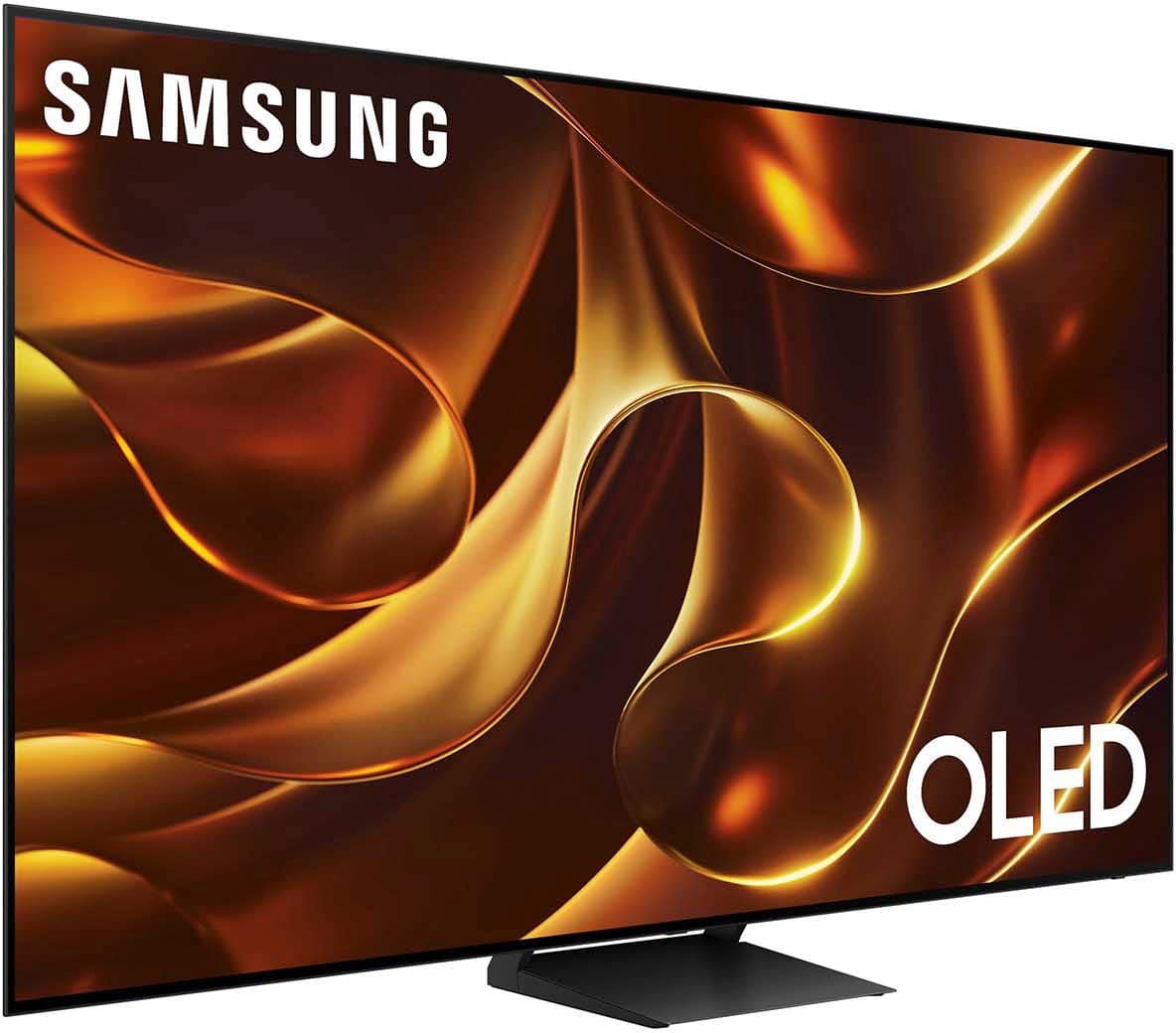
Customers often highlight the amazing picture quality and vibrant colors of the 77” Class S84D Series 4K OLED Smart Tizen TV, as well as its ease of use and sleek design. The OLED technology and phenomenal contrast are also praised, especially considering the price. Some customers have noted the TV's weight and expressed concerns about the small remote control, while others mentioned glare.
This summary was generated by AI based on customer reviews.
- Pros mentioned:Picture quality
Terrible quality.
Posted .This reviewer received promo considerations or sweepstakes entry for writing a review.Terrible quality. I'm confused about a majority of these comments that praise the quality, it's giving LCD 2010. I don't understand if whether I have a falty tv or this is the image the tv produces. It's very pixelated. I have to adjust the colors every time I watch a different movie. It's annoying. I tried changing the aspect ratio, it's the most difficult thing to do I don't know why. The colors were not impressive even with the boost. It was good for some movies, and not others. I'm coming from a 2020 Bravia which is pretty outdated, and I think my Bravia produces better quality than this TV. I'm exchanging this for the C4 LG next, hopefully it meets expectations.
No, I would not recommend this to a friendBrand response from Samsung
Posted .Drew,
Thank you for sharing your thoughts on the picture quality of your S84D TV. To ensure you’ve got the latest image quality updates, please confirm that your TV is up to date with the latest firmware version. You can check by going to: Home > Menu > Settings > Support > Software Update.
If the picture you’re seeing is still not to your liking after updating firmware, there are several picture settings you may want to try adjusting.
Go to Home > left direction button > Settings > All Settings > Picture > Picture Mode
...and select the mode that best fits your usage:
1. Standard: Is the default mode suitable for general viewing environments
2. Dynamic: Makes the picture brighter and clearer in bright viewing environments
3. Eco: Provided to save energy
4. Movie: Suitable for watching TV or movies in a dark room
5. Filmmaker Mode: Provides source content just as the creators intended. If the image is defined as Filmmaker Mode, it’ll automatically switch to Filmmaker Mode while watching.
You can also fine-tune your picture with expert settings such as brightness, contrast, sharpness and more (All Settings > Picture > Expert Settings).
For further assistance with settings adjustments, please contact Samsung Customer Support at 1-800-SAMSUNG, 8AM - 12AM EST, 7 days a week. Or visit us on the Samsung website and click on the ‘Support’ link for:
• LiveChat
• Manuals, Software, & Warranty Info
~ Samsung Specialist
best buy constantly cheats in real price
Posted .This reviewer received promo considerations or sweepstakes entry for writing a review.I don't understand why people are being deceived: this TV cost 3300 and I got a 50% discount (1700), and after a while I see that the price has changed and the real price is 1700 and it turns out that I was given a discount of only 200 dollars, not 1700. But the TV is good, but not perfect. Sometimes there are slowdowns and image distortion. best buy constantly deceives in the real price of the cost of goods and this is not the first time
No, I would not recommend this to a friendBrand response from Samsung
Posted .Arthur,
Please know you are leaving a review and 1-star rating for the S84D TV, but we are sorry to hear of your Best Buy experience, nonetheless. You may want to consider providing feedback directly to the Best Buy store where you made your purchase.
Should you have questions on the S84D TV itself, Samsung is here for you. You can reach us at 1-800-SAMSUNG, 8AM - 12AM EST, 7 days a week. Our LiveChat agents are also available by clicking on the ‘Support’ link on our website.
~ Samsung Specialist
Great tv
Posted .This reviewer received promo considerations or sweepstakes entry for writing a review.Its very good tv and great price highly recommendet
I would recommend this to a friendBrand response from Samsung
Posted .Siroj,
Thanks for taking a moment to review Samsung’s S84D TV. If you’re experiencing specific issues which caused you to give this a negative 1-star rating, please know Samsung Customer Support is here to help.
You can reach us at 1-800-SAMSUNG, 8AM - 12AM EST, 7 days a week. Our LiveChat agents are also available by clicking on the ‘Support’ link on our website.
~ Samsung Specialist
No power straight out of the box
Posted .This reviewer received promo considerations or sweepstakes entry for writing a review.Delivered today but DOA didn't turn on at all while setting up. No visible damage, think I was sent a dud.
No, I would not recommend this to a friendBrand response from Samsung
Posted .soleman23,
We appreciate your feedback regarding parts missing from your TV. If purchased brand-new and unopened, please contact Samsung Customer Support and a representative will gladly help you. If purchased in open-box condition, we recommend contacting Best Buy directly for assistance. We hope your issue is resolved in a timely manner.
Should you have questions or concerns on usage or setup of your TV once your issue has been resolved, please call us at 1-800-SAMSUNG, 8AM - 12AM EST, 7 days a week. Our LiveChat agents are also available by clicking on the ‘Support’ link on our website.
~ Samsung Specialist