Customer Ratings & Reviews
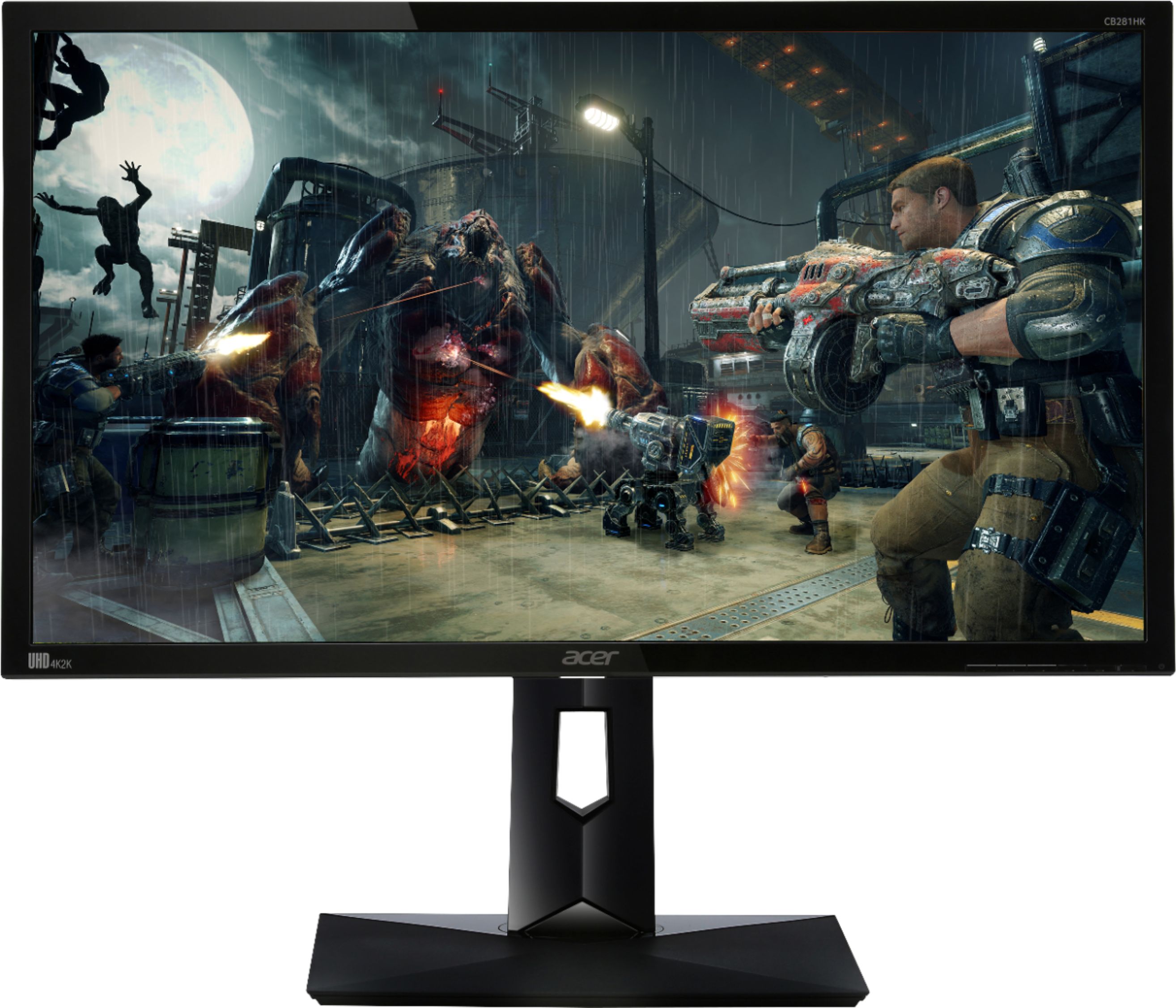
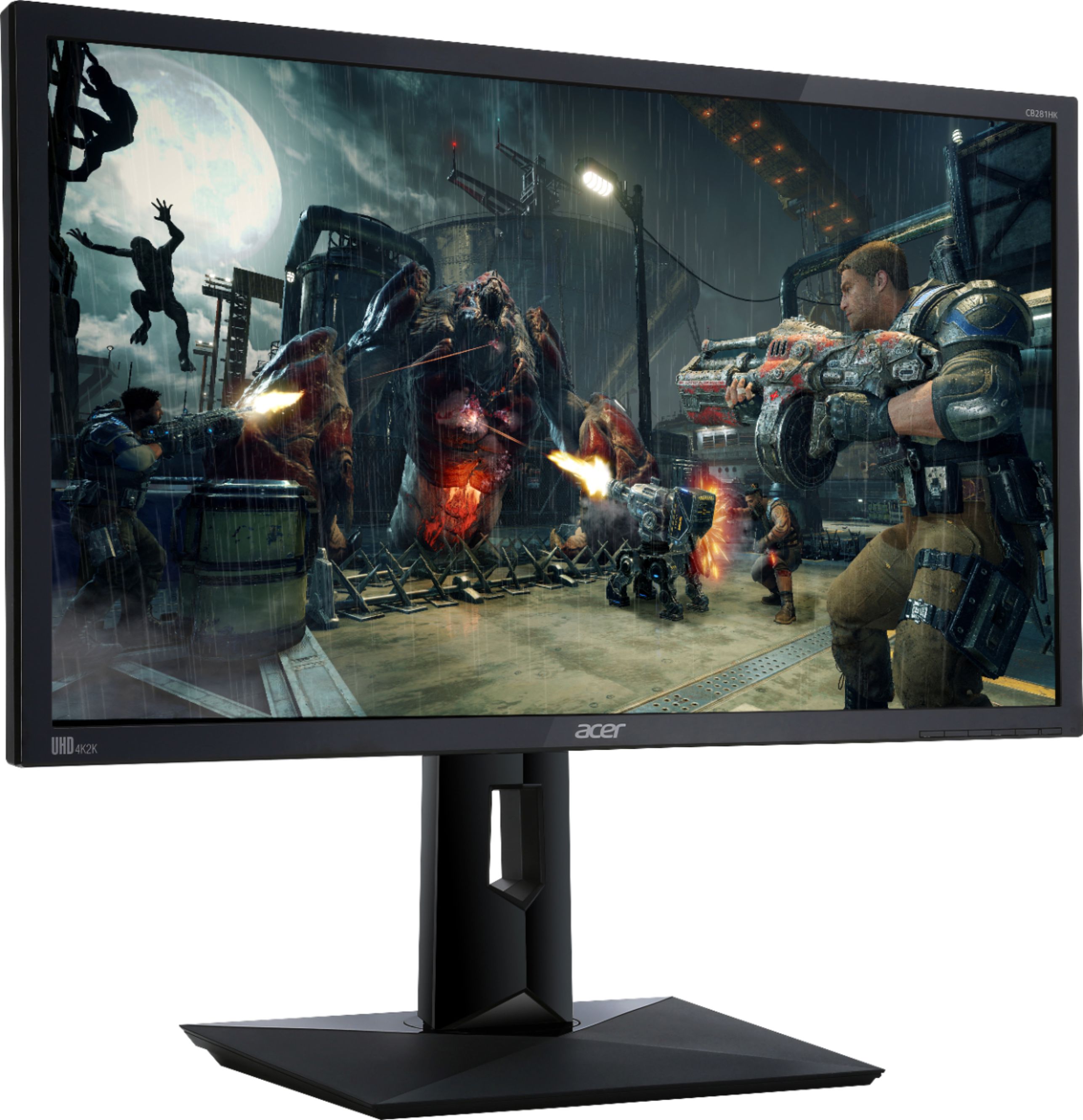
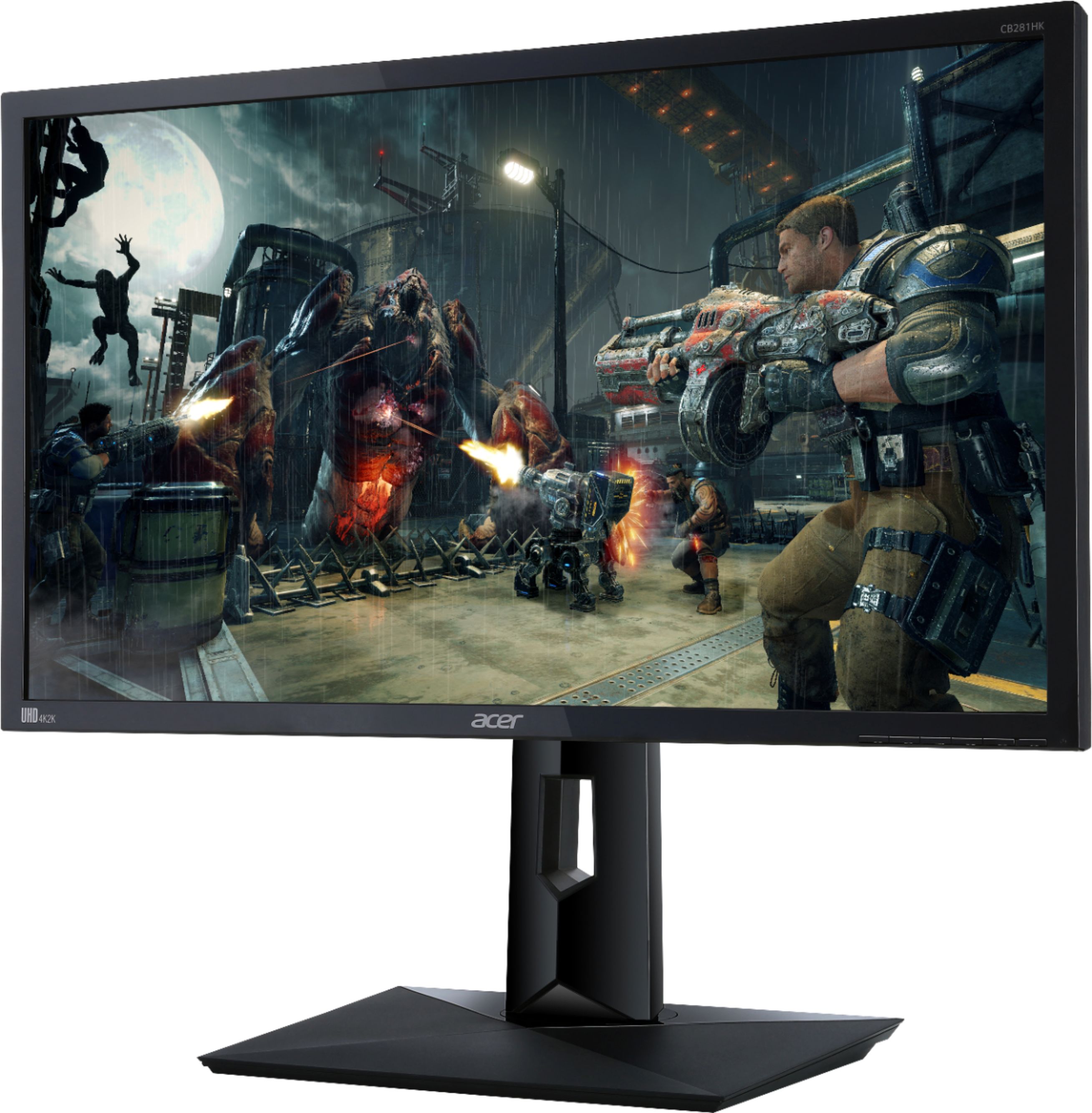
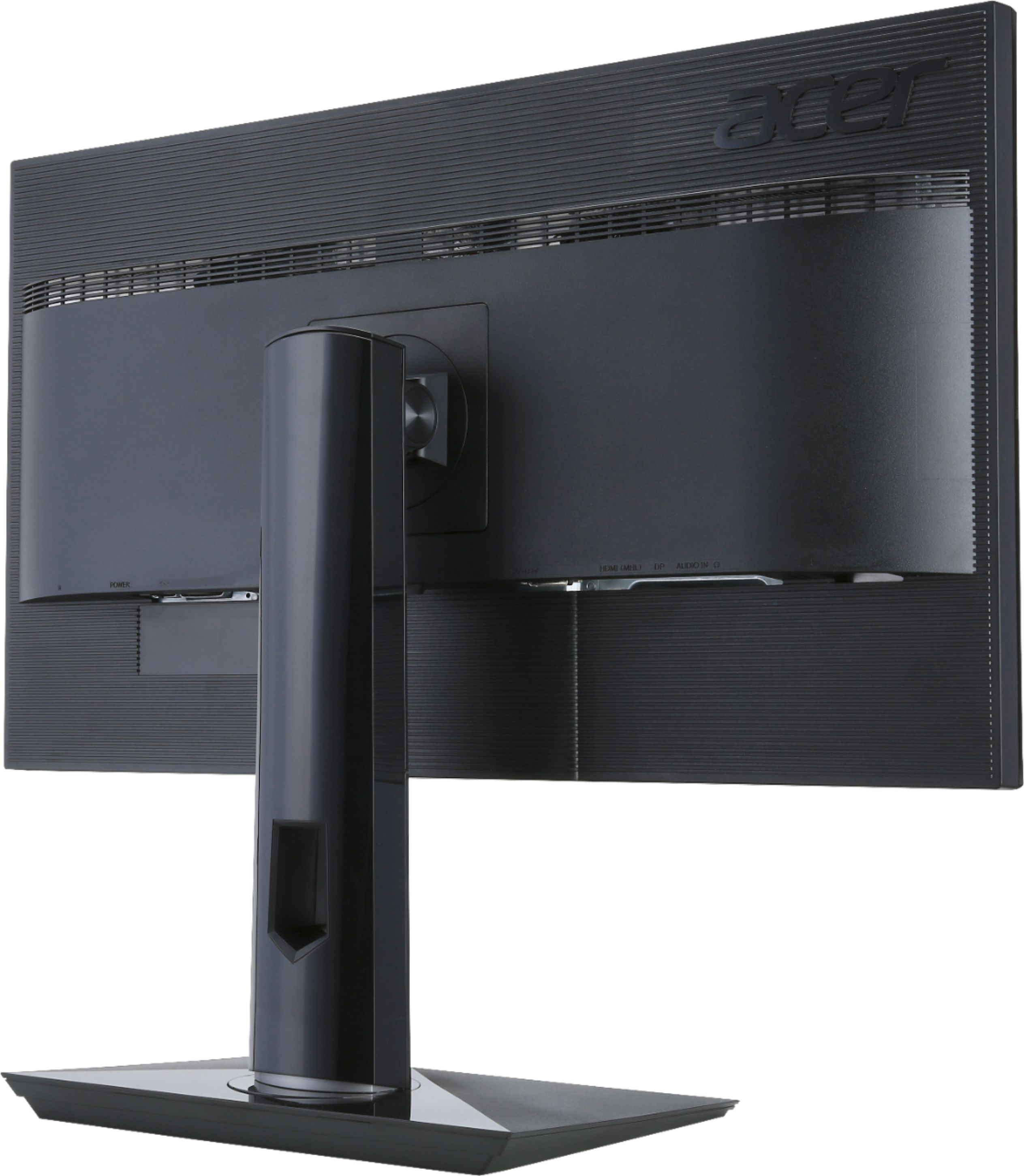
- Model:
- CB281HK BMJDPR
- SKU:
- 5775200
Rating by feature
- Ease of Use
Rating 4.5 out of 5 stars
- Value
Rating 4.4 out of 5 stars
- Quality
Rating 4.2 out of 5 stars
Customers are saying
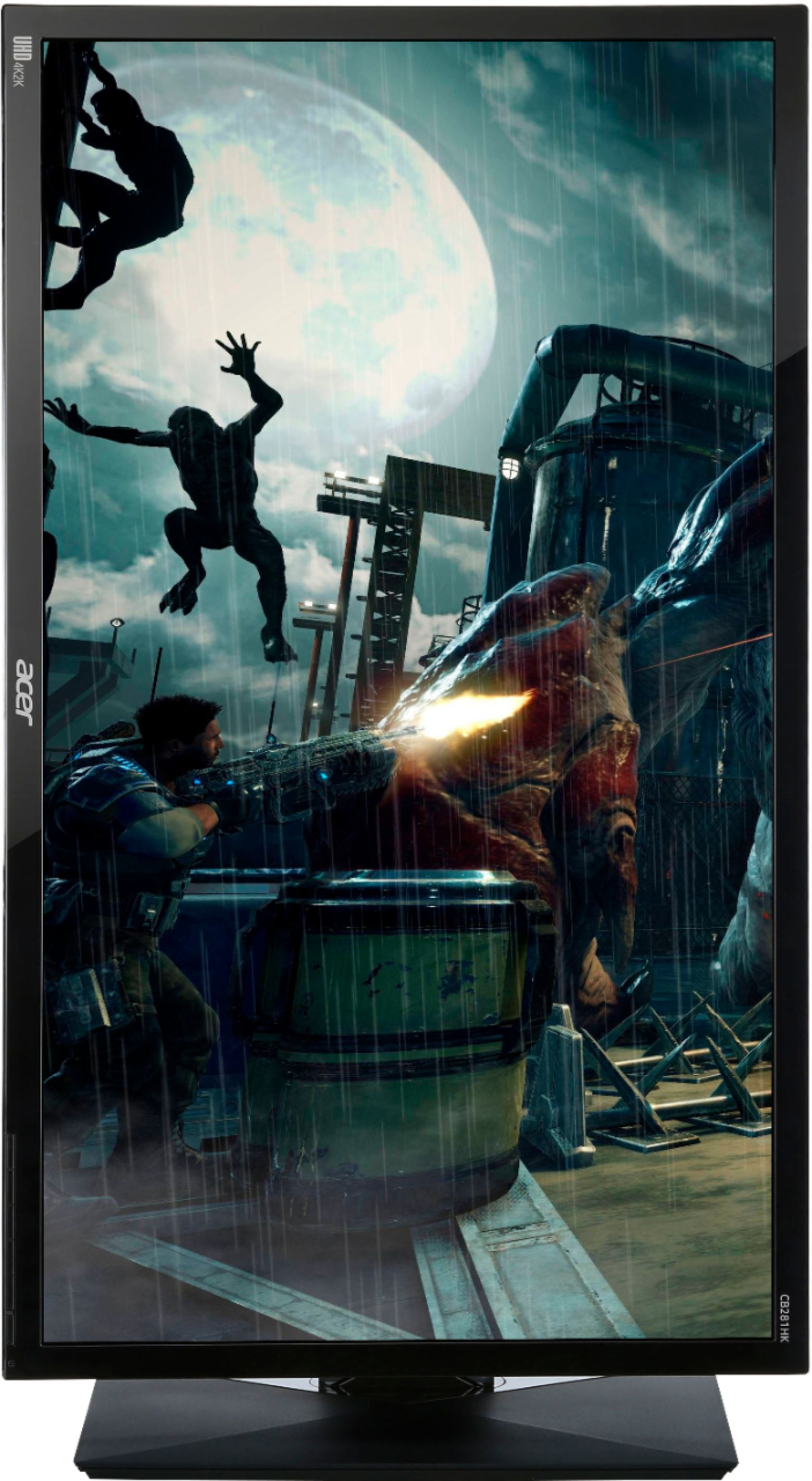
Customers enjoy the CB281HK 28" LED 4K UHD FreeSync Monitor's excellent picture quality, 4K resolution, and affordable price. Many appreciate the vibrant colors, adjustable stand, and fast response time, making it suitable for both work and gaming. However, some users find the built-in speakers inadequate and the viewing angles could be improved. Overall, the positive feedback on image quality and performance outweighs the minor drawbacks reported by some customers.
This summary was generated by AI based on customer reviews.
super sharp
||Posted .This reviewer received promo considerations or sweepstakes entry for writing a review.works perfectly in combination with an HD laptop. great value!
I would recommend this to a friendNice product
||Posted .This reviewer received promo considerations or sweepstakes entry for writing a review.This product performs for at least its intended function.
I would recommend this to a friendNice monitor
||Posted .This reviewer received promo considerations or sweepstakes entry for writing a review.Good value. It is clear, and works with my other technology.
I would recommend this to a friendGreat budget 4K monitor
||Posted .This reviewer received promo considerations or sweepstakes entry for writing a review.Great monitor for pc or console gaming, gets the job done.
I would recommend this to a friendUltra clear
||Posted .This reviewer received promo considerations or sweepstakes entry for writing a review.This monitor is very clear and shows excellent color clarity.
I would recommend this to a friendGreat Monitor
||Posted .This reviewer received promo considerations or sweepstakes entry for writing a review.Clear and super clean looking. Gaming looks great on it
I would recommend this to a friendGreat monitor
||Posted .This reviewer received promo considerations or sweepstakes entry for writing a review.The monitor has great resolution. Fits well with my setup.
I would recommend this to a friendGreat for PS$
||Posted .This reviewer received promo considerations or sweepstakes entry for writing a review.Excellent response time and max refresh rate for PS4
I would recommend this to a friendGreat 4K monitor
||Posted .This reviewer received promo considerations or sweepstakes entry for writing a review.Sharp, sharp images on this monitor. Love the inputs.
I would recommend this to a friendWorks great.
||Posted .This reviewer received promo considerations or sweepstakes entry for writing a review.It is just what I want in a monitor. No complaints.
I would recommend this to a friendDecent monitor
||Posted .This reviewer received promo considerations or sweepstakes entry for writing a review.I purchases this monitor hoping it would have stunning display for my xbox but it was really just average at best. Not worth paying the extra price of a gaming monitor in this case
No, I would not recommend this to a friendGreat Monitor
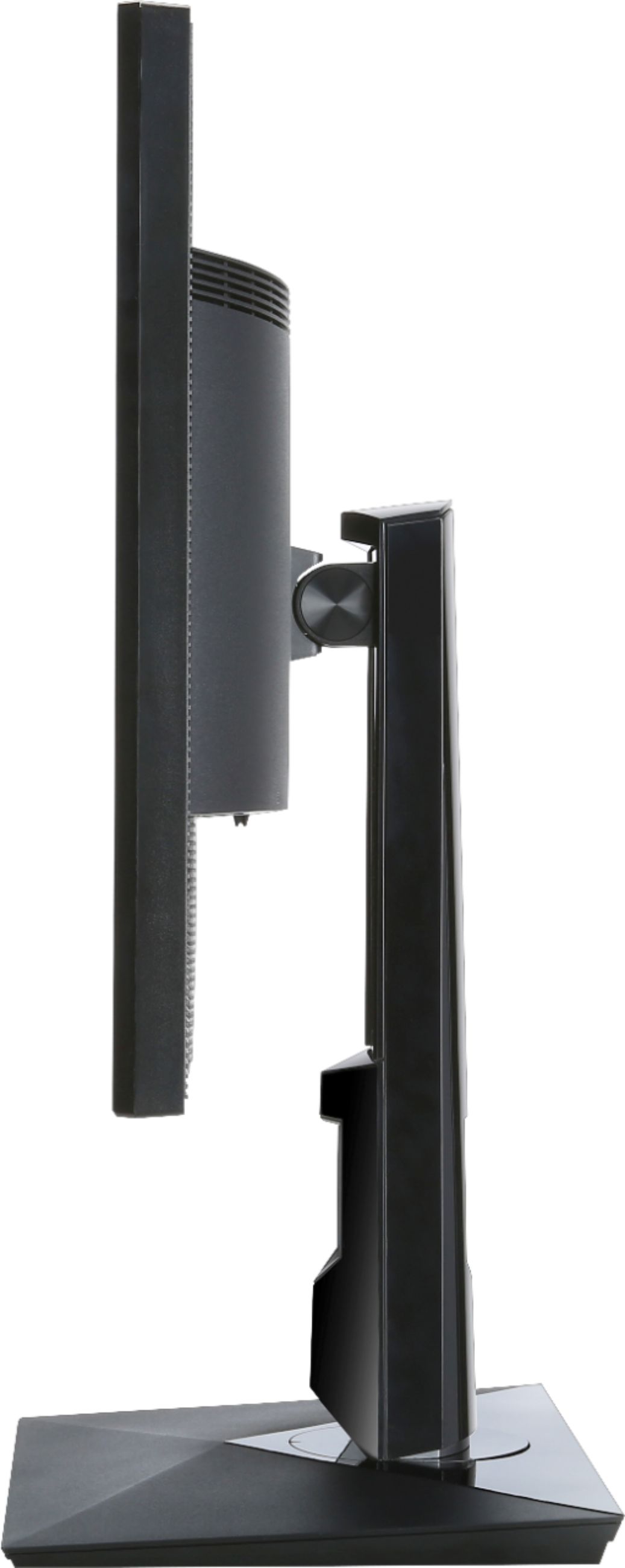
Posted .This reviewer received promo considerations or sweepstakes entry for writing a review.Bought this because I was looking for a bigger monitor, 27 inches or more. Was looking at the 27 LG in store but didn't like the white stand. Upon further review of this monitor, noticed it was bigger (28 inches) and was 4K. Checked the reviews and decided to give it a shot. After hooking it up, I tested 4K by streaming some 4K demos on my PC. Can hook up PS4, XBOX One or PC via the HDMI cable. It includes three different cables plus power cord. Can wall mount if desired but the stand is awesome. Swivels, raise, lower and tilt. Very nice stand indeed! Sound quality not great, use external speakers for XBOX or PS4. As far as the picture quality, on your PC, use your driver software to adjust the colors. My Geforce 970 looks awesome in both 1080 (after using software controls) and 2160. The presets on the monitor alone do not look quite right to me on 1080 resolution, but I was able to make it look perfect with software on PC. The screen is not glossy, so I don't have any glares. If you like glossy screens, you may be disappointed. I love this monitor, don't care what anyone else says. For the price, it is huge and has a great stand. With the right video card driver software, you can adjust the colors, brightness, contrast easily on your PC for video and photo editing. If you don't have a card that can do 4K, it still looks nice in 1080.
I would recommend this to a friend- Pros mentioned:Picture quality
Unreliable. Mediocre but expensive monitor.
||Posted .This reviewer received promo considerations or sweepstakes entry for writing a review.Broke far too early. Monitor controls are difficult to use. Picture was pretty good.
No, I would not recommend this to a friend LED 4K UHD FreeSync Monitor
||Posted .This reviewer received promo considerations or sweepstakes entry for writing a review.Good product, good looking. Install instruction need to be better, the on off button is hard to find and hard to see. Many computers not ready for this 4K.
No, I would not recommend this to a friendNot for gaming
||Posted .This reviewer received promo considerations or sweepstakes entry for writing a review.Color is horrible for gaming. Paid by PayPal online and returned in store. 1 week later and still no refund!
No, I would not recommend this to a friendBrand response from TeamAcer
Posted .Dear Momoftwo,
We are sorry to hear this; we understand you returned the Acer product but we would have been happy to provide support for you. If in the future you need assistance with an Acer product, feel free to contact support from the info posted at http://www.acer.com/ac/en/US/content/service-contact
Best regards,
Acer America
Cheap and it Shows
||Posted .This reviewer received promo considerations or sweepstakes entry for writing a review.I bought this monitor 4 months ago. Already having screen flickering and going to have to have it replaced. I have an asus 24" gaming monitor that for $100 less has a much better image quality then the "upgrade" to 4k. Wouldn't recommend
No, I would not recommend this to a friendBrand response from TeamAcer
Posted .Dear Silencer,
We are very sorry to hear you are unhappy with your Acer CB series monitor and understand this is frustrating for you. This is not the experience we want our customers to have and we would like to help you get this resolved. If you are located in the US or Canada please fill out this form so that we can assist you:
http://csapps.acer.com/prompt/?key=a1c24c75eab549c048a1671e45913c360bc242f4
We appreciate you taking the time to write this review.
Thank you
Acer America
Lasted 7 months
||Posted .This reviewer received promo considerations or sweepstakes entry for writing a review.I thought it was a good purchase but not it will not even turn on.
No, I would not recommend this to a friendBrand response from TeamAcer
Posted .Hello Rosco72,
Thank you for taking the time to write this review. We’re sorry that you are having problems with your Acer CB281HK monitor. This is not the experience we want our customers to have with our products and we would certainly like to reach out and help you. Please visit this personalized URL and fill out the form so we can look into this issue and assist you:
http://csapps.acer.com/prompt/?key=4e1f7b818d001d8293f294baeea28c661d900e03
Thank you,
Acer America
Awesome quality but
||Posted .This reviewer received promo considerations or sweepstakes entry for writing a review.The monitor was great while it lasted but it shorted out once and was replaced and did it again within 2 months
No, I would not recommend this to a friendBrand response from TeamAcer
Posted .Dear CK,
We are sorry to hear you are unhappy with your Acer CB series monitor. This is not the experience we want our customers to have and we would like to help you get this resolved. If you are located in the US or Canada please fill out this form so that we can assist you:
http://csapps.acer.com/prompt/?key=235c14037b96930883112903b22c1bd4deb79d16
We appreciate you taking the time to write this review.
Thank you
Acer America
- Pros mentioned:Picture quality
Disappointing blacks & contrast
Posted .This reviewer received promo considerations or sweepstakes entry for writing a review.I bought this because my PS4 Pro looked so great on my 4K TV with HDR, but not so great on my monitor (Destiny 2). There were a lot of small things that set the mood that were simply missing. So I thought I would give this monitor a shot with it's 1 billion colors and 4K resolution. Out of the box it's colors are completely washed out as all settings are set to 50%. I tried tweaking some, to no real help. Blacks were light gray and the contrast I couldn't get it to where it looked right. Pulled out the trusty Spyder 4 and calibrated. It came up with a bright setting of 2, contrast 48 and colors at 93. This significantly helped the picture quality. That being said, the blacks were still gray. With the black test pattern up and brightness set at 2, the monitor at best, was gray. I tried playing further with the contrast setting and found it looked best at the 48 setting. I decided to return the monitor. I know the displays at Best Buy don't have a good signal, but after I returned it, I looked at the display again. What I saw there was the same thing I saw at home, a washed out display. I calibrated the Viewsonic XG2701 monitor (6 bright, 73 contrast, 50 color) and I'm now happy with it. It had a better picture at 1080 than this monitor did at 4K I believe due to the contrast and black issue. For $250, not a bad monitor but not good enough to replace my ViewSonic. FYI, Destiny 2 has a lot of fog in it. Check contrast your settings.
No, I would not recommend this to a friend boy did I think I made a mistake
Posted .This reviewer received promo considerations or sweepstakes entry for writing a review.I’m a gamer and with that I build my own PC and research extensity the component’s that go into the computer and the peripherals that connect to it. I purchased two of these monitors and when I got them home, connected and setup with my windows 10 OS I was initially impressed with the performance. Then came the heart ache. I fired up Destiny 2 and immediately noticed it was dark. And, I mean DAAAARRRKKK! I thought I made a mistake. These are LED+LCD. My old 27 inch Acer was lcd. The lumens were specd at 300 per meter so what gives. I was really thinking on packing up the whole mess and head back to Best Buy to return them, then it hit me. GAMMA! Windows 10 turns down the Gamma as a default. BUT, most games have an internal settings. The trick is knowing where to find it. Destiny 2 has a brightness setting. Both WoW and SWTOR has a Gamma setting IF you are in Full Screen mode. If you are like me I like mine in Fullscreen (WINDOWED). So how do you control Gamma in window mode? Use the windows 10 Calibrate Display Color app. Fire it up by typing cali in the search box and it will show up. Once completed the monitors are great and I have no complaints. .
I would recommend this to a friend