Customer Ratings & Reviews
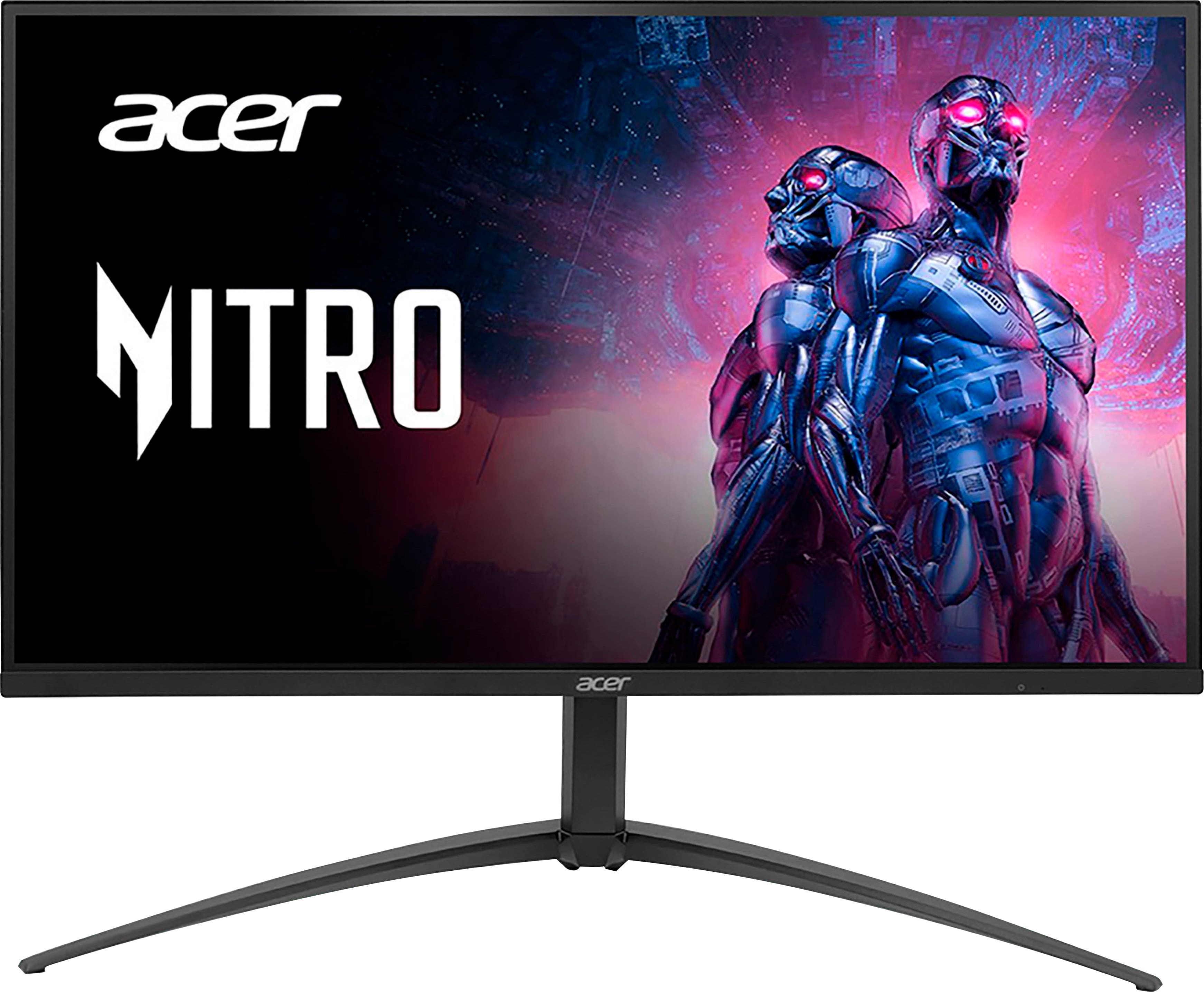
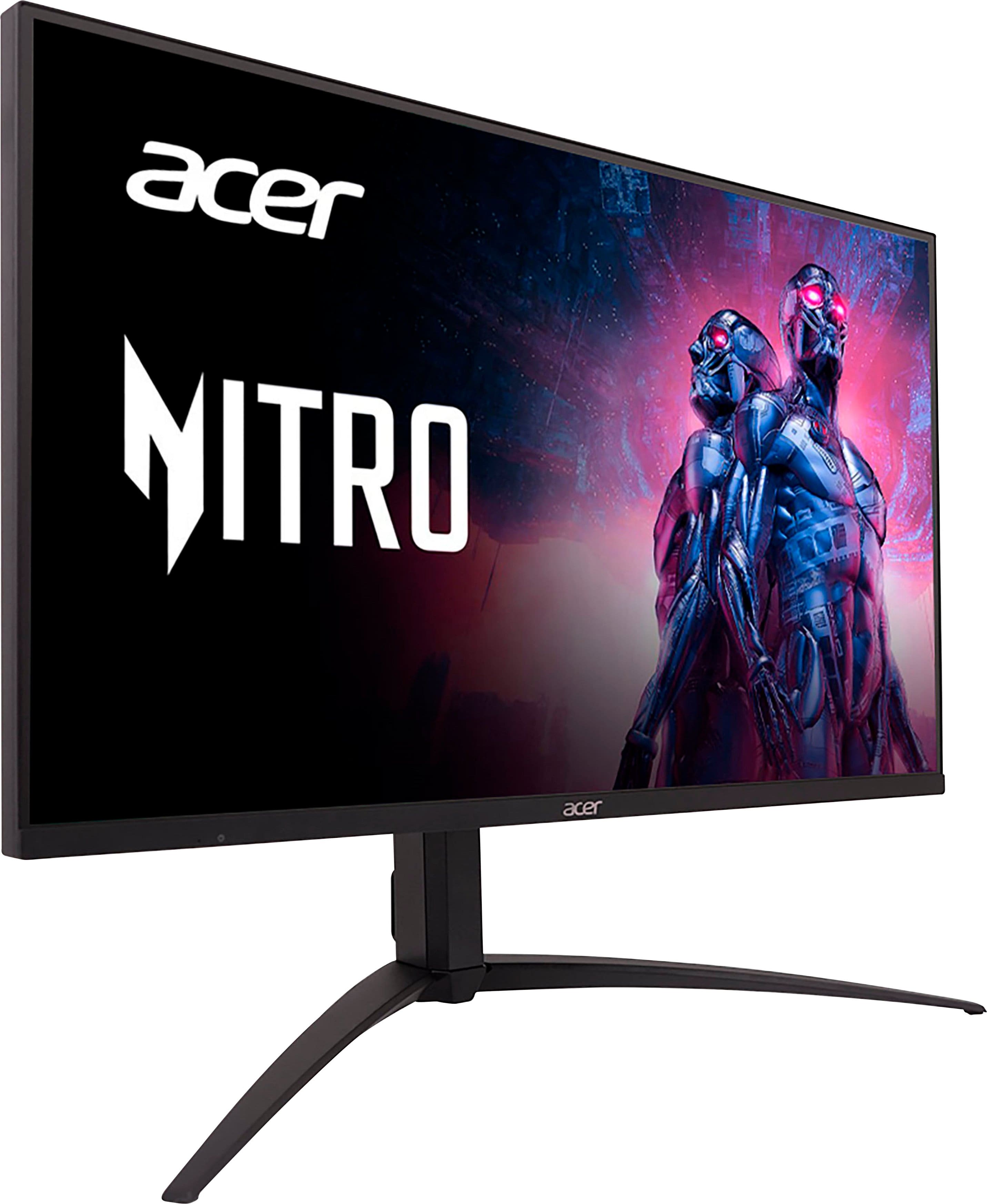
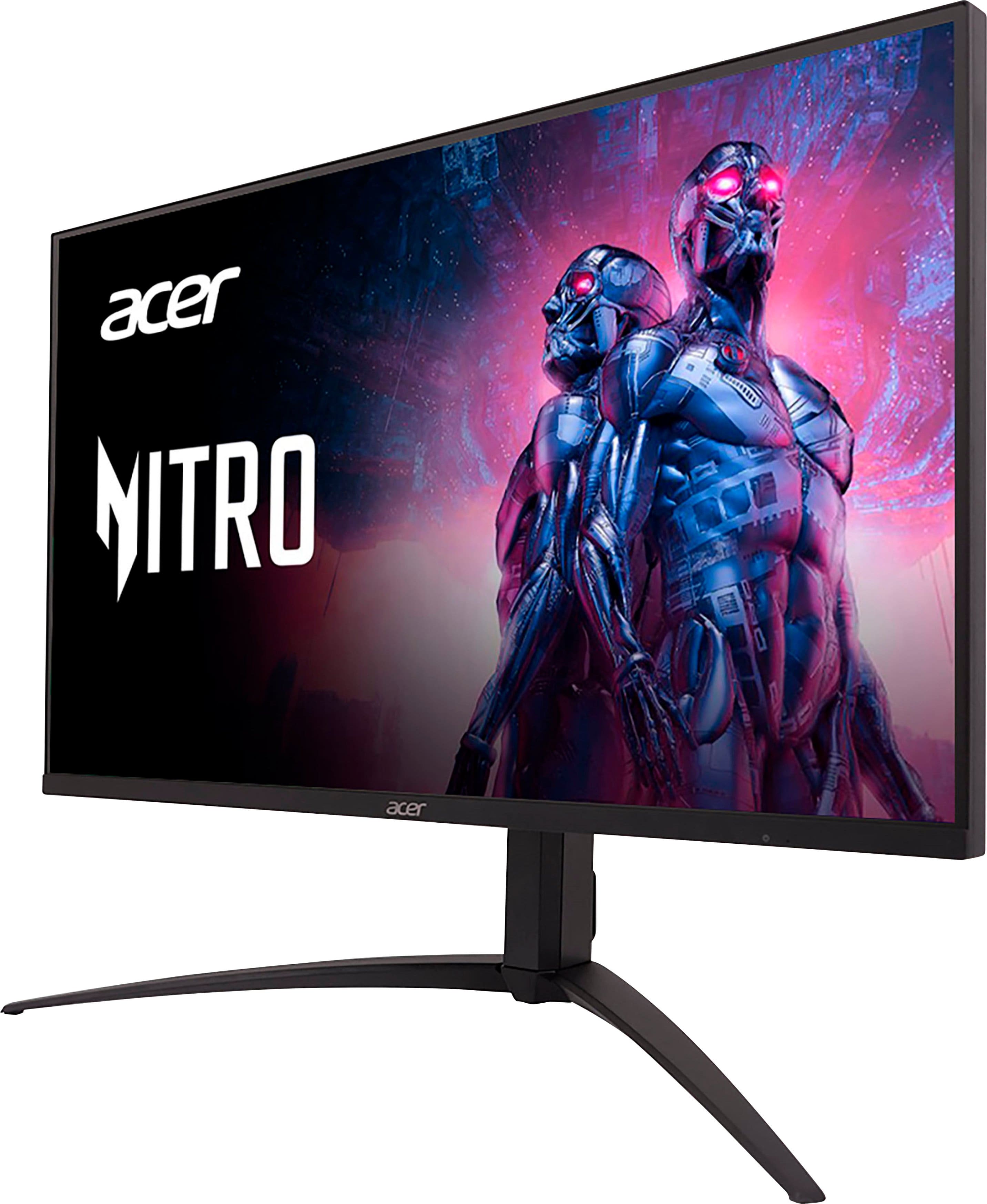
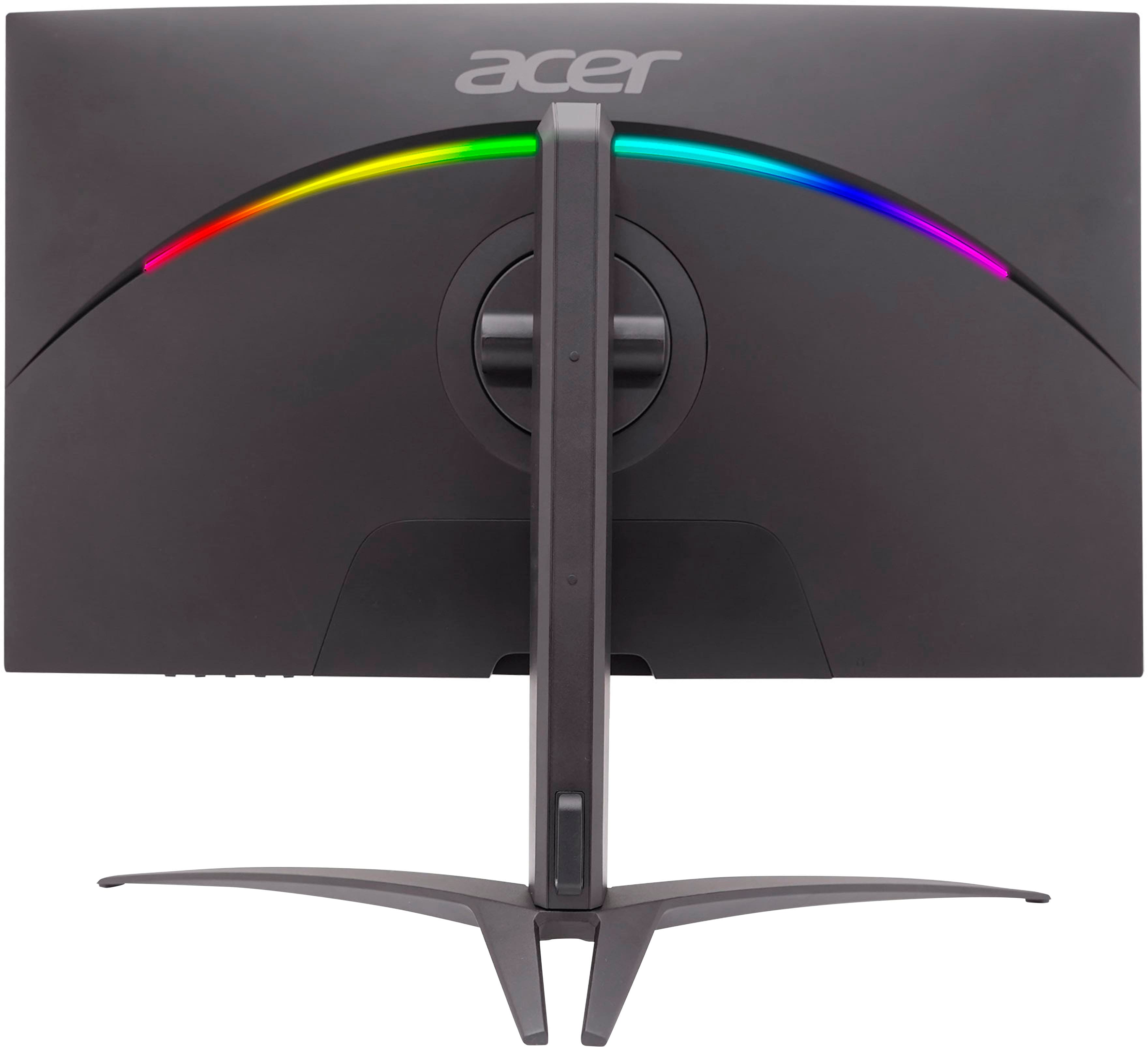
- Model:
- XV275K P3biipruzx
- SKU:
- 6539416
Rating by feature
- Display Quality
Rating 4.5 out of 5 stars
- Ease of Use
Rating 3.9 out of 5 stars
- Features
Rating 4.3 out of 5 stars
Customers are saying
Customers recognize the Nitro 27" Mini LED UHD gaming monitor for its excellent picture quality, impressive HDR, and great brightness. The high refresh rate and reasonable price are also appreciated. However, some customers have expressed concerns about blooming, a less-than-ideal on-screen display, difficult-to-use controls, and a stand that occupies too much space. A few users also noted a lack of clear instructions for VESA mount usage.
This summary was generated by AI based on customer reviews.
Worth The Buy!
||Posted . Owned for 2 months when reviewed.This reviewer received promo considerations or sweepstakes entry for writing a review.Best Monitor Ive owned by far!! Better than my Acer Predator in my opinion
I would recommend this to a friendAdrian stanley
||Posted . Owned for 1 month when reviewed.This reviewer received promo considerations or sweepstakes entry for writing a review.Exelent monitor from acer would buy again when or if needed
I would recommend this to a friendReally great overall
||Posted . Owned for 1 month when reviewed.This reviewer received promo considerations or sweepstakes entry for writing a review.This monitor has been amazing, high resolution and 4K!!
I would recommend this to a friend- Cons mentioned:Blooming
Returned
||Posted . Owned for 1 month when reviewed.This reviewer received promo considerations or sweepstakes entry for writing a review.Has issues with improper HDR over DisplayPort. Some applications look really washed out even with calibration. Monitor has an insufficient level of dimming zones, causing an inacceptable level of blooming.
No, I would not recommend this to a friendBrand response from TeamAcer
Posted .Hello Ted,
We are sorry to hear that you decided to return your newly purchased Acer monitor. Our support team is always available to assist with getting your new product set up and configured, or assist with any other troubles you may experience with your purchase. If you should need assistance with an Acer product in the future, please contact our support team at 1-866-695-2237, chat or social media, and we will be glad to help.
We appreciate you taking the time to write this review.
Regards,
Acer America
Nothing but a monitor.
||Posted . Owned for 1 month when reviewed.This reviewer received promo considerations or sweepstakes entry for writing a review.Not enough built in features like speakers or camera/microphone.
No, I would not recommend this to a friend- Cons mentioned:Controls
Not a gaming monitor
||Posted . Owned for 5 months when reviewed.This reviewer received promo considerations or sweepstakes entry for writing a review.Not good very laggy and clunky controls. I have a 1440 monitor that blows this one out of the water it’s just not playable. This is marketed as a gaming monitor at 4 k this think sucks
No, I would not recommend this to a friendBrand response from TeamAcer
Posted .Dear Boot,
Thank you for taking the time to leave a review on your Acer monitor. We are sorry to hear that the product did not meet your expectations, and we want to work with you to see how we can help improve this experience. If you are in the US or Canada, please feel free to contact our support team at 866-695-2237; they are available to assist 24/7 for in-warranty products.
Regards,
Acer America
- Pros mentioned:Brightness, Hdr, Picture qualityCons mentioned:Controls
Mostly blown away, bad controls and defaults
Posted .This reviewer received promo considerations or sweepstakes entry for writing a review.After some heavy tweaking with the monitors/windows default settings unfortunately clunky buttons on the monitor itself, everything is just so bright, crystal clear, beautifully colored and pleasing to look at. Smooth as butter 4k gameplay and pretty good(necessary) hdr use. The controls really are awful being in 2024 and not having a joystick to navigate the monitors osd. Just make sure you manually adjust the settings and increase the frame-rate to 160hz, get hdr turned on(on the monitor) and calibrated in windows, and turn up that Sdr brightness in windows hdr settings and you’re good to go.
I would recommend this to a friend Acer issues as usual - zero stars
||Posted . Owned for 1 month when reviewed.This reviewer received promo considerations or sweepstakes entry for writing a review.Figured I'd give Acer another try. Monitor has been nothing but issues. Won't run at 4k @ 144hz on hdmi 2.1 or DisplayPort with constant blank outs on the screen. Not a cable or video card issue. Support is worthless and sends back in worse shape than it arrived. Which is sad for a supposedly brand new monitor. Going back to avoiding Acer products permanently. Second monitor from them in 2 years with nothing but issues.
No, I would not recommend this to a friendBrand response from TeamAcer
Posted .Dear Sean,
Thank you for taking the time to leave a review regarding the purchase of your Acer Nitro monitor. We are sorry to hear that the product and support did not meet your expectations in some areas, and we want to work with you to see how we can help improve this experience. If you will please call 1-866-690-4549 and reference your review, we can help address any problems you may be experiencing.
Regards,
Acer America
Terrible Monitor. Do Not Buy.
||Posted . Owned for 1 month when reviewed.This reviewer received promo considerations or sweepstakes entry for writing a review.Terrible monitor. Do not buy. It came with the plastic on the back was cracked and in pieces in the box. The color calibration is way off, and cannot be corrected with any known software. HDR looks rinsed out. Get an Etch A Sketch for a better picture, and save money too. (I had to give one star, but i wanted to give negative five stars, but not possible.)
No, I would not recommend this to a friendBrand response from TeamAcer
Posted .Dear Disappointed,
We are sorry to hear your Acer Nitro monitor arrived damaged. Based on your comments it appears this may have happened during shipping. We suggest you contact Best Buy directly for your return/swap options. They will be happy to help you with your order so you can get a working monitor. If you should need assistance with your Acer monitor in the future, please contact our support team at 1-866-695-2237, chat or social media, and we will be glad to help.
We appreciate you taking the time to write this review.
Regards,
Acer America
Weird Flashing Issue
||Posted .This reviewer received promo considerations or sweepstakes entry for writing a review.Monitor had a weird peiroidc flashing line at the bottom, probably half an inch to and inch thick. Would not get this monitor because of that
No, I would not recommend this to a friendBrand response from TeamAcer
Posted .We are sorry to hear your Acer Nitro monitor is showing a flashing line on the screen and we understand this is frustrating for you. This is not the experience we want our customers to have and we would like to help you get this resolved. If you are in the US or Canada, please feel free to contact our support team at 866-695-2237; they are available to assist 24/7 for in-warranty products.
Regards,
Acer America
Worthless monitor from a worthless brand
||Posted . Owned for 2 weeks when reviewed.This reviewer received promo considerations or sweepstakes entry for writing a review.By far the worst monitor I've ever used. It honestly makes me laugh that Best Buy was duped into selling this "exclusive" product. If Best Buy cared about its customers they would NEVER put a product like this on their shelves.
No, I would not recommend this to a friendBrand response from TeamAcer
Posted .Thank you for taking the time to leave a review on your Acer Nitro monitor. We are sorry to hear that the product did not meet your expectations, and we want to work with you to see how we can help improve this experience. If you are in the US or Canada, please feel free to contact our support team at 866-695-2237; they are available to assist 24/7 for in-warranty products.
Regards,
Acer America
Cheap plastic oomponents
||Posted . Owned for 7 months when reviewed.This reviewer received promo considerations or sweepstakes entry for writing a review.The enter button broke after less than 1 year of use. The only way to get it fixed is to send the product in for repair (est. 3-5 business days).
No, I would not recommend this to a friendBrand response from TeamAcer
Posted .Dear Michael,
We are sorry to hear one of the buttons on your Nitro monitor has broken. These monitors have a three year manufacturer's warranty against hardware defects. You do have time to ship the monitor in to the repair center if you are unable to do so at this time. When you are ready to send it in, please contact our support team at 1-866-695-2237, chat or social media, and we will be glad to help.
We appreciate you taking the time to write this review.
Regards,
Acer America
NO
||Posted . Owned for 2 weeks when reviewed.This reviewer received promo considerations or sweepstakes entry for writing a review.Biggest pile I have ever purchased. Tested the monitor out for 24 hours and wanted to throw it through a window. What ever you do, please do not buy this. I would rather jump face first into an industrial fan.
No, I would not recommend this to a friendBrand response from TeamAcer
Posted .Dear John,
Thank you for taking the time to leave a review on your Acer Nitro monitor. We are sorry to hear that the product did not meet your expectations, and we want to work with you to see how we can help improve this experience. If you are in the US or Canada, please feel free to contact our support team at 866-695-2237; they are available to assist 24/7 for in-warranty products.
Regards,
Acer America
Do not buy
||Posted . Owned for 1 year when reviewed.This reviewer received promo considerations or sweepstakes entry for writing a review.Do not buy. After they get a little age, they cut out.
No, I would not recommend this to a friendBrand response from TeamAcer
Posted .Thank you for taking the time to leave a review on your Acer Nitro monitor. We are sorry to hear that the product did not meet your expectations, and we want to work with you to see how we can help improve this experience. If you are in the US or Canada, please feel free to contact our support team at 866-695-2237; they are available to assist 24/7 for in-warranty products.
Regards,
Acer America

Would not recommend
|Posted . Owned for 5 months when reviewed.This reviewer received promo considerations or sweepstakes entry for writing a review.[Employee of bestbuy] Image quality and Color was not good. And plastic frame felt cheap.
No, I would not recommend this to a friendBrand response from TeamAcer
Posted .Dear Nancy,
Thank you for taking the time to leave a review on your Acer Nitro monitor. We are sorry to hear that the color and image quality is not meeting your expectations, and we want to work with you to see how we can help improve this experience. If you are in the US or Canada, please feel free to contact our support team at 866-695-2237; they are available to assist 24/7 for in-warranty products.
Regards,
Acer America
- Pros mentioned:HdrCons mentioned:Controls
Blown away
Posted .This reviewer received promo considerations or sweepstakes entry for writing a review.This monitor is hands down amazing. I bought it and was going to just test it out because i didnt think it was going to be this good but i was wrong and im keeping it. The HDR is so good and impressive! Only thing i can complain about is the controls but other then that its a must have. Xbox series X fans will fall in love with it.
I would recommend this to a friend Auto HDR doesn't work.
Posted .This reviewer received promo considerations or sweepstakes entry for writing a review.Auto HDR doesn't work properly on this monitor and is the same as the 'Acer x32FP' monitor (which the latest firmware update addressed). Also, "Adaptive Dimming" needs to be separated for HDR and SDR usage. It is currently a global setting which is unacceptable. Using dark mode in windows/apps will cause white text on a dark background to dim SIGNIFICANTLY. I keep adaptive dimming OFF for regular desktop usage due to this. Currently, if I want to enable HDR, I would need to put both windows and the monitor into HDR mode manually and then turn on adaptive dimming. After I'm done, I would need to turn it all off manually again! I understand that this monitor is new but it shares the same problems as the 'Acer x32FP' monitor (which the latest firmware updates have addressed). HOWEVER, adaptive dimming not being a separate setting for HDR and SDR is still a concern that has not been addressed on the 'Acer x32FP' monitor. There are currently no firmware updates out for this 'Acer XV275K P3' monitor. I hope to see the same fixes that the 'Acer x32FP' received come out for this monitor too. I also hope to see the adaptive dimming setting issue addressed. It was not yet addressed on the 'Acer x32FP' which concerns me on whether or not it will be addressed on THIS monitor.
I would recommend this to a friend- Pros mentioned:Hdr
Phenomenal monitor. Worth every penny
Posted .This reviewer received promo considerations or sweepstakes entry for writing a review.I know some folks dont like the quality of this monitor. Its not perfect, the OSD is clunky and the buttons to manage the monitor take sometime to getting used to. BUT i will say this . . This monitor does every 4K and HDR very well especially for xbox series x and for PS5, however the PS5 WHEN YOU enable HDR it comes out very dark, if you had this problem, i have the solution for you, Enable HDR on the monitor but leave HDR off on your PS5 and itll look great, it will also display SDR content properly and you wont get oversaturated colors, just lower the peak brightness from 100 to to something comfortable, like 78 at least thats a good Brightness for me. Also, check the settings for this monitor on RTINGS.COM they provide you with information on the best picture quality and video motion quality
I would recommend this to a friend - Pros mentioned:Hdr
Best monitor I've ever had!
Posted .This reviewer received promo considerations or sweepstakes entry for writing a review.A truly beautiful monitor, and I'm very happy I bought it. I would've regretted not going with it. It only lacks in two areas: I wish it had g-sync (blur is noticeable in certain situations, but for me not distracting), and there's a noticeable blooming effect, specifically when the image is nothing but shades of darker hues with tiny bits of bright light. That said, you can't have everything in a monitor, and for the price this is a beast.
I would recommend this to a friend - Pros mentioned:Hdr
Good for the price
Posted .This reviewer received promo considerations or sweepstakes entry for writing a review.Top tier specs for the price but the menu is really annoying to navigate, requires about a minute to adjust settings when switching between HDR and SDR
I would recommend this to a friend