Customer Ratings & Reviews
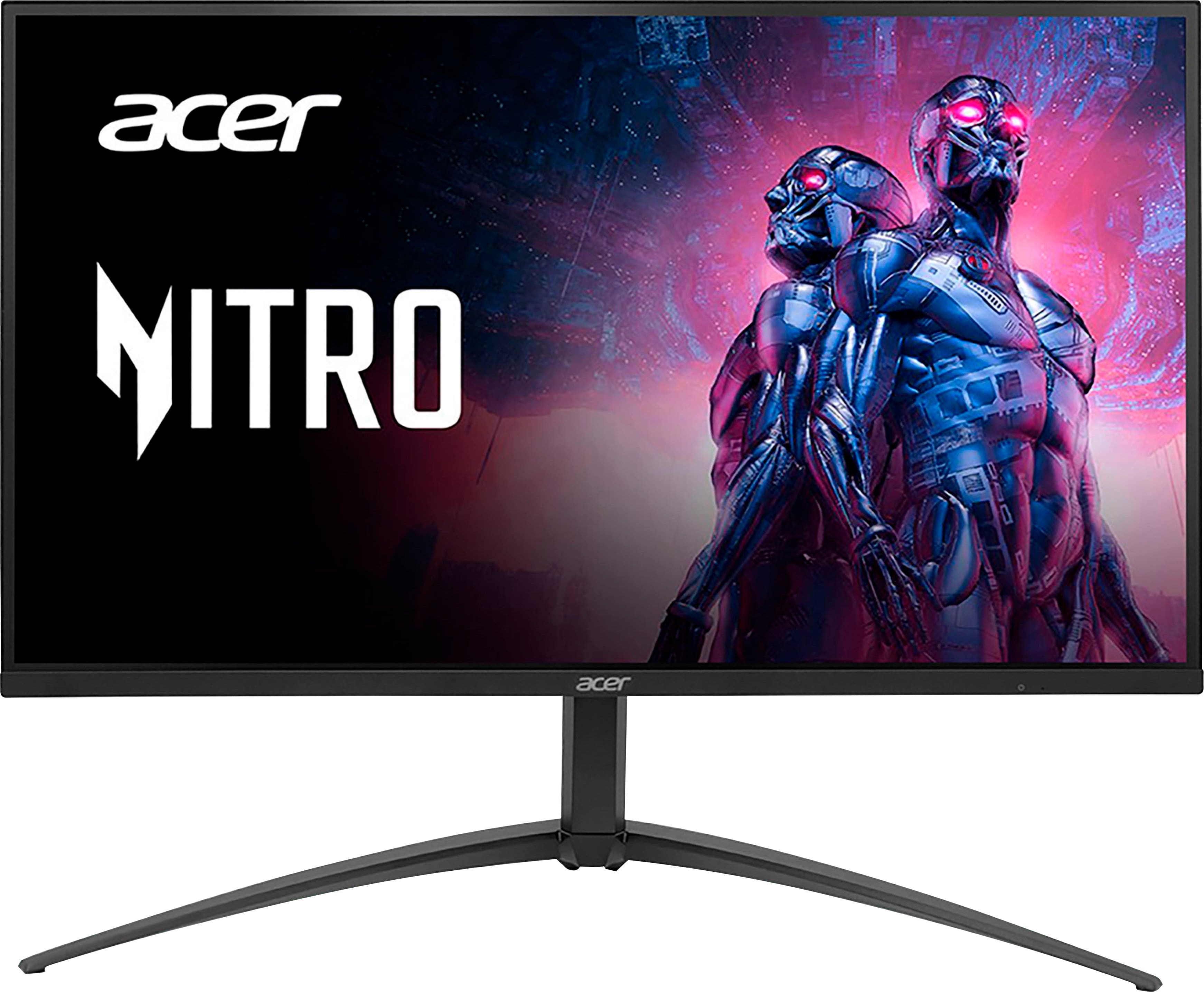
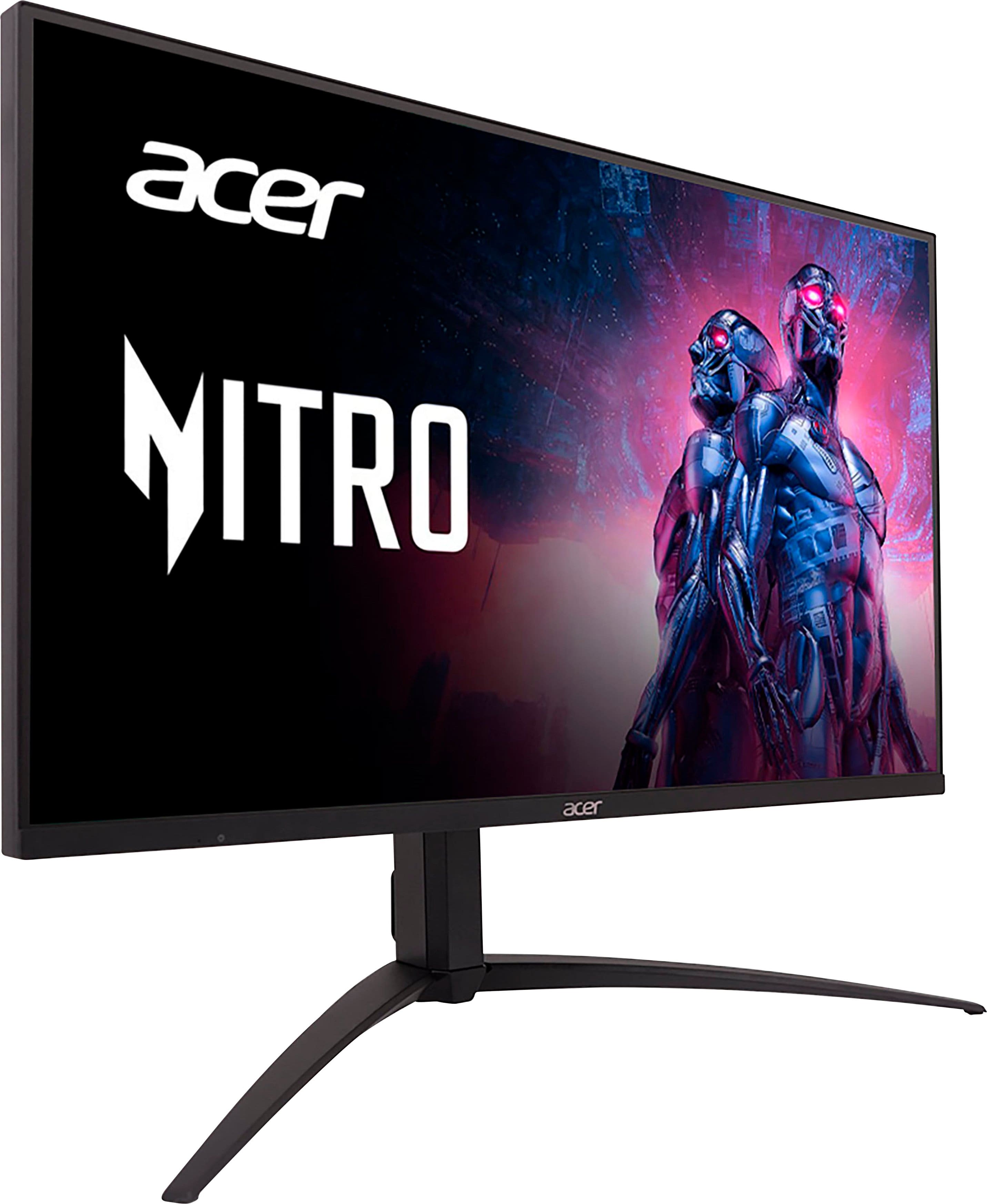
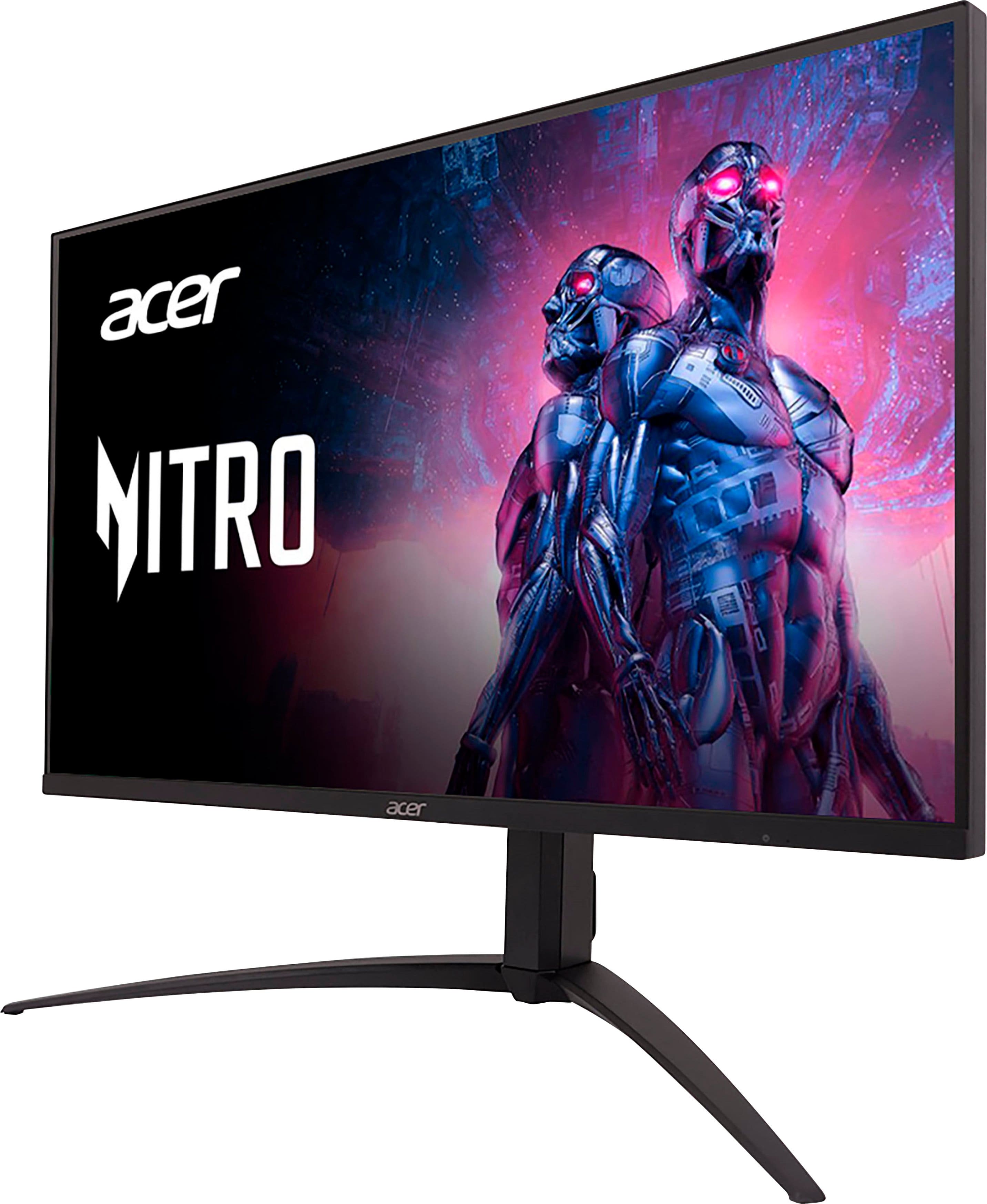
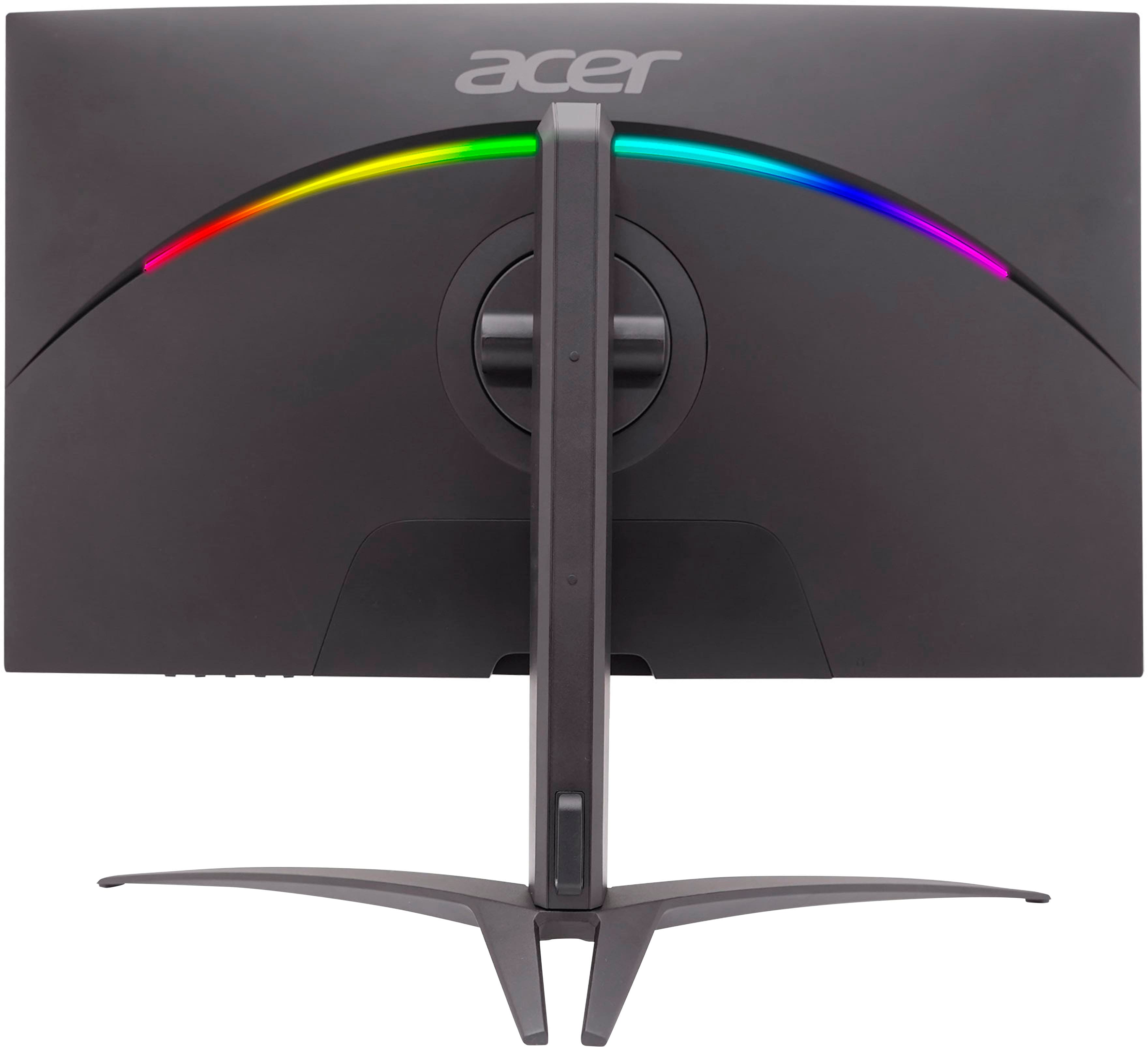
- Model:
- XV275K P3biipruzx
- SKU:
- 6539416
Rating by feature
- Display Quality
Rating 4.5 out of 5 stars
- Ease of Use
Rating 3.9 out of 5 stars
- Features
Rating 4.3 out of 5 stars
Customers are saying
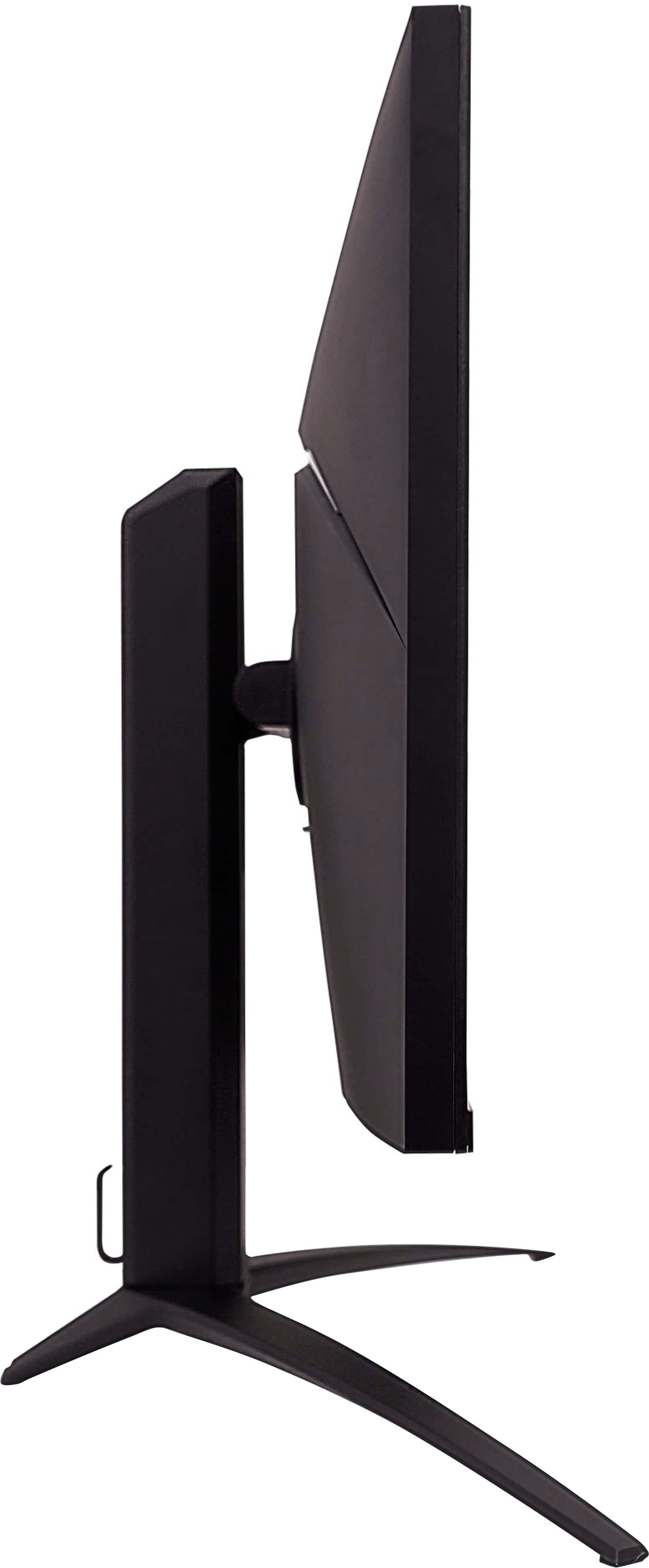
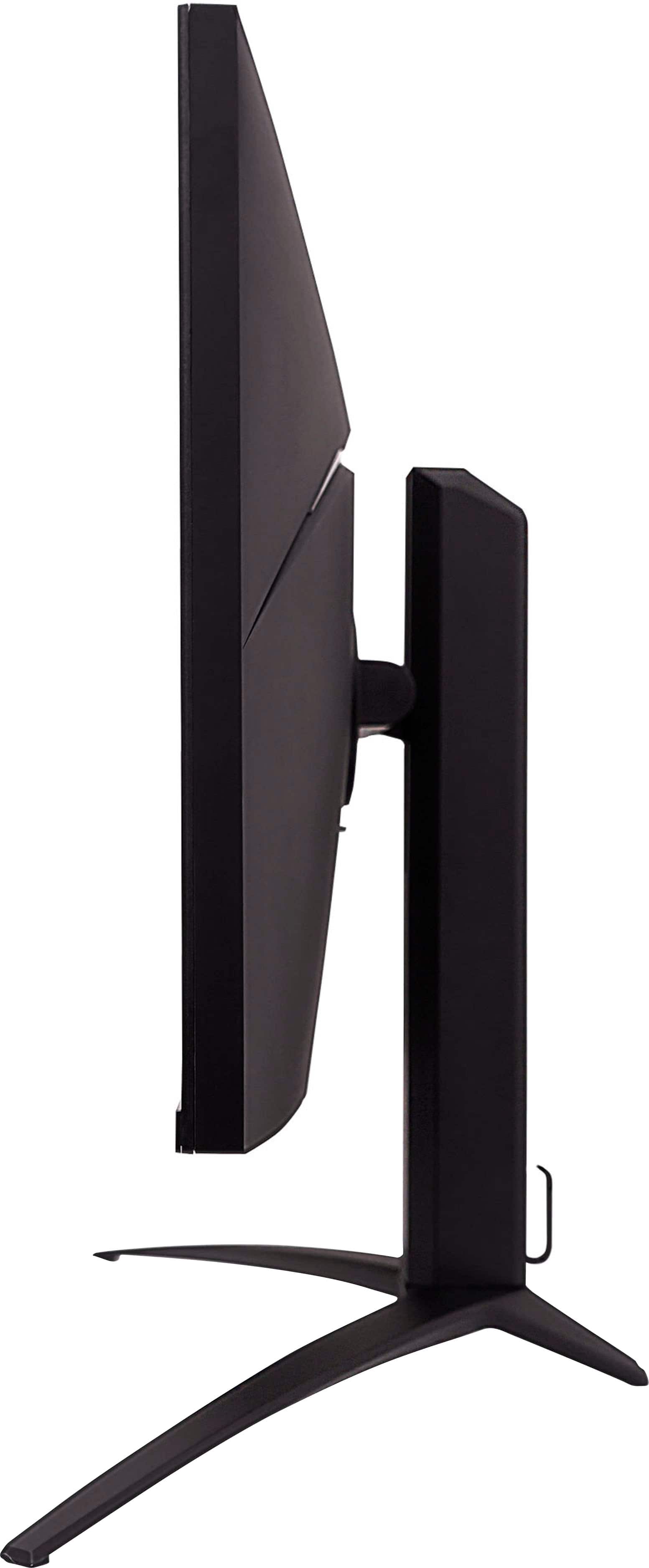
Customers recognize the Nitro 27" Mini LED UHD gaming monitor for its excellent picture quality, impressive HDR, and great brightness. The high refresh rate and reasonable price are also appreciated. However, some customers have expressed concerns about blooming, a less-than-ideal on-screen display, difficult-to-use controls, and a stand that occupies too much space. A few users also noted a lack of clear instructions for VESA mount usage.
This summary was generated by AI based on customer reviews.
- Pros mentioned:Picture quality
Highly recommend
Posted .This reviewer received promo considerations or sweepstakes entry for writing a review.Awesome monitor that is great for daily use ans gaming.
I would recommend this to a friend - Pros mentioned:Hdr
Cheaply made and overpriced
Posted .This reviewer received promo considerations or sweepstakes entry for writing a review.I gave this gaming monitor 2 stars and here is why. Horrible OSD menu, and cheap plastic buttons are prone to break. Horrible blooming effect even when not in HDR more if you have a bright object against a black background. Horrible veiwing angles. If you are not directly in front of the monitor it will not look good. If you have HDR mode enabled in windows, you have to also have monitor on HDR more or the display will produce a broken image. The good? 4k HDR1000 @ 165hz. Theres probably some more things to add, but the point is this thing MSRPs for $800.00 and thats insane for the quality. You buy this because its HDR1000, but don't fall for it. I qould not recommend this product. In fact, the 15.7" screen on my laptop looks better, and is also 165hz
No, I would not recommend this to a friendBrand response from TeamAcer
Posted .Dear user767997,
We are very sorry to hear that your newly purchased Nitro monitor did not meet your expectations. We are constantly working to improve the designs, and appreciate hearing directly from customers what they need and expect out of a product. We have sent this feedback to our product development teams for review. If you need any assistance with your monitor, don't hesitate to contact our support team at 866-695-2237 so we can help.
We appreciate you taking the time to write this review.
Regards,
Acer America
- Pros mentioned:Price
Low price, low quality.
Posted .This reviewer received promo considerations or sweepstakes entry for writing a review.My last monitor is an Asus PG27UQ, this one has a price that feels too good to be true when compared to the old one. My old Asus can do 4K RGB at 120hz without DSC, somehow, this one can't even with the same DP1.4 interface. Once I set it to 120hz, YCbCr422 is the only option in the NVIDIA control panel. So I switched to HDMI and my 3090 should be good for HDMI2.1. But somehow it doesn't work either. Once I enable 2.1 in OSD, the monitor will lose signal immediately. The funny thing is, when the monitor doesn't get a signal, I can only access the input source menu no matter which bottom I press, I can no longer downgrade to 2.0, it's stuck. And the OSD is awful. Now, I'm thinking should I try to figure out the GPU, monitor, or cable, which one causing the problem, or, should I just return this thing.
No, I would not recommend this to a friendBrand response from TeamAcer
Posted .Dear Eisai,
Thank you for taking the time to leave a review on your Acer Nitro monitor. We are sorry to hear that the product did not meet your expectations in some areas, and we want to work with you to see how we can help improve this experience. If you are in the US or Canada, please feel free to contact our support team at 866-695-2237, chat or social media; they are available to assist 24/7 for in-warranty products.
Regards,
Acer America
Love how the monitors colors look
Posted .This reviewer received promo considerations or sweepstakes entry for writing a review.Honistly for this monitor to be below 1000 dollars its really worth getting i recomend amazing quality.
I would recommend this to a friend