Customer Ratings & Reviews
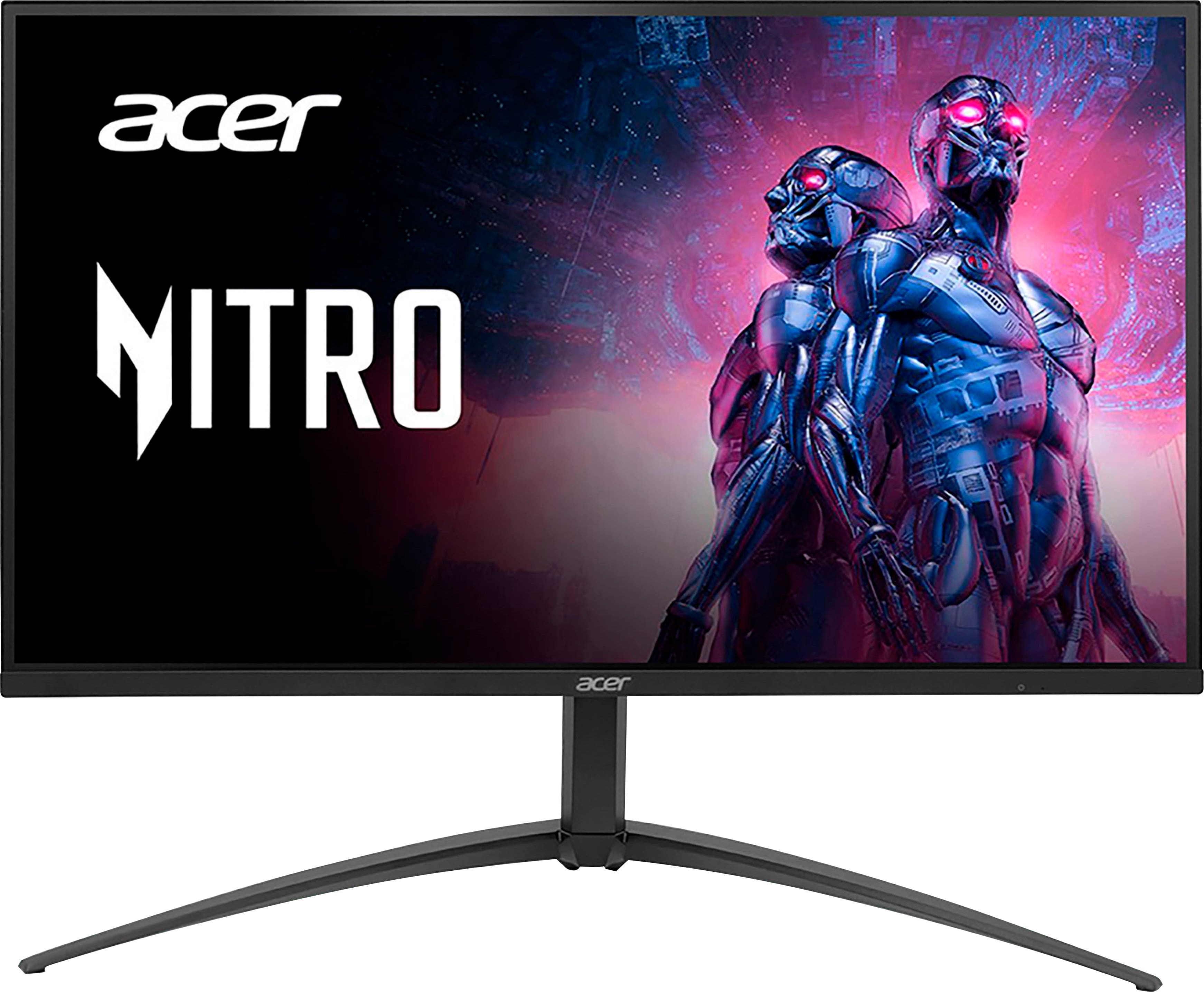
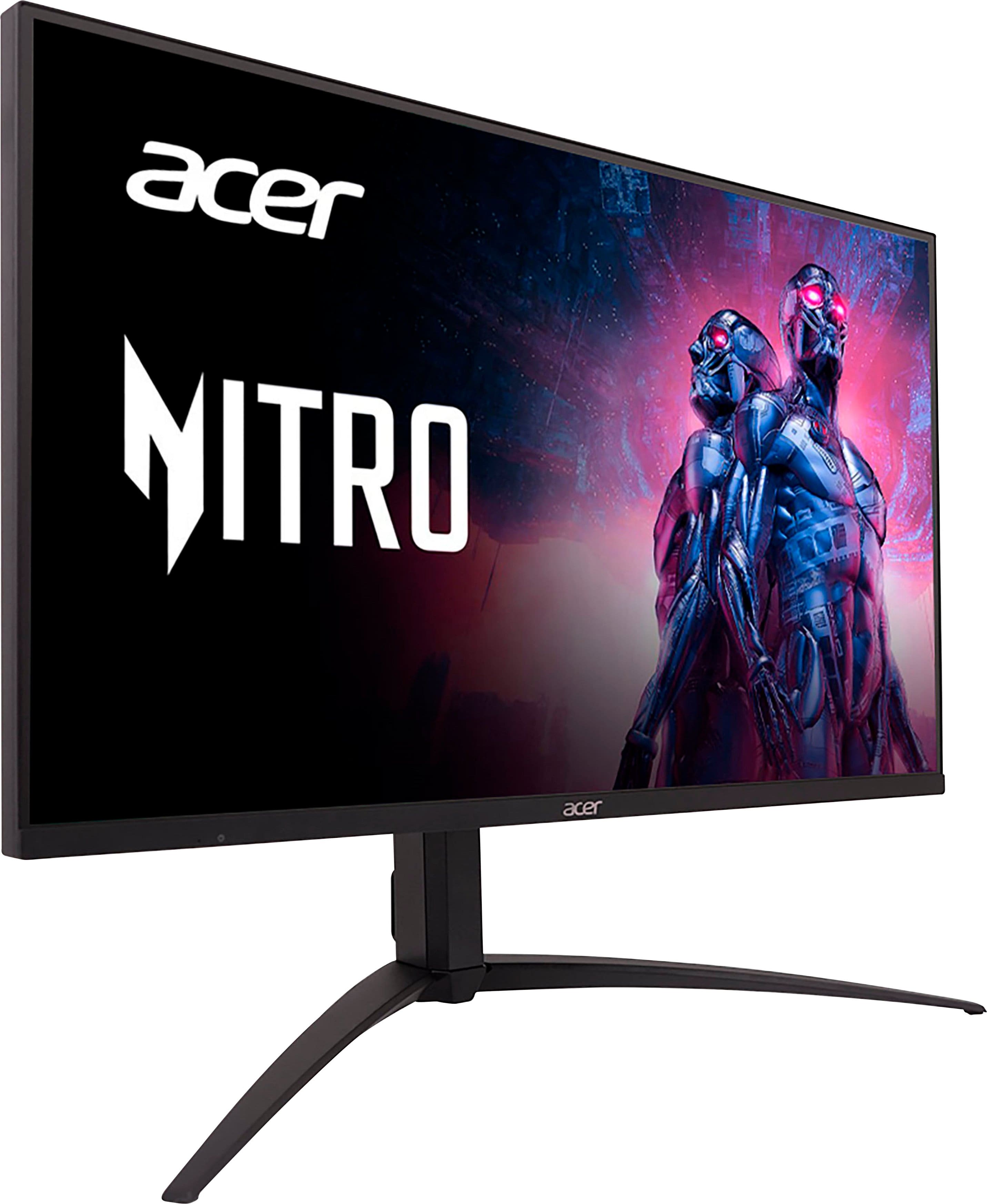
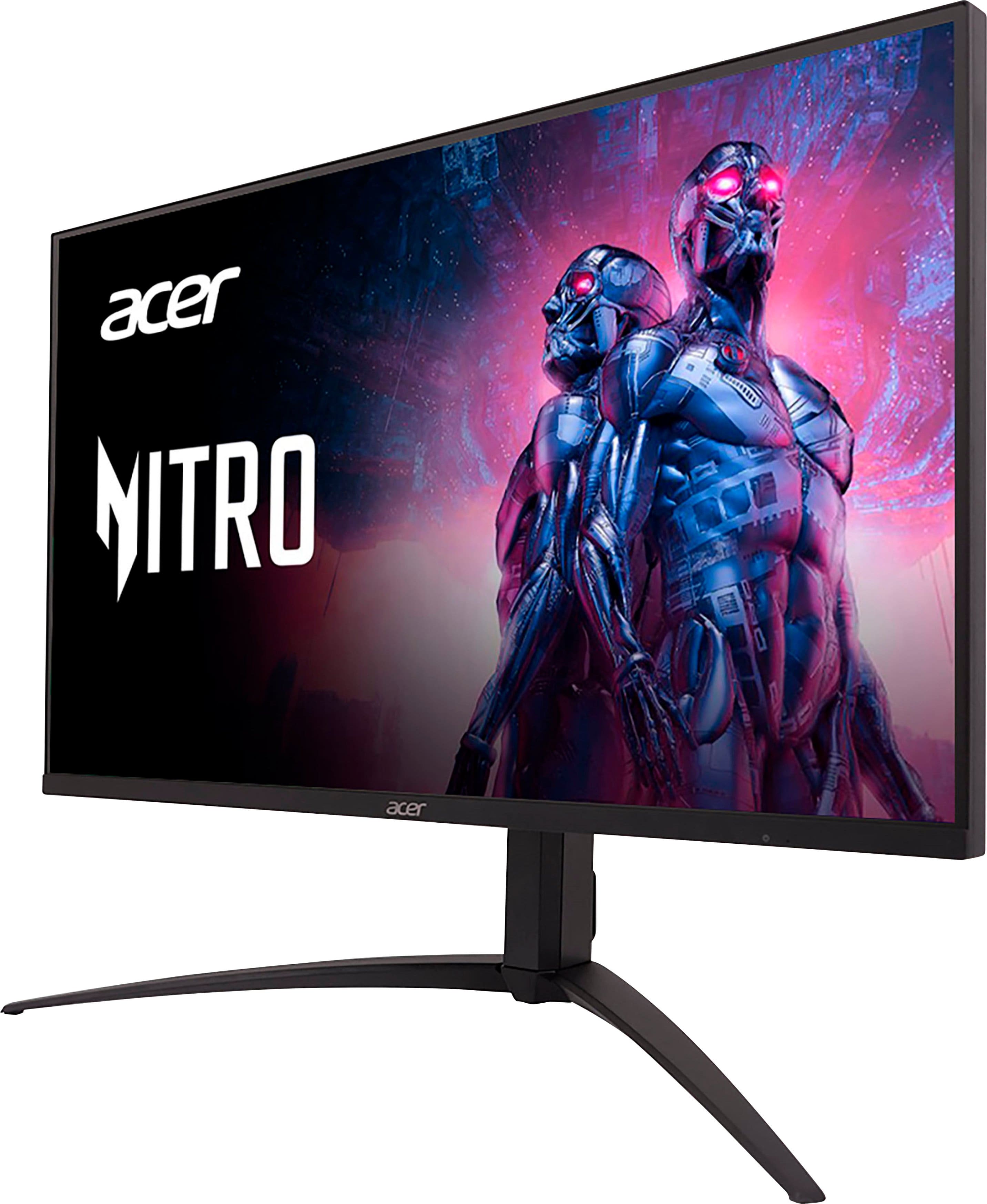
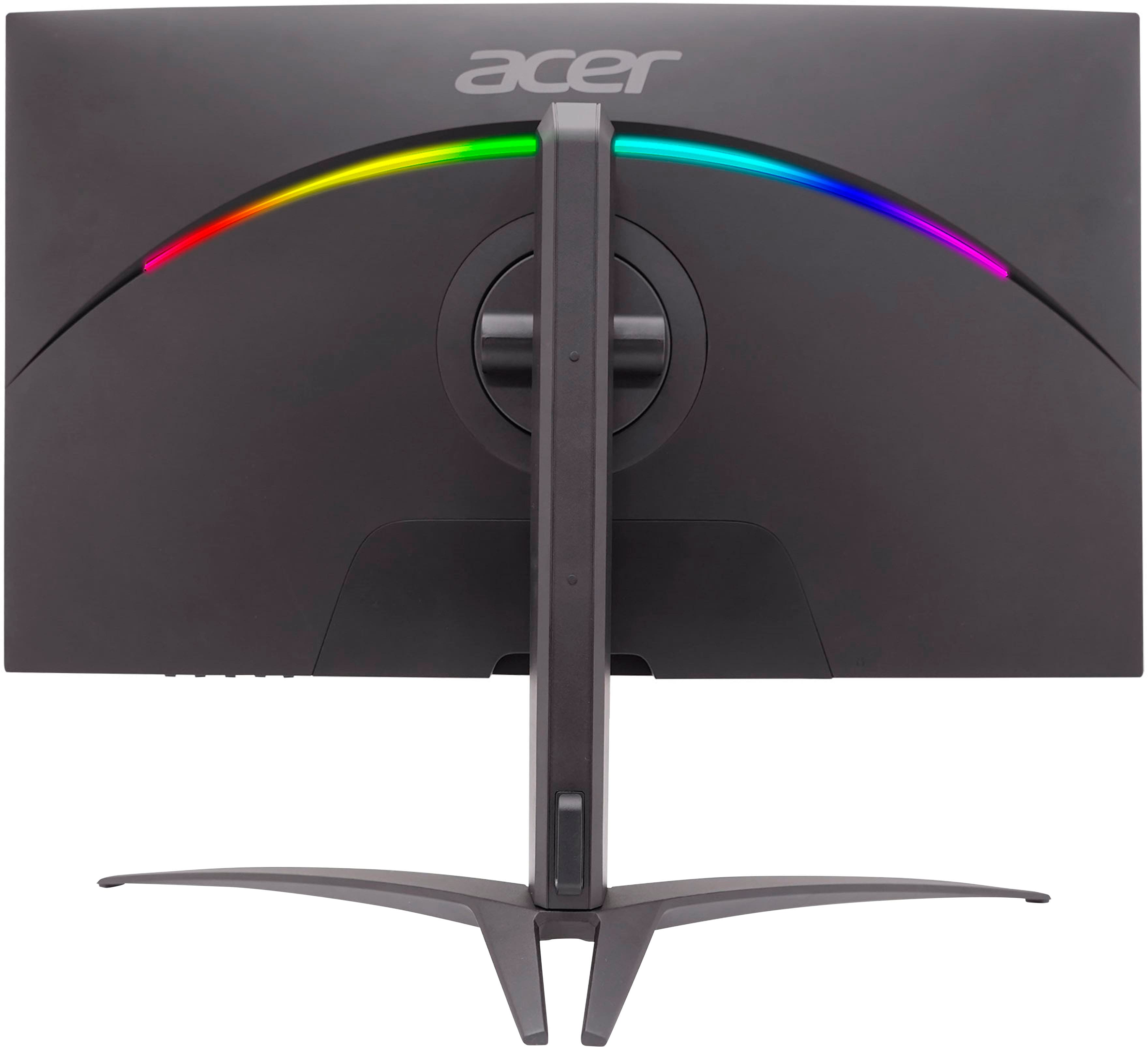
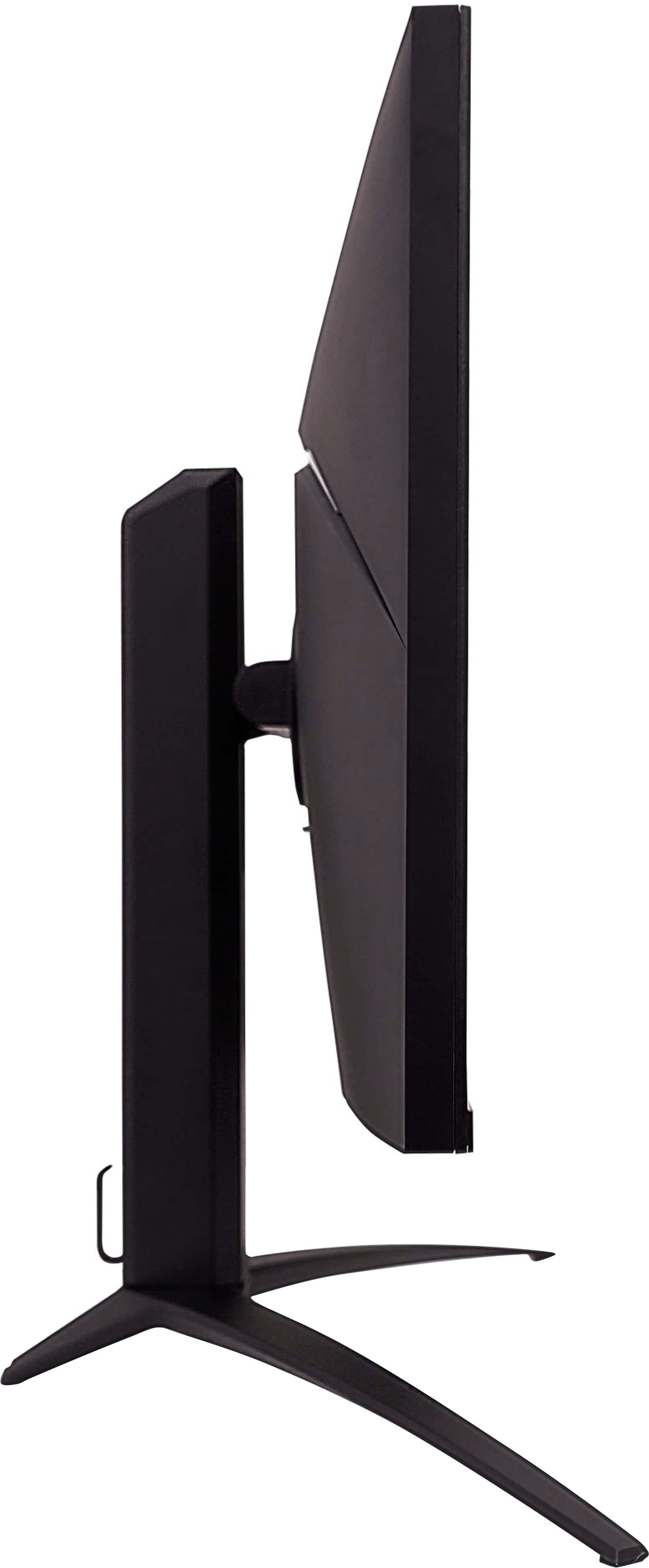
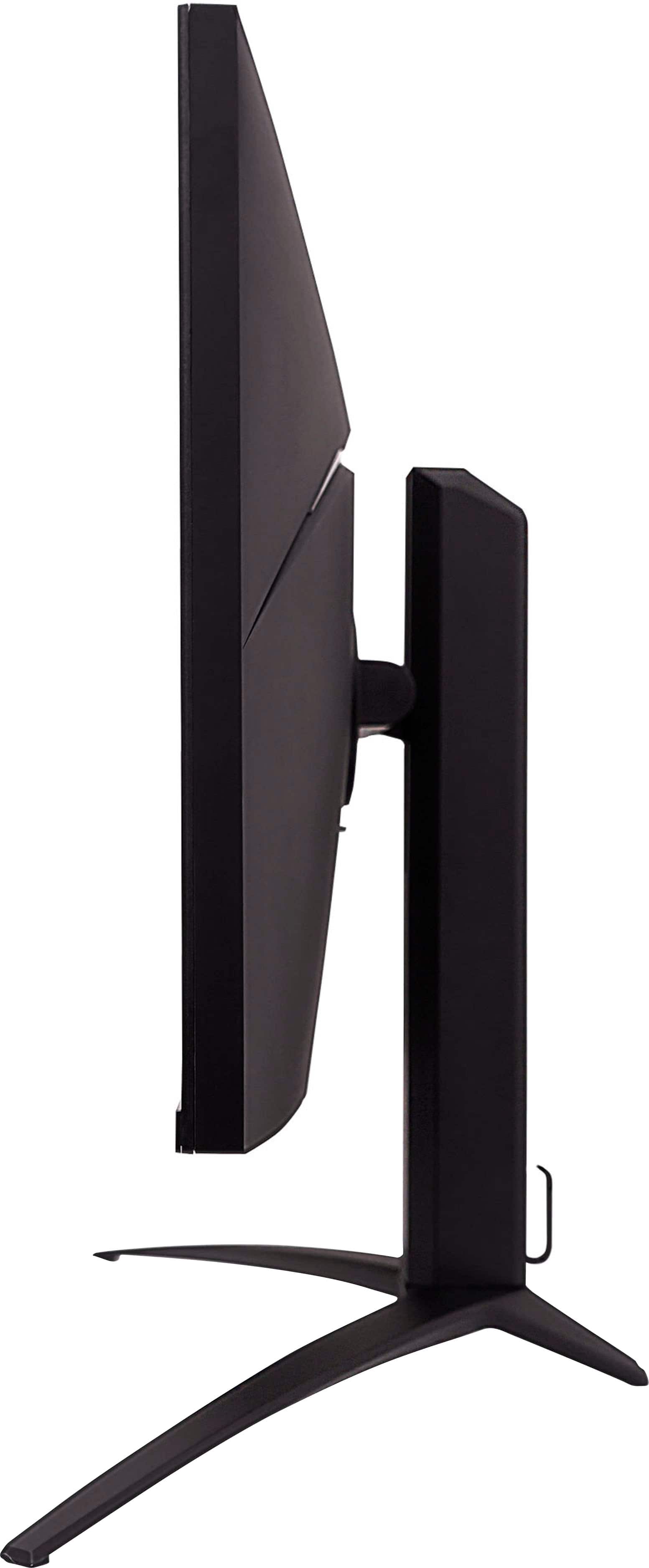
- Model:
- XV275K P3biipruzx
- SKU:
- 6539416
Rating by feature
- Display Quality
Rating 4.5 out of 5 stars
- Ease of Use
Rating 3.9 out of 5 stars
- Features
Rating 4.3 out of 5 stars
Customers are saying
Customers recognize the Nitro 27" Mini LED UHD gaming monitor for its excellent picture quality, impressive HDR, and great brightness. The high refresh rate and reasonable price are also appreciated. However, some customers have expressed concerns about blooming, a less-than-ideal on-screen display, difficult-to-use controls, and a stand that occupies too much space. A few users also noted a lack of clear instructions for VESA mount usage.
This summary was generated by AI based on customer reviews.
- Pros mentioned:Picture quality
Love it
||Posted . Owned for 7 months when reviewed.This reviewer received promo considerations or sweepstakes entry for writing a review.Great graphics bigger screen and no input lag 10/10
I would recommend this to a friend - Pros mentioned:Price
Worth the money
||Posted . Owned for less than 1 week when reviewed.This reviewer received promo considerations or sweepstakes entry for writing a review.Worth the price! Would recommend to friends and family
I would recommend this to a friend - Pros mentioned:Hdr
Macbook display + ps5
||Posted . Owned for 1 month when reviewed.This reviewer received promo considerations or sweepstakes entry for writing a review.Perfect for PS5 and as a desktop display for MacBook pro.
I would recommend this to a friend Thank you for the deal Best Buy. Best monitor ever
||Posted . Owned for 1 month when reviewed.This reviewer received promo considerations or sweepstakes entry for writing a review.Best monitor ive ever had. Im a gamer and been playing on a 1080p monitor. This 4k monitor has changed the game for me. The only drawback is the navigation UI to have the display exactly how you like it. However.. other than that.. its a great 4k monitor.
I would recommend this to a friendMaddening monitors
||Posted . Owned for less than 1 week when reviewed.This reviewer received promo considerations or sweepstakes entry for writing a review.I really wanted to like these, beautiful panels.. hobbled by horrible integrated OSD menus and beta-level firmware, and I suspect very cheap hardware too. The final straw after spending hours trying to set them up and not getting them to auto-switch HDR properly was one panel that kept turning on by itself in the middle of the night and looked like this. Both are going back. Acer appears to be a company that's still second tier with monitors. Going to have to get a samsung /LG/Sony/ASUS/Dell .. Acer's offering just is too frustrating.
No, I would not recommend this to a friendBrand response from TeamAcer
Posted .Dear Adam,
We are sorry to hear that you decided to return your newly purchased Acer Nitro monitor. Our support team is always available to assist with getting your new product set up and configured, or assist with any other troubles you may experience with your purchase. If you should need assistance with an Acer product in the future, please contact our support team at 1-866-695-2237, chat or social media, and we will be glad to help.
We appreciate you taking the time to write this review.
Regards,
Acer America
Nitro review
||Posted . Owned for 3 weeks when reviewed.This reviewer received promo considerations or sweepstakes entry for writing a review.Very good response time as well as great graphic display have had zero issues
I would recommend this to a friendGreat Monitor
||Posted . Owned for 3 weeks when reviewed.This reviewer received promo considerations or sweepstakes entry for writing a review.Amazing monitor, great gaming experience! I 100% recommend it
I would recommend this to a friendOpen box ‘excellent’
||Posted . Owned for less than 1 week when reviewed.This reviewer received promo considerations or sweepstakes entry for writing a review.Woth it being sold out i opted for the open nox excellent option, it was at Panama which was a 3hr round trip unfortunately. On arriving to collect the conditon couldnt have been any different. It was a dusty monitor on the floor with no box, no cables. Having driven that far for a misleading item did not bother the manager, he couldnt care. They tech support found a power supply for a different monitor but that was it. Still missing other cables. live chat werent able to assist at all. Will never use best buy again after this experience.
No, I would not recommend this to a friendBrand response from TeamAcer
Posted .Dear Marc,
We are sorry to hear the open box model did not meet your expectations. We suggest you contact Best Buy or the seller directly to inquire about your options. They will be best able to help you with your order so you get the product you want. If you should need assistance with an Acer product in the future, please contact our support team at 1-866-695-2237, chat or social media, and we will be glad to help.
We appreciate you taking the time to write this review.
Regards,
Acer America
- Pros mentioned:Brightness, PriceCons mentioned:Blooming, Controls
4k144hz HDR1000 MiniLED for $800 is a bargain
||Posted . Owned for 2 months when reviewed.This reviewer received promo considerations or sweepstakes entry for writing a review.I picked up a pair of these a couple months back for $569 each and can say i have no regrets. I was previously using a 49" Ultrawide but was growing tired of having to either play games Fullscreen and hope for the best, or to play in Windowed mode for better performance at a lower resolution. I have both of them mounted on VESA Mounts on my Desk. I will caution, that if you're looking to put these on mounts, you will need to purchase a Spacer Mounting Kit as the mounting is inside a Circular cut out that the stock Stands sit into. There are no VESA 75x75 circular mounts that I've been able to find. You might be able to 3D Print custom ones, or buy one somewhere. It's really the oddest design choice. It was largely my single concern, despite having a large enough desk to fit them on, I needed them elevated and didn't know if I could make it work, thankfully with the spacers it did. Hopefully ACER will recognize the need and offer a kit to convert it from 75x75 to 100x100. Picture quality, it's fantastic. Again coming from 49" MiniLED to this, I really am not missing anything. I do think these hold brightness better however and get a little brighter. I don't have the equipment to measure that, but from what I've heard they easily hit their 1000 Nits mark. I really thought I was going to be taking a step back, but It isn't that much of a difference. My ultrawide did have over 2000 Local Dimming zones or just over a 1000 per side (2 2560x1440 screens in one.) which would be double these individually. The biggest difference is Blooming. On my Ultrawide it was very well controlled with all those Dimming Zones and it was very hard to discern the any haloing or blooming. On these it's not as controlled. Ghosting is pretty minimal, though I have seen some in some games that I've played. Motion blur can help, but it's not going to eliminate it. Connectivity wise, I was happy to see they included Type-C as an input alongside DP 1.4 and HDMI 2.1. And yes it's real HDMI 2.1. You can in fact hook up your PS4 Pro, PS5 or Series X and get 4k120 on these without issue. They do have built-in Speakers, but I don't use them as I primarily use Headphones with a DAC and Amp. Likely the biggest complaint I have and many others have expressed is the controls. Why they put buttons on an $800 monitor, when a cheaper model monitor of theirs has a joystick is absolutely bizarre. It would in fact have cost less to put a single joystick on the bottom with a power button, as it would also be less wiring and less electronics. The OSD is also clunky and not the easiest to navigate, again, one of their cheaper monitors has a much better interface. ACER does however offer an app you can download that allows you to adjust some of the settings. It's pretty hit and miss unfortunately, but if you can't stand using the buttons, it's passable. Overall, they're excellent screens. Sure you can try and get more expensive ones, or ones with more dimming zones, (the 1000 Dimming Zone ones are all cheaper looking and even cheaper built) for a similar price point, but these are really hard to beat, especially if you can get them when they're on sale for $600. If you're looking to move to 4k and they're on sale, you absolutely cannot get anything similar for the same price without going to a lower resolution, or going to a display that is only 60Hz.
I would recommend this to a friend - Pros mentioned:Brightness, Refresh rateCons mentioned:Blooming, On-screen display
HDR1000, FALD, Its Nice
||Posted .This reviewer received promo considerations or sweepstakes entry for writing a review.Let me start with the fact that I have been using a 24" TN panel monitor for about 5 years now and am very used to washed out colors, so my experience with how most modern monitors looks may be skewed and this may not be the best review ever because of that. That said, the Acer XV275K P3 is easily the best monitor that I have seen personally aside from a friend's Alienware 34" oled monitor. The only other panels I have seen personally that might be nicer are OLED TVs from the likes of LG (the C2 series for instance), but the difference is really not that big. Things I like about this panel: - color accuracy. It comes calibrated from the factory! - Brightness with HDR enabled is incredible. - the I/O is pretty good -obviously, 3840x2160/4K is wonderful -160hz refresh rate (only over displayport, not HDMI) Things I don't like: - the stand. dont get me wrong, it works, but the strut portion feels very cheap - the OSD menu is basically terrible and reminiscent of display menus from 5-10 years ago - the 576 FALD zones are pretty good, but there will be some blooming in scenes with a mix of dark and light areas. - adaptive sync/"AMD Freesync Premium" still is not as good as a monitor with a G-sync module, as I could immediately tell coming from my last technically-worse-in-every-way monitor. Its way better than having no VRR support though, thats for sure. - Windows HDR is pretty bad if you are just wanting to use your PC for anything other than HDR videos or games. It ends up washing everything out. - fairly dim if OSD is not in HDR mode.
I would recommend this to a friend - Pros mentioned:Hdr, PriceCons mentioned:Stand
Good value while it's on sale
||Posted . Owned for less than 1 week when reviewed.This reviewer received promo considerations or sweepstakes entry for writing a review.I picked it up at the same time everyone else did, while it was on sale for $599. That makes it the least expensive UHD monitor with miniLEDs currently on the market. Having said that, I don't feel like it's an $800 monitor. I wouldn't pay retail for this, because bigger options exist with twice as many LEDs for around that price. Further to this, I had to exchange my first unit due to some screen clouding, pixel issues. The QC feels a little lackluster, but nothing wrong with my second unit so far. Because it's a new release by Acer, all the ports are up to date. You get HDMI 2.1 (@144hz) and displayport 1.4 (@160hz). The USB 3.0 hub is kinda cool too, especially if you have something like a Galaxy watch charging cable, which are notoriously short and don't reach the desk otherwise. It's nice if you use wired keyboards/mice too. Audio jack lets you leave speakers connected to the monitor instead of having to connect them directly to a laptop every time you want to dock. It gets really bright in HDR mode (higher than 1000 nits). It's actually quite impressive. There is a fan inside but it doesn't get incredibly hot nor loud either. No coil whine at all. It also includes every cable it supports, which are all good quality. This was surprising. The stand sadly takes up a lot more desk space than necessary, but aftermarket Vesa mounts/stands are compatible. Factor that into your budget if you're cramped for space. Overall, this is the best monitor you're gonna get right now for the price (when it's on sale). Other brands in the $500-600 range might look promising but they won't be miniLED and they'll be lacking in some critical area like outdated ports, brightness, etc.
I would recommend this to a friend - Pros mentioned:Brightness, Hdr, Refresh rate
A fantastic HDR display at a great price!
||Posted .This reviewer received promo considerations or sweepstakes entry for writing a review.I've been waiting a long time for Mini LED monitors to drop to a justifiable price, and we're finally here! TLDR, I came for the local dimming, I stayed for the HDR. For preface, I've been gaming on a 4K/60 Samsung UR55 and LG C1 OLED previously, so this review will compare this monitor against an OLED TV and a standard edge lit IPS monitor. Local Dimming: At $550 (sale price), I couldn't refuse the upgrade to high refresh rate and local dimming on my main monitor, I don't always want to/can't couch game on the OLED. The capabilities of this monitor were different from what I expected. First of all, if you're here for deep blacks and contrast, you may be somewhat disappointed. The matte screen spreads light bleed even beyond a Mini LED TV, meaning you won't be getting those inky blacks in, for example, 4:3 content with black pillarboxing. In practice, this is fine for most games and movies, as it still gets dark enough where you won't be bothered by it like a standard monitor, but just know you aren't getting the same level as a glossy OLED panel. Local dimming can be toggled in SDR mode. Using dark modes in regular desktop use doesn't look great with local dimming, so if you are bothered by the way it looks, it can be set to look like any normal direct lit monitor. Responsiveness: Compared to OLED, pixel response time is nowhere near the same level of smoothness. Expect the same feel as any other IPS monitor. I felt like 60fps on OLED was just as responsive as 120 on this monitor. OSD: As other reviews have mentioned, the onscreen display is kinda awful. You have to manually enable and disable HDR (Auto is just On), even between inputs, and when it is enabled there are very few tweakable picture settings. The buttons are way worse than the joystick on other monitors. HDR and Color: Where this monitor truly shines, however, is in HDR performance. Mine gets around 1100 nits of peak brightness and it is glorious. I was impressed by the 800-nit peak on my OLED, but this is really something else. And no fear of burn in or pixel wear! I tested Hitman 3, Baldur's Gate 3, Cyberpunk, and Control with the HDR mod, and was blown away by how bright the highlights can get and how colorful and vibrant this monitor is. HDR is the kind of thing that you really have to see to understand how amazing it looks, and this monitor absolutely nails HDR. I also tried using Special K to enable HDR in other games, like Bomb Rush Cyberfunk, and it definitely requires per-game tweaking but the results are incredible for a DIY solution. Even SDR content (with Windows having HDR turned on) still looks good. Make sure you tweak your SDR brightness and calibrate HDR color first! I have not tried Windows Auto HDR but I'm sure this would look great as an easy alternative to Special K. Longer TLDR: HDR performance is absolutely fantastic and highlights get super bright. Local dimming is good for most content but can be underwhelming due to the matte screen. The responsiveness is the same as any other IPS, not as good as OLED. The OSD is bad but mostly serviceable.
I would recommend this to a friend - Pros mentioned:Brightness, Hdr, Price
Perfect 4k gaming for PC or Next gen consoles
||Posted . Owned for 2 months when reviewed.This reviewer received promo considerations or sweepstakes entry for writing a review.Pros: Bright picture with colors that pop with hdr1000 support, 160hz refresh rate local dimming with more zones than sonys m9 monitor, price is very competitive especially when on sale. Cons: only con is the interface. Its a small hassle to deal with when looking at everything else
I would recommend this to a friend - Pros mentioned:Brightness, Hdr, Price
Great price at best buy
||Posted . Owned for 3 weeks when reviewed.This reviewer received promo considerations or sweepstakes entry for writing a review.The display visual quality is very nice. HDR on this looks like a clear improvement over HDR400 certified monitors and the local dimming makes a big difference over typical IPS monitors. The monitor settings are a little awkward to use since there's no joystick style button, but it's generally ok. Blooming with local dimming is visible at times when large black spaces are contrasted with light colored bright objects (e.g. a mouse cursor on a dark background) but in general it's not obvious and definitely enhances the image. At the price of $600 I think this is currently unbeatable. I would not pay not for an oled when you consider the drawbacks of oled compared to this miniled - mainly oled burn in, text clarity and price.
I would recommend this to a friend - Pros mentioned:Hdr, Picture quality, Refresh rate
Acer gaming monitor
||Posted . Owned for 2 months when reviewed.This reviewer received promo considerations or sweepstakes entry for writing a review.It is a great gaming monitor with auto hdr and really nice picture quality, the monitor runs 4k at 120hz with my xbox series x. The price is a little steep compared to other competitors but it holds up well compared to them. Overall a great monitor I had one break and I went to buy a new one and i had a chance to upgrade my current one to a samsung g9 for an extra 200 dollars but i knew how good the other one was so i decided to stay loyal to this one monitor. Over all great monitor and i highly recommend
I would recommend this to a friend - Pros mentioned:Picture qualityCons mentioned:Vesa mount
Nice screen but infuriating OSD/input switching
||Posted . Owned for 1 week when reviewed.This reviewer received promo considerations or sweepstakes entry for writing a review.As some other reviews have mentioned, it's not the display itself that is the issue. PROS: -Really great looking display that gets really bright, no complaints there (especially when this was on sale to find a HDR1000 display with 4k 160hz etc at less than $600) CONS: -Horrible OSD controls. Switching inputs in particular time consuming with the number of button pushes you have to do. -If you use it for multiple things (i.e. I use it for my work computer, game PC, Xbox, Switch all connected at my desk), it tends to have strange behavior in automatically switching inputs if something is left on. Bit hard to explain, but to boil it down basically you spend a lot of time changing inputs back to a device that is awake/active instead of the things that are asleep, but that the monitor thinks is awake/active. -The back cord hiding panel is flimsy and already seems broken and won't fully clip in all the way now, and I've only taken it off/put back on maybe twice? -The opening for the VESA mount is tricky due to the circle cutout it uses...really dumb they didn't make the circle bigger or just square. I had to find additional screws/washers to mount it to my existing dual arm setup. -Back LEDs have really limited settings, which seems like a waste. ------------------------------------------- So to summarize this monitor is best suited to someone who uses only one input and doesn't need to switch settings often. Great screen itself, but everything else is pretty annoying.
No, I would not recommend this to a friend - Pros mentioned:Brightness, Hdr, Picture quality
Excellent visuals and value
||Posted .This reviewer received promo considerations or sweepstakes entry for writing a review.Tried using LG 42 OLED as a monitor but ABL and changing my usage to prevent burn in got annoying. Additionally, text was blurry on the LG. Got this Acer Nitro as a replacement. Pros - Very sharp text - Manageable size - Works with MacOS and M1, no issues - I thought the OSD was straight forward to use - Comes with USB C, HDMI, display port cables - Excellent HDR and gaming performance - Don't really notice blooming - Adjustable stand Cons - Edges are slightly dark and have a bluish hue, not distracting unless I'm looking for it Overall - Great value for $550 when on sale - Gets as bright and looks as good as my Macbook Pro miniLED screen
I would recommend this to a friend - Pros mentioned:Brightness, HdrCons mentioned:Stand
Great quality, questionable firmware
||Posted . Owned for 2 months when reviewed.This reviewer received promo considerations or sweepstakes entry for writing a review.This is an amazing MiniLED monitor with great local dimming performance and speedy response times. The included stand has a good amount of adjustments but is a bit bulky. The firmware is not great at handling mode switching though, so if local dimming and HDR on the desktop bother you then you'll be manually switching them off every time you get done with HDR content. Fortunately I don't mind. The HDR experience is still excellent.
I would recommend this to a friend - Pros mentioned:Picture quality, Refresh rate
The mini LED is pretty bad
Posted .This reviewer received promo considerations or sweepstakes entry for writing a review.The picture quality is amazing in most situations, with good color (after adjustments) and awesome brightness. The refresh rate and responsiveness are quite solid. However, the mini LED backlighting algorithm chooses to alter a whole 9 square inches around my cursor on a dark background, and similarly will create huge non-uniform color halos when grays and blacks are dominant. The user menu is horrific to navigate, and you have to hold a button for maybe 20 seconds to adjust some settings. The RGB light on the back isn't bright enough to do anything. Finally, while it's possible to adjust settings to work in most situations, you can't save them properly, so you end up having to fiddle for many minutes between use cases. The background of the webpage in the photo shown should be a solid grey. This coloration is much less apparent with lower brightness settings, but HDR/high brightness use will expose it pretty quickly.
No, I would not recommend this to a friendBrand response from TeamAcer
Posted .Hello Andy,
Thank you for taking the time to leave a review on your Acer Nitro monitor. We are sorry to hear that the product did not meet your expectations in some areas, and we want to work with you to see how we can help improve this experience. If you are in the US or Canada, please feel free to contact our support team at 866-695-2237; they are available to assist 24/7 for in-warranty products.
Regards,
Acer America
- Pros mentioned:Hdr, Refresh rate
Gets very bright, there is blooming, but amazing
||Posted . Owned for 3 weeks when reviewed.This reviewer received promo considerations or sweepstakes entry for writing a review.As an avid gamer and tech enthusiast, I recently upgraded my gaming setup with the Acer Nitro XV275K P3biipruzx 27" Mini LED UHD Gaming Monitor, and I am thrilled with my purchase. This monitor has not only elevated my gaming experience but has also been a significant upgrade for my productivity tasks. Here's a detailed review based on my personal experience. Unparalleled Visual Experience The first thing to notice about this monitor is its stunning display. The UHD 3840 x 2160 resolution backed by Mini LED technology offers crisp, vibrant visuals that bring games and videos to life. The HDR1000 support means that the brightness and contrast are on another level, with deep blacks and bright whites ensuring that every detail is visible, even in the darkest or brightest scenes. Smooth Gaming Performance As someone who values smooth gameplay, the 160Hz refresh rate and 1ms response time are game-changers. Whether it's fast-paced shooters or high-speed racing games, the motion blur is virtually non-existent, and the input lag is imperceptible. The FreeSync Premium support has eliminated screen tearing, ensuring seamless and fluid gameplay regardless of the frame rate fluctuations. Ergonomic Design and Connectivity Acer has also done a great job with the design and build quality of the XV275K. The monitor sports a sleek, black aesthetic that fits well in any setup. The stand is sturdy and offers tilt, swivel, and height adjustments, allowing me to find the perfect viewing angle for long gaming sessions or work hours. The range of connectivity options, including HDMI and DisplayPort, has made it easy to connect to my PC and other devices. Final Thoughts The Acer Nitro XV275K P3biipruzx is a top-tier monitor that caters to the needs of both gamers and professionals. The superior display quality, coupled with exceptional gaming performance, makes it a worthy investment. While the price point might be on the higher side, the features and benefits justify the cost. If you're in the market for a high-quality gaming monitor that doubles as an excellent display for work, this is a product you should consider.
I would recommend this to a friend