Customer Ratings & Reviews
- Model:
- XV275K P3biipruzx
- SKU:
- 6539416
Rating by feature
- Display Quality
Rating 4.5 out of 5 stars
- Ease of Use
Rating 3.9 out of 5 stars
- Features
Rating 4.3 out of 5 stars
Customers are saying
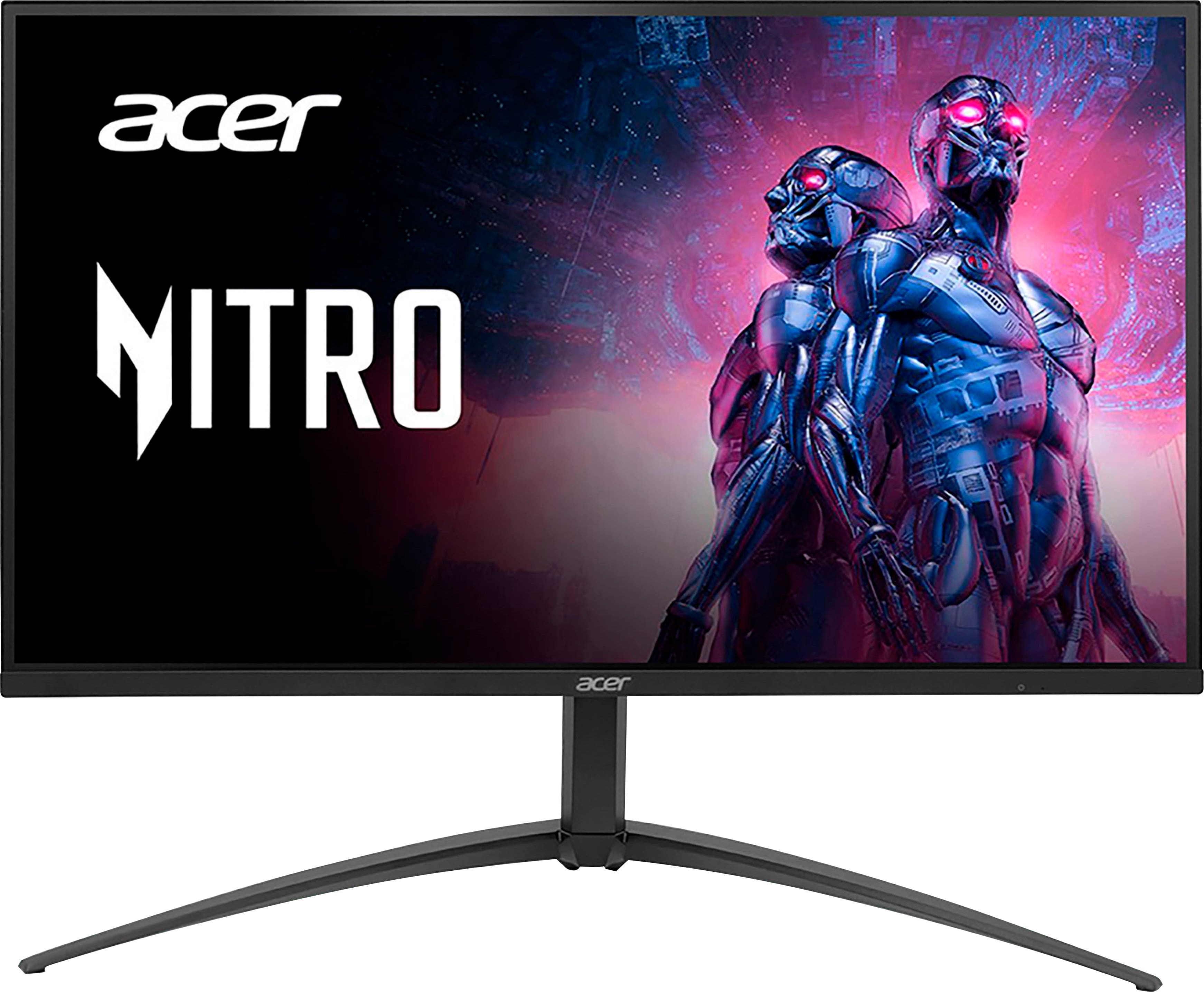
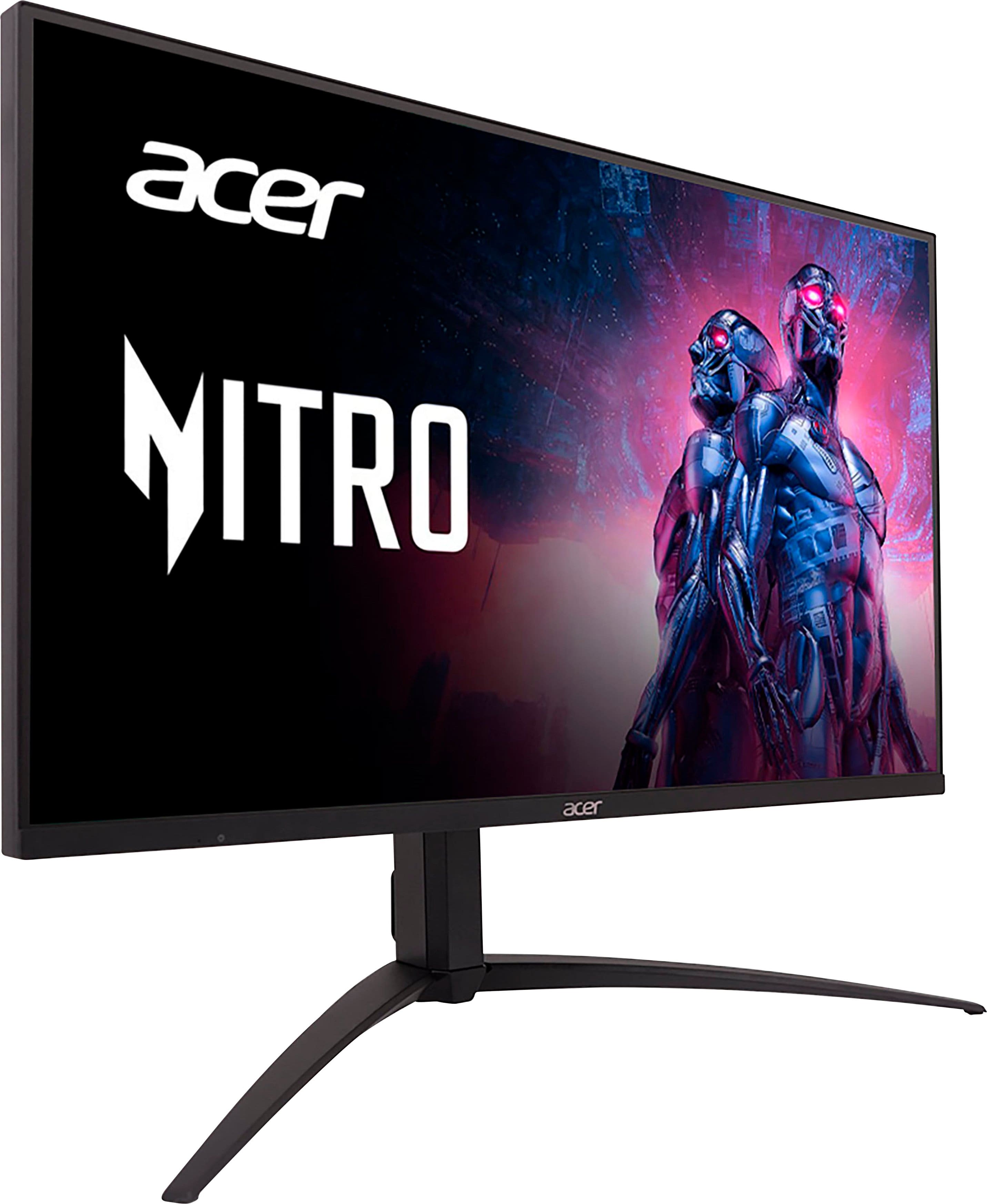
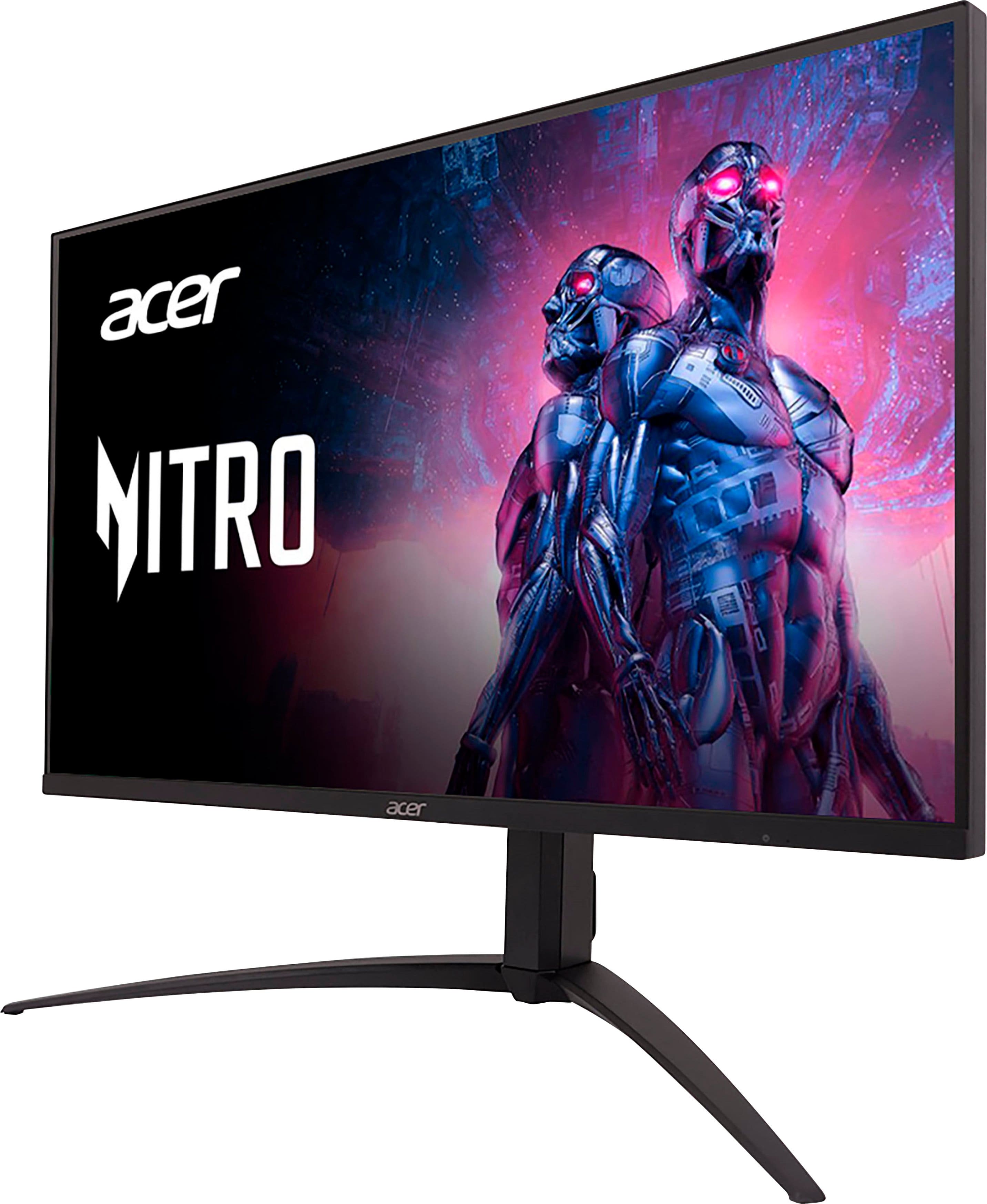
Customers recognize the Nitro 27" Mini LED UHD gaming monitor for its excellent picture quality, impressive HDR, and great brightness. The high refresh rate and reasonable price are also appreciated. However, some customers have expressed concerns about blooming, a less-than-ideal on-screen display, difficult-to-use controls, and a stand that occupies too much space. A few users also noted a lack of clear instructions for VESA mount usage.
This summary was generated by AI based on customer reviews.
- Pros mentioned:Hdr, Picture quality
Great value alternative to OLED, great HDR
||Posted . Owned for less than 1 week when reviewed.This reviewer received promo considerations or sweepstakes entry for writing a review.Picked this up and after using it for a few days, I am very satisfied. HDR looks fantastic in games. Tried out a few popular games like halo infinite, mw2, and red dead 2, all look fantastic compared to my 1440p ips monitor. The only reason I am giving this 4 stars instead of 5 is due to the menu design, and more so the way to navigate it. My 1440p monitor by acer has a joystick, why they went with only buttons on a monitor over twice the price just feels cheap. Beyond that, I am satisfied with the picture quality, definitely would recommend this to someone looking for an alternative to expensive OLED monitors but still wants an image upgrade over cheaper monitors.
I would recommend this to a friend - Pros mentioned:Brightness, Hdr, Refresh rate
Amazing 4K HDR 160Hz Monitor for PC or Console!
||Posted . Owned for less than 1 week when reviewed.This reviewer received promo considerations or sweepstakes entry for writing a review.This monitor is amazing! Was looking for a 4K HDR monitor as I was wanting to upgrade from my LG GL850 and saw that this one had VESA Certified HDR1000, as well as a 160Hz refresh rate at 4K, and 576 Local Dimming zones. Being that the monitor is only 27 inches, the 576 zones isn't a big deal at all, and with HDR on in Windows 11 it looks amazing! Only complaint, is that the OSD could be a bit better, but that is only a minor issue. I highly recommend this monitor to anyone looking for a TRUE HDR monitor that doesn't break the bank!
I would recommend this to a friend - Pros mentioned:Brightness, Hdr
Ultimate tech, mini LED is the way to go!
||Posted . Owned for less than 1 week when reviewed.This reviewer received promo considerations or sweepstakes entry for writing a review.Hands down the best monitor ive owned! Mini LED is amazing, OLED blacks with incredible brightness and HDR levels. Pristine IQ, and colors that pop off the screen. Feels like your playing games youve played before for the first time. Just WOW! Heard this was the new big thing in tech and now im a believer, Mini LED all the way! Combine this with the Xbox Series X and prepare to be amazed! Id recommend Redfall for next level HDR experience!
I would recommend this to a friend - Pros mentioned:Hdr, Refresh rate
Great Quality and Price for 4k, 120hz Monitor
||Posted . Owned for 1 month when reviewed.This reviewer received promo considerations or sweepstakes entry for writing a review.First Monitor Ive bought and am very happy with the purchase. Price is definitely good for the quality and it having 4k with 120hz. Great for gaming, been using the xbox series x and switch with it. Xbox obviously looks great with games supporting 120fps and hdr, but the switch also looks a lot clearer then I thought it would. Seems like the monitor has good upscaling and the mini led technology really makes the colors on the monitor pop. Overall very satisfied with the purchase!
I would recommend this to a friend - Pros mentioned:Brightness, Hdr, Picture quality
One of the Best
||Posted . Owned for 1 week when reviewed.This reviewer received promo considerations or sweepstakes entry for writing a review.One of the best. I've tried the Sony Inzone m9 and it had a beautiful picture but this one is just on a whole other level in terms of operation and picture. This is so BRIGHT and the HDR experience is something that will blow you a way. If your in the market for a monitor that will last you for years then grab this you wont be let down i promise.
I would recommend this to a friend - Pros mentioned:Hdr, Picture quality
A Decent Gaming Monitor
||Posted . Owned for 1 month when reviewed.This reviewer received promo considerations or sweepstakes entry for writing a review.I bought this monitor to replace an entry level 4K "HDR" monitor I had that I was not happy with. I wanted something that provided great picture, had a USB hub (including USB-C), and was worthy of the HDR specification. This monitor fit the bill. The miniLEDs give great contrast and gets closer to true HDR. My only issues with this monitor concur with what other reviewers have said: there are visual artifacts with local dimming enabled (but you can adjust and disable this feature) and the firmware is buggy. Once you learn the quirks of the firmware, however, it's a good monitor. I am overall happy with my purchase.
I would recommend this to a friend - Pros mentioned:HdrCons mentioned:On-screen display
Great display with weird limitations
||Posted . Owned for 4 months when reviewed.This reviewer received promo considerations or sweepstakes entry for writing a review.A beautiful gaming display colors pop well with hdr, my only major complaint is the monitor makes you choose between the ability to use usb c or the 2x usb a ports why cant is use both at the same time eg if i wanted to dock a laptop and use it as a desktop with one coord and keyboard and mouse connected to the monitor. the on screen display and the buttons used to navigate it are annoying and at times confusing. The beautiful display at least more than makes up for the annoyances the color performance of the monitor makes my second 4k monitor look dull in comparison which i thought when i got it that it looked pretty good as well.
I would recommend this to a friend - Pros mentioned:HdrCons mentioned:Blooming

Great Picture Bad Blooming
|Posted . Owned for less than 1 week when reviewed.This reviewer received promo considerations or sweepstakes entry for writing a review.[Employee of bestbuy] I was in the market for a new monitor to play starfield on that had better blacks and stumbled across this mini led one. Got it on sale for $599.99 which for 4K HDR 1000 and 160hz sounds like a heck of a deal. The monitor looks absolutely beautiful when playing 4k HDR content. It gets very very bright and the blacks are very solid but holy cow there is a lot of blooming. I tried messing around with settings but couldnt get it how I wanted. The blooming is bad to the point there is a big white halo around your mouse cursor. I think I will continue to use it a while and see how much it really bugs me. I do find it hard to believe there is 500-570 local dimming zones though. The bad blooming really only happens with the color white I should add. Other colors seem to be fine with mnimal blooming.
I would recommend this to a friend - Pros mentioned:Hdr, Refresh rateCons mentioned:Stand
Great hdr
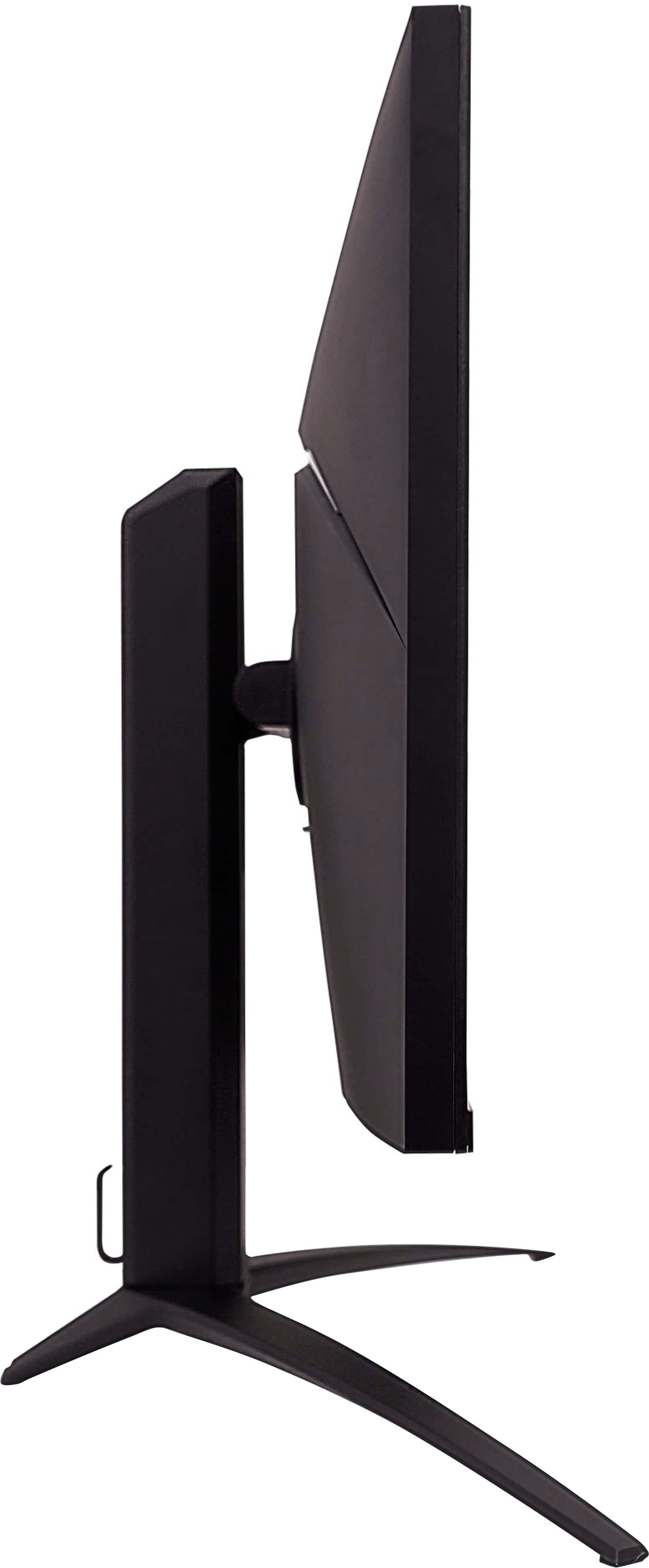
||Posted . Owned for 1 week when reviewed.This reviewer received promo considerations or sweepstakes entry for writing a review.Great hdr monitor, good fast refresh, suits well movies and games. The stand is taking too much space, switched to another more compact vesa 75 stand. The settings menu and buttons navigation on the monitor is really not so good, all buttons are on the bottom, really hard to find right one
I would recommend this to a friend - Pros mentioned:Picture qualityCons mentioned:Stand
Great Monitor to buy on sale
||Posted . Owned for 1 month when reviewed.This reviewer received promo considerations or sweepstakes entry for writing a review.Good monitor when it is on sale, I personally had no problems with the screen or panel myself. On the other hand though the stand takes up a lot of space and trying to mount the monitor is a pain. As expected OSD controls were a pain to use, and Auto HDR mode doesn't seem to work at least not for me. Overall a good Mini Led monitor to buy when it's on sale for its vibrant colors and deep blacks if you are willing to sacrifice a lot of desk space.
I would recommend this to a friend - Pros mentioned:Price
Great Monitor not so great OSD
||Posted . Owned for 1 week when reviewed.This reviewer received promo considerations or sweepstakes entry for writing a review.This monitor is a steal for the price of $600 and has superb visuals and colors especially since it has mini-leds, its biggest flaw however is its OSD or On-Screen Display its easy but very slow to navigate changing brightness and pther things is slow. But its still a great monitor since it has no back light bleed and has impressive colors and also response times and great black and white uniformity.
I would recommend this to a friend - Pros mentioned:Picture quality
Still a great monitor and some helpful tips
||Posted . Owned for less than 1 week when reviewed.This reviewer received promo considerations or sweepstakes entry for writing a review.This is my very first monitor. It was a steep learning curve for me to figure things out. I've been on laptop screens for way too long. The manual (the longer version which you can download from Acer's website) is just bad with broken English. They don't explain in better detail what some of the settings do, so I had to do plenty of web searching myself. I quickly learned that my laptop doesn't have a regular DP port but rather the mini DP. I've read mini DP can only go up to 144Hz. No matter, my laptop's graphics card can't do 4K160 anyways. My monitor has two minor build quality issues. I get static feedback when I connect my headphones to the audio port and the DC port or cable needs to be tighter. I found out it got a little bit loose when I was cleaning the monitor. It can loosen if you tug the cable even just a little bit. My monitor's manufacturing date says July 2023, but I've seen some with Jan 2024 on a recent trip to my local BB. I mostly use the monitor at night in a dim lit room. My biggest gripe with the monitor is white backgrounds are still ridiculously too bright even on the lowest setting. It's laughable how the brightness setting barely affects the white color for some reason. I really hope Acer addresses this with a firmware because it's unusable for me when non-gaming and I have to switch back to my laptop display. People weren't kidding when they said the firmware is buggy. I've toyed with all the settings to test things out and sometimes I've seen it do strange things like resetting back to default when you switch inputs, sources, or changing other settings. Like others have mentioned, the Auto HDR setting doesn't really switch between HDR and SDR automatically. You have to manually switch it yourself every time on both the monitor and Windows. For Windows, luckily using the Win+Alt+B shortcut key can easily switch it. For the monitor, an important thing to know is when you want to switch between HDR and SDR, never do it by turning Auto HDR to Off or it'll reset your Colorspace setting back to default every time. Instead, the proper way to do it is to switch between the HDR and Standard (not to be confused with the Standard colorspace setting) profiles in the menu where you see Standard, Eco, Graphics, HDR, etc. If you hate dealing with the OSD controls to do this, I recommend downloading the Acer Display Widget on Acer's website and you can switch the profiles there. The Acer Display Widget is also very helpful because it can let you change some settings that you can't do in the OSD menu due to it being unavailable or grayed out, such as changing the color temperature in sRGB mode. Rtings recommends using the sRGB Colorspace setting when you use SDR as that one displays the most accurate colors. The sRGB mode uses the Warm color temperature by default. I noticed that if you set it to another temperature on the Widget, it'll still reset back to Warm upon every boot-up. So you'll need to use the Widget to switch it back to your own preferred temperature every time. Even with all the OSD quirks and a few build quality issues, the picture quality cannot be denied. I am impressed. As they say, once you go mini LED, there's no going back to regular.
I would recommend this to a friend - Pros mentioned:Brightness
Acer Nitro 27 in Mini LED monitor
||Posted . Owned for 3 weeks when reviewed.This reviewer received promo considerations or sweepstakes entry for writing a review.I am a mac guy, have had two iMacs (all in one computer with attached monitor) but just got a mac mini which means I needed to buy a separate monitor. Didn't want to shell out $1600 for overpriced Apple monitor. After much research I was getting more and more confused then found this one which is supposed to be a gaming monitor (and I don't do gaming) but it was also rated one of the top 5 best monitors for video editing. Unlike almost all other monitors, it had a brightness equal to the Apple monitor, so I got it. Upon setting it up, the brightness wasn't all that bright (to my eyes anyway) but it was OK, I don't regret buying it. It was brighter than the other monitors in store. All in all for my purposes anyway, it's been great. It was very easy set up also.
I would recommend this to a friend - Pros mentioned:Brightness
Perfect for Both Gaming and Productivity
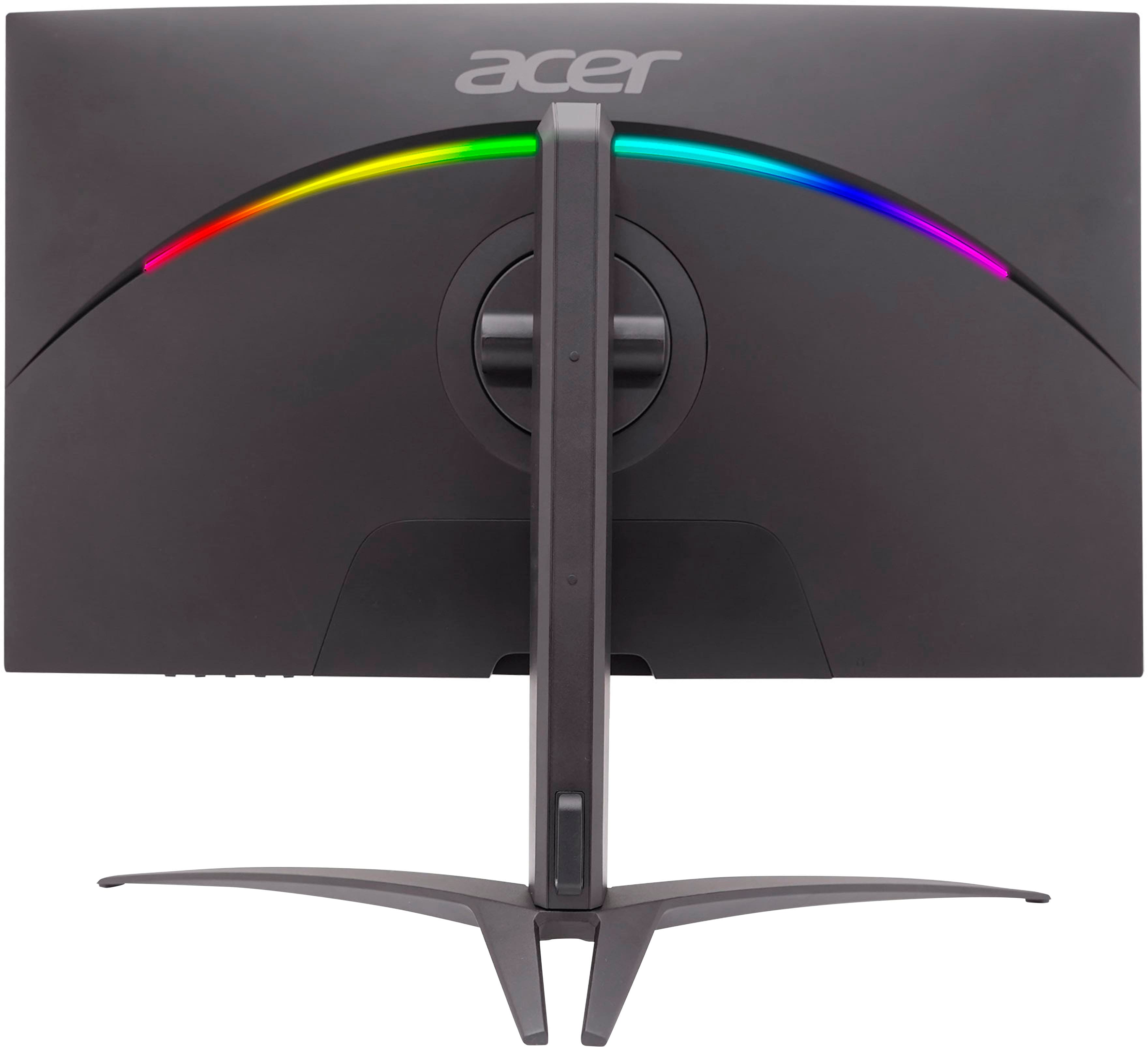
||Posted . Owned for 1 month when reviewed.This reviewer received promo considerations or sweepstakes entry for writing a review.I needed a new monitor, and after weeks of research decided to get this one. I downsized from an old 32" 4K edge-lit, and wow, what a difference! This monitor is bright! I no longer have eye strain! The colors are beautiful right out of the box, although a tad bit overly saturated, and I did have to tweak them, but that was my preference. I enabled HDR in Windows and on the monitor, and it's perfect for gaming and productivity. The 4K resolution alone (without HDR) is amazing for gaming; it's even better with HDR. I wish the base were flat, instead of this weird claw, but it's sturdy and moves up, down, swivels, and tilts like a dream. The lights on the back are pretty, but as I don't see them, what is the point? They are not bright enough to throw ambient light when gaming. Very happy with my purchase. The only con is that the OSD is not the best, but you get used to it. There is an app that will allow you to toggle most settings. I use this monitor with a splitter, and it works great.
I would recommend this to a friend - Pros mentioned:Hdr
really good monitor when on sale.
||Posted . Owned for 1 week when reviewed.This reviewer received promo considerations or sweepstakes entry for writing a review.well i read a lot of reviews before buying this and i have only had it a week now. i even boxed it back up and started a return just to find out from someone else that has it all my problems where being caused by a bad DP cable. so, I'm using the HDMI 2.1 one and now it works fine. acer needs to supply the highest quality cables for this monitor. anyways the good n bad...I'll take minimal blooming any day over IPS glow-bad contrast-bad black uniformity. this monitor has none of those issues. yeah, the OSD is not the greatest and same with the navigation buttons but once you fine a setting you like there is no need to change it EVER. and the desktop software called acer display widget helps a lot. i just leave it on HDR and it's amazing even on non HDR stuff. I'm glad i get 60 days to test it out because who knows what's going to happen but BestBuy doesn't sell another mini-led that I'm aware of so the only other option would be OLED. and once you see how mini-led black levels look like there is no going back to a normal IPS panel. to test this just turn off adaptive dimming and reboot your pc and you will be treated to IPS glow and every other problem that most IPS panels suffer from. so mini-Leds really are awesome for the most part. the only thing i have found is the monitor driver is not digitally signed so we cannot use it until acer fixes this problem. i have called and told them about it and hope they pass the info on to the correct department.
I would recommend this to a friend - Pros mentioned:Brightness, Price
Not an OLED but incredible value on sale
||Posted . Owned for less than 1 week when reviewed.This reviewer received promo considerations or sweepstakes entry for writing a review.Compared to OLED, there will be some blooming in dark environments, especially with demanding fine scenes. However, for the vast majority of scenes, blooming will be minor and not very noticeable. Other aspects to consider is that OLEDs do not get very bright currently, which is where this monitor shines (1200 nits). Moreover, there is no fear of an burn-in. For the price ($600), this is really hard to beat for all the features and it provides a very good value.
I would recommend this to a friend - Pros mentioned:Brightness, Refresh rate
Excellent
||Posted .This reviewer received promo considerations or sweepstakes entry for writing a review.An excellent panel with amazing color accuracy, and super bright especially with hdr on. It has a good refresh rate, the control for the settings might take a few minutes to figure. Other than that I have an amazing experience so far. Night and day difference with my 1080p monitor
I would recommend this to a friend - Pros mentioned:Brightness
Great gaming monitor but with small poroblems.
||Posted . Owned for 1 month when reviewed.This reviewer received promo considerations or sweepstakes entry for writing a review.Not a bad monitor for gaming or just doing productive stuff but be warned the controla are horrible. The button placement is like the old tv's and is very frustrating to set something and yes you will get used to it in time. Always seem to find light colors going to the where the dark sides are which is not too bad but but it's noticable to me. I still give it a 4 star because after playing with it after awhile you get really great brightness. The brightness should be set right out of the box but some reason they have it set horribly and maybe there is a reason for it I just don;t understand yet. I like it after spending time with it for awhile and the contrast is great as well making text look good. you pay this much money you should have better controls like a joystick or something on it but still a good monitor.
I would recommend this to a friend - Pros mentioned:Brightness
Good, but not perfect.
||Posted . Owned for 1 month when reviewed.This reviewer received promo considerations or sweepstakes entry for writing a review.I use Linux, so some of my issues may pertain to that. The complaints about the OSD being slow are valid. It can be painful to work with, but once you have things set, I don't see a reason to go in and change it frequently I had to adjust mine to not auto-detect input because when my system would power off the monitor from inactivity it would cause the monitor to cycle through the inputs which caused my computer to turn back on. The color are good. I used a color calibrator to set those. The viewing angles are so-so, but that seems to be an Acer thing as all my previous Acer monitors had the same issue even if they listed wide angles. I do wish the back of the monitor wasn't so deep or curved. I had issues finding a way to get my webcam to sit on it properly. I picked it up on sale. If it wasn't for that I'm not sure I would have gotten it. At the price I paid it's an excellent value. At full price you need to do research and make sure the issues are something you can live with.
I would recommend this to a friend - Pros mentioned:Price
Honestly very pleased with what I got
||Posted . Owned for 1 week when reviewed.This reviewer received promo considerations or sweepstakes entry for writing a review.Honestly, its a pretty decent 4k gaming monitor. Especially when run with an AMD graphics and RYUZEN cpu. Using the adrenaline software im able to use AMD’s super resolution to mimic 8K. At this price range its honestly very good. The size might be the only factor of the monitor being a negative but for a much larger one of course there would be extra expenses. I really enjoy the adjustable stand as well despite other reviews. It works well on how Id like to orientate the monitor plus its incredible easy to put together. No screw drivers needed to set this monitor up. really good monitor.
I would recommend this to a friend