Customer Ratings & Reviews
- Model:
- XV275K P3biipruzx
- SKU:
- 6539416
Rating by feature
- Display Quality
Rating 4.5 out of 5 stars
- Ease of Use
Rating 3.9 out of 5 stars
- Features
Rating 4.3 out of 5 stars
Customers are saying
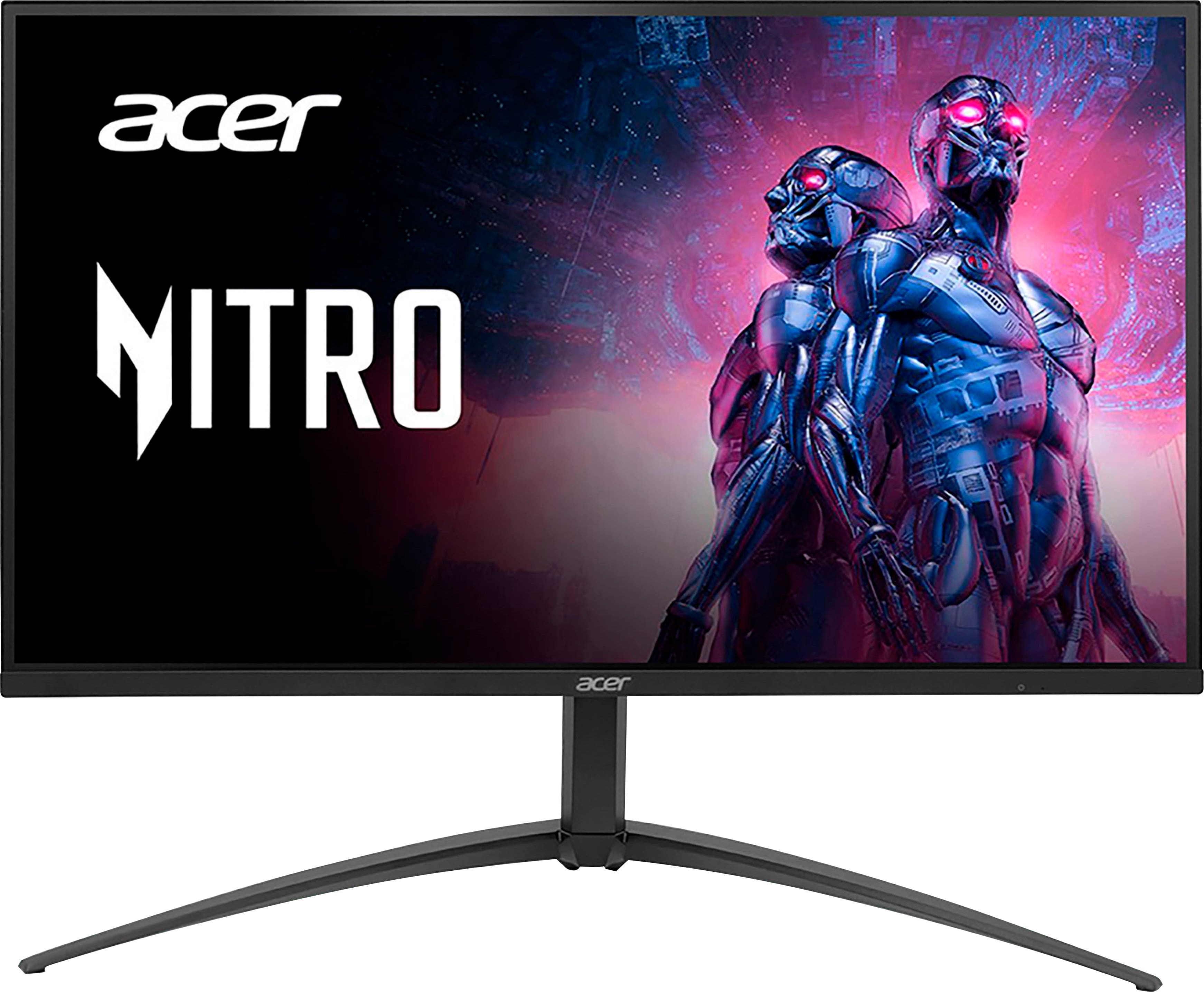
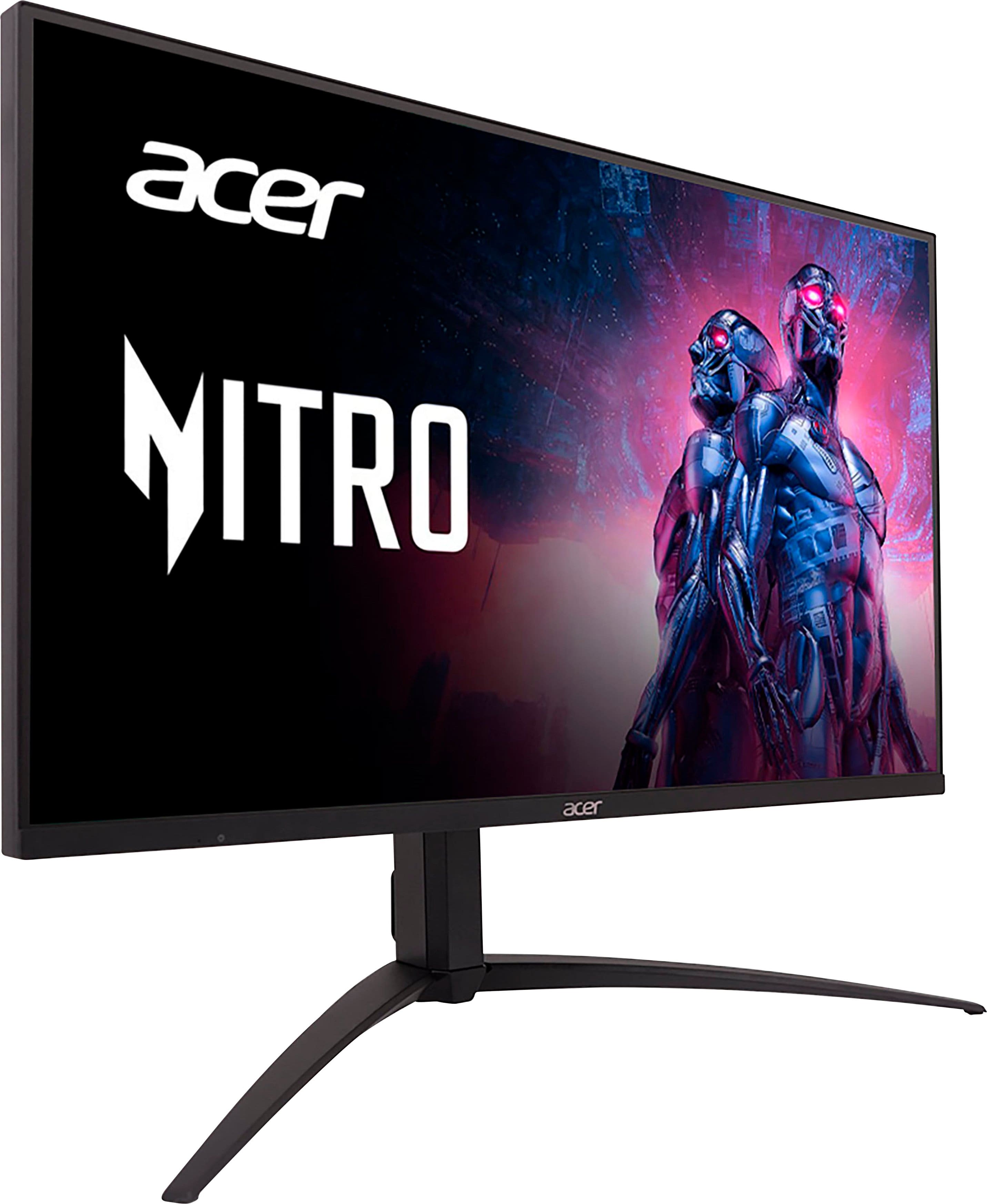
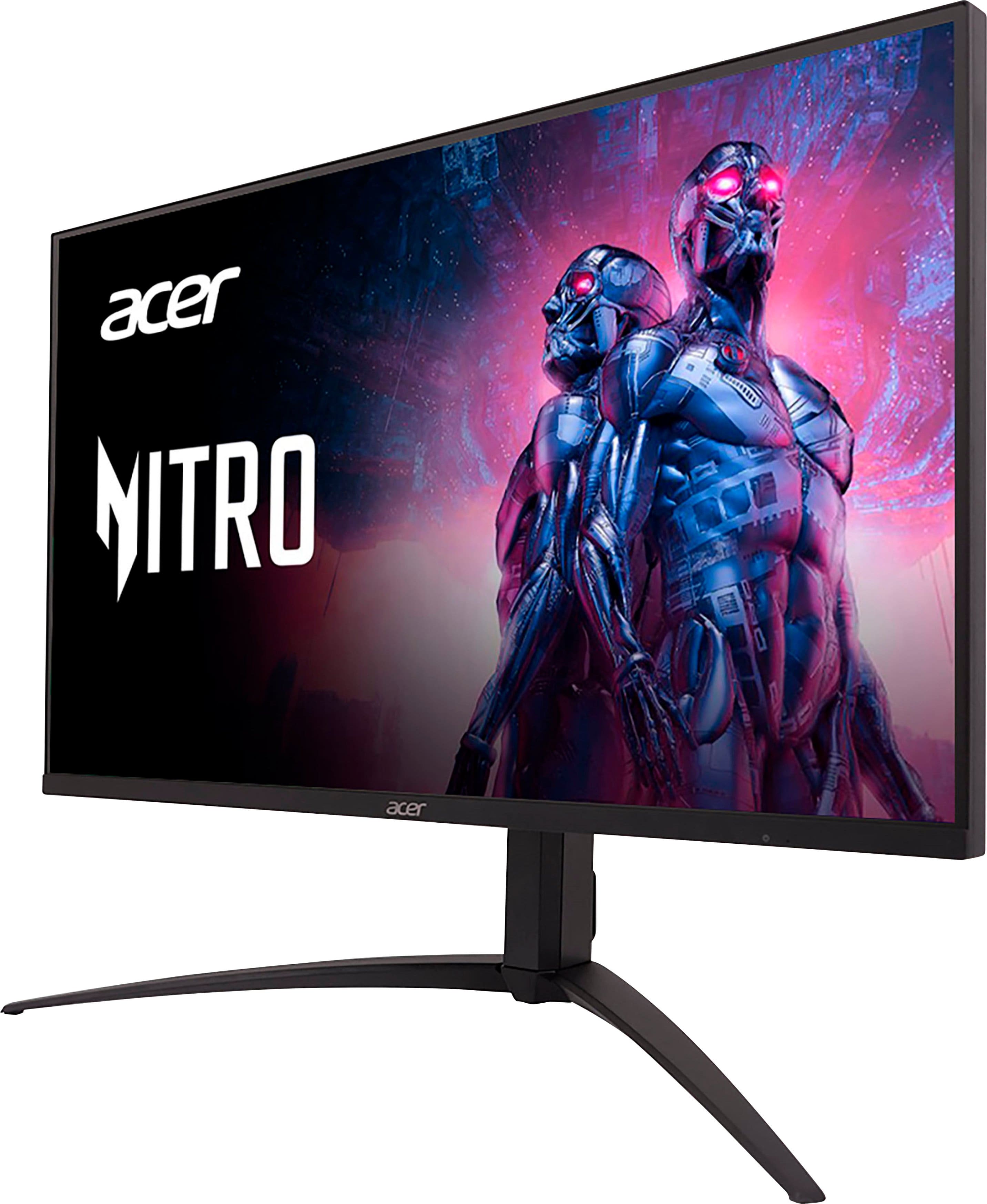
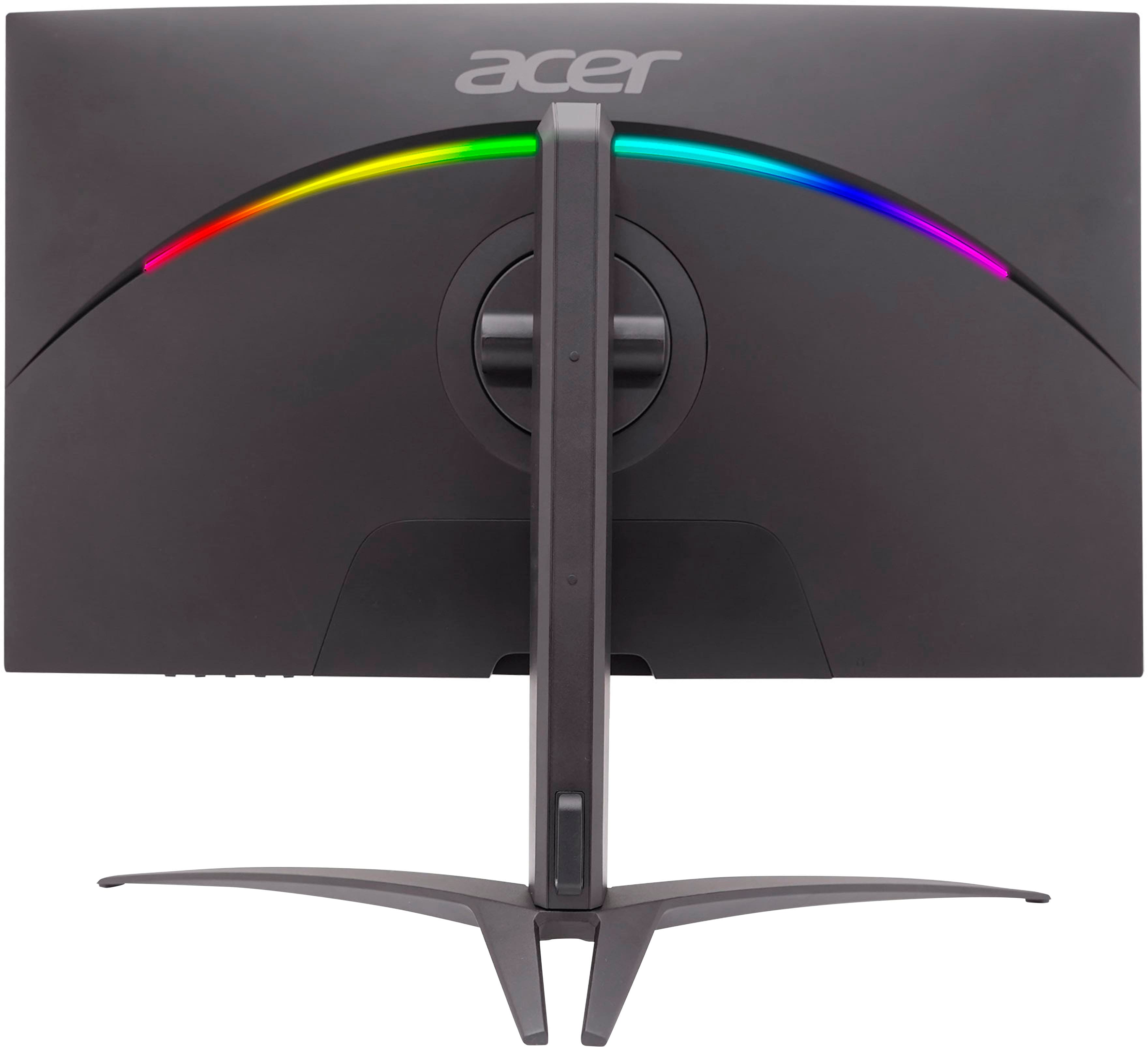
Customers recognize the Nitro 27" Mini LED UHD gaming monitor for its excellent picture quality, impressive HDR, and great brightness. The high refresh rate and reasonable price are also appreciated. However, some customers have expressed concerns about blooming, a less-than-ideal on-screen display, difficult-to-use controls, and a stand that occupies too much space. A few users also noted a lack of clear instructions for VESA mount usage.
This summary was generated by AI based on customer reviews.
- Pros mentioned:Brightness, Hdr

Awesome Picture
|Posted . Owned for less than 1 week when reviewed.This reviewer received promo considerations or sweepstakes entry for writing a review.[Employee of bestbuy] The mini led panel on this monitor is absolutely gorgeous. With HDR enabled colors are crisp and accurate. Blacks are true black. Looks very very smiliar to an OLED panel but brighter. Speaking of the screen it can get very bright but is adjustable in the OSD which i will admit is a bit clunky and slow and may be a downside to many users if they need to adjust settings frequently. I personally just switch HDR on and leave it. Overall this panel is beautiful and you will not be disappointed if you can get it on sale at $549
I would recommend this to a friend - Pros mentioned:Brightness, Picture quality
Very bright, very dark. Very cool.
||Posted . Owned for 2 weeks when reviewed.This reviewer received promo considerations or sweepstakes entry for writing a review.Apart from a column of the dimming zones being slightly brighter than the rest, it's very cool. Never have I ever been truly flashbanged before. Lifelike even.
I would recommend this to a friend - Pros mentioned:Picture qualityCons mentioned:Controls
Amazing monitor.
||Posted . Owned for 1 week when reviewed.This reviewer received promo considerations or sweepstakes entry for writing a review.Awesome monitor for gaming. Seriously impressed with the image quality paird with my PC. Clearest imagine I've seen on a gaming monitor. Flaws- controls could've been better but you'll get use to it. Learn the meun options it can be a little confusing but once sorted, you will love it. Under $1000 monitor with this performance is hard to beat. My other monitor is MSI Optix MAG274QRX which I thought could not be beat but this Acer blows it away.
I would recommend this to a friend - Pros mentioned:Hdr, Picture quality
Beautiful picture. Very sturdy.
||Posted .This reviewer received promo considerations or sweepstakes entry for writing a review.Beautiful picture. Very sturdy. Just be sure to adjust your PC and monitor settings to turn on HDR and VRR (use the settings from Rtings.com). Also, the first one I received had a bad dimming zone, so watch out for that (you only see it when HDR or Adaptive Dimming are activated). Obviously Best Buy replaced it for free.
I would recommend this to a friend - Pros mentioned:Picture quality, Refresh rate
Great monitor overall
||Posted . Owned for 2 months when reviewed.This reviewer received promo considerations or sweepstakes entry for writing a review.Great picture quality and refresh rate. When i first turned it on there was some darker pixels or leds i guess. It looked like some kind of burn in, long strip up and down the screen directly in the middle. After some hours it went away and now its great.
I would recommend this to a friend - Pros mentioned:Brightness, Picture quality
GREAT screen, coming from an older iMac user
||Posted .This reviewer received promo considerations or sweepstakes entry for writing a review.I am loving this monitor.... and I am coming from an iMac!! Apple screens are known for color accuracy and quality, and it was - my 2017 iMac just got too old so... I got this one - and the colors are so rich, and the blacks are inky, almost no motion blur.... So far testing has been by using Office, playing BG3, and watching a few 4K Marvel movies. They all look FAR better on here than they did on the native iMac. I am using a Mac Mini M2, connected via USB3.
I would recommend this to a friend - Pros mentioned:Picture qualityCons mentioned:On-screen display
Horrible OSD ruins this whole thing
||Posted .This reviewer received promo considerations or sweepstakes entry for writing a review.I had an unfortunate accident today that wound up with the screen being broken on this monitor, but I couldn't be happier to have a reason to finally turn this thing into e-waste. The only pro was the picture. It was a nice 4K display with vivid colors. It would often take 20-30 seconds for it to switch inputs, which is a giant pain when you have your personal and WFH setup plugged in and need to switch inputs on the daily. It would take just as long to wake from sleep and wouldn't even detect inputs half the time I tried to wake it up. It would cycle through all inputs and skip the active signal several times before going back to sleep. As for the OSD, I have nothing to say that hasn't already been said. It's crap. It's slow. It's sluggish. The buttons are terrible. Just avoid this thing at all costs. You couldn't pay me to own this thing again.
No, I would not recommend this to a friendBrand response from TeamAcer
Posted .Dear John,
We are very sorry to hear that your Acer Nitro monitor did not meet your expectations in some areas. We are constantly working to improve the designs, and appreciate hearing directly from customers what they need and expect out of a product. We have sent this feedback to our product development teams for review. If you need any assistance with an Acer product in the future don't hesitate to contact our support team so we can help.
We appreciate you taking the time to write this review.
Regards,
Acer America
- Pros mentioned:Brightness
Great Monitor, Lousy Interface
||Posted .This reviewer received promo considerations or sweepstakes entry for writing a review.I am using this monitor for my office. At first, I was concerned about the brightness level but putting on max brightness and turning down the regular brightness and contrast did wonders. I am deducting a point due to the atrocious interface. Other than that issue it's a darn near perfect monitor for most tasks.
I would recommend this to a friend - Pros mentioned:Hdr
Could be best in class with GREAT specifications.
||Posted . Owned for 3 weeks when reviewed.This reviewer received promo considerations or sweepstakes entry for writing a review.The only thing missing is Windows 11 HDR certification. all it needs is a firmware update and notification to Windows OS. However, "Good News" there is an easy work-a-round. Download the Acer Display widget Acer_4.0.2.0_W10x86W10x64W11x64_A from their website and enjoy easy monitor calibration - no joystick needed, then, from within their Application wizard, select HDR display and presto you have Windows HDR turned on. Windows also has a Windows HDR calibration color app that you can install for fine-tuning HDR brightness within Windows. Games run at 160MHz 4k in HDR - it will WOW you. If your graphics card can keep up, you will not see any slowdown in response time at lower frame rates. I have an RTX2070 card and frame rates stay above 100Hz. HDR with full array backlighting looks like it's an OLED display at 1/3 the cost. No other issues for me.
I would recommend this to a friend - Pros mentioned:Picture quality, Refresh rate
Great value, great quality, great speed
||Posted . Owned for 9 months when reviewed.This reviewer received promo considerations or sweepstakes entry for writing a review.Got this monitor to pair with my Macbook Pro's refresh rate and quality, and it checked all the boxes and more. A great refresh rate alongside its 4K quality and the deep colors of MiniLED exceeded my expectations; it has been the best monitor I've owned.
I would recommend this to a friend - Pros mentioned:Picture quality
Great Value for OLED Like Gaming
||Posted .This reviewer received promo considerations or sweepstakes entry for writing a review.Hands down one of the cleanest 4k monitors right now. at $599.99 your getting a lot for your money. I've had the Sony Inzone M9 with only 96 local dimming zone for $899 and the Alienware AW3423DWF OLED gaming monitor at $999.99 and this monitor compared to both of them is amazingly good. It is the closest thing to OLED gaming without the burn in. The OSD is a bit annoying to work with but once you figure it out its not as bad as people make it out to be. If your on the fence of OLED at 1440p VS 4K mini LED get the 4k Mini LED. The image quality is amazing on 4k and there is nothing like it. 1440p only has a ppi of 110 which is great but once you experience 4k at 27inchs with 163.18 ppi it is game changing. The clarity this monitor help define those jagged edges in games and makes everything look more uniform even with Anti-Aliasing on. If there was a 4k OLED gaming monitor out I would pick that up over Mini LED for sure but for now this will do just the trick.
I would recommend this to a friend - Pros mentioned:Hdr
Checks all the boxes
||Posted . Owned for less than 1 week when reviewed.This reviewer received promo considerations or sweepstakes entry for writing a review.This monitor is exactly what I needed. - the MacBook USB-C display and charge - 4k / 120hz for my Series X - deep enough blacks that aren’t OLED prices - rich text clarity and colors for work applications It really checks all the boxes I didn’t think were possible without spending $1k. It’s a really great deal. I took a star off for the OSD like others have mentioned. It isn’t a problem for me personally. I’m familiar with the protocol given prior monitors I’ve had. I keep HDR on for both my MacBook and Xbox so I really don’t mess with the functions all that much. In my opinion, the whole things is overblown especially for this price point. Have to make sacrifices somewhere if you don’t want to spend double the cost.
I would recommend this to a friend - Pros mentioned:Brightness
Great monitor, and no issues with OSD on my end
||Posted . Owned for 3 weeks when reviewed.This reviewer received promo considerations or sweepstakes entry for writing a review.Read the negative reviews about a buggy OSD and was unsure about giving this monitor a shot - but I’m really glad I did. I don’t know if there was a firmware update for the monitor I ended up getting, or if my use case doesn’t run into the same issues, but I haven’t had any of the problems mentioned in other reviews. This monitor is perfect for all of my use cases: 1. USB-C connection for productivity on my Mac, with peripherals connected via the built-in USB hub (running perfectly at variable frame rate + 144hz with great SDR brightness and color reproduction) 2. DisplayPort connection for gaming on my PC (gaming with HDR at 160hz) 3. HDMI connection for gaming on my Xbox Series X (HDR and 120hz) The panel looks great overall, brightness is insane, and I’m happy with the black levels (it’s not OLED, but the price, resolution, brightness, and other features make up for it IMO). Stand is really solid and tilt/swivel/height adjustments really nice. So happy I gave this monitor a chance despite some of the negative reviews, and if the above sounds good to you I recommend giving it a chance too.
I would recommend this to a friend - Pros mentioned:Brightness, Hdr
1000 nits hdr is the way to go
||Posted . Owned for 1 month when reviewed.This reviewer received promo considerations or sweepstakes entry for writing a review.Absolutely pleased with this 4K IPS gaming monitor. The HDR feature with 1000 nits of brightness delivers stunning, lifelike visuals that elevate the gaming experience. Additionally, the FreeSync technology ensures smooth, tear-free gameplay. It's not just a monitor; it's a ticket to incredibly vivid and smooth gaming adventures.
I would recommend this to a friend - Pros mentioned:Hdr, Picture quality
Great Monitor!!
||Posted . Owned for 1 month when reviewed.This reviewer received promo considerations or sweepstakes entry for writing a review.I am so glad I ran into this monitor and for the price it's so good! Excellent picture I have zero complaints there. I use it for PS5 and the picture and HDR are so bright it looks amazing! I strongly recommend and for the price you can't go wrong!
I would recommend this to a friend - Pros mentioned:Picture qualityCons mentioned:On-screen display
Best miniLED monitor you can get for under $600
||Posted . Owned for 1 month when reviewed.This reviewer received promo considerations or sweepstakes entry for writing a review.This monitor has gone on sale a few times and it is absolutely worht it. Quality is amazing. The OSD kinda sucks though. The monitor also isnt g sync compatibale at the momen. But you can still turn it on, i rarely get any tearing. Viewing angles aren’t the best, but if youre sitting directly in front you will have zero issues
I would recommend this to a friend - Pros mentioned:Picture quality
Great monitor for the price!
||Posted . Owned for 3 weeks when reviewed.This reviewer received promo considerations or sweepstakes entry for writing a review.Great monitor! Awesome picture quality for 4k 120 fps gaming. My only gripe is that when switching sources, the menu will disappear and the screen will go black for a while as it searches for the active input. Would be nice if i could just manually switch once my device is off.
I would recommend this to a friend - Pros mentioned:Picture quality
Pretty but quality issues
||Posted . Owned for 3 months when reviewed.This reviewer received promo considerations or sweepstakes entry for writing a review.The picture is great. The first one I got from here had dead pixels. Returned for another. The second one the audio doesn’t work which I’m not too upset about because I use an arctis nova pro headset anyways. And from what I understand, I’m not missing much from it’s sound anyways so I use my other monitors audio when not using a headset. The back connections cover falls off on both my first and second one. The glue holding the magnets is weaker than the magnets itself. Aside from that, which I guess I should be more upset than I am for what these things cost, the picture is great and clear. Only other downside, which I can’t fully contribute to this monitor or the system, seems like when starting up games, on occasion will black out, which is to I assume adjust to changing resolution or loading shaders or something, seems to fight with my other monitor, and both will go black and switch on and off til the game loads. Sometimes when this happens. They stay that way and it forces me to do a shutdown on my system as both screens end up black. Games and movies look great on it otherwise and I enjoy the detail and clarity as this is my first 4K monitor.
I would recommend this to a friend - Pros mentioned:Picture quality
Great monitor
||Posted . Owned for 1 year when reviewed.This reviewer received promo considerations or sweepstakes entry for writing a review.This monitor has very good picture quality and color. Sharp images, HDR. A lot of bad reviews, but you have to go through the monitor settings and enable features. As with any monitor, downloading the color profile and adjusting the monitor through Windows is a must. Then adjust the monitor from your games settings. Navigating the monitors settings is a bit clunky, but when catching this on its sale price is an awesome deal.
I would recommend this to a friend Great picture, color, and response time
||Posted . Owned for 1 month when reviewed.This reviewer received promo considerations or sweepstakes entry for writing a review.This monitor is great. I plug in my MacBook Pro and use it for school as well as my Xbox for gaming. It was very easy to set up. Has a nice weight to it & feels high quality. The 4k resolution and colors are excellent. The blue light blocking feature is a very nice addition. The only thing I dislike is how long it takes to switch between Inputs (HDMI 1 to USB-C/from Xbox to Mac). Sometimes I have to unplug my mac and plug it back in inorder for it to register that it’s connected on the monitor.
I would recommend this to a friend