Customer Ratings & Reviews
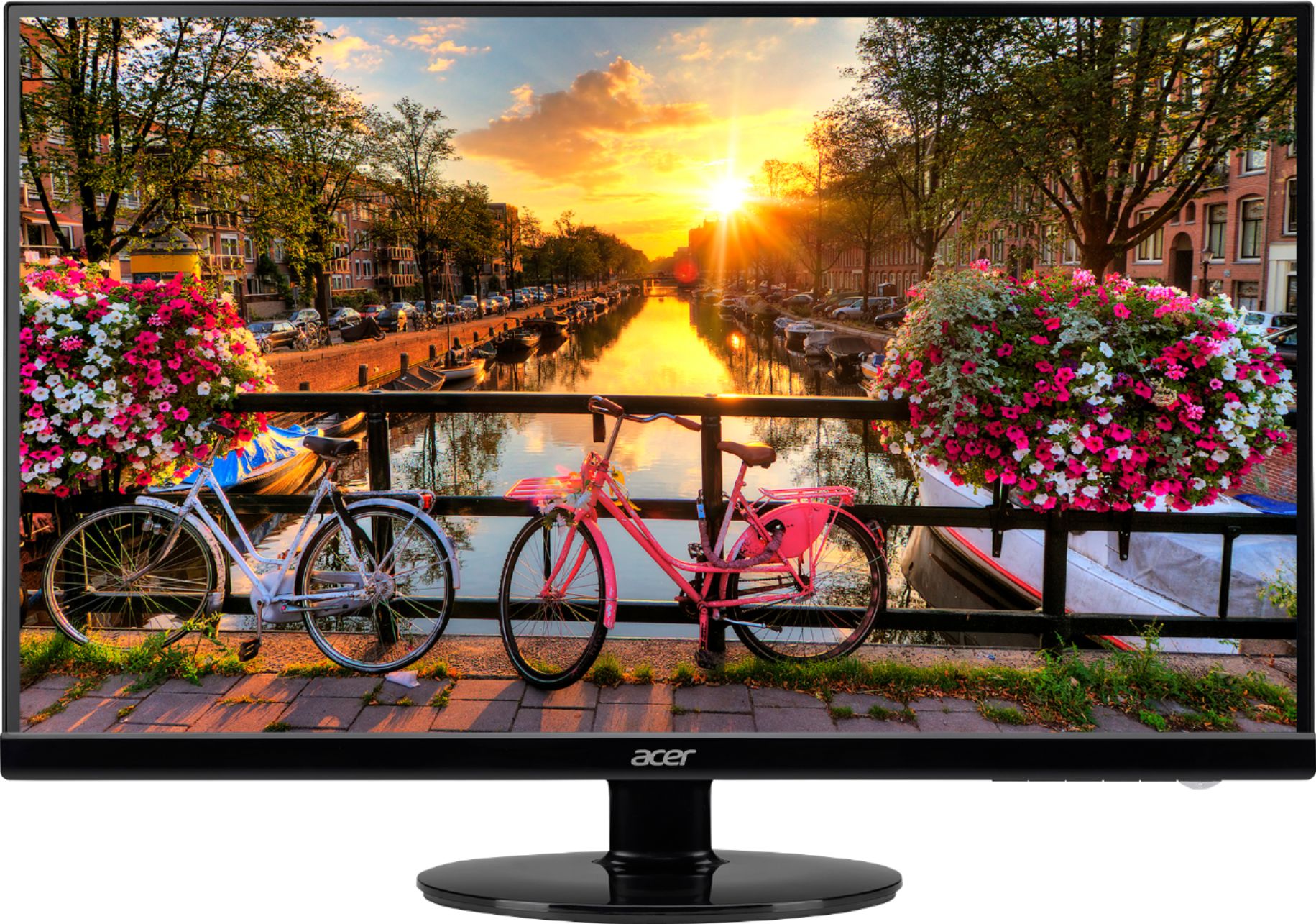
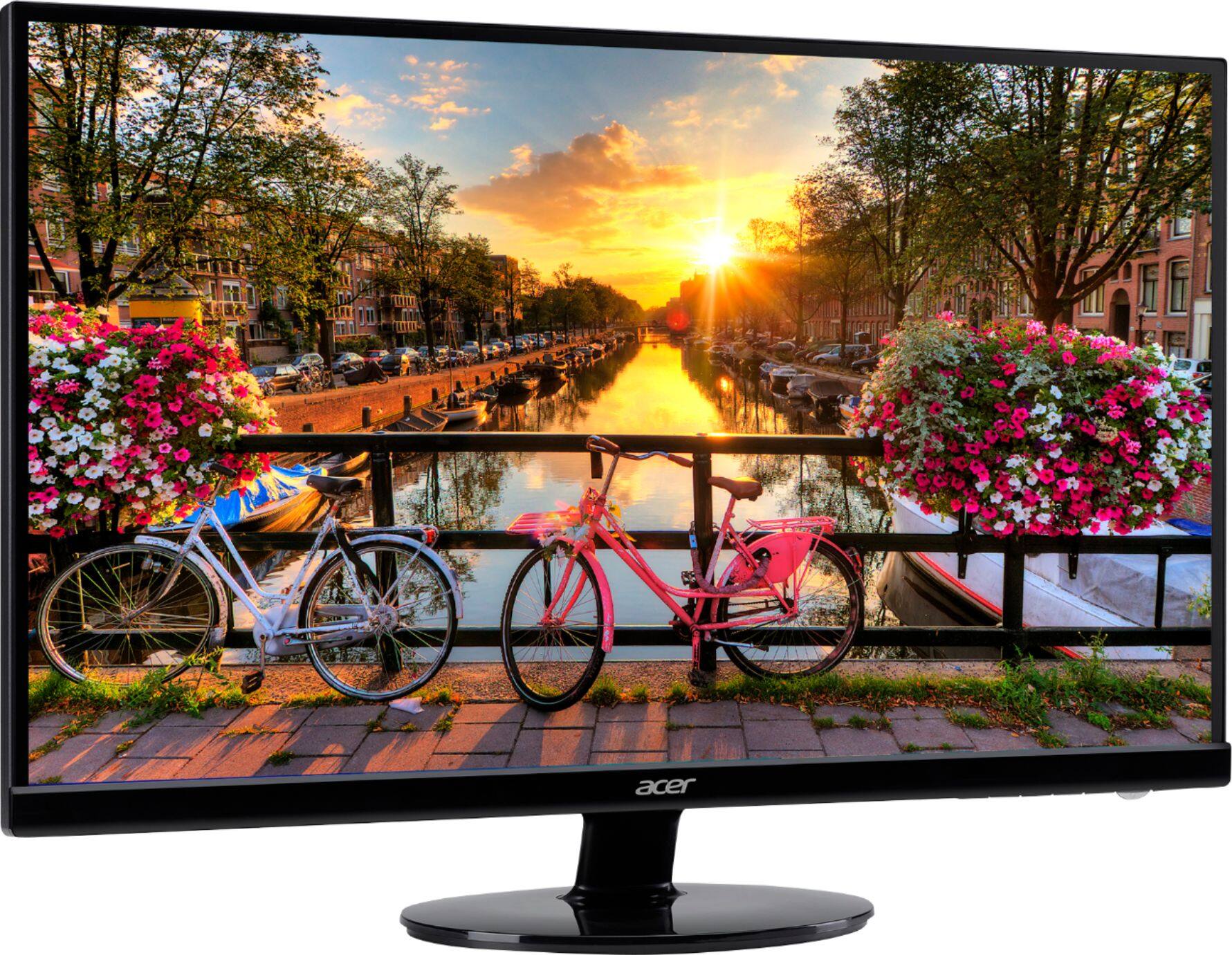
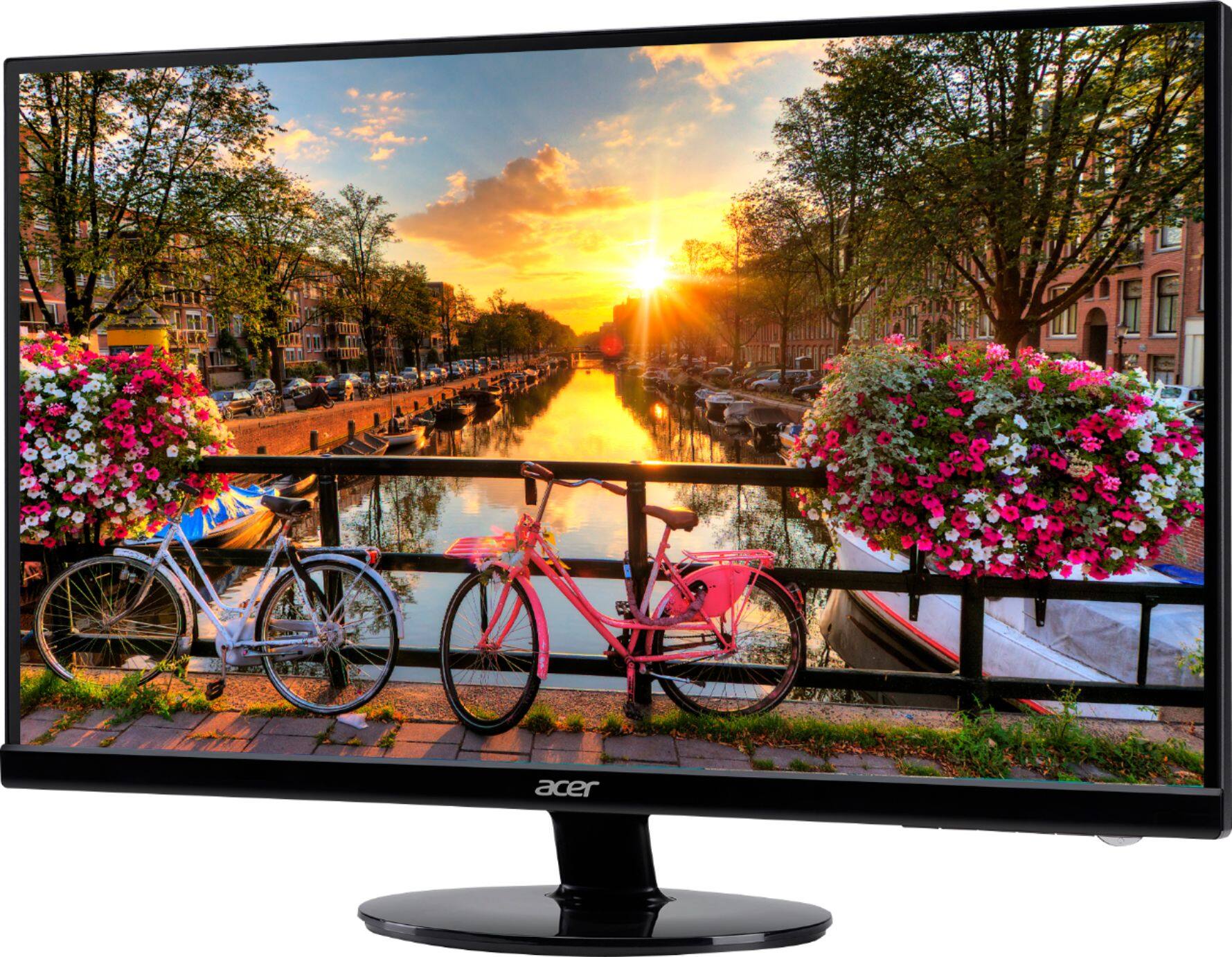
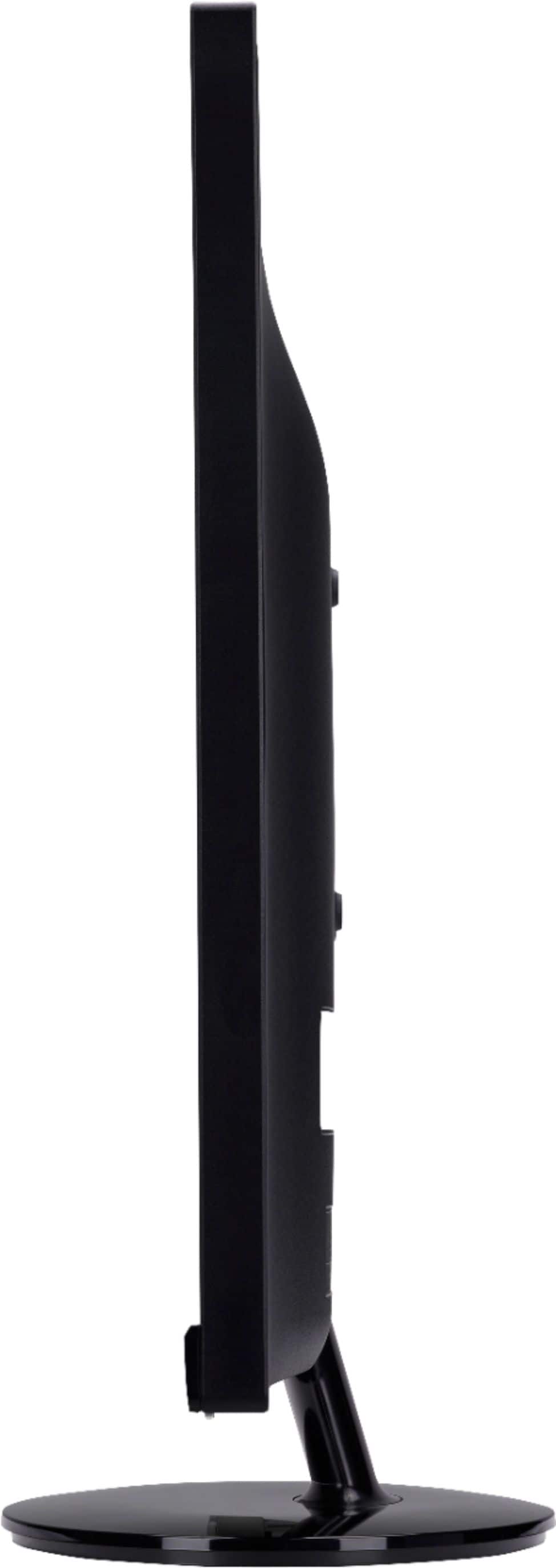
- Model:
- S271HL GBIDX
- SKU:
- 6051018
Rating by feature
- Ease of Use
Rating 4.7 out of 5 stars
- Value
Rating 4.7 out of 5 stars
- Quality
Rating 4.6 out of 5 stars
Customers are saying
Customers consistently note the S271HL 27" LED FHD Monitor's large screen size and its affordability as major pros. Positive feedback also highlights the monitor's resolution, ease of setup, and clear picture quality. However, some users point out the lack of built-in speakers and limitations with the stand's adjustability as drawbacks. A few customers also mentioned concerns about the refresh rate not meeting expectations.
This summary was generated by AI based on customer reviews.
- Pros mentioned:Screen size

Solid Performance and Value
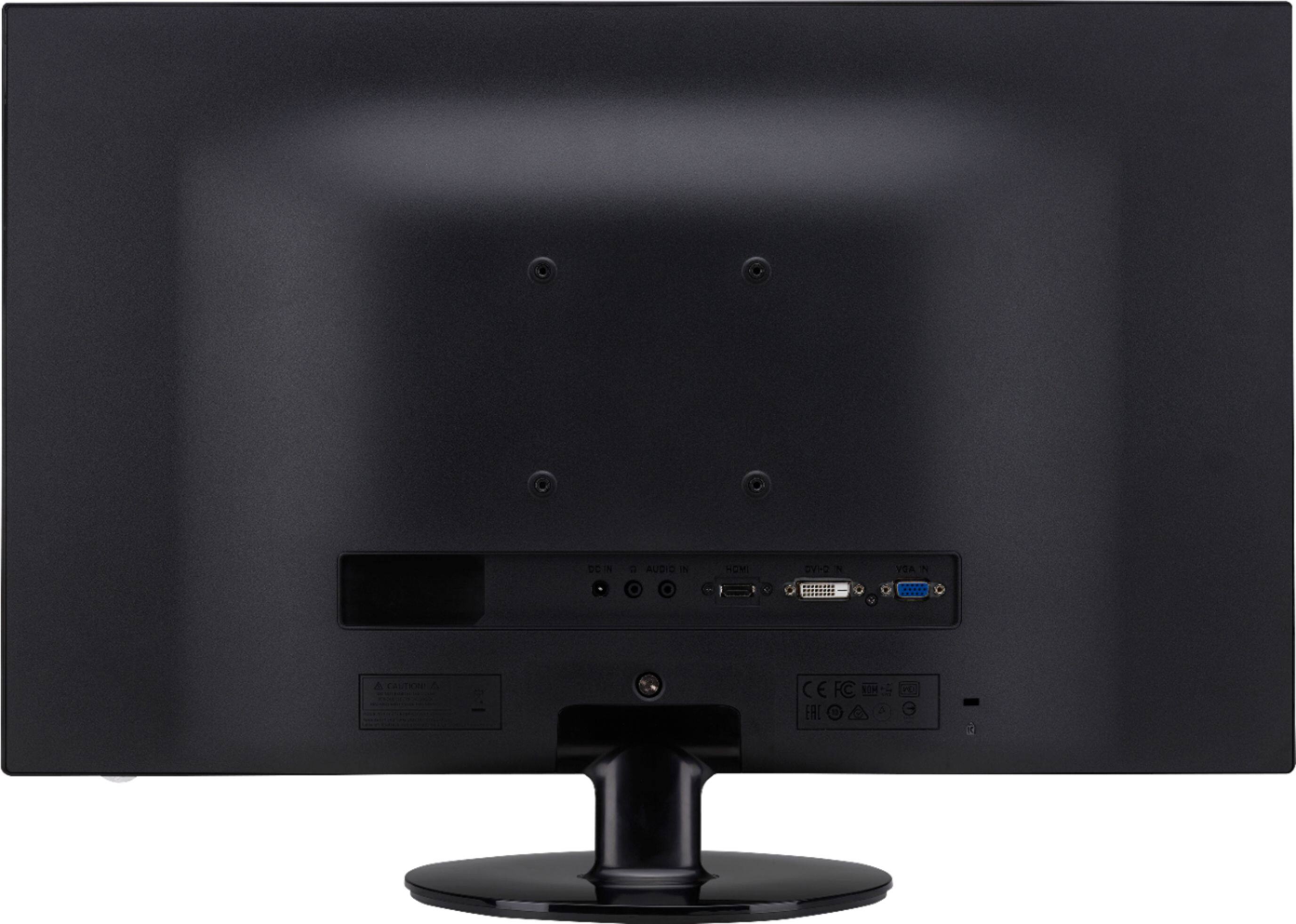
|Posted .This reviewer received promo considerations or sweepstakes entry for writing a review.I have used this monitor extensively for both word processing, media playback, and streaming, and I would grade the video performance as flawless. I have seen no evidence of any motion blur at all in watching various sporting events. I calibrated the monitor using the calibration tools in Windows 10 (type "Calibrate Display Color" into the task bar search window) and this enhanced its performance. This model does not ship with any calibration disk. I use the a network TV tuner and software to watch local over the air TV, and it looks just great on this monitor. The Monitor is feather-light, as very easy to set up out of the box. It comes with several cables, including an HDMI cable and a VGA. The bezel is quite thin, and there are VESA mounting holes on the back, if you want to go that route. It is hard to comprehend a 100,000,000:1 contrast ratio, but let me assure you the contrast is excellent. Since it is a back lighted LED monitor, however, a totally black screen is going to look dark gray because of the nature of the back lighting. This is seldom seen in ordinary operation. A good, economical and large screen monitor for everyday use.
I would recommend this to a friend - Pros mentioned:Screen size
Slim Design with Spacious View!
|Posted .This reviewer received promo considerations or sweepstakes entry for writing a review.I am a computer programmer and getting my hands on this monitor had me very excited. RIght off the bat, I noticed how light the unit was, and then when I took it out of the box I was thrilled to see that the amount of desktop space that this was going to require was very minimal! (I have multiple monitors hooked up to my workstation) With the large viewing area, this was a dream in terms of looking at long lines of code and wide spreadsheets in Excel. The colors were crisp and the clarity was pretty good - although I will say hooking it up to the DVI was a lot better than the HDMI input. I also dabble in video editing and was excited to do some side projects I’ve been putting together. Once again, having this screen was a pleasure with how much I could view, and the video playback itself was pretty good. Overall I was very pleased with this unit and would recommend it for anyone in the market for one of this size. It makes a huge difference when dealing with documents or work that require wide displays, and it surprisingly was light and compact in design. I now use it as my primary monitor!
I would recommend this to a friend - Pros mentioned:Screen size
For large monitor looks great!
|Posted .This reviewer received promo considerations or sweepstakes entry for writing a review.I have been on the fence of purchasing a larger monitor due to seeing others and not liking the quality. I have seen TVs used as computer monitors but didn't like the quality which has kept me from moving up from a 24" to the 27. However after using the Acer I plan on purchasing another and replacing my monitor setup. The colors and quality are great and for the price it is a great deal. I know some other reviewers have stated some issues but i am more of a recreational computer user and typically use the monitors for web search, email and some gaming. This monitor isn't probably a professional gamer's setup as they typically like the faster monitor speed of 144 hz not the 60 as this one. Great monitor for the money.
I would recommend this to a friend - Pros mentioned:Resolution
Overall Decent Monitor
|Posted .This reviewer received promo considerations or sweepstakes entry for writing a review.The Acer 27 inch monitor is a great little monitor for the price. The screen is crisp and bright and has a good anti glare coating on it. The monitor itself is lightweight and easy to setup. It only took me a minute or two to get everything up and running. There are 3 inputs in the monitor, VGA, HDMI, and DVI, so whatever computer you have the monitor will be compatible. I thought it was a little cheap of them to not include an HDMI cable, considering how inexpensive they're nowadays. The resolution on the screen itself is solid. I am currently using it as a secondary monitor in a pc setup. I am a photographer so it's nice to have the extra added real estate now to watch a movie while I edit. My laptop seems to handle the extra monitor no problem as well. Overall the monitor is a solid purchase for the price. You're getting what you expect at the 200 dollar price point. I would definitely recommend this to someone who is looking for a no nonsense monitor with not a ton of upgrades but will get the job done!
I would recommend this to a friend Poor screen quality
||Posted .This reviewer received promo considerations or sweepstakes entry for writing a review.Screen quality is incredibly poor. Fuzzy and no amount of adjustments make the difference. Don’t waste your money.
No, I would not recommend this to a friendBrand response from TeamAcer
Posted .Dear JJRoll,
Thank you for taking the time to write this review. We’re sorry that you are having problems with your Acer monitor. This is not the experience we want our customers to have with their products. For assistance with your Acer product please visit this personalized URL and fill out the form so we can look into this issue and assist you:
http://csapps.acer.com/prompt/?key=bf3cdde853fdd9dd0777670944c7b11a6375f794
Thank you,
Acer America
Picture quality
||Posted .This reviewer received promo considerations or sweepstakes entry for writing a review.The color is washed out. Will return it tomorrow. Very bad
No, I would not recommend this to a friendBrand response from TeamAcer
Posted .Hello Stan,
We are sorry to hear this; we understand you returned the Acer product but we would have been happy to provide support for you. If in the future you need assistance with an Acer product, feel free to contact support from the info posted at http://www.acer.com/ac/en/US/content/service-contact
We appreciate you taking the time to write this review.
Best regards,
Acer America
Nice efficient monitor
|Posted .This reviewer received promo considerations or sweepstakes entry for writing a review.This monitor has nice picture in normal mode but as Acer has stated, it also has an energy efficient mode. Colors looked sharp, and at 27", you have a lot of screen for 1080p. The low bezel means the monitor does not take up more space than needed. I replaced an older 24" monitor with this one and due to the low bezel an additional 1.5" of length and 1" of height got a 3" bigger screen size. The bezel on the top and sides is barely there. Setup was really easy. The monitor is light weight and comes with a VESA pattern on the back. The stand it comes with comes in two parts. Each part connects with only one screw, one on the back of the screen and one on the stand. So, you just push the pieces together, and then push and turn the screw in, no loose screws to worry about. The monitor has 1 each VGA, DVI, and HDMI connector. This model does not have speakers. The power and screen control buttons are on the bottom right of the screen and easy to use. The old monitor I had was also energy efficient, but it's about 3 years old. Going to savings mode, the old monitor gave everything a yellowish hue as the screen dimmed, and cut power 10 watts to 17.5 watts. I didn’t use it savings mode due to the color change. The Acer monitor also cut its power by 10 watts in savings mode to 16 watts, but the colors stayed true. The picture was not as bright, but the colors still looked great. The 16 watts was with a few windows and a web browser open on the screen at once. I was using the HDMI connection from a video card. The monitor was easy to setup and operate and regardless of the mode, the colors stayed true. A nice picture on a bigger screen that can save money.
I would recommend this to a friendAwesome monitor
|Posted .This reviewer received promo considerations or sweepstakes entry for writing a review.This was an upgrade over a good Dell 23" monitor. The display has a minimal bezel around the outside which is nice. The best feature is the anti-glare design. In my office, I'm by a window and the afternoon sun always made my old monitor hard to see. This one eliminates that issue. It's a pretty easy setup right out of the box. Just need a flat head screwdriver and it only has two screws to attach the base. The tilt stand works well for my application. You can use the old VGA connection, or it also has DVI and HDMI. You'll need to supply your own cable for the DVI or HDMI. The monitor itself is very bright and has a very wide viewing angle, if that matters to you. Mostly I'm just looking at it from directly in front. With the HD resolution, text is really sharp and easy to read. I watched a few videos on Netflix and video quality was great if you have an HD source. My only complaint would be that it doesn't have built-in speakers, which I noticed immediately after hooking up the HDMI input to my PC. My PC automatically switched the sound output to go with the HDMI, but without speakers that was fairly useless. It does have a port on the back which you could plug in headphones or possibly an auxiliary speaker and that does work with the HDMI. Adjusting the settings wasn't difficult and the buttons are hidden on the bottom of the bezel. Overall, a great upgrade and I would definitely recommend it if you're looking for a good monitor with excellent resolution.
I would recommend this to a friendA Decent Monitor that Won't Break the Bank
|Posted .This reviewer received promo considerations or sweepstakes entry for writing a review.The Acer S271HL Gbidx monitor is a very good, no frills value oriented flat panel LCD monitor. With a 27” 1920x1080 full HD 16:9 wide screen and a very thin bezel frame, it is both stylish and functional. Colors are rendered accurately right out of the box and the display has a large 178 degree viewing angle. The monitor can be connected via VGA, DVI, or HDMI. There is also a 3.5mm jack to connect external speakers. One feature I like on the monitor is that it has an easy to navigate On Screen Display (OSD) control panel. Adjustments to brightness and contrast were simple to locate and adjust on the OSD. Another thing that is good is that it has a VESA mounting interface to allow you to mount the monitor on stands or wall mounts. If you choose not to VESA mount, then you can support the monitor with the included oval base which is very compact and takes up very little desktop real estate. The base measures 9 inches in width and a little under 7 inches in depth. One of my biggest gripes about this monitor is that Acer short changed a very good monitor with a stand that has nearly zero adjustment. It can barely be tilted, maybe only a few degrees of motion. According to the specs, the tilt angle can be adjusted from -5 degrees to +15 degrees. I was afraid to tilt it much because it felt like the hinge point connection was ready to snap. The connection felt weak even when the connecting screws were tightened down. Furthermore, the stand can neither pivot nor adjust vertically in height. This really limits the positioning of the monitor. Does Acer expect me to go old school and prop books underneath the stand to elevate the monitor? Thankfully, the VESA mounting interface is the saving grace. I may have to end up purchasing a separate VESA mountable stand. So in summary, I would recommend this Acer monitor because it offers good value, with good brightness (300 nits), respectable color reproduction, and a thin bezel. I considered both a 23” monitor versus 27”, and I was glad I got the 27” monitor because it allows me to easily view multiple windows side-by-side, and I can also view more columns on spreadsheets. In the case of monitors, bigger is better provided you have the desktop space for a larger monitor. In the end, I had to deduct a star for the lack of adjustment to the stand as I described above. Other than that, I think it is a good 27” monitor that should be on the shortlist for consideration.
I would recommend this to a friendnice monitor
|Posted .This reviewer received promo considerations or sweepstakes entry for writing a review.well I am going from a 17" laptop monitor to using this 27" monitor. I love it so far. when side by side at the same distance everything looks the same between my 2 monitors as far as color goes. I thought being the same resolution size both 1920x1080 that maybe the 27" would look slightly blurry but it does not. I love playing player unknown and one issue I have with my 17" is seeing players at a distance. played last night and I was able to see players much easier. the response is 4ms which is pretty good. not the best but not to bad either. the monitor can also tilt a little forward and back. so you can place it above a bit and still see it clearly and straight on. the only couple things I would mention. the monitor does not go up and down. it does not have speakers in it. does have a headphone jack but most I know would probably just keep the sound thru there computer and such anyways. this is good though if you decide to plug in a DVD player or console and then you can either use headphones or use your own speakers if they have a audio cord. and the highest resolution setting is only 1920x1080 at 60hz. that is listed but just reminding. I personally liked that as I don't have a beast computer and I wanted something that matched my laptops resolution and all. overall I am satisfied with this monitor and exited to use it.
I would recommend this to a friend- Pros mentioned:Ease of use
Great Monitor
|Posted .This reviewer received promo considerations or sweepstakes entry for writing a review.This is a nice monitor, screen is very clear. Great for gaming and watching movies on computer. Easy to set up, only took a couple of minutes. The monitor is not really adjustable. We could not really move it up or down for better viewing. Not a deal breaker, but would have been nice. Overall, pretty happy with this product.
I would recommend this to a friend - Pros mentioned:Price, Screen size
Decent Monitor
Posted .This reviewer received promo considerations or sweepstakes entry for writing a review.Bought it on sale, was a pretty good value, great size. If using this monitor as a stand alone, you may not notice the washed out colors. I have a dual monitor setup with a Samsung monitor and could immediately tell the difference. I ended up returning the monitor for one that has better image quality.
No, I would not recommend this to a friend Wow, beautiful screen, simple setup
|Posted .This reviewer received promo considerations or sweepstakes entry for writing a review.Acer's S271HL monitor jumps out with beautiful colors and glowing detail throughout its 27" screen real estate. This beauty is edge-to-edge horizontally, providing a semblance of full immersion during gaming sessions or video streaming binges. Ultra clear and fully HD (1920 x 1080), the monitor should be able to handle the needs for most users. Lightweight and pretty thin, the screen sits on a provided lockable stand, but I would recommend utilizing the VESA mounting capability. It has three input options (DVI, VGA, HDMI) for easy plug-and-play, and the headphone jack doubles as a stereo input for my needs - I plugged a streaming stick into the HDMI port, and with a small 2.1 speaker system connected through the headphone jack, I was able to turn this little setup into the guestroom's multimedia center. It's combination of onscreen, edge-to-edge beauty, lightweight and slim size, and ease of use makes the Acer S271HL a no-brainer. Full disclosure, I was given this product for my honest, unbiased review.
I would recommend this to a friendNot a bad monitor at all
|Posted .This reviewer received promo considerations or sweepstakes entry for writing a review.This is the first Acer monitor that I have ever gotten and so far im impressed. Setup was quick and easy and it came with a VGA cable which is the reason i gave it 4 stars. I think at this price it should include an HDMI cable. There are other monitors with similar features and price points that offer one. I was using a HP 23" monitor, but in comparison, this thing is big and bright. So bright in fact, the first thing i had to do after setup was adjust the settings. The screen is sharp, thin and very lightweight. My plan is to use this for a double monitor setup for my PC, with this one being used for streaming TV shows or movies while working in my office when I am not working on two documents simultaneously. This monitor has pretty good dark and vibrant bright colors. This may be due to the graphics card in my PC, but the visuals are quite good. I played several movies to see if there was any lag and I was surprised that it was minimal, which is fine given that it is primarily a computer monitor. It's widescreen display allowed me to open two documents on the screen at once and edit them with ease. Im pleasantly surprised by this monitor as I never considered Acer to offer quality monitors as I would normally go with HP, LG or Samsung. I dont think you can go wrong with this monitor although you will be able to find something similar in price and features that will include an HDMI cable. All in all, i would recommend this monitor because of its colors, size and great overall display.
I would recommend this to a friendLots of screen real estate / Precise bold images
|Posted .This reviewer received promo considerations or sweepstakes entry for writing a review.I have been in the market for a larger monitor for some time. The Acer S271HL certainly fits the bill. With 27 inches of screen real estate you can work with multiple windows / programs etc and have the room to do so. The image quality is second to none with Full HD capable resolutions. DVI, HDMI and VGA inputs give you great flexibility on what you can choose as your source. Contrast ratio is fantastic at 100,000,000:1 and the screen brightness will let you see all this monitor has to offer even in the brightest of rooms. Another feature I like is the matte anti glare screen which is great to see (literally) and there are no issues viewing the screen from any angle. From the mundane spreadsheet to gaming, you can’t go wrong with this great monitor.
I would recommend this to a friendVery nice HD 27" monitor with a small footprint
|Posted .This reviewer received promo considerations or sweepstakes entry for writing a review.The Acer S271HL Gbidx 27" Monitor in black is a Full HD 1920 x 1080 resolution 16:9 ratio with a respectable 4 ms response time LED monitor that draws less wattage than a 25-watt lightbulb. Its antiglare design coupled with 178 degree horizontal and vertical viewing angles, a 100,000,000:1 dynamic contrast ratio and 300 cd/m² brightness is capable of producing a very nice image in just about any typical computer environment. It has three industry standard inputs - HDMI, DVI and VGA. The 60Hz refresh rate, while not spectacular, is fast enough for most casual gaming. Setup took about 5 minutes and was easy to do. I Customized my settings using the Acer eColor Management embedded in the monitor. It lets you optimize viewing scenarios and appearance with the touch of a button. It is a nicely priced, styled and highly functional monitor that is capable of accurate color, runs cool and has a small footprint.
I would recommend this to a friendBlackest Blacks, and Brilliant Colors
|Posted .This reviewer received promo considerations or sweepstakes entry for writing a review.This Acer S271HL 27" Monitor has some pretty incredible clarity. I am using it as an extended display mounted on my wall above my 15 inch laptop. My productivity has increased because now I can actually run two apps at once side by side. I checked out some 4K or Ultru HD video on YouTube and was amazed. The ability this monitor has to obtain close to true black really enables the color and contrast pop. I love that it has the HDMI port so if you want to you can pull the audio straight from the monitor instead of your sound card. Windows 8 gives me another output to control with my volume control. I can see where you may want to use this feature depending on how your sound is configured. I tried out a few games and its performance did not quit, I saw no lag or latency in the frame rate. I would recommend this device to a friend in need of a large digital work space or large digital play ground for gaming.
I would recommend this to a friendGreat All Around
|Posted .This reviewer received promo considerations or sweepstakes entry for writing a review.I had been using a 23" television as a monitor since it had multiple inputs and I could switch between my PC and my Mac (as a second screen). Being a TV, even though the resolution was 1920x1080, it just wasn't sharp enough for most work. I decided I would go to a 27" monitor with multiple inputs and this Acer S271HL Gbidx has HDMI, DVI and VGA. Even though it's the same 1920x1080 resolution, it's way sharper than my old TV was. Best of all it has a very easy on screen guide to the buttons that will switch between them. The monitor has a very thin bezel and a very wide viewing angle (178 degrees).It also has a blue light mode for night time use. All in all I am very pleased with it.
I would recommend this to a friendYet another hit from ACER!
|Posted .This reviewer received promo considerations or sweepstakes entry for writing a review.I build new desktops for friends and family fairly often. ACER has quickly become my favorite for great performing and affordable monitors. Their quality, performance, and setup is as good as it gets. This new model from ACER is more of the same, with the same being a very good thing. LED is bright and while it will need some calibration if you're picky it looks pretty good straight out of the box! This unit is light, thin, and easy to move around. Build quality is what you'd expect from ACER in that it is nice and sturdy. As I've said, I'm a big ACER fan and this is another great example of their quality monitors. Enjoy!
I would recommend this to a friendSlim and durable
Posted .This reviewer received promo considerations or sweepstakes entry for writing a review.Have been using it for 6 years now and works without a glitch. You will need a separate adaptor to mount it. Amazing slim design
I would recommend this to a friend