Customer Ratings & Reviews
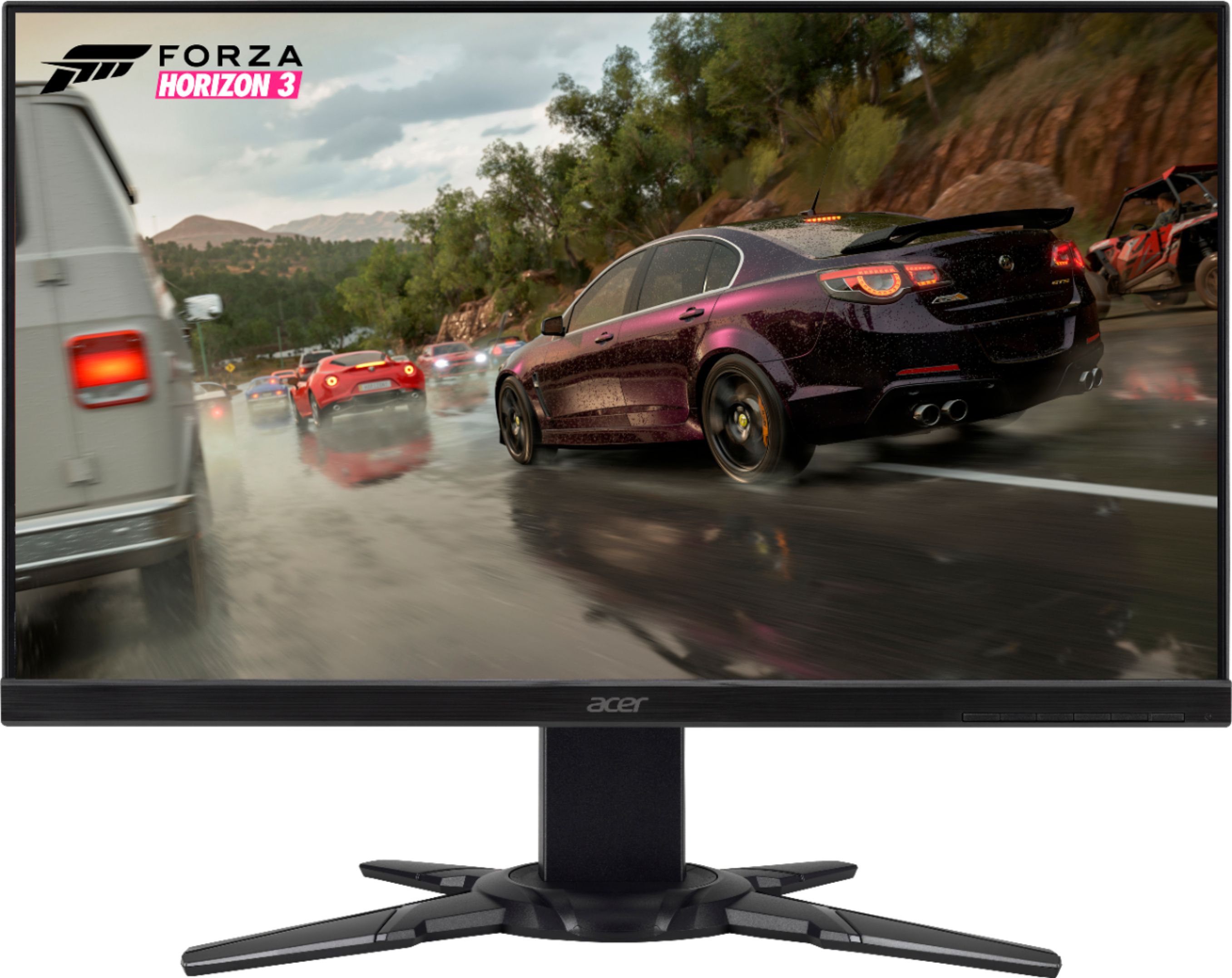
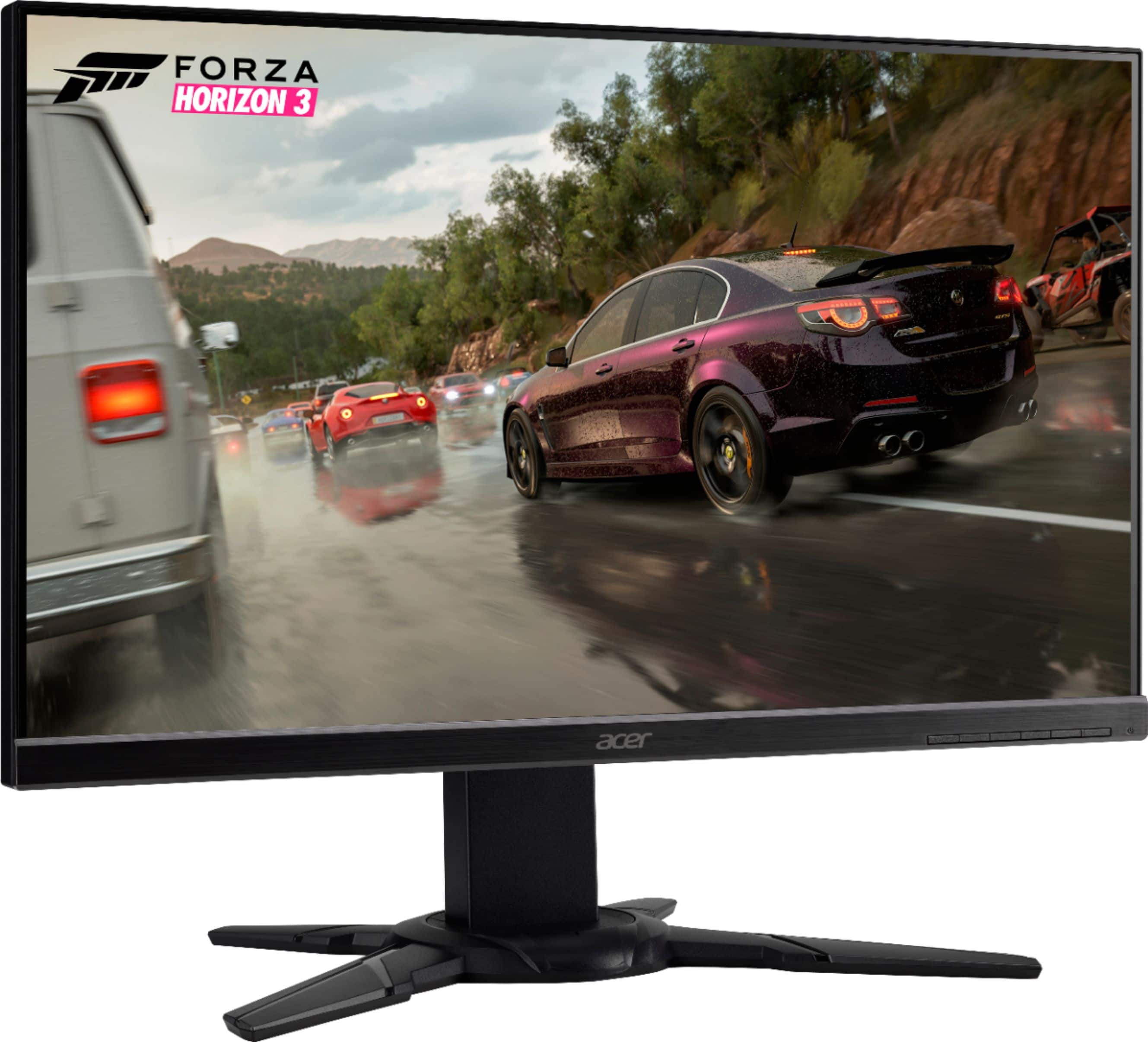
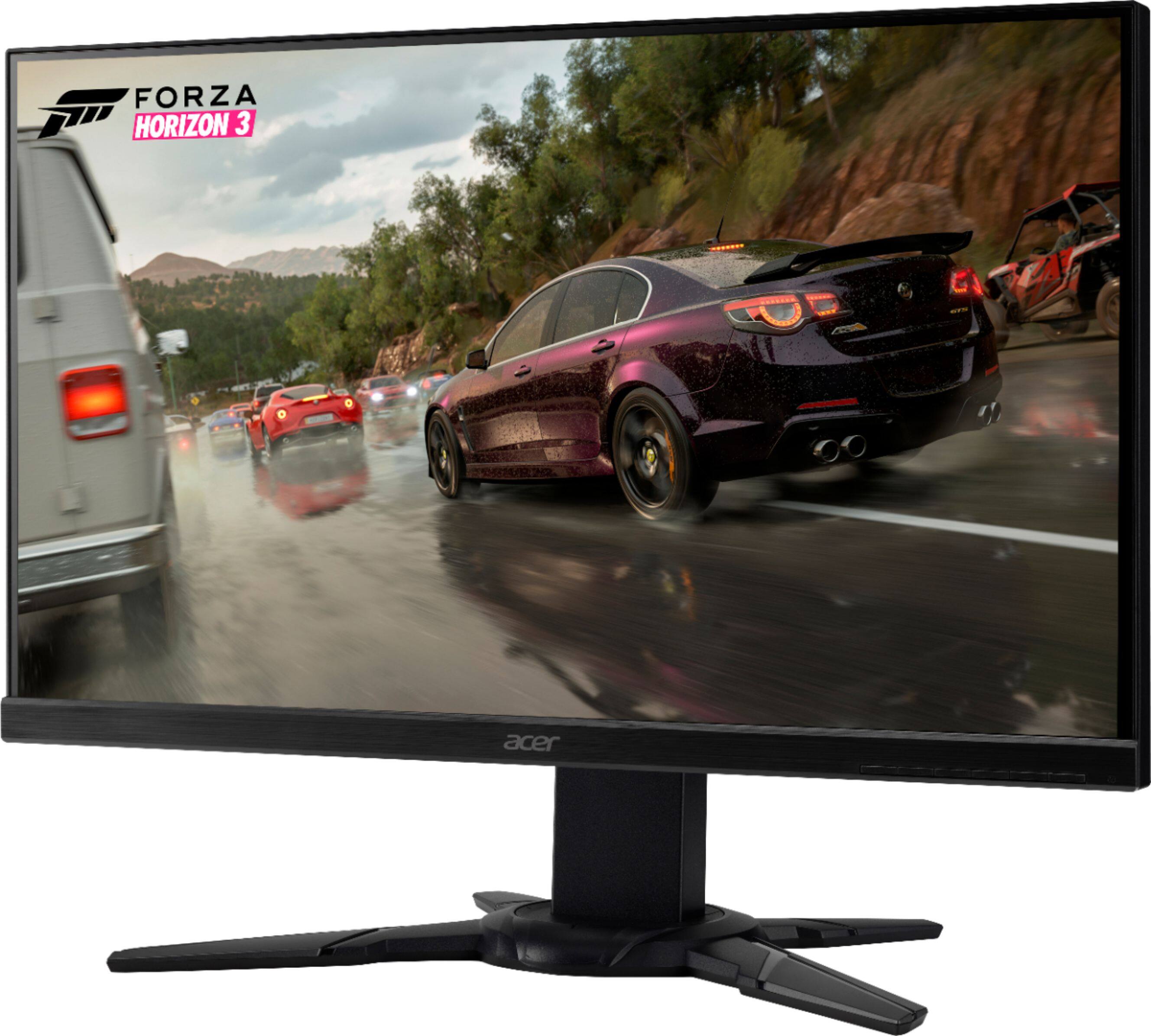
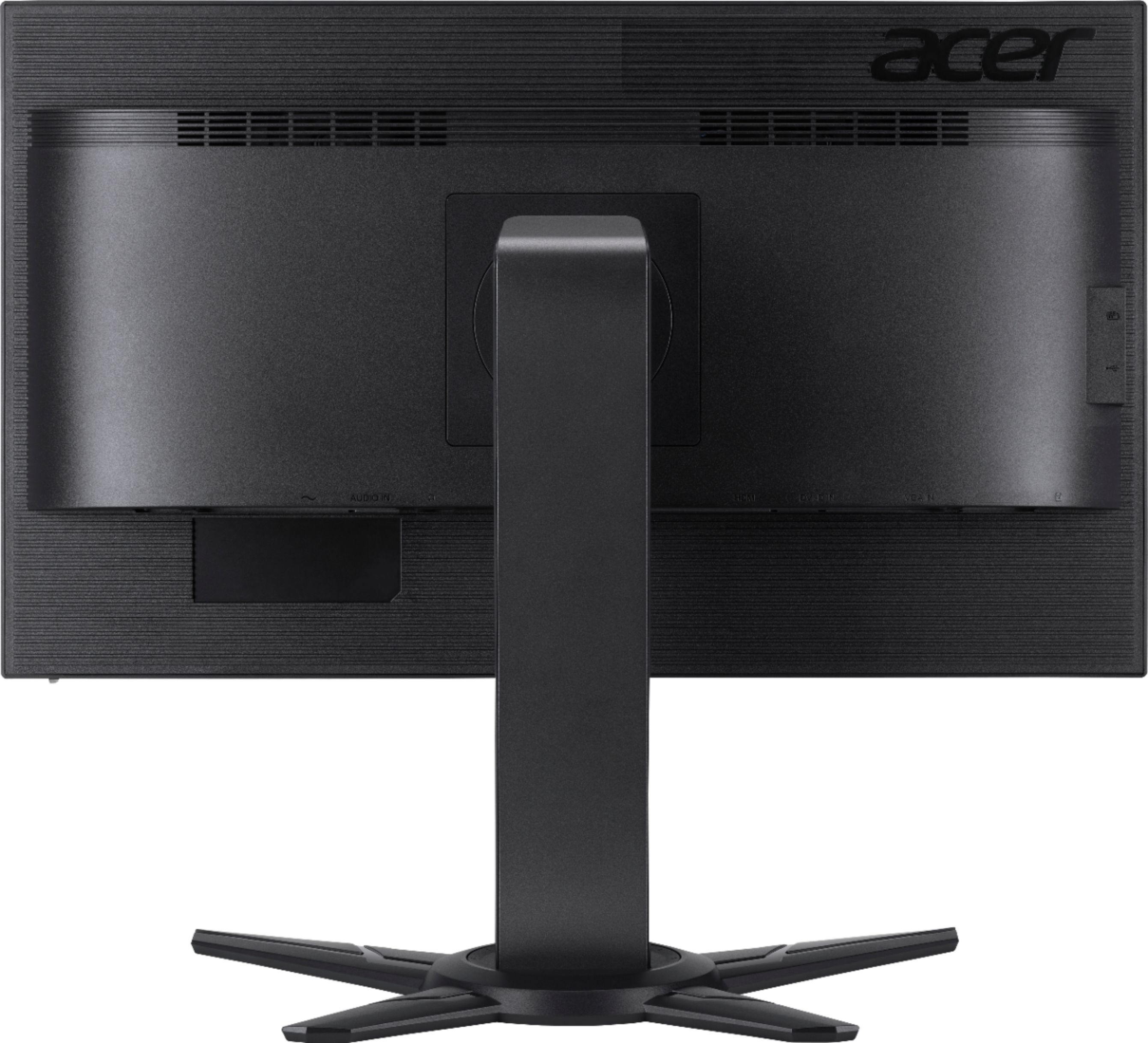

- Model:
- XF251Q BMIIRX
- SKU:
- 6244500
Rating by feature
- Ease of Use
Rating 4.7 out of 5 stars
- Value
Rating 4.7 out of 5 stars
- Quality
Rating 4.6 out of 5 stars
Customers are saying
Customers value the XF251Q monitor's picture quality and refresh rate, frequently praising its performance in gaming. Many appreciate the monitor's affordability and ease of setup, along with its stand design. While some users noted that the speakers could be improved and viewing angles have limitations, the overall experience is largely positive.
This summary was generated by AI based on customer reviews.
- Cons mentioned:Color
pretty good at sale price of $169
Posted .This reviewer received promo considerations or sweepstakes entry for writing a review.ok so im going to be kinda statistical in this review. To answer a question I had when i was researching this before I bought it: this is a TN (type of lcd) panel with an LED back light. This means that colors are good but no TN panel are going to have "vibrant colors" and also blacks will never be black. even when I turned the brightness to 0% black was still lit a bit more that i prefer but it wasnt grey. So I give it 4/5 for color accuracy and brightness (you will never need to crank it to 100% brightness it legit hurt) so 250 nits is more than enough for any situation. As for "screen door effect" or how prominent the lines are between pixels, its almost non existant unless you stick your face 5 inches away from the screen, so 5/5 for resolution if you are looking for 1080 resolution. CONS: if I turn off "Super Sharpness" some lines between colors get a bit blured, for example the Chrome logo on my taskbar has a bit of green over lapping the yellow. But if I turn on super Sharpness, black lines appear on the edges of color and it looks horrible. so you can never have a super sharp image that you want, so Thats a 3/5 cuz its sharp but not quite sharp enough. As for "pixel over drive" to try to speed up the pixel switching, well, just never turn it on. It introduces a lot of image ghosting and will make the screen look like its vibrating. If you leave "over drive" off, image is pretty smooth at 75 Hertz. For that I give it a 4/5 as having a setting that only makes things worse makes no sense but the screen otherwise has no problems. Ive seen multiple reviews of people having dead/stuck pixels but i have none but is something to be aware of so screen quality for my unit is a 5/5. As for whats in the box... Best buy doesnt list this correctly. WHAT IS REALLY IN THE BOX: bottom of monitor stand, top of monitor stand. 3.5 mm male to male stereo headphone jack, HDMI cord, VGA cable, power cable, and a headphone holder. NO ASSEMBLY INSTRUCTIONS. like there is a tiny thing printed on the top inside flap of the box but only shows that you should take it out of the box then assemble it. 0/5 assembly instructions. Due to the monitor stand being over-engineered, how to put it together might confuse people. Remember, the bottom base has a bearing that allows the monitor the turn so you have to take out the thumb screws from the lower base, then turn the bearing so that the notch is lined up with the middle of the swivel cut out (is a 90 degree arc for turning) then line up holes and screw it together. Then you take the stand and clip it onto the monitor. Make sure the top flat tabs go in first THEN the hooked tabs. Also there is a plastic tab underneath the monitor panels mount to release the panel mount if you want to take the monitor off the stand. Also no instructions saying where the unlabled headphone holder goes. Took me a few minutes but it goes on the top of the stand where its tiny teeth-hooks hook into the vertical screen slider. So because of the lack of instructions, I give the assembly a 2/5. would be 5/5 if it there were even ikea level instructions but there are NONE. Also the screen display should be easy to use for a tech savvy gamer like me, but not everyone will like it as its a little bit complex if you dive into the setting but it does have a quick settings as the far left button with some presets (some of the presets suck some dont.) It should be noted that I put it to the user profile and then adjusted a whole lot of the settings till I found what I liked (I have the color set to standard, contrast to 50%, brightness at 15% ACM and super sharpness OFF (highly recommend Turning them off). Gamma set to 2.2 (was set to that out of box) Color temp "normal" (however color and contrast can be manually fine turned of set to multiple other presets). If you find you have a screen that looks like its vibrating check overdrive and turn it off. Because I had to go into the menu and change a bunch of settings to make the screen look good but it was easy for me to do so, ill give that a 4/5. please note that this screen wont work with Nvideas g-sync. not taking points off for that because its well advertised as being Freesync and hdmi/vga only. I dont have a freesync gpu so i cant rate how well it is freesync compatibility wise. As far as input lag goes i could not perceive any so 5/5 there. but as I kinda started with, colors wont pop and black isnt black. This is a budget gaming monitor, movies wont look perfect but they will look good. Also there is at least a quarter inch of bezels on the top and sides. Saying it is bezel less is false advertising. If you made it this far... you must have had questions to start with. Simply put I like what i got BUT WHERE ARE THE INSTRUCTIONS?! yes i would buy it again at $169 if lets say, I dropped it and thus it broke.
I would recommend this to a friend 
Great monitor and excellent size
|Posted .This reviewer received promo considerations or sweepstakes entry for writing a review.Overall this monitor is great, it has many features that most monitors do not. I have connected this monitor to two separate computers just because I wanted to see the difference. My wife and I run a photography business and we usually use the computers for photography. Periodically for gaming as well. I am impressed the customization of the monitor as far as color scheme. The color and monitor refresh rate is by far some of the best I’ve seen. It has built in color settings for “Gaming, Sports, Racing, and Action.” I would definitely recommend this monitor to a friend. The only reason it is not excellent is due to the nature of changing color schemes. The monitor and stand super easy to assemble. As a matter of fact, the stand is by far the best I’ve ever had, that came stock with a monitor. It swivels left and right, monitor goes up and down, and it can tilt. This is all stock with the monitor.
I would recommend this to a friendGreat display
|Posted .This reviewer received promo considerations or sweepstakes entry for writing a review.Ok so first I'm no techno nerd but I do know what I like...and this monitor is nice. The box was pretty heavy so I expected a clunker in size but it's actually the stand, this baby wont tip over no matter how intense the gaming gets. The side bezel on the display is less than 1/4 inch thick so I get a full pic. The sharpness of the picture is unbelievable if it were a 65" tv I don't think you could tear me away. It has 2 HDMI ports, audio ports and a VGA VIDEO port (does anybody still use that) with cables included. I don't get any lag on action or transition of screen colors. This was such a good choice!
I would recommend this to a friendDecent specs for the price
|Posted .This reviewer received promo considerations or sweepstakes entry for writing a review.This monitor is at a good price point with a good size and quality display. The minimal bezel on the sides and top looks great and maximizes the size of the display. This monitor comes with built in speakers, but sound quality is lack luster, but what would you expect from built in speakers? Sound pushes out the back of the monitor and the max volume is really only good for someone sitting next to the display. Personally, I would not use the internal speakers, so it may be useless add on for most. Which brings me to my next topic, the depth of the monitor. This monitor is a good 3" deep without the stand. My previous 23" monitor topped out at maybe 1" at it's thickest point, so an additional 2" of depth for another 2" display. Yes, most people can look past this depending on display of location, but with later technology, you would expect a thinner display. Perhaps it is doe to the speaker add on, if that is the case, Acer should have done without it as most user would opt for their own speakers/headphones, especially gamers whom this monitor is target to. I did run into some issue with display recognition via HDMI. Periodically, even though my PC is not sleeping, I will get a pop up window indicating no cable signal. Also, when powering off the PC, it takes over a minute to recognize and place the monitor in sleep mode. Not a huge deal, just something I noticed. The menu options on the monitor is pretty cumbersome with use of five buttons on the bottom of the monitor. It would be nice to have a software to make all your custom configurations. Overall, it is a decent monitor at a good price point, however there are some nuances that could use some improvement.
No, I would not recommend this to a friend- Cons mentioned:Viewing angle
Good Monitors, but
Posted .This reviewer received promo considerations or sweepstakes entry for writing a review.I'm going to give these monitors a 4 start even though I returned them. I bought them because I was looking for a specific type of monitor. I wanted something that was VESA mountable, had 2 HDMI ports, and didn't have a bezel. These monitors checked that list, and were on sale. I believe they're probably a great entry level gaming monitor, and they're pretty big in size. They have plenty of adjustments for brightness and color settings. The build quality is pretty good too. I ended up returning them, because I wasn't using them for gaming. I mainly use my PC for programming, and these just weren't the right monitor for that (I knew they were a TN panel going in. Hence, the 4 star review). The viewing angle on them for my application just wasn't that great. I ended up getting two IPS panel monitors. So, my recommendation is buy these for a budget gaming monitor, but probably look else where if you don't plan on using them for gaming. If you're going to be looking at a lot of text documents or programming, I'd look for an IPS monitor.
I would recommend this to a friend - Pros mentioned:Picture quality
Nice deal nice monitor
Posted .This reviewer received promo considerations or sweepstakes entry for writing a review.This Acer monitor seems to be of very good quality. The stand itself is very solid and adjustable. The monitor menu has a good selection of setting to adjust. The picture is right about at what I expected, so I'm very satisfied with my purchase.
I would recommend this to a friend A great monitor that's easy to setup
|Posted .This reviewer received promo considerations or sweepstakes entry for writing a review.This monitor worked well right out of the box - two HDMI inputs are also a huge bonus and switching between the inputs is extremely easy. It also worked well with my HDMI switch. The monitor also slides up and down easily for height adjustment. It's perfect for a second screen for a laptop or even gaming.
I would recommend this to a friendGreat monitor
Posted .This reviewer received promo considerations or sweepstakes entry for writing a review.Awesome monitor just as expected. There have been no problems for 3 years.
I would recommend this to a friendGreat for gaming and responsive display
|Posted .This reviewer received promo considerations or sweepstakes entry for writing a review.I was using my tv in FPS games and would have a lag. This allows me to be on target and eliminates the delay. The onlything is the viewing angles are horrible since it is a TN panel and not va or IPS.
I would recommend this to a friendMuch brighter than advertised
Posted .This reviewer received promo considerations or sweepstakes entry for writing a review.I've been using the Acer xf251q for the past six weeks. For the price, it's is a fantastic deal. Here's my thoughts: -The monitor gets very bright. The listed 250 nit rating seems quite low. In a bright room, I keep brightness at 50% while doing office work, etc, and while gaming I'll crank it up to %100. In a dark room, I keep it around 60% while gaming. There's has not been a single situation in which I wished the monitor got brighter. -1080p is plenty sharp for office work and gaming. Would a 2K screen be better? Sure. But on my budget, this monitor does just fine. -The colors are fine, and the viewing angles adequate. If you look at your Samsung Galaxy phone and then this monitor, you'll see just how much better the AMOLED screens in our phones are. But when simply using the monitor, I find the colors and overall image quality pleasing enough to look at. I never find myself disliking my gameplay due to image quality issues. And while an IPS screen (rather than TN, which this one is), would have wider viewing angles, I can think of no real life situations where the viewing angles on this monitor aren't good enough. -The build is solid, and the stand has no wobble or stability issues. -75 refresh rate is better than 60, though if you have the money (I don't), go for something higher like 144. -I typically cap my frame rates at 120 on my games, which is higher than the 75 refresh rate can handle. However, I experience very little screen tearing. All in all, this is a great monitor for the price. If you can spring for something 2K 144, go for it. But if you're on a tight gaming budget, this is a great deal.
I would recommend this to a friendOverall good gaming computer
Posted .This reviewer received promo considerations or sweepstakes entry for writing a review.I first got the monitor when I bought my whole gaming setup (Around 5-6 months Ago) and since then it’s been running like a champ the only problem I have had is screen tearing on the game escape from tarkov and that’s probably because it’s so detailed but rust-gta-arma and all the other games that I play haven’t experienced any big or annoying problems I would definitely buy this if your on a budget
I would recommend this to a friend5Year review Awesome
Posted .This reviewer received promo considerations or sweepstakes entry for writing a review.I puchased this monitor over 5years ago and love it. Finally decided to upgrade my game and was comparing the features to price and can't fine anything coming close to this price. Love the tilt, anti reflection and other features which why I'm buying another on to go along side by side.
I would recommend this to a friend- Cons mentioned:Viewing angle
Great display, but poor viewing angel
Posted .This reviewer received promo considerations or sweepstakes entry for writing a review.The built quality is good. The only complaint is viewing angel.
I would recommend this to a friend Don’t Buy if You have a Bad PC
Posted .This reviewer received promo considerations or sweepstakes entry for writing a review.Do not Buy this Monitor if your PC isn’t good. Since Buying this I’ve had So many Problems. I’ve had this Monitor for about 2 Months now and I’ve to Reboot windows and start from Scratch TWICE, and I didn’t have issues for almost 2 Years. This Monitor does not have a DVI Input it only has HDMI and Display Port Input which was a Huge problem, The Display Port is a Pain to Work with. I Bought this for 240Hz and My PC caps it at 120Hz. Also it is a real pain to get it to Show the Display, I have to Reboot my PC sometimes 3-4 times Before the Display will Show. Giving this 3 Stars instead of 1 Because most of these issues are probably caused by My Potato of a Computer but Please, Do Not Buy this Unless you have a Good PC!
No, I would not recommend this to a friend- Cons mentioned:Ghosting
Pretty Dissapointed
Posted .This reviewer received promo considerations or sweepstakes entry for writing a review.Bought this after learning that ips panels are prone to backlight bleeding. The backlight almost doesn’t bleed at all with this monitor so that made me happy, until I saw what happens when bright colors come up on screen. Not sure if it’s due to some anti glare coating but I’m able to see the surface of the screen on top of bright images and it can be pretty immersion breaking. As for the ghosting issue, I don’t understand it. Even with overdrive off, the problem doesn’t really get any better. I think there’s a reason this monitor keeps going on sale and I’m not sure why more people aren’t seeing what I’m seeing.
No, I would not recommend this to a friendBrand response from TeamAcer
Posted .Dear Stoney
We are sorry to hear you are unhappy with your Acer XF series monitor. This is not the experience we want our customers to have and we would like to help you get this resolved. If you are located in the US or Canada please fill out this form so that we can assist you:
http://csapps.acer.com/prompt/?key=2ef0ddff1821e12b03ad5dc36d01e2dd4a5ee509
We appreciate you taking the time to write this review.
Thank you
Acer America
stuck pixel, no freesync for nvidia
Posted .This reviewer received promo considerations or sweepstakes entry for writing a review.overall i wouldve been happy but it had a stuck pixel and while nvidia graphics cards now support freesync monitors, this is absolutely not one of them and wont be. nvidia only supports freesync through displayports. games i noticed an issue on: rogue legacy had stuttering that made the game difficult to look at vermintide 2 had screen tearing during all cinemas. card is gtx 1060 6gig in my machine. the problems were typical of a non-free sync/g sync monitor. separately, i had one stuck pixel.
No, I would not recommend this to a friendGreat
Posted .This reviewer received promo considerations or sweepstakes entry for writing a review.The monitor work properly! I have used like 6 months and style perfect!
I would recommend this to a friendReal Nice Monitor
Posted .This reviewer received promo considerations or sweepstakes entry for writing a review.Good color, easy to set up, just a very well built monitor.
I would recommend this to a friendWorked Fine For A While
Posted .This reviewer received promo considerations or sweepstakes entry for writing a review.Was originally happy with the purchase but the monitor has since started showing the menu randomly and cycling through the options. Tried power cycling the device and resetting but the issue remains. This continues to happen when nothing is connected other than the power cable as well. Garbage.
No, I would not recommend this to a friendBrand response from TeamAcer
Posted .Dear SomeGuy,
We are sorry to hear your Acer monitor is not functioning properly and we understand this is frustrating for you. This is not the experience we want our customers to have and we would like to help you get this resolved. If you are located in the US or Canada, please feel free to contact our support team at 866-695-2237; they are available to assist 24/7 for in-warranty products.
We appreciate you taking the time to write this review.
Regards,
Acer America