Customer Ratings & Reviews
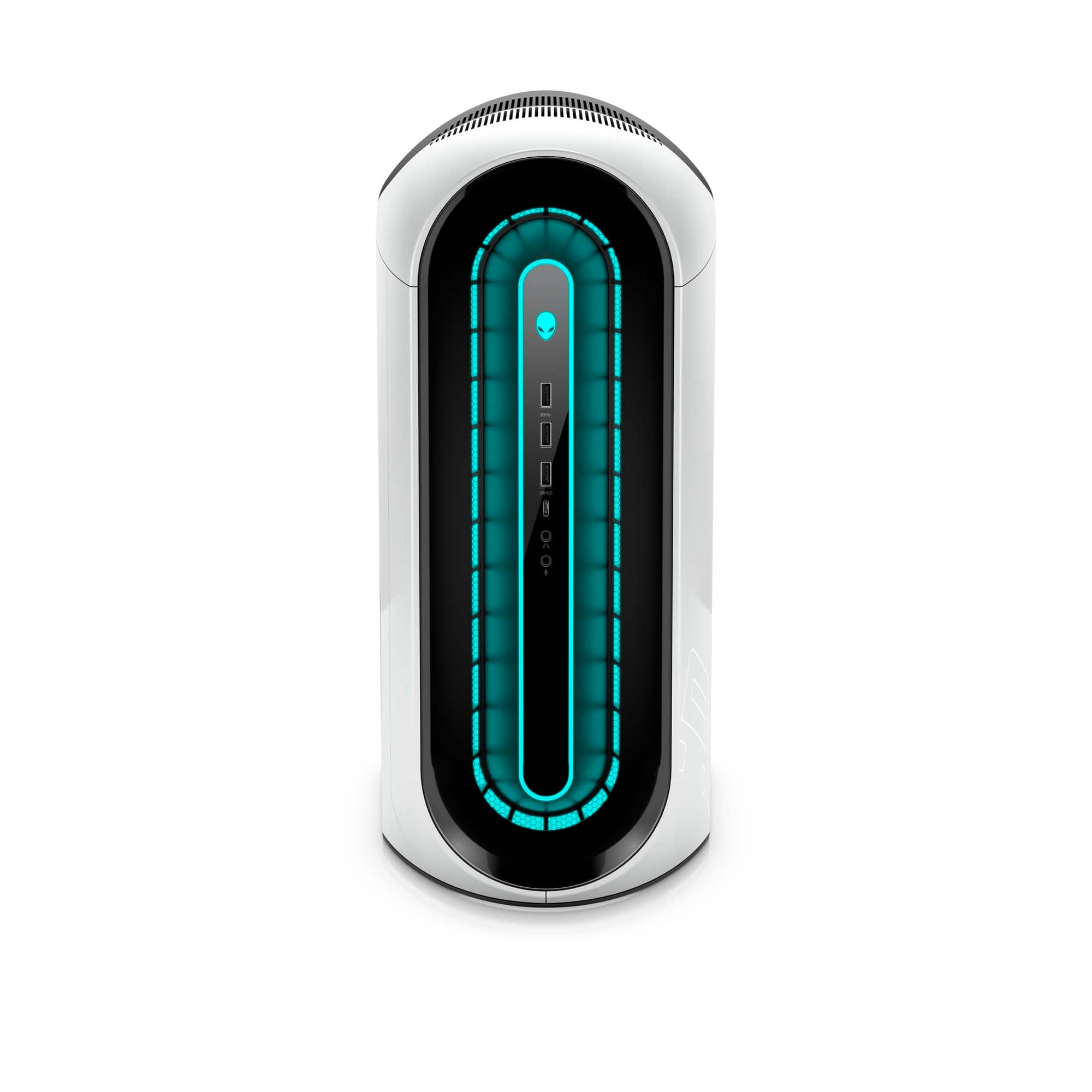
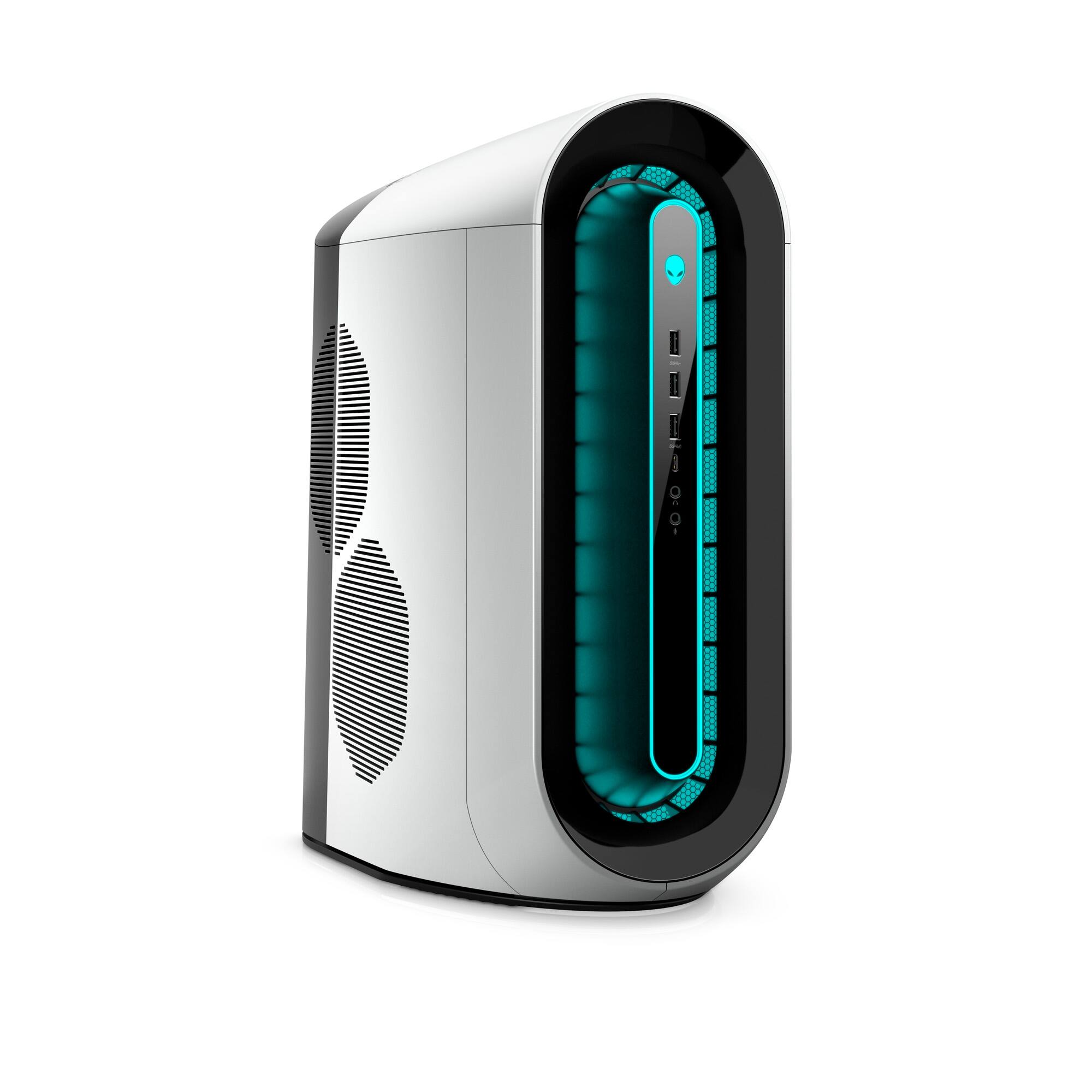
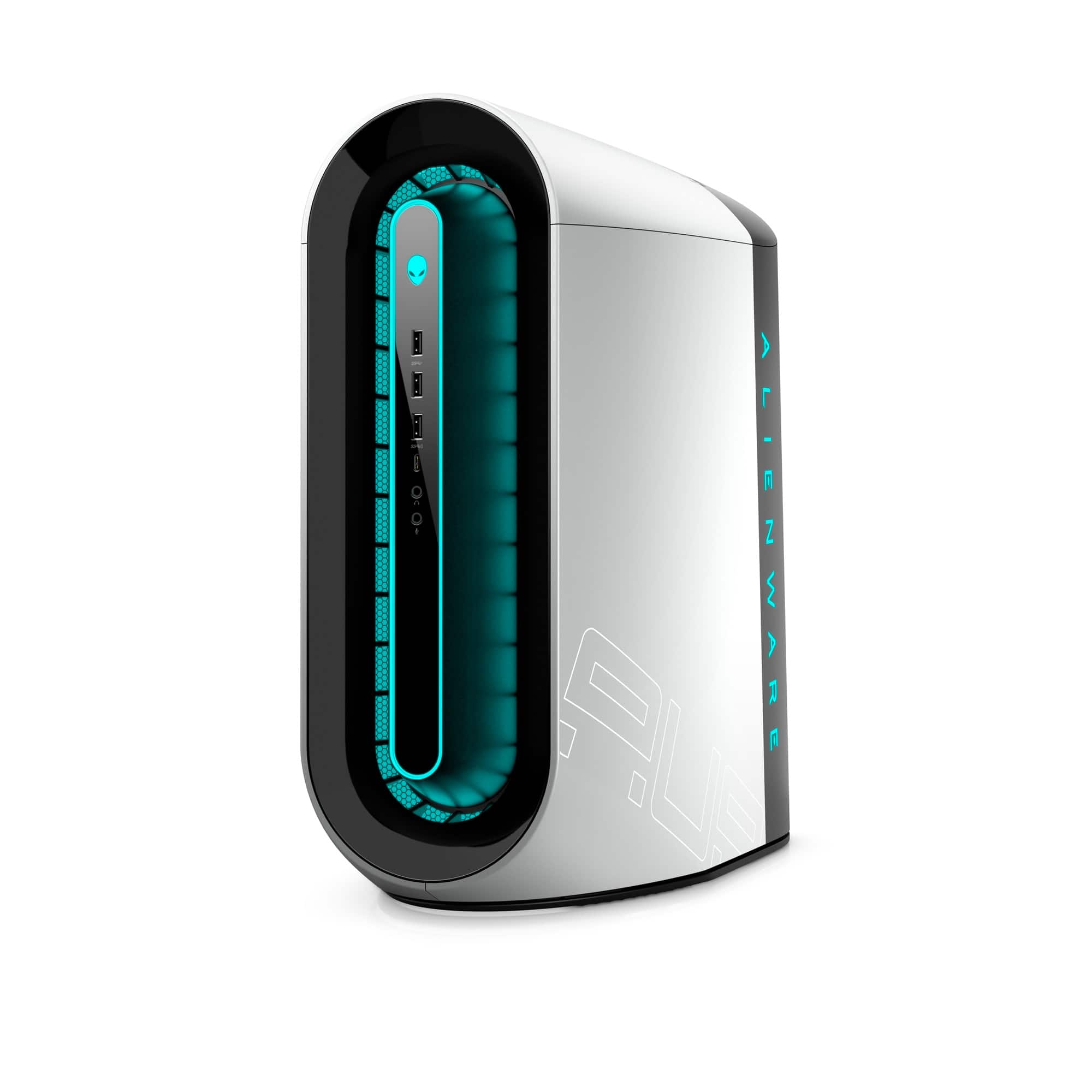
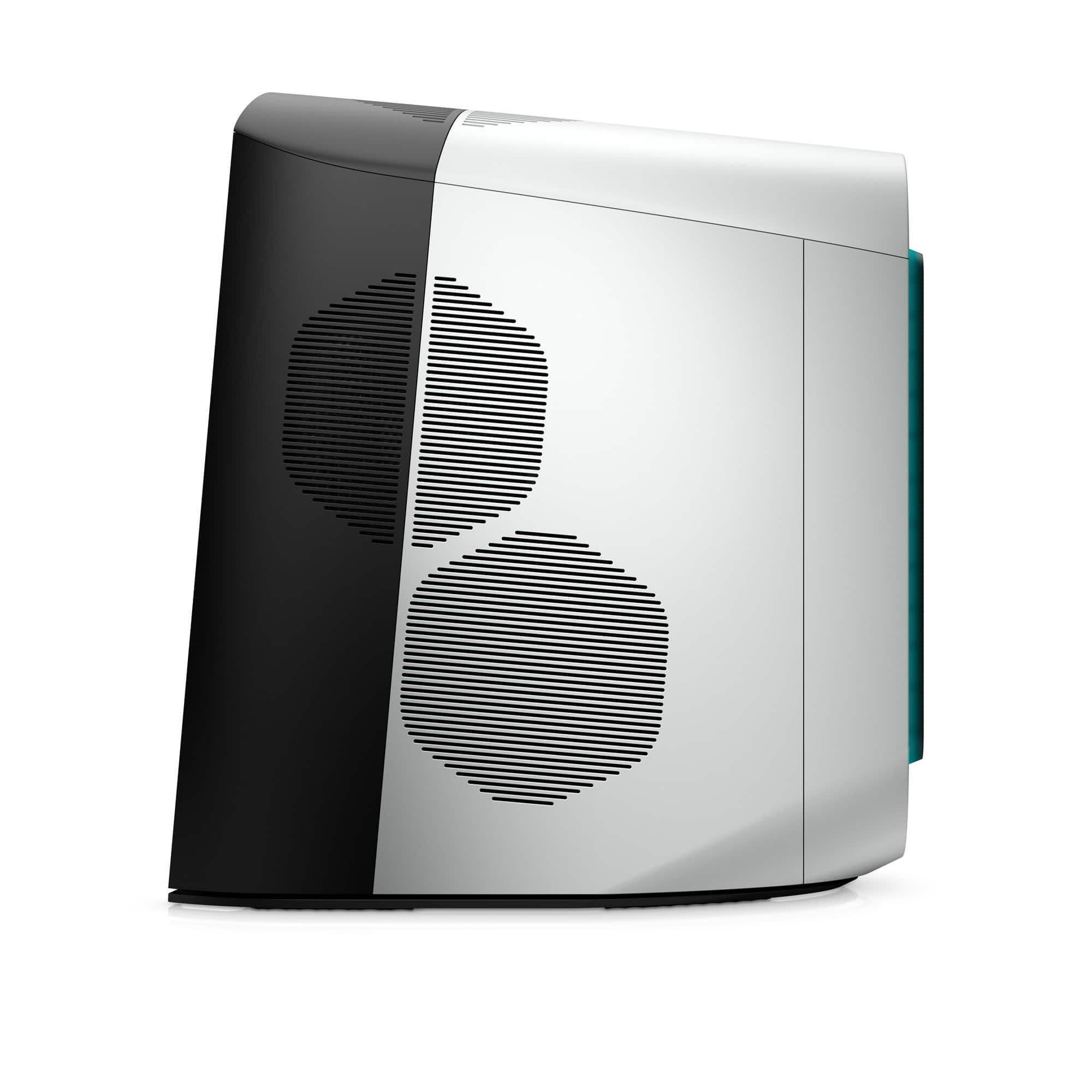
- Model:
- AWAUR12-7556WHT-PUS
- SKU:
- 6499892
Rating by feature
- Value
Rating 4.4 out of 5 stars
- Quality
Rating 4.6 out of 5 stars
- Ease of Use
Rating 4.7 out of 5 stars
Customers are saying
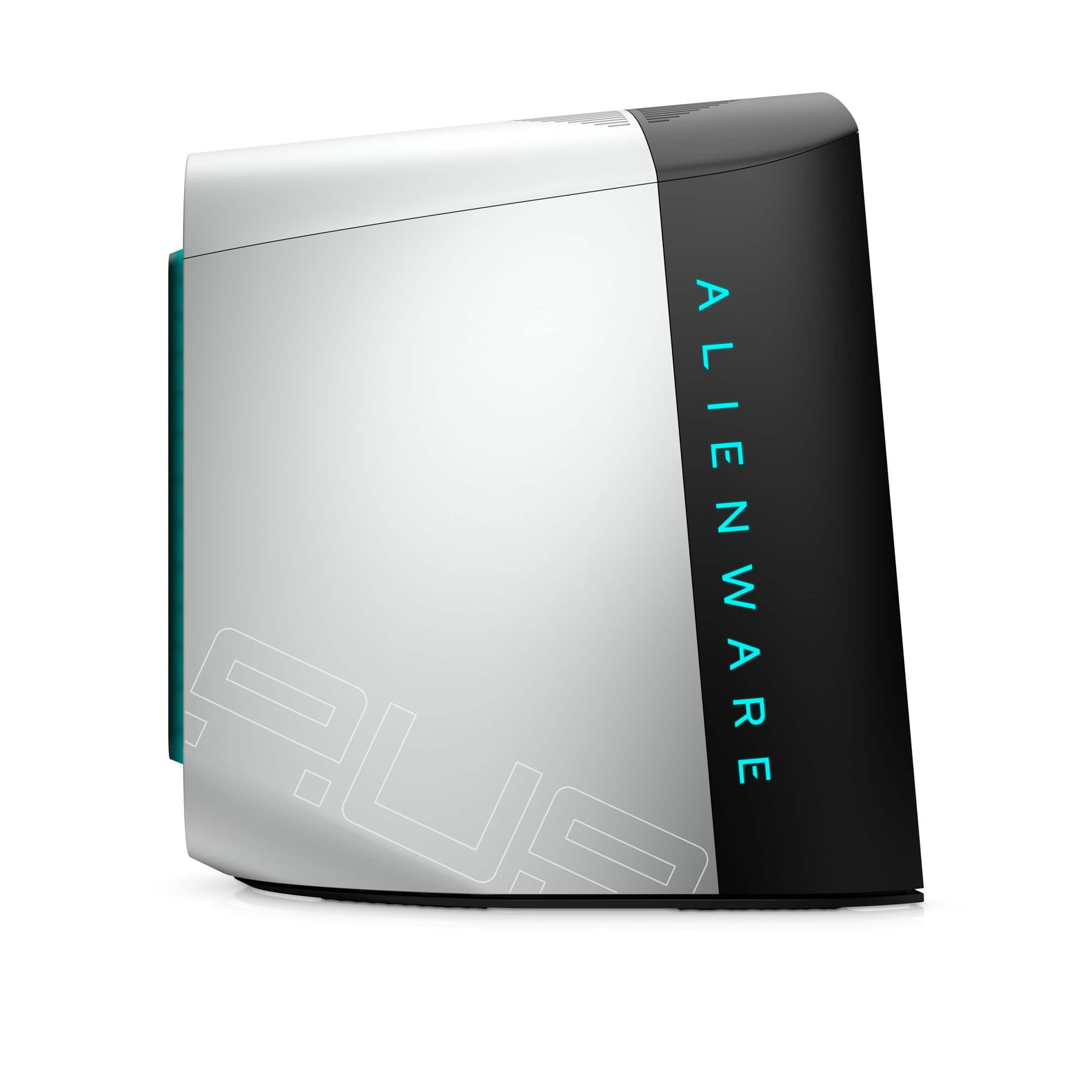
Customers regard the Aurora R12 Gaming Desktop's performance and graphics capabilities very favorably, with many praising its smooth gameplay and impressive visuals. The price point is also frequently cited as a positive aspect. However, some customers have expressed concerns about the cooling system's effectiveness, noting that it can become quite loud and lead to elevated temperatures under certain conditions.
This summary was generated by AI based on customer reviews.
- Cons mentioned:Cooling
Let’s not put what’s needed in this pc setup.
||Posted . Owned for less than 1 week when reviewed.This reviewer received promo considerations or sweepstakes entry for writing a review.Wouldn’t buy you have to upgrade to a liquid color because the air is not enough to cool the pc and you need to get an actual heat sink because it is not included these are some of the problems I have faced in the first hour of opening the box can’t wait to find more.
No, I would not recommend this to a friendBrand response from YourDellTeam
Posted .Dear Valued Customer,
We would like to thank you for taking the time to provide us with your feedback. We are sorry to hear that you have come across some issues with your Alienware Aurora R12 gaming desktop because its cooling system is not efficient.
If your gaming desktop is overheating, we would recommend making sure the BIOS is up to date on your PC. I have provided a link to the Drivers and Downloads page so you can check for and do any applicable updates. Dell has also released an Intel Power Management Utility to help with the overheating that you may be experiencing on your computer. For this package to take effect, the system power plan must be set to Balanced under the Additional Power Settings. Also, the Power Mode option that is displayed when you click the battery icon, should be set to Better Performance. This package only takes effect on AC power and not on battery power. The Intel Power Management Utility can be found here - http://dell.to/3tStRgX.
Drivers and Downloads Page: https://dell.to/3M3CpKJ
If the overheating issue with your computer is still not resolved after utilizing the troubleshooting options above, please contact the Dell Support Team at 1-800-624-9896 for further guidance.
Best,
Katarina@Dell
Should you need further assistance, you can contact Dell directly with the information below.
Chat or call: https://bit.ly/DellSupportTeam
Phone number to Dell 1-800-624-9896
- Cons mentioned:Cooling
Overheating!!!
||Posted . Owned for 1 month when reviewed.This reviewer received promo considerations or sweepstakes entry for writing a review.Overheating, first 10-15 days working good! After that just overheating! And not returnable after 14 days! I hate this pc!
No, I would not recommend this to a friendBrand response from YourDellTeam
Posted .Dear Sean,
We would like to thank you for taking the time to provide us with your feedback. We apologize for the issues you have come across with your new Alienware Aurora R12 gaming desktop because it is overheating.
To help with this issue, we would recommend making sure the BIOS is up to date on your PC. I have provided a link to the Drivers and Downloads page so you can check for and do any applicable updates. Dell has also released an Intel Power Management Utility to help with the overheating that you may be experiencing on your computer. For this package to take effect, the system power plan must be set to Balanced under the Additional Power Settings. Also, the Power Mode option that is displayed when you click the battery icon, should be set to Better Performance. This package only takes effect on AC power and not on battery power. The Intel Power Management Utility can be found here - http://dell.to/3tStRgX.
Drivers and Downloads Page: https://dell.to/3M3CpKJ
If the overheating issue with your gaming desktop is still not resolved after utilizing the troubleshooting options above, please contact the Dell Support Team at 1-800-624-9896 for further guidance.
Best,
Katarina@Dell
Should you need further assistance, you can contact Dell directly with the information below.
Chat or call: https://bit.ly/DellSupportTeam
Phone number to Dell 1-800-624-9896
Stupid purchase
||Posted .This reviewer received promo considerations or sweepstakes entry for writing a review.Garbage desktop. To many restrictions within the self guided set up. Account is trying to link to a non existing account. It’ll every time it tries to delink to the deleted account. This pre installed operating system is garbage. I can’t believe that I paid the price and this is the what I’m dealing with.
No, I would not recommend this to a friendBrand response from YourDellTeam
Posted .Hi Valued Customer,
We appreciate you taking the time to leave us your review. We are sorry to hear about the issues you have experienced with your Alienware Aurora R12 gaming desktop because of the problems with its operating system.
I have provided a link to articles that have the specs and system requirements for Windows 11.
Windows 11 Specs and System Requirements: https://bit.ly/3nyMmF3
Windows 11 Tips and Tricks: https://bit.ly/3CQXeUa
If you need any technical support, please don’t hesitate to contact Dell Support Team at the information provided below.
Best,
Katarina@Dell
Should you need further assistance, you can contact Dell directly with the information below.
Chat or call: https://bit.ly/DellSupportTeam
Phone number to Dell 1-800-624-9896
- Pros mentioned:Performance
3060Ti for the win!
Posted .This reviewer received promo considerations or sweepstakes entry for writing a review.Best computer hands down. Plays top tier games like a champ.
I would recommend this to a friend