Customer Ratings & Reviews
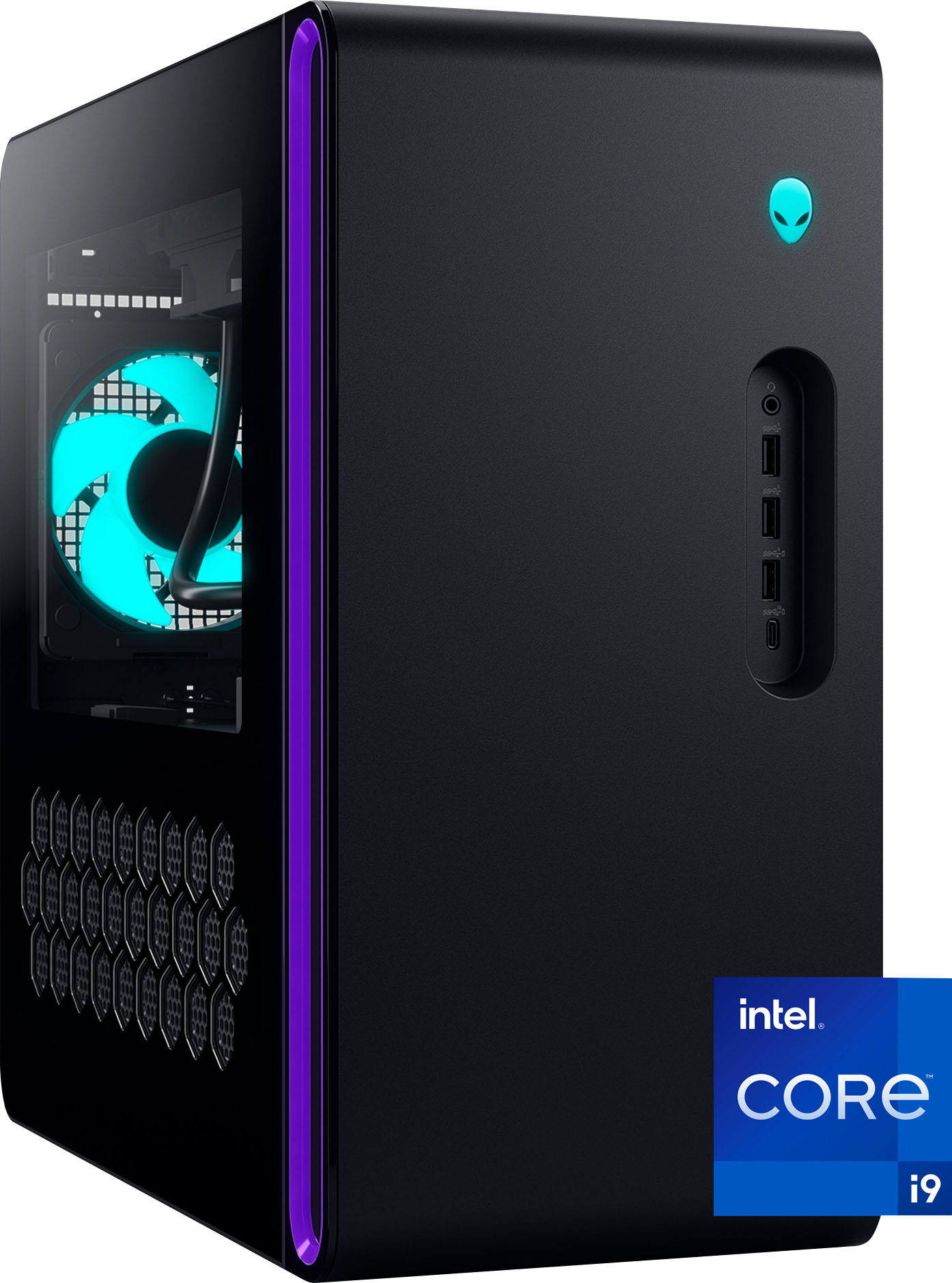
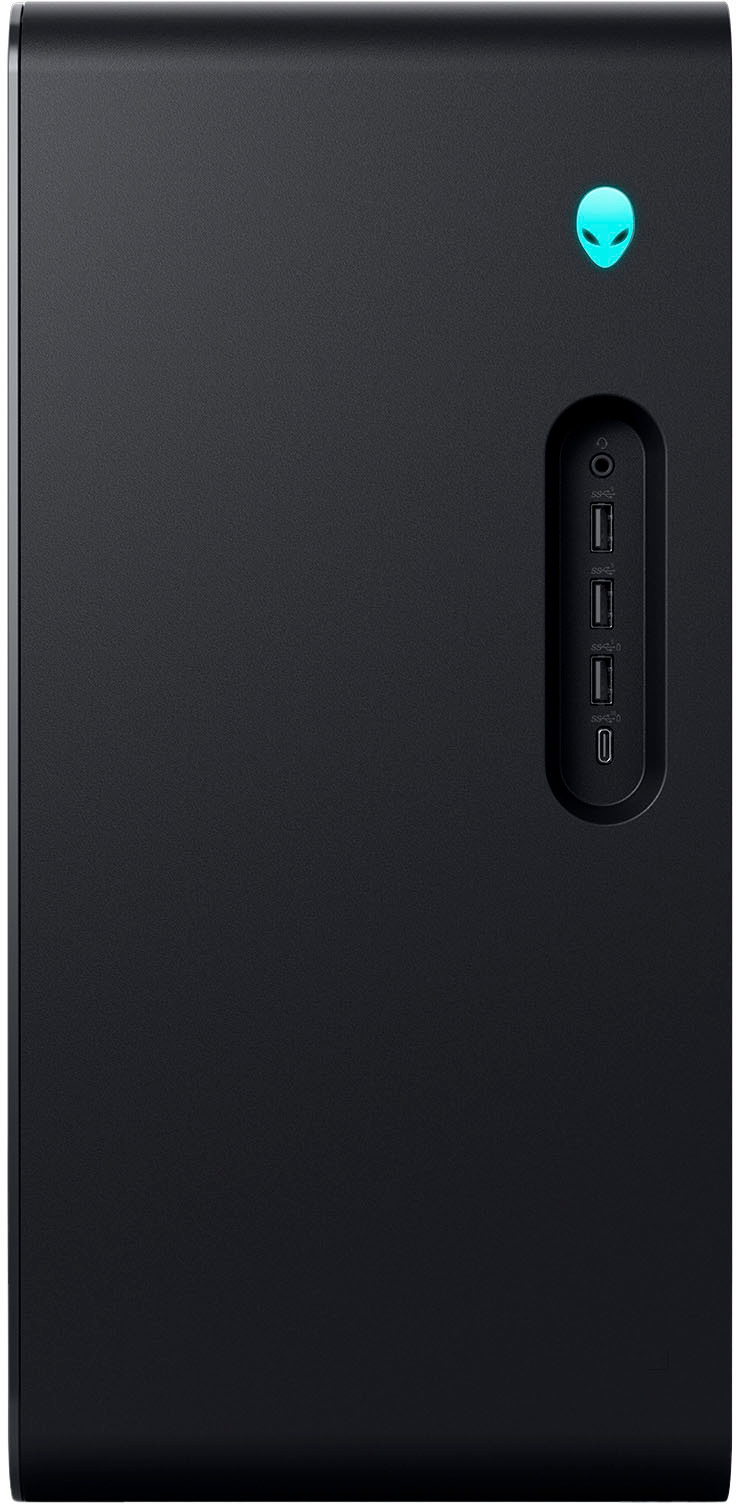
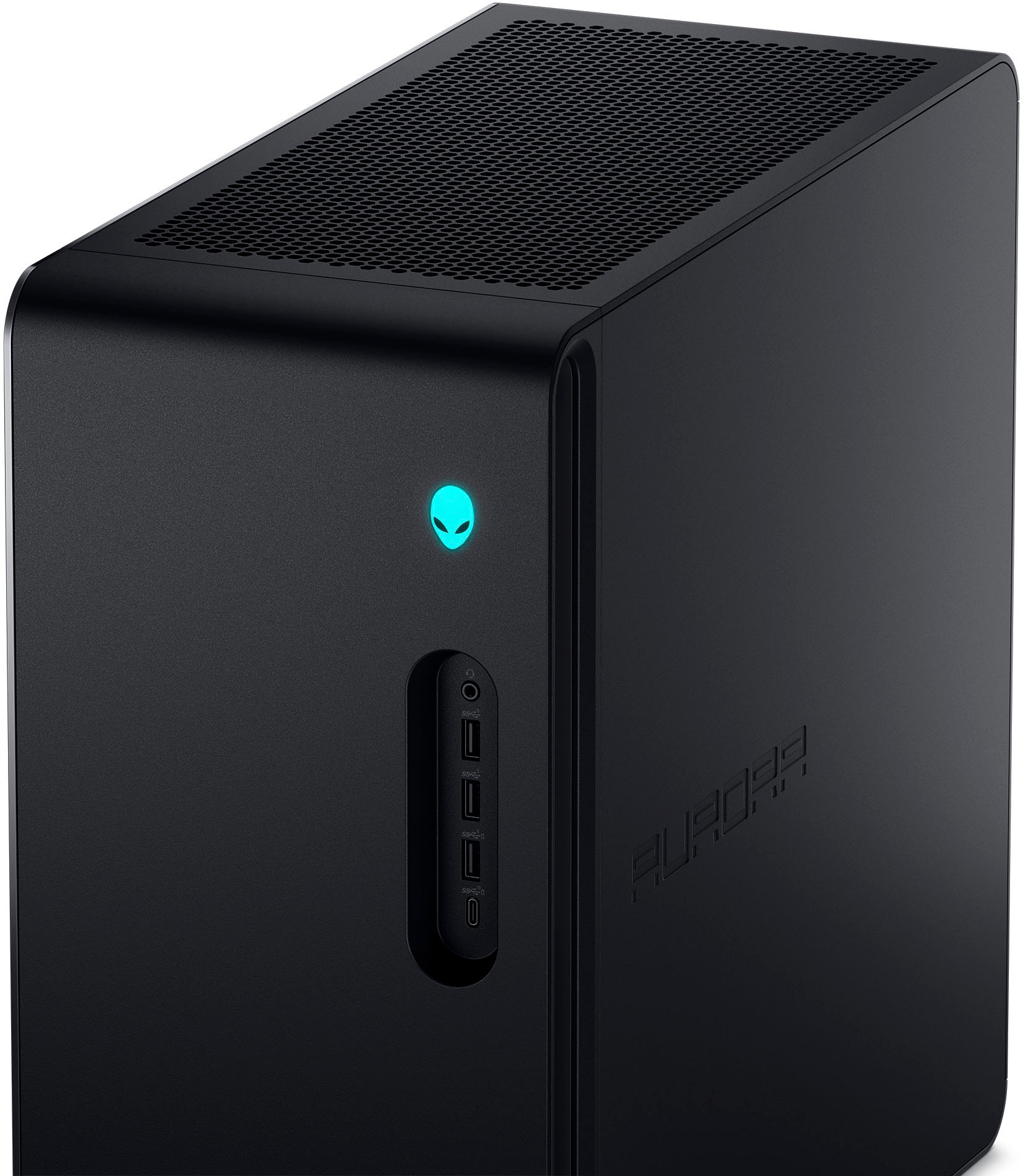
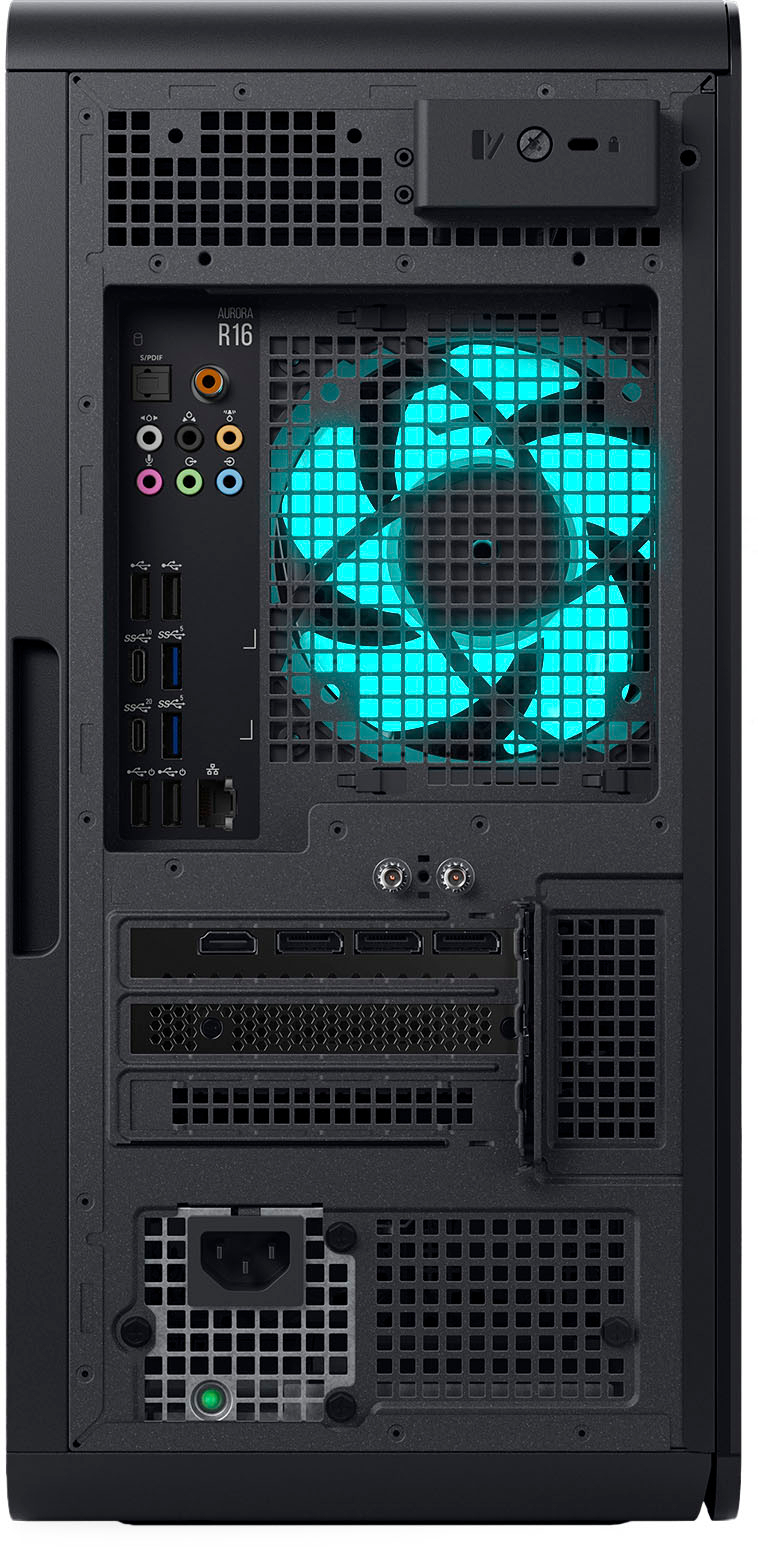




- Model:
- AWAUR16-9261BLK-PUS
- SKU:
- 6562058
Rating by feature
- Value
Rating 4.0 out of 5 stars
- Quality
Rating 4.0 out of 5 stars
- Ease of Use
Rating 4.2 out of 5 stars
Customers are saying
Customers appreciate the Aurora R16's exceptional performance and impressive graphics capabilities, frequently citing its ability to handle demanding games and applications smoothly. Many also find the price to be competitive for the level of performance offered, while some note the system's quiet operation. However, a few users have reported experiencing issues with memory and the processor.
This summary was generated by AI based on customer reviews.
- Pros mentioned:Noise level
Best pc ever
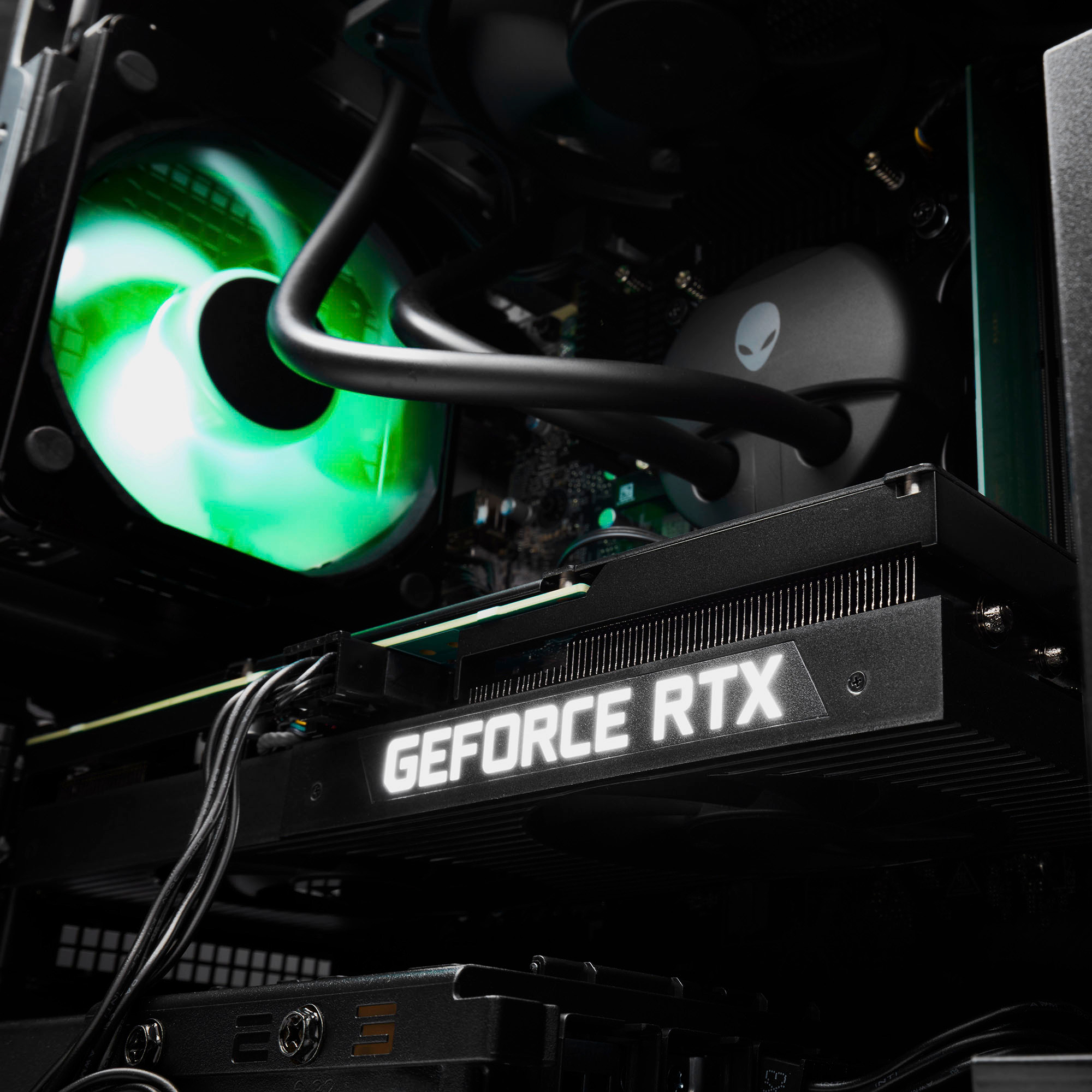
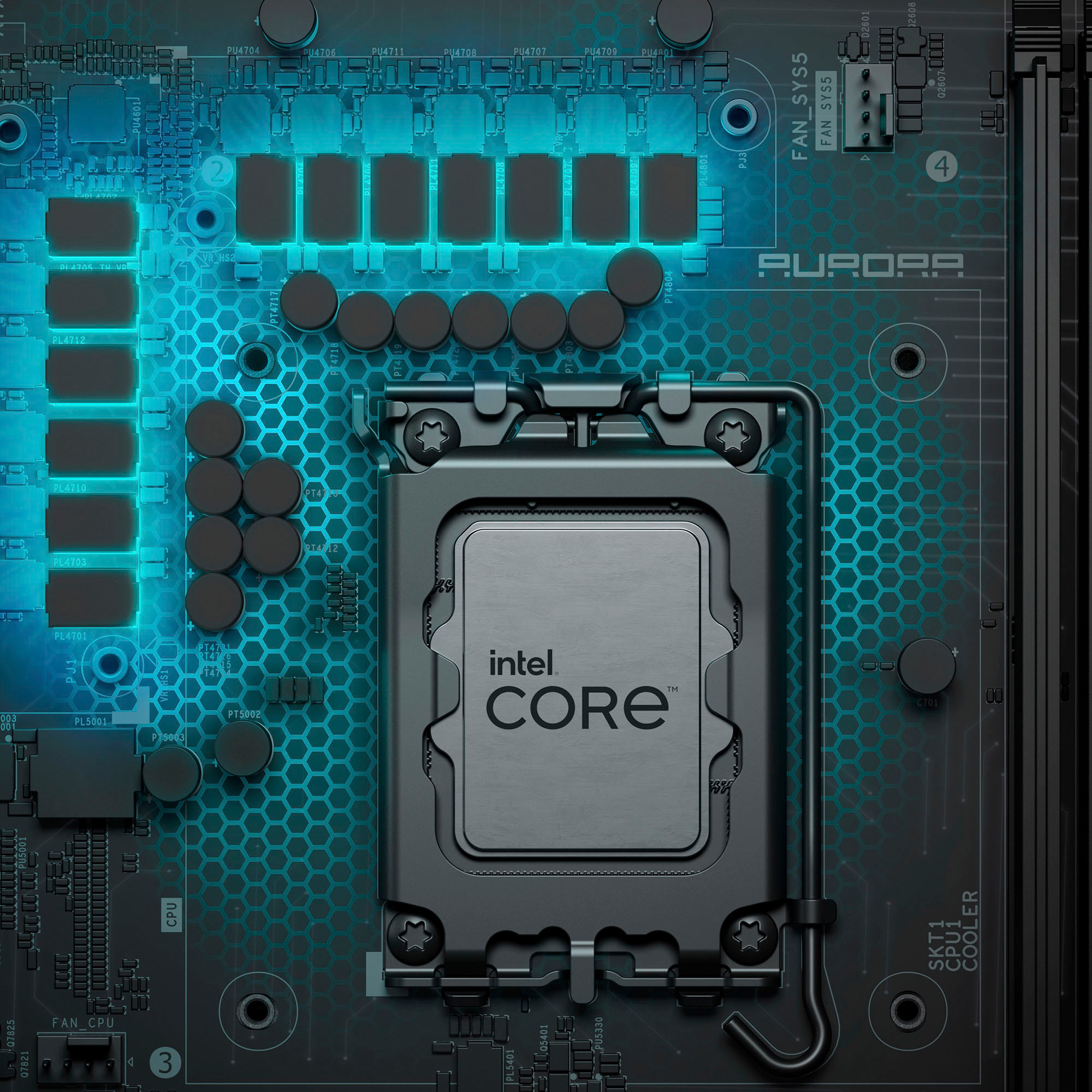
Posted .This reviewer received promo considerations or sweepstakes entry for writing a review.First time buying a pc and love it so much very quiet and rtx 4080 runs my games so good and 2 tb of space is amazing plus the 14 gen 19-14900kf is a rlly good intel core i can tell its water cooled and doesnt overheat
I would recommend this to a friend - Pros mentioned:Performance
Tank pc
Posted .This reviewer received promo considerations or sweepstakes entry for writing a review.Godlike pc, got this on a discount too. Running games on max settings with great fps and even able to stream perfectly! ttv/dcv1337
I would recommend this to a friend Games Crash Constantly
Posted .This reviewer received promo considerations or sweepstakes entry for writing a review.I haven't gotten the issue resolved with Dell Support but I'm currently unable to play games on this machine. I'm past the return period and every game I try to play crashes. This issue is worth looking up before purchasing this item because several others are also experiencing it. Very disappointed.
No, I would not recommend this to a friendBrand response from YourDellTeam
Posted .Dear JoshuaC,
We appreciate you taking the time to leave us your review. We sincerely apologize for the crashing issues that you are experiencing with your Alienware Aurora R16 desktop. It's important for us to hear about inconsistencies in our products for consideration of future development. Below I have provided troubleshooting instructions with the full article that can help resolve this issue.
Here are the steps to help resolve your crashing issue:
1. At the desktop, click the Search the web and Windows box and type "problem reports".
2. Select View all problem reports viewing a list of errors that have occurred on your computer and possible solutions for them, such as updating drivers, flashing your system BIOS, or checking for updates to the software.
3. Under the Source column, look for Windows and under Summary, look for Shut down unexpectedly.
4. Right-click the line item and select Check for a solution.
We'd also suggest checking to make sure that your software and drivers are up to date on Dell's Product Page here: https://dell.to/3khR75H
You can read the full article on solving PC crashing issues here: http://dell.to/2u98Cct
If you still experience any issues after you have finished troubleshooting your device using the steps above, please reach out to us at: https://bit.ly/DellSupportTeam.
Chat or call: https://bit.ly/DellSupportTeam
Phone number to Dell: 1-800-624-9896
Best,
Summer@Dell