Customer Ratings & Reviews


- Model:
- AWAUR7-7999SLV-PUS
- SKU:
- 6155310
Rating by feature
- Value
Rating 4.3 out of 5 stars
- Quality
Rating 4.4 out of 5 stars
- Ease of Use
Rating 4.5 out of 5 stars
Customers are saying
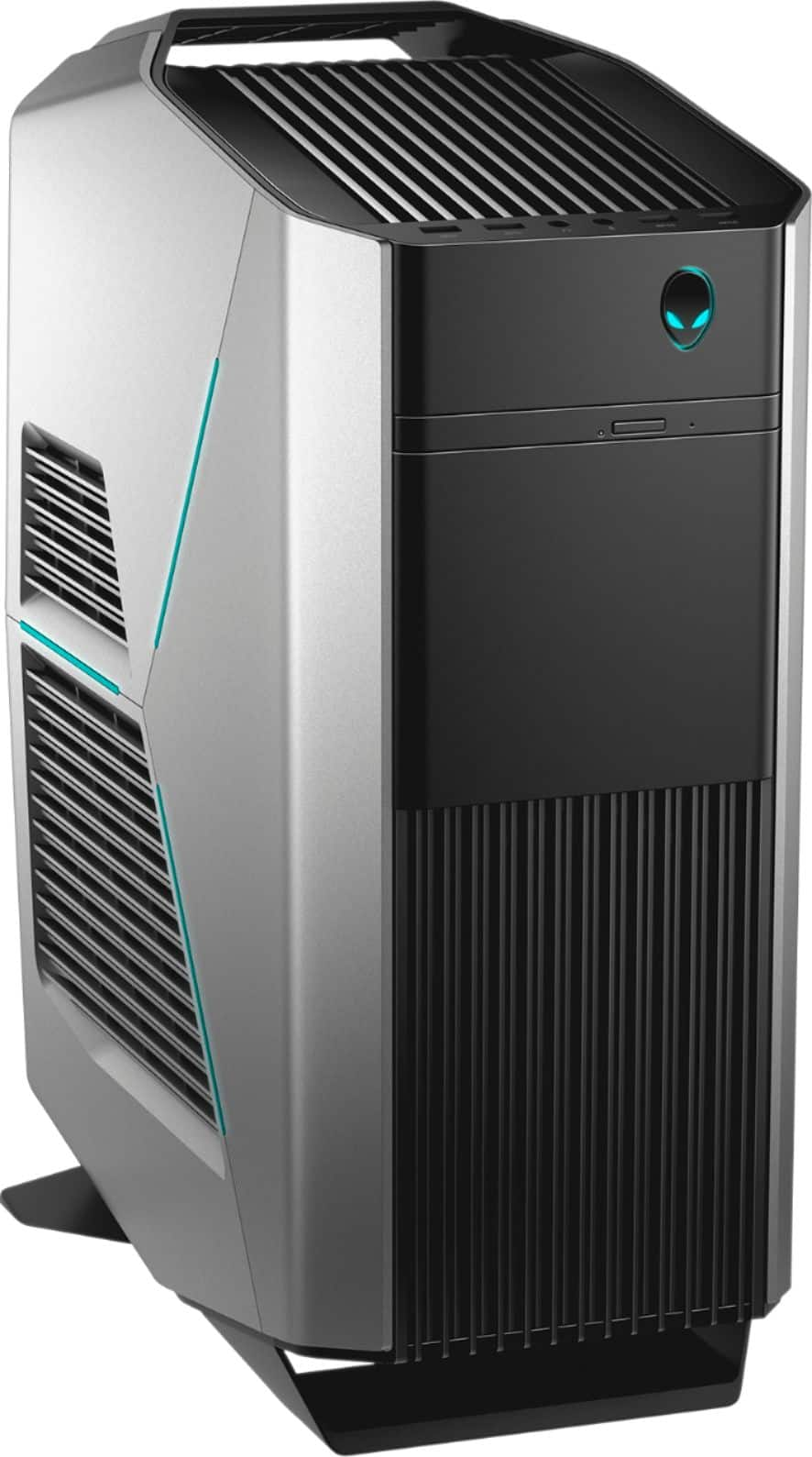
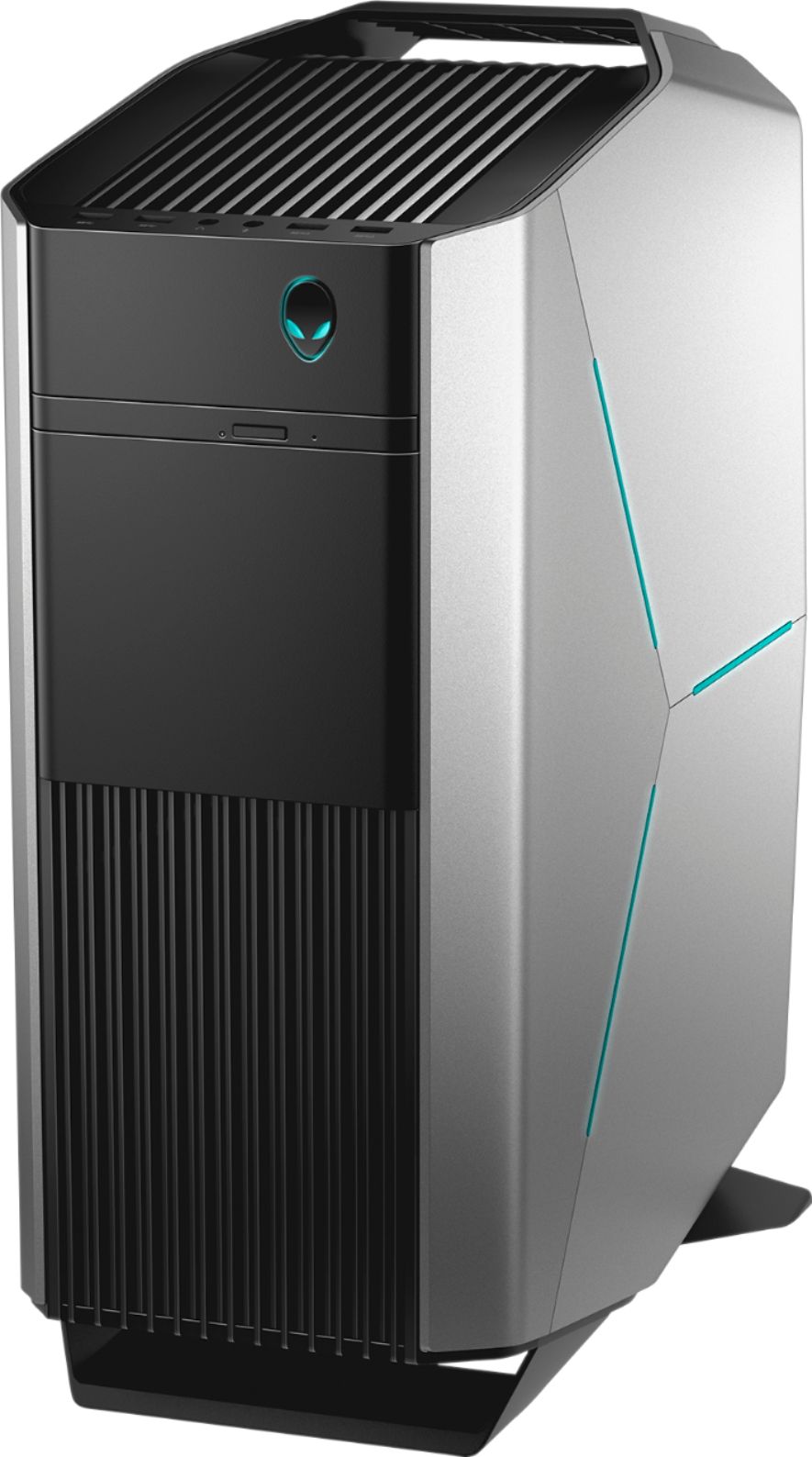
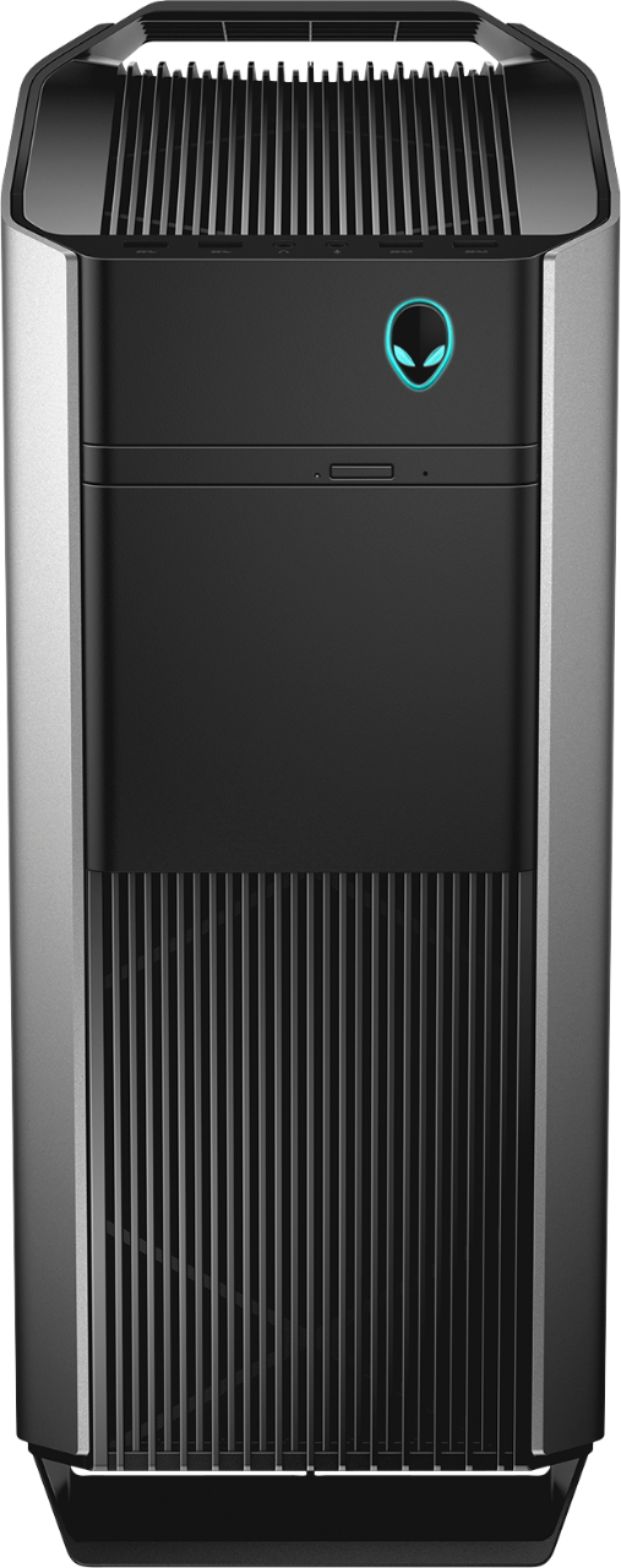
Customers admire the Aurora R7's impressive performance and high-quality graphics, frequently praising its speed and visual capabilities. Many appreciate the quiet operation and the system's excellent cooling, even during demanding tasks. While some users noted concerns about the hard drive and power supply, the overall positive feedback highlights the machine's value and build quality. Positive comments also frequently mentioned the included Optane memory and customizable lighting.
This summary was generated by AI based on customer reviews.
Worst PC Ever or Best Paperweight Ever?
||Posted . Owned for more than 2 years when reviewed.This reviewer received promo considerations or sweepstakes entry for writing a review.Possibly the worst desktop I have ever owned. It started failing to boot about a month into owning it. Turns out this is a very common problem with the R7. If you don't mind having to get it professionally repaired and losing everything you've saved even after selecting to retain your files, then this is the PC for you. On the brightside, it provided me with a very pretty paperweight. My biggest regret with this is not having returned it when I had the chance. I purchased this product 2 years ago and am still taking time out of my day to leave this review.
No, I would not recommend this to a friendBroke TWICE!
||Posted .This reviewer received promo considerations or sweepstakes entry for writing a review.So I got this pc and for the first week I was super happy that it was running well but than it broke with a screen turning on and off none stop so took it back for new pc well... pc broke again before the 14 days I even got it!! Went to eat dinner came back and pc was like NOPE I'm broke now, pc wouldn't load I was getting the thermal errors and pc would not shut down properly and when ever I powered it down I had to type my login through command prompt?! And than once I'm in windows I could load anything but chrome so basically this pc is garbage please take my advice and either looking into building your own pc which is what I'm gonna do even tho I have no experience I have a friend who will help and it's pretty simple as long as you look it up or you can just buy anything else besides this pc trust me!
No, I would not recommend this to a friendBrand response from YourDellTeam
Posted .Nathan,
Thanks for your review. We're sorry that your computer is not performing the way you had hoped it would. We'd recommend contacting Dell's Technical Support Team to help you with the issues that you're having: http://dell.to/2sH7Qlm.
Best,
Bryan
1-800-624-9896
Okay but didn't meet our needs
||Posted .This reviewer received promo considerations or sweepstakes entry for writing a review.This would be a great gaming system, just didn't run Linux
I would recommend this to a friendBrand response from YourDellTeam
Posted .bcust,
If you have some questions about how to use Windows 10 with your new Alienware computer you can check our Windows 10 support page here: http://dell.to/2wMZqyx.
Best,
Bryan
1-800-624-9896
Not that Good
||Posted .This reviewer received promo considerations or sweepstakes entry for writing a review.not that good but save your money and get one pre-build.
No, I would not recommend this to a friendBrand response from YourDellTeam
Posted .iceman08,
We're sorry that you're not completely satisfied with your Alienware purchase. We'd recommend that you reach out to Alienware's Support Team directly via Email if there are any questions that you have: [email protected]. Please use your username from this review as the subject line of your Email.
We'd also recommend that you check out our Product Support Page here - http://dell.to/2CnCit9.
Best,
Bryan
1-800-254-3692
Live up to Dell?
||Posted .This reviewer received promo considerations or sweepstakes entry for writing a review.This is a hard review for me to wright. I have owned Dell computers for over 20 years now, and have had 0 problems until I bought this Alienware. Two months ago, I decided to buy another Alienware computer because my old one had broke, and it was going to take to long for me to wait for it to get fixed, so I sent it off and bought a new updated Alienware. Went to best buy, bought it, brought it home, and everything was great for three weeks. Then I got a blue screen, and could not get it to come back on. I brought it back to Best Buy, and they replaced it. Brought it home, and it lasted a week! Now this is the third one in 5 weeks. I have had it only 3 days, so at this point I am giving it a 1 out of 5 until I see if this one will last.
No, I would not recommend this to a friendBrand response from YourDellTeam
Posted .Meatmaster,
We're sorry to hear about the troubles that you've been having with your Alienware computer. We hope that your latest computer will not give you trouble. If you need to diagnose a Blue Screen Error in the future you can follow these steps:
1. At the desktop, click the Search the web and Windows box and type "problem reports".
2. Select View all problem reports to view a list of errors that have occurred on your computer and possible solutions for them, such as updating drivers, flashing your system BIOS, or checking for updates to the software.
3. Under the Source column, look for Windows and under Summary, look for Shut down unexpectedly.
4. Right-click the line item and select Check for a solution.
We'd also suggest checking to make sure that your software and drivers are up to date on Dell's Product Page - https://dell.to/2O7l6KH.
You can read the full article here - http://dell.to/2u98Cct.
If you'd like to reach out to our Alienware Support Team via Email you can contact them here - [email protected]. Please use your user name from this review as the subject line of your Email. We hope that your troubles do not continue with your new Alienware system.
Best,
Bryan
1-800-254-3692
- Pros mentioned:Graphics

Great Gaming Performance, but pricey
|Posted .This reviewer received promo considerations or sweepstakes entry for writing a review.I need to start by stating that I am not a computer whizz and am new to the PC gaming scene. I know how to use one pretty well, but I don't know how the parts work together and why a certain type of RAM is better than another or how to overclock the processor. I know enough to be dangerous, like the parts that make up a computer (CPU, GPU, RAM, etc.) but I've never built my own computer. I've always wanted to, but I've always been a console gamer. It was easier to get into and much less pricey. And I know PC gamers generally claim the graphically performance as being superior to console gaming, but if you've never experienced it, how do you know what you're missing? Anyways, PC gaming is booming with eSports. Everywhere you go, from Target to Best Buy has their own section (albeit sometimes small, but still it's there) of gaming keyboards, mice, headsets, etc. I also like to edit 4K videos on the computer using Adobe Elements, which my laptop could handle, but I thought it would be nice to have a nice desktop that do it all: play games with cutting edge graphics, edit videos and do actual work from home (I'm an attorney) when necessary. I should also mention this is just the computer, and doesn't include a monitor. I purchased a Dell 27 inch QHD gaming monitor with G-Sync (to help with frame rates) and purchased Alienware gaming mouse and keyboard to replace the cheap ones bundled with the computer. (I'm a big fan of the lighting on the computer and keyboard and mouse, it's pretty cool and something non-PC gamers don't see on a regular basis). But keep in mind that my experience is seen through the lens of an awesome monitor which I highly recommend getting if you're going to go so far and buy this Alienware Aurora. All-in-all, this Alienware PC hits on most major notes. My biggest gripes, at least from the gaming aspect, is personal to me, and that's: how do you game? In a console, you put in a disc or go to the PS or Xbox store and buy a game. On a PC, it feels like a different ballgame. I heard of Steam so I immediately downloaded it. It was pretty seamless but for the fact that it takes hours to download games (depending on your internet connection) and you can't play until it is completely downloaded. It's also a major shift going from controller to keyboard and mouse. I must say, I like it, but it can get confusing to those unaccustomed or used to making changes to keyboard settings. I know you can play with a controller but I do actually prefer the precision of a mouse. In terms of gaming, I started by buying Bioshock Infinite (because it was cheap and I love the game) as well as Far Cry 5. Despite Bioshock being some 5 years old, it looked stunning in QHD with Ultra settings. HOWEVER, I noticed a lot of stuttering on these settings. Again, I go back to my original comment about now having intimate knowledge about PC gaming; I just assumed this computer could handle the highest settings. On Infinite, I found it couldn't, at least not consistently. Now, I still played on the highest settings if for no other reason than it was absolutely stunning, and I simply fought through the stutters. These issues arose even with Dell GSync monitor, but it could have simply been user error. When I first played the game on an actual TV in 1080P resolution, the game played fluidly. I'm sure if I turned the settings down jsut a notch everything would have been fine. Now, onto Far Cry 5. It. Was. Gorgeous. The settings weren't all the way jacked up, but I was simply blown away by the quality. Honestly, it was tough going back to my PS4 after that. I enjoyed just looking around at the scenery as much as I enjoyed playing. It was buttery smooth. Again, I purchased this game through Steam. I haven't purchased any other games by any other means, yet.\ While this PC is clearly aimed towards gaming, I would be remissed not to comment on its performance in other areas. Editing 4K footage (taken from GoPro Hero5) on Adobe Elements was for the most part, flawless. The biggest performance gains (compared to my 2 year old Acer Aspire R) was the amount of time it took to create a finished 4K product. The speed it took to accomplish that feat blew my Acer Aspire out the water. My biggest and really only complaint, was the speed in which it takes to boot the darn thing up. This Alienware Aurora supposedly has some Intel Octane memory, which I admittedly don't know what purpose it serves, but I don't see much improved performance based on startup speeds. In my Acer Aspire, I put a 1 TB SSD in it and the thing turns on and off almost instantly. Not the case with the Alienware Aurora. Last night for example, it took almost 4 solid minutes (yes I timed it) to turn on and get to the login screen. This is unacceptable. Now in reality I don't turn it off much, but I expect better performance from such a high powered machine. As far as expandability, I haven't done anything yet, but I did open it up to see how easy it would be to add another HDD. It's dead simple, you unscrew a bolt and it swings open for easy access. For someone unaccustomed to customizing a PC (but still interested in the option to do so in the future) this is a big plus. It also has a ton of ports, like some dozen or so (I don't remember specific count) of USB ports. I assume this is to account for the number of USB ports needed for VR headsets. I have a PSVR and don't plan on investing in a Oculus or HTC Vive anytime soon. I did like the dedicated ports for surround sound speakers. I mostly game and use my computer with a USB headset because I play at night when my family is asleep, but when I get my basement complete I fully intend on utilizing surround sound speakers. This sure beats using a headphone jack for speakers (or even USB). At the end of the day, a good PC gaming system is expensive. So if you're even reading this, chances are you are ready to invest the money to get a good computer. For those like me that are new to PC gaming, this is a simple (but more than console plug and play) way to get started with PC gaming. It's a powerful computer with one of the top end graphics cards that can handle most anything you throw at it. Plus, it's a trusted brand that makes quality products which I believe to be an important factor when purchasing anything that costs this much. If you want to PC game and can afford it, buy this computer. But know that it has a learning curve in order to take full advantage of its potential. I would also recommend a QHD monitor to go with it, but...it's hard to ever go back.
I would recommend this to a friend - Pros mentioned:Performance, PriceCons mentioned:Hard drive
Great Machine but Some Quirks
Posted .This reviewer received promo considerations or sweepstakes entry for writing a review.Picked this beast up today for the weekly sale price of 1,149.99 which is fantastic. It's a great looking machine and you can turn off the lights on the side and front if you're not into the RGB graphics (first thing I had to figure out!). I've had the same machine for about 6 years now, a Dell XPS 8300 I7-2600 which has served me well. I've upgraded it over the years with extra ram, an ssd, a few video cards, new psu. It's really started to lag behind on newer games at this point though so I've been watching PC deals. This was one I could not pass up. For the video card, going from a GTX 960 to GTX 1070 has been amazing. Most games in the past I've had to play at low-mid settings, but now the handful of games I've installed and played have been at Ultra and all 60fps+ at 1080p. So far the R7 has been whisper quiet even while playing some more intensive games. I've been having to turn my speakers down since I'm no longer playing over constant noisy fans. Another nice plus is that the machine has 13 USB ports, 7 of which are USB 3.1. I've had to buy USB port expanders in the past which are no longer necessary... I was hesitant going from an ssd to the Intel Optane Memory+ HDD but what I've noticed is a second or two slower on boot ups compared to my previous machine, but games are loading faster - so to me that's well worth the trade off. If you do want to upgrade and throw an SSD in, opening the rig up is extremely easy The **only** real issue I've come across is after a Windows Update I started seeing a Pump Failure message on the CPU Pump in the Alien Command Center. It's concerning that this is happening on the very first day, but the CPU temp doesn't seem to be going up so I'm wondering if this is Windows Update causing issues with the software itself. For now I'll have to give it a 4 until I can do more research and post an update. The only other annoyance was the preinstalled games cluttering up the Pinned Area of the Start Menu. Overall this has been a solid machine though and I couldn't be happier with my upgrade. I definitely recommend it, especially at a sale price! I'll have an update as soon as I figure out the Pump issue.
I would recommend this to a friend Defective Rig?
||Posted .This reviewer received promo considerations or sweepstakes entry for writing a review.Purchased this for Christmas and set it up last night. It's been some time since I've worked on Windows, but this PC should have no problems running the OS, right? Wrong. Open Chrome - takes 20 seconds for the window to pop. Open a tab in the browser - takes 10 seconds for the tab to open. Click the start menu - 10-15 seconds for the start menu to pop up. Not sure if this is hardware or software related, but I've spent countless hours ensuring all drivers were up to date, all updates were applied, and no background tasks were causing memory leaks. I'll likely return to store and go back to Linux.
No, I would not recommend this to a friendBrand response from YourDellTeam
Posted .Michael,
Thanks for your feedback about your new Alienware Desktop. We'd recommend that you reach out to Alienware's Support Team via Email - [email protected]. Please use your username from this review as the subject line for your Email.
We hope that our team will be able to help you with the issues that you've been experiencing.
Best,
Bryan
1-800-624-9896
- Pros mentioned:GraphicsCons mentioned:Hard drive
Excellent system for the money!
|Posted .This reviewer received promo considerations or sweepstakes entry for writing a review.Let me start off by saying I work in IT and have built my own machines for over 20 years. That being said, for what you get in this system, I couldn't pass it up! First off, I've always wanted to own an Alienware but felt they were too pricey for what you got. Well this system proved me wrong. It performs really well and packs a punch with both the processor power and GPU. I've also always been skeptical of the water cooling systems but thus far it has performed flawlessly. The lack of a dedicated SSD for the OS also concerned me, but the memory formation rivals most SSD speeds. I had planned on throwing a M2 drive in, but it really is quite fast as is. I like the design and airflow of the case as well. The light set ups and choices with fan speeds is excellent. The only complaint I have, is the lack of standard sized hard drives inside. There are room for two additional SSDs to be added but not standard size 3.5" drives. Overall, this is a beast of a system and it is well worth the money. If you can catch it on sale, it i a downright bargain!
I would recommend this to a friend Not a great computer but I love Best Buy
||Posted .This reviewer received promo considerations or sweepstakes entry for writing a review.Not a great computer but I would only buy electronics from Best Buy. They are so understanding and we stayed with Apple and got a Mac Book instead that were very happy with.
No, I would not recommend this to a friend- Pros mentioned:Graphics
My first Alienware PC!
Posted .This reviewer received promo considerations or sweepstakes entry for writing a review.I've heard of Alienware but never owned any computers from them before until now. Some people told me not to buy from Dell as their reputation hasn't been the greatest for several years. I went to Bestbuy to look for a new computer as my previous eight year old machine finally died on me. At first I was looking what they had on display until a helpful rep showed me the Alienware Aurora R7 and what was in it. He said it comes with Intel's new i7-8700 CPU and their new 16 gb Optane Memory which will boost the 7200 RPM hard drive to SSD speeds. I was skeptical at first but I took a chance and bought it. Crypto miners have ruined gaming PC as they bought up the gaming cards which forces people like myself to buy pre-built machines instead of buying the parts separately. Graphics cards like the 1070 GTX which originally cost around $300 to $400 dollars now cost from $800 to $1,000. Which isn't fair for us PC users. After using the machine for a few months, I'm glad I bought it. Its super fast Vs my old computer. Playing games is great with the 1070 GTX installed. It has plenty of USB drives including two type C ports. Thankfully it comes with a slim DVD drive. The noise is no different that any other computer I've owned. You'll get used to it. It comes with Liquid cooling which is great and its a first for me. Also it has the i7-8700 and 16 gb ram which can be upgraded to 64 gb which I may do in the future. I was at another store checking out some video cards and after talking to the rep that my computer came with a 1070 GTX card, a Crypto miner came up to me trying to get me to trade my card for a 970 or 980 GTX card. He said he would pay me $300 to $400 dollars for my card or I should trade my new card for his used cards. I told him I want to play new games and do some video edits. He bugged me to the point of harassment. I said sure if he'll pay me $1,000 for my card. That angered him. He claimed I'll be wasting my time and the card's life on video games. I told him if he didn't leave me alone, I'll file a complaint against him. The electronics store reps approached him and the miner left the building. I've heard reports from various stores that the miners are asking people who buy new computers to sell the video cards or trying to trick customers into buying used worn out cards. Be careful! I would buy in the future another Alienware computer. I've very happy with the purchase.
I would recommend this to a friend Short lived
||Posted .This reviewer received promo considerations or sweepstakes entry for writing a review.I purchased this computer In July. We are at the end of August and it won’t turn on. 1500.00 for a months use? I’m taking it back today!
No, I would not recommend this to a friendBrand response from YourDellTeam
Posted .Clovelle,
We're sorry to hear about your computer's troubles. We'd recommend the following steps to help your computer turn on again:
1. If the computer is displaying the Dell logo and does not move past that point, it has probably failed POST.
2. If the power indicator lights up and it is amber or orange, this is usually an indicator that it has failed POST.
3. If you see text on a black screen, the computer is currently performing the POST. If the computer stays in that condition and does not move past it, it has probably failed POST.
4. If the video screen displayed anything at all during the startup process but is now black, this probably indicates that the computer failed POST.
5. If the computer is beeping or if Caps/Num/Scroll Locks are flashing, note if there is a particular pattern in which it beeps or flashes.
6. If the computer is not beeping and caps/num/scroll locks are not flashing, unplug all connections and remove all media communication devices (e.g. external monitors); reconnect one at a time and check if the computer functions.
7. For a notebook, press and hold the Fn key and then press the power button. This starts the pre-boot testing and will launch ePSA. In case you have a Desktop at the Dell logo screen tap the F12 key to enter One Time Boot Menu and use the arrow keys to highlight Diagnostics and press enter.
You can read the full article here - http://dell.to/2uj1Sby.
We hope these steps help your computer start for you again. You can also reach out to our Alienware Support Team via Email here - [email protected]. Please use your username from this review as the subject line of your Email.
Best,
Bryan
1-800-254-3692
Would give no stars if possible. Would not work.
||Posted . Owned for 1 week when reviewed.This reviewer received promo considerations or sweepstakes entry for writing a review.Computer would have problems even starting. Most times just got a black screen. When it did boot the mouse & keyboard would freeze within 5 min. Called Dell support and after being on with them from multiple hours I was told by them to return it. The computer has major issues and they are not sure what they are. I would not recommend this computer or the Hamburg Best Buy store.
No, I would not recommend this to a friendBuyer beware
||Posted .This reviewer received promo considerations or sweepstakes entry for writing a review.I had this desktop for 7 days before it gave me an warning that the cpu pump failed. I don't know if I just got one with a bad pump or what. If you want to purchase this just be aware of this because I'm not the first person this has happened to.
No, I would not recommend this to a friendBrand response from YourDellTeam
Posted .MissChas,
Since you have had this computer for less than two weeks you can check with Best Buy to see what your options are: http://bit.ly/2v2IVhI.
If you'd like to follow up with the Alienware team via Email you can contact them here: awsocialmedia@dell.com. Please use your username from this review as the subject line of your Email.
Best,
Bryan
1-800-254-3692
- Pros mentioned:Graphics, Performance
Aurora R7 Gaming PC Gets the Job Done
Posted .This reviewer received promo considerations or sweepstakes entry for writing a review.I decided my next computer would be a gaming PC. I've been considering moving away from consoles for a while now, and I finally took the plunge with the Aurora R7. I’m glad I did. Not only does having a gaming PC mean that I can run the latest games and VR apps, it also means I can stay ahead of the curve when it comes to programming. The Aurora R7 is great for handling game development and testing. The GeForce 1070 stands up to the best graphics cards out there. Pair that with the performance of the Intel Optane Memory, which allows a standard HDD to function more like an SSD, and you've got an amazing PC, regardless of what you use it for. The Aurora R7 also has customizable, external lighting. Initially, I thought this was a gimmick until I realized you can customize the colors according to different conditions, such as having an email or a hot CPU or GPU, allowing your desktop to give you information at a glance. Overall, this is a stylish and powerful PC that gets the job done, with a few tricks up its sleeve. *This reviewer is a member of the Best Buy Tech Insider Network Program. This invitation-only program provides BestBuy.com reviewers with manufacturer-supplied products for the purpose of writing honest, unbiased, and usage-based reviews. Outside of receiving products to test and review, Best Buy Tech Insider Network Reviewers are not compensated in any other way.
I would recommend this to a friend Slow, Beaten by my alpha with I3 4gb ram
||Posted .This reviewer received promo considerations or sweepstakes entry for writing a review.Slow, Beaten by my alpha with I3 4gb ram, a 4 yr old mini pc.
No, I would not recommend this to a friendBrand response from YourDellTeam
Posted .Jojo,
Thanks for your review. We're sorry to hear that your computer is running slower than you had hoped it would. We'd recommend running the Windows Performance Troubleshooter to see how you can speed up your computer:
1. Close all open windows.
2. Press the Windows logo key + X key on the keyboard.
3. Click Control Panel.
4. Click System and Security.
5. Under Security and Maintenance, select Troubleshoot common problems.
6. Under System and Security, click Run maintenance tasks.
7. Follow the on-screen instructions and prompts to complete the process.
8. Restart the PC.
You can read the full article here - http://dell.to/2tSulGV.
We hope these tips help your computer run faster for you.
Best,
Bryan
1-800-624-9896
Do not buy
||Posted .This reviewer received promo considerations or sweepstakes entry for writing a review.We are on our third trip to get this computer repaired. It seems Alienware bloats up its machine and then simple windows updates get you the bsod (Blue sreen of death). Stay away from this machine at any cost.
No, I would not recommend this to a friendBrand response from YourDellTeam
Posted .RayS,
Thanks for your review we're sorry that your Alienware computer is not working as well as you hoped it would. We'd recommend diagnosing your Blue Screen Errors with the following steps:
1. At the desktop, click the Search the web and Windows box and type "problem reports".
2. Select View all problem reports to view a list of errors that have occurred on your computer and possible solutions for them, such as updating drivers, flashing your system BIOS, or checking for updates to the software.
3. Under the Source column, look for Windows and under Summary, look for Shut down unexpectedly.
4. Right-click the line item and select Check for a solution.
We'd also suggest checking to make sure that your software and drivers are up to date on Dell's Product Page -
You can read the full article here - http://dell.to/2u98Cct.
If you'd like to reach out to our Alienware Technical Support Team via Email you can contact them here: [email protected]. Please use your username from this review as the subject line of your Email.
We hope that your computer will be fixed for you soon.
Best,
Bryan
1-800-254-3692
- Pros mentioned:Performance
Best deal of the year
Posted .This reviewer received promo considerations or sweepstakes entry for writing a review.I7 8700 gtx 1070 16gb ram liquid cooled $1150 you wont find anything else like this it sold out in 2 days with 250miles of where i live this pc is super silent and i usually get 100fps plus on almost every game on max setting
I would recommend this to a friend Cheap material
||Posted .This reviewer received promo considerations or sweepstakes entry for writing a review.The worst gaining desktop i have ever own bad graphics even for the speed it’s really slow don’t it’s waste your money .
No, I would not recommend this to a friendBrand response from YourDellTeam
Posted .Hi Peter,
Thanks for your review and we're sorry to hear that you're not happy with your new Alienware Computer. If you'd like to speed up your computer we'd recommend running the Windows Performance Troubleshooter by following these steps:
1. Close all open windows.
2. Press the Windows logo key + X key on the keyboard.
3. Click Control Panel.
4. Click System and Security.
5. Under Security and Maintenance, select Troubleshoot common problems.
6. Under System and Security, click Run maintenance tasks.
7. Follow the on-screen instructions and prompts to complete the process.
8. Restart the PC.
You can read the full article here - http://dell.to/2tSulGV.
If you'd like to Email our Alienware Support Team you can contact them here - [email protected]. Please use your username from this review as the subject of your Email.
We hope these tips help your computer perform the way that you'd like it to.
Best,
Bryan
1-800-254-3692
Crap
||Posted .This reviewer received promo considerations or sweepstakes entry for writing a review.Stoped working after 3 months I had built most of my computers but wanted to go the lazy way what a huge mistake
No, I would not recommend this to a friendBrand response from YourDellTeam
Posted .Dear Valued Customer,
We're sorry that your new computer is not working the way that you had hoped it would. We'd recommend checking out our Product Support Page for some answers to questions about your computer that you may have: http://dell.to/2CnCit9.
Please don't hesitate to reach out to our Alienware Support Team via Email as well - [email protected]. Please use your username from this review in your Email subject line.
We hope these tips help your computer perform better for you.
Best,
Bryan
1-800-624-9896