Customer Ratings & Reviews
- Model:
- AW2518H
- SKU:
- 5953300
Rating by feature
- Ease of Use
Rating 4.7 out of 5 stars
- Value
Rating 4.5 out of 5 stars
- Quality
Rating 4.8 out of 5 stars
Customers are saying
Customers commend the AW2518H 25" LED FHD G-SYNC Monitor's excellent refresh rate, superb picture quality, and effective G-SYNC technology, resulting in an amazing visual experience. Many appreciate the monitor's strong performance and vibrant colors. While some find the price to be high, the overall positive feedback highlights its value for gaming and other uses.
This summary was generated by AI based on customer reviews.
- Pros mentioned:Refresh rateCons mentioned:Resolution
Best Monitor for FPS/Motion games.
||Posted .This reviewer received promo considerations or sweepstakes entry for writing a review.The thing about this monitor that may turn people off is the 1920x1080. But the 240hz refresh rate is the reason you should consider otherwise. You're not going to be pushing that refresh rate or those frames for a higher res monitor. 1440p, you can kiss those refresh rate & those frames goodbye. 1080p has native support on any game, console, movies or otherwise. This is the best choice. The monitor is built extremely well and you won't be disappointed.
I would recommend this to a friend - Pros mentioned:Graphics, Refresh rate
Amazing monitor
||Posted . Owned for 1 month when reviewed.This reviewer received promo considerations or sweepstakes entry for writing a review.Thank you best buy, purchased this monitor and had it shipped in 2 days!!! I had a 60HZ monitor before I bought the 240HZ alienware monitor and omg I'm never going back lol. The graphics and fps and colors on here are unbelievable!!! Will be buying a 2nd one real soon!
I would recommend this to a friend - Pros mentioned:Refresh rate
Best of the best
||Posted .This reviewer received promo considerations or sweepstakes entry for writing a review.I bulit my all desktop setup of Alineware, monitor is made of high qulaity material and has a sharp looking. This monitor is Full HD 1080 but with Nvidia Gsync you notice a greater pciture ( only Nividia GeForce GTX upported in this model) it has 240 refresh rate to elimnaite any lagging you may notice in video games. Screen can be ajusted, titled, and rotated. I bought on sale and I’m so happy
I would recommend this to a friend - Pros mentioned:G-sync, Refresh rateCons mentioned:Price

Excellent G-Sync Monitor
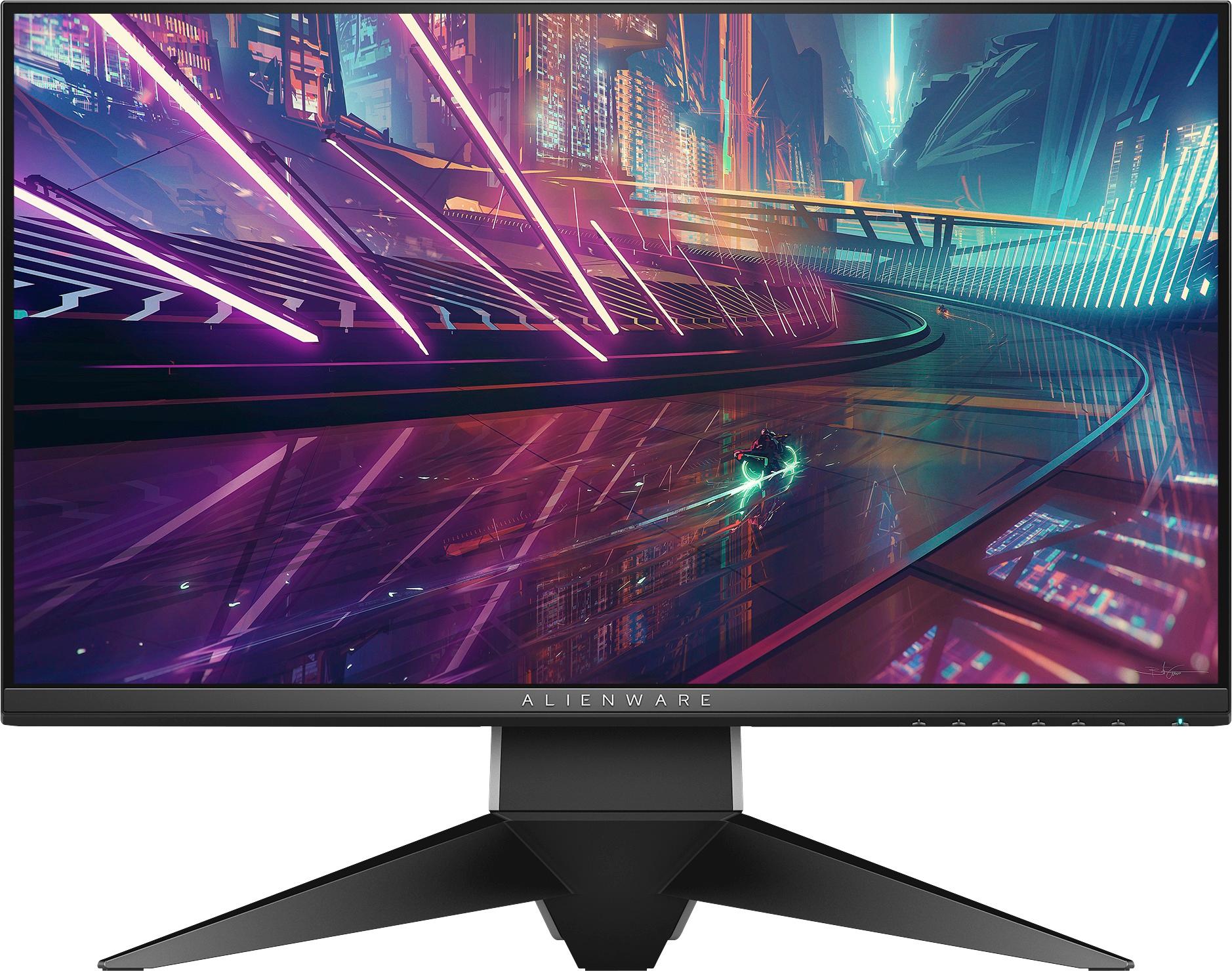
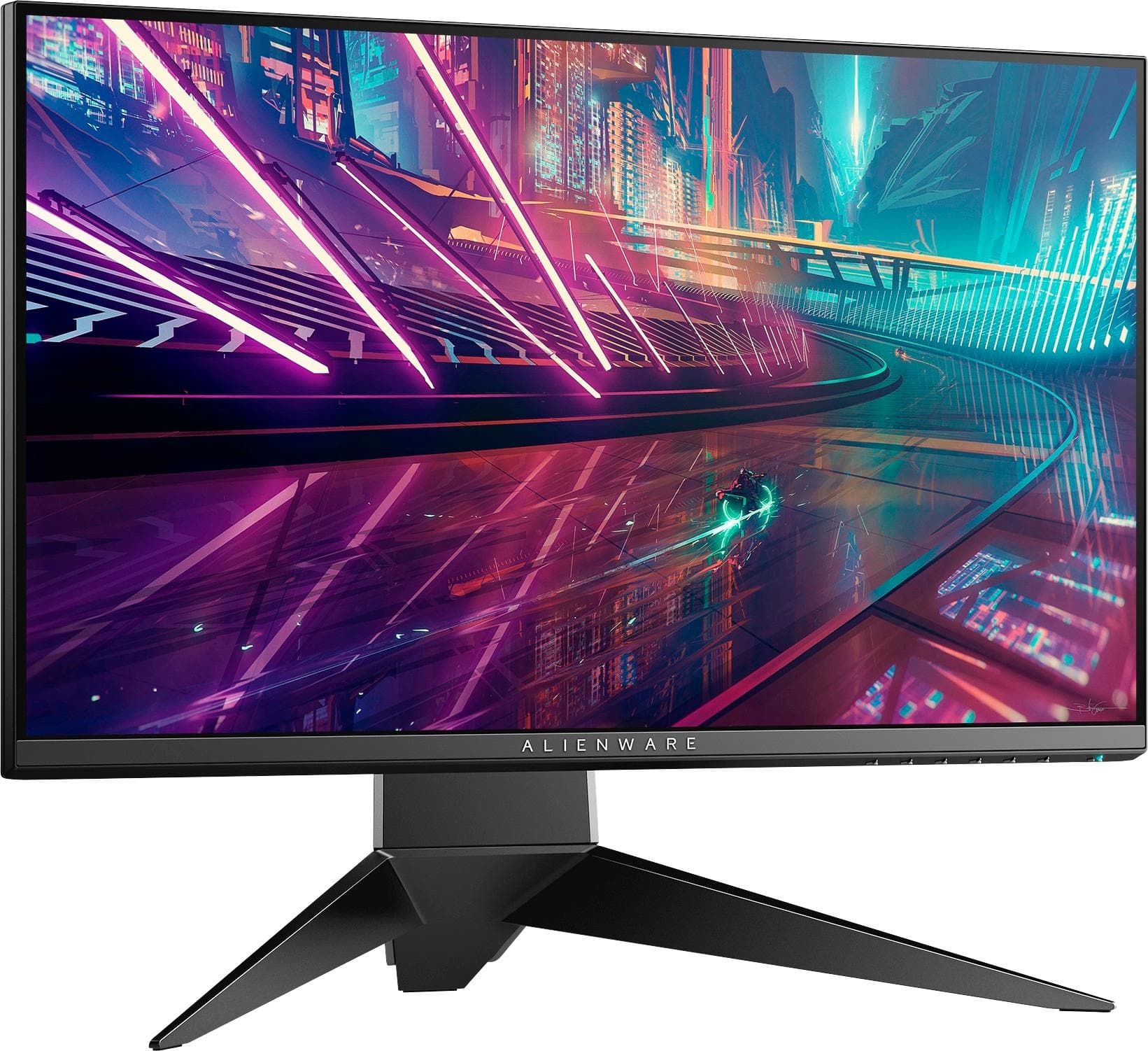
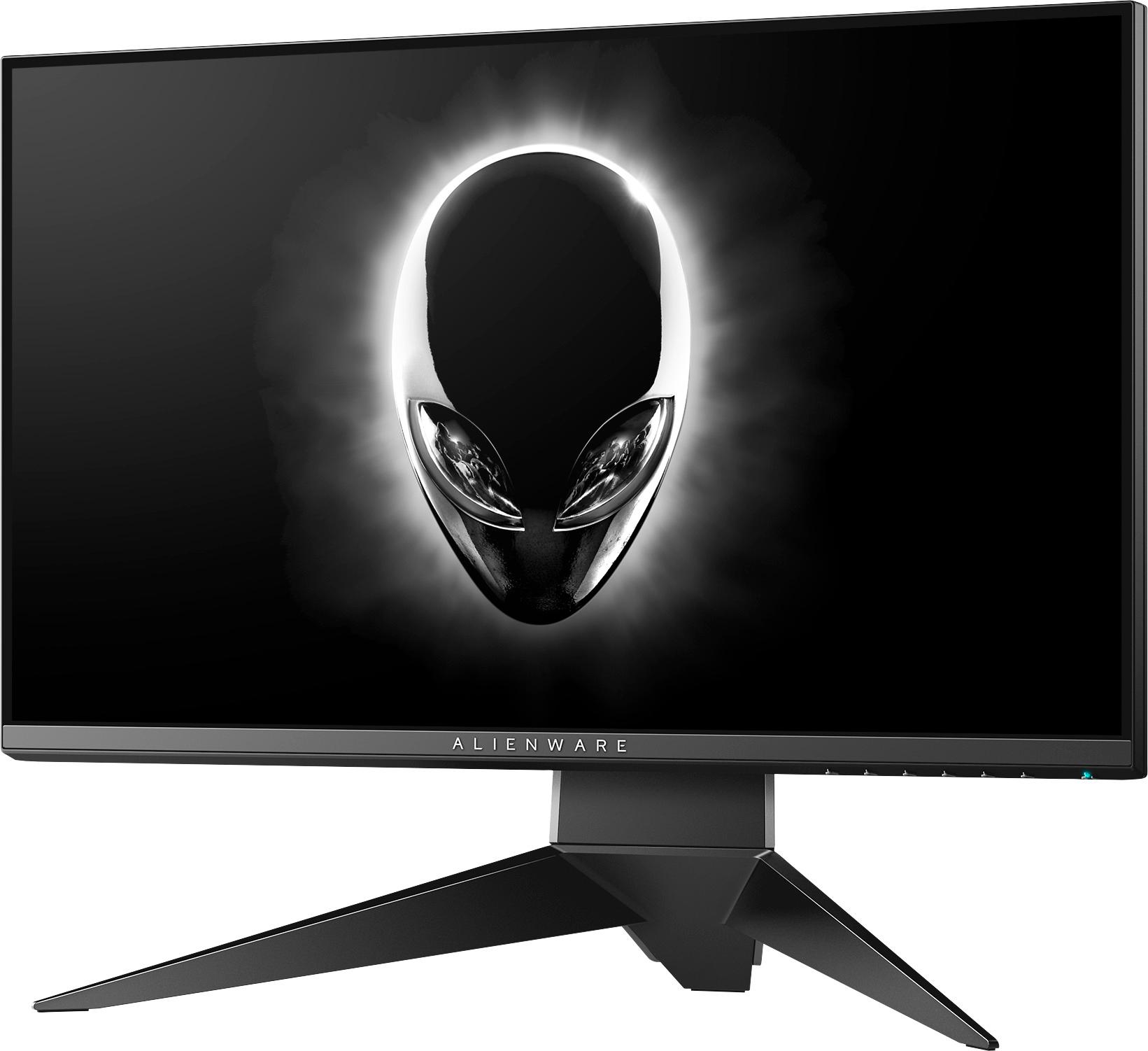
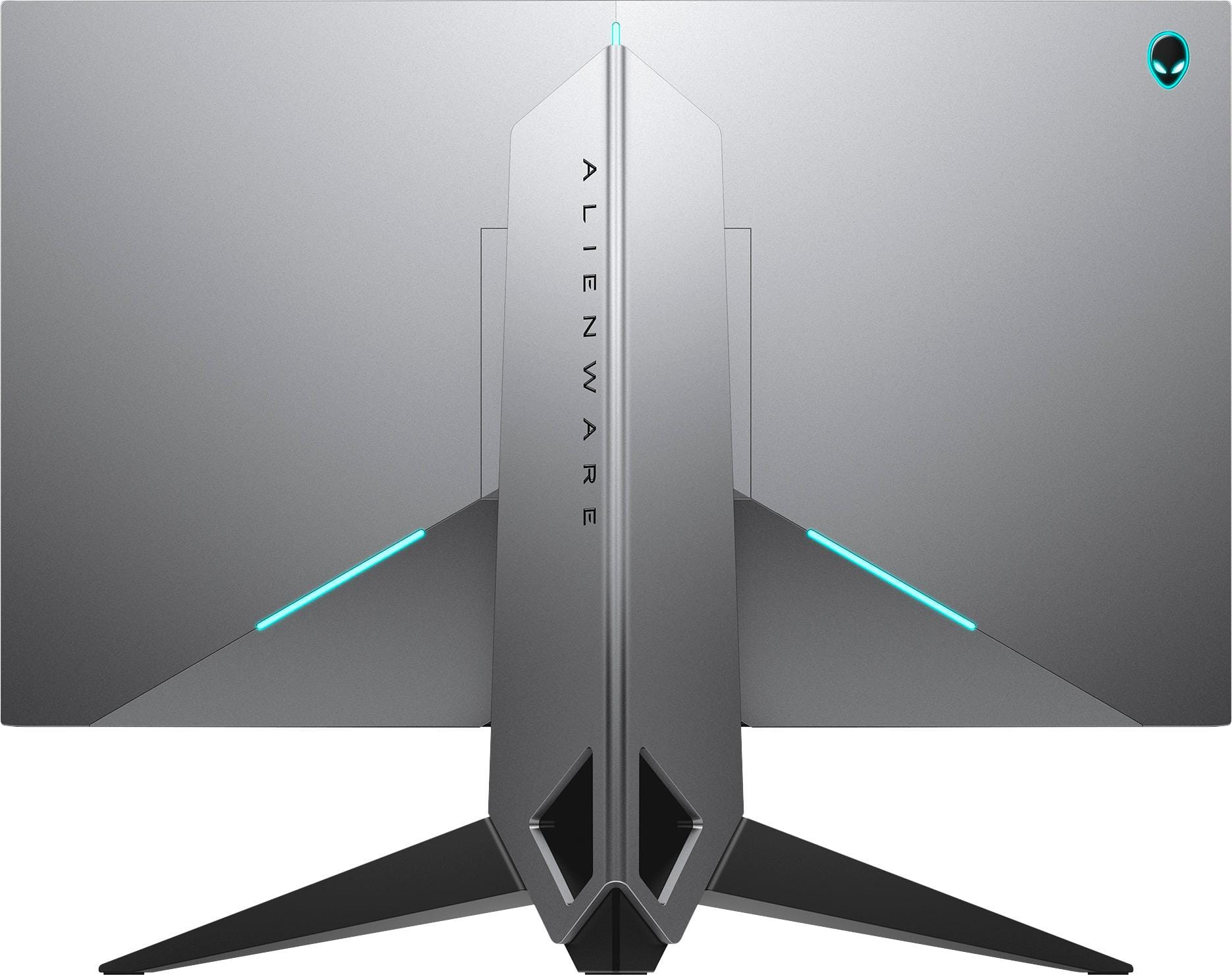
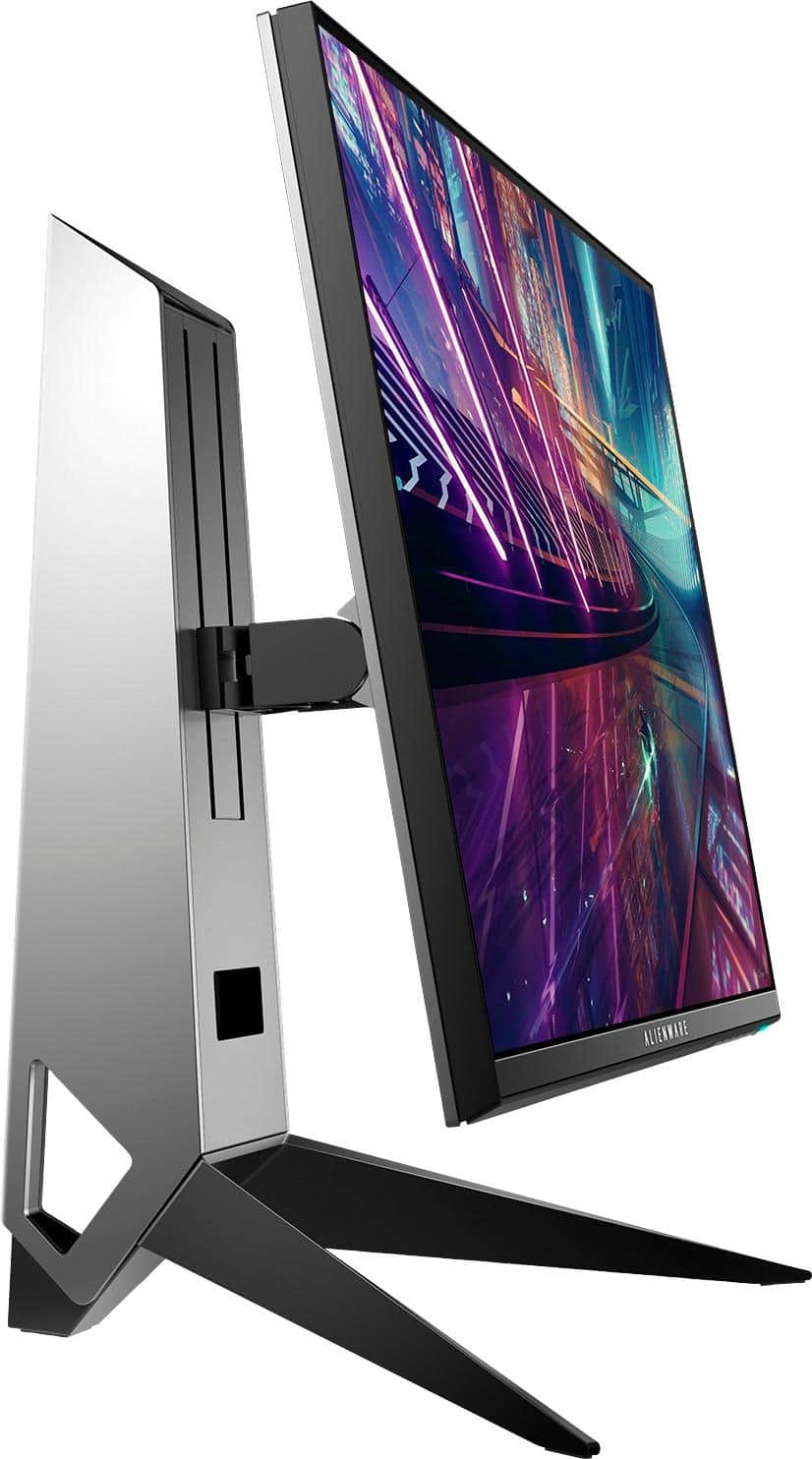
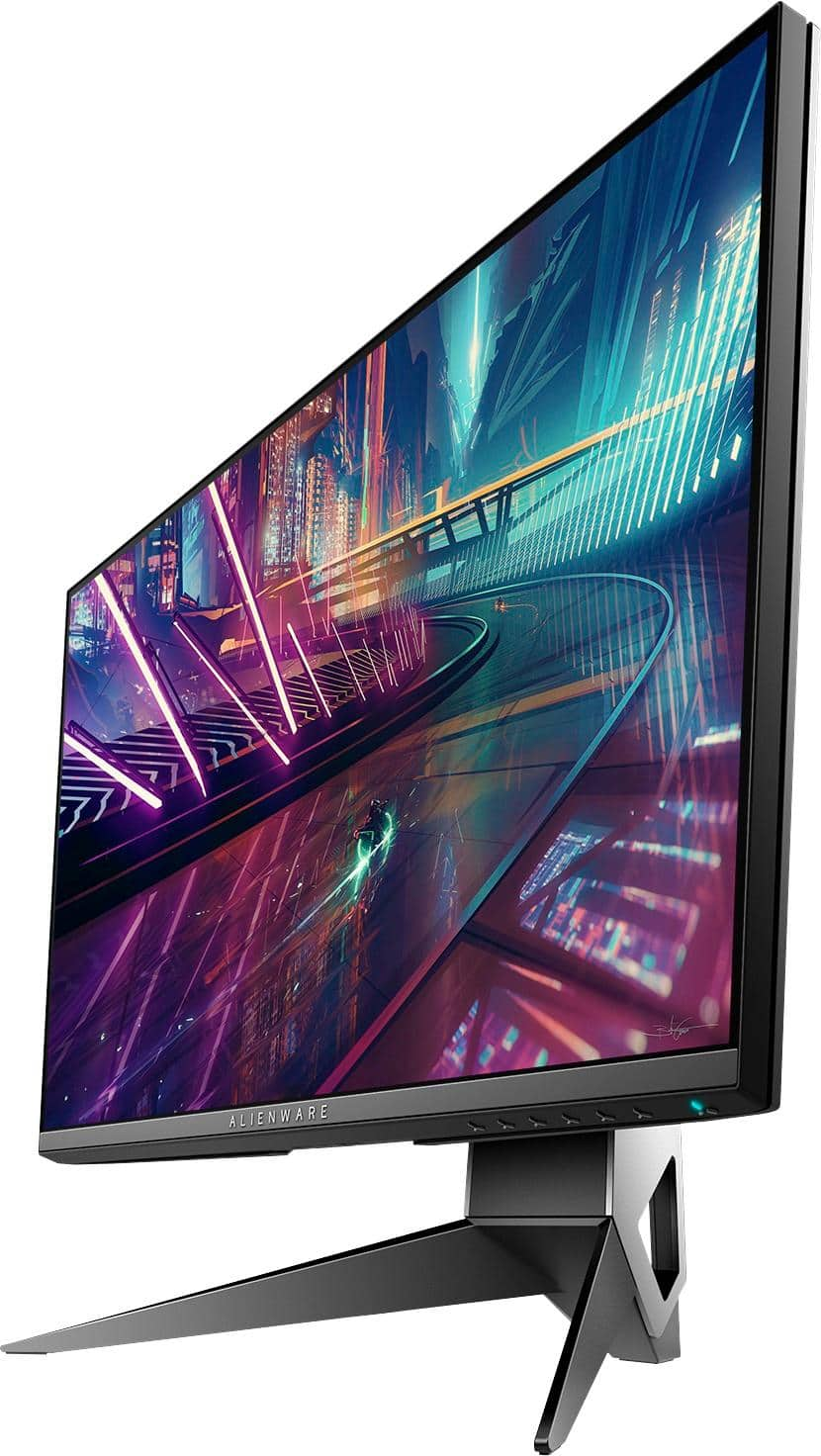
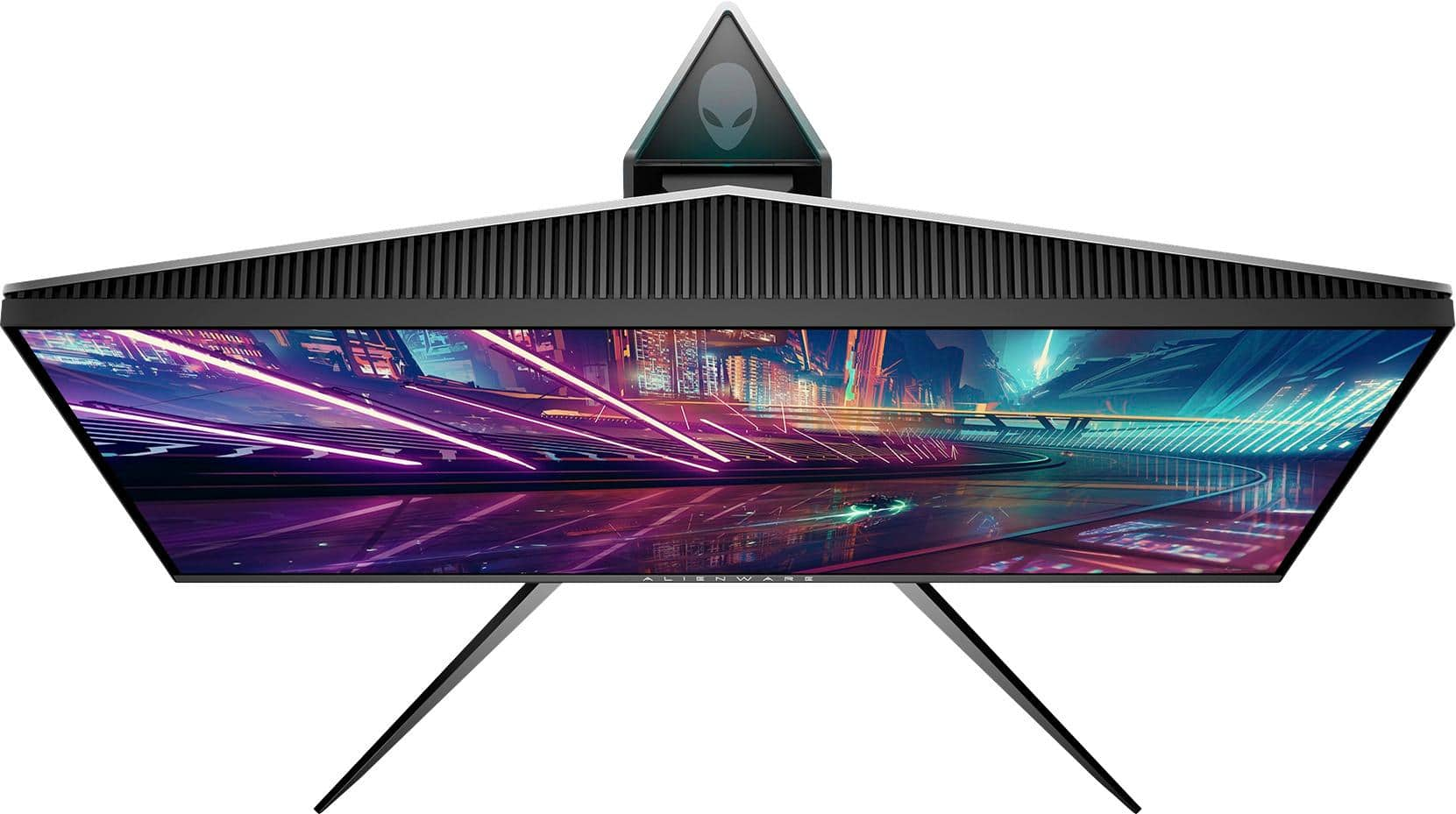
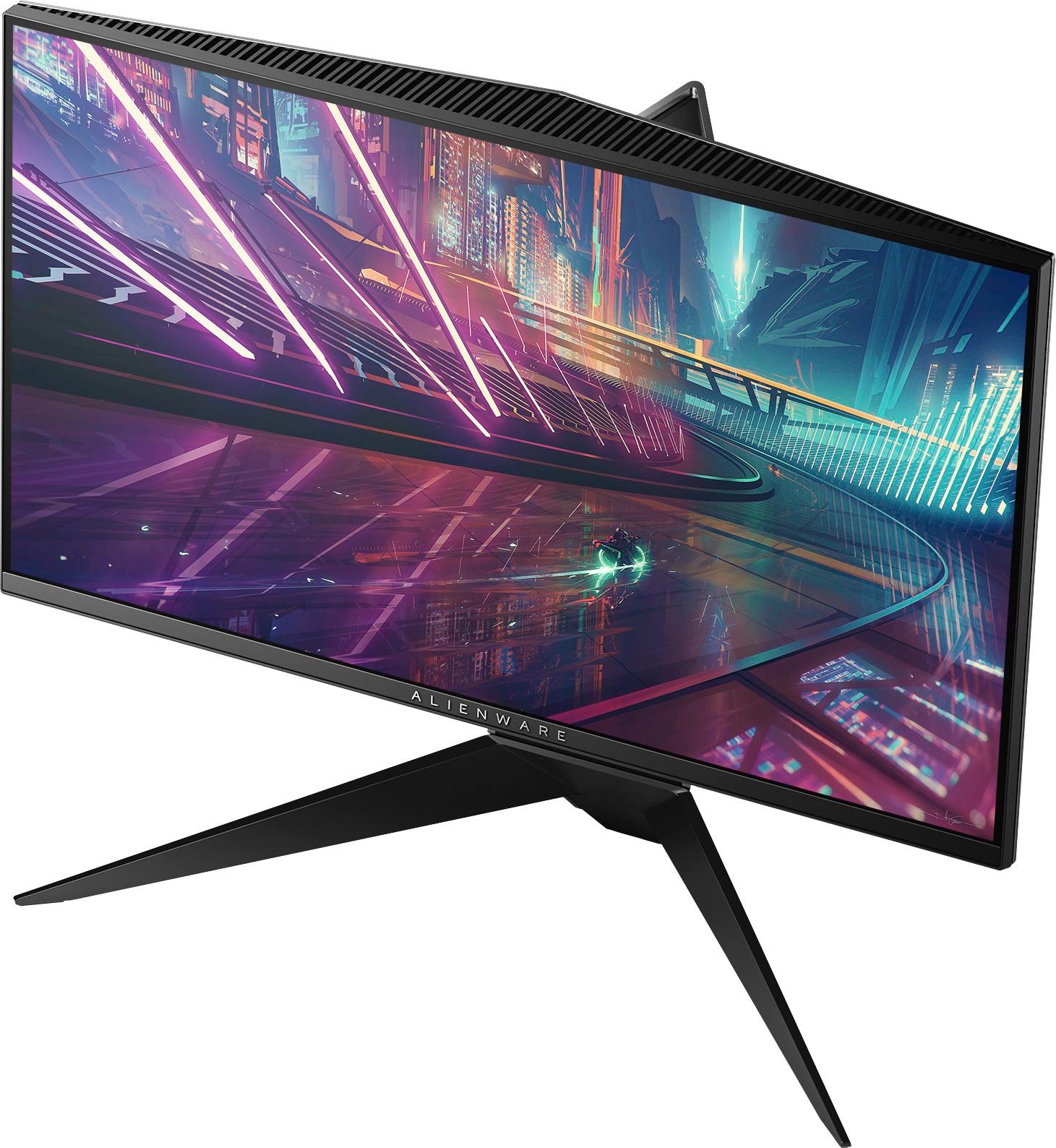
|Posted .This reviewer received promo considerations or sweepstakes entry for writing a review.The Alienware AW251H is actually the first monitor specifically designed for gaming that I have personally used so I was quite eager to compare it with my current monitor (HP 2511x). At 240 Hz and a 1 millisecond response time, this monitor is sure to grab the attention of most gamers looking for high specifications. With the addition of G-Sync, the monitor should be free from any ghosting or tearing that would otherwise distract during gaming sessions. From a design perspective, I was actually quite surprised at how heavy and sturdy the stand was. The style of the stand was actually quite innovative, with two legs branching out and seemed secure and sturdy. On the back, the silver had a nice brushed finished and, while plastic, it did not feel cheap. In addition, there was a stylish alien logo in the back. Once the stand is installed, the monitor can be rotated to the left or right, as well as up or down depending on how high you want it. Lastly, the monitor can pivot around in 90-degree increments to fit your needs. At eye level, the monitor looked amazing and was actually more comfortable than the current viewing angle on my monitor. In the back of the monitor, you will note one HDMI 1.4 port and a Display Port 1.2 connection; a Display Port cable is included along with a bracket to cover up the cables once they are rerouted through the hole in the stand. There are two USB 3.0 ports and a audio jack directly underneath the Alienware logo. A USB 3.0 cable is included as well. In addition to the technical specifics, I would like to differentiate this G-Sync model (AW251H) with the Free-Sync (AW251HF) model as they do vary quite a bit. Image quality and performance during games remains the same and both are free from any ghosting or tearing. The first noticeable difference is that on the G-Sync model, the monitor has 3 LED lights on the back for a cool effect. They can be customized to various colors as well as different effects. In addition, the Alienware logo also illuminates corresponding to whichever color you set. Sadly, the Free-Sync model does not have this feature. The second variance on the G-Sync model is that you MUST use the Display Port to achieve the 240 Hz refresh rate. The HDMI is limited by its 1.4 revision, therefore, it is capped at 60 Hz. Conversely, not only does the Free-Sync model have an extra HDMI port, but both ports are version 2.0 and can both support the 240 Hz refresh rate. Both monitors have the same 1.2 revision of the Display Port. The last difference between the two monitors is that there are a few extra settings on the Free-Sync version including a Display menu to change the aspect ratio, color input (RGB/YPbPr), and dynamic contrast. Under the Game menu, the Free Sync version also has Hue and Saturation settings that are absent from the G-Sync version. On the monitor, there are several modes that are worth mentioning. First, there are several presets based on which type of game you are playing such as FPS, RPG, and RTS. Standard is default and implies both 75% brightness and contrast. On max contrast, the colors are actually quite vibrant especially for an anti-glare monitor. Additionally, max brightness was actually fairly bright especially at its rated 400 nits. Another feature that is worth noting is the dark mode, which improves viewing on dark images. However, I noticed it almost sharpens the image too much if your game is not extremely dark or your game's brightness is too high. In addition to those above, you will also find three custom game presets as well as warm, cool, comfort view, and custom color. Custom allows you to only adjust the standard red, blue, and green colors. However, on the three custom game presets you have additional color control over yellow, magenta, and cyan. As for image quality, overall I think most will be pleased with the image, provided that you know what to expect from an anti-glare monitor. For me personally, as my last 3 monitors have all had a glossy screen finish, the color reproduction can be somewhat of an adjustment. Thus, I was actually surprised that on standard preset, the color is crisp and was not as dull as I was expecting. Whites were a bit muddy at first but after adjusting the settings, it improved. In addition, with a screen size of 25'', it was perfect for viewing 1080p content. At this resolution, I typically avoid anything higher than 25'' as it tends to look washed out to me. Additionally, the pixel pitch is listed at 0.2832mm by 0.2802mm. Usually, pixel pitch is listed with one number but I would assume the first number would be for the horizontal portion of the display (1920) though I could be wrong. In addition, I viewed and set several different wallpapers as backgrounds to view the color. The blacks were actually handled fairly decent, though understand they aren't the deepest or as rich as some of the IPS panels. Greens looked fairly deep as well. I also looked at some backgrounds with more orange and red and the color seemed fairly accurate. Dell also lists this as 90 pixels per inch. With these specs, text and color seemed perfectly adequate and everything was sharp and concise. As for game performance, all of the games played fluid and smooth and obviously, there was no evidence of ghosting. One feature I would like to mention is that the monitor has a built in frame rate display so while playing games I had that enabled as well as fraps. When you have the monitor's frame rate overlay enabled, it would seem that it only works while G-Sync is enabled. For my tests, I used my GTX 670 as it is the only card I have that supports G-Sync. First and foremost, at no fault to the monitor, my card could only see this monitor as 200 Hz instead of the 240 even though it has the proper Display Port on the back. Additionally, I tried different driver revisions to no avail and even created a custom resolution with the correct refresh rate, but it still only reported 200 Hz. Most should not have this problem as it looks like it was an isolated issue with my card since I successfully verified the monitor's 240 Hz on a different computer. Aside from this, I continued the test at 200hz. While playing the newest Doom with G-Sync, Fraps, and the monitor's FPS overlay enabled, I noticed that the monitor's rate matched the Fraps overlay counter. Conversely, when you have the G-Sync disabled, it would just display the monitor's 200 Hz refresh rate and never moved while Fraps moved accordingly. With all the graphics turned to low, Doom ran between 40-90 during multiplayer matches, and even during dips upper 40s, everything was still quite smooth. As for G-Sync itself, just like its Free Sync counterpart, I could not detect a noticeable difference even when it was disabled. Both tests were quite smooth. The feature, nonetheless, is great to have as it does seem to work while it was on, as evident by the monitor's frame rate overlay matching the Fraps counter. Still, the G-Sync feature is great to have and complements the monitor's high refresh rate wonderfully. In conclusion, I would recommend this monitor for those who are looking for a high performance gaming monitor that are not afraid of the price tag. Personally, while I have had always preferred monitors with glossy screens, this monitor surprised me more than I thought it would. Its image isn't as washed out as some others tend to be and the brightness is actually better than my current monitor. With that said, you will need adjust the image to your liking and I caution those especially who are coming from either gloss finish monitors or even IPS ones that it may take some time to get used to it. Perhaps the best feature for me was that ability to adjust and pivot the monitor to my needs. Playing at eye level is actually comfortable rather than having to look down at a monitor. At 240 Hz and a 1 millisecond response time, it offers everything that those who play games would require of such a monitor. Games were smooth and pictures looked as they should. As such, I think it would fulfill the needs of gamers at a price that most are willing to pay. Recommended.
I would recommend this to a friend Must buy
||Posted . Owned for 2 weeks when reviewed.This reviewer received promo considerations or sweepstakes entry for writing a review.Must buy for any gamer. Stand is built well, it does take up some space but doesn’t hinder using my kbm. Playing on this baby is so smooth! Get it
I would recommend this to a friendThe best monitor!! Worth every penny!!
||Posted . Owned for 1 month when reviewed.This reviewer received promo considerations or sweepstakes entry for writing a review.In this monitor, you can see all the details of any game . Best quality ever !! I will recommend to everyone!! It was so easy to assemble.As well it has different modes for different categories of games!!
I would recommend this to a friendGood Purchase No Problems
||Posted . Owned for 3 weeks when reviewed.This reviewer received promo considerations or sweepstakes entry for writing a review.Aside it from only being a monitor no remote or anything it is pretty cool. Also easy to set up no screws so that’s a big plus for me because it disassembles easy as well. I Use on my i9, Nvidia RXT 2080TI, 16gb ram, blah blah it’s works great!
I would recommend this to a friendGamers will love this monitor
||Posted . Owned for less than 1 week when reviewed.This reviewer received promo considerations or sweepstakes entry for writing a review.This Alienware is out of this world awesome. Who knew gaming could be made so much better. Monitor linked right up to my cyberpower gaming PC.
I would recommend this to a friendAlienware
||Posted . Owned for less than 1 week when reviewed.This reviewer received promo considerations or sweepstakes entry for writing a review.This monitor is an absolute beast!! Gsync compatible if you have Nvidia gpu! 5/5 rating for me
I would recommend this to a friend- Pros mentioned:Refresh rateCons mentioned:Price
Gaming monitor in all its glory
|Posted .This reviewer received promo considerations or sweepstakes entry for writing a review.The monitor is rich in features and will certainly add some street cred to your gaming rig. Although its high in price, it does have 240hz refresh rate and 1ms response time. 240hz! That’s crazy fast and buttery smooth. These are the reasons why one would even gravitate to this caliber of a gaming monitor. The G-sync/freesync, adaptive sync technology is also the latest in gaming monitors as this allows the video card to control the refresh rate of your monitor to prevent screen tearing. The 25” screen size is just the right size where you feel fully immersed the moment you turn it on. The colors are vibrant straight out of the box. You will need to calibrate it if you want color accuracy but its pretty close to begin with. There are a bit more buttons on it then you will find on a standard monitor. You have a dedicated button for profile setups, brightness & contrast, dark details slider, and full menu. I’m pleased with the black levels but it may not wow the hardcore contrast ratio junkies. The USB 3.0 ports are a bonus. In summary, I do recommend this monitor if you’re building your gaming rig to play the latest and greatest. The performance is outstanding. Just make sure your video card and your games can even take advantage of the capabilities of this monitor. It does take the latest AMD or Nvidia video card to take advantage of the g-sync/freesync technology. The price is a bit steep for a 1080 and not 4k but it does do 240hz and that’s no easy feat. ON A MORE TECHNICAL NOTE: Do note that there is two versions of this monitor. While they might look the same, it’s a bit different. The AW2518H is the Nvidia version and the AW2518HF is the AMD version. There is a price difference of the two and I will briefly note why. The Nvidia version has the g-sync enabled chip that does g-sync only via displayport and supports nvidia 3d games. This also has the alienware FX lighting where the back side of the monitor glows whichever color you choose. The slightly cheaper AMD version doesn’t have the alienware FX lighting but it does have the Freesync over HDMI 2.0 instead of displayport. While both monitors have HDMI and displayport, they both prefer one over the other. Nvidia prefers displayport and only has HDMI 1.4. The AMD prefers HDMI and is equipped with HDMI 2.0. This may sound confusing at first but just match the monitor version to the video card. If you have neither video card that supports the g-sync/freesync technology, aka adaptive sync, then decide if the “FX lighting” the Nvidia has is worth the extra money. I would just get the AMD version as it has the same 1920x1080, 240hz, and 1ms that you’re longing for anyways. Game on!
I would recommend this to a friend - Pros mentioned:Refresh rate
Alienware and NVidia G-Sync are out of this world
Posted .This reviewer received promo considerations or sweepstakes entry for writing a review.The Alienware - AW2518H 25" LED FHD GSync Monitor - Black is a force to be reckoned with when it comes to gaming and performance! This monitor does it all by offering minimal bezel and maximum viewing, completely customizable for your viewing preferences, and is sleek and looks amazing; it also offers LED accents on the back of monitor to maximize the gaming experience and style. I never noticed any display issues at all while watching videos or playing demanding games, the NVidia G-Sync technology components withstood everything I threw at it with plenty of power left to spare. PROS - Amazing technology and design - 240 MHz refresh rate - Anti-glare screen with minimal bezel - Easy to change from profile to portrait viewing - Can be synced with other monitors for a wide viewing/multi-screen experience with ease - Set up is a breeze - The stand is solid and allows for physical screen adjustments in multiple directions without compromising the security of the screen - Amazing look, design, and style... The back lit LEDs scream "look at me!" CONS - My only complaint is that while the bezel is minimal, the actual viewing area does not fully extend to the bezel and leaves about a 1/8 to 3/16" border around the screen which seems strange for such a high-end monitor and is very noticeable at first. It disappears into the experience however once you start your movie or game. I highly recommend this monitor and if you are a serious, multi-screen gamer, you will want two or three of these to maximize your gaming experience and to have the best viewing set up anywhere! If you do not have to have the LED back lit monitors to make your gaming station complete, then you can get the little brother AMD Freesync version monitor. Both are amazing, one will save some cash if you trim the options! I did not notice any difference in viewability or performance between the two models, however.
I would recommend this to a friend - Pros mentioned:Refresh rate
Alienware 120Hz to LG 4K 60Hz to Alienware 240Hz
||Posted .This reviewer received promo considerations or sweepstakes entry for writing a review.I went from an Alienware Optx 120Hz to an LG 4K 60Hz because I wanted my games to look amazing. Initially, I couldn't stop but admire how beautiful 4K was and literally stood still in one spot to look how beautiful the scenery looked in Rise of the Tomb Raider. Then, I started to play the game and frankly, if you move fast there is definitely screen tearing and motion blur. As I started to play, I realized that yes, it does look pretty but when you play video games you aren't really going to stop and enjoy the scenery that much. My KD ratio in CS:GO and other FPS games literally turned bad but once I adjusted to the blurs and lag, it wasn't so bad. Fast forward to today, just 1 day using the Alienware 240Hz with Gsync and I wonder, why in the world did I have to adapt to blur and lag???? This monitor is hands down INSANELY smooth (expected come on, it's 240Hz). The picture quality isn't bad either once you get used to it, but these days we are spoiled kids used to looking at a screen like QLED/OLED TVs, OLED Cell phone screens, Retina laptop screens, etc. that this TN panel can't even come close to that type of screen quality. But remember, you are buying this monitor for the gaming performance, NOT to have the best quality screen. I started my post mentioning Alienware OptX because I literally purchased that monitor back in 2010 and it still performs flawlessly. The durability and quality control of Alienware despite people making fun of the name is SUPERB; can't believe that monitor is still going past 9 years. I'd be remiss if I didn't mention that Asus has a 27UQ 4K 144Hz HDR1000 Gsync 2 IPS monitor; but what I realized is that gaming with that high level of HDR and brightness is not ideal when gaming for hours, as well as that monitor has fans inside of it that makes me question the lifespan of that monitor. Anyways, in summary: PROs: -240 Hz with Gsync = EXTREMELY SMOOTH -Stand is metal, enough said -Tilts and Rotates EASILY -Cord management system on the base -Easier on the eyes when gaming -Packaged VERY well -I expect this monitor to last a long time like my other Alienware OptX CONs: -Coming from a 4k and OLED generation, the picture quality takes a huge hit and gets some time to get used to. It's not bad, it's just I am spoiled from insanely sharp and blinding colors from the LG 4K IPS. -Had to manually adjust computer settings to get 240Hz in the nVidia control panel -Default settings aren't that great. I recommend callibrating with the setting below I got from a post, seems pretty solid. CALLIBRATION: Picture Mode: Custom Color Brightness: 56-58 Contrast: 68-70 Dark Stabilizer: 0 Colors: Red 98, Green 99/100, and Blue 97/98 Response Time: Super Fast Closing Thoughts: Again, if you are buying this for gaming, 240Hz 1MS makes games super smooth and more enjoyable because you no longer have to squint and be like what did I just see because you turned too fast. While the picture quality is still amazing, don't expect it to be anywhere close to IPS 4k Displays; I cannot stress this enough. I didn't deduct a star for this because this monitor frankly wasn't designed for that specific niche; it's designed for gamers in mind. Gaming, gaming, gaming. It's a gaming monitor designed for gamers who play long hours and gamers who play competitively.
I would recommend this to a friend - Pros mentioned:G-sync, Refresh rate
Awesome monitor
||Posted .This reviewer received promo considerations or sweepstakes entry for writing a review.I was shopping for a gaming monitor for my recently built gaming rig and I feel like I picked the perfect monitor. I was looking for high refresh rates and low response times. At 240MHZ refresh and 1ms response, its exactly what i was looking for. This not being 4K wasnt a deal breaker for me, as it has an awesome display. The GSYNC is also cool and very responsive. There is no shadowing or blur/delays on my monitor whatsoever and im considering getting another. I paid $499 as a black friday special
I would recommend this to a friend - Pros mentioned:G-sync, Refresh rate
Lightning fast, responsive.
||Posted .This reviewer received promo considerations or sweepstakes entry for writing a review.If you play fps, this monitor will give you an extremely smooth, fast and responsive experience with no screen tearing thanks to the high refresh rate and g-sync. Make sure you have a decent graphics card to back this up, but with the 1080p resolution you should be able to push high frames with mid range cards too. Playing Overwatch on 240hz is like seeing a different game compared to my old 60hz monitor. You can anticipate and see everything with a clear focus that was never possible with 60hz. So...now I get it. These monitors are for competitive gaming and they work. For a TN panel the color contrast is great. Just make sure to turn g-sync on in the Nvidia control panel and set the refresh rate to 240hz. Turn off v-sync in your games as it will interfere with your g-sync. Check out the Tom's Hardware Review of this monitor for a good custom configuration calibration setting. Otherwise, plug and play and you're good to go. As for the 1080p resolution, I'd rather crank up the settings and still pump out high frame rates. That's more immersive and fun for me than a higher resolution. Just wait for a good sale, don't get this monitor at retail price.
I would recommend this to a friend - Pros mentioned:G-sync
Awesome Alienware Monitor
||Posted . Owned for 1 week when reviewed.This reviewer received promo considerations or sweepstakes entry for writing a review.I was shocked at the size of the box, I thought that they were giving me a computer instead of a monitor. Lo and behold, it is a monitor and a truly great one for the size. No dead pixel, color is a lot better than my eight year old Dell 27" monitor which still works great, the reason why I only stay with Dell monitors but I decided to try the Alienware gaming monitor and no regret. Now I see why the G-Sync is great for games, hands down a must-have. Worth every penny. Setup and installation was easy, build quality is great and a steal when it's on sale.
I would recommend this to a friend - Pros mentioned:Refresh rateCons mentioned:Price
Incredible Gaming Monitor
||Posted . Owned for less than 1 week when reviewed.This reviewer received promo considerations or sweepstakes entry for writing a review.I’ve always played console video games on TVs thinking that larger screens were the best way to experience games. This is my first gaming monitor, and I’m very satisfied with my purchase. The screen resolution of the smaller screen is better than my LG OLED TV, and the refresh rate & response time make a noticeable difference when playing fast-paced games. The only con is the price...it is expensive relative to other gaming monitors with similar specs.
I would recommend this to a friend - Pros mentioned:G-sync
Very beautiful, but... Pricey
||Posted .This reviewer received promo considerations or sweepstakes entry for writing a review.So I love this monitor don't get me wrong. Setting it up was sooo easy. The extra USB ports built in is awesome! I love the G-Sync. I can usually pull over 240 FPS on most games. I love the size the ability to move it up and down height wise and being able to put it in portrait mode. Anyways long story short its beautiful. I just had to buy some speakers since I was running a laptop setup and this doesn't have any built in.
I would recommend this to a friend - Pros mentioned:Clear
Awesome!
||Posted .This reviewer received promo considerations or sweepstakes entry for writing a review.My son kept telling me to get this monitor saying it was the best monitor he every saw. I kept saying "yeah, yeah, yeah" as he described how awesome it was. I finally got it and now all I can saw is "YEAH!,YEAH!,YEAH!!!". This IS the best monitor I have every seen. It has made everything on my system look just unbelievably beautiful. Picture, web pages, games, everything is so vibrant and clear. Things I never noticed before stand out beautifully. FPS games are so much better, I see everything in the game. Even Everquest looks awesome. If you have the money and are looking for a monitor, THIS IS THE ONE you want. You will be blown away with how incredibly beautiful it makes everything on your system look.
I would recommend this to a friend - Pros mentioned:G-sync, Refresh rate
Awesome Monitor !
||Posted .This reviewer received promo considerations or sweepstakes entry for writing a review.Pick this baby up a few months ago and at first I was expecting a brighter monitor but after having for almost 5 months. I’m actually very happy with the refresh rate is amazing I love playing video games on this monitor. I already own the Alienware R3 with the OLED. So playing games on this with G-sync is a whole new level of gaming!
I would recommend this to a friend - Pros mentioned:GraphicsCons mentioned:Price
Amazing
||Posted .This reviewer received promo considerations or sweepstakes entry for writing a review.This monitor is the best I’ve used. The graphics/ gameplay looks so amazing and smooth well using G sync. Easy to set up and the stand is great because it’s easy to adjust/ move around. If you have a compatible Nvidia GPU then you need this monitor ASAP! It is pricey but worth it most definitely.
I would recommend this to a friend