Customer Ratings & Reviews
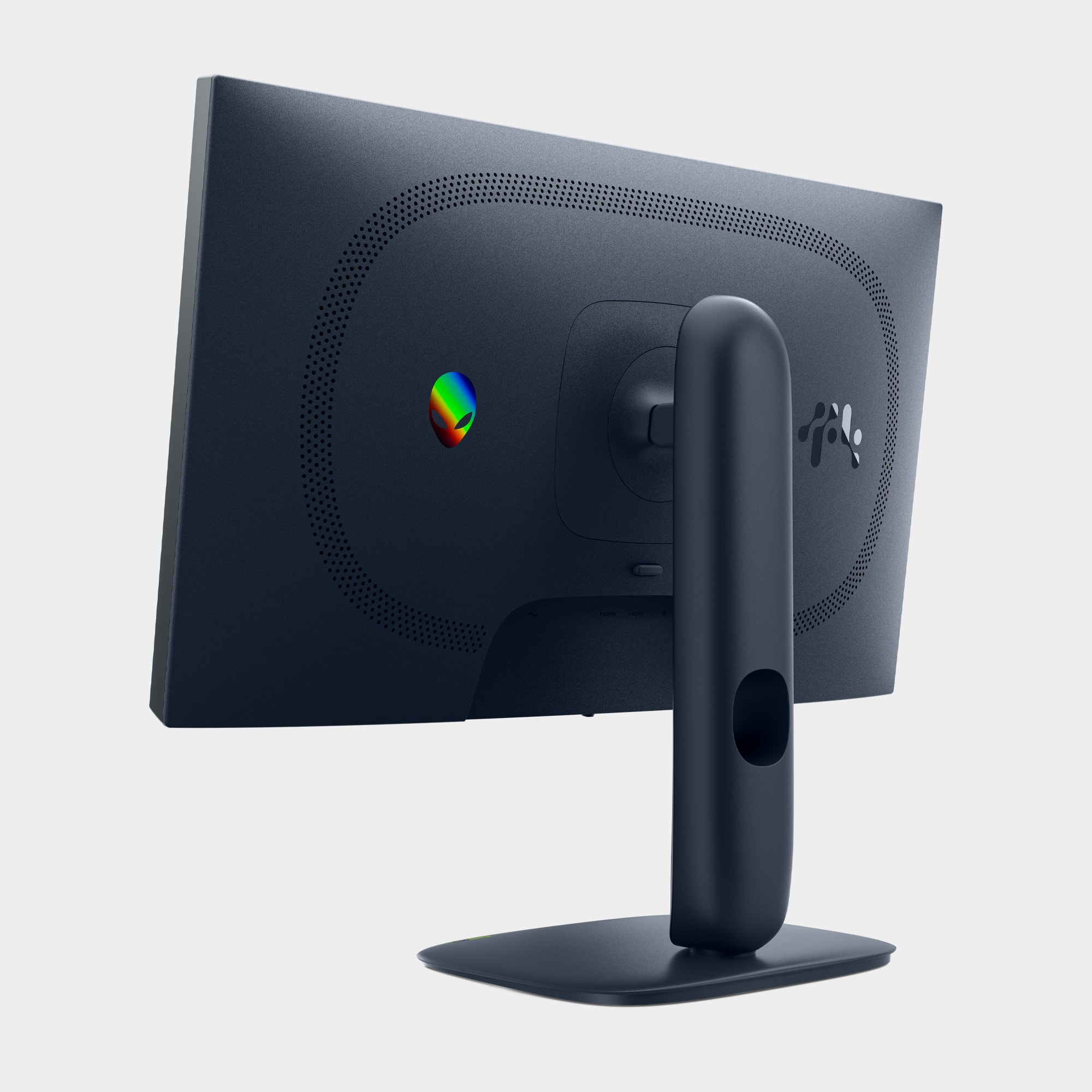
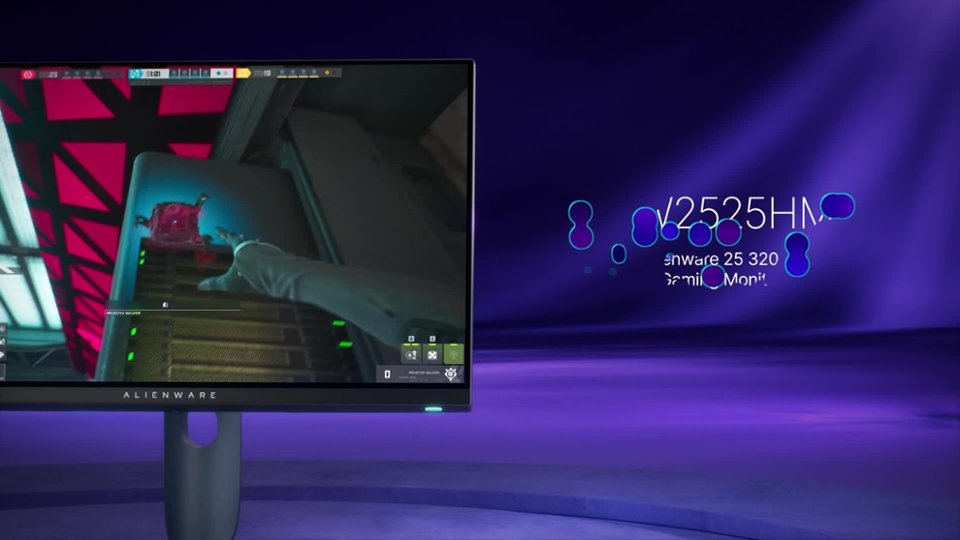
- Model:
- AW2525HM
- SKU:
- 6640500
Rating by feature
- Display Quality
Rating 4.7 out of 5 stars
- Ease of Use
Rating 4.9 out of 5 stars
- Features
Rating 4.7 out of 5 stars
to a friend
Customers are saying
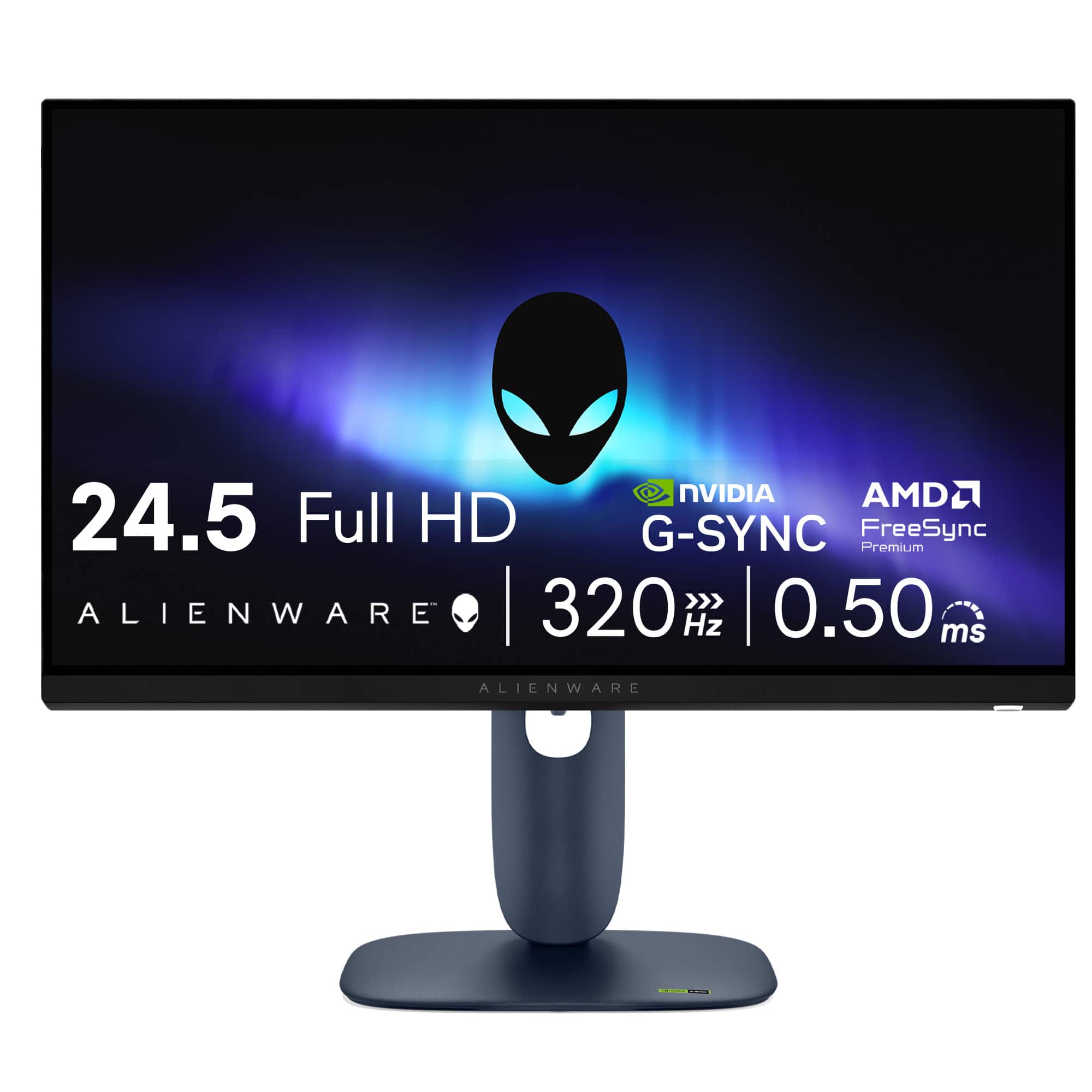
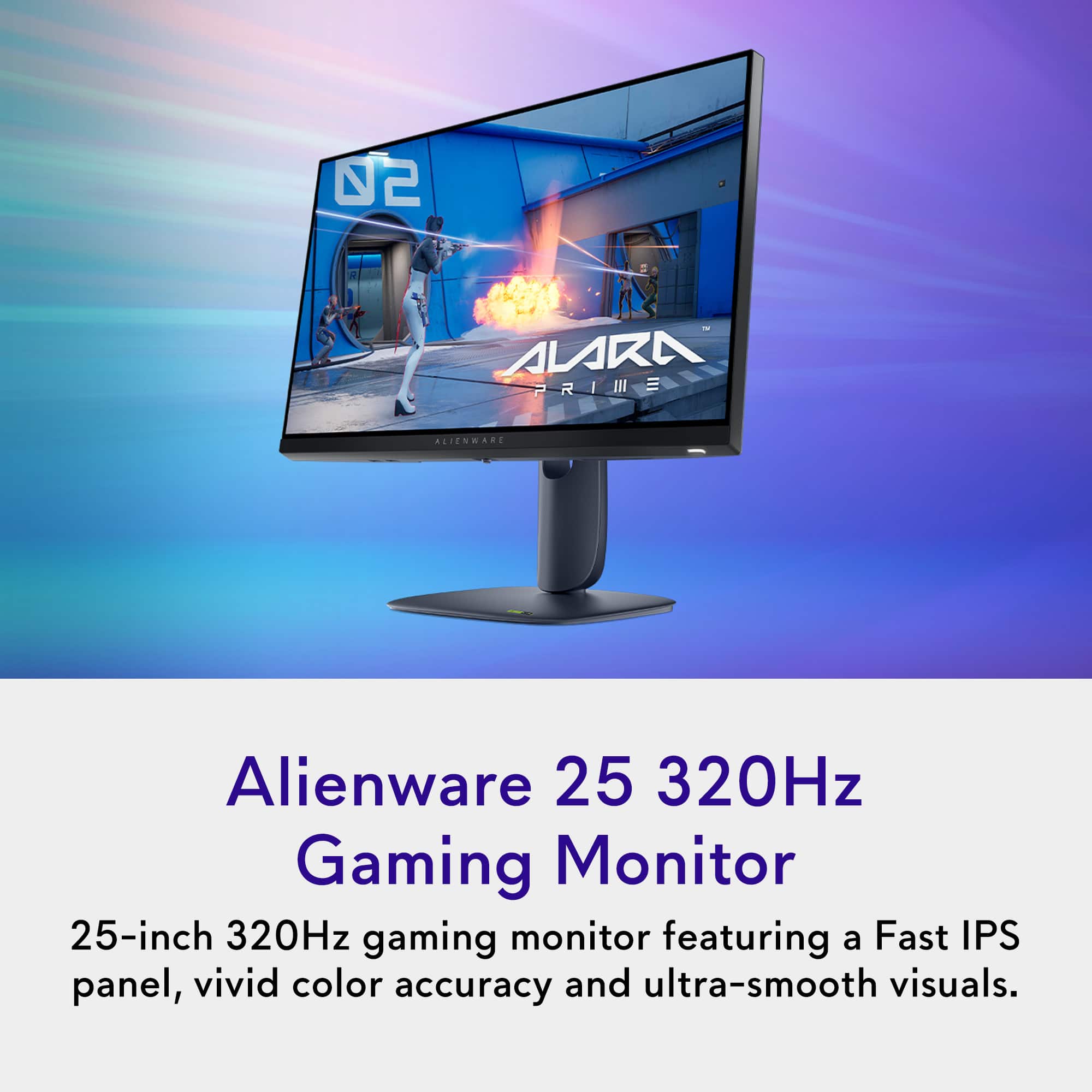
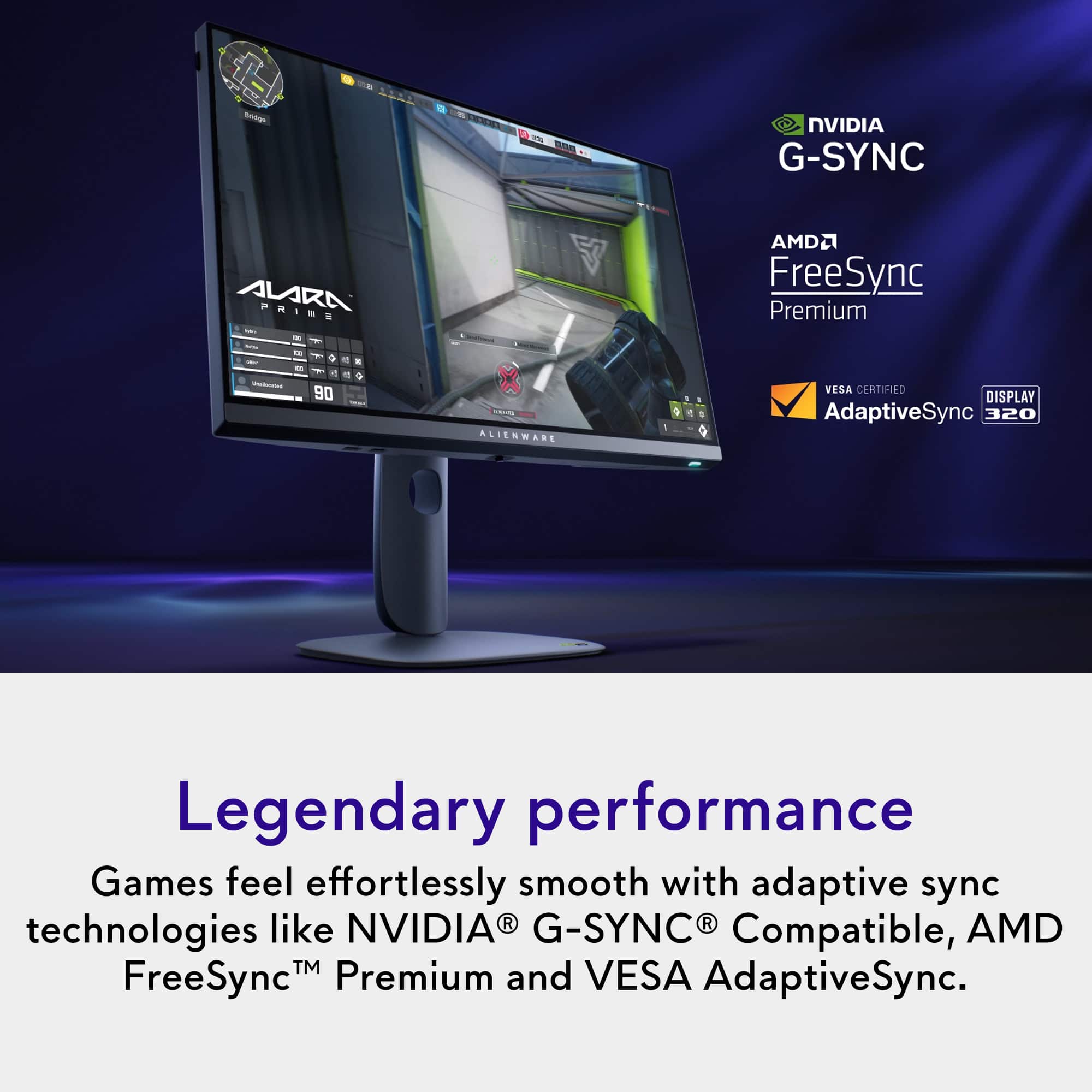
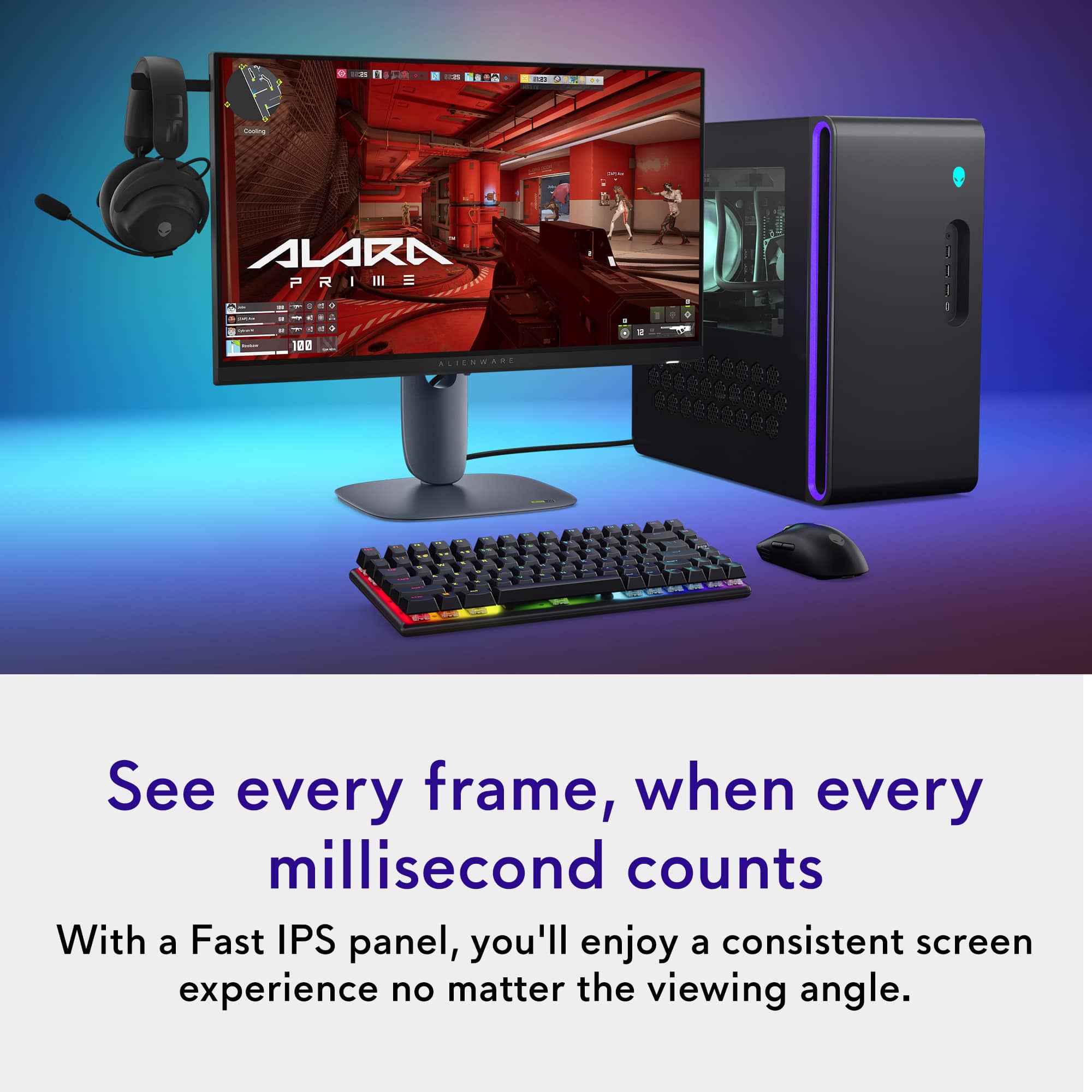
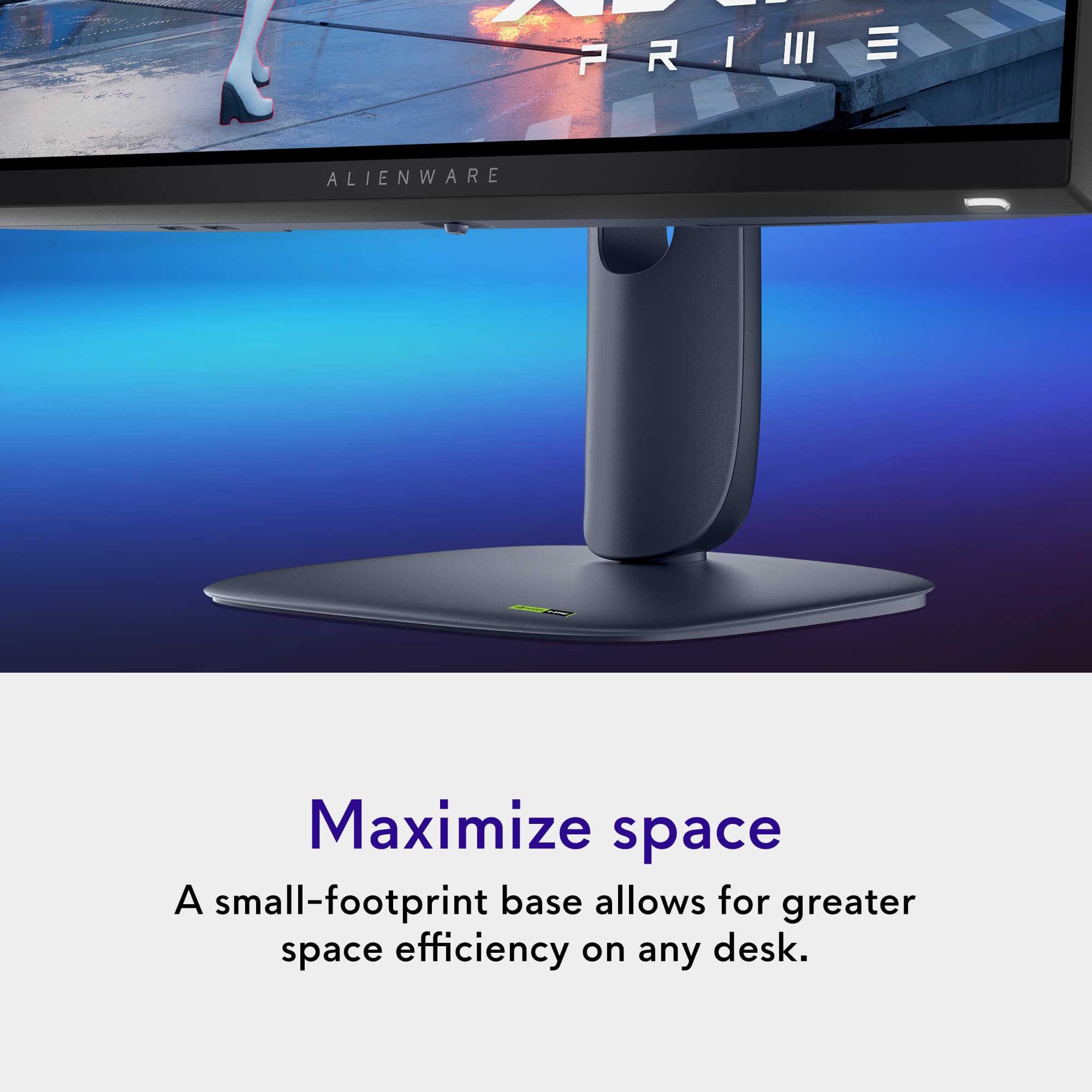
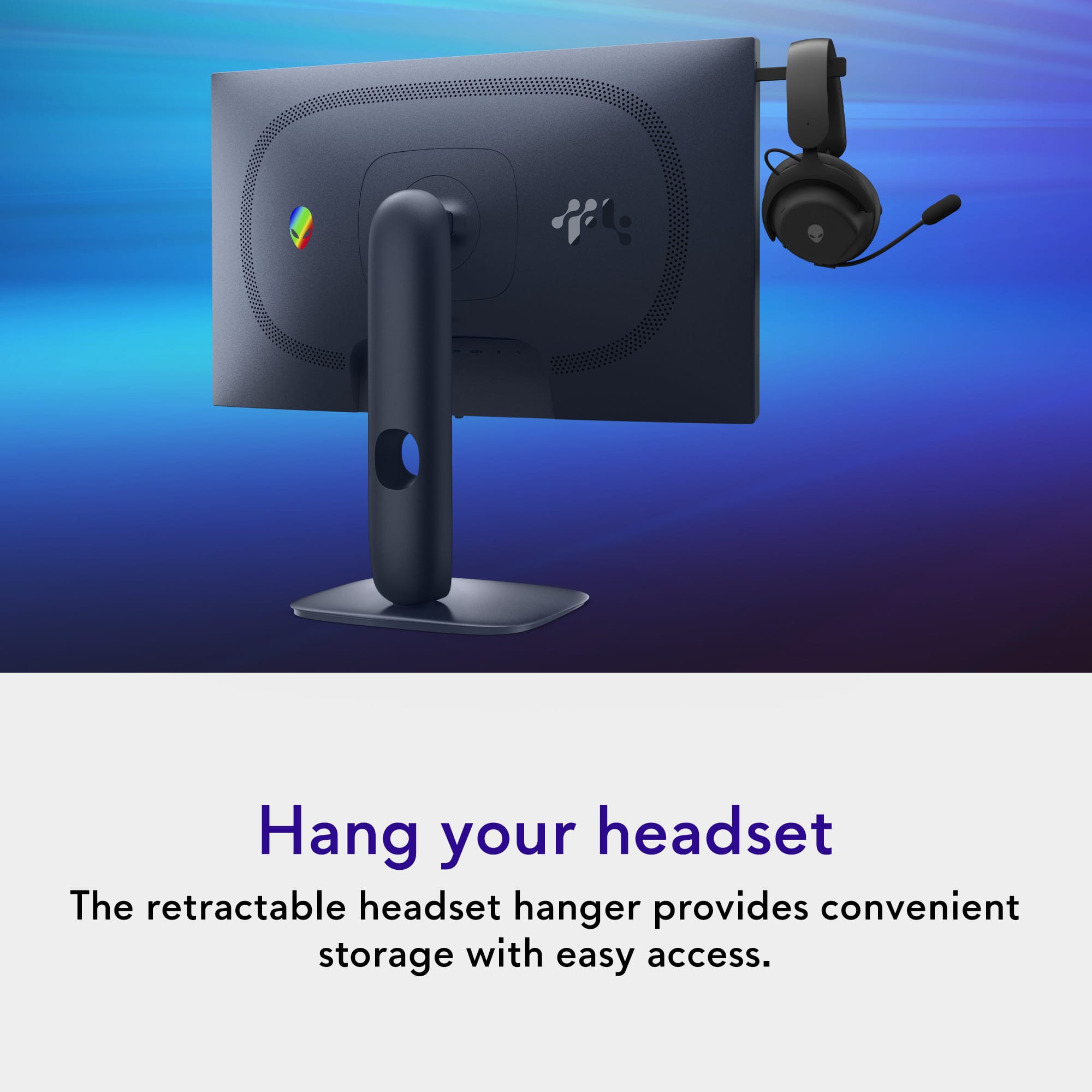
Customers are impressed with the AW2525HM gaming monitor, particularly its vibrant color quality and high refresh rate, which contributes to outstanding performance for an IPS panel. The monitor's stand design is solid and adjustable, and it offers good connectivity with DisplayPort and HDMI inputs. Additional features like the inclusion of HDMI cables and a built-in headset hanger are also appreciated.
This summary was generated by AI based on customer reviews.
Great monitor for the price.
||Posted . Owned for 1 week when reviewed.This reviewer received promo considerations or sweepstakes entry for writing a review.Great monitor for the price. The headset holder is a nice bonus. Colors are pretty accurate out of the box. It has a rather unique space color to it that is unique to a monitor as most monitors are black. The monitor settings are super easy to navigate on with the joystick in the middle. The only downside would be not having a dedicated audio jack. Which could be a dealbreaker to some but not that big of a deal to me as I have external speakers. (Monitor doesn’t have its own speakers.)
I would recommend this to a friend
A 1080p that shows like a 4K
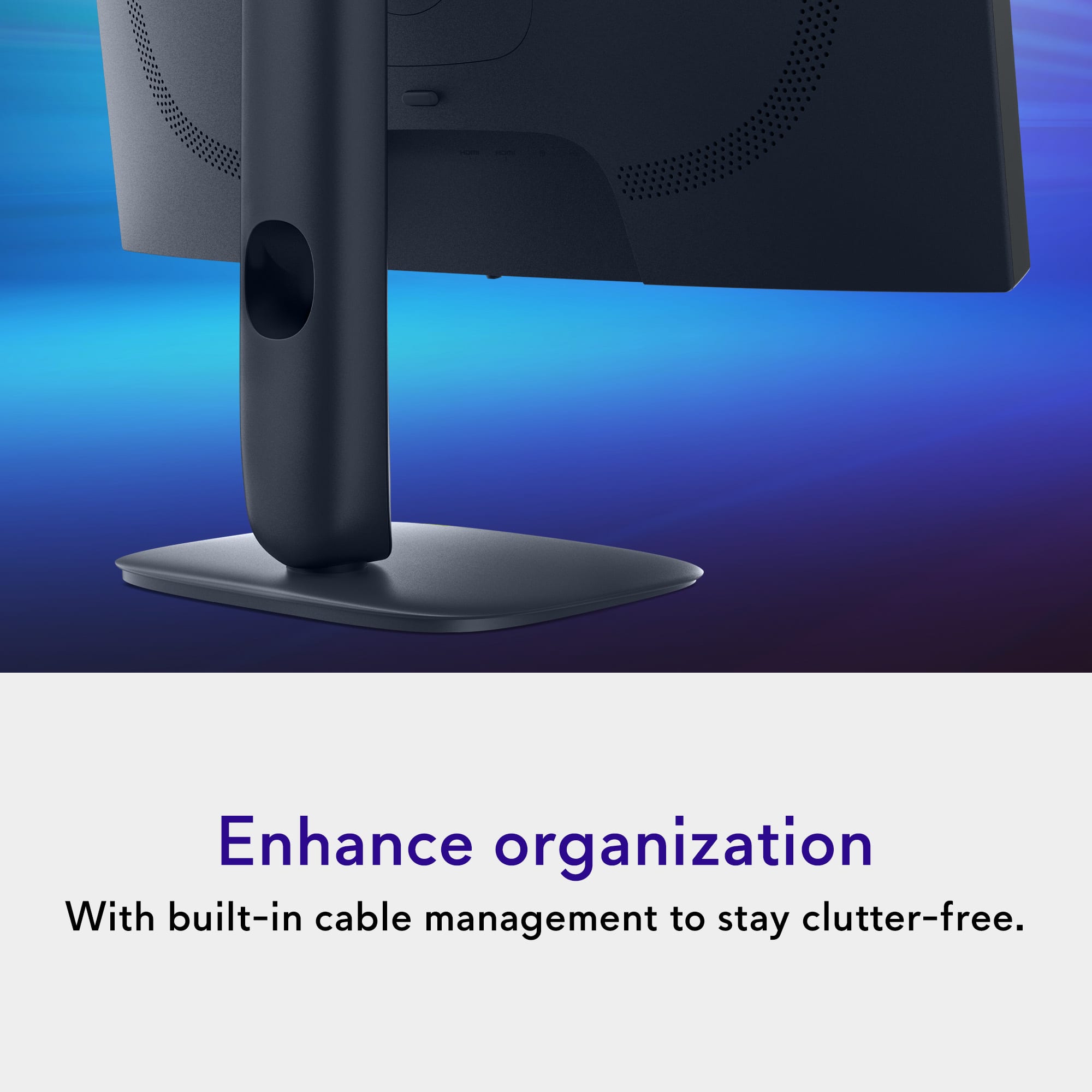
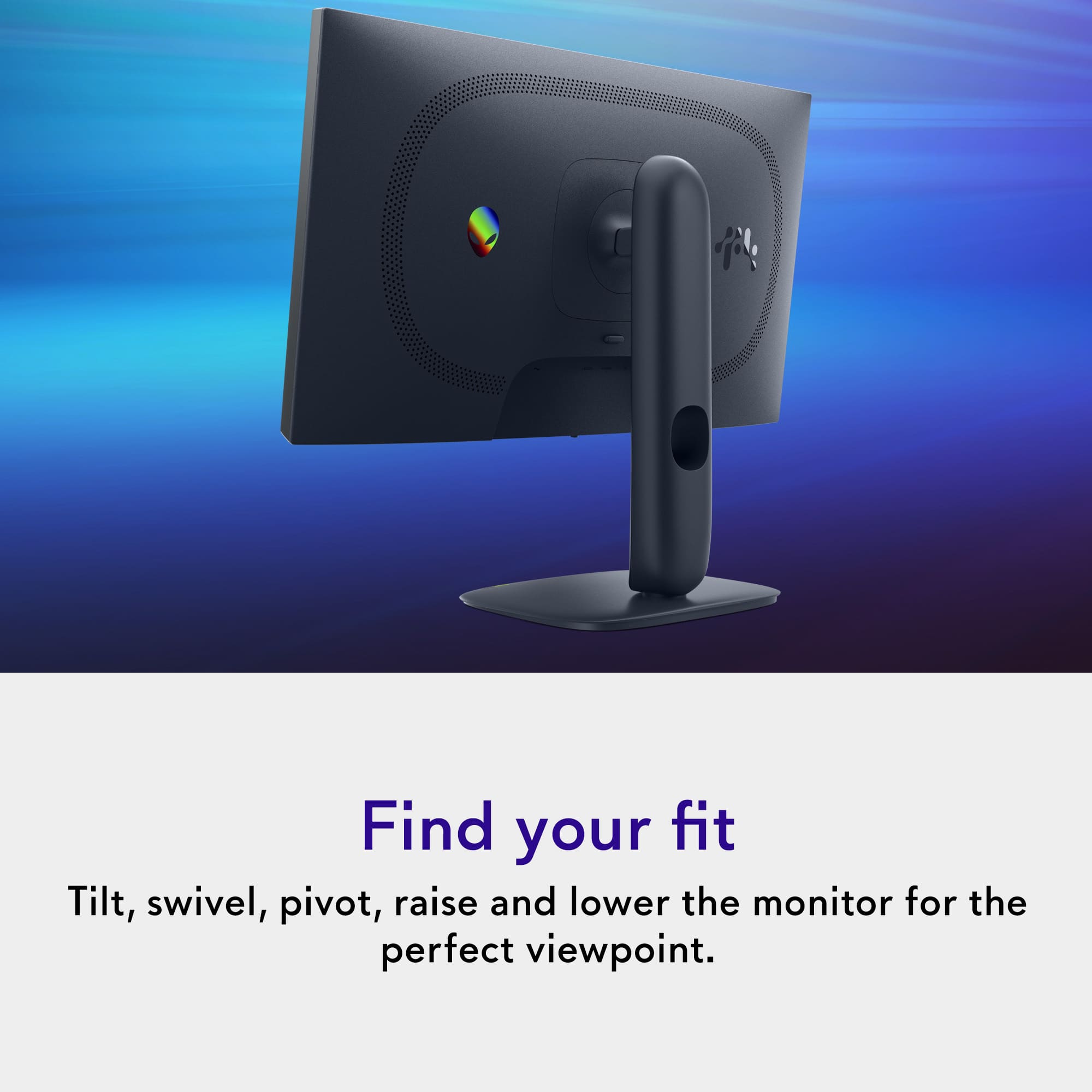
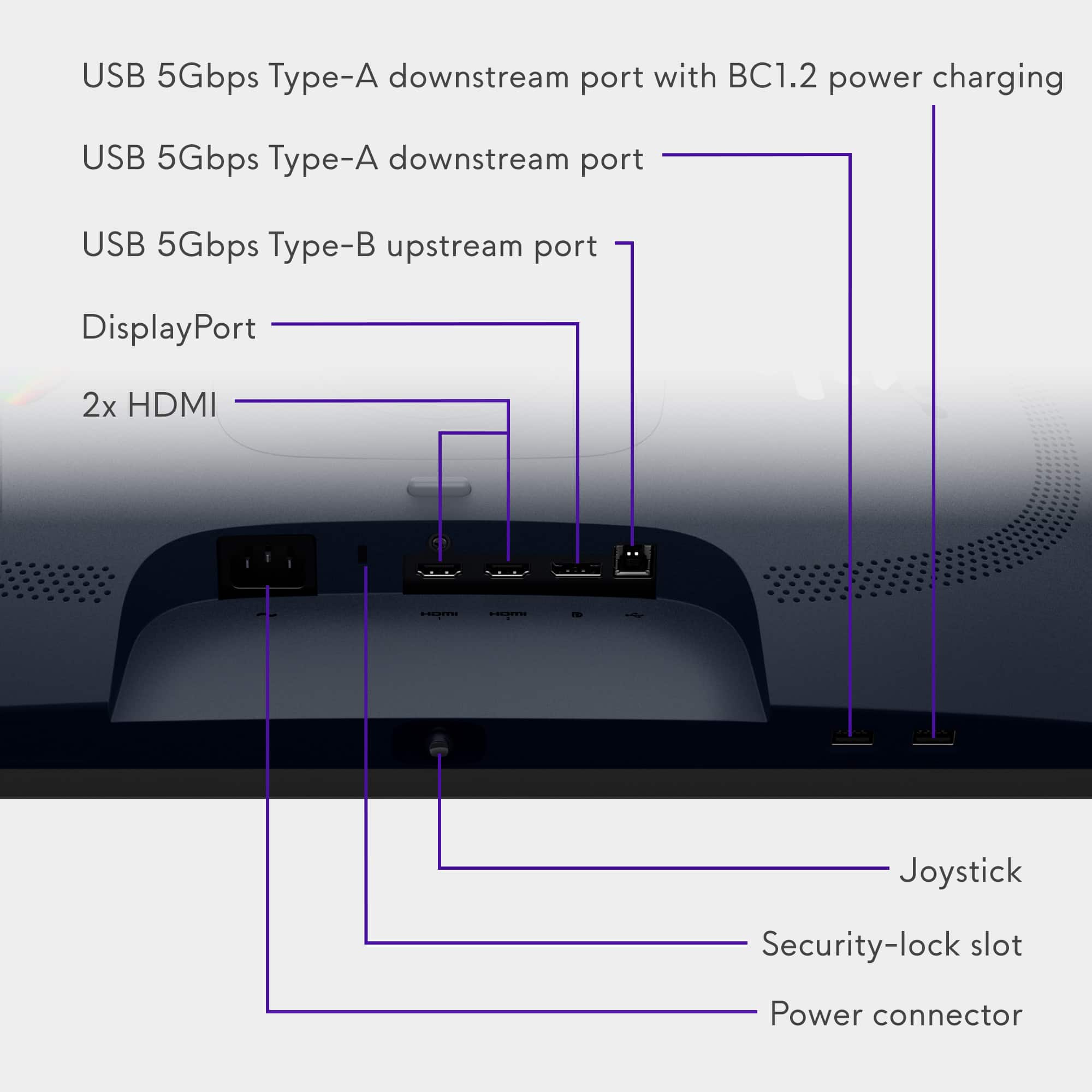
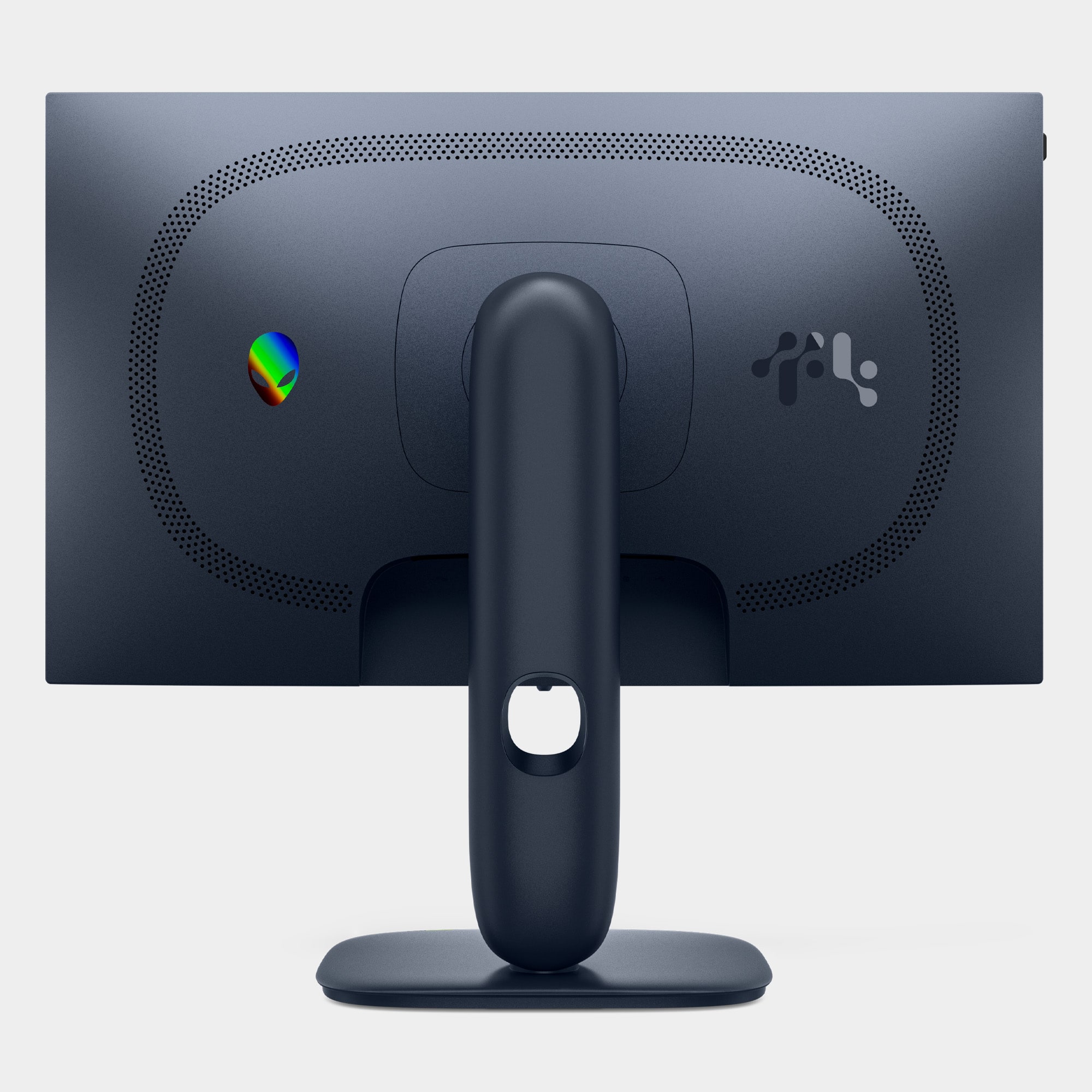
|Posted .This reviewer received promo considerations or sweepstakes entry for writing a review.They knocked it out of the park with the packaging for those of you who are into that. The stand and base are of sturdy quality featuring wire pass through to tuck away those HDMI and power cables for a neat and tidy look. The base also rotates for those tight spaces and also lifts vertically to accommodate the screen turning 180 degrees. It comes with powercord, lengthily HDMI cable. The monitor has plenty of inputs for any needs, two HDMI ports a display port and aUSB 3type B which doesn't tie up any of the other USB ports on the monitor. Two USB ports in the front for quick access. Ventilation on the rear of the monitor covers a circle of holes to keep it cool for you heave users. On the left side of the monitor is a handy headphone hangar and on the base is a small storage tray for paper clips and such. The monitor has a toggle knob in the bottom middle with plenty of setting to satisfy your needs. Connected a set top box to it and watched some videos the clarity was awesome. Did some web browsing as well sites were Cristal clear. Who is this for? I think that a 1080p 24" monitor will fit anyones needs the high end gamer, coder especially with the vertical screen or the average computer user. For those of you who like a larger viewing area pick up two of them you won't be sorry.
I would recommend this to a friendAlienware 25 320hz
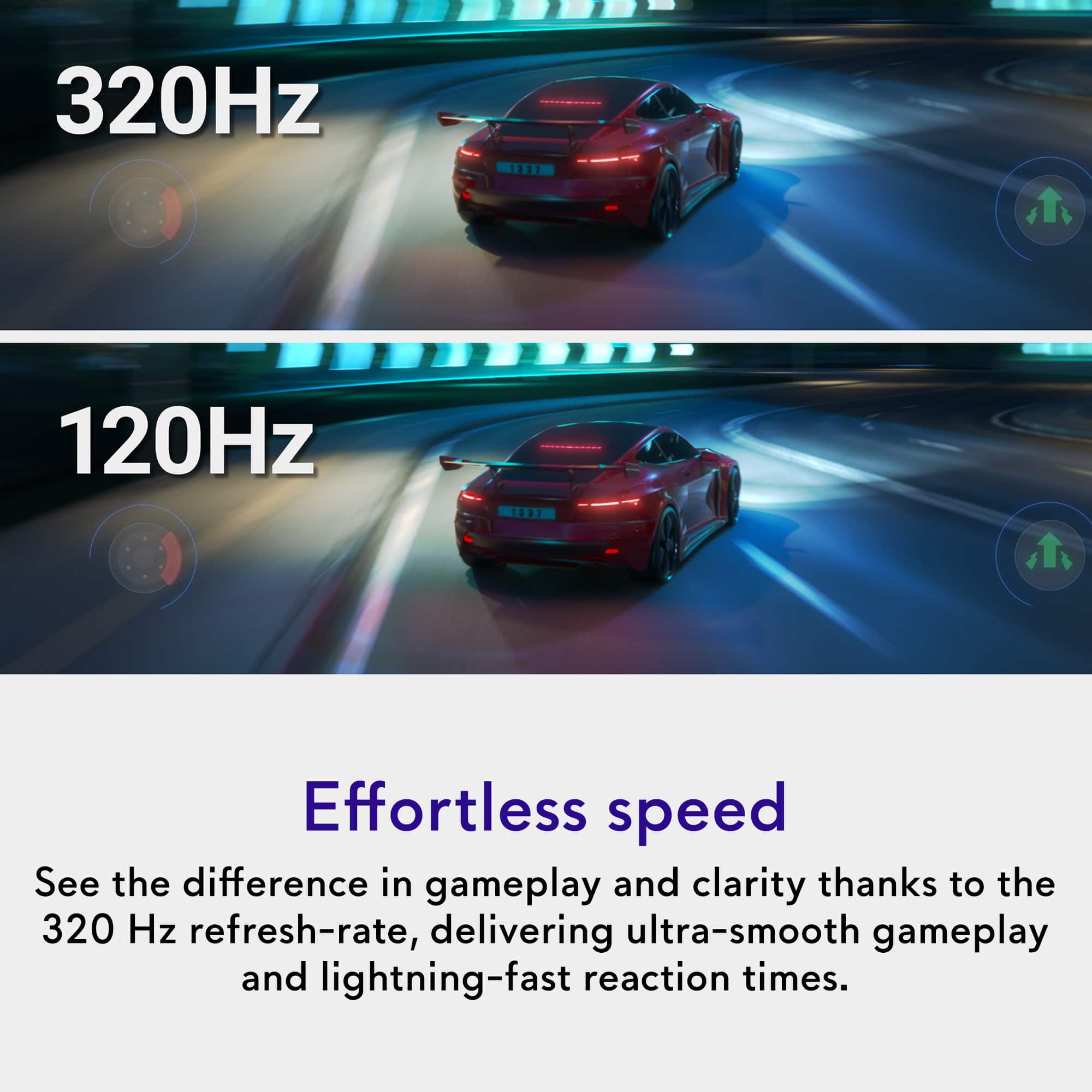
||Posted . Owned for 1 month when reviewed.This reviewer received promo considerations or sweepstakes entry for writing a review.This monitor is insane for its value, I love how you can upscale the resolution to 1440p if you want and the 320hz is really smooth. I highly recommend especially if you can get it when its on sale for $200.
I would recommend this to a friendGreat gift
||Posted . Owned for 1 month when reviewed.This reviewer received promo considerations or sweepstakes entry for writing a review.I bought this as a gift, and he absolutely loved it. He said the quality is a huge upgrade from his old monitor. Honestly, it is one of the best options you can get at this price point.
I would recommend this to a friendConvenient
||Posted .This reviewer received promo considerations or sweepstakes entry for writing a review.Great 320hz monitor with a headset hanger that others should follow in
I would recommend this to a friendKids monitor is a hit
||Posted . Owned for 1 week when reviewed.This reviewer received promo considerations or sweepstakes entry for writing a review.Excellent picture and resolution. Easy setup and simply amazing
I would recommend this to a friendAmazing quality
||Posted .This reviewer received promo considerations or sweepstakes entry for writing a review.I was concerned at first because i thought 1920x1080p might not be good enough for my gaming standards, but boy was i wrong. The settings let you really make the screen pop and boom with color and the 320hz refresh rate is the cherry on top. Id recommend to anyone who wants a quality screen and some money in there pocket after their purchase lol!
I would recommend this to a friendAlienware Gaming Screen Perfect For Gamers
||Posted . Owned for less than 1 week when reviewed.This reviewer received promo considerations or sweepstakes entry for writing a review.Perfect gaming size screen and awesome price for 320HZ! My son is an IT/Computer Science Graduate, and if he likes it then it is GOOD! Hard to find a better deal with 320 HZ and 0.5 ms for gaming. Also, if you have limited space the screen size at 24.5" is perfect for desk or work area.
I would recommend this to a friendGreat deal
||Posted . Owned for less than 1 week when reviewed.This reviewer received promo considerations or sweepstakes entry for writing a review.Easy setup and great price for the quality of the display. Games run with no issue and great refresh rate. Could use an eye saving feature for sure though
I would recommend this to a friendAwesome monitor!!!
||Posted . Owned for 1 week when reviewed.This reviewer received promo considerations or sweepstakes entry for writing a review.Such a good monitor! Got it for gaming and have it hooked up to my Xbox. It works perfect and gets the job done. Perfect for it’s price range and been very happy with it so far!
I would recommend this to a friendReview Alienware
||Posted . Owned for 1 month when reviewed.This reviewer received promo considerations or sweepstakes entry for writing a review.its a really good monitor. Im a casual player so I dont need anything at pro level. But for the price and 320hz ips, 25in. Its really good
I would recommend this to a friendA must have for gaming !
||Posted .This reviewer received promo considerations or sweepstakes entry for writing a review.Monitor exceeds expectation's, it has an extremely fast refresh rate, clear screen, and the hidden headphone holder is a nice bonus. I would recommend for someone looking for premium features that wont break the bank!
I would recommend this to a friendBest Competitive Monitor!
||Posted . Owned for 6 months when reviewed.This reviewer received promo considerations or sweepstakes entry for writing a review.This has been the best 1080p fast high refresh monitor I’ve owned, outside of the BenQ zowie, it’s definitely one of the best competitive gaming monitors on the market! Definitely recommend
I would recommend this to a friendBest monitor
||Posted . Owned for 2 months when reviewed.This reviewer received promo considerations or sweepstakes entry for writing a review.Very high refresh rate paired with very fast response time. The perfect monitor for anyone wanting that extra boost when it comes to competitive and single player gaming. Alienware has always been at the top of the iceberg when it comes to quality parts and monitors! 10/10
I would recommend this to a friendBudget friendly high end monitor
||Posted . Owned for 1 week when reviewed.This reviewer received promo considerations or sweepstakes entry for writing a review.Definitely worth the price if your computer can handle the frames. Monitor is bigger than expected and can rotate to a verticle screen. Good price for a high performance monitor.
I would recommend this to a friendBang for Buck. Premium find
||Posted . Owned for 1 week when reviewed.This reviewer received promo considerations or sweepstakes entry for writing a review.One of the rarest finds! Perfect monitor for 1080p gaming Got it for less then half price! Open box Excellent
I would recommend this to a friendGreat monitor
||Posted . Owned for 2 weeks when reviewed.This reviewer received promo considerations or sweepstakes entry for writing a review.This monitor is great 360hz and .5 ms is exactly what is needed for gaming
I would recommend this to a friendWorks Great
||Posted . Owned for 1 month when reviewed.This reviewer received promo considerations or sweepstakes entry for writing a review.Works great. Bought it for son for Christmas and he uses it as a secondary monitor. Clear picture and no issues with anything else.
I would recommend this to a friendAW2525HM
||Posted . Owned for 1 week when reviewed.This reviewer received promo considerations or sweepstakes entry for writing a review.This is the upgraded version of the AW2521HF. It’s a little cheaper but I think they took out the lights on the back that made it a little cooler. Overall the quality is better but I think they should’ve kept the back lights.
I would recommend this to a friendAlienware
||Posted . Owned for 3 weeks when reviewed.This reviewer received promo considerations or sweepstakes entry for writing a review.Has a really good 320 hz refresh rate and crisp graphics
I would recommend this to a friend